

When you’re comparing VPNs, there are a few tests you should run to ensure your connection is secure and private. One of the tests we recommend running is our DNS leak test.
Our DNS leak test only takes a few seconds and will let you know if your VPN is doing its job. In this guide, we’ll explain what a DNS leak is, why it matters, what causes it, and what you can do to fix it if your DNS requests are exposed.
>> Find Out: The Best VPNs of 2026
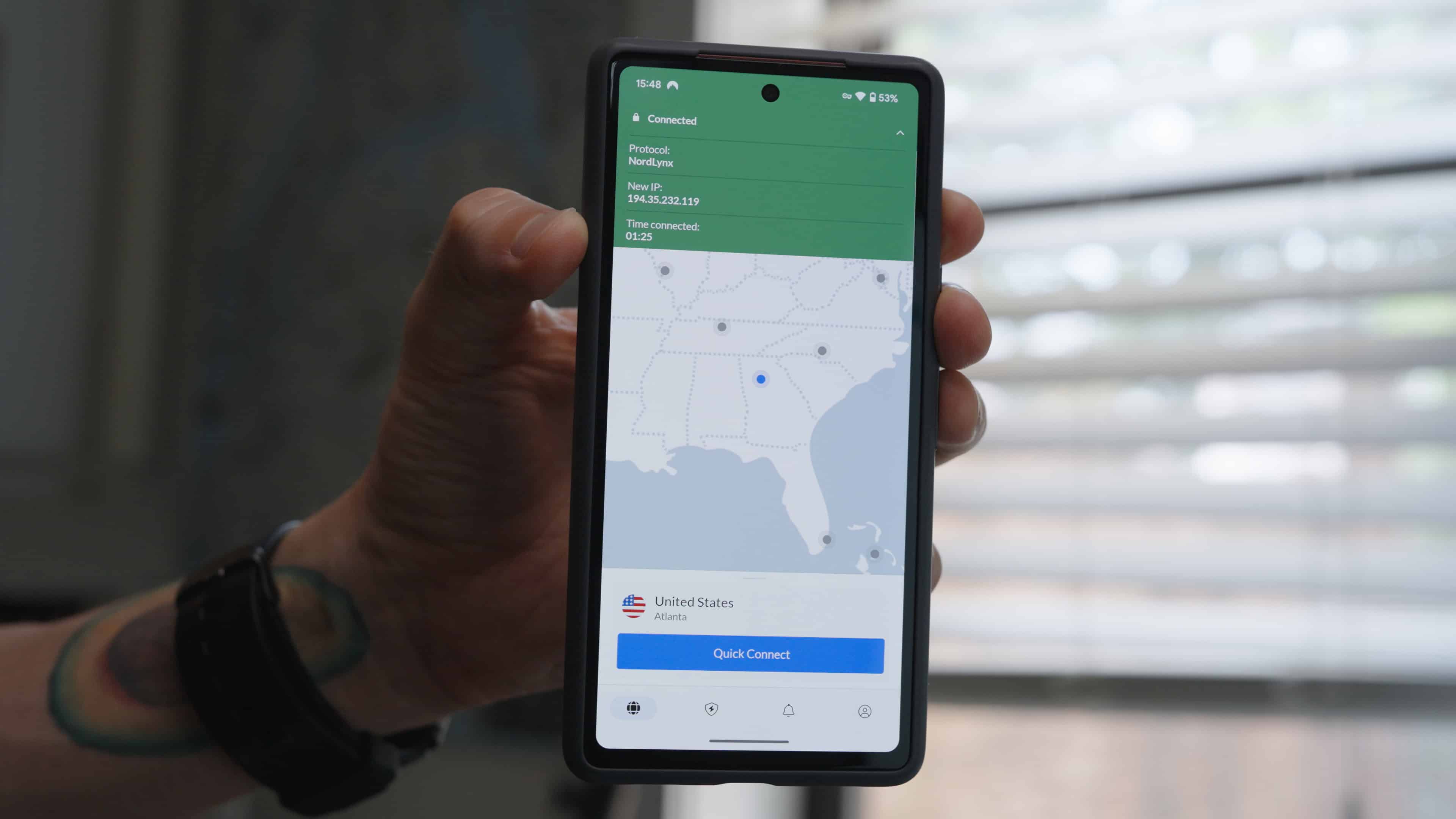
What is a DNS Leak
DNS stands for Domain Name System. It’s what translates human-readable URLs that appear in the address bar (e.g. www.security.org) into IP addresses that computers use to communicate online. Your internet service provider (ISP) normally handles DNS requests, which means they see which websites you’re visiting.
When you use a VPN, your DNS requests are supposed to be routed through the VPN’s private DNS server. However, when there’s a DNS leak, requests bypass the VPN’s DNS server and go to the ISP’s servers instead. That means even if the content of your traffic is encrypted, the ISP sees where they’re heading through the DNS requests.
Did You Know: More than 40 percent of people had their information compromised while using public Wi-Fi networks.1 If you’re traveling or working remotely out in the open, we recommend using a VPN to protect your personal information, browsing activity, and login credentials.
The Dangers of a DNS Leak
Even if you’re ok with your ISP seeing your browsing activity, there are other consequences of exposing your DNS. These are some of the issues to be aware of:
- Data collection: Your ISP can log DNS queries and use them to build a profile on you, which they can then sell to advertisers and data brokers. They use the data to target ads and send spam. Some data brokers will also sell your personally identifiable information to the highest bidders.
- Government and ISP surveillance: In countries with aggressive data retention laws or censorship, DNS leaks expose browsing habits to government agencies. In some places, you won’t be able to access geo-restricted content if there’s a leak, even when connected to a VPN.
- Security risks: Unsecured networks like airport or cafe Wi-Fi can expose your activity to network administrators or hackers running spoofed servers. A DNS leak can also expose you to greater risks of threats such as man-in-the-middle attacks and data interception.
>> Find Out: What Can Someone Do With Your IP Address?
What Causes VPNs to Leak DNS?
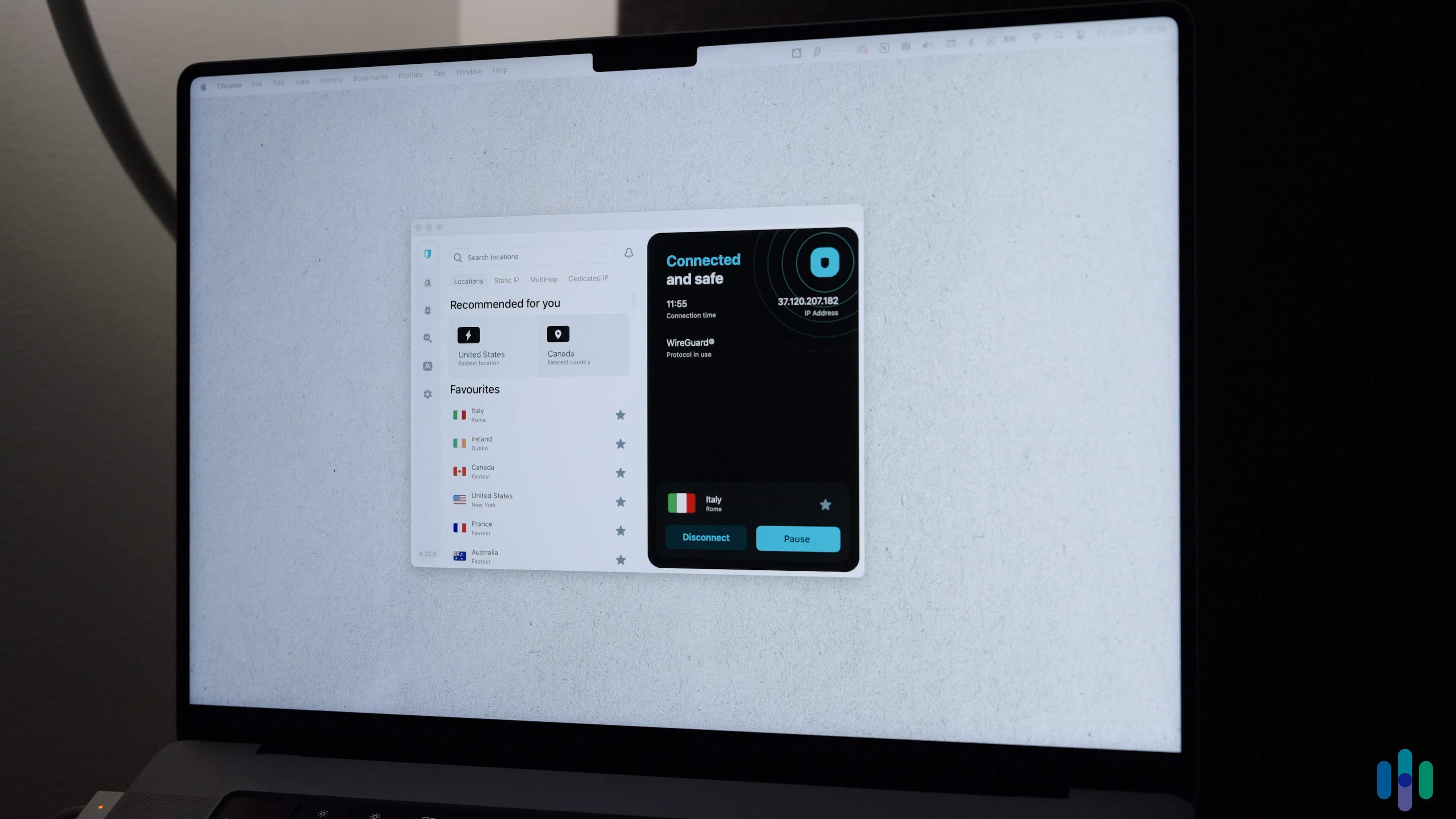
DNS leaks don’t happen randomly. There are several reasons why your DNS is exposed, such as:
- Operating system settings: Some operating systems prioritize system-level DNS settings over VPNs. For example, when IPv6 or smart networks are enabled in Windows – and if they are set to use your ISP’s DNS – they can override some VPN configurations.
- Split Tunneling: This feature lets some apps or services bypass the VPN connection. Depending on how you’ve enabled and configured split tunneling, it could cause your DNS queries to be exposed.
- Faulty VPN configuration: Some free VPNs or older apps may not properly enforce DNS routing, especially when switching networks or waking a sleeping device.
Did You Know: More than 70 percent of American adults have been the victim of an online scam.2 One of the most common is a ransomware attack, which is when someone blocks the use of a device until they are paid money.
What to Do if Your DNS is Exposed
If your test results show a DNS leak, don’t panic. Most leaks can be fixed with a few changes. Here’s what we recommend:
- Enable DNS Leak Protection: Some VPNs include this setting. Make sure it’s turned on, especially on desktops and laptops.
- Update or Reinstall Your VPN: Outdated apps are more likely to cause DNS leaks. Make sure you’re running the latest version.
- Switch VPN Providers: Check out our VPN comparison guide to find a provider you can count on.
>> Check Out: How to Set Up and Install a VPN
Test Your VPN
Running a DNS leak test only takes seconds and gives you peace of mind that your VPN is doing what it promises. We recommend making it a regular part of your privacy routine, especially if you rely on a VPN for security and anonymity.
FAQs
-
Do you keep any of my information?
No, we don’t store any of your details after you run a DNS leak test. You can read our privacy policy to see how we handle your data.
-
How do I run a DNS leak test?
Press the Start DNS Leak Test button at the top of the page. You’ll have a result in just a few seconds.
-
What should a DNS leak test show?
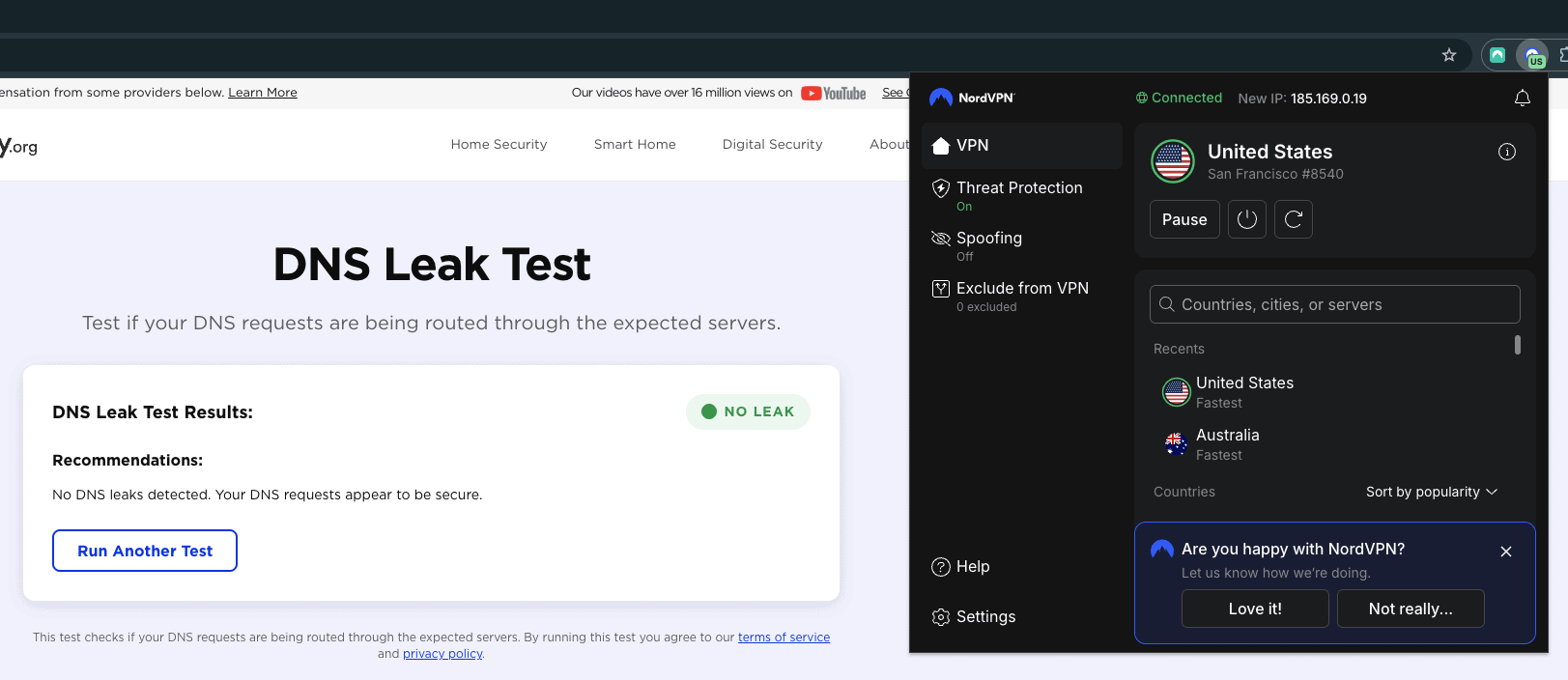
After you run our DNS leak test, you’ll either see a No Leak or Leak result. If our tool detects a DNS leak, you’ll find recommendations from our experts on what to do next.
