Google Nest Hub Max Review
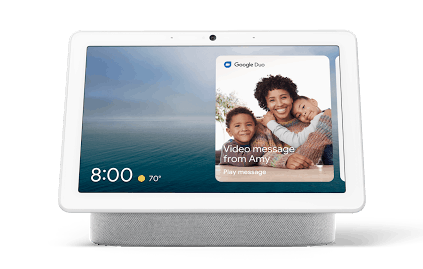
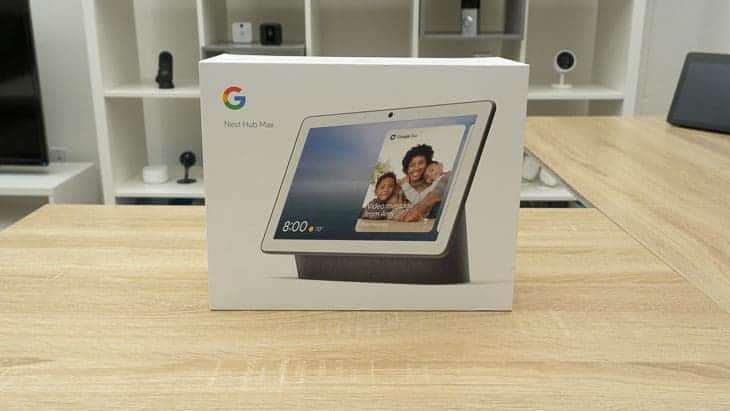
With a 10-inch touchscreen, the Nest Hub Max is ideal for catching up on your favorite streaming services.
 &
&
 Last Updated on Nov 16, 2025

What We Like
- Screen: This ten-inch touchscreen automatically adjusts its color and brightness based on the room it's in.
- Face Match: Only get notifications relevant to you with Google's face-scanning technology.
- Live Albums: Using Google Photos, the Google Nest Hub Max can display your favorite pictures on a rotating basis, making it a smart display and a picture frame in one.
What We Don't Like
- Price: At $229, this is one of the more expensive smart displays I've reviewed.
- Number of actions: Google Assistant has fewer actions than Amazon Alexa.
- Limited video calling: Google discontinued support for Zoom and scheduled Google Meetings, limiting its usefulness for remote work.
Bottom Line
the security.brief
Google Nest Hub Max has a 10-inch screen and face recognition, but lacks Amazon integration and stopped Zoom support. At $229, it's pricey for limited actions.
When it comes to screen sizes, we always say the bigger, the better. Whether it’s our iPhone, TV, or smart display, we want to avoid having to squint to read the text on the screen. That’s why we were excited to test out the Google Nest Hub Max in our smart home.
But, a bigger screen isn’t the only thing the Google Nest Hub Max upgraded compared to the Google Nest Hub. It also automatically adjusts to the color and light in the room and has full-range stereo speakers. Oh, and did we mention it has a camera too? While you don’t need those features to use any of the best security systems for Google Home, they’re definitely nice to have.
Is the Nest Hub Max still worth the price? That’s exactly what we set out to discover. We installed a Google Nest Hub Max in our home for about a month to really understand the ins and outs of this smart display. We’ll cover the good, the bad, and the ugly. So buckle up and get ready for our unfiltered opinion of the Google Nest Hub Max.
Music streaming on the Nest Hub Max
| YouTube Music | Yes |
|---|---|
| Spotify | Yes |
| Apple Music | Yes |
| Pandora | Yes |
| Deezer | Yes |
Video Review
Google Nest Hub Max Design
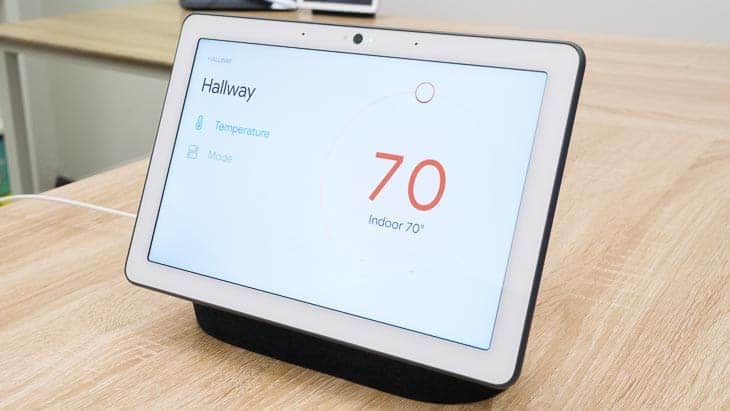
If you’ve seen the Google Nest Hub before, then you’ve basically seen the Google Nest Hub Max, just in a smaller package. The Nest Hub Max is practically a 10-inch tablet positioned on top of a base that also houses its powerful speakers. The touchscreen is 9.85 inches wide and 7.19 inches tall.
Now, unlike an actual tablet, this device requires plugging in. It also needs an internet connection to access Google services, including the built-in voice AI, Google Assistant. For internet connection, it uses Wi-Fi.
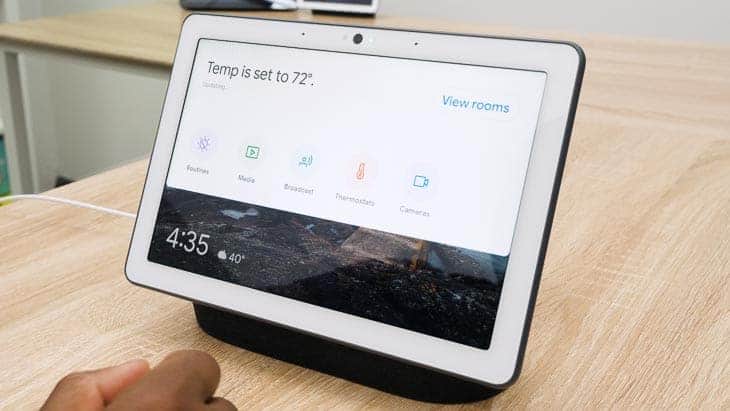
Now, let’s talk about the screen itself. The quality is 1280 by 800 pixels, which matches the industry standard for competitors’ smart displays. The Echo Show 10 (3rd gen) from Amazon, which is roughly the same size as the Nest Hub Max, features the same screen resolution.
We know what you’re thinking – that’s not the ideal resolution for watching movies – and we agree. It may not be ideal for quality streaming, but smart displays like the Nest Hub Max are really designed to give you access to videos you might need while doing chores. Coupled with Google’s search engine, you have yourself a hands-free display that can show you cooking videos, DIY tutorials, and more.
The screen also has a feature called Ambient EQ, which scans the room for color and light, adjusting its brightness accordingly. Not only will this mean that your screen can limit its glare automatically, but if you’re using the display as a rotating picture frame, a feature called Live Albums, Google will actually match the photos in accordance with the room’s decor. That means those jungle pics are going up in your sage-colored room, as the two will blend together quite nicely. For those concerned with aesthetics, this is a very cool feature.
Live Albums uses photos from Google Photos to display your happiest moments whenever you’re not using your Google Nest Hub Max. You can also ask the Assistant to show you specific pictures, which is way easier than finding them in your smartphone or cloud storage. The picture frame aspect, while not new by any means, is a nice feature of the Google Nest Hub Max.
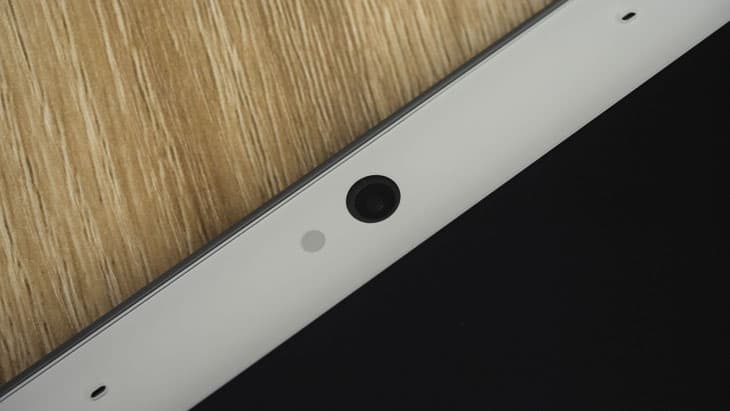
The Google Nest Hub Max also has a camera, enabling you to video chat with friends and family. The 6.5 MP camera has a 127-degree field of view, pretty impressive for a camera on a smart display.
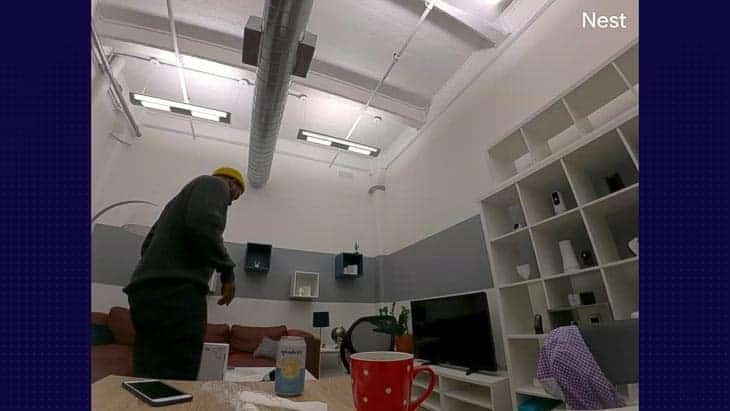
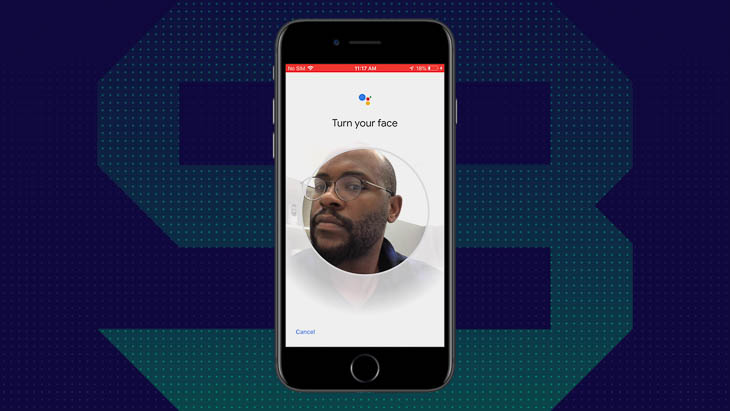
But what really sets Google Nest Hub Max’s camera apart is it’s Face Match technology. Most Google Nest Hub Max displays are going to be used by multiple people, be it members of a family or roommates. We’ve all experienced the annoyance of getting other people’s notifications on a shared device. Well, that’s no longer a problem. Using the camera, the Google Nest Hub Max will scan your face and only show you your notifications. This personalization extends to calendar appointments, reminders, and even music recommendations.
Of course, a smart display is nothing without excellent speakers and microphones. The Google Nest Hub Max has full-range stereo speakers with excellent audio quality, plus two microphones placed in the front of the display. Now let’s actually set this thing up and see just how well it works.
Installing Google Nest Hub Max
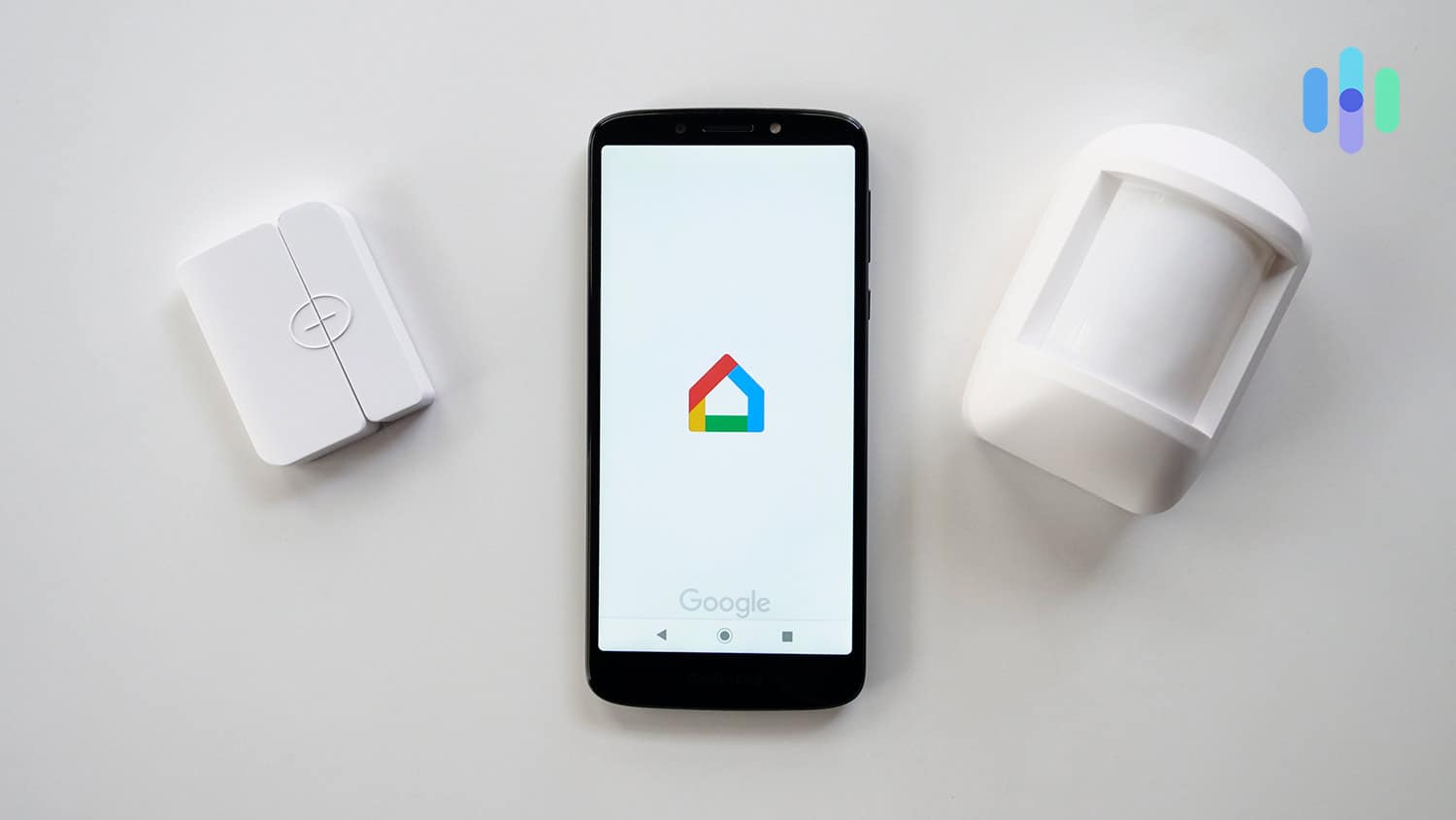
Setting up the Nest Hub Max only takes 10 to 15 minutes. First, plug it in and download the Google Home app, if you don’t already have it. It’ll automatically detect the Nest Hub Max, showing you a code on its screen which should match the one on your app. Next, you choose a room for your Nest Hub Max and name it, before connecting it to your home’s Wi-Fi. From there, the app guided me to set up Google Assistant, Voice Match (which I already had from other devices), Face Match, and more. The process is super quick and easy, and it was fun to personalize my device with my favorite music, streaming services, and photos.
Google Nest Hub Max Features
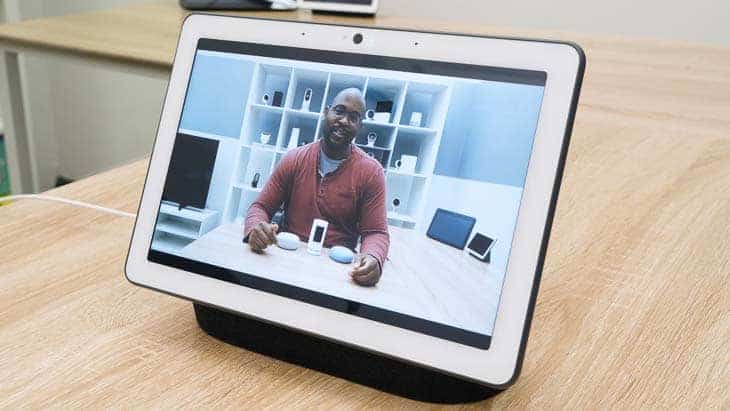
To activate the Google Assistant, the voice assistant on the Google Nest Hub Max, you’ll simply say “Ok Google”. You can also say “Hey Google” as an alternative wake phrase. Then, you can say any of the million actions available with Google Assistant from playing music to getting cooking instructions.1 Let’s take a closer look.
Music
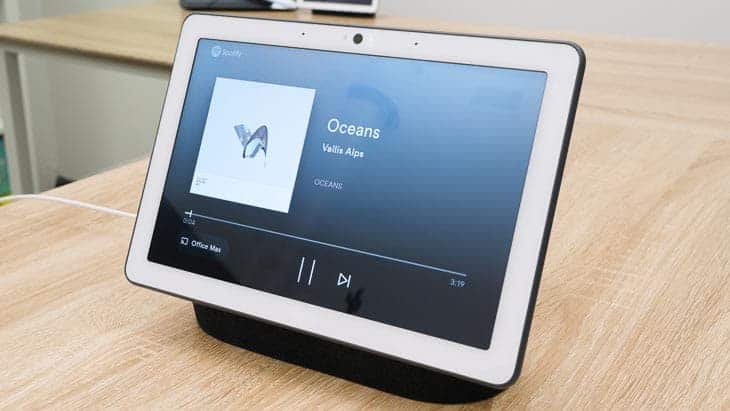
Listen to music on the following platforms:
- YouTube Music (Google’s primary music service)
- Spotify
- Apple Music
- Pandora
- Deezer
Google Play Music was discontinued in 2020 and replaced with YouTube Music, which offers similar features including access to over 100 million songs. The addition of Apple Music support means iPhone users can now enjoy their playlists on the Nest Hub Max too.
Video and Video Chatting
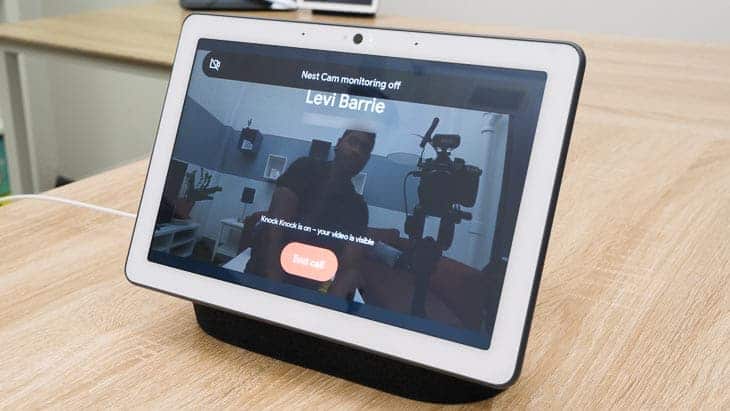
There’s nothing I love more than settling into bed and watching my favorite movies and TV shows, and with the Google Nest Hub Max’s ten-inch screen, this is super convenient and cozy. Here are the options as far as video services go:
- Youtube
- Netflix
- Max (formerly HBO Max)
- Paramount+
- Disney+
- Hulu
- HGTV
Gotta love HGTV’s Chip and Joanna Gaines, amirite?
In terms of video chatting, we were pretty disappointed to find out that Google ended support for Zoom and Google Meeting on the Google Nest Hub Max.2 We liked using it for our work meetings on Zoom since it completely freed up our laptop for multitasking during those boring meetings. But now, we can’t really use it for work meetings. That doesn’t mean all support for video chatting is gone. We were still able to use it for one-on-one Meet calls and for group video calls with Google Duo.
On top of that, the camera will frame you in the middle of the screen if you’re multitasking, which, let’s be honest, most of us are, usually. You can even leave video messages for your friends and family, which is much more personal than a text! Overall, I’d say video is definitely one of the Google Nest Hub Max’s strengths.
Web Browsers
Google Assistant searches the web using Chrome, Google’s browser, and my personal browser of choice.
Shopping
Shopping features have evolved since the discontinuation of Google Express. You can now use Google Assistant to add items to shopping lists, find local stores, check product availability, and even make purchases through participating retailers. The Nest Hub Max can display visual shopping results, making it easier to compare products and prices at a glance.
Cooking
If you’re planning on keeping your Google Nest Hub Max in the kitchen, then you’ll enjoy searching recipes by course, ingredient, or dietary restrictions. It can provide step-by-step guided cooking with visual instructions that automatically advance as you cook. You can even control the pace with voice commands like “next step” or “repeat that”.
Privacy
Privacy is the undercurrent of any product made by Google that has a camera and a microphone. Google has run into many a privacy scandal in its day, so I’m happy to share with you some improvements they’ve made with the Google Nest Hub Max.
First of all, you should know that anytime you ask the Assistant for help, your voice is being recorded. However, Google now automatically deletes most audio recordings after a few months unless you choose to save them. You can also set up auto-delete to remove recordings after 3 or 18 months, or turn off audio recording entirely.
As for the camera, you’re also fully in control. Your Nest Hub Max only sends video to Google for camera features, which you can opt out of. When a video is being sent to Google, you’ll see a green light turn on in the camera. You can also turn your camera and microphone off with a flick of a switch, which, believe it or not, wasn’t always the case.3
Pro Tip: For maximum privacy, consider using Guest Mode when you have visitors. This prevents their interactions from being saved to your account and keeps your personal information private.
Our Nest Hub Max Research and Data
The following is the data and research conducted for this review by our industry-experts. Learn More.
Encryption
| In Transit | Yes |
|---|---|
| At rest? | Yes |
| All network communications and capabilities? | Yes |
Security Updates
| Automatic, regular software/ firmware updates? | Yes |
|---|---|
| Product available to use during updates? | No |
Passwords
| Mandatory password? | Yes |
|---|---|
| Two-Factor authentication? | Yes |
| Multi-Factor authentication? | Yes |
Vulnerability Management
| Point of contact for reporting vulnerabilities? | Fill out a ticket |
|---|---|
| Bug bounty program? | Yes |
Privacy Policy
| Link | https://nest.com/legal/privacy-statement-for-nest-products-and-services/ |
|---|---|
| Specific to device? | Applies to all Nest products and services |
| Readable? | Yes |
| What data they log | Setup information, data from device sensors, usage and performance information, WiFi network information, IP address, email address, basic profile information like name, age, mobile location data, and Bluetooth enabled data. If you log in with your Google account, will also log videos you watch, views and interactions with ads, voice and audio information when using audio features, people who you communicate with, and Chrome browsing history. |
| What data they don’t log | n/a |
| Can you delete your data? | Yes |
| Third-party sharing policies | Shares information with third parties. |
Surveillance
| Log camera device/ app footage | Yes |
|---|---|
| Log microphone device/ app | Yes |
| Location tracking device/ app | Yes |
Parental Controls
| Are there parental controls? | Yes |
|---|
Company History
| Any security breaches/ surveillance issues in past? | Yes |
|---|---|
| Did they do anything to fix it? | Yes |
Additional Security Features
| Anything like privacy shutters, privacy zones, etc.? | Yes |
|---|
Recap of the Google Nest Hub Max
The Google Nest Hub Max continues to be a solid choice for those invested in the Google ecosystem. With improved privacy features and broader streaming service support, it’s become more versatile, but the loss of Zoom and Google Meeting compatibility is a notable drawback for remote workers. Let me break down who I think it would be good for.
Buy the Google Nest Hub Max if you’d like…
- Privacy features: Google’s added privacy features make using the Google Nest Hub Max feel much safer, as you can delete voice recordings and turn off your camera and microphone when not in use.
- 10-inch touchscreen: Not only is this touchscreen large, but it is also smart, detecting the ambient light and color in the room.
- Live Albums: It’s a smart display and a rotating picture frame in one!
- Google ecosystem integration: If you’re already using Google services like YouTube TV, Google Photos, and Nest cameras, the Hub Max ties everything together seamlessly.
But stay away if you don’t want…
- Limited video calling for work: Without Zoom or Google Meeting support, this isn’t ideal for remote workers who need scheduled meeting capabilities.
- Expensive price: While the $229 retail price is steep for a larger screen.
- Google Assistant:While Google Assistant excels at answering questions and controlling smart home devices, Alexa still offers more third-party skills and shopping integration.
If the Google Nest Hub Max doesn’t seem like the right smart display for you, check out our reviews of the Google Nest Hub or the Amazon Echo Show. Or, if a smart speaker seems more like your style, you might want to learn about the Google Nest Mini.
Google Nest Hub Max FAQs
-
What is the Google Nest Hub Max?
The Google Nest Hub Max is a ten-inch touchscreen display that includes Google Assistant, plus a camera, speaker and microphones.
-
Can you watch TV on the Google Nest Hub Max?
Yes, you’ll be able to watch TV on the Google Nest Hub Max using the following platforms:
- Youtube
- Netflix
- Max (formerly HBO Max)/li>
- Paramount+
- Disney+
- Hulu
- HGTV.
-
How much is the Google Nest Hub Max?
The Google Nest Hub Max retails for $229, though it’s frequently on sale for $179 to $199 during major shopping events and holidays.
-
What’s the difference between the Google Nest Hub and the Google Nest Hub Max?
The main differences are the Nest Hub Max’s larger 10-inch screen (vs 7-inch), built-in camera for video calls and security monitoring, more powerful speakers, and higher price point. The standard Nest Hub lacks a camera entirely, which some users prefer for privacy reasons.
-
Does the Google Nest Hub Max still support video calls?
Unfortunately, Google stopped supporting Zoom and Google Meet on the Google Nest Hub Max. Video calls are a big reason people go with the Max over the standard edition so this is a pretty big deal. However, you can still do video calls, just not pre scheduled meetings through Zoom and Google Meetings. You can still make one-on-one Google Meet calls and use Google Duo for personal video calling.
-
Google Assistant. (Retrieved 2025). Discover the latest updates on Google Assistant. https://assistant.google.com/discover/
-
Google Meet Help. (Retrieved 2025). Use Google Meet on Google Nest Hub Max and other Smart Displays.
https://support.google.com/meet/answer/10303928?hl=en -
Google Store. (Retrieved 2025). Being part of your home means respecting your privacy. https://store.google.com/gb/product/google_nest_hub_max_privacy?hl=en-GB