



the security.brief
A double VPN routes your traffic through two servers instead of one. Here's how the encryption works, who actually needs it, and which providers offer it.
A double VPN sends your traffic through two VPN servers instead of one, encrypting it a second time along the way. It goes by other names too, including multi-hop, double-hop, and VPN chaining, depending on the provider. The idea stays the same across all of them. Instead of one server standing between you and the websites you visit, two servers stand in line, and no single one of them ever has the full picture of who you are and where you’re going.
Most people never need to turn this on. A standard VPN connection already hides your IP address and encrypts your traffic well enough for everyday browsing, streaming, and public Wi-Fi use. Double VPN exists for a narrower set of cases where a single point of failure isn’t an acceptable risk, and where losing some speed is a fair trade for it.
FYI: Using a double VPN isn’t paranoia. Research has found that up to 40 percent of Americans have reported security incidents after using public Wi-Fi.1
What a Double VPN Actually Does
With a normal VPN connection, your device encrypts its traffic and sends it to one server. That server decrypts it, forwards it to the destination site, and its IP address is the one the outside world sees. Anyone in a position to compromise or subpoena that single server has a shot at connecting your activity back to your real IP address.
A double VPN adds a second server to that chain. Your device encrypts your traffic once, sends it to the first server, and that server re-encrypts it and passes it to a second server. Only the second server decrypts the traffic fully and sends it on to its destination. Each server in the pair knows only part of the story. The first server sees your real IP address but not the site you’re visiting. The second server sees the destination but not who you are, since it only has the IP address of the first server in the chain.
How Double VPN Encryption Works, Step by Step
In verifying the mechanics against how providers document the feature, the process breaks down into four steps.
- Your device encrypts your traffic and sends it to the first VPN server.
- That server re-encrypts the already-encrypted traffic and passes it along, still fully wrapped, to a second VPN server.
- The second server removes the outer layer of encryption and forwards your traffic to its final destination.
- Return traffic follows the same path in reverse, passing through both servers and both layers of encryption before it reaches your device.
This double pass is what gives the feature its resistance to time-correlation attacks, a technique where an observer watches traffic entering and leaving a VPN server and matches the timing to unmask a user. Separating the entry and exit points across two servers makes that kind of correlation significantly harder to pull off, since no single server sees both ends of the connection.
FYI: The average time from intrusion to network in 2025 was 29 minutes. That might sound like a long time, but it was a 65 percent increase in speed from the previous year.2
Double VPN vs. a Standard VPN vs. Tor
A standard VPN is built for everyday privacy. It hides your IP address, encrypts your connection, and lets you route around regional content blocks, the same ground we cover in our guide to VPN anonymity. For most day-to-day use, a single well-configured server is more than enough.
Tor sits at the opposite end, routing traffic through three or more volunteer-run relays with a fresh path chosen for nearly every session. It offers stronger anonymity than double VPN in some respects, but it’s also considerably slower and isn’t built for streaming, gaming, or general browsing.
Double VPN lands in between. It adds real protection beyond a single-server connection without the speed penalty and setup friction that comes with Tor, which makes it a realistic option for people who need extra cover but still want to use the internet normally.
The Benefits of Routing Through Two Servers
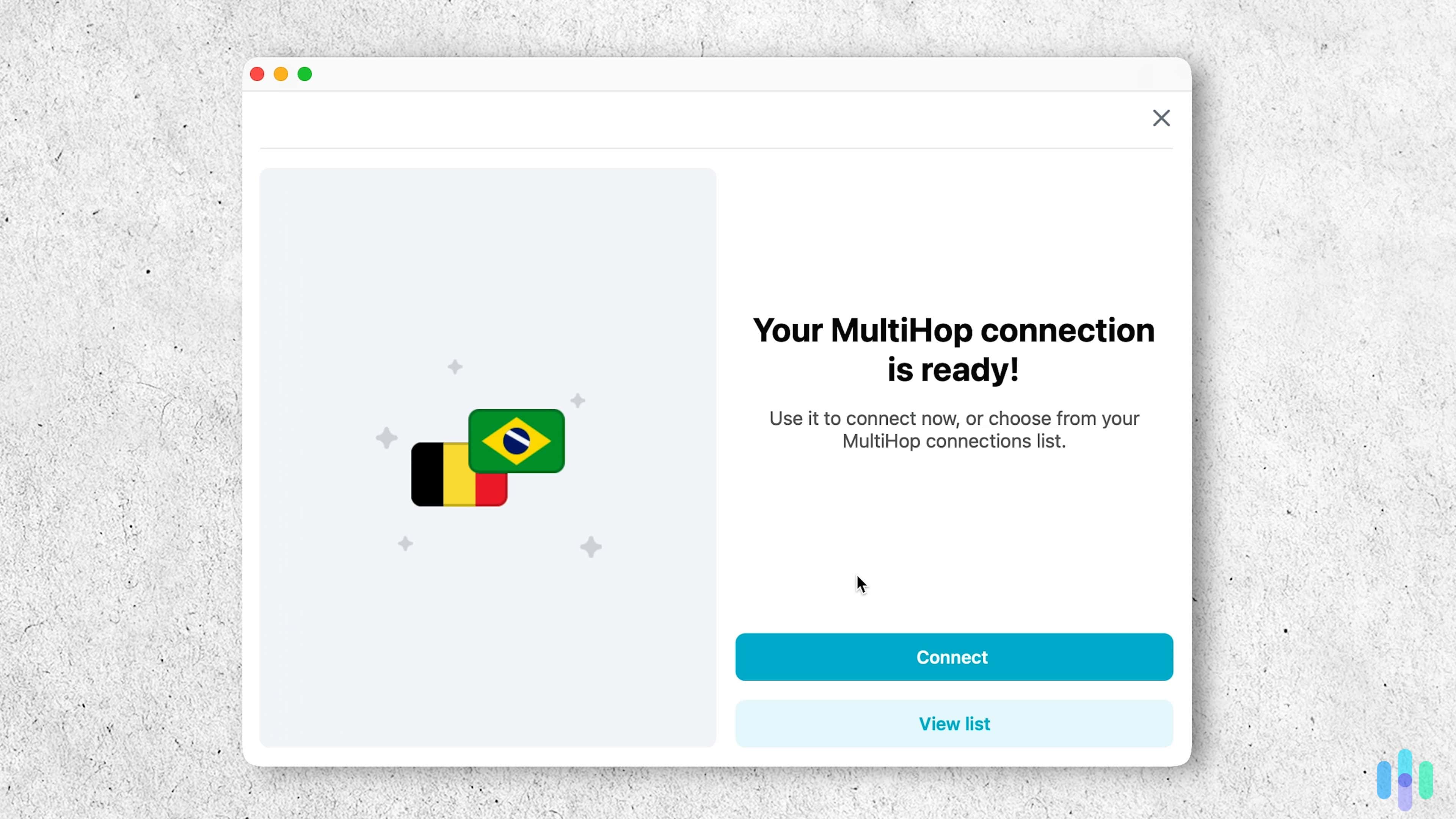
Running your traffic through a second server changes what an attacker or observer can actually piece together. Here’s what that buys you.
- A split view of your activity. No single server holds both your real IP address and your destination, so a compromised or subpoenaed server only ever gives up half the picture.
- Resistance to time-correlation attacks. Separating entry and exit points makes it harder to match traffic timing on one end to activity on the other.
- A second layer of encryption. Your data is wrapped twice, so even if one layer were somehow broken, the second still stands between an observer and your traffic.
- Jurisdiction spreading. When the two servers sit in different countries, anyone trying to compel records has to clear legal hurdles in two jurisdictions instead of one.
Taken together, these four points are why double VPN shows up as an option in a handful of privacy-focused providers’ apps, even though most users will rarely switch it on.
The Trade-offs of Double VPN
The extra protection isn’t free. Before turning it on, it helps to know what you’re giving up.
- Slower speeds. Every additional server adds distance and processing time, and encrypting and decrypting your traffic twice takes longer than doing it once. Our own VPN speed testing consistently shows multi-server configurations trailing single-server connections.
- Fewer server locations. Providers that offer double VPN typically support it on a small, fixed subset of their server network rather than the full list.
- Limited streaming performance. The extra latency and reduced server choice make double VPN a poor fit for streaming, where a fast, stable connection counts for more than added encryption.
- No benefit for most threat models. If your goal is hiding your IP address from advertisers or securing a coffee shop connection, a single server already covers it.
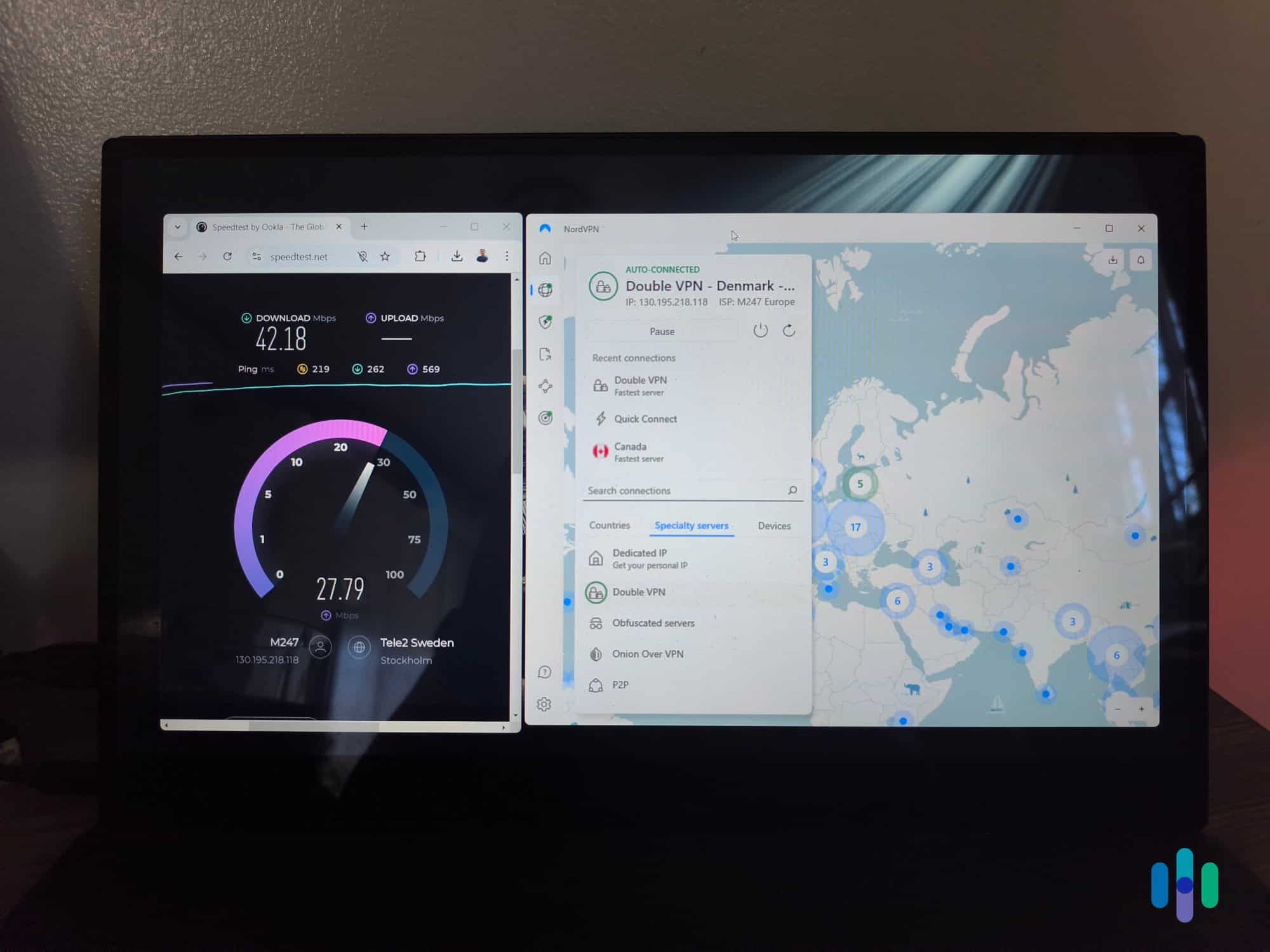
NordVPN keeps Double VPN as a toggle inside its regular apps, backed by an independently audited no-logs policy and a kill switch you can leave running whether or not the extra hop is turned on.

How to Turn On NordVPN’s Double VPN Feature
NordVPN builds Double VPN into its standard apps rather than gating it behind a separate product, and in verifying the setup against NordVPN’s own documentation, it’s a short process.
- Open the NordVPN app and go to the server list.
- Select the Double VPN category from the specialty servers section.
- Choose one of the available paired server locations.
- Connect as you would to any other server.
NordVPN’s Double VPN servers use fixed pairs chosen by the provider rather than letting you build a custom route, which keeps setup simple but limits location choice to whatever pairs are available. For a full breakdown of how the app performs beyond this one feature, see our NordVPN review.
Who Actually Needs Double VPN
Double VPN isn’t a feature most people need running in the background. It earns its keep in a handful of specific situations.
- Journalists and researchers working with sensitive sources, where a single compromised server could put a source’s identity at risk.
- People operating in countries with aggressive internet surveillance, similar to the conditions we cover in our guide to the best VPNs for China, where routing through two jurisdictions adds a real legal and technical barrier.
- Activists and dissidents whose communications carry consequences if a single point in the chain is monitored or seized.
- Anyone weighing the legality of VPN use in a high-risk region and wanting an added layer of separation before connecting.
Outside of these cases, a standard VPN connection paired with good habits covers the vast majority of privacy needs.
Which VPNs Offer Double VPN or Multi-Hop
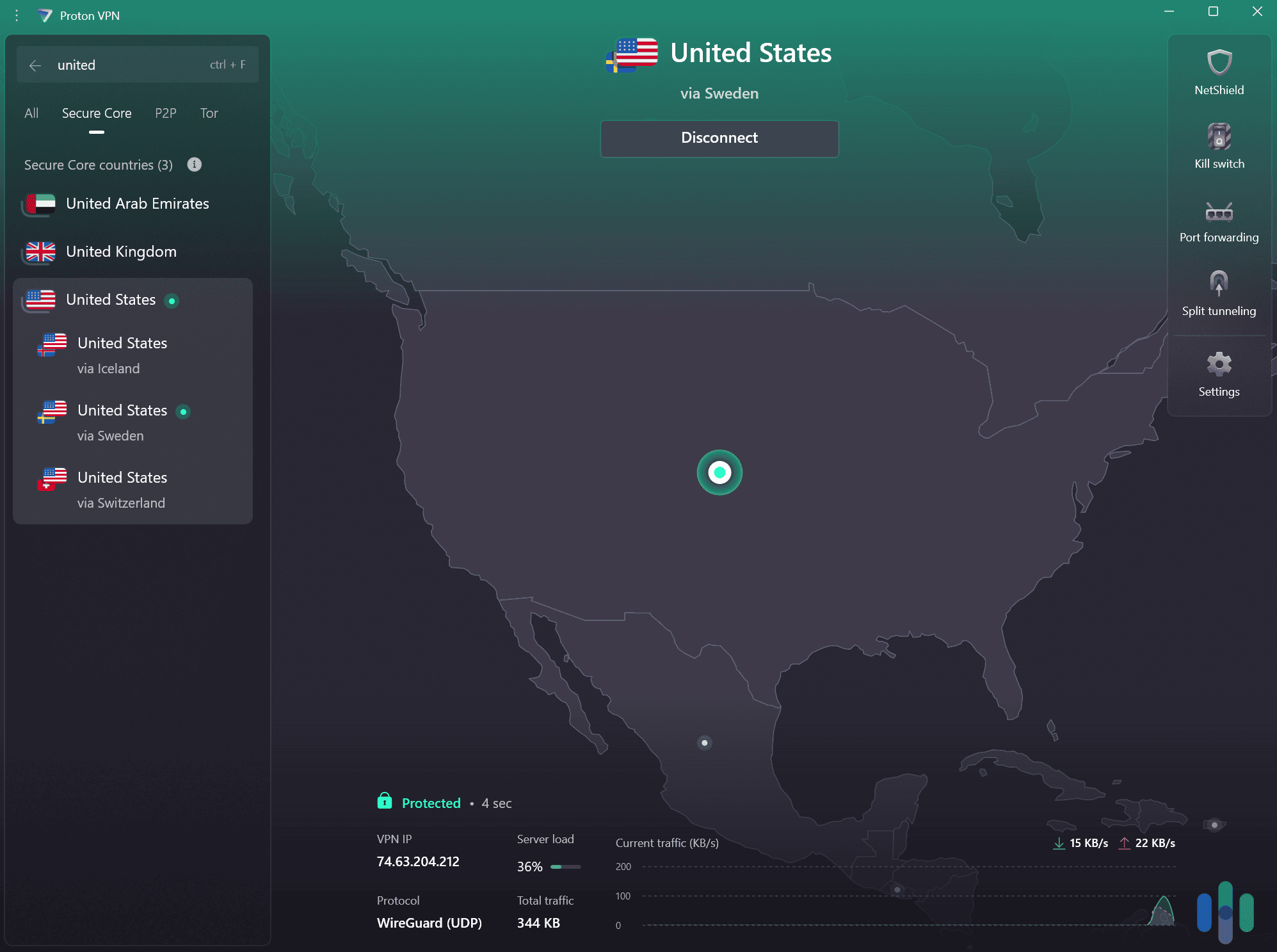
Not every VPN provider builds this in, and the ones that do implement it differently.
- NordVPN offers Double VPN as a built-in specialty server category with fixed server pairs across several countries.
- Surfshark calls its version MultiHop and lets users manually pick both the entry and exit server, rather than relying on a fixed pair.
- Proton VPN routes traffic through its Secure Core network of hardened, company-owned servers in privacy-friendly countries before a second hop to your destination.
- Private Internet Access and IPVanish both include multi-hop options as part of their standard apps.
- ExpressVPN does not currently offer a multi-hop or double VPN feature, which is worth knowing if this specific capability is a priority.
Before choosing a provider for this feature specifically, it’s worth comparing broader testing results across our best VPNs for online privacy and our full lineup of best VPNs overall.
FAQ
-
Is a double VPN the same thing as multi-hop?
They describe the same underlying idea. Double VPN and multi-hop both route traffic through two servers instead of one. Some providers use the terms interchangeably, while others reserve “multi-hop” for versions that let you choose both servers yourself.
-
Does a double VPN slow down my internet connection?
Yes. Encrypting and decrypting traffic twice, combined with the extra distance the data travels, reduces speed compared to a single-server connection. The size of the slowdown depends on the provider and the specific server pair.
-
Can I use a double VPN for streaming?
It’s possible, but not recommended. The reduced speed and smaller pool of available servers make double VPN a poor fit for streaming, where a fast, stable connection matters more than added encryption.
-
Does everyone need to use double VPN?
No. A standard VPN connection is sufficient for the vast majority of everyday privacy needs, including public Wi-Fi protection and hiding your IP address from advertisers. Double VPN is built for narrower, higher-risk use cases.
-
Is Tor better than double VPN?
They serve different purposes. Tor routes traffic through three or more volunteer relays and offers a different anonymity model, while double VPN uses two provider-operated servers and keeps speeds closer to a standard VPN connection. Neither is a direct replacement for the other.