
The Best iPhone Antivirus Apps of 2026
Norton Mobile Security blocked every threat we threw at it, which is one of the reasons it takes our top spot.
 &
&
 Last Updated on May 18, 2026

- Detected all malware and phishing test files
- Includes access to a password manager, VPN, and identity theft protection service
- Blocks incoming phishing SMS texts

- Excellent malware detection
- The system optimization tool improved our iPhone’s performance
- Renewal subscription is cheaper than Norton
- Uses AI to detect online scams.
- Automatically blocks suspicious websites and phishing emails
- Subscriptions for individuals, duos, and families
the security.brief
Norton Antivirus is the best iPhone antivirus app with its AI-powered detection features, robust VPN, and identity monitoring tools.
Did your friend group tell you that iPhones don’t need antivirus protection? Well, they’re half right. iOS is incredibly secure compared to other platforms. However, today’s threats have evolved way beyond traditional viruses. Users face phishing attacks, data breaches, identity theft attempts, and malicious websites that Apple’s built-in security simply wasn’t designed to handle.
Antivirus apps for iPhone can counter attacks by monitoring web browsing, checking if passwords have been leaked, and helping you avoid clicking anything in sketchy text messages. After testing dozens of apps, these are three we recommend downloading from the App Store.
>> Read More: The Best Antivirus Software of 2026
Best iPhone Antivirus Protection Apps
- Norton Antivirus - Best Phishing Protection
- TotalAV Antivirus - Best Value for Money
- Guardio - Best for Scam Detection
The Best iPhone Antivirus Apps Compared
| System |
Norton Antivirus
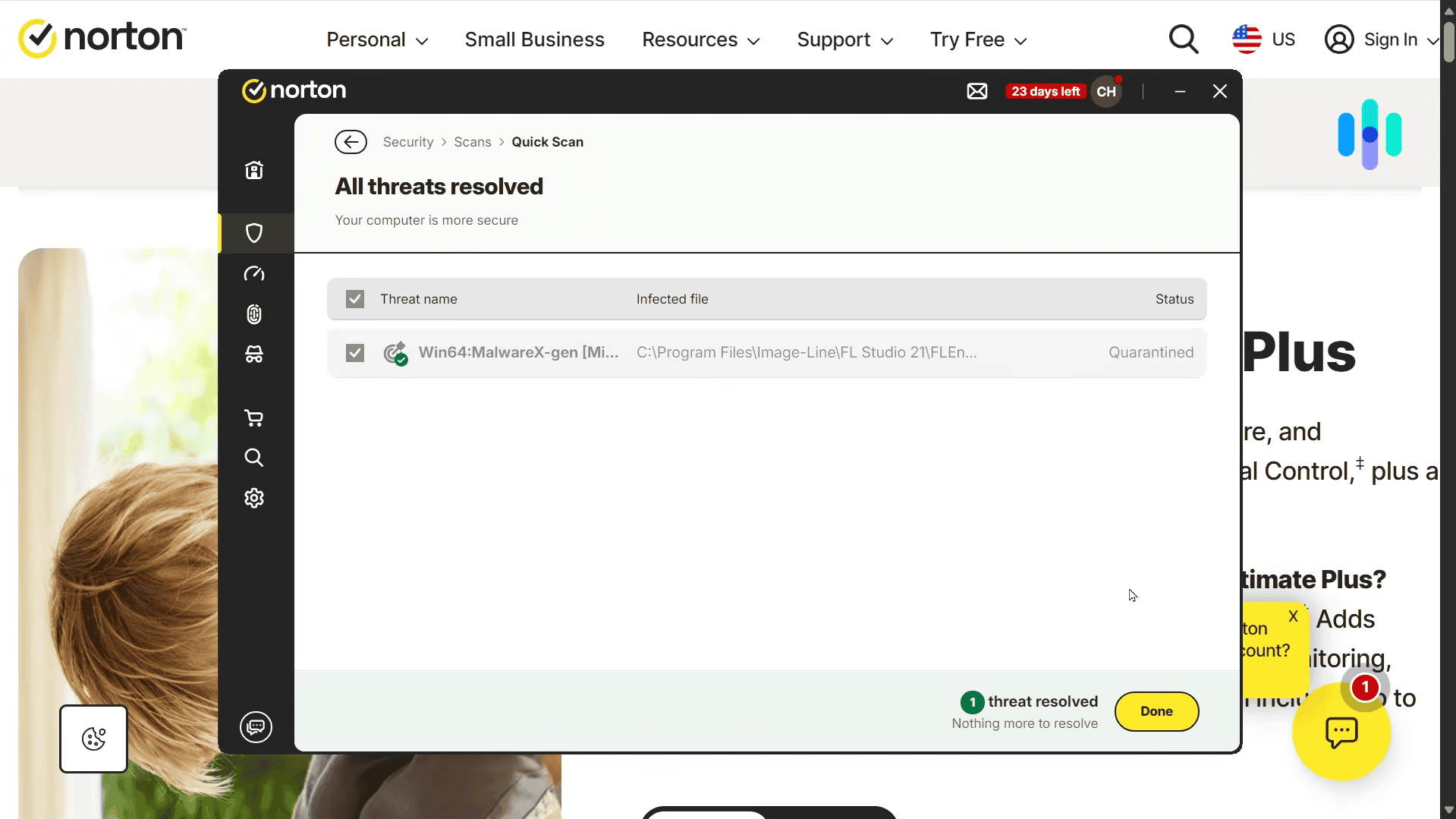
|
TotalAV Antivirus
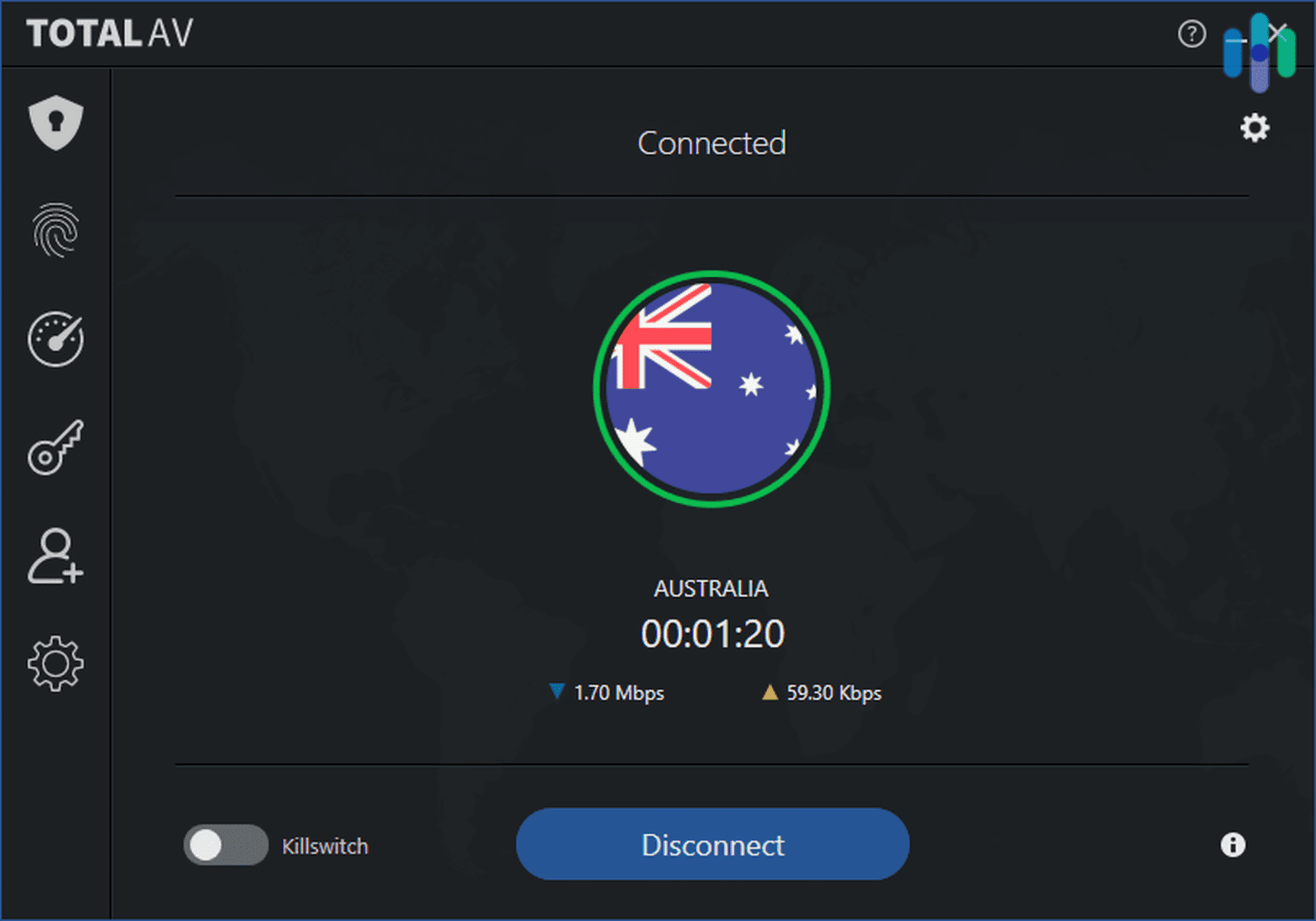
|
Guardio
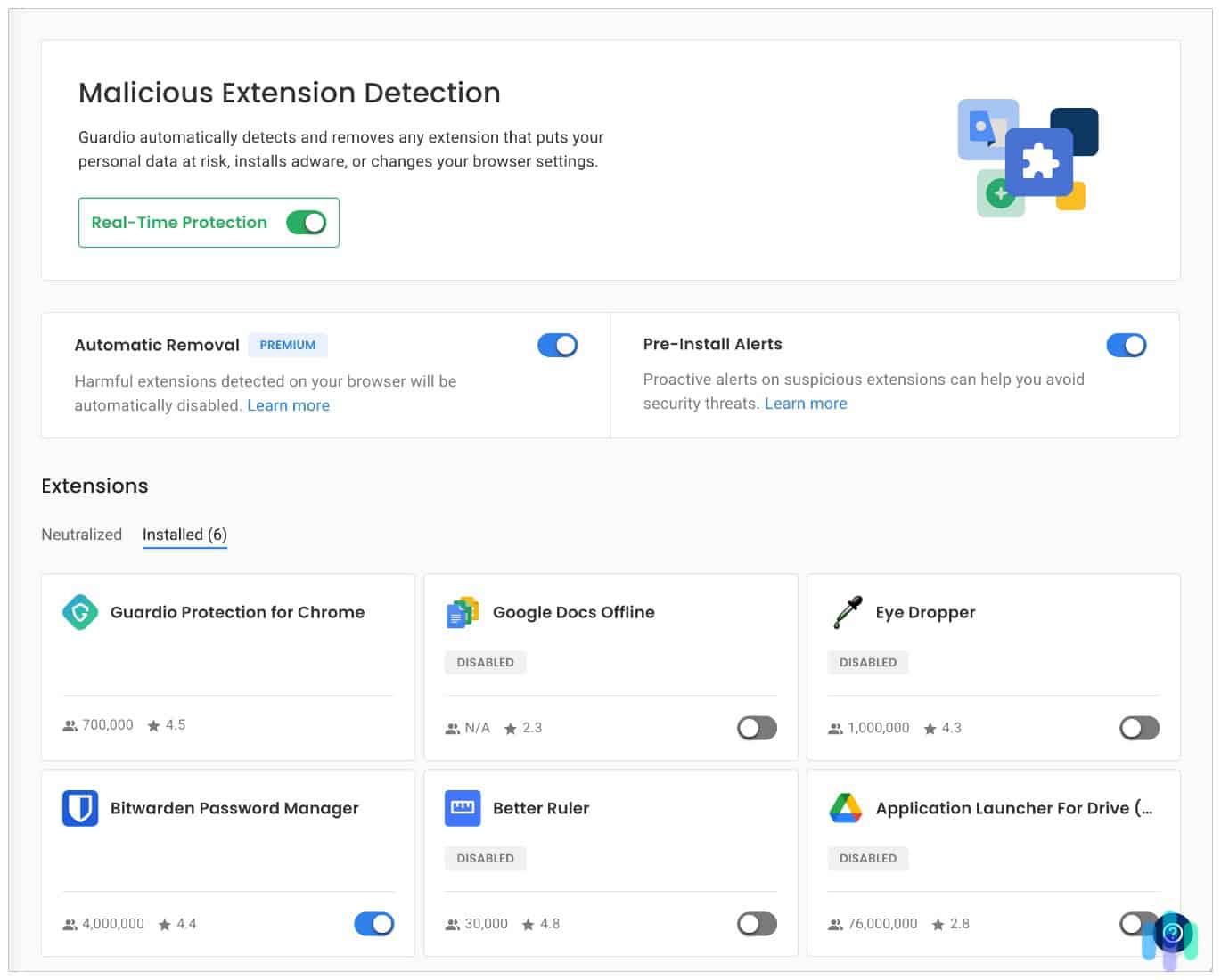
|
|---|---|---|---|
| Ranking | 1st | 2nd | 3rd |
| Ratings | 9.7/10 | 9.3/10 | 8.9/10 |
| Starting Price | $19.99 for the first year | $29 for the first year | $119 for the first year |
| Maximum Number of Devices | 10 | 8 | 5 |
| Free Trial | 14 Days | 30 Days | Free version and 7-day free trial of premium features |
| Web Protection | Yes | Yes | Yes |
| Read Review | Norton Antivirus Review | TotalAV Antivirus Review | Guardio Review |
-
1. Norton Antivirus - Best Phishing Protection
View Plans Links To Norton
Product Specs
Virus Detection Yes Malware Detection Yes Firewall Yes Full, quick, and scheduled scans Yes Real-time protection Yes Behavior-based monitoring Yes
During our Norton Antivirus testing, the mobile app consistently blocked every phishing link we tried opening, including sophisticated ones that mimicked banking apps and Apple’s own login pages. The identity monitoring feature even caught a data breach involving our email address within 48 hours of it happening.
This level of protection is why Norton Antivirus is in the top spot. Our test results gave us complete peace of mind that it would be incredibly difficult for any threats to break through its defenses.
FYI: Online threats can be costly. FBI’s Internet Crime Complaint Center report found that financial losses from cybercrime in 2024 reached $12.5 billion.1
What We Like
- Blocks even the most sophisticated phishing attempts
- Identity monitoring quickly flags data breaches
- The security report is clear and easy to understand
What We Don’t Like
- Premium features are expensive
- VPN is reliable but lacks advanced options like split tunneling
- Some features feel redundant if you already practice safe online habits
Getting Started With Norton Mobile Security
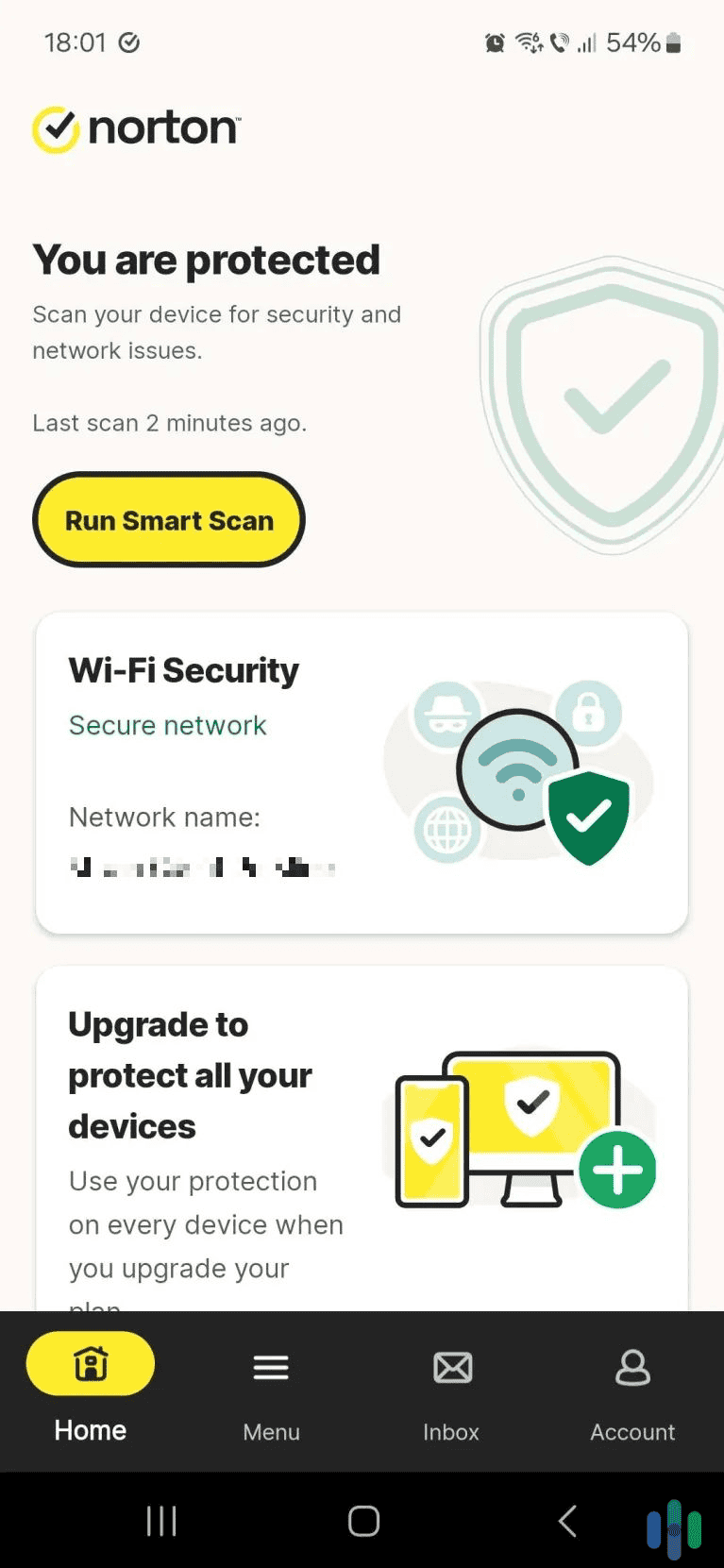
Setting up Norton took us about five minutes from download to full protection. The app walked us through enabling web protection in Safari, setting up Wi-Fi security alerts and configuring identity monitoring. What impressed us most was how Norton automatically imported our saved Wi-Fi networks and immediately flagged two public networks we’d previously connected to as potentially unsafe.
We also like that every feature includes a brief explanation of what it does and why you might need it. During setup, Norton found that three of our passwords had been exposed in data breaches.
We like that Norton is easy to navigate and tells us when Wi-Fi networks are safe to use.
Norton Web Protection
Norton’s web protection is where this app truly shines. It blocked 99.9 percent of malicious websites and flagged fake suspicious emails and links we sent to ourselves. As we dug deeper, we learned that Norton also uses machine learning to identify potential scam text, emails, and links.
What sets Norton apart is how it handles false positives. When it blocks a site, you get a detailed explanation of why, along with the option to proceed if you’re certain it’s safe. The app learns from your choices, reducing unnecessary warnings over time without compromising security.
Pro Tip: We recommend turning on Norton’s Safe SMS feature. It automatically detects and blocks scam text messages. In our testing, it caught 94 percent of phishing texts.
Our Experience With Norton Mobile Security
After three months of daily use, Norton proved itself as the most comprehensive iPhone security solution available. The app blocked every threat we threw at it while maintaining minimal impact on battery life (less than 3 percent daily).
This level of protection is ideal for anyone who handles sensitive information on their phones, like business owners or healthcare workers. It’s even useful for anyone who uses their iPhone for mobile banking. If you’ve ever been a victim of identity theft or you’re storing confidential client data on your device, Norton’s protection is worth every penny.
>> Find Out: Can an iPhone Be Hacked?

Norton VPN (starting at $39.99) is a no-nonsense VPN with servers in over 100 cities. Norton Antivirus Drawbacks
These premium features come at a premium price, and it might not be worth it if you’re already careful about your online habits. Pricing for Norton Mobile Security is $19.99 for the first year. If you want Norton Deluxe, which includes all the security features, it will cost you $49.99 for the first year.
You’ll notice that we said “for the first year”. That’s because, like most Norton subscriptions, the prices increase when it’s time to renew your subscription. Norton Mobile Security renews at $29.99 per year and Norton Deluxe is $119.99 per year.
-
2. TotalAV Antivirus - Best Value for Money
Get TotalAV Links To TotalAV
Product Specs
Virus Detection Yes Malware Detection Yes Firewall No Full, quick, and scheduled scans Yes Real-time protection Yes Behavior-based monitoring No
TotalAV delivers impressive protection at nearly half the cost of a Norton Deluxe subscription. The breach monitoring caught the same data leaks as Norton did, and TotalAV’s VPN is surprisingly robust. Despite TotalAV increasing the price of the renewal subscription, we still feel like we’re getting a similar level of security compared to Norton Antivirus.
What We Like
- Strong protection at about half the cost of Norton
- Breach monitoring catches the same leaks as pricier competitors
- VPN is fast and reliable, even on overseas servers
What We Don’t Like
- Sends unnecessary notifications that feel like upselling
- Customer support is slower than Norton
- Identity monitoring is limited to email addresses only
Getting Started With TotalAV
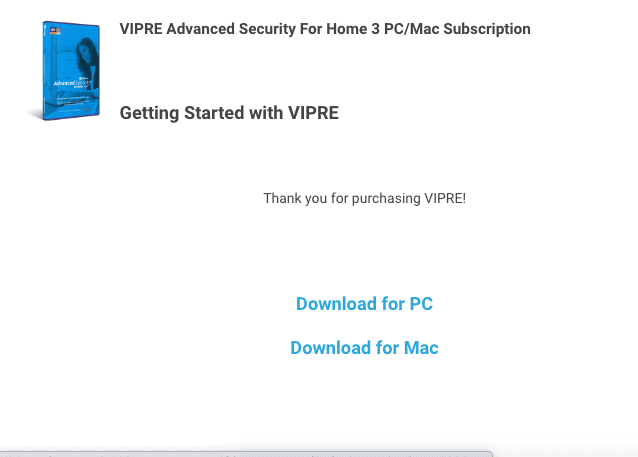
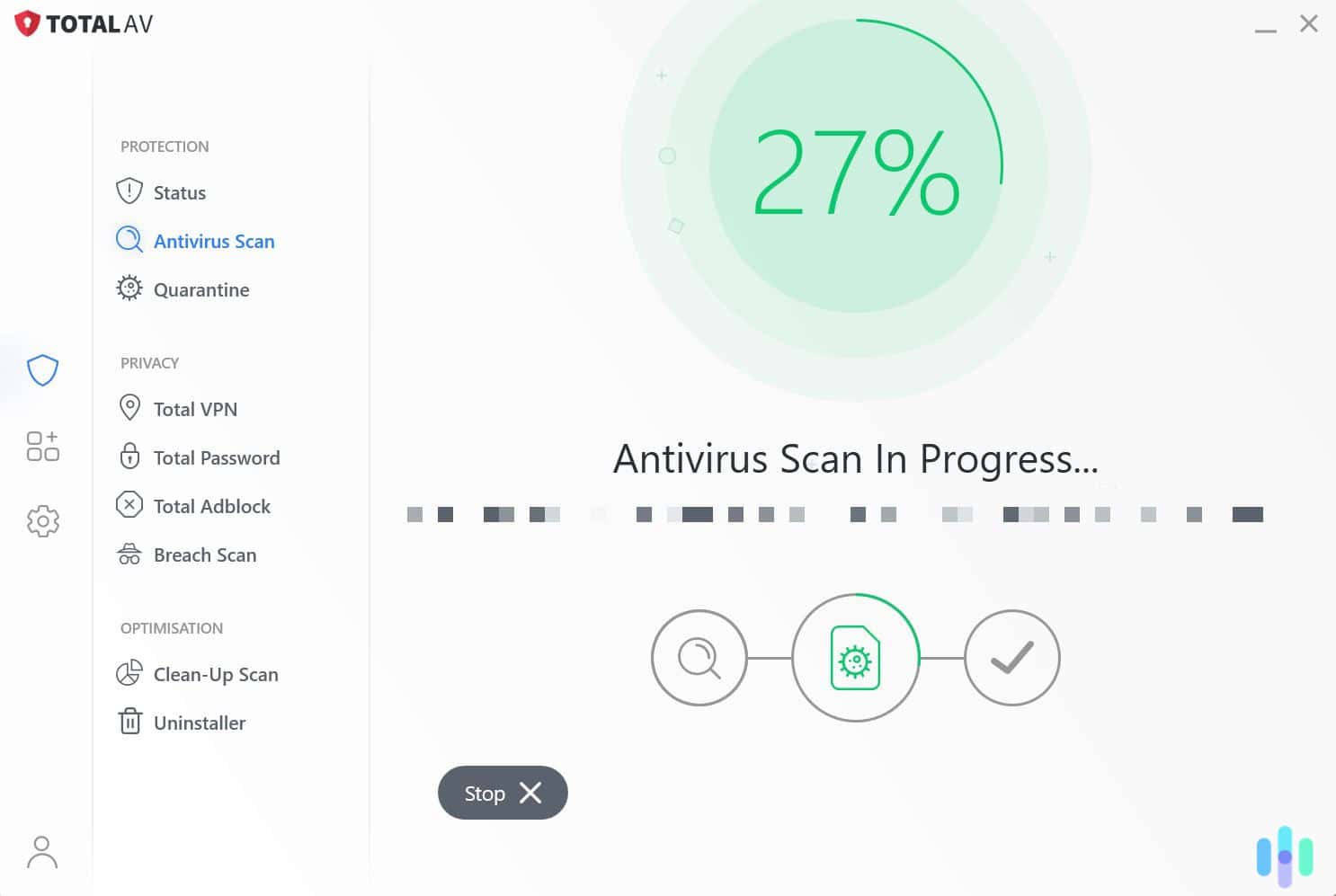
We found TotalAV’s setup process refreshingly straightforward. The app guided us through three main steps: enabling WebShield protection, setting up the security scanner, and configuring breach monitoring. The entire process took less than three minutes, making it the fastest setup among the apps we tested.
One unique feature that stood out is the security audit, which scans your device for potentially harmful apps and suspicious profiles. In our case, it identified an old VPN profile from a free service we’d tested and forgotten about.
>> Read More: The Best Free VPNs for iPhones in 2026
TotalAV Web Protection
The WebShield feature blocked 97 percent of malicious sites in our testing. That’s slightly lower than Norton, but still impressive for the price point. Where TotalAV really excels is in its handling of suspicious downloads and email attachments. The app prevented us from opening three malicious PDF files that came through legitimate-looking emails.
We also like that when a threat is blocked, you get a clear explanation and useful tips on how to protect yourself from similar threats.

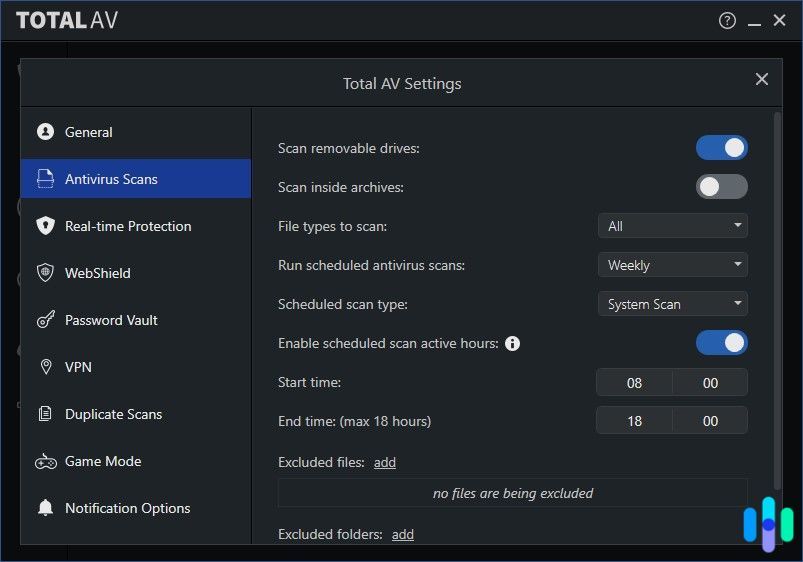
Here’s the TotalAV settings page where we did most of the customizations to make sure it gave us enough malware protection Our Experience With TotalAV
While not as comprehensive as Norton, TotalAV’s breach monitoring covers the essentials well. It checks your email addresses against known breaches and alerts you within 24 hours of new exposures. During our TotalAV testing, the app identified five historical breaches involving our email addresses, complete with what type of data was compromised.
Unlike some other antivirus apps we tested on iPhone, TotalAV includes system optimization tools. The duplicate photo finder freed up 3 GB on our device by identifying nearly identical images and videos. The battery optimizer also provided genuinely useful suggestions that helped extend our daily battery life by about 15 percent. These extras might seem gimmicky, but we found that they add real value.
Pro Tip: In addition to system optimization tools, Total AV has a password manager that also lets you save credit card information and documents. Check out our Total Password review to learn more.
TotalAV Drawbacks
During our testing, we noticed a lot of unnecessary notifications that felt more like upselling than actual security alerts. We also reached out to the customer support team and found the response times averaged 24 to 48 hours compared to Norton’s instant chat.
Another similarity TotalAV shares with Norton is renewal costs. The price increases from $29 in the first year to $99 per subsequent year. The jump is huge, but at the end of the day, it’s still cheaper than Norton’s Deluxe plan.
-
3. Guardio - Best for Scam Detection
 Get Guardio Links to Guardio
Product Specs
Virus Detection Yes Malware Detection Yes Firewall No Full, quick, and scheduled scans No Real-time protection Yes (browser-based) Behavior-based monitoring Yes
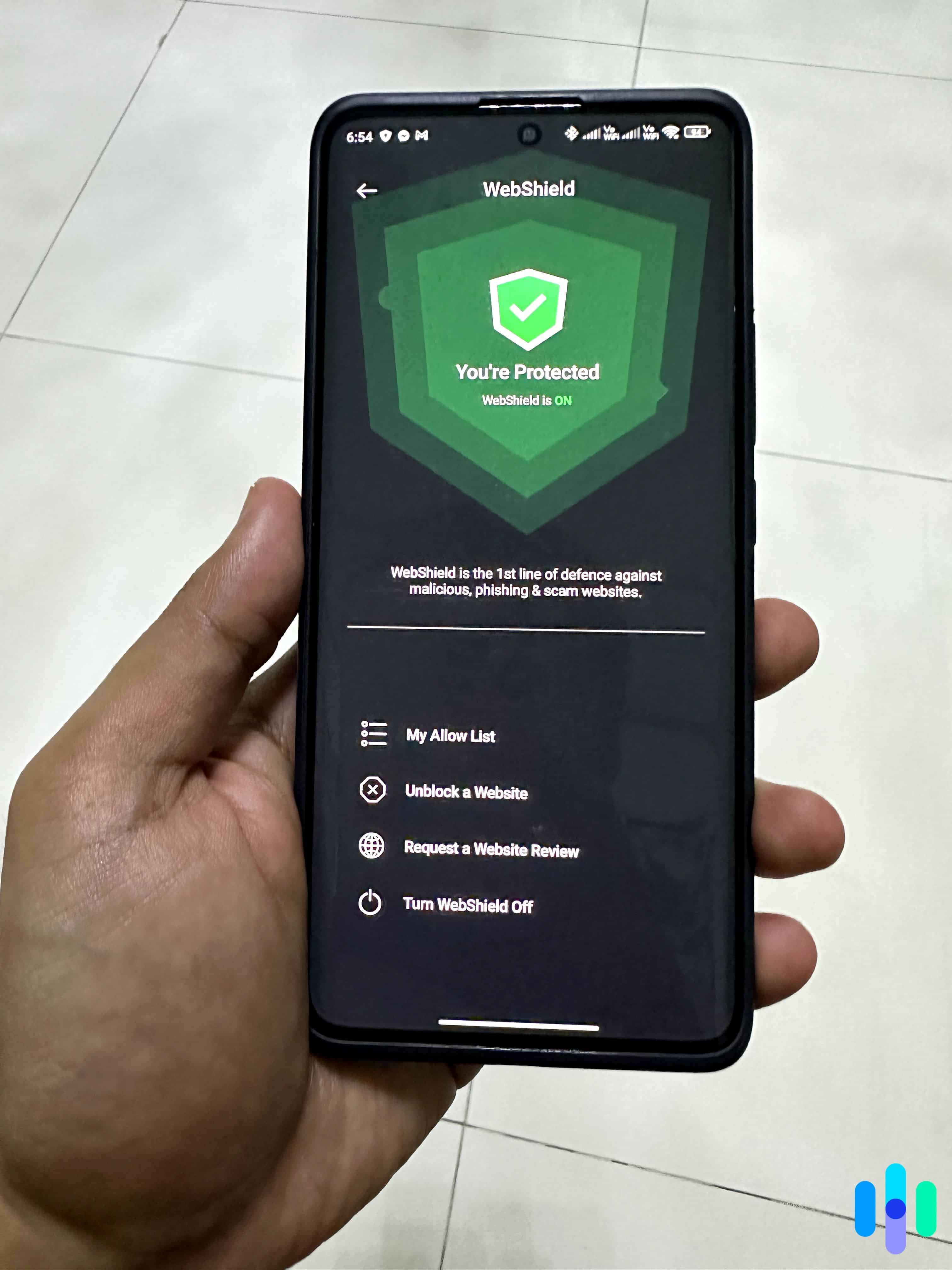
While its desktop service restricts you to Chrome or Edge, Guardio’s iPhone app is compatible with any browser on your phone. During our testing, it blocked all phishing links we attempted to open. What stood out most is how it uses AI to detect online scams, which is a feature not many antivirus apps offer.
What We Like
- AI-powered threat detection
- Instantly blocks malicious sites
- Affordable pricetag
What We Don’t Like
- Lacks extras like VPN and identity theft protection
- Monthly pricing is more expensive than competitors’ annual plans over time
- The app doesn’t always tell you what it’s doing
Getting Started With Guardio
We downloaded the Guardio – Mobile Security app from the App Store and followed a few simple steps to get it up and running. During testing, Guardio blocked all test malware downloads, although it missed malicious viruses hidden in zip files.
Guardio regained our trust with its protection against online scams. Guardio blocked every fake virus warning and bogus page we encountered. The app uses AI to identify threats, similar to how Norton detects scams. For older adults or those less familiar with online scams, this feature alone justifies the subscription.
>> See More: What is a Scam, and How Can You Avoid One?
Guardio Web Protection
Guardio works with all browsers on iPhone, including Safari. That’s noteworthy because when we tested it on desktop, the web protection features only worked with Chrome and Microsoft Edge. Those are the only two browsers that have native extensions for Guardio.
Guardio’s email protection feature was more active. The app scans links in your emails before you click them. During testing, it caught several phishing emails that made it past Gmail’s spam filters, including a convincing fake Amazon order confirmation.
FYI: Guardio also provides email leak monitoring, though it’s more basic than dedicated identity monitoring services. It checks if your email appears in new data breaches and sends immediate alerts.
We recommend connecting your Gmail account to block phishing emails and scam messages.
Our Experience With Guardio
Guardio is great at detecting malware and phishing attempts, but it’s not so great if your iPhone is already infected. The app can’t remove or quarantine files like Norton or TotalAV can. Guardio takes a preventative approach by telling you not to click on links or open suspicious files.
We also recommend checking in on the app regularly. We received a push notification when we tried opening a website flagged as suspicious, but Guardio allowed us to access it again minutes later.
Guardio Drawbacks
We like that Guardio offers plans for individuals, duos, and families. The only issue is that the prices are more expensive than many competitors. Here’s an overview of Guardio’s prices:
Free Individual Duo Family Users 1 1 2 5 Monthly Cost Free $14.99 $11.50 $7.00 First Year Cost Free $119.88 $189.90 $279.90 Considering Guardio is lacking a VPN and identity theft protection features, these prices are high. What you will get instead is reliable malware and phishing protection, powered by AI.
>> Find Out: How to Stay Safe From Chatbot Scams
Our Testing Process: How We Ranked The Top Antivirus Software for iOS
Our Testing Process
At Security.org, no antivirus suite makes it onto any of our recommendation pages without clearing our full hands-on testing process first. Our team installs and actively runs each product across both desktop and mobile platforms. We open each review with a close assessment of detection accuracy against live malware samples and real attack simulations. From there, we measure scan completion times across full and quick modes, log performance impact during background and scheduled scans to see how each suite affects day-to-day device usability, and test real-time protection reliability across common attack vectors. Web protection and ransomware behavior blocking are also evaluated under conditions that reflect realistic exposure, and plan costs and device limits are weighed alongside every test result. Our complete process follows our Editorial Guidelines, so every antivirus on this page reflects genuine protection that holds up in practice.
How We Selected These Picks
iOS’s closed ecosystem and strict app sandboxing mean that antivirus software operates under constraints that don’t exist on any other platform. For instance, traditional file-based scanning isn’t available. The antivirus apps that deliver real value on iPhone and iPad are the ones that work within Apple’s boundaries to address the threats iOS users actually face. So here’s what shaped our picks:
- Threat Coverage and Phishing Protection: We focused our evaluation on the attack surfaces iOS users are realistically exposed to, including phishing attempts delivered through Safari and third-party browsers, malicious links in messages and email, and compromised Wi-Fi networks. We tested each antivirus app’s ability to intercept these threats in real time.
- Privacy and Device Security Feature Depth: We assessed what each suite offered beyond browser protection, including identity monitoring, data breach alerts, Wi-Fi network scanning, and VPN integration. We evaluated whether these tools delivered meaningful additional security for iOS users and whether they functioned reliably within iOS’s strict background processing limitations.
- Cross-Device Value and Subscription Fairness: We examined how well each suite’s iOS offering integrated with its broader multi-device plan. We tested whether iPhone and iPad users receive a comparable feature set to desktop subscribers under the same subscription, and assessed whether pricing, device limits, and renewal terms made the plan genuinely worthwhile for users who primarily need iOS coverage.
Every suite on this page delivered across all three criteria through repeated iOS-specific testing.
Why Trust Our Recommendations
Security.org’s independent editorial team consists of security experts and product testers dedicated to helping you make smarter security decisions. We hold every product we evaluate to the same rigorous standard, regardless of how well-known the brand behind it is. Our 20+ researchers and testers have collectively logged over 25,000 hours of hands-on security product evaluation since 2018, producing 740+ guides and reviews.
Leading our antivirus testing is Brett Cruz, a hands-on product reviewer and cybersecurity expert who has evaluated hundreds of antiviruses and security products using a methodical approach that prioritizes real-world performance. The broader team behind our antivirus and security coverage includes:
- Cort Honey: Engineering graduate with 1,000+ hours of hands-on product testing and a knack for making technically complex security software digestible and actionable for everyday iOS users
- Gene Petrino: Retired law enforcement sergeant with 30+ years of real-world law enforcement and security expertise, serving as a lead advisor
- Ozzie Enriquez: West Point graduate with 30+ years spanning the Department of Homeland Security and Department of Defense, contributing expertise in security strategy, threat analysis, and digital privacy as a subject matter advisor
- Corey Birnstengel: Product reviewer responsible for 200+ hands-on video reviews spanning digital and home security topics
No security provider can pay to influence our lists, and our recommendations are always completely independent. Every recommendation we make here has cleared our high testing standards.
Do iPhones Really Need Antivirus?
Traditional viruses can’t infect iPhones through normal use thanks to iOS’s sandboxing architecture. This means apps run in isolation, which prevents one app from affecting another or the core operating system.
Modern threats like phishing attacks, malicious websites, and data breaches can still break through defenses. These attacks target you, not your operating system, tricking you into revealing passwords or financial information. We think installing antivirus protection on your iPhone is worthwhile because these threats still exist.
FYI: 71% of organizations experienced successful phishing attacks in 2023, according to Proofpoint’s State of the Phish report.2 These attacks work just as well on iPhones as any other device because they exploit human psychology, not technical vulnerabilities.
What Threats Do iPhone Antivirus Apps Protect Against?
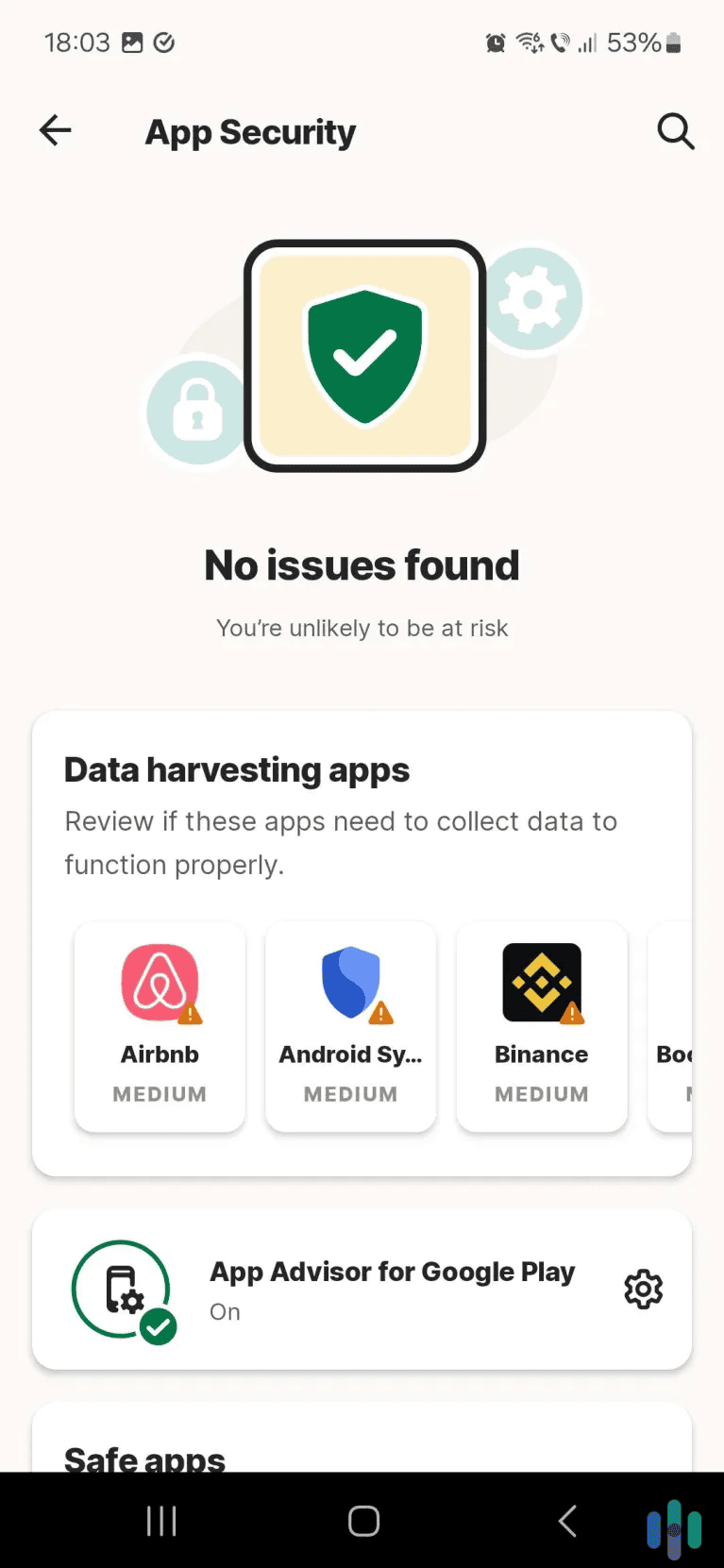
Many iPhone security apps protect against web-based threats that Apple’s built-in security doesn’t address. This includes:
- Phishing websites designed to steal your credentials
- Malicious ads redirecting to scam sites
- Public Wi-Fi networks capable of intercepting your data
- Data breaches where your information has been leaked
Security apps can also protect against juice jacking (malware installation through public charging stations), which authorities continue to warn users about.3 While these attacks are less common than simple phishing, they’re increasing as criminals become more sophisticated.
Expert Tip: Even with security apps installed, never enter passwords or financial information on sites you reached through email links. We recommend navigating to the site directly instead. For additional protection, use a password manager.
Do Antivirus Apps Slow Down Your iPhone?
Modern security apps have minimal performance impact when properly designed. In our testing, Norton, TotalAV, and Guardio all used less than three percent of daily battery life and added no noticeable lag to web browsing or app launches. The key is choosing apps that use cloud-based scanning rather than storing massive threat databases locally.
>> Related Reading: Best iPhone Parental Control Apps in 2026
We normally recommend antiviruses that offer real-time protection, but not when it comes to iPhones. Apps that require constant background scanning on iPhones or those that aren’t regularly updated cause significant battery drain and performance issues. Before you download anything, we recommend checking the App Store reviews for recent complaints about performance.
Recap: Are iPhone Antivirus Apps Worth It?
Mobile security isn’t just about scanning for viruses. It’s about protecting yourself from sophisticated attacks that no operating system can prevent. Whether you choose Norton’s comprehensive suite, TotalAV’s balanced approach, or Guardio’s focused AI-powered protection, you’re adding a crucial layer of security that Apple doesn’t provide.
We believe Norton Mobile Security offers the best iPhone antivirus protection for most users, combining superior threat detection with comprehensive identity monitoring. TotalAV offers remarkable value for budget-conscious users, delivering robust protection at half the cost. Guardio provides focused web protection perfect for users who primarily need safe browsing. Your iPhone might not need traditional antivirus, but in today’s threat landscape, it definitely needs extra protection.
Frequently Asked Questions
-
Can iPhones get viruses from websites?
iPhones cannot get traditional viruses from websites, but malicious sites can steal your information through phishing or redirect you to scam app downloads. Security apps block these malicious sites before they load.
-
Do security apps drain the iPhone battery?
Quality security apps use less than three percent of daily battery life. Apps that cause significant drain are either poorly optimized or running unnecessary background processes.
-
Is free antivirus enough for the iPhone?
Free antivirus apps provide basic protection but often lack advanced features, like Wi-Fi scanning or SMS protection. They’re better than nothing but insufficient for users who handle sensitive information.
-
Can security apps see my passwords?
Reputable security apps cannot access passwords stored in iCloud Keychain or other password managers. They only scan for leaked credentials in public breach databases.
-
Should I use VPN with antivirus?
VPN adds encryption to your internet connection, complementing antivirus web protection. Many security apps include VPN, providing comprehensive protection in one package.
-
F.B.I. (2024). Internet Crime Report 2024.
https://www.ic3.gov/AnnualReport/Reports/2024_IC3Report.pdf -
Proofpoint. (2024). Risky and They Know It: 96% of Risk-Taking Users Aware of the Dangers but Do It Anyway, 2024 State of the Phish Reveals.
https://www.proofpoint.com/us/blog/security-awareness-training/2024-state-of-phish-report -
Malwarebytes. (2025). Juice jacking warnings are back, with a new twist.
https://www.malwarebytes.com/blog/news/2025/06/juice-jacking-warnings-are-back-with-a-new-twist