



If you have a teenager on Snapchat, you’re probably wondering how to keep them safe without hovering over their shoulder 24/7. Well, there is a way. In 2022, Snapchat introduced Family Center, a tool parents can use to monitor their teens’ activity.1
As parents, however, it’s our job to properly wield the Family Center parental control tool. And with millions of active daily users – most of whom are young people – parental oversight for teenagers using Snapchat is mission critical. Let us walk you through everything you need to know about setting up Family Center, and what it can (and can’t) do.
>> Also See: The Best Parental Control Apps of 2026
The good news? Nintendo built some genuinely useful parental controls right into the Switch, and they’re fairly easy to use. Whether you want to limit screen time, restrict certain games, or monitor what your kids are playing, you can set it all up in about 10 minutes. We’ll show you the exact steps we took to set up parental controls for our Switch and the new Switch 2. They both follow roughly the same process.
>> Read More: Best Parental Control Apps of 2026
What Is Snapchat Family Center?
Snapchat Family Center is the platform’s built-in parental control system that lets you connect your account to your teen’s account. Think of it as a dashboard where you can see who they’re talking to and who they’ve added as friends, without actually reading their messages. According to Snapchat’s own data, the feature was designed with input from safety experts and family organizations to balance teen privacy with digital safety and parental peace of mind.
The key thing to understand upfront is that Family Center requires your teen’s cooperation. They have to accept your invitation to link accounts, which means this isn’t a stealth monitoring tool. It’s designed to encourage open conversations about online safety rather than secretive surveillance.
From our Experts: Use parental control systems and apps alongside open communication to keep your kids safe online. This is particularly true if you have a teenager. Remember, this isn’t about control; it’s about educating them on online safety so they grow with healthy online habits.
How to Set Up Snapchat Parental Controls
Setting up Family Center takes about five minutes. Both you and your child need Snapchat accounts for this to work. Here’s the straightforward process:
Step 1: Access Family Center
Open your Snapchat app and tap your profile icon in the top-left corner. Look for the gear icon (Settings) in the top-right, then scroll down until you see “Family Center.” Tap it to get started. If you can’t find it, make sure your app is updated to the latest version.
Step 2: Send an Invitation
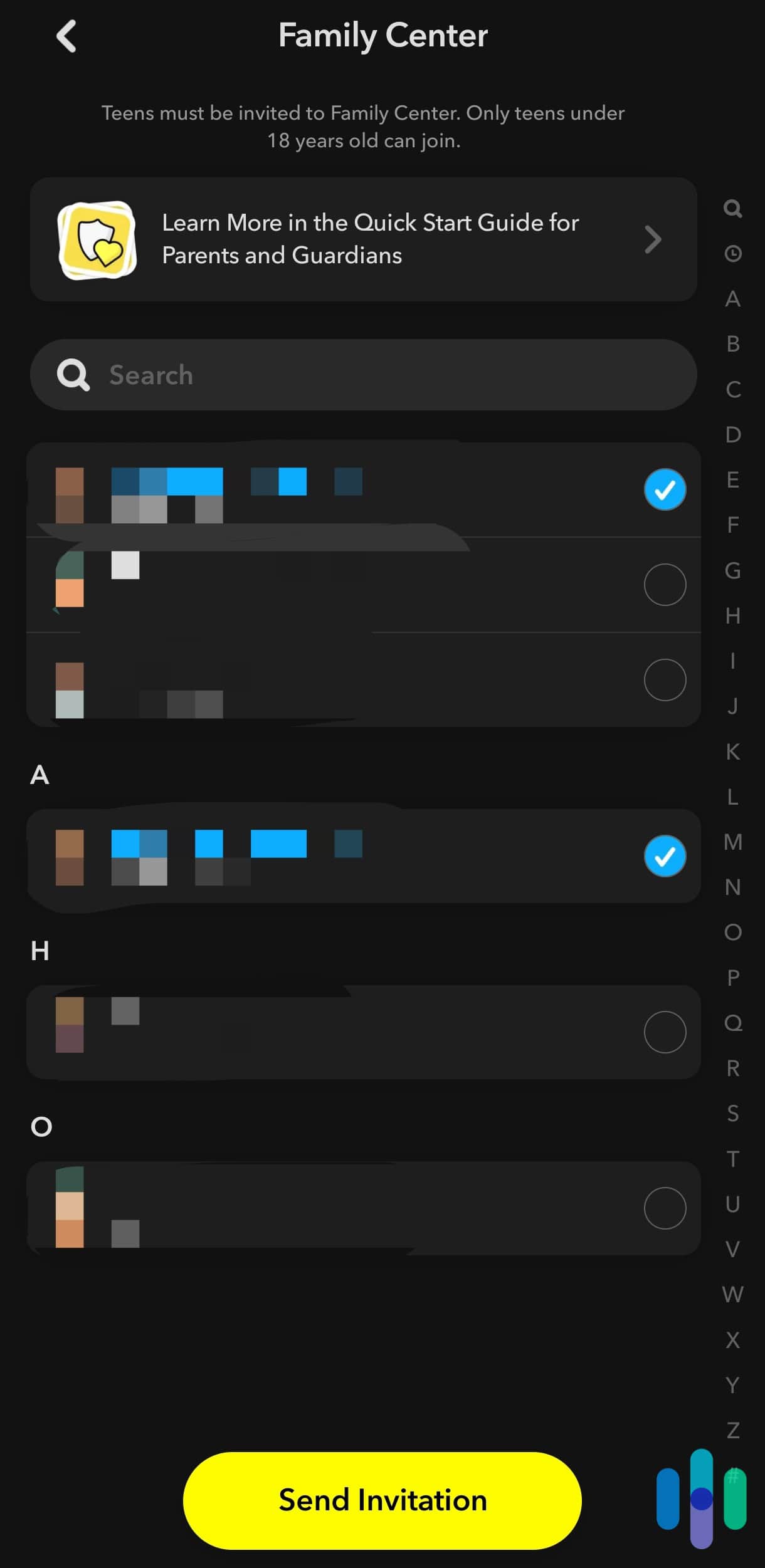
Inside Family Center, tap “Invite” and select your teen’s account from your friends list, or send an invite link through another messaging app if they’re not already your Snapchat friend. Your teen will receive a notification immediately. They’ll need to open it and tap “Accept” for the connection to establish.
Step 3: Confirm the Connection
Once your teen accepts, you’ll both get a confirmation. You can now access their information through your Family Center dashboard. The setup process is identical whether you’re using iOS or Android, which makes it simple if you and your teen use different phone types.
What You Can Monitor and Control
We strongly recommend setting up Family Center with your teen so they can see exactly what you have access to. You can then have an open conversation as to why this type of parental oversight is necessary, and how Snapchat’s built-in monitoring features actually respect their privacy.
To prepare you for that conversation, here’s an overview of what Snapchat’s Family Center dashboard lets your monitor.
| Feature | What You Can See | What You Can’t See |
|---|---|---|
| Friends List | All friends, new additions (past 7 days) | When friendships started, friend details |
| Messages | Who they’ve messaged (past 7 days) | Message content, snaps, photos |
| Stories | Nothing | All story content and viewers |
| Reports | When your teen reports content | What they reported (unless they share) |
Friend List Visibility
First of all, you can see your teen’s complete friends list and view any new friends they’ve added in the past seven days. This helps you spot if they’re connecting with people you don’t recognize or if they’re adding an unusual number of strangers.
Expert Tip: According to Cort Honey, our data privacy and security expert, monitoring social media friend lists (especially new additions) is one of the most effective ways to prevent contact with potential scammers and predators.
Recent Conversations
Through the dashboard, you’ll see who your teen has messaged in the past seven days. It’s critical to make clear, however, that you can’t see the actual content of those messages. You also can’t view snaps, stories, or any media they’ve shared. It’s not a digital wiretap, but simply a call log.
Content Reporting
Lastly, if your teen reports inappropriate content or accounts directly to Snapchat, you’ll receive a notification. This feature helps you stay informed about concerning situations without your teen having to bring them up directly, which can be uncomfortable for some kids.
You can also report accounts or content to Snapchat’s Trust & Safety team on behalf of your teen if you spot something concerning in their friend list. The platform reviews all reports and takes action when violations occur.
Something to Consider: If you’re worried about your teen being cyberbullied on Snapchat, there are stronger parental control apps you can use. Aura, for example, offers cyberbullying protection by using AI to monitor social media messages and flag down potential cyberbullying.
Understanding Snapchat Family Center Limitations
Family Center isn’t a complete monitoring solution, and Snapchat is pretty upfront about this. You can’t see message content, snaps, or stories. You also can’t remotely adjust your teen’s privacy settings or restrict who they can contact. The 13 to 17 age group on Snapchat has default privacy settings that are more restrictive than adult accounts, but these can still be adjusted by the teen themselves.
Additionally, your teen can remove you from Family Center at any time, though you’ll receive a notification if they do. This design choice reflects Snapchat’s philosophy that parental controls work best with cooperation rather than coercion.
Tip: Discuss with your teen that removing you from Family Center will result in a conversation, not punishment, to understand their concerns about the monitoring.
Additional Safety Features to Enable
Beyond Family Center, Snapchat has other built-in safety tools worth activating, depending on your teens maturity and age. These work independently of parental controls but add extra layers of protection.
Location Sharing Controls
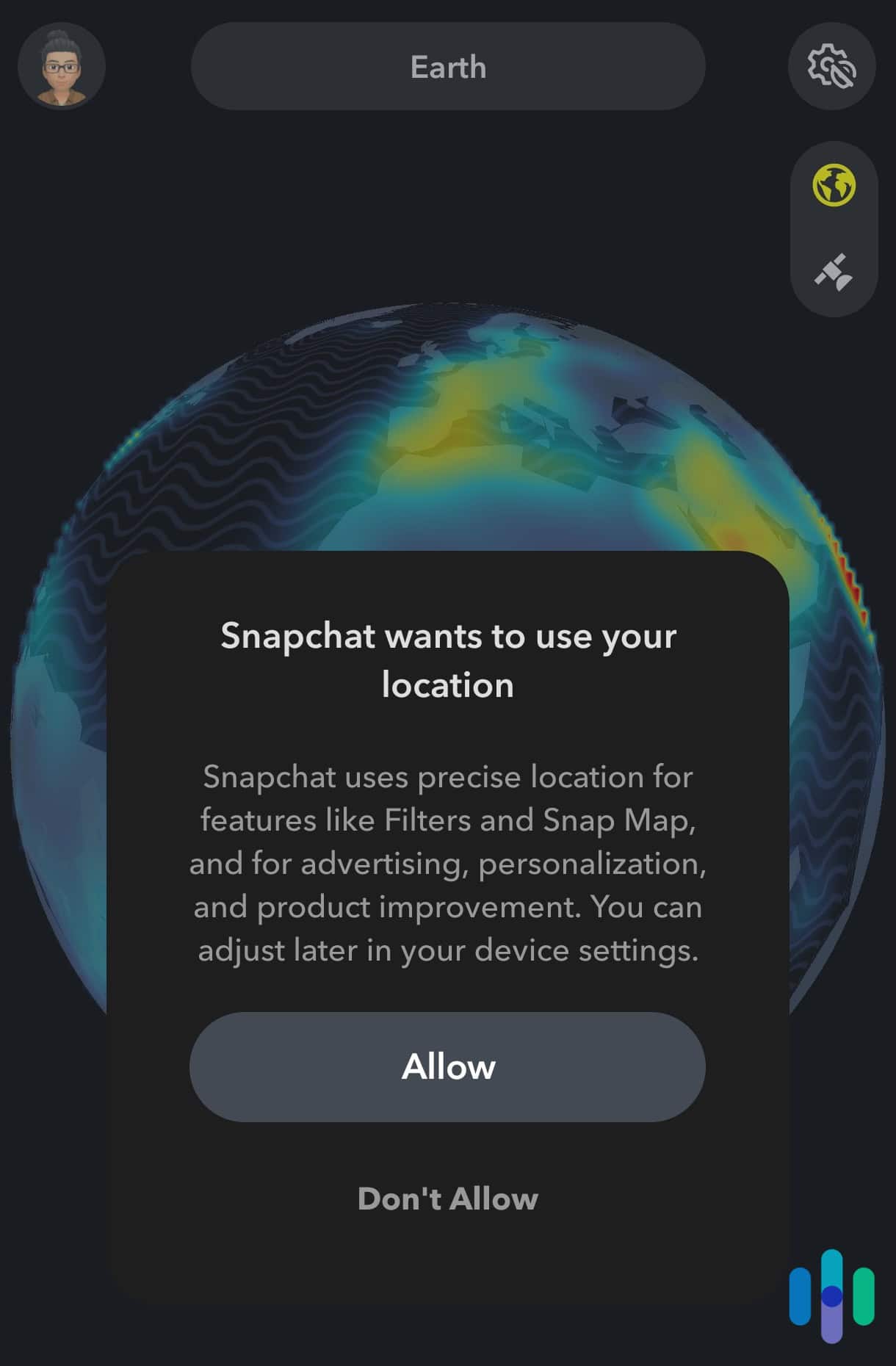
Snap Map shows your teen’s real-time location to friends, which is unsafe especially if there are strangers on their friend list. We recommend guiding your teen to either use Ghost Mode (invisible to everyone) or limit location sharing to only close friends.
>> Related: How to Change or Hide Your Snapchat Location
Message Deletion Settings
We also suggest helping your teen set messages to delete after viewing rather than after 24 hours. This reduces the window for screenshots or potential misuse of sent content. While nothing is truly temporary online, shorter retention times do reduce exposure.
Privacy Settings
Most importantly, walk through your teen’s privacy settings together. Set “Contact Me” to Friends Only, “View My Story” to Friends Only, and “See Me in Quick Add” to off. These settings prevent strangers from easily finding or contacting your teen. Quick Add is particularly important to disable since it suggests your teen’s profile to friends-of-friends, expanding their potential contact beyond people they actually know.
Having the Conversation With Your Teen
The technical setup is honestly the easy part. The harder piece is approaching your teen in a way that doesn’t trigger defensiveness.
We consulted parenting experts, and the consensus is that it’s best to start the conversation by explaining your concerns specifically. They say it might help to mention news stories about online predators, cyberbullying statistics, or even sharing your own experiences with online safety issues.
It’s also important to make it clear you’re not assuming they’re doing anything wrong; you’re creating safety nets for unpredictable situations. Acknowledge that you won’t read their messages and emphasize that Family Center is about checking for red flags, not micromanaging friendships.
If you experience pushback, consider negotiating boundaries together. Maybe you agree to only check Family Center once a week unless something seems off, or perhaps your teen agrees to come to you if they receive friend requests from people they don’t know. Collaborative rule-setting increases buy-in and compliance.
Conclusion
Setting up Snapchat parental controls through Family Center gives you meaningful oversight without completely invading your teen’s privacy. It’s not a perfect system—you won’t see everything, and determined teens can still find workarounds—but it establishes a foundation for ongoing conversations about digital safety. The most effective approach combines these technical tools with open communication, clear expectations, and trust-building.
Frequently Asked Questions
-
Can I set up parental controls without my teen knowing?
No, your teen must accept an invitation to link accounts in Family Center. Snapchat designed the system to require mutual consent for transparency.
-
What age does my child need to be for Family Center?
Family Center is designed for teens aged 13-17. Children under 13 shouldn’t have Snapchat accounts at all, as the platform’s terms of service prohibit users under 13.
-
Can I read my teen's Snapchat messages?
No, Family Center does not provide access to message content, snaps, or stories. You can only see who they’ve communicated with in the past seven days.
-
Will my teen be notified when I view their Family Center information?
No, Snapchat doesn’t send notifications when you check Family Center. However, your teen can see that you’re connected at any time through their own Family Center settings.
-
Can I block specific people from contacting my teen?
Not directly through Family Center, but you can report concerning accounts to Snapchat’s Trust & Safety team. You’ll need to guide your teen to block individuals themselves or do it together on their device.
-
What happens if my teen removes me from Family Center?
You’ll receive an immediate notification if they disconnect you. This triggers an opportunity for conversation about why they felt the need to remove the monitoring.