
The Best Antiviruses for Gaming in 2026
Norton’s intelligent scans that pause when you need your full system resources make it the best antivirus for gamers.
 &
&
 Last Updated on May 18, 2026

- Automatic gaming detection maintains your device’s performance without sacrificing security
- Industry-best malware detection
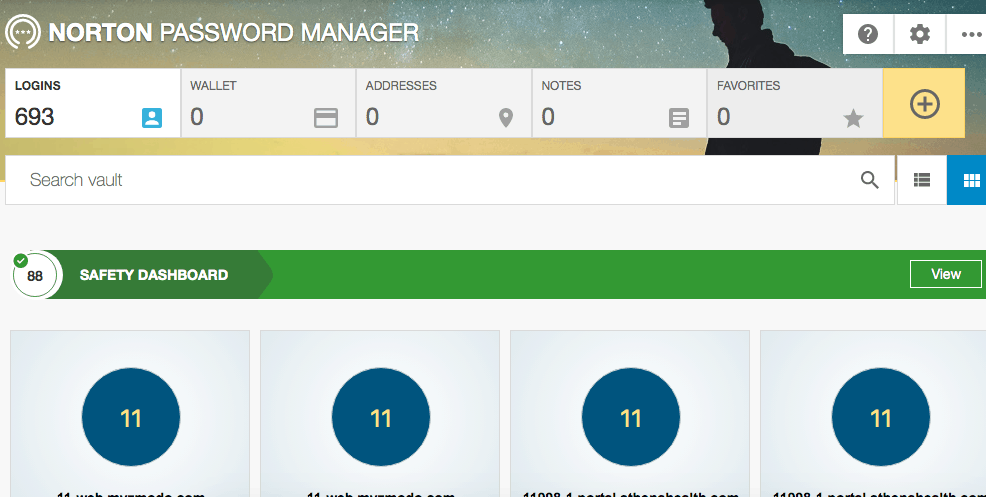
- Free password manager with all subscriptions

- Excellent browser and email protection
- Includes dark web monitoring for email addresses and phone numbers
- Subscriptions for individuals, couples, and families

- Plans starting at under $2 per month for the first year
- Tune-up features noticeably improve device performance
- Gaming mode is easy to access with the click of a button
the security.brief
Norton’s automatic gaming mode maintains security without impacting performance, making it the best antivirus for gaming, followed closely by Aura and TotalAV.
You’ve spent serious money on your gaming setup, and the last thing you want is some antivirus program tanking your frame rates during a crucial match. You don’t want to leave your gaming rig without malware protection, though. Between downloading mods, using game trainers, and connecting to various servers, gaming PCs face significant security risks.
We found the three best antiviruses for gamers — Norton, Aura, and TotalAV — designed with performance in mind. They feature a lightweight footprint and adjustable resource usage to keep your games running smoothly. Let’s dig in to find out which one best fits your needs.
Our Top Recommended Antiviruses for Gaming
- Norton Antivirus - Best Gaming Mode
- Aura Antivirus - Lightest Resource Usage
- TotalAV Antivirus - Best Budget Gaming Antivirus
Comparison of the Best Antiviruses for Gaming
| System |
Norton Antivirus
|
Aura Antivirus
|
TotalAV Antivirus
|
|---|---|---|---|
| Ranking | 1st | 2nd | 3rd |
| Ratings | 9.7/10 | 9.5/10 | 9.3/10 |
| Memory Usage | 300 to 400 MB | Under 200 MB | 250 to 300 MB |
| Annual Price | Starts at $29.99 | Starts at $35.99 | Starts at $19 |
| Read Review | Norton Antivirus Review | Aura Antivirus Review | TotalAV Antivirus Review |
The Best Antiviruses for Gaming
-
1. Norton Antivirus - Best Gaming Mode
View Plans Links To Norton
Product Specs
Virus Detection Yes Malware Detection Yes Firewall Yes Full, quick, and scheduled scans Yes Real-time protection Yes Behavior-based monitoring Yes
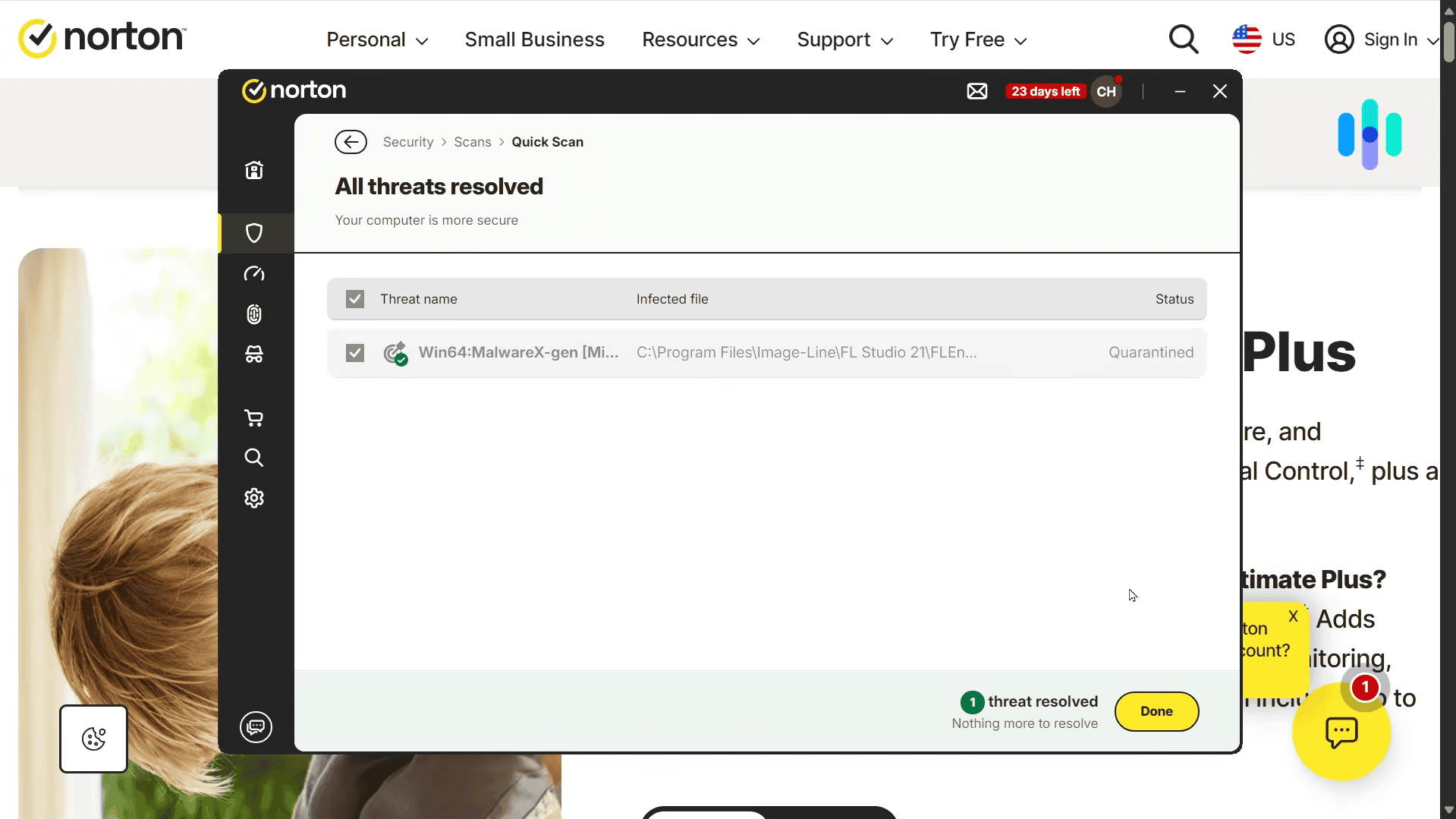
Norton offers useful features for gamers. Their Full Screen Detection automatically limits Norton’s resource usage when you open up a full screen game.
Of course, Norton wouldn’t have topped our list if it doesn’t offer top-tier protection. It has the highest malware detection rate out of every antivirus we’ve tested. There’s also plenty of extra security features and tools like dark web monitoring and a password manager to keep online and gaming accounts safe.
>> Check Out: The Best Password Managers of 2026
What We Like
- Gaming mode automatically activates when fullscreen applications launch
- Includes PC optimization tools that can improve gaming performance
- Affordable plans for one device starting at $2.50 per month
- Strong malware detection powered by machine learning algorithms
What We Don’t Like
- Included password manager does not have a desktop app
- Parental controls only available in Deluxe or higher plans
- Prices increase when your plan renews
Norton Gaming Experience

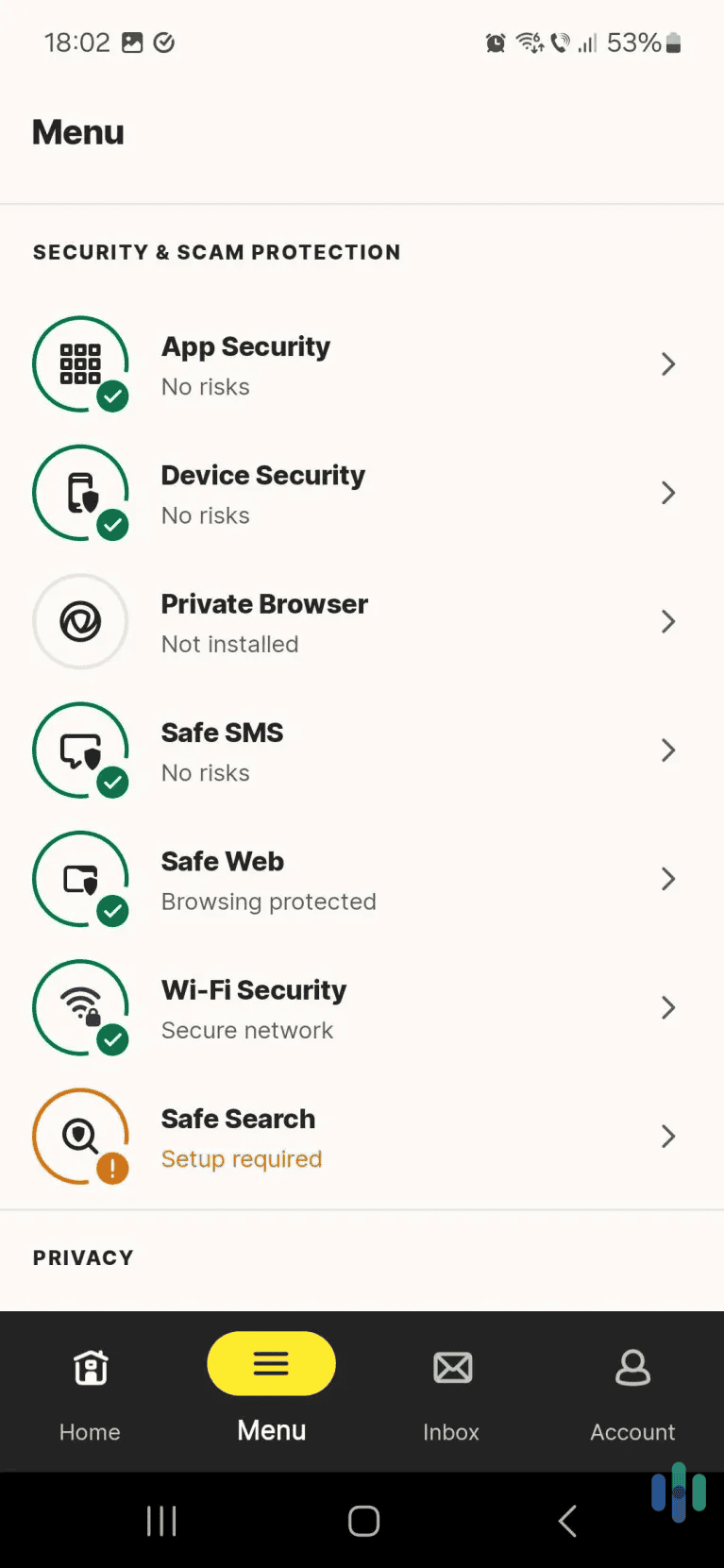
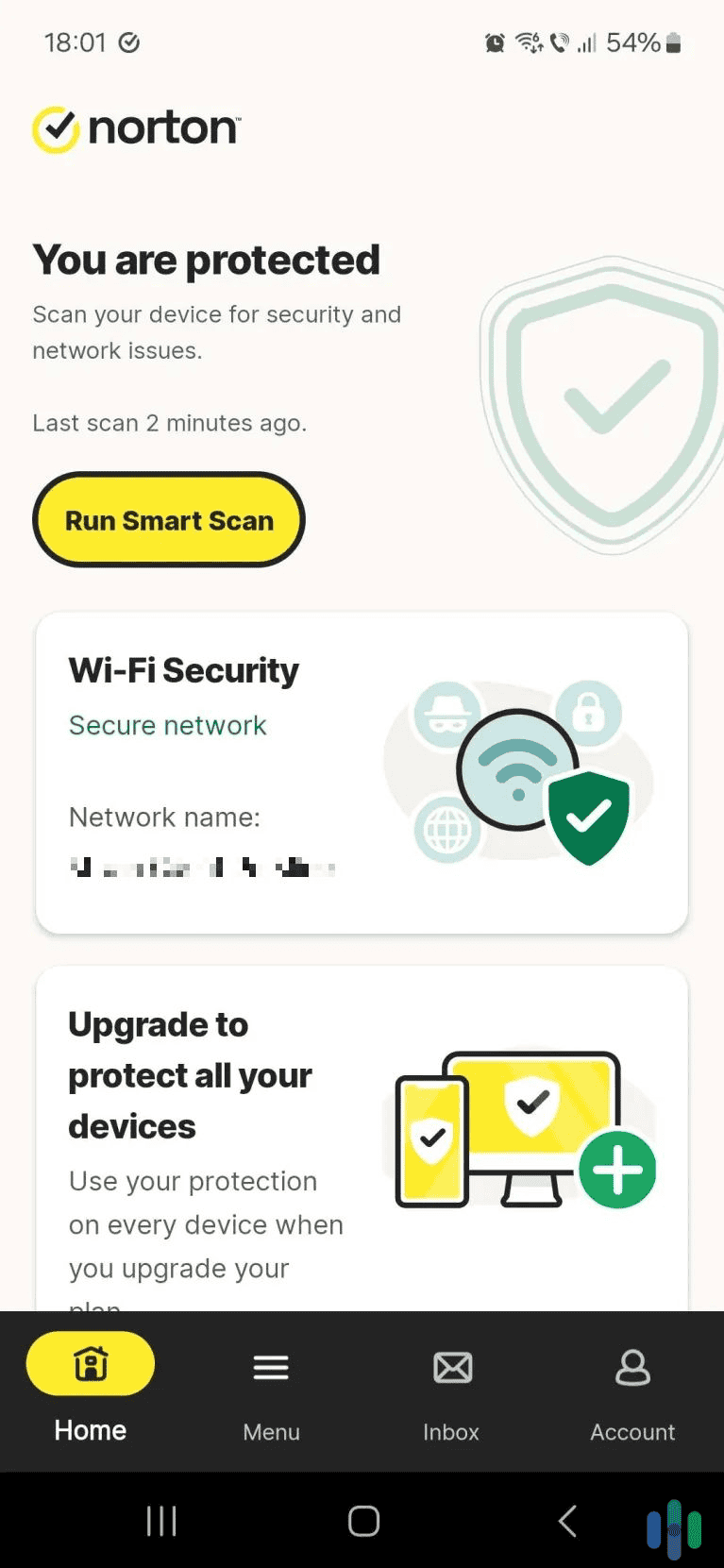
Norton’s streamlined interface for its Android app made it easy for us to configure for our mobile gaming. Norton has clearly put effort into understanding gamers’ needs. The moment you launch a game in fullscreen, Norton’s gaming mode kicks in automatically. During our testing, this feature worked flawlessly with every major gaming platform including Steam, Epic Games, and Battle.net.
What impressed us most was how Norton handles background tasks. It intelligently postpones intensive background activities when gaming mode is on, ensuring we have access to full system resources during play.
Pro Tip: If you don’t game in fullscreen, you can still achieve these same results by customizing Norton’s activity when you have specific applications open. Do this in the Notification Settings. There you can silence alerts and turn off background tasks for specific applications.
Norton Performance Impact
In our benchmark tests, Norton showed minimal impact on gaming performance. Running Cyberpunk 2077 at 1440p with ray tracing enabled, we saw only a two to three percent decrease in average FPS compared to running without any antivirus. That translates to maybe 2 to 3 frames per second on high-end gaming computers – barely noticeable during actual gameplay.
This makes sense as the real-time protection engine keeps CPU usage low, typically under five percent during gaming sessions. Memory usage hovers around 300 to 400 MB, which won’t hurt unless you’re running a system with under 8 GB of RAM.
Norton Security Features

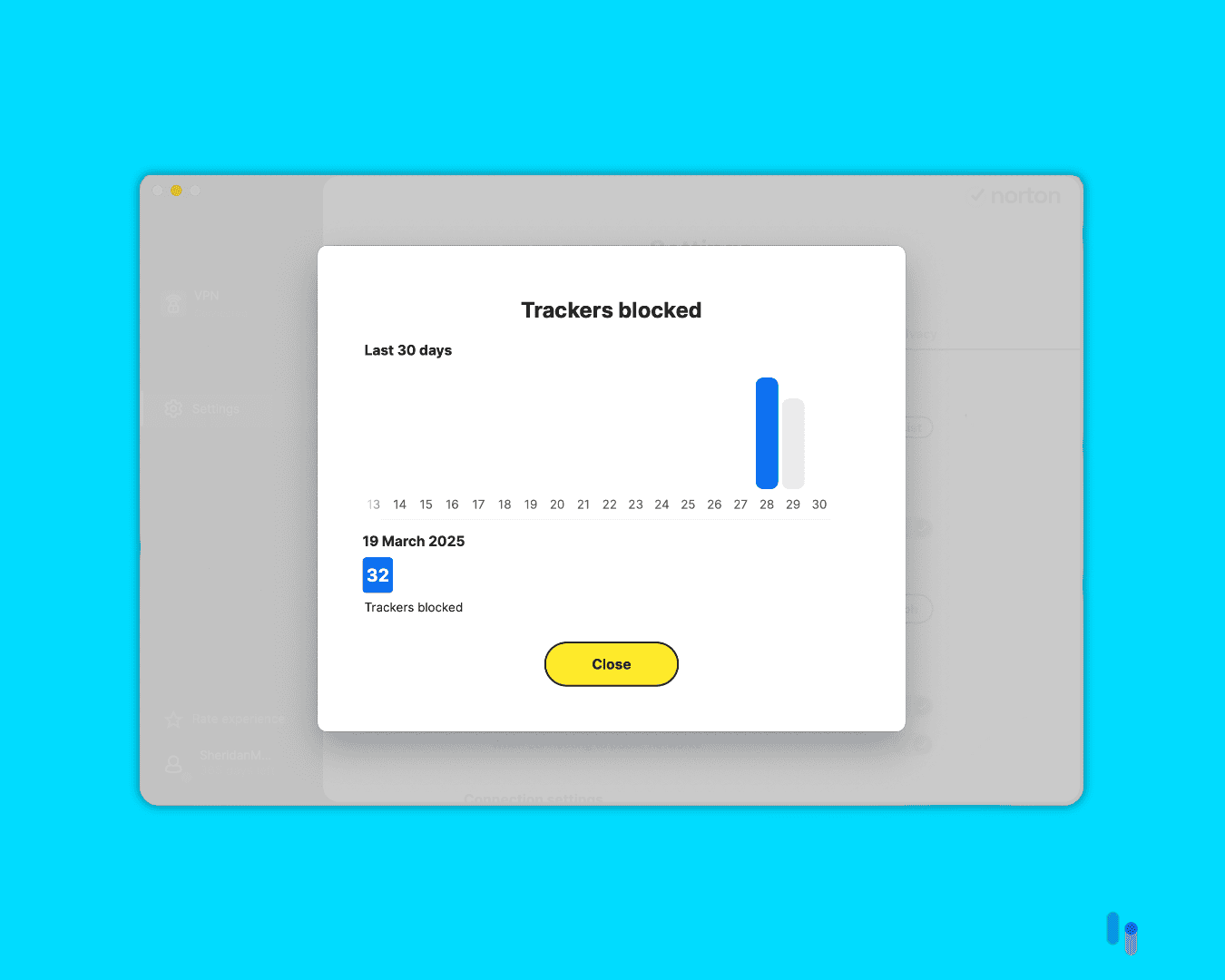
Norton’s network traffic monitoring blocked over 30 trackers during two days of our regular online activities. Norton’s threat detection rates consistently rank among the industry’s best, catching 100 percent of known malware in AV-Tests latest assessment of Windows antiviruses.1 For gamers, this means excellent protection against keyloggers that could steal your gaming accounts and ransomware that might encrypt your game library.
On top of detecting malware, Norton also monitors network traffic for suspicious connections that could indicate DDoS attacks or man-in-the-middle exploits. Norton’s firewall also includes game-specific rules that allow necessary connections while blocking potential threats.
We also like that Norton offers a Virus Protection Promise. It shows the company trusts that its antivirus works that, if malware ever gets into your device and Norton can’t remove the virus from your PC, they will refund your full Norton subscription cost.
FYI: DDoS attacks are when a cybercriminal floods a server with traffic to shut it down. They can target your online games and hold them for ransom. On the other hand, man-in-the-middle exploits allow someone to eavesdrop on your online activity and steal data such as your payment details or login credentials.
-
2. Aura Antivirus - Lightest Resource Usage
Select a Plan Links To Aura.com
Product Specs
Virus Detection Yes Malware Detection Yes Firewall No Full, quick, and scheduled scans No scheduled scans Real-time protection Yes Behavior-based monitoring No
The incredibly light system footprint makes Aura perfect for older gaming rigs or laptops. It offers a straightforward interface that makes it easy to configure exactly as needed to accommodate your computer’s specs. Despite the low resource requirements, Aura performed well in our malware detection tests.
Beyond Aura’s antivirus, their bundles offer some of the best value in the industry. For $5 per month, you can bundle the antivirus with one of the best identity protection services. Aura even includes up to $1 million identity theft insurance.
What We Like
- Ultra-lightweight design uses less than 200MB of RAM during gaming
- Real-time protection that doesn’t interfere with online multiplayer
- Bundles with identity theft protection guards against account takeovers
- 14-day free trial of all capabilities
What We Don’t Like
- Third-party vulnerability tests are limited
- Real-time threat detection is only available on desktops
- Included VPN is lackluster
Aura Gaming Experience
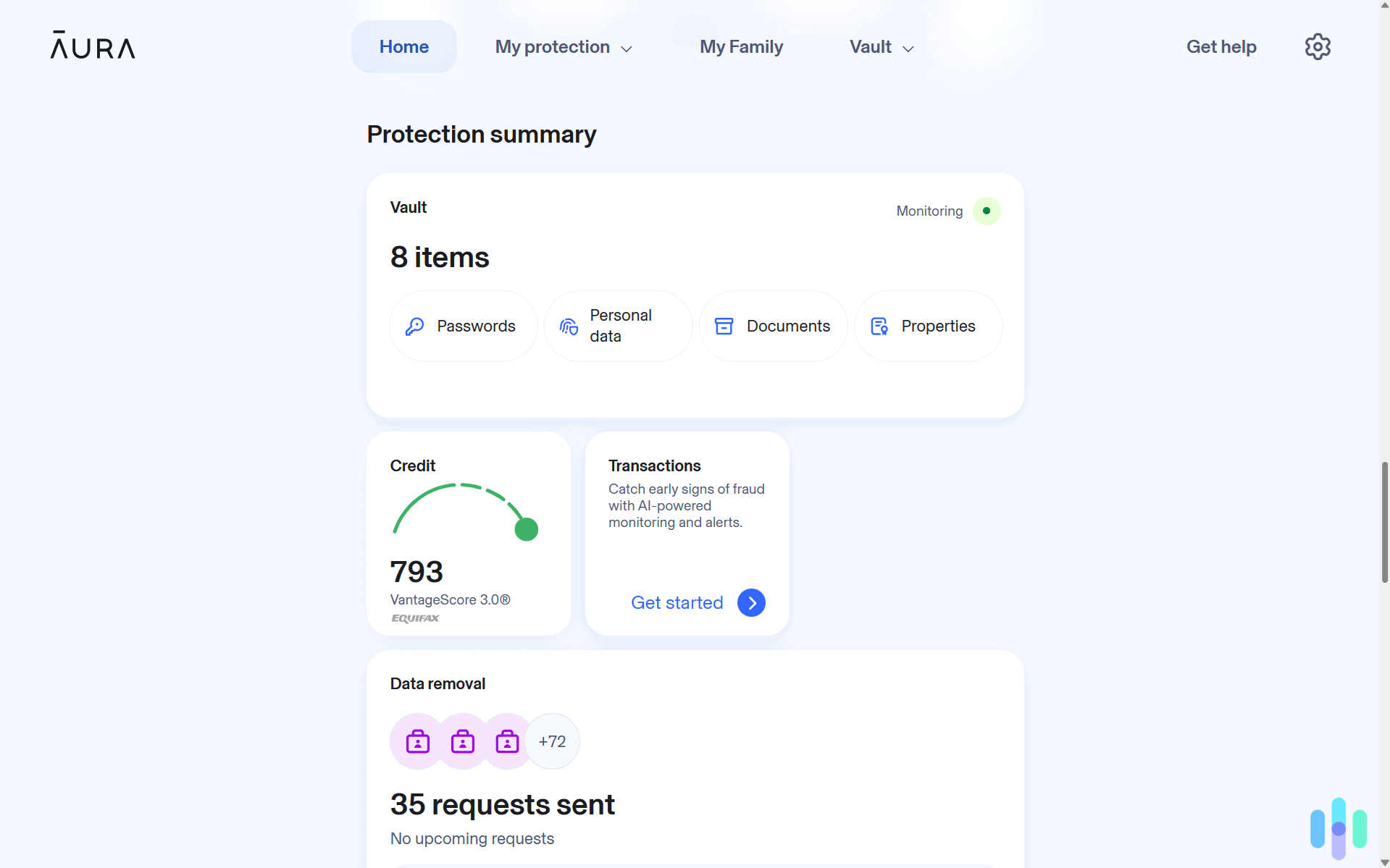
Aura takes a minimalist approach that gamers will appreciate. The interface stays out of your way with a clean, simple design that doesn’t bombard you with notifications or upsell attempts. During our gaming sessions, Aura ran almost invisibly in the background.
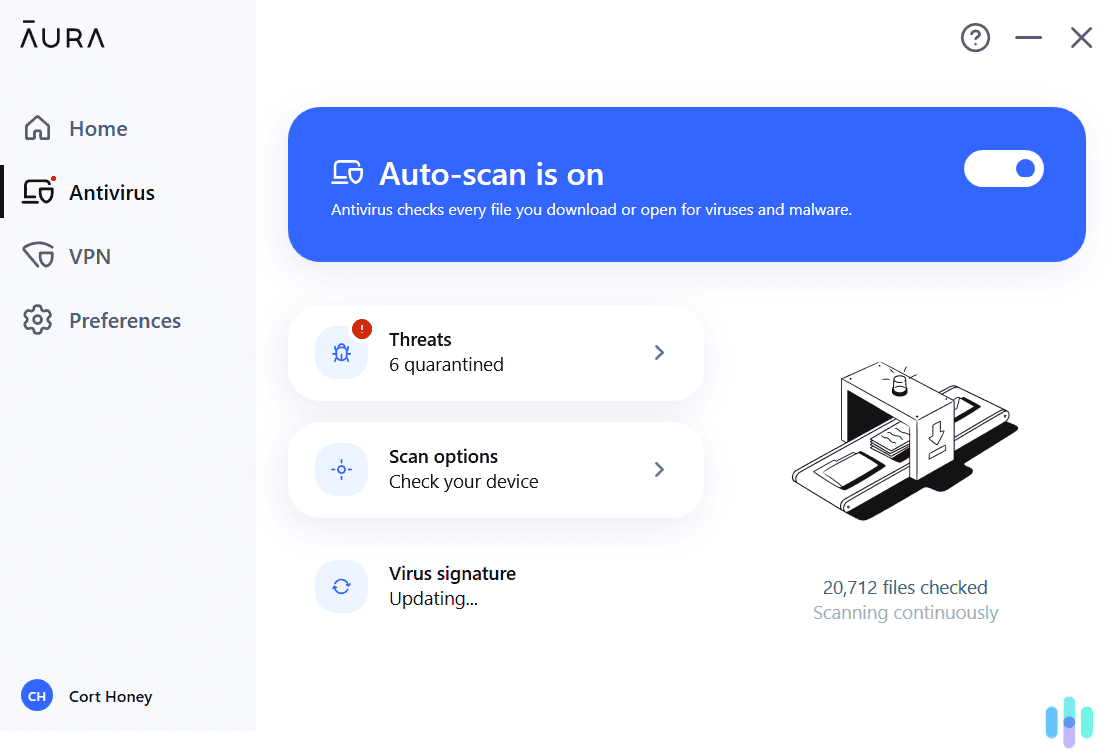
That said, Aura lacks the ability to recognize gaming applications and automatically adjust its behavior like Norton. To make up for that, its interface makes it easy to manually pause functionality and free up resources. Before heading into a game, just click toggle off auto-scan.
Expert Insight: The same intuitive interfaces we like about Aura’s antivirus show up in their identity protection services, too. From signing up to managing alerts, they streamline all aspects of the protections they offer. You can read more in our Aura identity theft protection review and Aura price guide.
Aura Performance Impact
Aura wins the lightweight category hands down. During our tests, RAM usage never exceeded 200MB even during active scans. CPU impact stayed under three percent while gaming, making it ideal for systems where every bit of performance matters. In our Fortnite tests at competitive settings (low graphics, 240fps target), Aura showed virtually no impact on frame times or input latency.
The secret lies in Aura’s efficient scanning engine that prioritizes critical system areas and newly downloaded files. Instead of constantly rescanning your entire game library, it focuses on actual risk areas while maintaining a light footprint.
Aura Security Features

During our tests, Aura found six potentially malicious files on our computer. Beyond basic antivirus protection, Aura includes identity theft monitoring that’s particularly relevant for gamers. With gaming accounts often linked to payment methods and valuable digital assets, this extra layer of security provides peace of mind. The system monitors for data breaches involving your email addresses and alerts you if your gaming credentials appear in leaked databases.
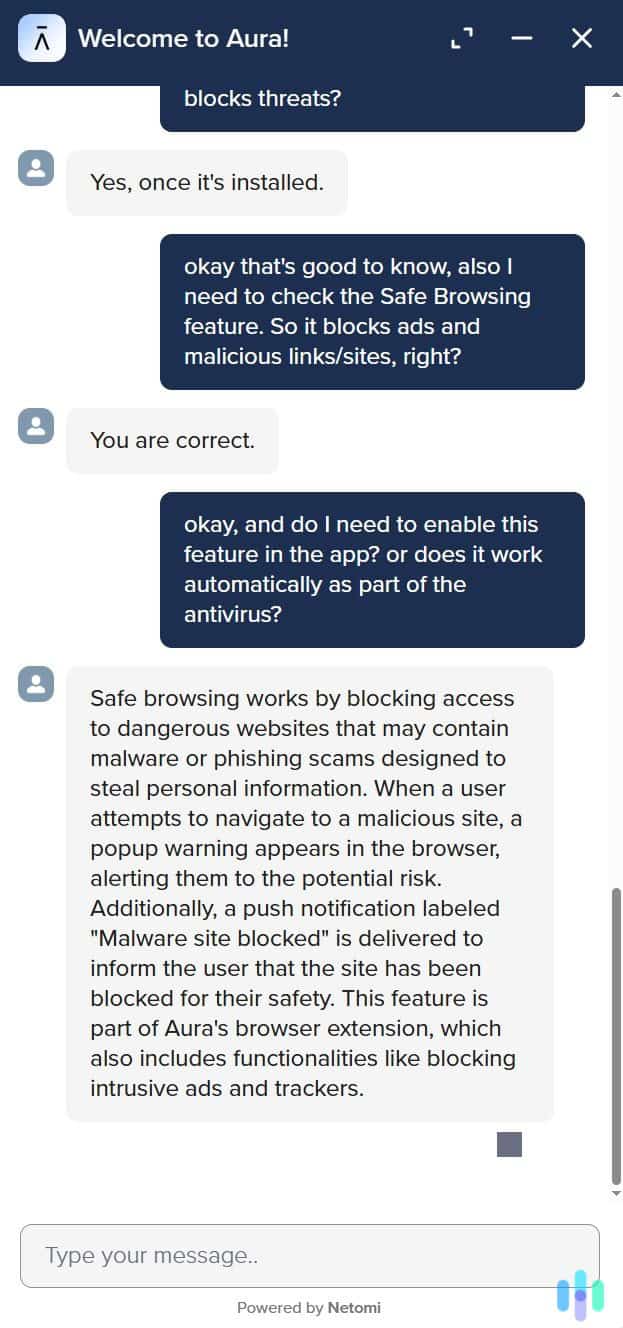
They also offer web protections that actively block phishing sites mimicking popular gaming platforms. During testing, it successfully identified and blocked fake Steam, PlayStation, and Xbox login pages that could have stolen account credentials.
To bolster that online protection, Aura offers a VPN with all plans. The included VPN service, while limited in server selection, provides enough bandwidth for gaming without throttling. It’s useful when accessing region-locked game content or protecting yourself on public Wi-Fi, but it’s not the best VPN either.
>> Extra Feature: Aura Password Manager Review and Pricing for 2026
-
3. TotalAV Antivirus - Best Budget Gaming Antivirus
 Get TotalAV Links To TotalAV
Product Specs
Virus Detection Yes Malware Detection Yes Firewall No Full, quick, and scheduled scans Yes Real-time protection Yes Behavior-based monitoring No
For the first year, TotalAV offers steep discounts with prices starting at $1.58 per month. Even at that low price, they still offer top-of-the-line malware detection that’s competitive with Norton and several tools for improving the performance of your PC. That all makes it the best antivirus for gamers on a budget.
What We Like
- One-click game booster frees up system resources instantly
- Scheduled scans ensure protection without interrupting gaming sessions
- Budget-friendly option with minimal performance impact
- Strong malware detection at a low price
What We Don’t Like
- Big increase in price when plan renews
- All plans lack a firewall
- Bundles support at most eight devices
TotalAV Gaming Experience
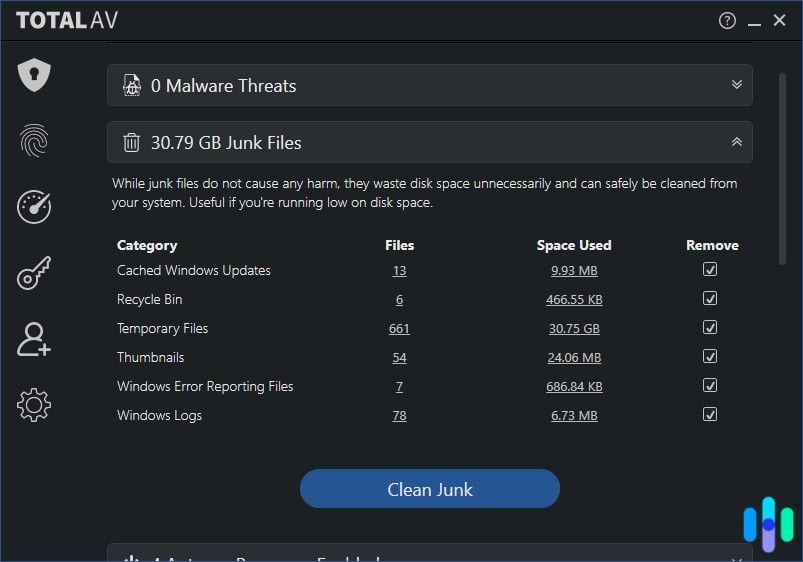
TotalAV positions itself as the budget-friendly option that doesn’t skimp on gaming features. The game booster function works as advertised, freeing up RAM and CPU resources with a single click. During our tests, this feature consistently recovered 10 to 15 percent of system resources by closing unnecessary background processes.
The software includes profiles for different usage scenarios, including a dedicated gaming profile that you can customize. This flexibility lets you fine-tune exactly how TotalAV behaves during your gaming sessions, from notification settings to scan schedules.

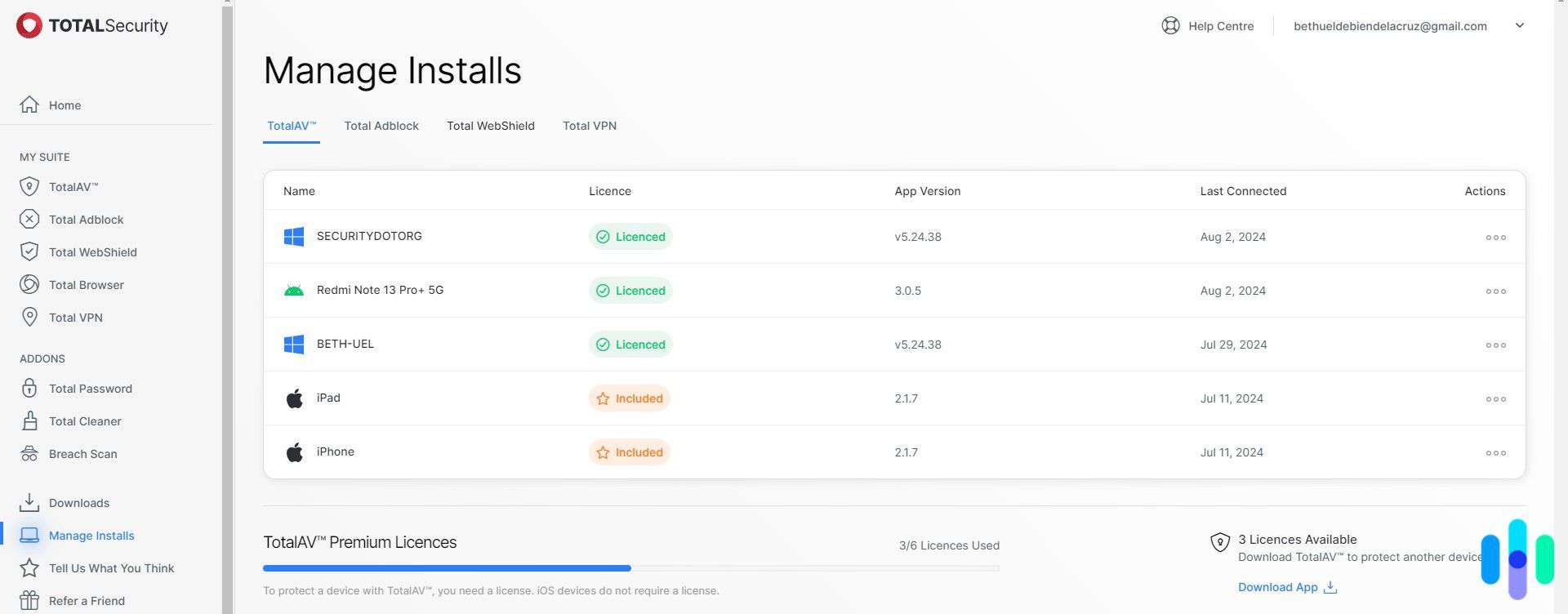
Remotely monitoring TotalAV’s status on all of our devices. TotalAV Performance Impact
Performance-wise, TotalAV sits between Norton and Aura. Memory usage typically runs around 250-300MB, while CPU impact during gaming stays around four to five percent. These numbers are respectable, especially considering the budget price point. In our testing with popular esports titles like CS:GO and Valorant, we maintained stable frame rates with minimal variance.
The smart scan scheduling deserves credit for avoiding performance conflicts. TotalAV learns when you typically game and automatically schedules resource-intensive tasks for other times. This predictive scheduling worked well in our month-long test, rarely requiring manual intervention.
>> Comparison Shopping: TotalAV vs. Norton
TotalAV Security Features

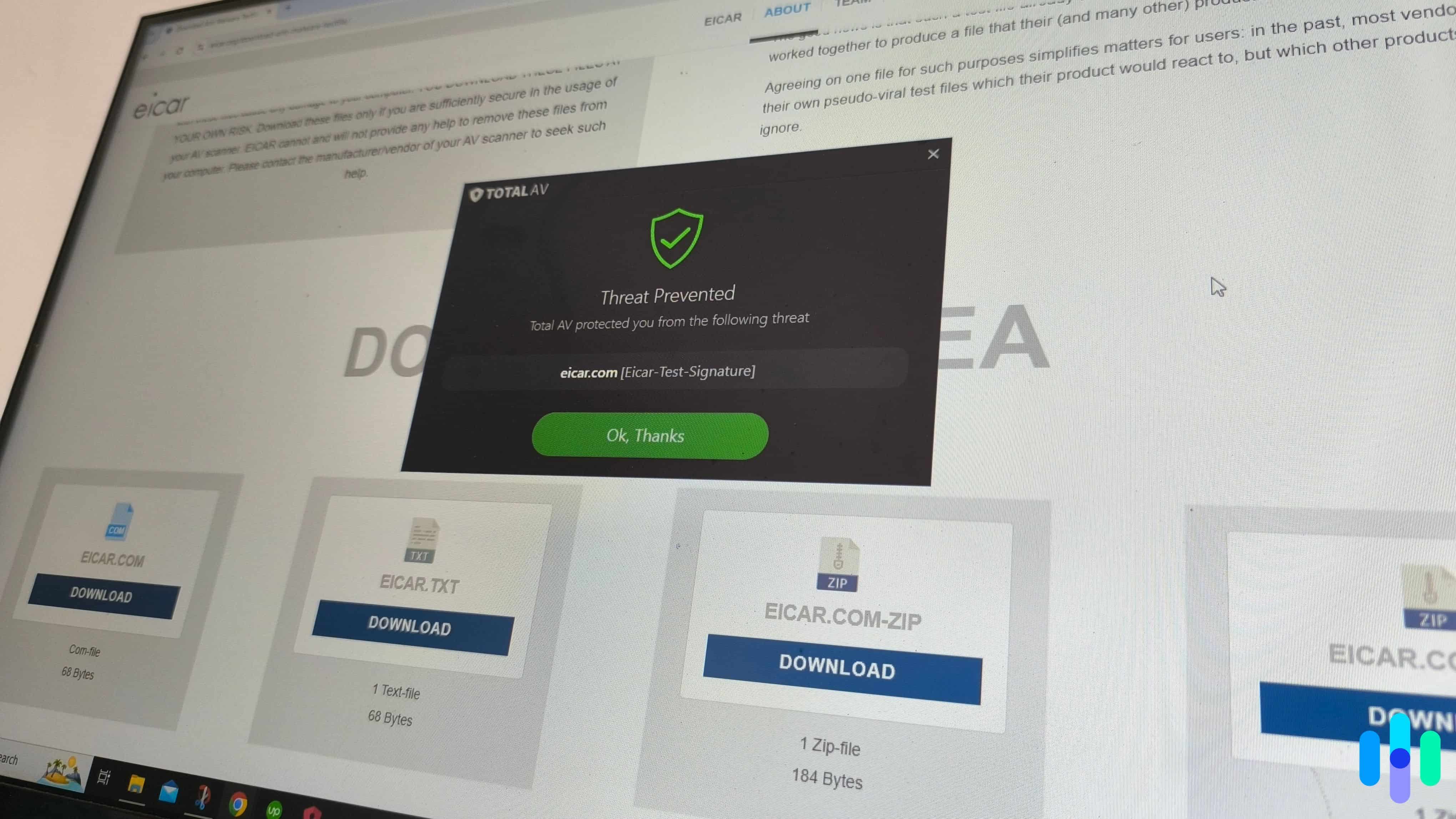
TotalAV passed one of our tests by blocking the download of a test malware file. TotalAV’s malware detection rates match Norton, catching 100 percent of threats according to recent AV-Test reports.2 Real-time protection responds quickly to new downloads, scanning game mods and patches before they can execute. The behavioral analysis engine monitors running processes for suspicious activity, catching zero-day exploits that signature-based detection might miss.
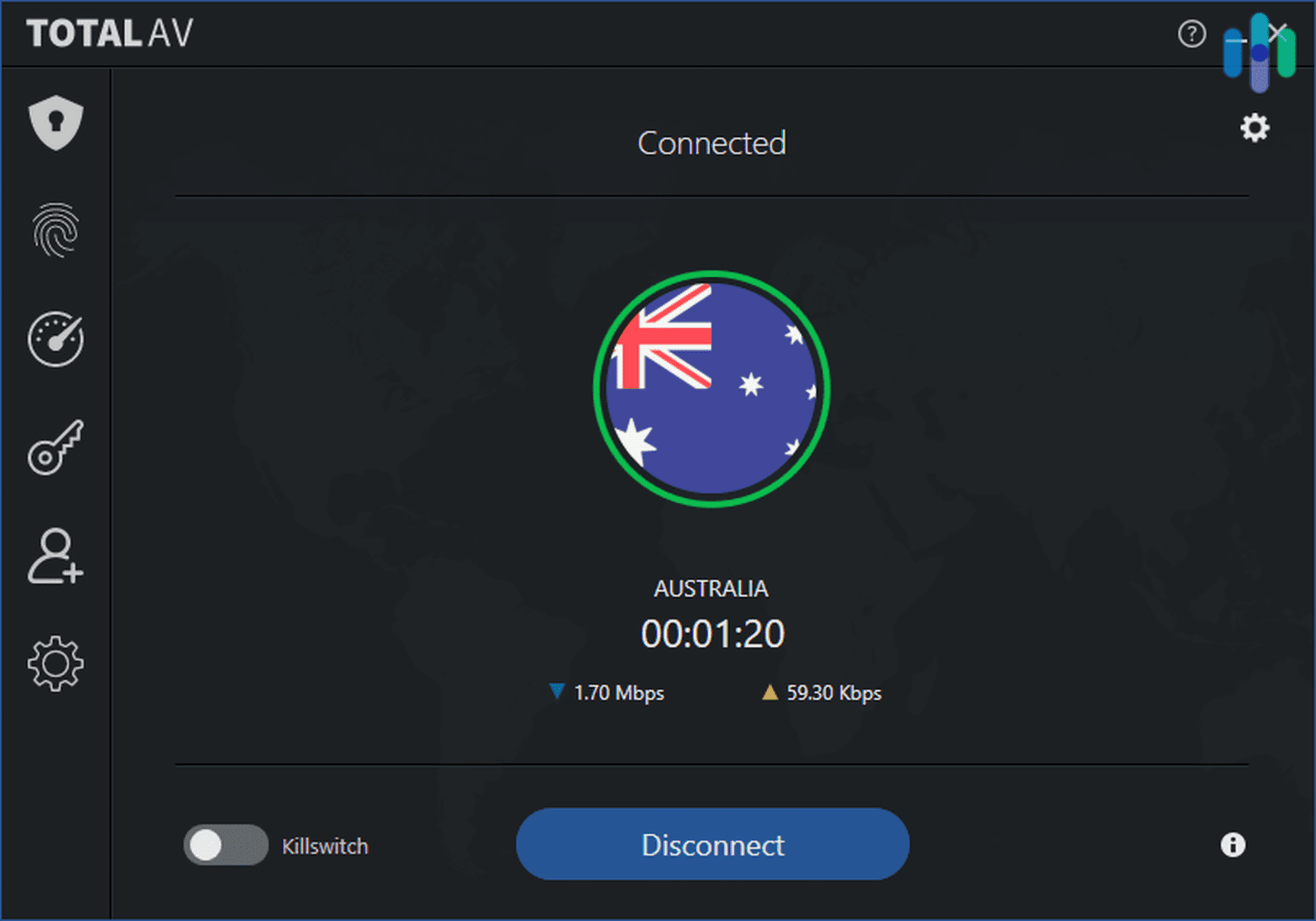
Web protection features include anti-phishing filters and safe browsing warnings. During testing, TotalAV successfully blocked malicious ads on gaming forums and prevented downloads from compromised mod sites. Like Aura, TotalAV bolsters their online protections with a VPN as well, but it has similar limitations. Check out our TotalAV VPN review to see if it meets your needs.
Expert Insight: We recommend using a VPN for gaming. It helps you stay anonymous when online gaming, unlock geo-restricted servers, and bypass ISP throttling. To help you find one that works for your needs, we tested over 50 options and then made a guide to the best VPNs for gaming.
Our Testing Process: How We Selected The Best Antiviruses for Gaming
How We Test Antivirus Software
Every antivirus suite on this page cleared a thorough, multi-week review before earning a place on this list. In accordance with our Editorial Guidelines, our reviewers install and actively run each antivirus across desktops and mobile platforms. We started each evaluation by running live detection tests, measuring accuracy and false positive rates. Then, we clocked scan speeds, logging scan times across multiple modes. We also assessed system performance impact and real-time threat interception reliability. An evaluation of plan costs and renewal pricing and device coverage per license rounded out our antivirus tests.
Our Primary Review Criteria
Gaming places demands on antivirus software that most other use cases never expose. For instance, an antivirus that runs quietly in the background on a work laptop can become a serious liability on a gaming rig where every percentage point of CPU headroom matters. We built our scoring around the specific trade-offs gamers care most about. Here’s what shaped our rankings:
- System Performance Impact During Active Gaming Sessions: We measured each suite’s CPU, memory, and disk overhead specifically during active gameplay. We ran standardized performance benchmarks while each antivirus operated in the background to quantify frame rate impact, load time increases, and input latency changes. Performance impact that’s imperceptible during a spreadsheet session can be game-breaking during a competitive match.
- Game Mode and Silent Operation Reliability: We tested each suite’s dedicated gaming mode or silent/do-not-disturb feature, verifying that notifications, scheduled scans, and background update processes were reliably suppressed during full-screen gameplay. We also checked whether each antivirus resumed normal protection behavior automatically after a gaming session ended.
- Threat Detection Without False Positives on Gaming Software: We evaluated each suite’s ability to accurately distinguish between genuine threats and the kinds of files that gaming environments generate — including game trainers, modding tools, cracked launcher workarounds, and custom executables that consumer antivirus engines frequently flag incorrectly.
Clearing all three of these criteria under real gaming conditions — not just in a standard benchmark — was the threshold every suite on this list had to meet.
Why Trust Us
Security.org’s independent editorial team has one goal: cutting through a crowded market to find the products that actually hold up for the specific way you use your devices. Our 20+ researchers and testers have collectively spent over 25,000 hours on hands-on security product evaluation since 2018, producing 740+ cybersecurity guides. Our work has been cited by The New York Times, TechRadar, CBS News, and other major publications.
Brett Cruz leads our antivirus testing efforts. He’s a hands-on product reviewer and cybersecurity expert who has evaluated hundreds of antivirus apps and security software products through a thorough, systematic testing process. The broader team behind our antivirus and security coverage includes:
- Gene Petrino: Retired S.W.A.T. commander and former law enforcement sergeant with 30+ years of real-world law enforcement and security expertise; senior advisor
- Corey Birnstengel: Editor and videographer behind 200+ hands-on video reviews spanning multiple consumer tech product categories
- Ozzie Enriquez: Former DHS Senior Watch Officer and DHS Duty Director for Current Operations with 30+ years of national security experience; senior advisor
- Cort Honey: Engineering graduate with 1,000+ hours of hands-on product testing
Our picks are never influenced by brand partnerships, ads, or affiliate deals — every suite here earned its spot by performing where it counts most, inside an active gaming session.
Do Gamers Really Need Antivirus?
The gaming community remains divided on antivirus necessity, but the risks are real. Gamers frequently download mods, trainers, and community-created content from sources outside official stores. These files represent perfect vectors for malware distribution. This is more than theory. Recent studies show an increase in cybercriminals targeting gamers.3
Modern gaming antivirus solutions address the traditional performance concerns that made gamers hesitant. With gaming modes and intelligent resource management, today’s antivirus software provides protection without the stuttering and lag that plagued older versions. The question isn’t whether you need antivirus, but which one interferes least with your gaming experience.
>> Learn About: Does Windows 10 Need or Come With Antivirus in 2026?
How to Optimize Antivirus for Gaming
There are a few key ways you can optimize your antivirus to minimize its impact on your performance while gaming. We recommend the following:
- Add your game directories to the antivirus exclusion list – this prevents repeated scanning of files that rarely change.
- Schedule full system scans for times you’re definitely not gaming, like overnight or during work hours.
- Disable automatic updates during peak gaming times to avoid unexpected downloads competing for bandwidth.
- Configure your antivirus gaming mode properly. Set it to activate automatically with fullscreen applications, postpone non-critical alerts, and minimize background scanning.
- Keep your antivirus updated – newer versions often include performance improvements, better game detection and protection against the latest threats.
With these optimizations in place, even a budget gaming PC can keep an antivirus running without a noticeable impact on performance.
Can Antivirus Software Slow Down Gaming?
Yes, poorly optimized antivirus can impact gaming performance, but the effect varies dramatically between products. Older antivirus programs could cause 10 to 20 percent drops in FPS and introduce input lag. Modern programs brought these impacts down to under five percent.
That said, real-world impact depends on your system specifications. High-end rigs with excess CPU and RAM barely notice antivirus overhead. On the other hand, budget systems with minimal specs need lightweight options like Aura or software that pauses while gaming like Norton.
What Features Should Gamers Look For in an Antivirus?
We recommend looking for these gaming-specific protections when choosing an antivirus for your gaming rig:
- Gaming mode tops the essential features list. It automatically reduces antivirus activity when games launch.
- Silent mode prevents notifications from interrupting gameplay.
- Scheduled scanning ensures protection without surprise performance hits during matches.
- Account protection guards against keyloggers targeting your Steam or Epic Games credentials.
- Network monitoring detects DDoS attacks that could disconnect you from online matches.
- Web filtering blocks phishing sites mimicking gaming platforms.
These features minimize any potential performance impacts of running an antivirus while gaming. They also target the unique cyber risks gamers face.
Final Thoughts: Which Antivirus is Right for Your Gaming PC?
Choosing the best antivirus for gaming comes down to balancing protection with performance. That’s why our top choice is Norton. They deliver the most comprehensive protection with useful gaming modes that minimize performance impact, making it ideal for gamers who want set-and-forget security.
We also like Aura’s ultralight approach that suits competitive gamers where every frame counts. For gamers on a budget, we recommend TotalAV with prices that start at under $2 per month.
Whether you’re grinding ranked matches or exploring single-player worlds, these antivirus options keep you protected without compromising your experience. Pick the one that matches your system specs and budget, configure it properly, and game on with confidence knowing your rig is secure.
FAQs About Antiviruses for Gaming
-
Will antivirus software cause lag in online games?
Modern gaming antiviruses with proper gaming modes cause minimal lag, typically adding less than 5ms to ping times. Network scanning features can actually improve online gaming by blocking DDoS attacks and malicious connections.
-
Can I temporarily disable antivirus while gaming?
Most antiviruses have a simple off switch if you need to disable it for any reason. We recommend using the built-in gaming mode if available to minimize performance impacts while staying protected. If you must disable it, remember to re-enable protection immediately after gaming.
-
Do gaming consoles need antivirus?
Gaming consoles like PlayStation and Xbox don’t require traditional antivirus due to their closed ecosystems. PC gaming platforms remain the primary target for gaming-related malware.
-
Which antivirus works best with Steam?
Norton, Aura and TotalAV excel with Steam. They automatically detect game launches and avoid interference with downloads.
-
How much RAM should I reserve for antivirus while gaming?
Plan for 200 to 400 MB of RAM for antivirus overhead. Systems with 16 GB of RAM or more won’t notice this usage. Systems with 8 GB or less should carefully choose a lightweight option like Aura.
-
AV-Test. (2025). AV-TEST Product Review and Certification Report – May-Jun/2025.
https://www.av-test.org/en/antivirus/home-windows/windows-10/june-2025/norton-norton-360-25.4–25.5-251314/ -
AV-Test. (2025). AV-TEST Product Review and Certification Report – Mar-Apr/2025.
https://www.av-test.org/en/antivirus/home-windows/windows-11/april-2025/protectednet-totalav-6.2-251215/ -
Kaspersky. (2024). 30 percent more young gamers targeted by cybercriminals in H1 2024 vs. H2 2023.
https://www.kaspersky.com/about/press-releases/30-percent-more-young-gamers-targeted-by-cybercriminals-in-h1-2024-vs-h2-2023