Vivint Home Automation and Voice Control
- Advanced smart home capabilities
- Professional installation
- Industry-leading security cameras


the security.brief
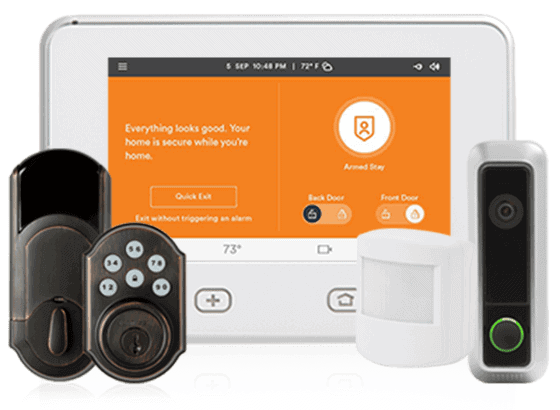
Vivint excels with smart home integration, supports Nest, Hue, and Kwikset devices, but expect high monthly fees starting at $24.99. Voice control via Alexa/Google.
Vivint earns strong marks across the board for professional installation, hardware quality, and smart home device selection, but home automation is where it really pulls ahead. In our testing, the ability to chain devices together and control the whole setup by voice or through automated rules and schedules stood out as one of the most impressive features.
Vivint works with a solid range of third-party IoT devices, including Google Nest thermostats, Kwikset smart locks, and Philips Hue lighting, and supports hands-free control through both Amazon Alexa and Google Home. We get into the full scope of those capabilities below.
Third-Party Devices
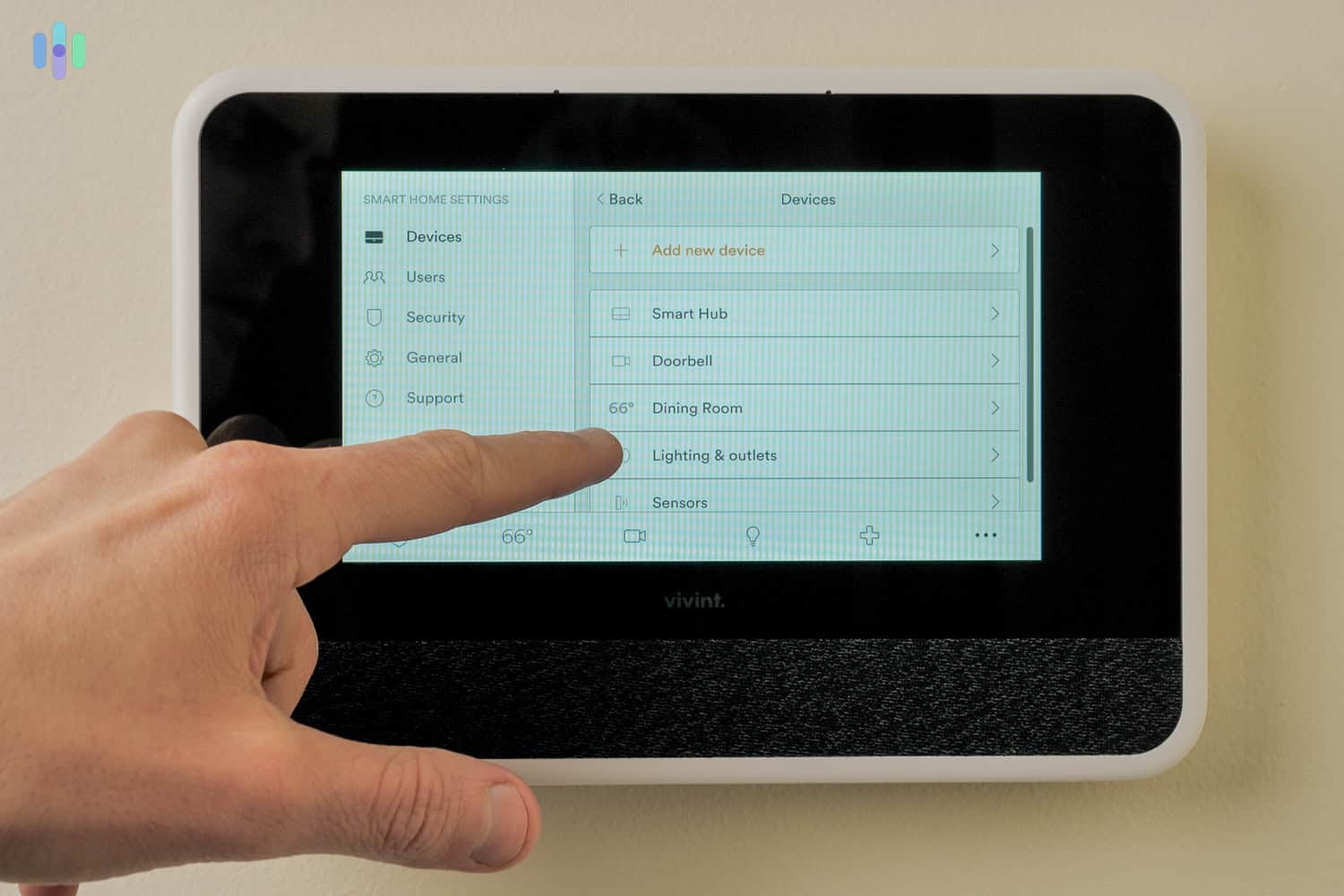
Vivint’s third-party compatibility extends well beyond its own hardware lineup, covering smart speakers, smart locks, smart lighting, and more. In our testing, we built out automations through Vivint’s own devices that then triggered third-party devices elsewhere in the home. Here’s how a few of those integrations played out.
- Google Nest Mini: The Nest Mini slotted into our Vivint setup without friction. We used it to check system status, arm and disarm through Google Assistant, and pull up live camera feeds on the Nest Hub Max by voice. Saying “OK Google, show the backyard camera on the Nest Hub Max” brought up a clear Vivint camera feed immediately. At $49, it’s an affordable addition that doubles as a capable voice control hub for the broader setup.

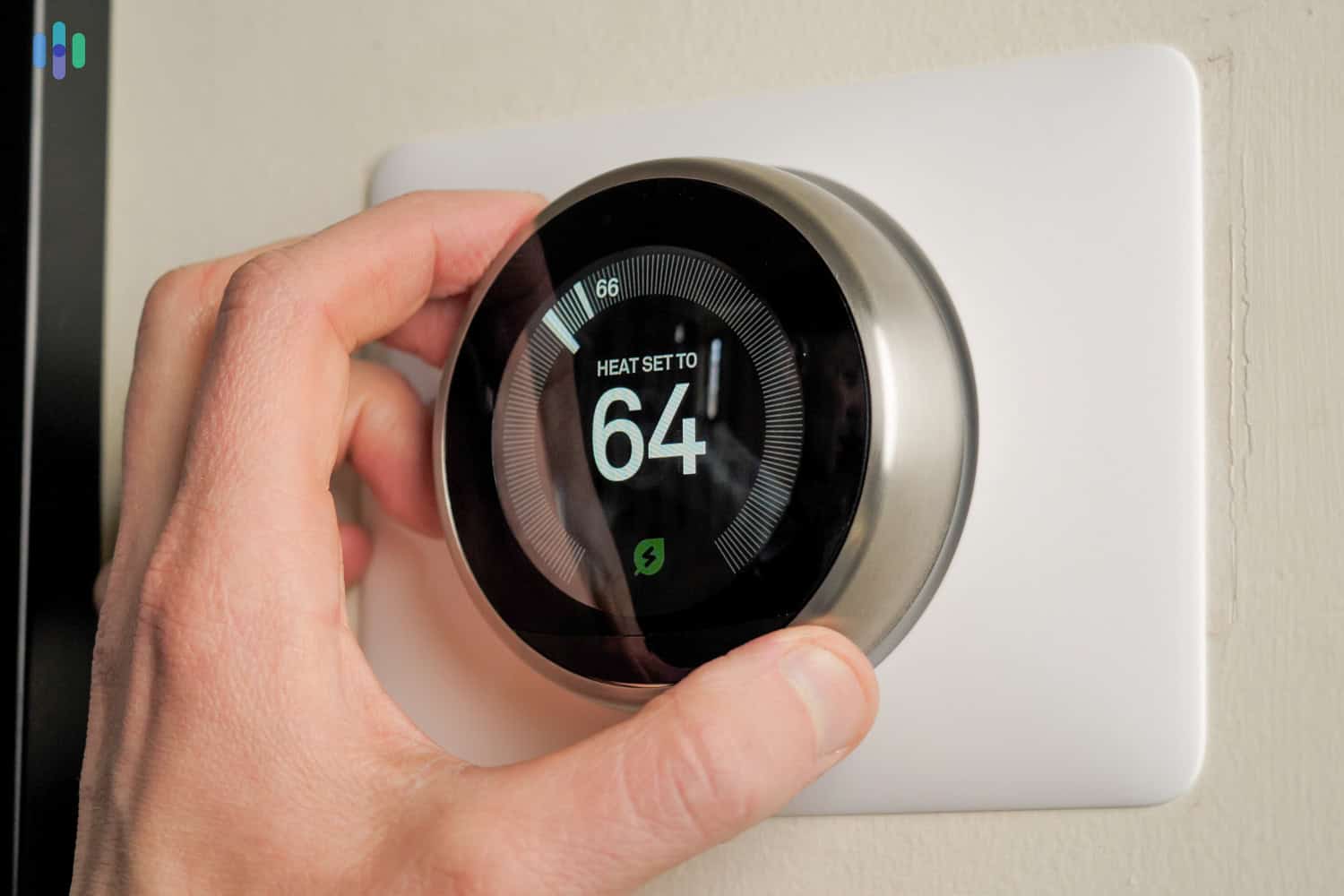
- Nest Thermostat: The Nest Thermostat brought a noticeable layer of intelligence to our setup. It learned our preferred heating and cooling schedule over time and picked up on room occupancy without any manual input. We controlled it through both Alexa and Google Assistant, but the more useful integration was tying it directly into the Vivint system. One automation we ran during summer had the central air shut off automatically whenever the system was armed. It removed the hassle of adjusting the thermostat every time we left the house and shaved off our cooling costs that season.
Money Saving Tip: Google reports that Nest thermostats save users an average of 10 to 12 percent on heating and about 15 percent on cooling.1 At $129.99, the Nest Thermostat can realistically pay for itself within the first year through energy savings alone.
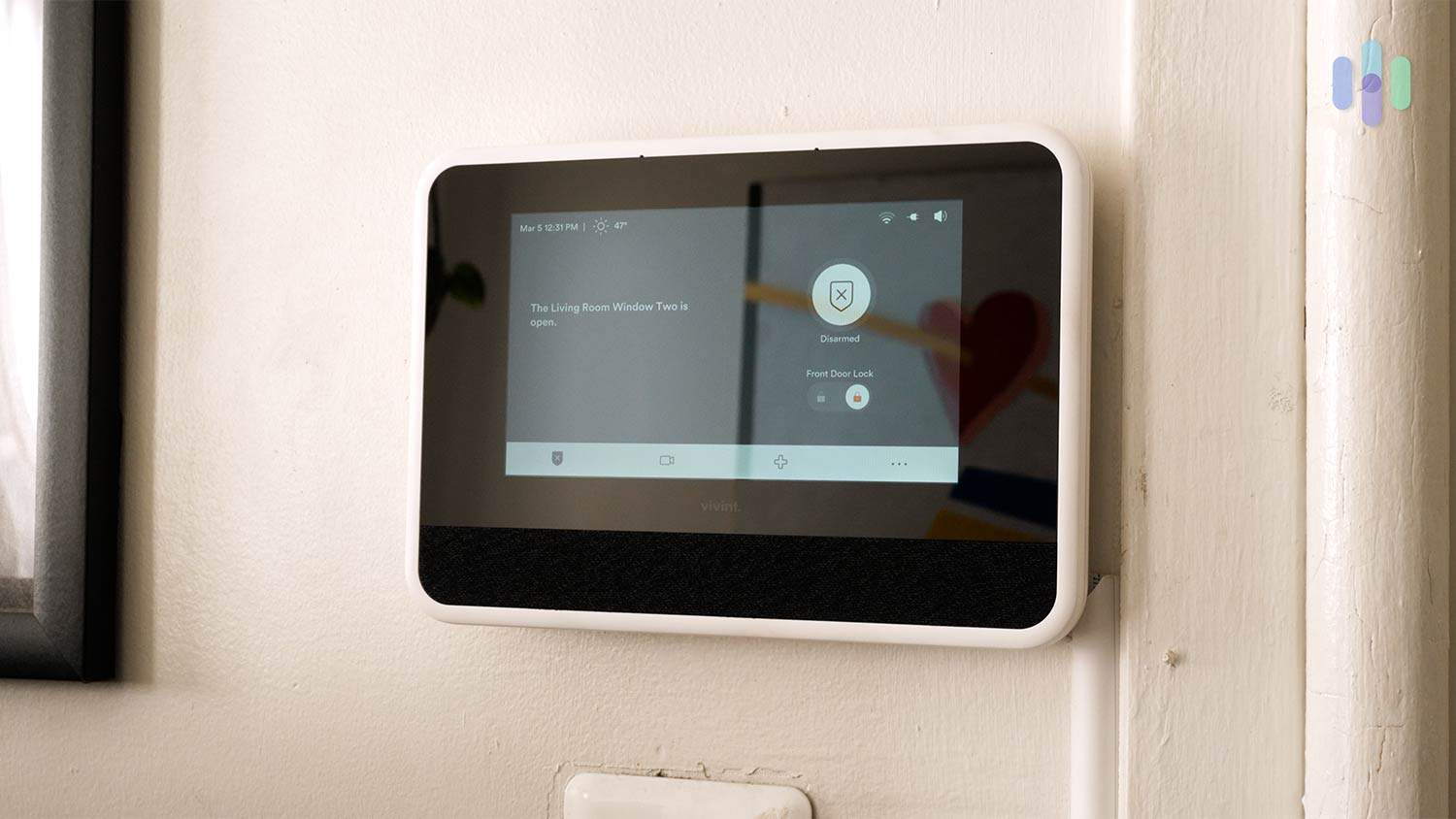
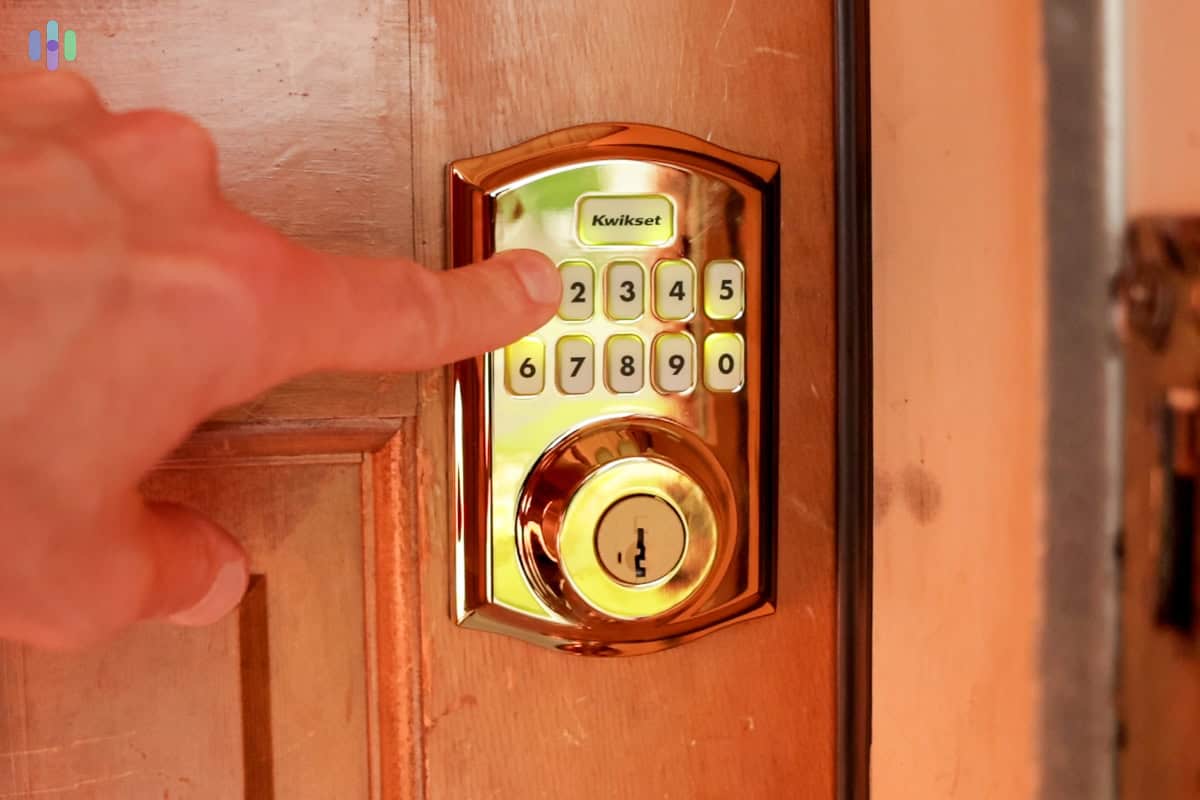
- Kwikset Smart Lock: Once you’ve used a smart lock, it’s hard to go back to a traditional key. In day-to-day use, we unlocked the door via a numerical code rather than digging through a bag, and when we weren’t sure whether we’d locked up before leaving for work, a quick check in the Vivint app confirmed it — or let us handle it remotely. The app also flagged the door when we left it unlocked, which proved more useful than expected. For guests, we created up to 30 unique access codes directly in the app, a feature that came in handy during visits. We also set the locks to engage automatically whenever the system was armed, which removed the low-level anxiety of wondering whether the house was secured. If Vivint was armed, the doors were locked.
- Philips Hue smart lighting: Nothing sets the mood quite like lighting, whether it’s the fluorescent bulbs of a boring office or the soft, yellow hues of a living room. We have a ton of smart bulbs from Philips Hue, so just like the smart lock, we had all our lights go on “away mode” when our Vivint system was armed. “Away mode” adjusts interior lights to simulate occupancy while you’re out, a simple but effective way to deter would-be burglars.2 Rather than leaving the lights on all day, our system cycled them on and off at irregular intervals, giving the illusion we’re home.
Aside from hooking up our Vivint components to other IoT devices in our smart home, we also controlled everything using our voices alone when we were too lazy to reach for the Vivint app.
Tip: Since Vivint works with both Alexa and Google Assistant, it’ll make a great addition to your smart home whether you’re in the Amazon or Google ecosystem.
Alexa
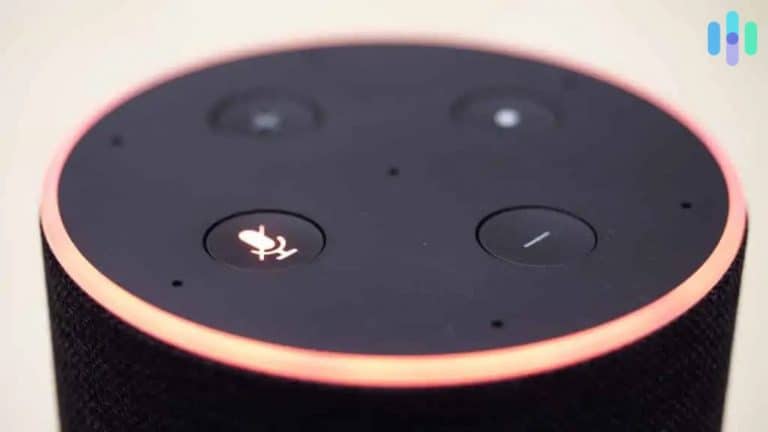
Alexa, Amazon’s voice assistant, worked nicely with our Vivint system and its connected devices — so much so that it shows up on our Best Security Systems for Alexa list. We could have Alexa perform the following tasks for us, without having to lift a finger:
- Turn off smart lights
- Control smart thermostats
- Close the garage via a smart garage door controller
- Lock doors
- Stream live camera footage on compatible devices like the Echo Show 8 or Fire TV
- Arm our security system.
Google Assistant
We had similar capabilities with Google Assistant, like:
- Controlling our smart thermostat
- Unlocking our doors
- Arming our security system
- Pulling up camera feeds on devices like the Google Nest Hub Max
The Catch: Monthly Fees with Vivint
While this all sounds great, there is a shoe about to drop. Vivint isn’t exactly the most affordable security system around. Aside from the costs of the devices themselves, we had to pay a month-to-month service fee to control our system remotely in the first place. Also, we had to pay a separate fee to use our cameras and a fee on top of that for cloud storage, according to a Vivint representative we spoke to.
While technically, we weren’t required to pay any monthly fees, our system would become local-only without them. We wouldn’t be able to control it remotely, watch footage from the Vivint app, or receive notifications about our alarms. So, we broke down Vivint’s fees into three categories, attempting to make the system’s fee structure as straightforward as possible.
Vivint Fees: A Breakdown
Vivint’s monthly monitoring costs range from $29.99 to $49.99 per month depending on your equipment and chosen plan. These monthly fees run higher than DIY alternatives like SimpliSafe and Ring, but with Vivint’s extensive automation features, advanced monitoring setup, and overall more sophisticated equipment, we think the premium is justified.
The equipment fee is another consideration. Simply put, Vivint’s high-tech gear commands higher retail prices. To put that into perspective, when we tested Vivint and SimpliSafe side-by-side, we spent $1,200 on Vivint equipment. A similar package from SimpliSafe cost us less than $800.
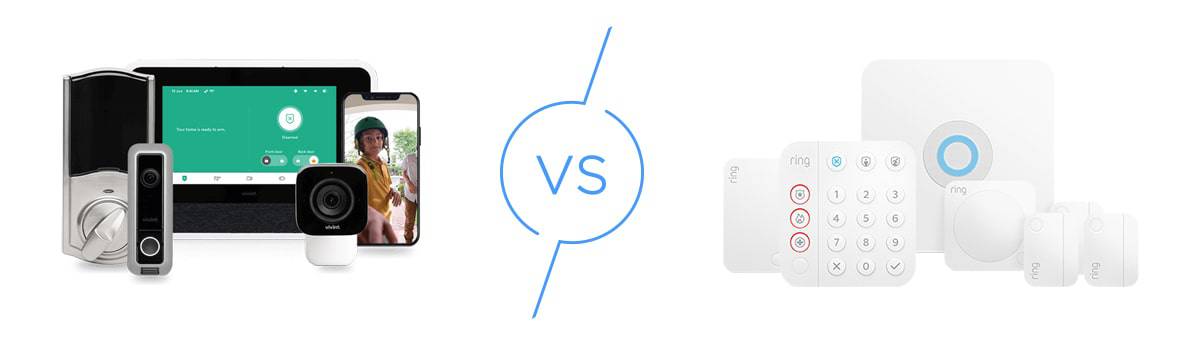
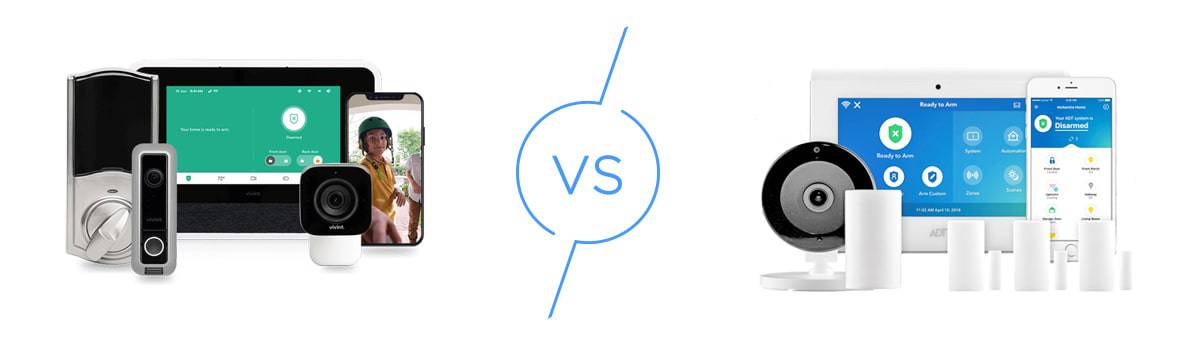
That being said, you won’t have to shell out over $1,000 upfront with Vivint. It offers financing up to five years. It means signing a contract, but you’ll also get Vivint equipment with minimal upfront payment. Other top-tier systems offer the same financing options — ADT for example, lets you finance your equipment for 36 to 60 months. Check out our full ADT vs. Vivint comparison for the complete breakdown.
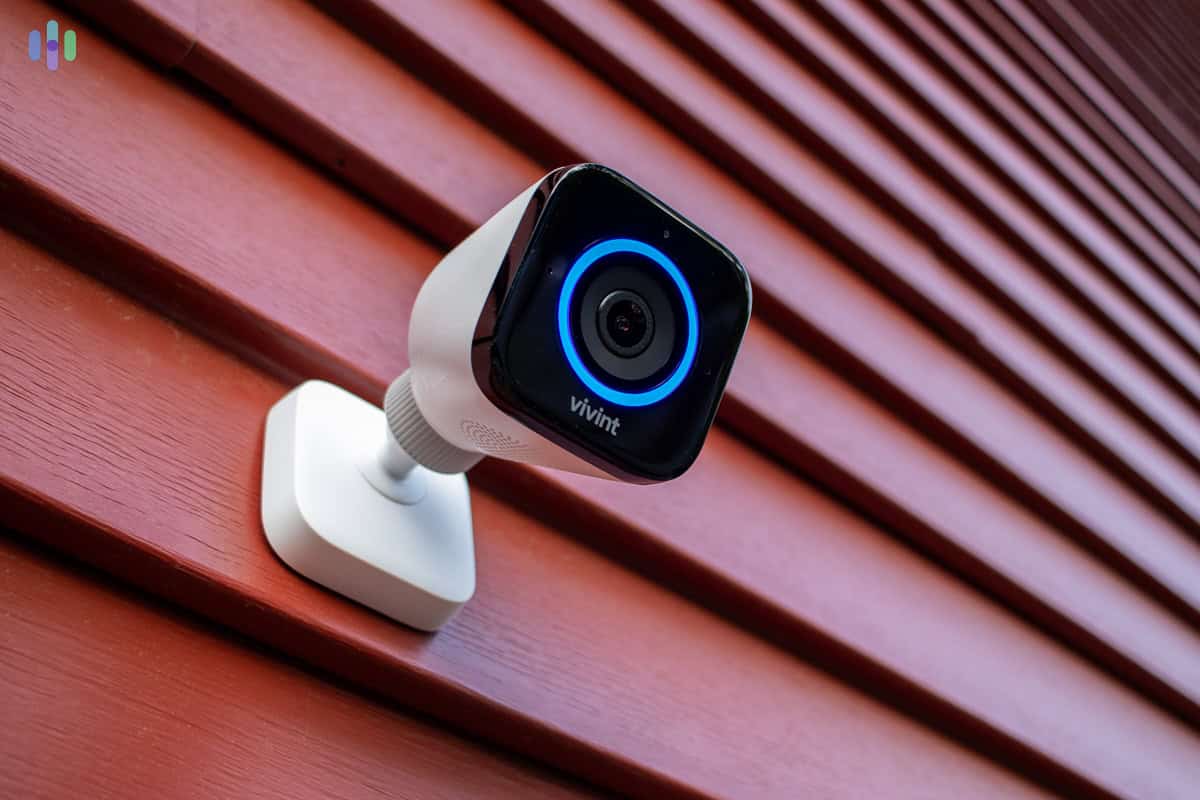
Keep in mind that Vivint does not publicly list exact prices for their extra equipment or monitoring fees. That’s why we went straight to the source and called their sales team to get the real numbers. Here’s a breakdown of what a Vivint sales rep recently quoted us:
| Component | Price | Cost Per Month (60-Month Financing) |
|---|---|---|
| Smart drive (storage) | $250 | $4.17 |
| Smoke alarm and carbon monoxide monitor | $100 | $1.67 |
| Smart lock | $180 | $3.00 |
| Garage door controller | $100 | $1.67 |
| Smart thermostat | $170 | $2.84 |
| Smart plug | $50 | $0.84 |
| Doorbell Camera Pro | $250 | $4.17 |
| Outdoor Camera Pro Gen 3 | $399 | $6.67 |
| Indoor Camera Pro | $200 | $3.34 |
| Spotlight Pro | $250 | $4.17 |
| Water sensor | $50 | $0.84 |
| Smart sensor | $50 | $0.84 |
| Panic pendant | $50 | $0.84 |
| Key fob | $50 | $0.84 |
Monitoring Costs
For storage, we had two options. First, we could buy the Vivint Playback DVR for $250, giving us 24/7 camera recording. We recommend the Playback DVR for maximum coverage, though it’s definitely pricey. The upside? It’s a one-time purchase with 1 TB of storage.
The second option was financing the Playback DVR into our monthly bill, adding $4.17 per month. Either way, Vivint’s monthly fees rank among the highest we’ve seen. If you’re watching your budget closely, Vivint may not be the right fit.
Another Option: Vivint offers 60-month financing if you’d rather not pay for the equipment up front. After you’ve paid off the equipment, all you’ll need to pay are Vivint’s monitoring costs to keep the system up and running.
The Vivint App
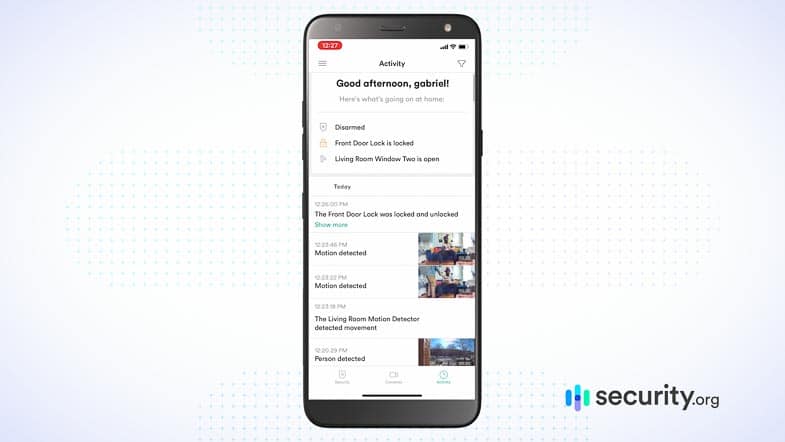
We set up all our automations in the Vivint app (available on iOS and Android)—everything from triggering smart lights to locking doors. The app also let us watch live camera feeds anytime, day or night.
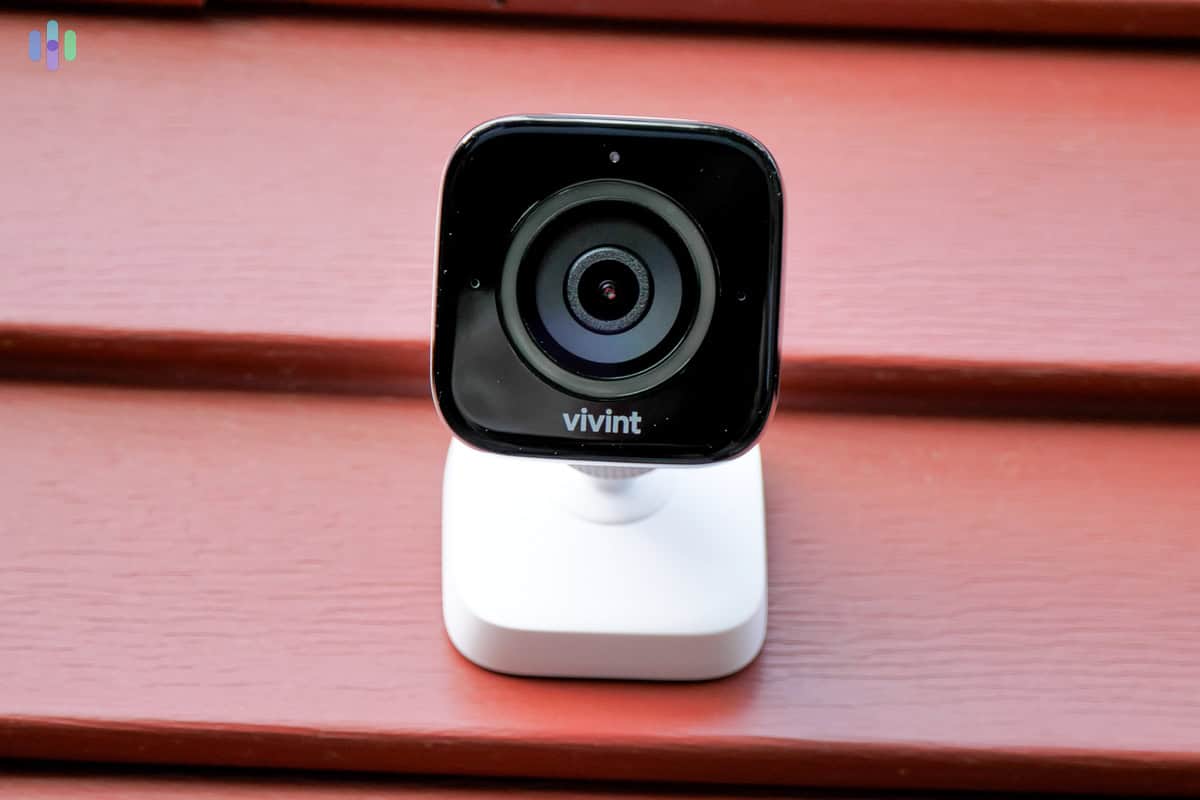
Motion alerts came through from the Outdoor Camera Pro, Doorbell Camera, and Indoor Camera Pro. As long as we had Wi-Fi, we could control every IoT device from anywhere. Having everything in one app was incredibly handy, and honestly? Setting up automation triggers was actually fun.
Recap
In terms of smart platform integrations, Vivint is at the top of its game. We found easy integrations with Alexa, Google Assistant, and a slew of other third-party devices in our tests. Although Vivint isn’t one of the most affordable security systems around, given the quality of its devices and how nicely they fit into our smart home, we think it was worth every penny. To learn more, visit our full Vivint security system review.
FAQ
Well, that's a wrap. But before we end this review, let's answer some frequently asked questions about Vivint home automation.
-
How much does Vivint home automation cost per month?
Vivint’s standard monitoring plan starts at $24.99 per month and includes basic smart home automation features. However, for the full-suite of capabilities, you’ll need a higher tier plan. Your total monthly cost also varies depending on which equipment you choose and whether you’re financing any of it.
-
What third-party devices does Vivint home automation work with?
Vivint home automation works with third-party devices such as the Nest thermostats, Philips Hue smart lights, Kwikset smart locks, Amazon Echo smart speakers and displays, and Google Nest smart speakers and displays.
-
Does Vivint have a smartphone app?
Yes, Vivint has a smartphone app that provides remote control over your entire Vivint security system. It also includes security camera live streams, smart home features, and numerous home automation configurations.
-
Can you control Vivint home automation with your voice?
Yes, you can control Vivint home automation with your voice using a smart speaker or display with Alexa or Google Assistant built-in. Using either voice assistants, you can arm or disarm your Vivint security system, control individual smart home components like smart lights, and watch security camera live streams.
-
Smart Energy Consumer Collaborative. (Retrieved 2026). Is a Smart Thermostat a Worthwhile Investment for Your Home? https://whatissmartenergy.org/featured-article/is-a-smart-thermostat-a-worthwhile-investment-for-your-home
-
Tulane University. (Retrieved 2026). Preventing Residential Burglaries. https://publicsafety.tulane.edu/preventing-residential-burglaries