



the security.brief
Change your location on Facebook Dating manually via the app to match with people in different areas. Use VPNs for privacy but they're not needed for location change.
Facebook is more than the social network you use to keep up with your friends and family. It has a bunch of services available, from Facebook Marketplace to Facebook Live. But did you know you can also use Facebook to date? Back in 2018, Facebook shook up the online dating world when it launched Facebook Dating. Today, it’s available in over 50 countries worldwide.
Want to find matches in a different city or update your dating location after a move? If you want to change your location on Facebook Dating, it’s easy and free. The best part? You can do it all on Facebook’s app or website. Keep reading to find out how.
How To Change Location on Facebook Dating
Changing your location on Facebook Dating takes less than a minute. To change your location on Facebook Dating, you’ll need to:
How to Change Location on Facebook Dating Manually
- Click on the three horizontal bars at the top of your screen.
- Click “Dating.”
- Click “Profile.”
- Click “Edit.”
- Click “Dating Location.”
- Update your dating location.
- Click “Save.”
Until you change your location manually, it will remain static. Unlike location-based apps like Tinder and Bumble that automatically update based on your GPS, Facebook Dating keeps your location fixed until you manually change it. It’s similar to how Hinge works.
That makes Facebook Dating ideal if you’re looking for a relationship. After all, if you live in South Florida but are visiting California, it’s likely you still want to match with people in South Florida. Of course, if that’s not the case, changing your location on Facebook is easy and free.
Are you on multiple dating apps? Learn how to change your location on Tinder, how to change your location on Bumble, and how to change your location on Hinge.
Did You Know: When Facebook Dating launched in the U.S., it immediately disrupted the online dating market. The service now has millions of users and helped create thousands of relationships through its unique Secret Crush feature.[/citation]
Do I Need a Location for Facebook Dating?
Yes, location is mandatory for Facebook Dating. In order to create a Facebook Dating profile and see and match with people, you’ll need to turn Location Services on. Facebook will then suggest matches based on your distance preferences.3
Do I Need a Location for Facebook Dating?
Yes, location is mandatory for Facebook Dating. In order to create a Facebook Dating profile and see and match with people, you’ll need to turn Location Services on. Facebook will then suggest matches based on your distance preferences.3
How To Turn Facebook Location Services On and Off
Maybe you’re done with Facebook Dating, or maybe you’re just starting out. Either way, here’s how to turn Facebook Location Services on and off.
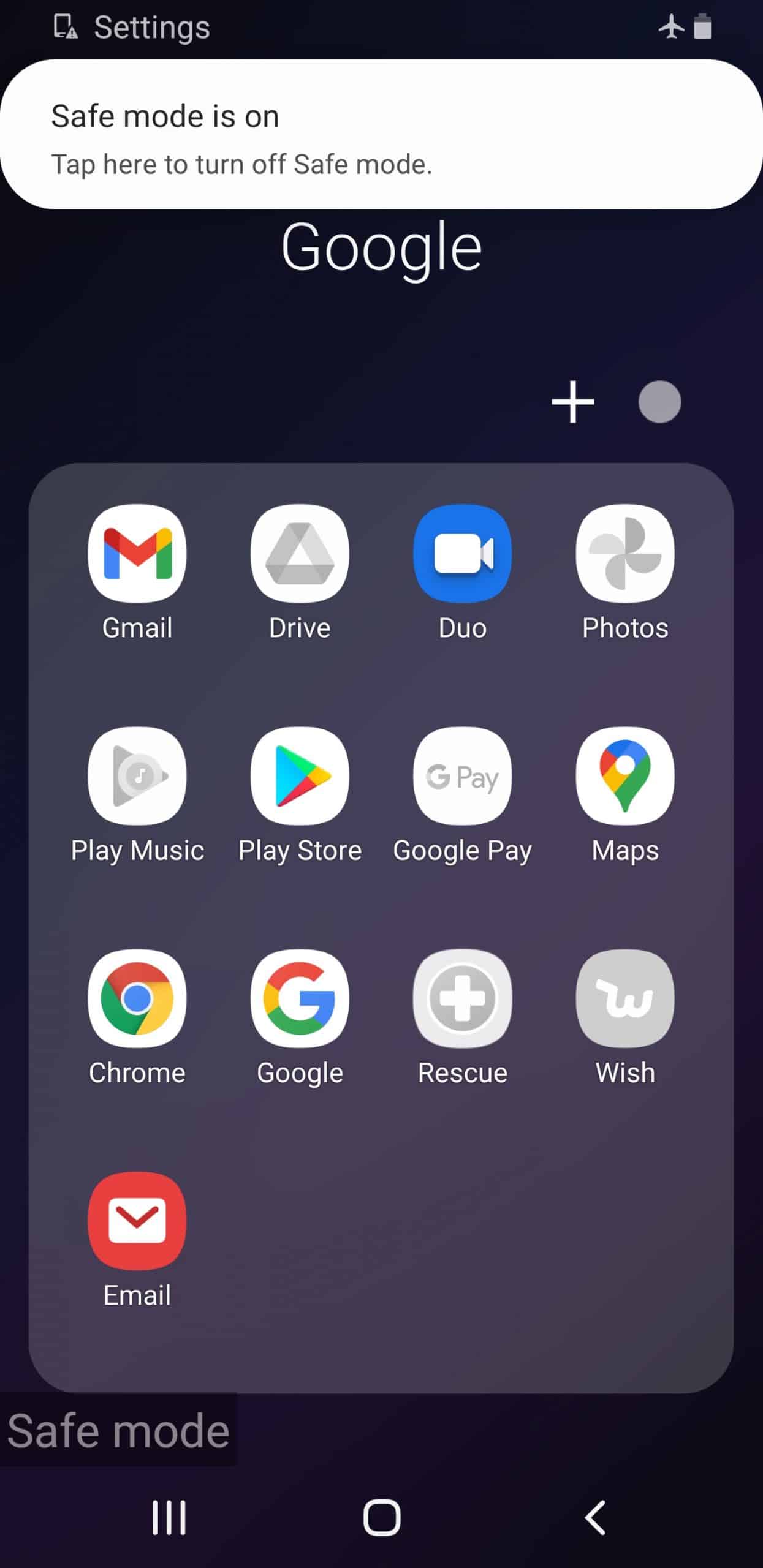
Android
- Go to your home screen.
- Click “Settings.”
- Click “Apps.”
- Click on Facebook.
- Click “Permissions.”
- Click “Locations.”
- Turn Locations on or off.
iOS
- Go to your home screen.
- Click “Settings.”
- Click “Privacy.”
- Click “Location Services.”
- Toggle Location Services on or off.
Why Change Your Location for Facebook Dating?
There are a few reasons why someone would want to change their location on Facebook Dating.
If you’re moving to a new city, you can scout the dating scene before you arrive by updating your location ahead of time. Perhaps you got a job in a new city and want to see how the dating pool is before you move. Maybe you are on a trip and want to have some extra fun while you’re away, or maybe you just want to explore matches outside of your normal location.
Whatever the reason, changing your location on Facebook Dating only takes a few seconds and won’t cost you anything, so really, why not experiment?
NordVPN encrypts your browsing and hides your IP from data-hungry platforms like Facebook — protection that extends well past any single app.

Recap
Whether you’re looking for a long-term relationship or just a fling, Facebook Dating is a great way to meet someone. With over 20 countries supporting the service, you have plenty of options for international connections too. Of course, if you want to meet someone in another location, that’s easy and free as well.
Just keep Facebook’s data collection policies in mind; when it comes to the data tech companies collect, Facebook is one of the worst offenders. If you still want to use Facebook for dating or any other reason, make sure to protect your account with a secure password and authentication. While Facebook may collect a ton of your data, using the best digital security practices will increase your privacy.
FAQs
Facebook is an interesting and ever-changing beast, so naturally, you had a ton of questions about it.
-
How do I correct my location on Facebook?
To correct your location on Facebook:
- Go to your home screen.
- Click “Settings.”
- Click “Apps.”
- Select “Facebook.”
- Select “Permissions.”
- Select “Locations.”
- Turn Locations on.
Now, Facebook will access your phone’s GPS, Wi-Fi, or Bluetooth information to identify your location.
-
How do I change my dating profile on Facebook?
To change your dating profile on Facebook:
- Click on the three horizontal lines on the top of the screen.
- Select “Dating.”
- Select “Profile.”
- Select “Edit.”
- Make any changes you want.
- Click “Save.”
-
Why is my location on Facebook wrong?
Your location on Facebook may be wrong because you entered it manually for a service like Facebook Dating, but you changed physical locations. To fix your location, turn Location Services on in your phone or desktop settings.
-
Why does my Facebook location keep changing?
Your Facebook location may keep changing because you keep changing locations, or because you keep updating your location manually in your profile. If you’re using a VPN, this could also cause your location to appear different each time you connect to a new server.