AVG Antivirus Cost and Plan Pricing
- 30-day money-back guarantee
- Coverage for up to 10 devices
- Plans for Macs, PCs, Androids and iOS devices


We get it — you’re looking for some antivirus software that isn’t going to break the bank. That said, you still need it to be powerful enough to protect you from modern digital threats and maintain your personal digital security.
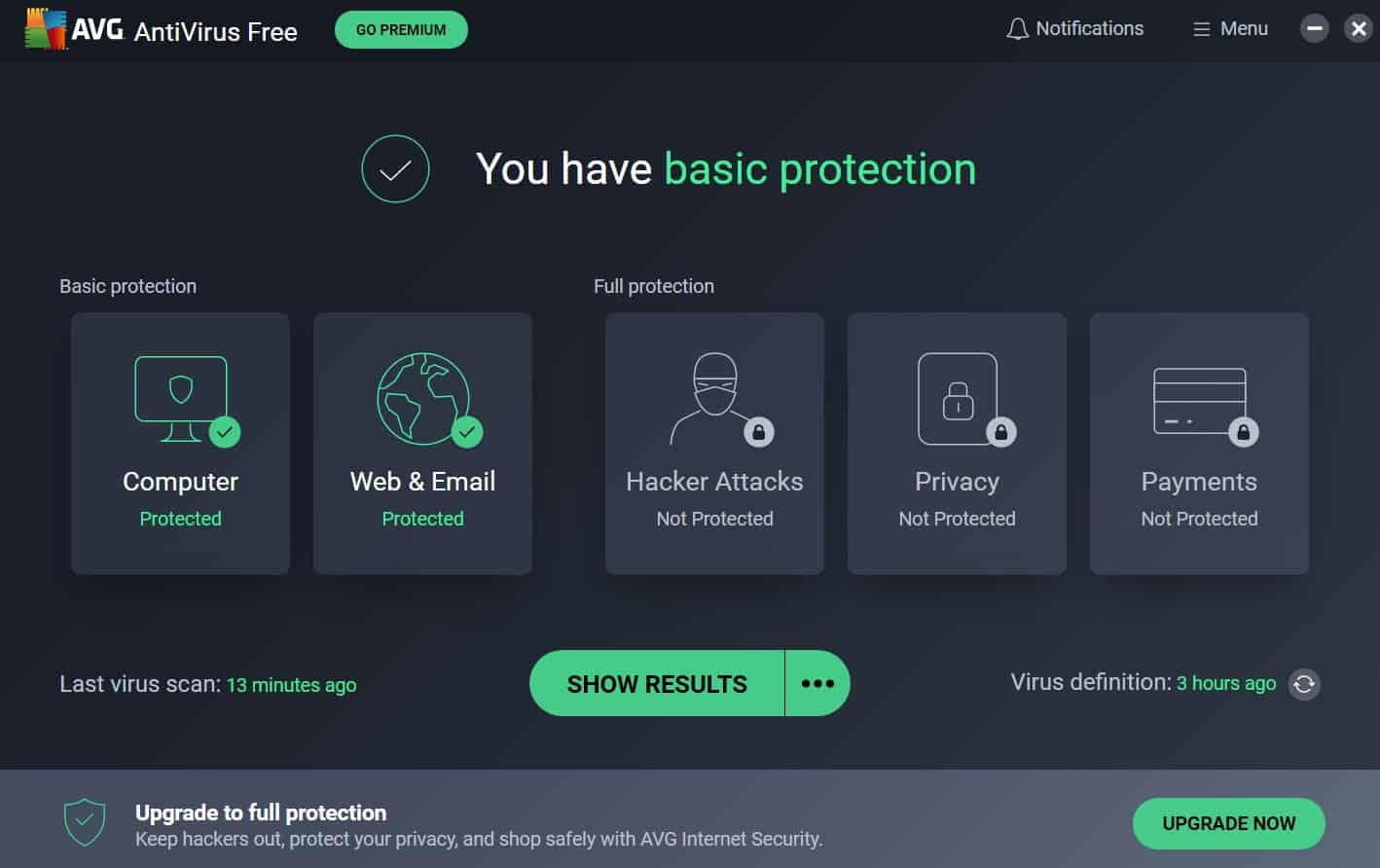
Well, we’ve put AVG to the test to determine how well it performs in 2026 and whether it delivers solid value for your money — starting off with the free version!
Try AVG For Free
With so many options out there, it’s no surprise that AVG offers a free version of its services. It’s a common practice in the industry. How does AVG’s free version rank, though? Pretty well, actually. So much so that it nearly made our list of the best free antivirus software providers on the market today.
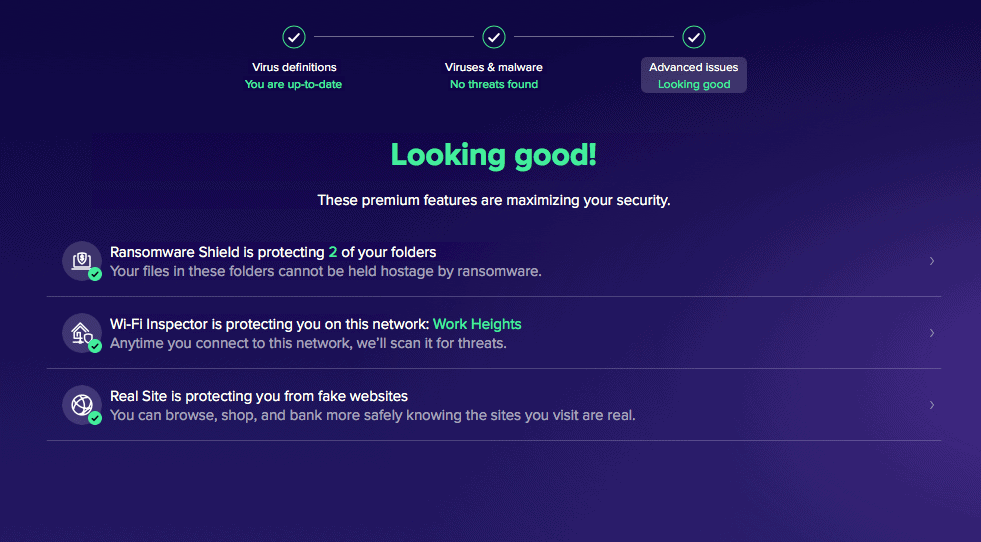
They offer free antivirus software for Windows, Macs, and Androids. Although it lacks a few premium features — like advanced ransomware detection, fake website blocking, and comprehensive phishing protection — you can’t beat free!
How AVG’s Pricing Compares
If you’re thinking about upgrading to a paid antivirus subscription — and you should in order to enjoy the best protections — AVG is an affordable option. Is it the most affordable? Not entirely, as we found the three options below more affordable. Nonetheless, you’ll likely get your money’s worth with AVG.


AVG Antivirus Subscription Costs
You can either buy antivirus software on its own or combine it with other of AVG’s services. Let’s start with the antivirus software only package.
AVG’s Prices
AVG offers three different versions of their software — for Mac, for Windows and for Mobile — and three different tiers for each version — Free, Internet Security, and Ultimate. We’ll break down the features of each below:
| AVG Version | AVG AntiVirus Free | AVG Internet Security | AVG Ultimate |
|---|---|---|---|
| Block Viruses and Malware | Yes | Yes | Yes |
| Protect Against Ransomware | Yes | Yes | Yes |
| Verify WiFi Network Security | No | Yes | Yes |
| Avoid Fake and Unsafe Websites | No | Yes | Yes |
| Secure Against Phishing Sites | No | Yes | Yes |
| AVG TuneUp | No | No | Yes |
| AVG Secure VPN | No | No | Yes |
| AVG AntiTrack | No | No | Yes |
| Price for 10 Devices | Free | $4.99 per month for the first year then $8.33 per month | $4.99 per month for the first year then $12.50 per month |
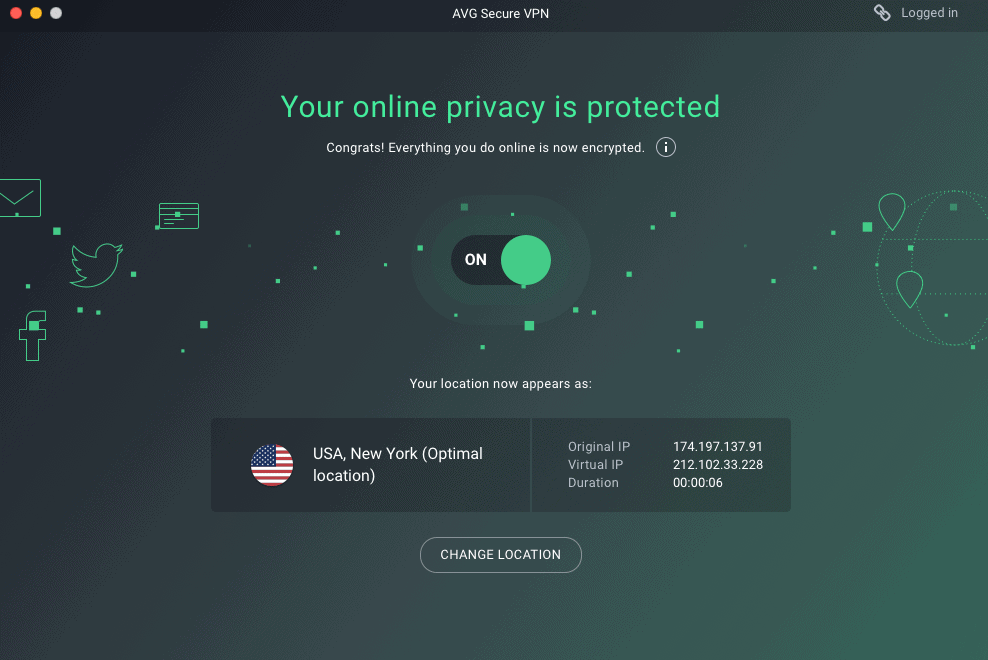
We’d specifically like to point out AVG’s secure VPN. A virtual private network helps you increase your privacy online by obfuscating your IP address and encrypting all of your traffic. If you take digital security seriously, this really is a service you should be using. To learn more, read our VPN buyers guide.
Best Features
After putting AVG through its paces, we found that this antivirus software delivers solid value for the price. Here’s what makes it stand out:
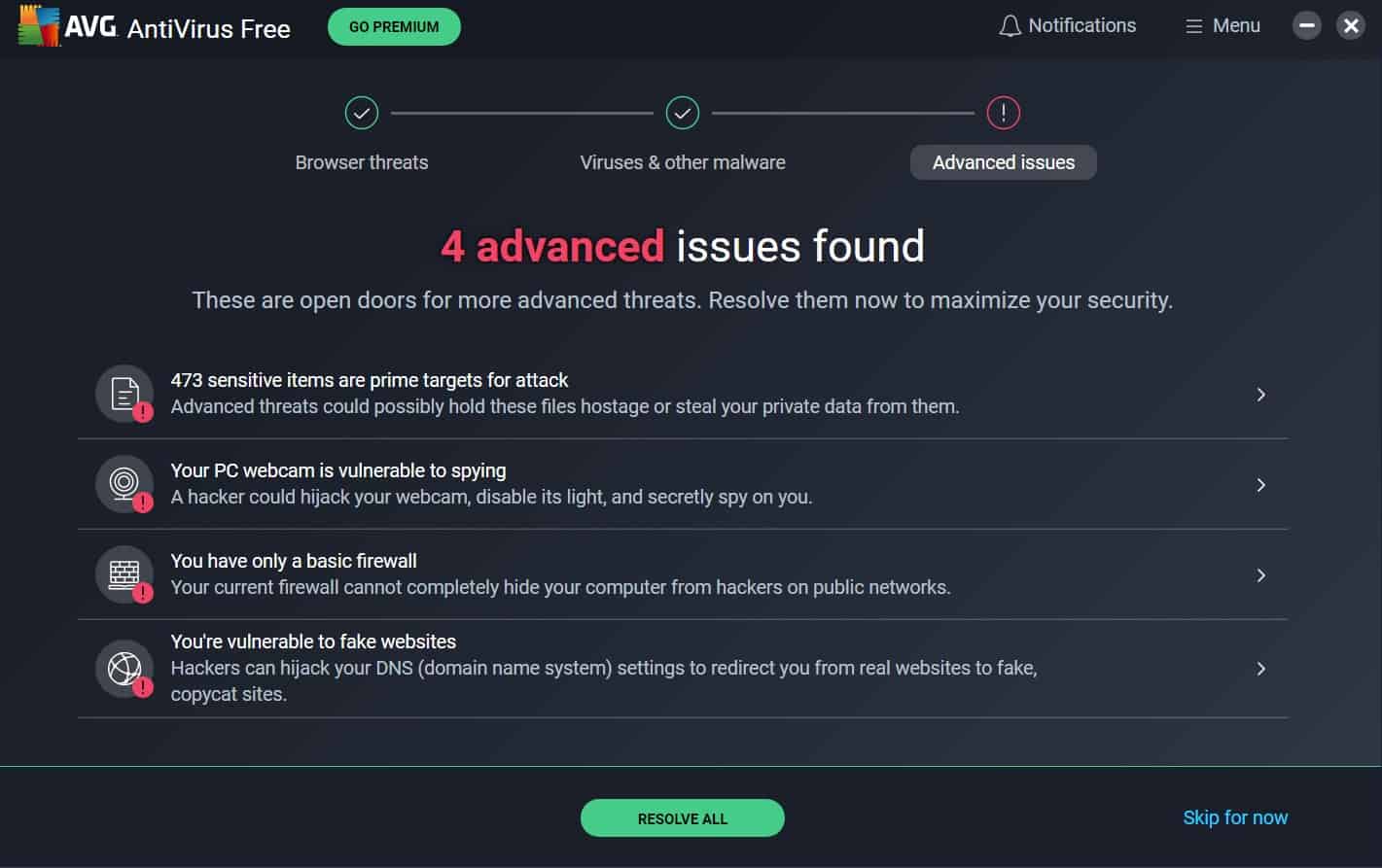
- Free tool for iOS, Android and PC: If you want the basic antivirus protection, then you don’t have to pay anything with AVG; just download their free apps on the Apple, Google Play or Microsoft stores.
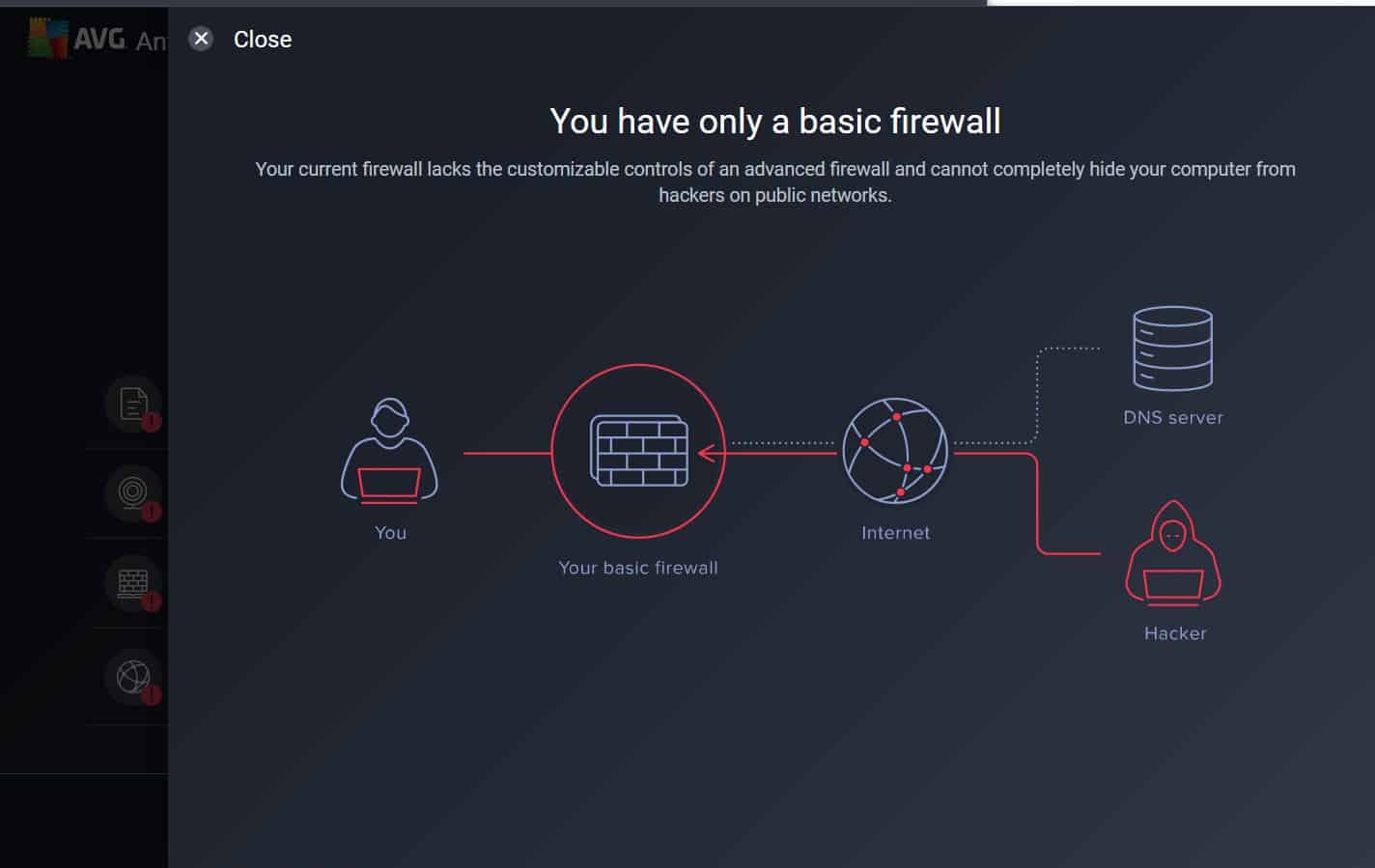
- Firewall: One advantage of paying for Internet Security is the enhanced firewall, which constantly monitors a network for intrusions when enabled.
- Performance: When we tested AVG against five different viruses, it detected three of the five, which is on the higher side compared to the other software we’ve tested out.
- Behavior-based detection: For bots, malware, identity theft, and more, AVG doesn’t just look for malicious signatures, but suspicious behavior that could lead to cyber-attacks.
- Detects 99.8 percent of malware: According to AV-TEST’s evaluations, AVG has detected 100 percent of both zero-day malware attacks and widespread threats since December, 2021.1
- Money-back guarantee: While it doesn’t cover all of their products, we’re glad that AVG offers 30 days to get a full refund for many of its options.
- Excellent mobile apps: AVG’s mobile security apps consistently receive strong user ratings thanks to their user-friendly interface on both iOS and Android devices.
- Up to 10 devices: If you spring for the Internet Security plan like we did, you’ll get coverage for up to 10 devices as opposed to one with the free service. Given that 91 percent of Americans now own smartphones and most also have computers, multi-device protection has become essential for most households.2
More AVG Product Pricing
Antivirus software isn’t the only thing AVG does. They offer a few different ways to up your digital security on Macs, Androids, Windows devices and iOS devices. However, some of the services are redundant, and we don’t think they’re all worth the money. Let’s go into more detail.
| Product | Price for First Year | Number of Devices Covered | Compatible Devices |
|---|---|---|---|
| Secure VPN | $53.88 | 10 | Windows, macOS, Android, iOS |
| AntiTrack | $54.99 | 1 | PC |
| Secure Browser | Free | 1 | Windows, MacOS, Android |
| BreachGuard | $43.99 | 1 | Windows |
| TuneUp | $34.99 | 10 | Windows, MacOS, Android |
| Driver Updater | $43.99 | 1 | Windows |
| Express Install | $19.99 (one-time fee) | 1 | Windows |
AVG Secure VPN
While we haven’t tested AVG’s Secure VPN ourselves, which is why it’s not on our list of the top VPNs, their prices are right at $4.39 a month for ten devices, billed at once as $53.88 for the first year.. We wish they had monthly options, but that doesn’t seem to be AVG’s style and is the case for all of their products.
FYI: VPN stands for Virtual Private Network, so when you connect to a VPN, all of your web activity and devices’ IP addresses will be hidden from your Internet Service Provider.
AVG AntiTrack
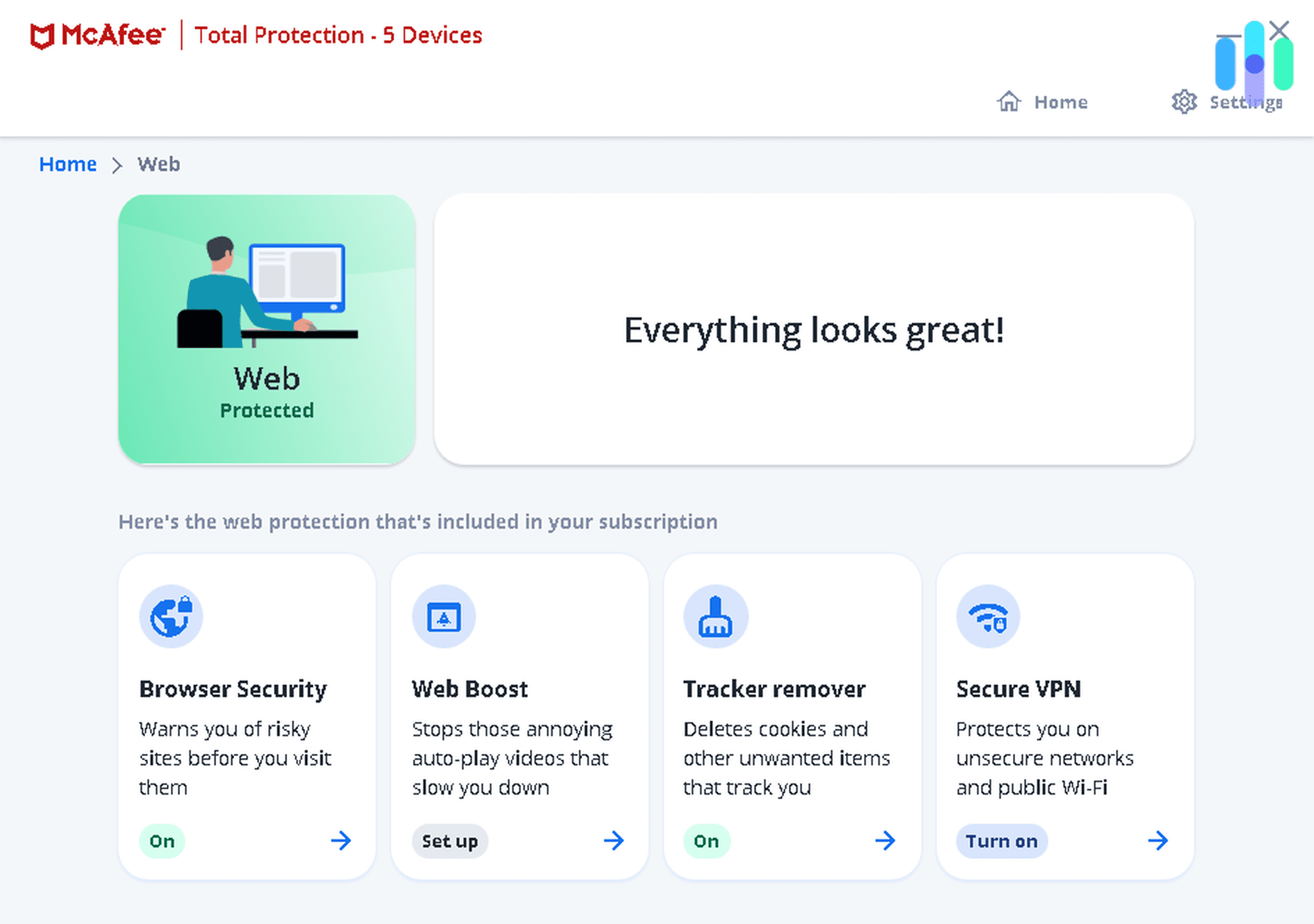
Another way to increase your privacy online is through AntiTrack, which deletes web trackers so companies can stop collecting your data as you bounce from site to site. However, it’s only available for PCs for around $55 a year, and AVG offers a free secure browser for PCs, which we think is a better deal for essentially the same web protection. Let us explain a little further…
AVG Secure Browser
Yet another way to stay safe online is by using AVG’s Secure Browser, which is free for PCs, Mac computers and Android phones. Basically, the Secure Browser does the exact same tasks as the VPN and AntiTrack, but it covers Macs and Androids in addition to PCs. But given that the Secure Browser is free and AntiTrack costs $55 a year, there’s really no point in getting AntiTrack; your best bet is to go with the VPN if you want coverage for apps and browsers, or Secure Browser if you’re okay with protecting browsers only.
AVG BreachGuard
Did you know that not every state requires companies to alert their customers when their data has been exposed in a data breach?3 That means that, in some states, your personal information may have been compromised without you knowing. AVG’s BreachGuard monitors data breaches for your information, removing it from the Internet when it’s found. That being said, most identity monitoring services cover security breaches and more, so we think it makes me sense to invest in a comprehensive identity theft protection subscription over BreachGuard. To learn more, read about the best identity theft protection.
AVG TuneUp
Experiencing slow speeds and limited storage space on your PC, Mac, or Android? TuneUp promises to optimize your device’s performance and remove unnecessary files. For $34.99 a year covering up to 10 devices, this represents a reasonable value proposition. That said, keep in mind that most of these optimization tasks can be performed manually at no cost if you’re willing to invest some time combing through your device’s settings and storage.
AVG Driver Updater
The Driver Updater is a utility that updates your PC’s drivers automatically — something any user can accomplish manually at no charge. The annual fee of $43.99 for the first year covers just one device. Our recommendation? Enable automatic updates in Windows settings to keep your drivers current without the extra expense, and put that money toward something more worthwhile.
AVG Express Install
We can’t all be digital security experts, which is why AVG offers installation for a one-time fee of $19.99 for any of their products. Again, we don’t think this is necessary, as AVG has a ton of setup guides in its support section. And you know what else is free? Calling your kids and asking for help!
Can I Get My Money Back?
If you’ve made a purchase and changed your mind about AVG, you may be eligible for a refund if you request it within 30 days of your purchase date. However, refund eligibility depends on the specific product. According to AVG’s refund policy, the 30-day money-back guarantee covers:
- AVG AntiVirus Business Edition
- AVG Internet Security Business Edition
- AVG File Server Business Edition
- AVG PC TuneUp Business Edition
As you can see, these are all business-specific products; AVG doesn’t make it clear exactly what consumer-facing products the money-back guarantee covers, so you’ll have to request a refund to find out. Sorry we couldn’t provide you with any more information!
AVG For Business
That’s it for AVG’s products for personal use, but if you’re looking for an antivirus for business, it’s also a good option with a few different products to choose from.
| Product | One-Year Price | Two-Year Price | Three-Year Price |
|---|---|---|---|
| AVG AntiVirus Business Edition | $46.99 | $77.53 | $108.55 |
| AVG Internet Security Business Edition (AVG Cloud Management Console) | $56.99 | $94.03 | $131.65 |
| AVG File Server Business Edition | $20.41 | $30.41 | $44 |
| AVG Email Server Business Edition | $25.12 | $37.62 | $54.65 |
| AVG Patch Management | $16.42 | $31.21 | $44.35 |
AVG AntiVirus Business Edition
AVG’s business-focused antivirus software protects multiple devices starting at $46.99 per device per year for a one-year subscription. Pricing varies based on contract length and the number of devices you want to secure, making it a flexible option for small to medium-sized businesses.
AVG Internet Security Business Edition (AVG Cloud Management Console)
For enhanced protection against ransomware, phishing, spam, and other threats, AVG’s Internet Security Business Edition (also called the Cloud Management Console) starts at $56.99 per device per year. However, AVG’s pricing structure for business products can be complex, and device coverage limits aren’t always clearly stated upfront. We strongly recommend contacting an AVG sales representative to get a custom quote and determine if this solution fits your business needs.
AVG File Server Business Edition
Rather than installing antivirus software on all of your employee’s devices, another option is to implement it on their file servers; that way, you’ll be able to perform updates from a single device, which should make things easier, especially if you’re overwhelmed with other tasks (read: constantly).
AVG Email Server Business Edition
If your business relies on Microsoft Exchange for emails, AVG’s Email Server Business Edition can block viruses and malicious attachments before they reach employee inboxes. That said, many modern email platforms — including Microsoft 365 — already include robust built-in antivirus and anti-phishing protections. Before purchasing, verify whether your current email setup already provides adequate security to avoid paying for redundant features.
AVG Patch Management
AVG’s Patch Management for Windows automates software updates and security patches across your network. However, Windows operating systems already include automatic update features, and most businesses with dedicated IT staff handle patching internally. Unless you’re managing a large number of endpoints without IT resources, Patch Management is typically unnecessary and does not justify the additional cost.
Background on AVG Technologies
Pricing isn’t the only factor we consider when choosing an antivirus software; we also look into the company itself to make sure it’s trustworthy. And while AVG is one of the better-known brands in the digital security industry, they have run into some scandals regarding their privacy policy. Its parent company, Avast (which you can read more about in our Avast review), used something called Jumpshot to collect user data and sell it to third party companies, although this information was anonymized according to Avast.4
However, when Vice’s Motherboard reported on the Jumpshot controversy, Avast immediately shut down the subsidiary. Since the data was anonymized and the practice has been discontinued, we don’t consider this a dealbreaker for AVG today. That said, privacy-conscious users should know that AVG’s current privacy policy still logs IP addresses on Macs and Windows devices. If this concerns you, pairing AVG with a reputable VPN can mask your real IP address and add an extra layer of privacy protection.
Summary
AVG offers a bunch of different digital security products, and finding the prices on their website isn’t the easiest thing to do, so we’re happy to lay out the prices here. To learn more about antivirus software in general, read our antivirus buyers guide, and don’t forget to be secure!
FAQs
We’re not done talking about AVG. Here are the answers to the questions we get most often.
-
Is AVG a good antivirus software?
AVG is a very good antivirus that has detected 100 percent of all malware since 2021 with scanning for spyware, bots, and other malicious activity.
-
Is AVG better than Norton?
Both AVG and Norton are reputable antivirus providers with strong malware detection rates. AVG offers a completely free version with solid protection for Windows, macOS, Android, and iOS devices, making it accessible for budget-conscious users. Norton, on the other hand, provides more comprehensive features in its paid plans, including dark web monitoring and VPN services, but doesn’t offer a fully free tier — only a 60-day money-back guarantee. We prefer Norton’s premium approach to device protection.
-
Is AVG Antivirus free a virus?
No, AVG Antivirus Free isn’t a virus — it’s legitimate antivirus software designed to detect and remove viruses and malware. It’s available for free on Windows, macOS, Android, and iOS devices, though some advanced features require upgrading to a paid plan.
-
Which is better, Avast or AVG?
Since Avast acquired AVG in 2016, both products now share the same detection engine and offer nearly identical malware protection rates. The main differences come down to interface preferences and specific feature sets. AVG tends to have a simpler, more streamlined interface, while Avast offers slightly more customization options. We tend to prefer Avast’s customizable approach.
-
AV-TEST. (2026). AVG Internet Security.
https://www.av-test.org/en/antivirus/home-windows/manufacturer/avg/ -
Pew Research. (2025). Mobile Fact Sheet.
pewresearch.org/internet/fact-sheet/mobile/ -
Privacy Rights Clearinghouse. (2018). Data Breach Notification in the United States and Territories.
privacyrights.org/resources/data-breach-notification-united-states-and-territories -
Law Street Media. (2020). Antivirus Software Accused of Selling User Data.
lawstreetmedia.com/tech/antivirus-software-accused-of-selling-user-data/