

The Best Cloud-Based Antivirus Software in 2026, Tested By Security Researchers
Norton, TotalAV, and Bitdefender came out on top after months of testing for how well their cloud-based scanning actually holds up.
 &
&
 Last Updated on Sep 18, 2026

- Combines signature-based, behavior-based, and cloud-based machine learning detection in one layered engine
- Cloud threat intelligence updates protection across all users within hours of a new threat being caught
- Works across Windows, macOS, iOS, and Android with a 60-day money-back guarantee

- Next-gen cloud scanning analyzes suspicious files in real time, built specifically to catch zero-day threats as they emerge
- Malware definitions update automatically from the cloud, no manual downloads required
- Lightweight app footprint plus a built-in system clean-up tool

- Cloud-based scanning kept CPU usage under 5 percent and RAM under 200MB during full scans in our testing
- Perfect 6/6 AV-TEST score across protection, performance, and usability
- Covers up to 25 devices with real-time protection included even on the free plan
the security.brief
Norton is the best cloud-based antivirus of 2026 for layered, real-time protection. TotalAV and Bitdefender also earned top marks for cloud scanning and speed.
Here’s the simplest way to think about cloud-based antivirus: instead of your device doing all the work of checking files against a virus list stored on your hard drive, most of that heavy lifting happens on the provider’s servers instead. That means your protection updates the moment a new threat is spotted anywhere in the world, not whenever your next scheduled update rolls around, and it usually means a lighter, faster app on your end. If you want the full picture first, our guide to antivirus software and our breakdown of how antivirus actually works are good starting points.
We spent three months testing over 40 antivirus programs, paying close attention to how each one handles cloud-based scanning specifically: how fast it reacts to brand-new threats, and how much it slows your device down while doing it. Norton came out on top overall, but TotalAV and Bitdefender each earned their spot for good reason. If you want to see how these three stack up against everything else we tested, check out our full antivirus rankings.
The Best Cloud-Based Antivirus At A Glance
| System |
Norton Antivirus
|
TotalAV Antivirus
|
Bitdefender
|
|---|---|---|---|
| Ranking | 1st | 2nd | 3rd |
| Ratings | 9.7/10 | 9.3/10 | 8.7/10 |
| Cloud scanning strength | Layered cloud + behavior + signature detection | Real-time cloud analysis of suspicious files, built for zero-day detection | Cloud-offloaded scanning, lowest system resource use |
| Price (1-year) | Starting at $29.99 | Starting at $19.00 | Starting at $29.99 |
| Number of Devices | 1–10 | 3–8 | 1–25 |
| Free Trial/Version | Free trial (7 days) | Free version & free trial (7 days) | Free version & free trial (30 days) |
| Operating Systems | Windows, Mac, iOS, Android | Windows, Mac, iOS, Android | Windows, Mac, iOS, Android |
| Firewall | Yes | No | Yes |
| Money-Back Guarantee | 60 days | 30 days | 30 days |
| Read Review | Norton Antivirus Review | TotalAV Antivirus Review | Bitdefender Review |
A Rundown of Our Cloud-Based Antivirus Picks
- Norton Antivirus - Best for Layered Cloud Protection
- TotalAV Antivirus - Best for Zero-Day Cloud Scanning
- Bitdefender - Best for Lightweight Cloud Protection
A quick note on terminology: When we say cloud-based threat intelligence, we mean your antivirus is checking files against a live database maintained on the provider’s servers, not one that only lives on your device. That’s what lets protection update automatically as new threats turn up anywhere in the world, often within hours, with no manual downloads needed on your part.
-
1. Norton Antivirus - Best for Layered Cloud Protection
View Plans Links To Norton
Product Specs
Virus Detection Yes Malware Detection Yes Firewall Yes Full, quick, and scheduled scans Yes Real-time protection Yes Behavior-based monitoring Yes

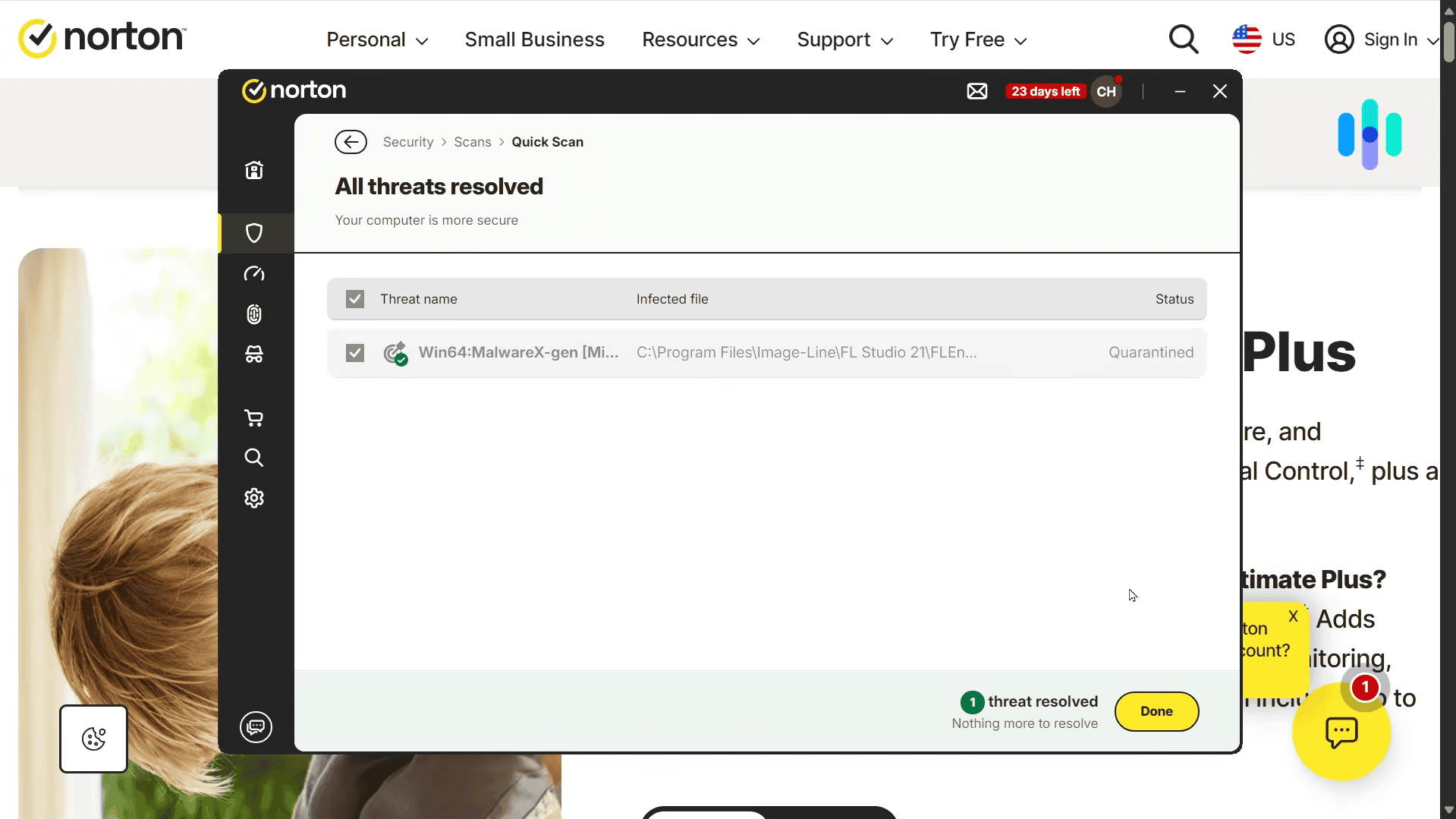
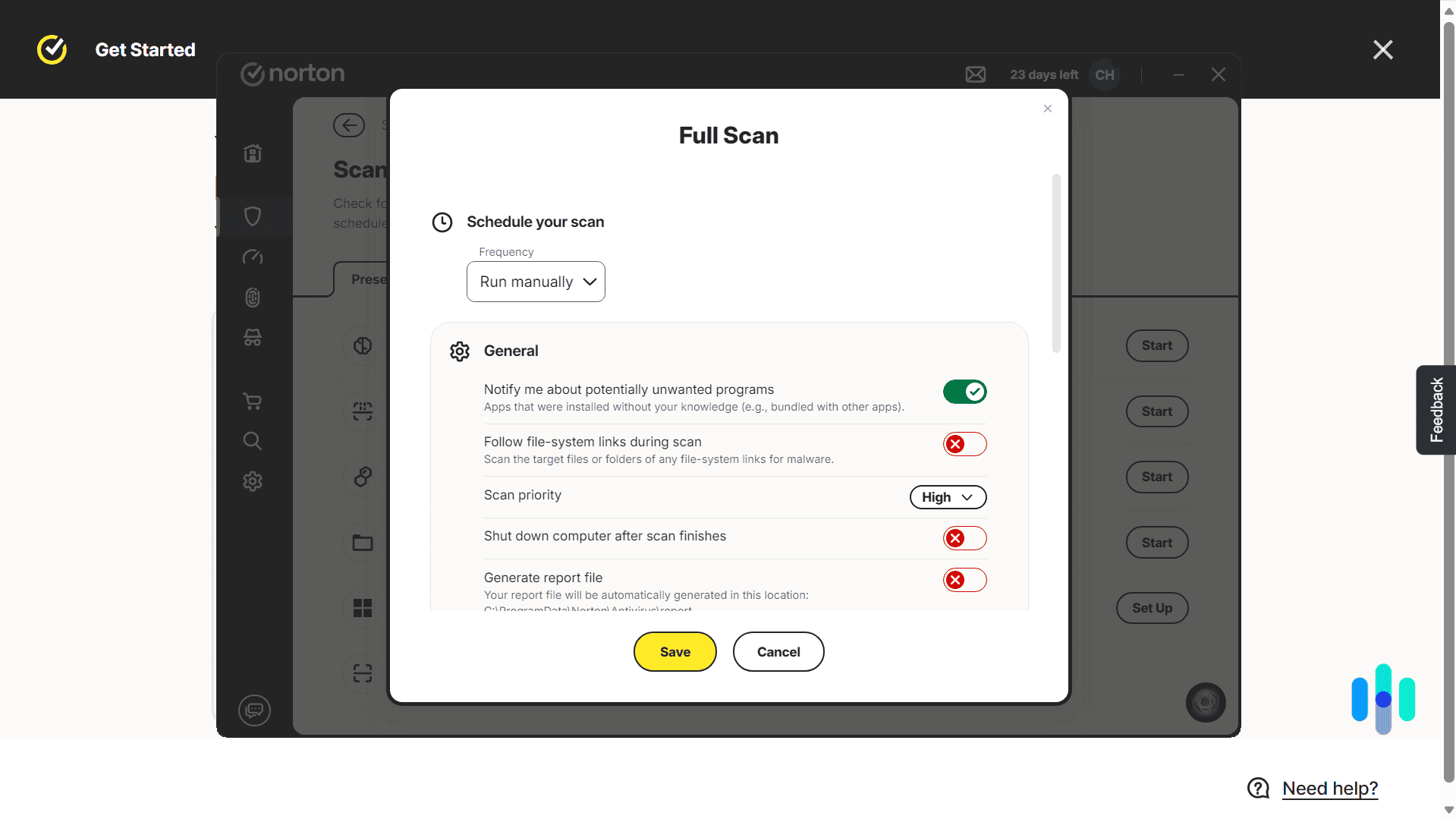
Norton Antivirus scan results Norton doesn’t rely on just one method to catch threats. It layers signature-based scanning, behavior-based monitoring, and cloud-based machine learning together. In practice, that means when Norton catches something new on one person’s device, that intelligence gets shared across its entire user base within hours. We tested this directly using AMTSO’s zero-day simulation samples, which mimic threats too new to have a signature yet, and Norton’s cloud layer still caught and quarantined them based on behavior alone. That’s the piece that lets it stand up to zero-day exploits, the attacks that hit before a patch even exists, instead of waiting on the next scheduled update. Pair that with solid apps on Windows, macOS, iOS, and Android, and you’ve got the most complete cloud-based option we tested.
What We Like
- Cloud-based machine learning strengthens detection across its entire user base in near real time
- Perfect 100 percent detection of both widespread and zero-day malware in AV-TEST’s most recent evaluations
- Intuitive, feature-rich apps on every major platform
- Affordable introductory pricing with a 60-day money-back guarantee
What We Don’t Like
- Prices can double or more after the first year
- Password manager is a separate app rather than fully integrated
- Device optimization is offered, but only as a separate service
What sets Norton apart is that it doesn’t ask you to choose between cloud intelligence and the basics. You still get a real firewall, which a lot of cloud-forward competitors skip entirely. That same cloud layer also strengthens Norton’s ransomware protection, since it can recognize an attack pattern before a file’s actual signature ever makes it into a local database. It’s that combination, not any single feature, that makes Norton the strongest all-around pick for cloud-based protection.
Whether you’re dealing with a known virus, a zero-day exploit nobody’s cataloged yet, or just suspicious behavior that doesn’t match anything in a database, Norton has a layer built to catch it.
>> Read More: How Much Does Norton Antivirus Plus Cost?
-
2. TotalAV Antivirus - Best for Zero-Day Cloud Scanning
 Get TotalAV Links To TotalAV
Product Specs
Virus Detection Yes Malware Detection Yes Firewall No Full, quick, and scheduled scans Yes Real-time protection Yes Behavior-based monitoring No

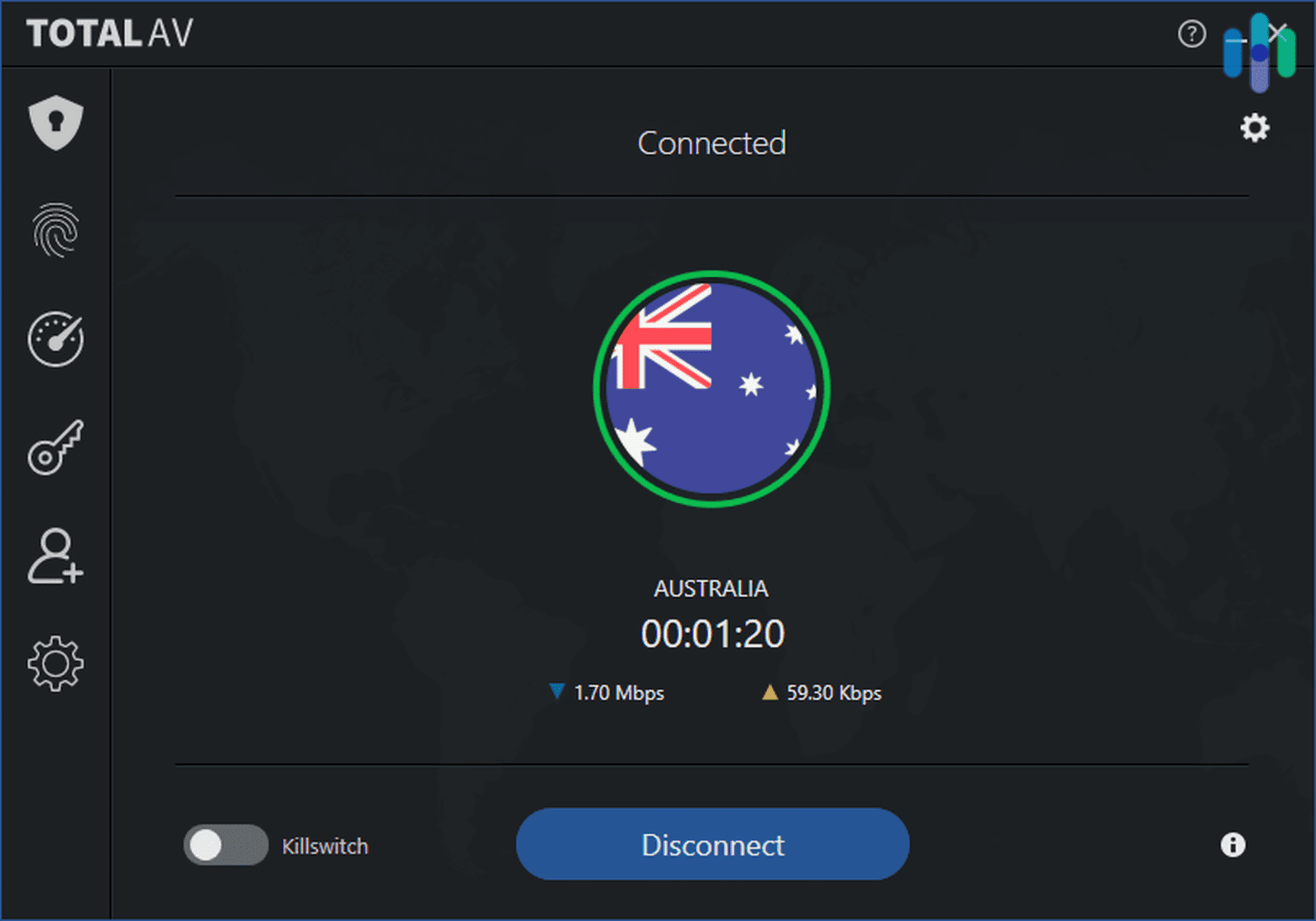
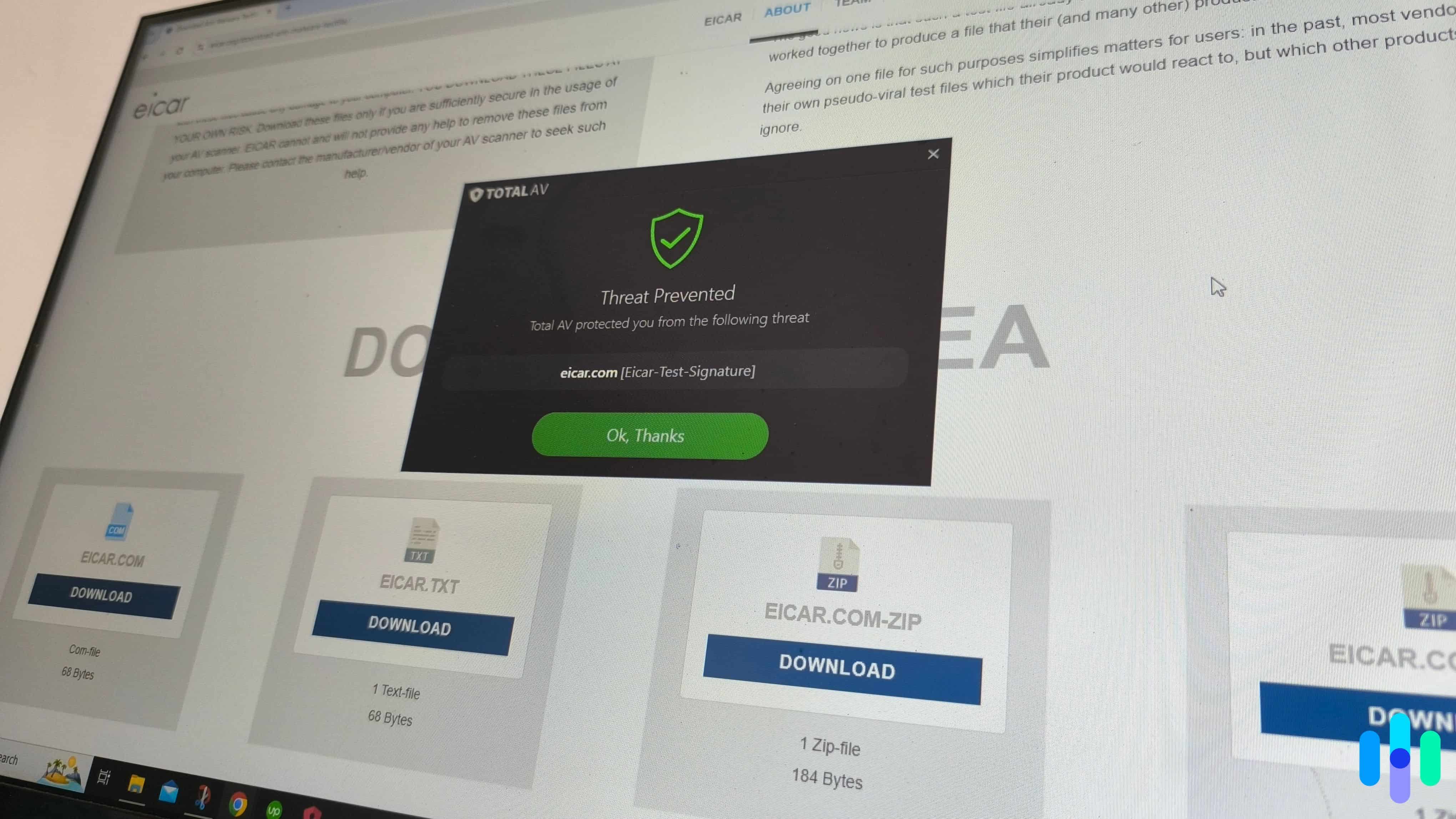
Threat alert from TotalAV If zero-day protection (guarding against malware too new to have a known fix or signature yet) is what keeps you up at night, TotalAV is worth a close look. Here’s why that specific feature matters: a signature-based scanner has to wait until a threat is already cataloged before it can flag it, but TotalAV’s next-gen cloud scanning analyzes suspicious files in real time based on how they behave, not just what they match. That’s what lets it catch something the very first time it shows up, rather than after the fact. Its malware definitions also update automatically from the cloud, so you’re never stuck waiting on a manual download to stay protected.
What We Like
- Real-time cloud file analysis built to catch zero-day threats before they’re formally cataloged
- Malware definitions update automatically, no manual action required
- Lightweight apps with a useful system clean-up tool built in
- Affordable first-year pricing, often discounted further at checkout
What We Don’t Like
- No firewall included
- Free version is limited and lacks real-time protection
- Prices increase noticeably after the first year
TotalAV also manages to be cloud-first without feeling bloated. Its Windows and Android apps stay light on disk, and because the real analytical work happens off your device, we didn’t run into the slowdowns some heavier competitors caused during full scans.
If catching threats nobody’s seen before is your top priority, TotalAV is the strongest pick we tested for that job specifically.
>> Also See: TotalAV vs. Norton
-
3. Bitdefender - Best for Lightweight Cloud Protection
 View Plans Links to Bitdefender
Product Specs
Virus Detection Yes Malware Detection Yes Firewall Yes Full, quick, and scheduled scans Yes Real-time protection Yes Behavior-based monitoring Yes

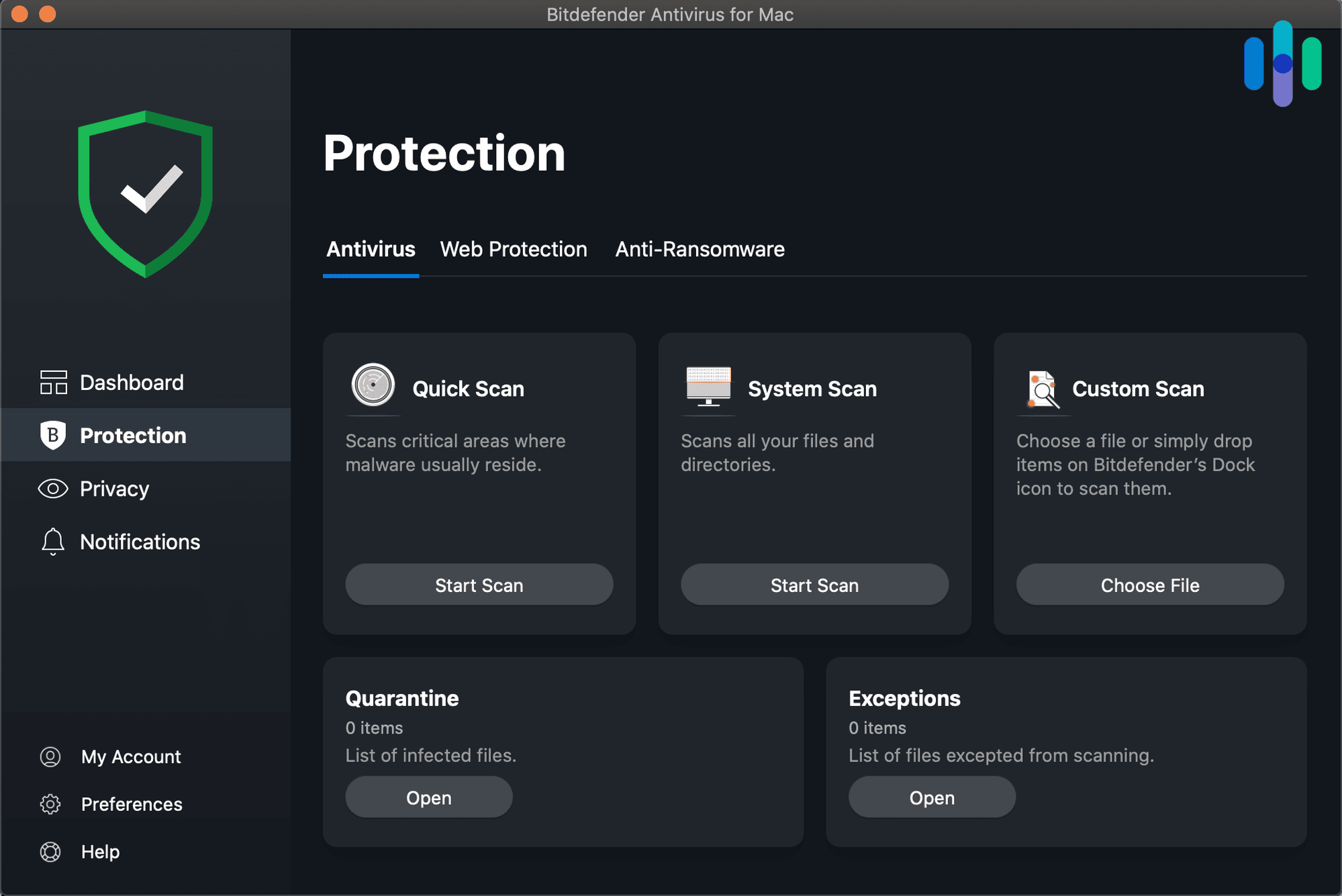
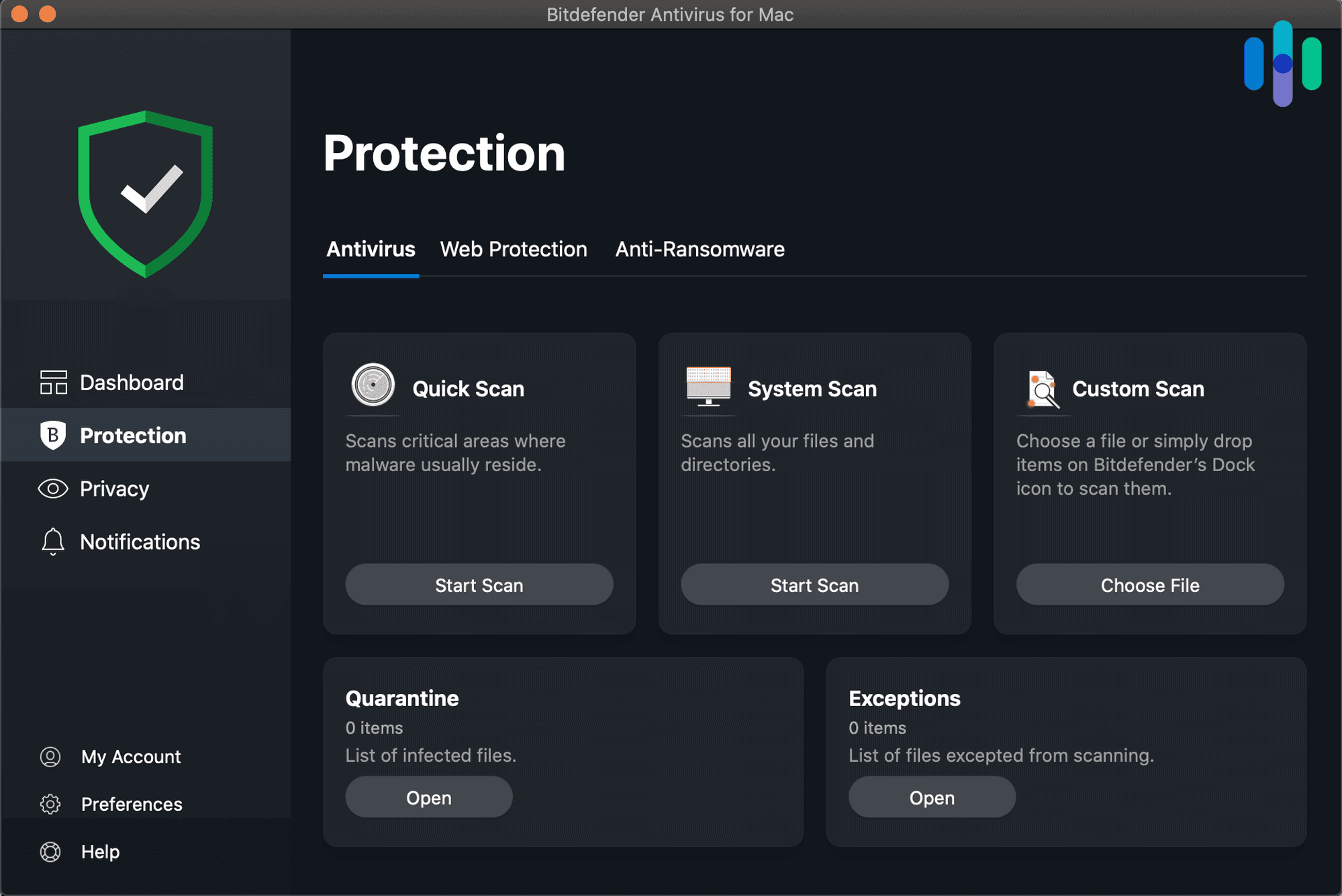
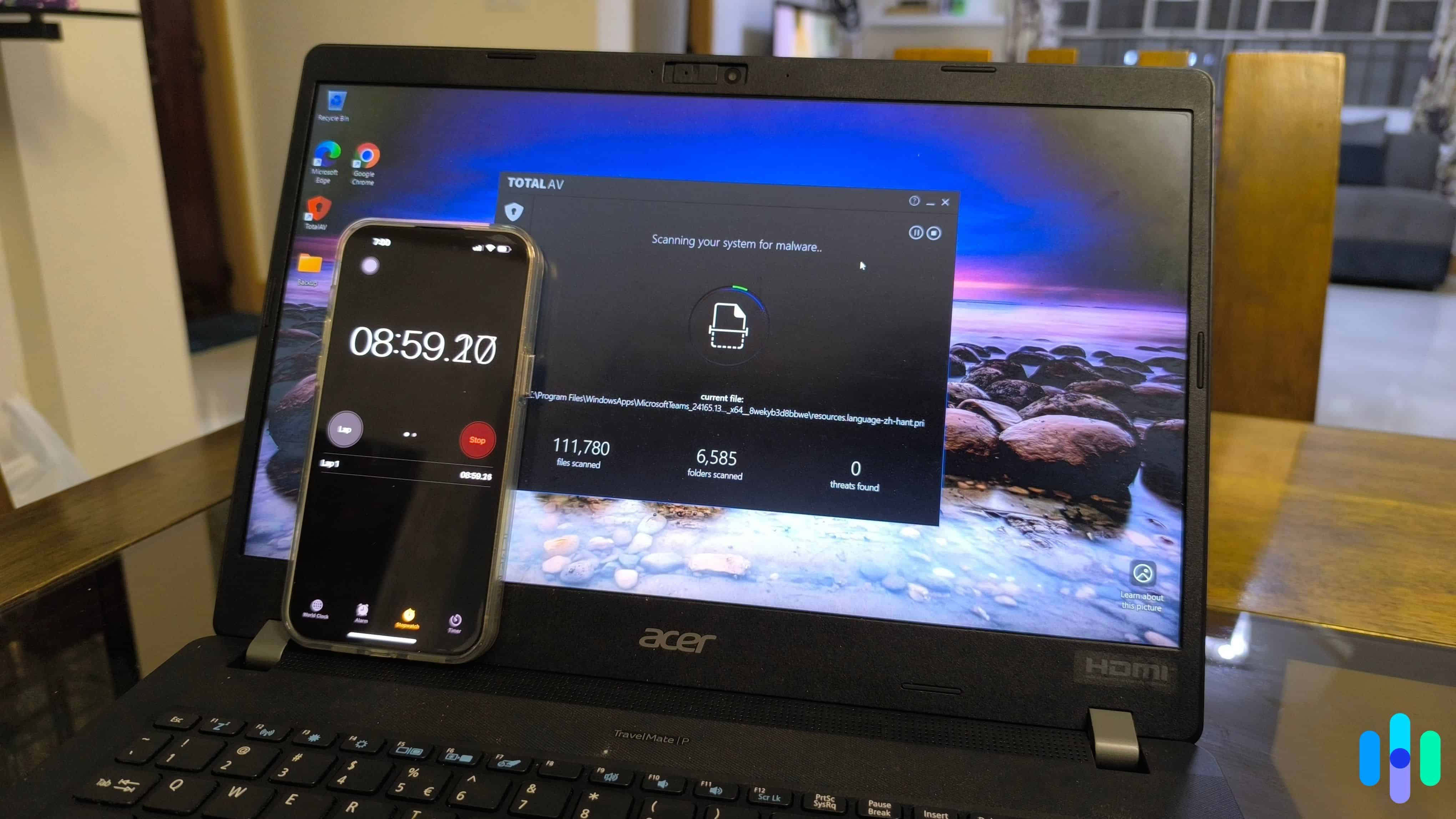
Bitdefender Dashboard If you’ve ever avoided running a full antivirus scan because you knew it would slow your computer to a crawl, Bitdefender solves that problem. Its cloud-based scanning does the heavy lifting off your device, and we saw it firsthand. CPU usage stayed under 5 percent and RAM never topped 200MB during full scans, even while we had streaming, gaming, and video calls running at the same time. That efficiency doesn’t come at the cost of detection, either. AV-TEST, an independent lab that runs standardized tests on antivirus software, gave Bitdefender a perfect 6/6 across protection, performance, and usability in its most recent evaluation.
What We Like
- Cloud-offloaded scanning keeps system resource use remarkably low
- Perfect AV-TEST score across protection, performance, and usability
- Covers up to 25 devices on higher-tier plans
- Free plan includes real-time protection, which is rare
What We Don’t Like
- VPN is offered, but only as a separate app
- Prices increase after the first year
Because most of the scanning workload happens in the cloud, Bitdefender’s footprint on your device stays small. Over three straight days of testing, we barely noticed it was running. If what you want most from cloud-based protection is that it stays out of your way, Bitdefender is the one to get.
>> Related Reading: Bitdefender vs. Norton
Methodology: How We Ranked the Best Cloud-Based Antivirus Software
Our Testing Process
Every pick on this list follows our editorial guidelines, and our team installs and actively runs each antivirus suite on real Windows, macOS, Android, and iOS devices rather than going off spec sheets. We start by checking malware detection against both known samples and simulated zero-day scenarios, since that’s the clearest way to see how a program’s cloud-based scanning actually performs. From there, we run full, quick, and custom scans while tracking speed and device impact, then test real-time blocking under everyday conditions instead of a controlled lab setup. Phishing link detection and ransomware behavior blocking get checked against realistic scenarios too, and we log how often each program flags something harmless as a threat. Pricing, device limits per tier, and money-back guarantees factor in last, since strong lab results don’t mean much if the plan itself is a bad deal.
Our Evaluation Criteria
Cloud-based antivirus makes a specific promise: faster protection and a lighter footprint, since the heavy lifting happens on the provider’s servers instead of your device. Not every product marketed as cloud-based actually delivers on that. Here’s what we weighed to tell the two apart:
- Detection speed on brand-new threats. We measured how quickly each program flagged malware samples it had never seen before, since that’s the whole point of cloud-based threat intelligence. A product that still leans mostly on a local signature database doesn’t get credit here just because it has a few cloud features bolted on.
- Real device performance impact. We tracked CPU and RAM usage during full scans on the same test hardware for every product. If a provider claims cloud-based scanning takes the load off your device, we wanted to see that show up in the numbers, not just on the product page.
- Value against traditional antivirus. We weighed each cloud-based pick’s pricing and features against comparable traditional antivirus software, to see whether the cloud advantage was worth paying for or just added a buzzword to the listing.
Every product here had to hold up on all three fronts. A fast cloud engine attached to a bloated app, or a light app with mediocre detection, didn’t make the cut.
Who We Are and Why You Can Trust This List
Security.org runs on an independent team of researchers and security specialists focused on helping you make smarter calls about the tools protecting your devices and your privacy. Our 20+ researchers and testers have logged more than 25,000 hours evaluating security products since 2018, across 740+ reviews and guides.
Our antivirus testing is led by Brett Cruz, a cybersecurity expert and antivirus specialist who has personally evaluated hundreds of security suites using a hands-on, real-world approach. The broader team behind our antivirus coverage includes:
- Gene Petrino. a retired law enforcement sergeant with more than 30 years of crime prevention experience, serving as a senior advisor on our team
- Ozzie Enriquez. a former DHS Senior Watch Officer and Duty Director for Current Operations with over three decades in national security, advising on digital risk assessment
- Corey Birnstengel. an editor and videographer who has produced 200+ in-depth video reviews across cybersecurity and home security topics
- Cort Honey. an engineering graduate with 1,000+ hours of hands-on product testing, focused on making complex security technology practical for everyday readers
No brand can pay its way onto this list. Every product here was judged against the same standard, regardless of company size or marketing budget.
What Makes Antivirus “Cloud-Based”?
Traditional antivirus keeps a virus definition file on your device, and that file has to be downloaded and refreshed on a schedule to stay useful. Cloud-based antivirus works differently: it checks files, links, and behavior patterns against a threat database hosted on the provider’s servers instead. The upside is speed. When one person’s device catches a new threat, that intelligence can reach everyone else almost immediately, instead of waiting for the next scheduled update to roll out.
It’s also easier on your device. Since the provider’s servers are doing most of the analysis, cloud-based antivirus apps tend to be smaller and lighter, which lines up with what we saw from Bitdefender and TotalAV in our own testing.
FYI: Speed is vital to detecting threats quickly, considering the time it takes for an attacker to get initial access and move onto another system continues to increase. The latest reports have them at 27 seconds, which is a 65 percent increase year over year.1
Cloud-Based vs. Traditional Antivirus: What’s the Difference?
| Cloud-Based Antivirus | Traditional (Local) Antivirus | |
|---|---|---|
| Threat database | Hosted remotely, updates continuously | Stored on-device, updates on a schedule |
| Zero-day protection | Generally stronger, since new threats are shared instantly | Weaker until the next definition update |
| Device performance impact | Typically lower, since scanning happens partly off-device | Can be higher, especially during full scans |
| Internet connection required | Yes, for full protection | No, works offline once definitions are downloaded |
In practice, most modern antivirus software (including all three picks above) blends both approaches. You still get local signature scanning for known threats, plus cloud intelligence for anything new. Where providers really differ is how much of that workload they shift to the cloud, and how fast that cloud intelligence actually gets applied when it matters.
Not sure you even need antivirus in the first place? Our guide on whether you need antivirus software walks through the risk factors worth weighing before you decide.
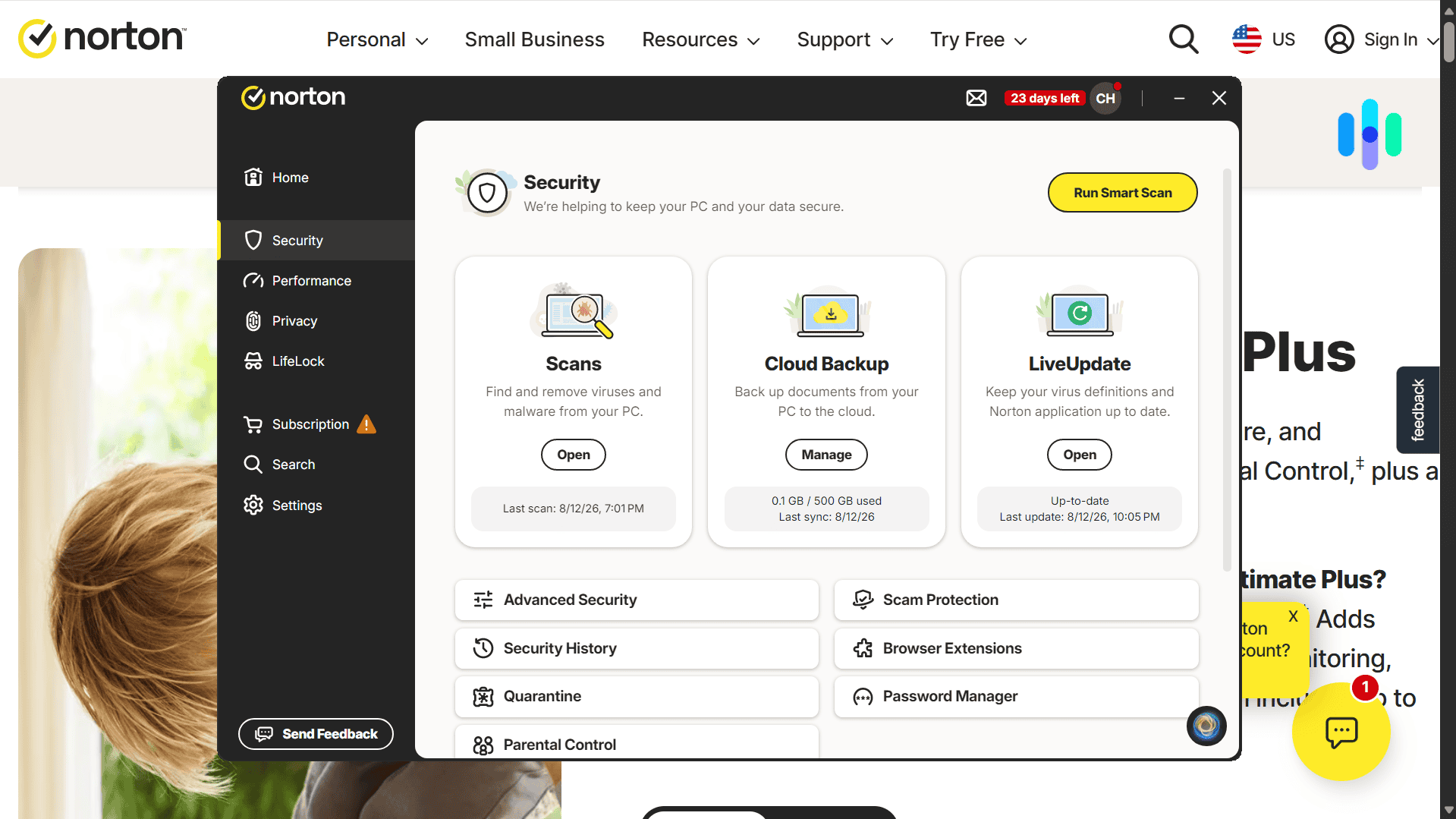
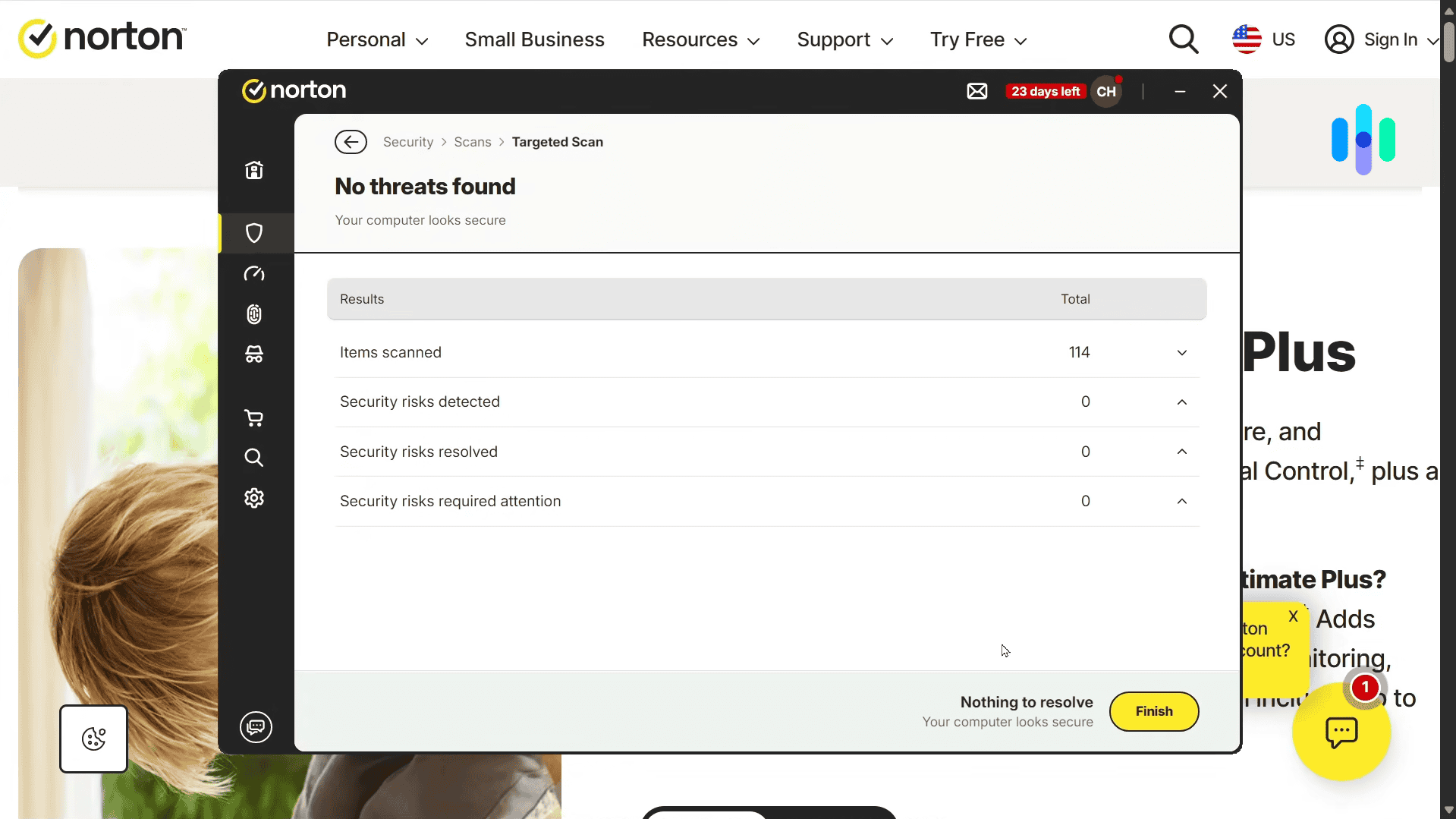
Real-time antivirus protection: Norton catches and removes viruses, malware, and more before it has a chance to cause any damage.
Is Cloud-Based Antivirus Safe for Your Privacy
It’s a fair question. Cloud-based scanning does mean some file metadata and behavioral data gets sent to your provider’s servers for analysis. That’s standard across the industry, and it’s generally limited to what’s actually relevant to catching threats, not the full contents of your files. Even so, it’s worth reading a provider’s privacy policy so you know exactly what’s being logged. Norton, for instance, keeps separate privacy policies for each of its products, so what its antivirus collects is different from what its VPN collects.
Do You Need an Internet Connection for Cloud Antivirus to Work?
You’ll get the best results with an active internet connection, since that’s what lets your antivirus check files against its live threat database in real time. That said, most cloud-based antivirus apps also keep a local copy of recent threat signatures cached, so you’re not completely unprotected if you lose connection. You just won’t get the real-time benefit of cloud intelligence until you’re back online.
FYI: Network latency is also another factor to consider. Slow internet speeds or congestion can delay scan results and response times. We recommend a maximum of 50 ms. Considering the average in the US is 30 milliseconds, this should be achievable in most locations.2
Bottom Line
If you’re weighing antivirus options right now, here’s our honest take: cloud-based protection is worth prioritizing, because it updates faster and generally treats your device more gently than software that leans entirely on a local virus database. Norton is our top overall pick for combining strong cloud intelligence with broad device support, and we think it’s the safest choice if you want one thing that does it all well. If zero-day threats are specifically what worry you, TotalAV’s real-time cloud scanning is built specifically to catch them. And if a light footprint matters most to you, Bitdefender is hard to beat.
FAQs
-
What is cloud-based antivirus?
It’s antivirus that checks your files and behavior against a threat database hosted on the provider’s servers, rather than relying only on a database stored on your device. That’s what lets it update faster and generally run lighter.
-
Is cloud-based antivirus better than traditional antivirus?
In most cases, yes. Cloud-based antivirus tends to respond to new threats faster and puts less strain on your device, since some of the analysis happens remotely. That said, our top picks (and most modern antivirus software) actually combine both cloud and local detection rather than relying on just one.
-
Which antivirus has the best cloud-based scanning?
Based on our testing, Norton gave us the strongest overall mix of cloud intelligence and traditional detection, while TotalAV’s cloud scanning is built specifically for catching zero-day threats in real time. Bitdefender’s cloud-offloaded scanning had the smallest impact on system performance.
-
How much does cloud-based antivirus cost?
The good news is cloud scanning isn’t a separate pricing tier. It’s just part of the technology. Pricing works the same as any other antivirus subscription. Our full breakdown of what antivirus software costs covers typical pricing by device count and feature set.
-
Does cloud-based antivirus work without an internet connection?
You’ll need an internet connection for real-time cloud checks, but most providers cache recent threat signatures locally, so you’re not left completely unprotected if you go offline. You just won’t get the real-time cloud updates until you reconnect.
-
Crowdstrike (2026). CrowdStrike 2026 Global Threat Report.
-
Speedof.me. (2026). Average Internet Speed in the United States.