



the security.brief
Learn how Security.org tests and rates VPNs, antivirus software, and password managers. Our hands-on methodology, explained from setup to final SecurityScore.
Cybersecurity software has a unique problem. It either works silently in the background or fails silently. Most people can’t tell the difference until something goes wrong. A VPN that leaks your DNS queries looks identical to one that doesn’t. An antivirus that misses 20 percent of threats still shows you a green checkmark. A password manager with a flawed autofill implementation will let you breeze past the login page right up until it doesn’t.
That’s why surface-level testing isn’t enough. Since 2018, Security.org has been putting cybersecurity software through the kind of evaluation that actually surfaces those gaps. We create real accounts, install on real devices, and perform multiple tests designed to find the cracks. This page explains exactly how we do that for VPNs, antivirus software, and password managers.
Why We Test the Way We Do
Cybersecurity is one of the easiest categories for a review site to fake. Software is free to download, marketing pages are easy to summarize, and most readers have no way to verify whether a reviewer actually used the product or just read the feature list. The result is a web full of reviews that all say roughly the same thing, because they’re all working from the same source material.
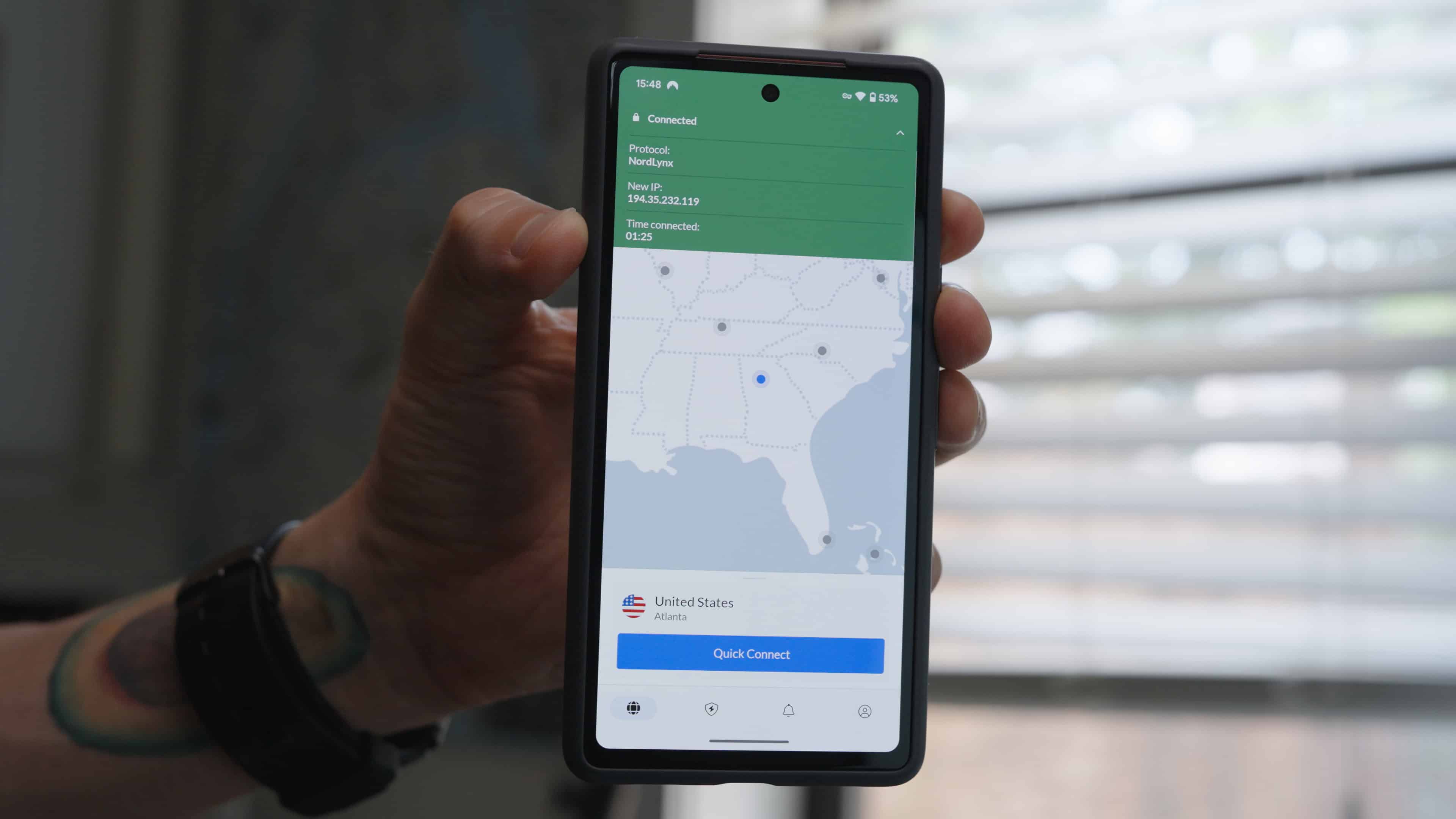
Our editorial process is different. We create real accounts and pay for real subscriptions. We test on multiple operating systems, run controlled experiments to check claims we can’t take at face value, and specifically try to find the scenarios where a product falls short. Our experts don’t publish a review until we’ve spent enough time with a product to have an informed opinion of it. That means you get the kind of detail that only comes from real experience: whether a VPN noticeably slowed a streaming session, whether an antivirus scan interrupted a video call, whether a password manager autofill failed at checkout.
How We Review VPNs

A VPN’s job is to protect your connection and your privacy without getting in the way of your normal online activity. Whether it actually does that depends on far more than server count or protocol support. Here’s how we find out.
1. Speed and Performance
We run VPN speed tests using a consistent baseline: a wired fiber-optic internet connection with a verified download speed of at least 300 Mbps. We test at least five server locations per provider, including nearby, mid-range, and long-distance servers, and run each test three times at different times of day. We record download speed, upload speed, and latency for each, then calculate the percentage drop from our baseline. A strong VPN should retain at least 70 percent of baseline download speed on nearby servers. We flag anything that consistently falls below that threshold, regardless of what the provider advertises.
2. Privacy and Logging Policy
We read the full privacy policy and terms of service, not just the no-logs claim on the homepage. We flag any language that permits logging of connection timestamps, IP addresses, DNS queries, or browsing activity. We also give extra weight to providers who have undergone independent third-party audits of their no-logs claims, and we note the jurisdiction in which the provider operates, since that directly affects how they respond to data requests from law enforcement.
3. Leak Testing
We run a minimum of 10 leak tests per VPN, checking for DNS leaks, IPv6 leaks, and WebRTC leaks using established tools, including our free DNS leak checker. We also test kill switch functionality by deliberately dropping the VPN connection and confirming that all traffic stops before the tunnel re-establishes. Any provider that fails a leak test is flagged in the review, regardless of how well it performs elsewhere.
4. Server Network and Streaming
We verify that the provider’s advertised server count and country coverage are accurate. We test streaming unblocking by attempting to access geo-restricted content on Netflix, BBC iPlayer, Disney+, and Hulu using at least three different server locations per platform. We also test whether the VPN functions on restrictive networks, including public Wi-Fi with port filtering, which is a common real-world use case that many VPN reviewers overlook.
5. App Usability
We install and actively use the app on Windows, macOS, iOS, and Android. We log the number of taps or clicks required to connect to a server, switch locations, and access the kill switch setting. A well-designed VPN app should connect in two taps or fewer from a cold open. We also note whether the app clearly indicates connection status, since a VPN that doesn’t make it obvious whether it’s on or off is a privacy risk for anyone who isn’t paying close attention.
6. Pricing and Value
We calculate the monthly cost of a VPN at each plan tier, including both introductory and standard renewal pricing. We flag providers who advertise low monthly rates that require two or three years of commitment upfront, and we note the refund window and whether they honor it by actually attempting to file refund requests. We also evaluate free tiers or trials based on their own merits, not just as a gateway to the paid plan.
How We Review Antivirus Software
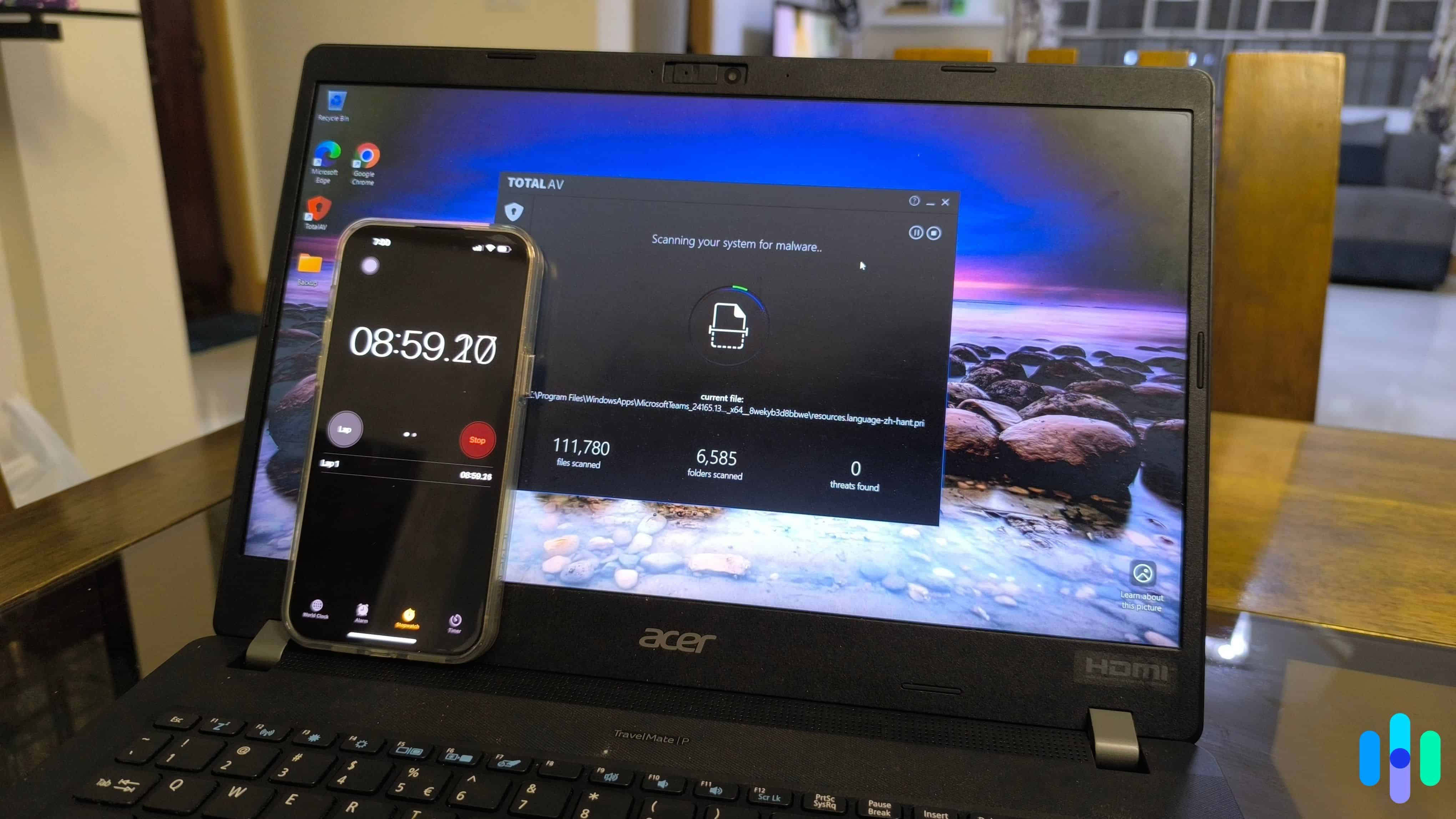
Yes, you still need an antivirus in 2026. Good antivirus software should run quietly in the background, catch threats before they cause damage, and stay out of your way the rest of the time. Here’s how we put that to the test.
1. Malware Detection
We run our own controlled tests using known malware samples in an isolated environment, and we cross-reference results against independent lab scores from AV-Test1 and AV-Comparatives,2 two of the most rigorous testing organizations in the industry. We look at protection scores across real-world attack simulations and zero-day threat tests. Any product that scores below 90 percent detection in either lab’s most recent evaluation gets flagged, regardless of what the provider claims on their website.
2. System Performance Impact
We measure how much each product slows down everyday tasks by launching applications, copying large files, browsing, and running a full system scan simultaneously. We use a standardized test machine (8GB RAM, mid-range CPU, SSD) and compare task completion times with the antivirus active versus disabled. We also monitor RAM and CPU usage during quick scans, full scans, and real-time protection. Products that cause a slowdown greater than 15 percent on common tasks are flagged.
3. False Positive Rate
Detection rates alone don’t tell the full story. A product that flags every file isn’t a useful product. As part of our in-house testing, we expose each antivirus to a set of known clean files, legitimate software installers, and commonly visited websites, then log how often the product incorrectly identifies them as threats. A high false positive rate lowers a product’s overall score even if its detection performance is strong, because false alarms erode trust and train users to ignore warnings.
4. Extra Features
Many antivirus suites bundle additional tools, including VPNs, password managers, parental controls, and identity monitoring. We test each bundled feature on its own merits. A VPN included with an antivirus suite is held to the same standards we apply to standalone VPN reviews. We don’t give credit for features that exist on paper but underdeliver in practice.
5. Ease of Use
We install and use each product on Windows and macOS for a minimum of two weeks. We evaluate the setup process, dashboard clarity, and how easy it is to run a scan, review quarantined files, and adjust scan schedules. We pay close attention to how the software communicates alerts, including whether notifications give you enough information to act or whether they’re vague enough that most users would just dismiss them.
6. Pricing and Plan Structure
We evaluate the cost of an antivirus service against what it actually includes, such as the number of devices covered, the features available at each level, and whether the free or trial version is genuinely useful or artificially limited to push upgrades. We flag auto-renewal practices and any cases where the renewal price increases significantly after the first year.
How We Review Password Managers
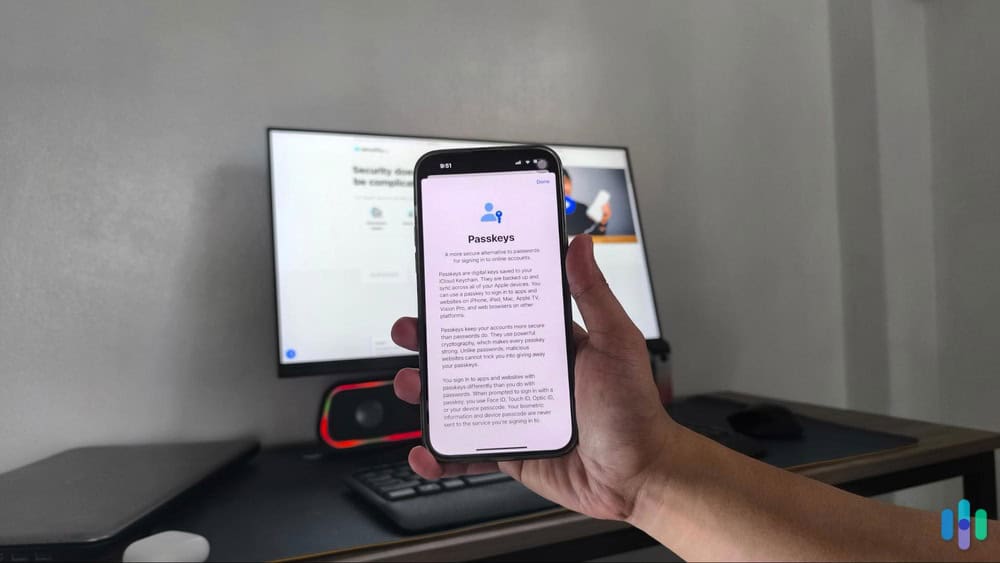
A password manager is only useful if you trust it completely and it works everywhere you need it to. We test both of those things before we recommend one to anyone.
1. Security Architecture
We verify that each provider uses end-to-end encryption and a zero-knowledge model, meaning the company itself cannot access your stored credentials even if compelled. AES-256 encryption is the minimum we accept. We also check whether the master password is hashed locally before any data leaves the device, and we note whether the provider has completed a third-party security audit with publicly available results. Providers that haven’t been independently audited are noted.
2. Password Generation and Vault Organization
We test the password generator across all available options, including length, character sets, and whether it can produce pronounceable passphrases. We then store a minimum of 50 test credentials across different categories and assess how intuitively the vault organizes and surfaces them. We also test secure note storage and any additional item types the vault supports, such as credit cards, identities, and documents.
3. Autofill Accuracy
We test autofill on a minimum of 20 login forms across a representative sample of site types. We use auto-fill on standard username and password pages, multi-factor logins, single sign-on pages, and forms with non-standard field labels. We log fill accuracy, how often the manager fails to recognize a login field, and whether it correctly avoids filling credentials on lookalike phishing pages. Autofill that works on 18 out of 20 sites is meaningfully different from one that works on 14, and we reflect that in our scores.
4. Cross-Platform Experience
We install and use each password manager on Windows, macOS, iOS, and Android, and test the browser extension on Chrome, Firefox, and Safari. We evaluate how consistently the vault syncs across devices and whether the experience is coherent from one platform to the next. A feature available on desktop that’s absent or buried on mobile is the kind of usability gap our readers need to know.
5. Account Recovery Options
A zero-knowledge password manager cannot reset your master password on your behalf, which means losing access can mean losing everything. We evaluate what recovery options each provider offers, such as emergency access contacts, recovery keys, biometric fallback, and account recovery kits. We give credit to providers who surface recovery setup during onboarding, not only after a lockout has already occurred.
6. Pricing and Free Tier
We assess what the free tier actually includes and whether it functions as a genuinely useful long-term option or primarily as a trial designed to push upgrades. We compare premium plan pricing across providers and note which features, such as emergency access, secure sharing, or dark web monitoring, are gated behind a paid plan and whether the price jump is justified by what you get.
How We Score Products
Cybersecurity software is harder to evaluate than hardware. You can’t hold it, you can’t see it working, and the marketing language around it all sounds the same. Our SecurityScore cuts through that by anchoring every rating to measurable outcomes, including detection rates, speed test numbers, leak test results, and autofill accuracy counts. Every cybersecurity product we review receives a score out of 10 built from weighted criteria that stay consistent within each product category, so every VPN is measured against every other VPN by the same standards, and the same goes for antivirus and password managers.
To see a full breakdown of how we calculate SecurityScores across every product category we cover, visit our SecurityScore page.
Who Does the Testing
Our cybersecurity reviews are written by Security.org researchers and editors with backgrounds in cybersecurity, privacy, and consumer technology. The threat landscape changes constantly, and so does our testing. We revisit products when providers push significant updates, when new vulnerabilities surface in a category, or when independent lab results shift enough to change our recommendation. If you think we missed something or got something wrong, we want to know.
Have a question about our process? Get in touch at info@security.org.