
the security.brief
Brute force attacks are among the oldest — and most effective — methods hackers use to break into accounts. Here's how it works and what actually stops it.
When most people imagine a cyberattack, they’re thinking of complex algorithms that infect a device to steal information or perform malicious tasks. While that’s true for some types of attacks, brute force attacks are much simpler. They use automated software to repeatedly try password after password until it guesses the right one.
Despite its simplicity, it’s still one of the most effective attack types today. Not because it’s gotten better at guessing passwords, but because the tools running it have gotten faster and the list of leaked passwords continues to grow. Our experts are going to break down all the technical details of these attacks in simple terms and then go over how you can protect yourself. Let’s dig in.
FYI: The best password managers maintain lists of leaked passwords and alert you if you’re using one of them. That way, you make your password harder to guess for brute force attackers. We cover all of this in our guide to password managers.
How Brute Force Works
At its core, a brute force attack is a trial-and-error process run by a program, not a person. An attacker sets the software loose on a login page, an encrypted file, or a network endpoint, and it begins cycling through credentials automatically. Depending on the hardware behind it, these programs can make billions of guesses per second.
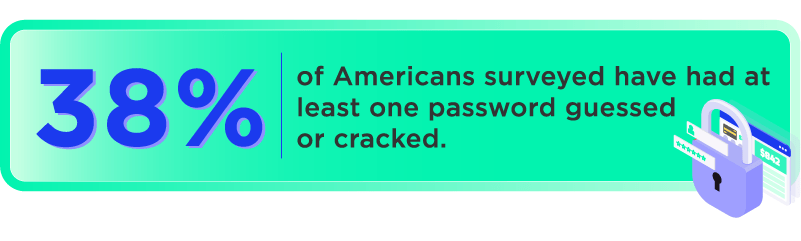
What makes this viable at all is the gap between how fast computers can guess and how strong most passwords actually are. Most people’s passwords — short, predictable, built from names and dates — don’t stand a chance against someone guessing billions of combinations per second. We confirmed this with our survey on America’s password habits.
The software can run against a live login portal, or it can work offline against a stolen database of hashed passwords. Offline attacks are faster because there’s no server rate-limiting the attempts. The attacker just runs the cracking tool locally until the hashes resolve.
Types of Brute Force Attacks
“Brute force” covers a family of related techniques. They share the same core logic — try many things until one works — but differ in what they’re working from and how they prioritize attempts.
Simple Brute Force
The purest form: systematically try every possible combination of characters. Start with “a,” work through to “zzzzzzzzz” and beyond. Given enough time and computing power, this cracks anything. The catch is that time scales exponentially with password length — a 12-character random password takes astronomically longer to crack than an 8-character one. That’s why most password strength checkers weigh the length of your password heavily.
Dictionary Attack
Rather than trying every possible combination, a dictionary attack works from a list. The list starts with common passwords (“123456,” “password,” “qwerty”). Then, it expands to words from the dictionary with common substitutions (p@ssw0rd, P4ssword). Eventually, it grows to include leaked credentials from past breaches. Most human-chosen passwords fall somewhere on one of these lists, which is why dictionary attacks crack accounts much faster than simple brute force.
Credential Stuffing
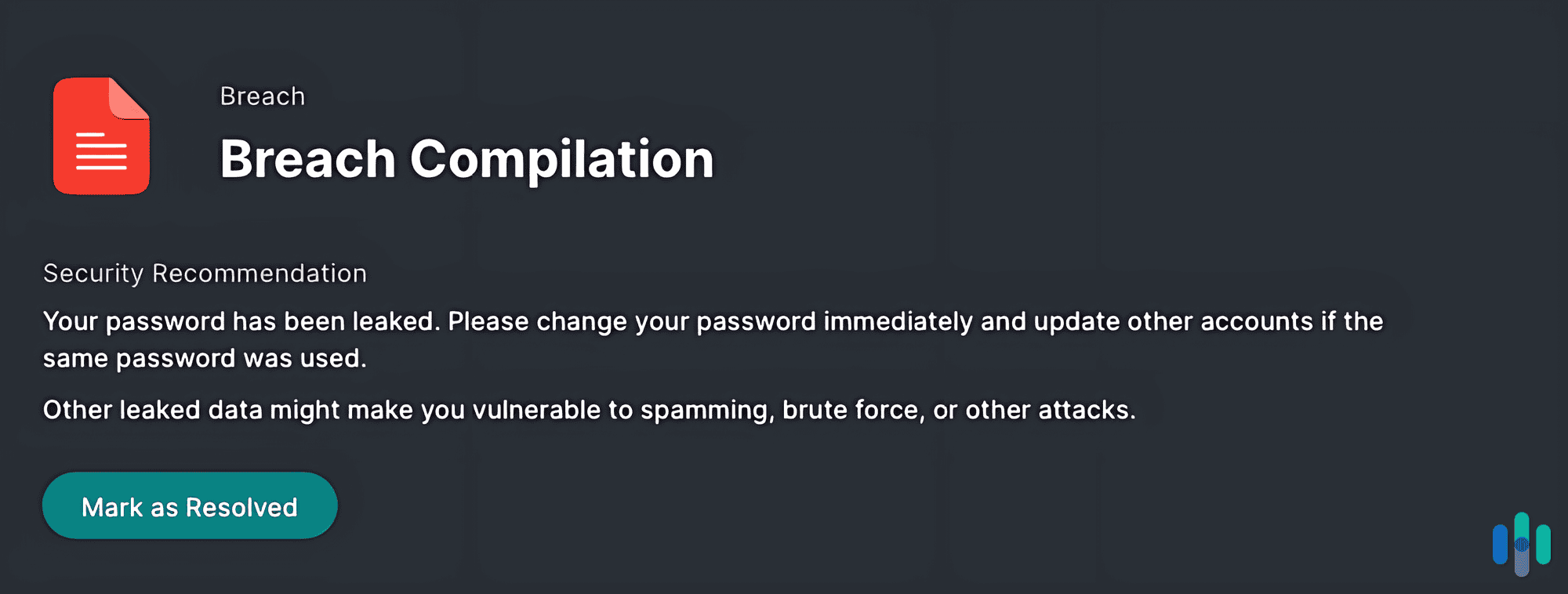
This one doesn’t guess at all — it uses real credentials. Attackers take username/password combinations exposed in past data breaches and run them against other services. The bet is that people reuse passwords across accounts, which they do at an alarming rate. A study of 19 billion leaked passwords found that 94 percent were either reused or duplicates.1 Credential stuffing exploits that exact habit.
Password Spraying
Most systems lock an account after several failed login attempts. Password spraying works around this by flipping the approach: instead of trying many passwords against one account, it tries one or two common passwords across thousands of accounts. One guess per account, move on. It stays under lockout thresholds and is particularly effective against large organizations with standardized password policies. According to Microsoft’s 2025 Digital Defense Report, over 97% of identity attacks involve password spraying.2
Expert Insight: Accounts with highly sensitive information, like your online banking, might also lock accounts after login attempts from suspicious IP addresses. This is important if you use a VPN, as you might accidentally attempt to login through a VPN server in one of those blacklisted countries, locking you out of your account. Even the best VPNs have this issue.
Reverse Brute Force
Similar to password spraying, reverse brute force attacks start with a known password — often one that appeared in a breach — then try it across many different usernames, looking for matches. Like credential stuffing, this also exploits password reuse. However, it only requires a known password instead of a username-password pair.
Hybrid Attack
Some attacks combine the dictionary and brute force approach. They start from a word or phrase and then add variations — appending numbers, substituting characters, trying different capitalizations. This mirrors how most people actually create passwords when forced to add complexity, making it effective against passwords like “Summer2024!” or “Fido1995.”
Why Brute Force Attacks Are Still a Major Threat
There’s a temptation to think of brute force as a blunt, unsophisticated attack that modern security would easily block. The reality is messier. Here’s why brute force attacks are still effective and used today:
- The scale has changed: Early brute force attacks ran on single machines with limited processing power. Today, attackers use GPU clusters and botnets spanning millions of compromised devices to distribute attempts across different IP addresses. This gets around most rate-limiting and IP blocking attempts. Some large-scale attacks use nearly three million IP addresses daily.3
- The credential pool keeps growing: In July 2024, a compilation of nearly 10 billion unique plaintext passwords — dubbed RockYou2024 — was posted on a criminal forum.4 That’s a working wordlist, not a theoretical one. Every large breach adds to the pool that dictionary and credential stuffing attacks draw from.
- Brute force feeds ransomware: According to Mandiant’s M-Trends 2025 report, brute force attacks were the most common initial access vector for ransomware intrusions in 2024. It accounted for 26 percent of ransomware cases.5 This shows brute force is used as an entry-point for further attacks.
- Most Linux attacks involve brute force: A recent report tagged 89 percent of Linux endpoint behaviors as brute-force activity.6 Since Linux is regularly used to run internet-facing services, this large amount of brute-force activity makes sense. Weak or exposed credentials make these systems prime brute‑force targets.
Needless to say, brute force attacks still pose a major threat to the security of your accounts.
What Attackers Do After Getting In
Getting past a login is usually just the beginning. Once an attacker has valid credentials, further attacks can follow, including:
- Data theft: Most attackers start by stealing any emails, files, financial data, or personal information stored in the account.
- Lateral movement: In corporate environments, one compromised account often becomes a foothold. The attacker uses it to access other systems, escalate privileges, and move deeper into the network, similar to the way a computer worm works.
- Malware deployment: Especially in server environments, attackers with login access can install backdoors, cryptominers, or ransomware.
- Account takeover for resale: Compromised accounts — gaming accounts, streaming subscriptions, banking portals — can be sold on criminal forums.
- Pivoting to other accounts: Once inside one account, an attacker looks at recovery email addresses, linked services, and account settings to chain their way into more accounts. A single cracked credential becomes a jumping off point for access to more accounts.
These additional attacks make successful brute-force intrusions all the more dangerous.
>> Learn More: What is a Data Breach and How to Prevent a Breach in 2026
Real-World Examples
Brute force isn’t theoretical. It’s been the entry point for some of the most consequential breaches in recent history. For instance, in 2024, attackers used credential stuffing to access customer accounts at Ticketmaster, AT&T, Advance Auto Parts, and other major retailers. The credentials came from infostealer malware on employee devices. Hundreds of millions of customer records were exposed.
Microsoft 365 accounts were targeted with high-speed brute force attacks in 2025. These attackers used the FastHTTP Go library to cycle through credentials at a rate that made conventional per-IP blocking insufficient.7 SoncWall’s cloud backup service was also hit by brute force attacks in 2025 by a state-sponsored threat actor. The incident illustrated that even enterprise security vendors are targets.8
Did You Know: To work more efficiently, most brute force attacks use targeted password lists that contain known passwords from data breaches. We covered a few large-scale breaches, including the Equifax, AT&T, and UnitedHealthCare breaches.
How to Protect Yourself
Most of us know the basics of stopping brute‑force attacks; the hard part is consistent implementation. That’s why we created this list of the most impactful steps you can easily implement today:
- Use long, unique passwords: Length is the single most important factor in password strength against brute force. A unique 16-character password is exponentially harder to crack than an 8-character one, regardless of how many special characters the shorter one contains. Our password generator makes it easy to create a random password of up to 32 characters.
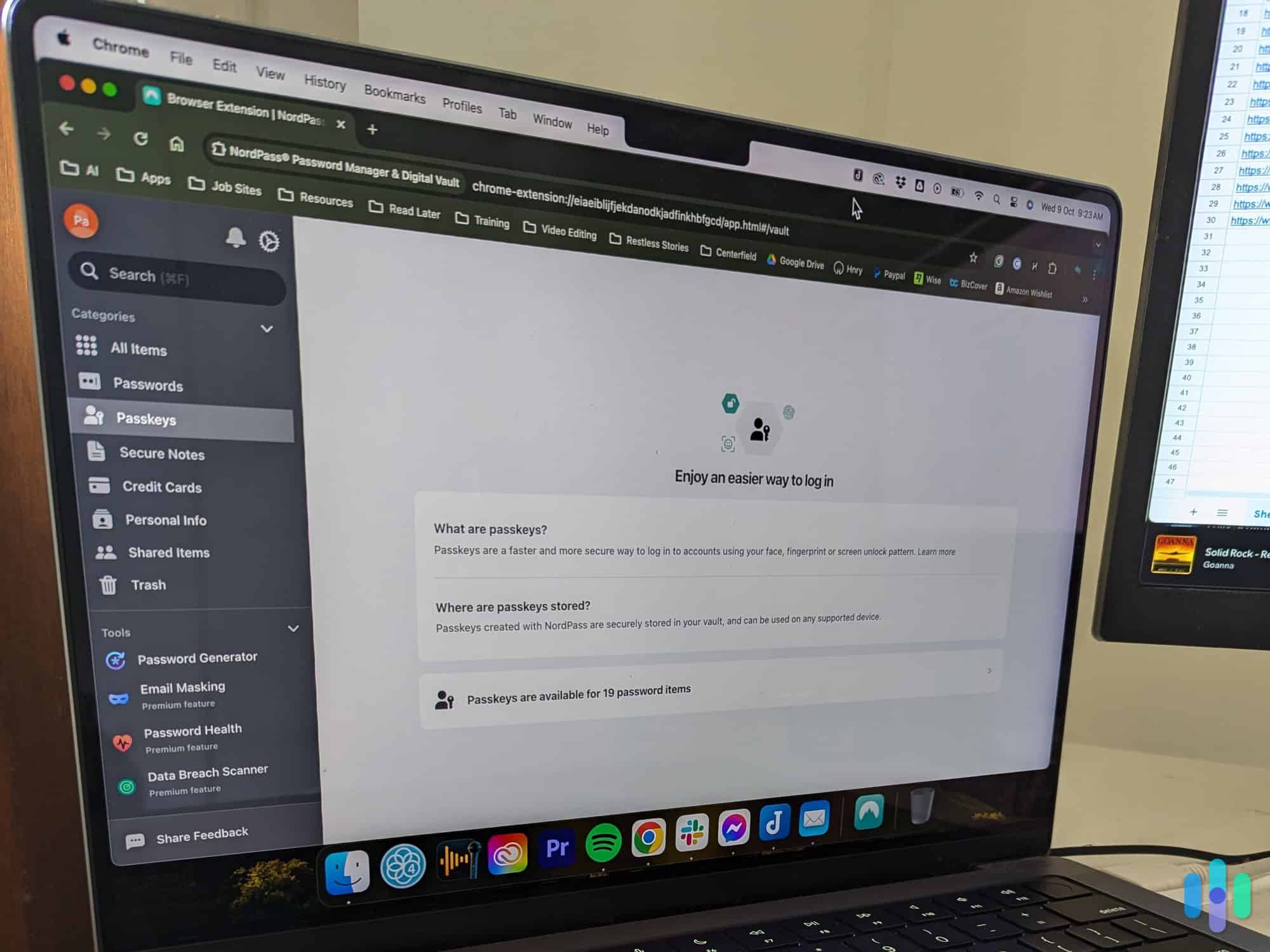
- Use a password manager: The reason people reuse passwords is that unique ones are hard to remember. A good password manager solves that. We compare two of our favorites in our NordPass vs, 1Password guide. Both can generate and store long, random credentials for every account so you never have to remember them.
- Enable multi-factor authentication (MFA): With MFA enabled, an attacker still can’t access your account even if they guess your password correctly. They’d also need to get through the second factor of verification. That could be anything from a code in an authenticator app or hardware key to fingerprint or face scan. We recommend enabling it everywhere it’s offered.
- Avoid predictable password patterns: If you’re creating a password manually, most predictable password patterns like your pets name and birthdate are likely already on attacker wordlists. Passphrases — four or more unrelated words strung together — are harder to crack than short complex passwords, while still being memorable.
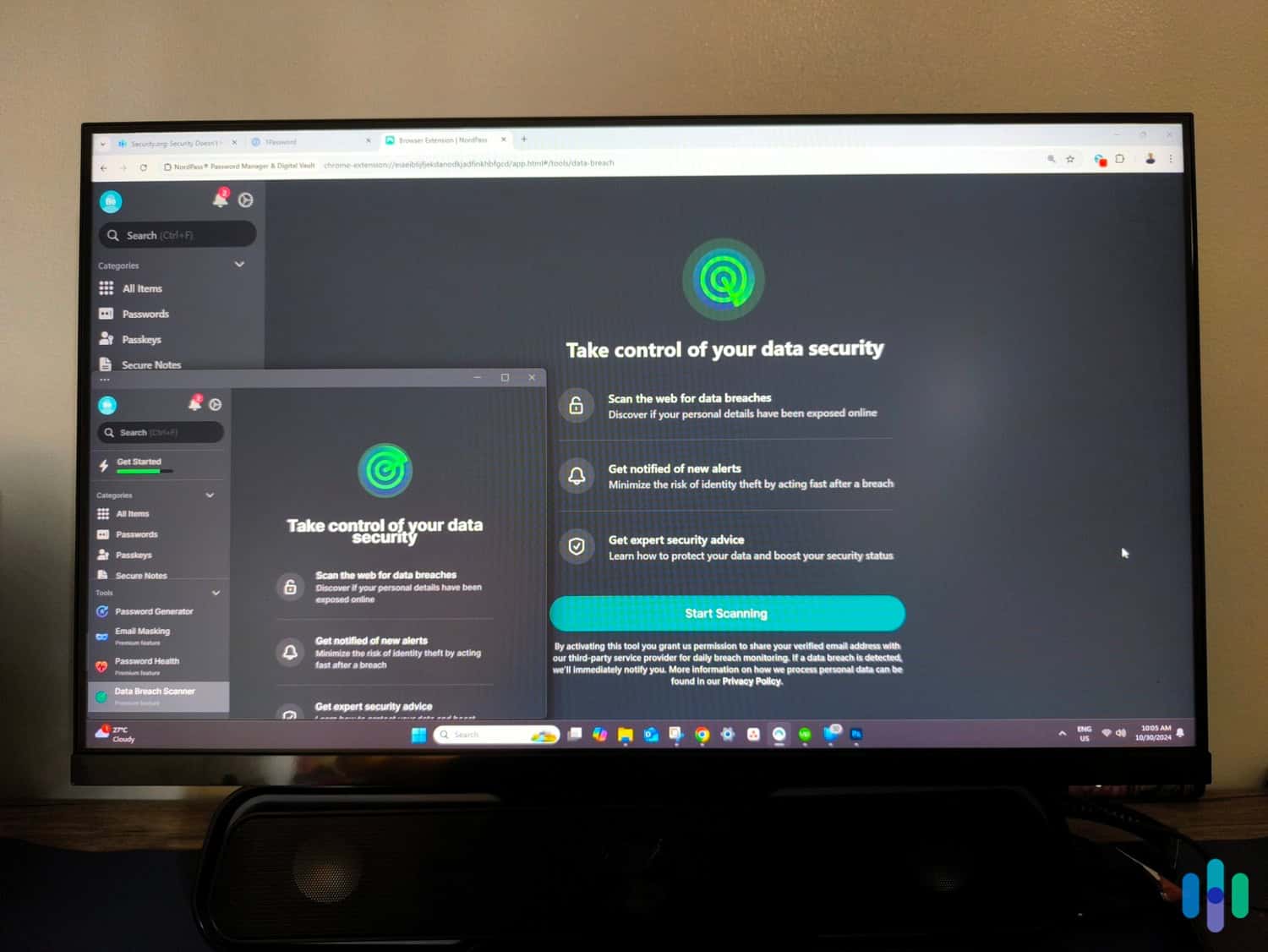
- Monitor for breach exposure: Services like Have I Been Pwned let you check whether your credentials have appeared in known data breaches. If a credential appears in a breach, change it immediately — don’t wait. The best identity theft protection services with dark web monitoring immediately alert you if your credentials appear in a known breach.
- Keep software and firmware updated: Brute force attacks frequently target network devices — routers, VPNs, firewalls — that ship with default credentials or known vulnerabilities. Whenever you buy a new connected device, always change its password. Also, regularly check for firmware updates and apply them when available.
As long as your accounts are too hard to be worth it for criminals to brute force open, they’ll move on to a different target and that’s exactly what these tips do.
For Organizations and IT Teams
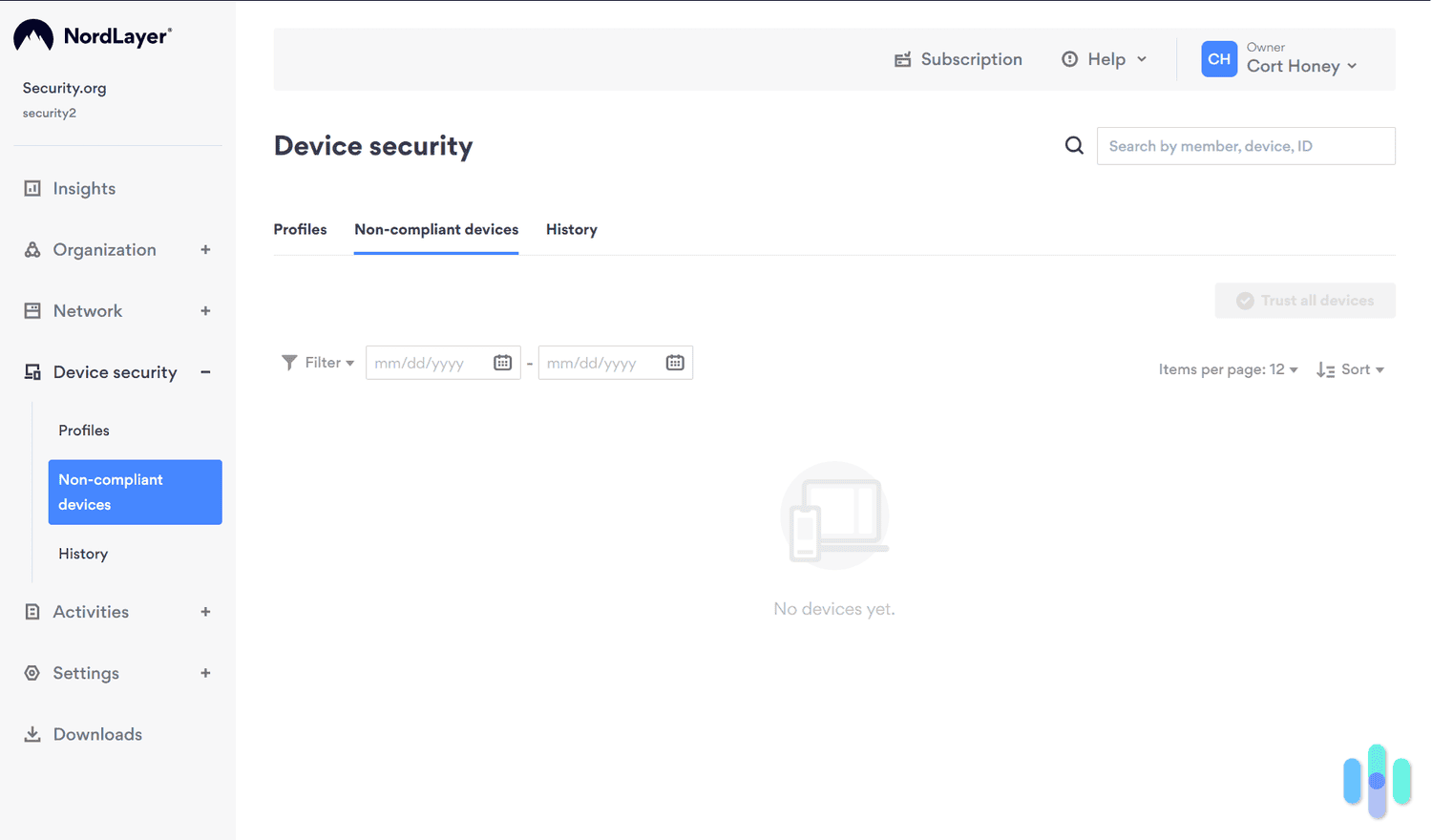
Beyond employees maintaining good password hygiene, organizations can further reduce their vulnerability to brute force attacks with additional controls, such as:
- Account lockout policies: Set accounts to lock after a defined number of failed login attempts. This limits the speed of online brute force attempts significantly. The tradeoff is user lockout frustration, so you’ll need to find a balance on your rate limiting.
- Rate limiting and CAPTCHA: Slow down automated login attempts by rate-limiting authentication endpoints and requiring CAPTCHAs after repeated failures. Not a complete defense, but it raises the cost of attacks.
- Enforce MFA organization-wide: Instead of relying on everyone to enroll in MFA, organizations can enforce it across all accounts. This extra login step can prevent most brute force attacks. We particularly recommend it for remote access accounts, email accounts, and admin portals.
- Monitor for anomalous login patterns: Brute force and credential stuffing leave detectable signals. A few common ones include repeated failures from the same IP, login attempts across many accounts in a short window, or logins from unusual geographies. Modern SIEM tools flag these automatically. You just need to make sure someone is acting on those alerts.
- Disable or restrict RDP and SSH exposure: Remote Desktop Protocol and SSH are among the most frequently targeted services in brute force campaigns. Restrict access to known IP ranges or route through a VPN where possible. If it’s not operationally necessary, we recommend disabling public-facing exposure entirely in most cases.
- Audit and rotate default credentials: New devices and software installations often ship with known default usernames and passwords. Attackers maintain lists of these for dictionary attacks. Auditing for and rotating default credentials is a basic hygiene step that’s easy to overlook at scale.
These relatively simple protections can prevent most brute force attacks. That said, we also recommend investing in a high-quality business antivirus solution for broad protection against more technical attacks.
>> Read More: Best VPNs for Business in 2026
The Bottom Line
Brute force is one of the simplest attack techniques in existence, and that’s precisely why it’s still effective. It doesn’t require social engineering, zero-day exploits, or insider access. It just requires time, computing power, and a target with weak authentication.
The defenses aren’t complex either. Strong unique passwords, MFA, and basic monitoring close off most of the exposure. The problem isn’t a lack of solutions — it’s that the solutions have to actually be in place. A single reused password or an account without MFA is enough for a brute force attack to find its way in.
Frequently Asked Questions
-
What is brute force in cybersecurity?
Brute force refers to any attack that systematically tries many possible inputs — passwords, encryption keys, login credentials — until the correct one is found. It’s an automated trial-and-error approach to hack accounts that requires no technical exploitation of software vulnerabilities.
-
How long does a brute force attack take?
It depends almost entirely on password strength. A simple, short password can be cracked in seconds. A 16-character random password mixing letters, numbers, and symbols could theoretically take longer than the age of the universe to crack through pure brute force. That clearly shows why length matters so much more than complexity to block brute force attacks.
-
What's the difference between brute force and a dictionary attack?
Pure brute force tries every possible character combination. A dictionary attack works from a prebuilt list of common passwords, words, and leaked credentials — making it much faster against typical human-chosen passwords.
-
What's the difference between brute force and credential stuffing?
Brute force guesses passwords. Credential stuffing uses real passwords stolen from previous data breaches and tries them on other services. Both are automated, but credential stuffing is more efficient because it works from known valid credentials.
-
Does multi-factor authentication stop brute force attacks?
Yes, effectively. Even if an attacker correctly guesses your password through brute force, MFA requires a second factor — a code from an app, a hardware key, a fingerprint — that they can’t replicate from guessing alone. It’s the most reliable defense you can add.
-
What types of accounts do brute force attacks target?
Any account protected only by a password. Common targets include email accounts, banking portals, corporate VPNs and RDP endpoints, cloud storage services, gaming and streaming accounts, and network devices like routers that ship with default credentials.