Wyze Cam Pan Review
One of the most affordable cameras we've reviewed, the Wyze Cam Pan doesn't skimp in terms of quality.
 &
&
 Last Updated on Jun 25, 2026
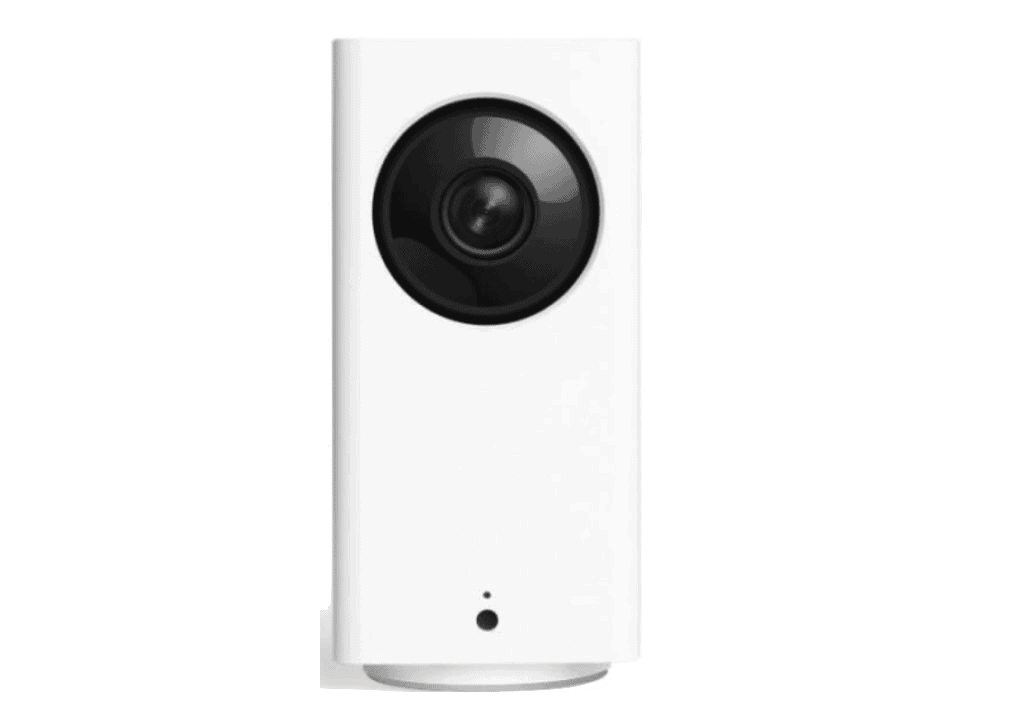
What We Like
- Excellent video, audio, and night vision: The Wyze Cam Pan may be affordable, but it meets our high standards in terms of video, audio, and night vision.
- Cloud and local storage: Choose the method that works best for you with dual storage.
- Alexa, Google Assistant and IFTTT integration: The Wyze Cam Pan is smart home ready.
What We Don't Like
- Doesn't have Apple HomeKit integration: We’re nitpicking here, but if you’re on the HomeKit ecosystem, it’s not the camera for you.
- Boxy design: It wasn’t a problem for us — in fact, we liked it — but some folks will prefer their indoor cameras to have curves rather than the Wyze Cam Pan’s boxy, tower-like design.
- Artificial intelligence comes at a price: It’s good that the Wyze Cam Pan supports features like person detection and pet detection, but those features require a Cam Plus subscription.
Bottom Line
the security.brief
Wyze Cam Pan is affordable at $33.99, with 1080p video, night vision, and Alexa integration. Lacks Apple HomeKit and requires Cam Plus for person detection.
Editor’s Note: Wyze cameras are affordable, but we recommend spending the money on an affordable home security system. You can pick and choose the devices you need to protect your home while scoring special discounts up to 87-percent off and free cameras.
If you’re looking for budget-friendly home security that doesn’t compromise on features, you’ve probably come across Wyze. Founded by former Amazon engineers who saw a gap in the market between expensive, feature-rich cameras and affordable but basic options, Wyze aims to bridge that divide with cameras that deliver both value and performance.
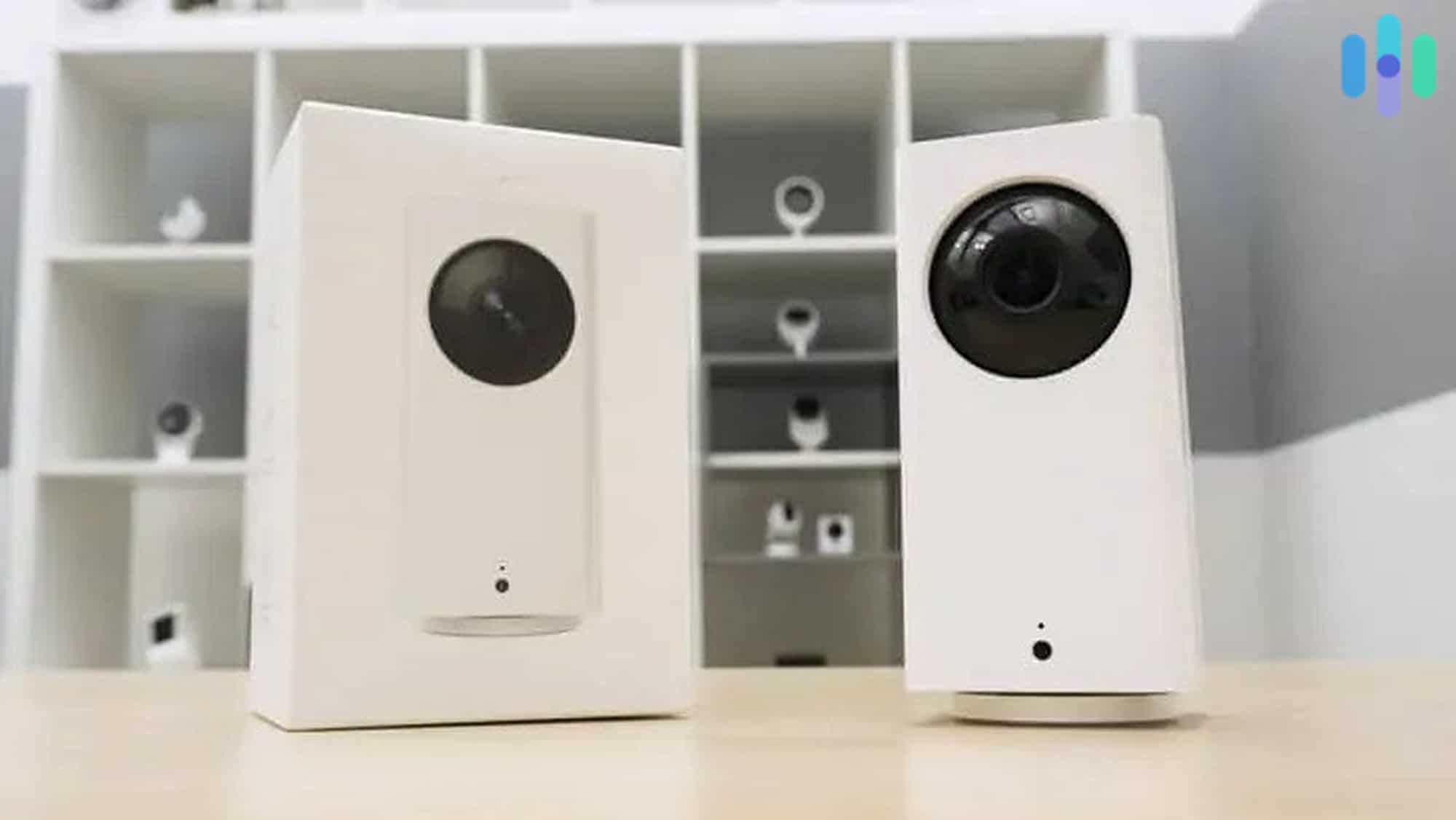
The Wyze Cam Pan has become one of the company’s most popular offerings, now in its third generation. Having tested the original Wyze Cam Pan v1 extensively, I can see how this little camera keeps getting better with each iteration. The v3 brings enhanced night vision capabilities and more durable construction, while maintaining the features that made the original so appealing. Best of all? The price still sits at an incredibly reasonable $39.99.
In this Wyze Cam Pan review, we’ll cover the camera’s features, what I thought of it, and whether it matches up with our Necessary Features Test. Let’s jump in!
Promised Features
Wyze Cam Pan Features Breakdown
| Camera | Wyze Cam Pan |
|---|---|
| Price | $39.99 |
| Field of vision | 120° |
| Resolution | 1080p |
| Zoom | 8x |
| Two-way audio | Yes |
| 24/7 recording | Yes |
| Night vision | Yes |
| Cloud storage | Yes |
| Local storage | Yes |
| Battery or Wired | Wired |
| Learn More | View on Amazon |
Looking at the specs, the Wyze Cam Pan packs an impressive punch for its price point. It features:
- 1080p HD video
- Integrations with Amazon Alexa, Google Assistant, and IFTTT
- 360-degree rotation
- 120-degree field of view
- Eight times digital zoom
- Infrared night vision
- Two-way audio
For under $40, this seems like a really good deal. I’m excited to take the camera out of the box and see what’s in store.
First Impressions
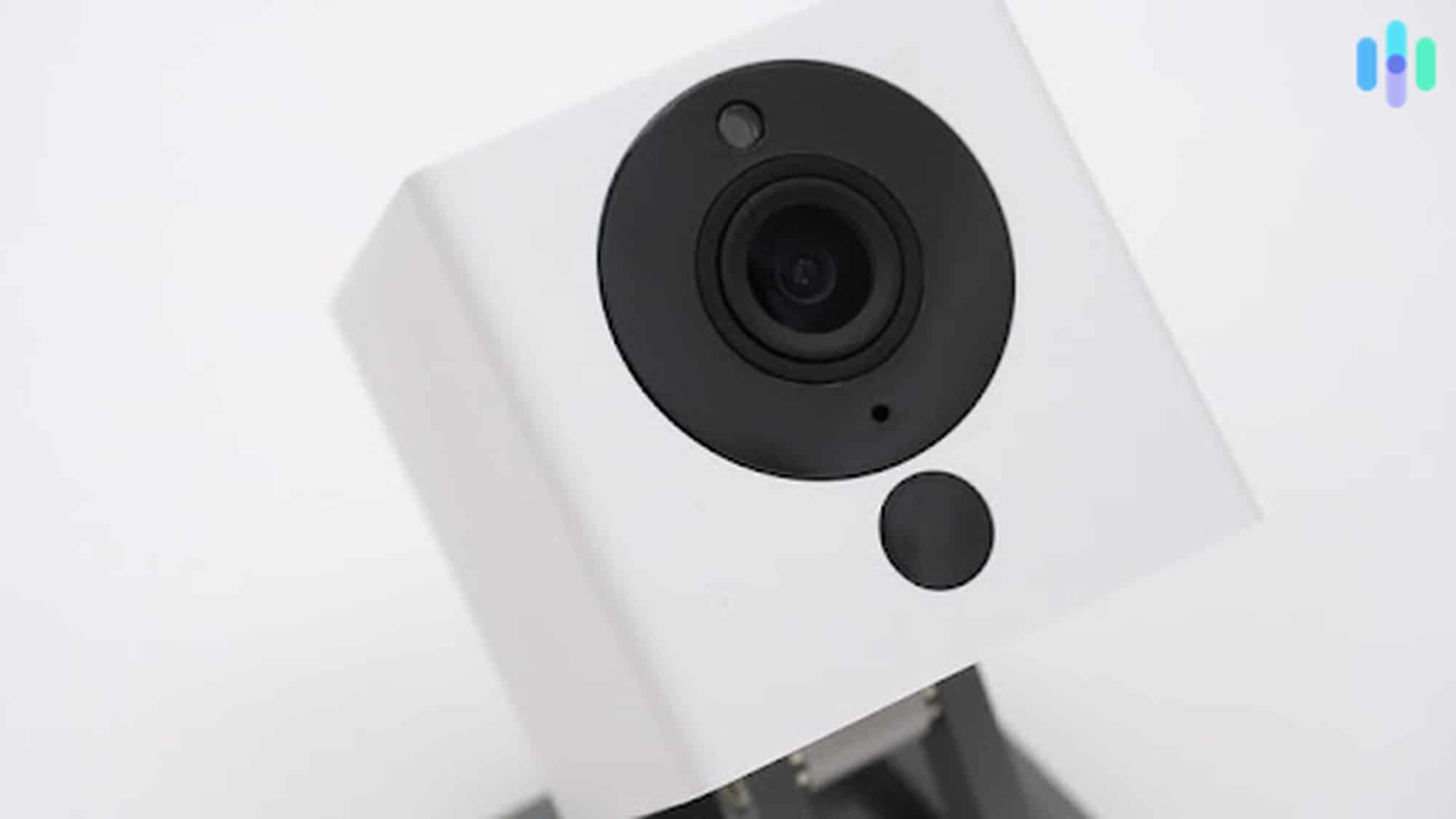
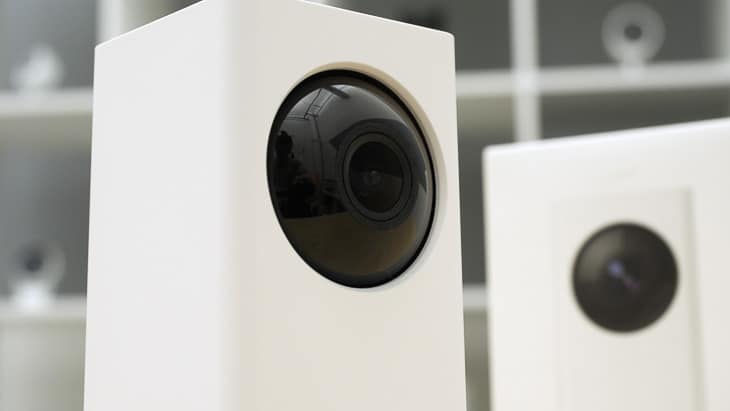
Right out of the box, the Wyze Cam Pan makes a strong impression with its clean, minimalist aesthetic. The design consists of two white rectangular sections topped with a glossy black camera module—it’s functional yet stylish enough to blend into most home decors. What really sets this camera apart is its impressive range of motion: a full 360-degree horizontal rotation and 180-degree vertical tilt that lives up to its “Pan” name. This means you can monitor virtually every corner of a room from a single vantage point.
The build quality feels solid despite the budget price. You’ll find the essentials right where you’d expect them: a built-in microphone and speaker for two-way conversations, plus a microSD card slot for local storage. Since it’s a wired camera, you’ll need to keep it near an outlet, but that also means no battery anxiety or unexpected downtime for recharging.
Necessary Features
Now it’s time for my favorite part of any camera review— our Necessary Features Test. Let’s see if the Wyze Cam Pan can pass!
Video
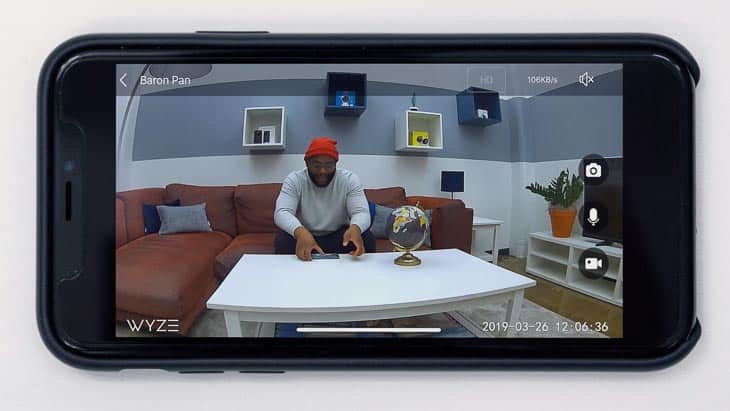
I’m impressed that the Wyze Pan has 1080p HD, the ability to zoom in eight times, and a field of view of 120-degrees. Of course, you have to keep in mind that the camera can turn all the way around, so it’s more like a 360-degree field of view when you really think about it.
Now, while you can make the camera pan remotely using the app, you can also set it to pan on its own periodically. This feature is called Pan Scan, where you set up to four waypoints (basically stopping points) for the camera. When Pan Scan is activated, it pans around, stopping at the set way points for a few seconds to give you a general overview of the camera’s surroundings.
Night Vision
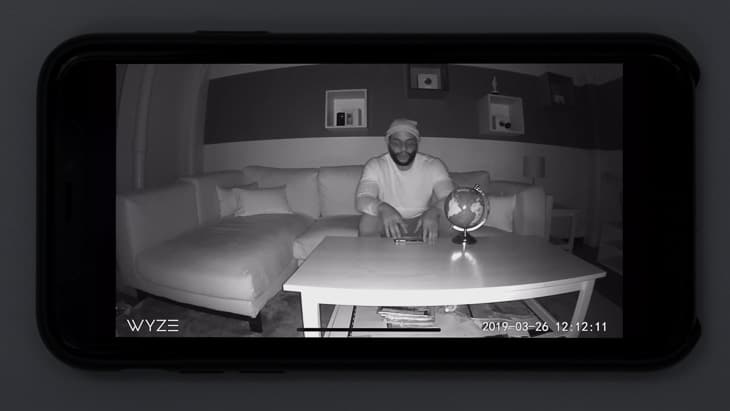
The camera comes equipped with six infrared LED sensors that make for a really clear picture, even in the dead of night. I prefer infrared light over color night vision because it’s a lot less conspicuous than a bright white light. If I’m recording someone, I don’t want them to know about it, less they try to unplug my camera. Infrared night vision gives me the stealth I need to stay safe at night.
The newer Wyze Cam Pan v3 takes night vision a step further with both color and infrared options. Rather than relying on bright spotlights like many color night vision cameras, the v3 uses a sophisticated CMOS Starlight sensor that can capture color footage in low-light conditions. Keep in mind though—this sensor needs at least some ambient light to work its magic; in pitch darkness, it’ll switch back to infrared mode.
Audio Quality
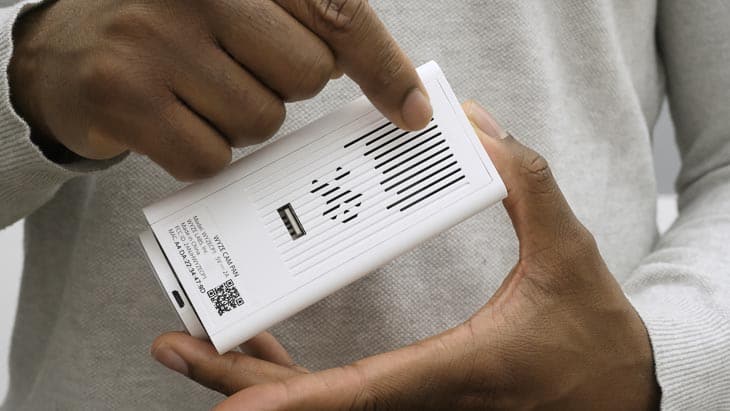
Let’s be honest: the audio quality won’t win any awards here. While it’s not the crispest sound I’ve encountered in my testing, the two-way audio feature works well enough for practical purposes. Whether you’re checking in on pets, greeting delivery drivers, or telling your cat to get off the kitchen counter (again), the audio gets the job done without any major issues.
Storage
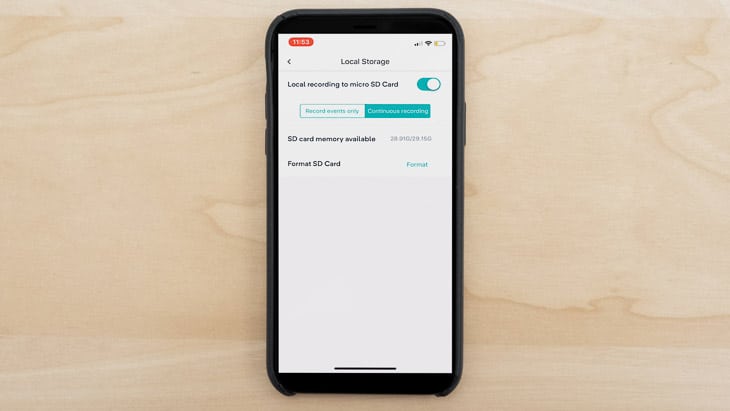
Storage options have evolved significantly since the camera’s initial release. You get free local storage via microSD card (up to 256 GB), which is perfect if you want to avoid monthly fees. Previously, Wyze offered their Cam Plus Lite plan with pay-what-you-want pricing starting at $0, but that program ended in late 2023. Now, cloud storage requires a Cam Plus subscription at $2.99 monthly or $19.99 annually per camera.
Smart Platform Integration
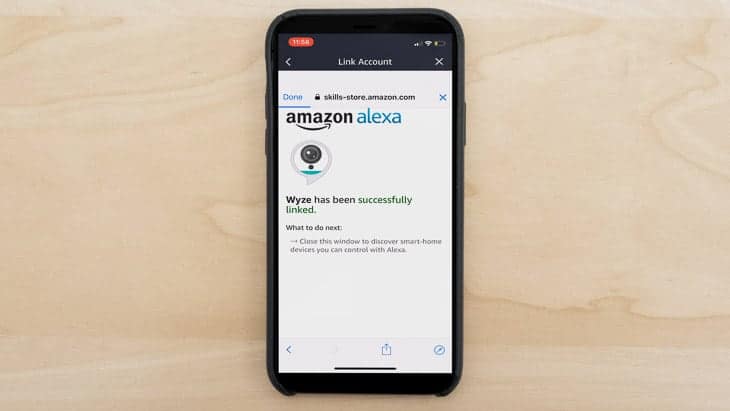
The camera integrates with Amazon Alexa, Google Assistant, and IFTTT. This is great if you’re already in the Amazon or Google ecosystems, but if you’re an Apple HomeKit user, you might want to check out something else.
>> Read More: Best Security Systems for Apple Users in 2026
Artificial Intelligence
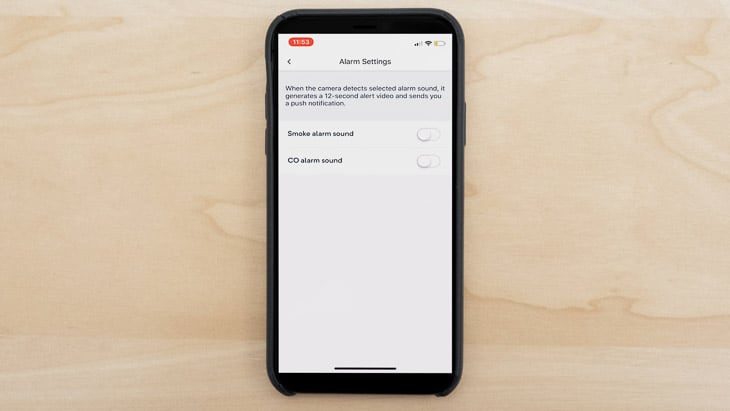
AI features have become a major selling point for modern security cameras, and the Wyze Cam Pan delivers—with a catch. The camera now offers person detection, which intelligently distinguishes between humans and other motion triggers like pets or swaying curtains. This means fewer false alarms and more relevant notifications. However, accessing these AI-powered features requires a Cam Plus subscription.
| No Cam Plus Subscription | Cam Plus | |
|---|---|---|
| Length of Recorded Videos | Snapshots only | Unlimited |
| Person detection | No | Yes |
| Back-to-back recordings | 5-minute cooldown | Back-to-back |
| Monthly | $0.00 | $2.99 |
| Yearly | $0.00 | $19.99 |
FYI: If you’re still using a Cam Pan v1 or v2 and had a Cam Plus Lite subscription before it was discontinued, you may be able to keep it active. Check with Wyze customer support if you need assistance maintaining your legacy plan.
The camera also offers smart sound recognition for smoke and CO alarms, so you can turn your old devices into smart ones and receive mobile notifications.
Convenience
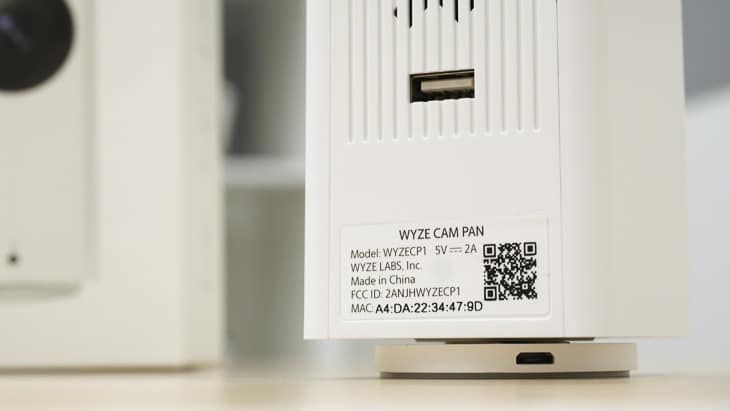
Setup couldn’t be simpler—I had the camera running in under five minutes. After plugging it in and downloading the Wyze app, the process was straightforward: connect to Wi-Fi, scan the QR code on the camera’s base, and you’re done. The app walks you through each step with clear instructions, making it accessible even for those who aren’t tech-savvy.
Value
Many budget pan-and-tilt cameras feel cheap and wobbly, but the Wyze Cam Pan breaks that stereotype. Despite its lightweight design, the motor mechanism feels robust and moves smoothly without any concerning noises or jerky movements. At around $40, you’re getting features that typically cost twice as much from other brands—making this one of the best values in home security cameras today.
Video Review
The Wyze App
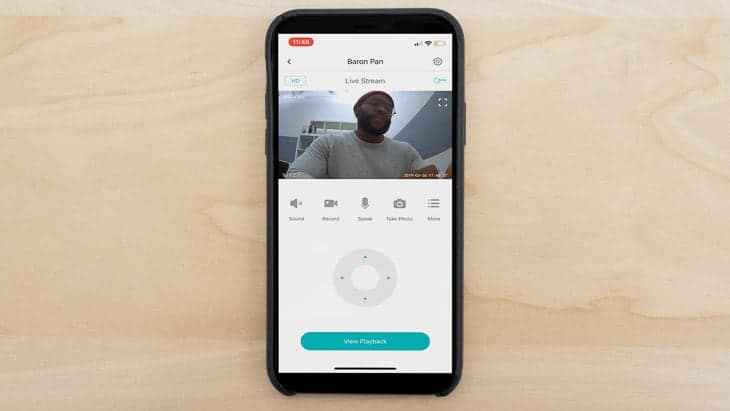
To access your Wyze Pan remotely, you’ll use the Wyze app, available on both the Apple and Google Play stores. The camera has ratings of 4.5 and 4.3, respectively – pretty solid. The score wasn’t always that high (I can remember a time when it was hovering around three stars). It seems like Wyze has fixed bugs, added features, and made users happy.
On the Wyze app, you’ll be able to livestream footage, review video history, use two-way audio, receive push notifications, and create time-lapse videos. In other words, it’s your portal to the Wyze Pan, completely on-the-go.
Comparisons
Now I want to compare the Wyze Cam Pan to its competition, the original Wyze Cam. Let’s take a closer look.
Wyze Cam
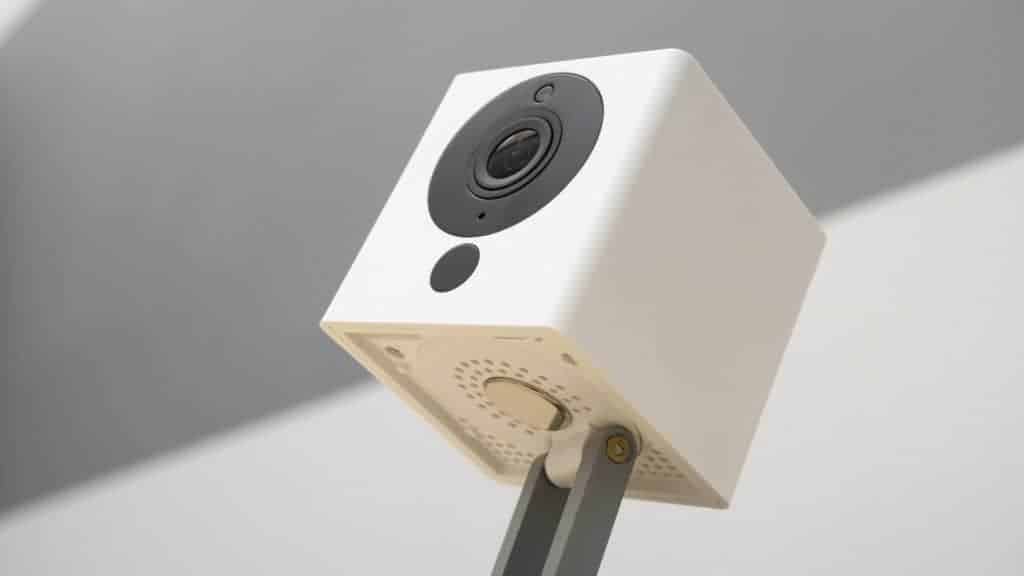
The original Wyze Cam remains a solid choice, but the comparison really highlights what makes the Pan version special. The standard Wyze Cam is fixed in position, giving you just one viewing angle unless you physically move it. Meanwhile, the Cam Pan’s motorized base lets you sweep across an entire room remotely. Both cameras share the same core features—1080p video, night vision, two-way audio—but for just a few dollars more (around $10 to $15 difference), the Pan’s versatility makes it the better investment for most users. That said, if you’re monitoring a specific area like a doorway or hallway where panning isn’t necessary, the standard Wyze Cam still offers excellent value.
Want more information? Read our review of the Wyze Cam.
Our Wyze Cam Pan Research and Data
The following is the data and research conducted for this review by our industry-experts. Learn More.
Encryption
| In Transit | Yes |
|---|---|
| At rest? | Yes |
| All network communications and capabilities? | Yes |
Security Updates
| Automatic, regular software/ firmware updates? | No |
|---|---|
| Product available to use during updates? | Yes |
Passwords
| Mandatory password? | Yes |
|---|---|
| Two-Factor authentication? | Yes |
| Multi-Factor authentication? | Yes |
Vulnerability Management
| Point of contact for reporting vulnerabilities? | https://auth.wyze.com/ |
|---|---|
| Bug bounty program? | Yes |
Privacy Policy
| Link | https://wyze.com/privacy-statement |
|---|---|
| Specific to device? | No |
| Readable? | Yes |
| What data they log | Account information like name, email address, password, payment information, birth year, height, weight, gender, device used, camera footage, persona detection, operating system, network information, location, IP address, cookies, information from third-parties, video, audio. |
| What data they don’t log | n/a |
| Can you delete your data? | Yes |
| Third-party sharing policies | Shares information with third parties |
Surveillance
| Log camera device/ app footage | Yes |
|---|---|
| Log microphone device/ app | Yes |
| Location tracking device/ app | Yes |
Parental Controls
| Are there parental controls? | No |
|---|
Company History
| Any security breaches/ surveillance issues in past? | Yes |
|---|---|
| Did they do anything to fix it? | Yes |
Additional Security Features
| Anything like privacy shutters, privacy zones, etc.? | Yes |
|---|
Recap of the Wyze Cam Pan
After extensive testing, the Wyze Cam Pan proves that you don’t need to spend a fortune for quality home security. At just under $40, it delivers nearly all the essential features I look for in a security camera, from crisp 1080p video to versatile storage options. The pan-and-tilt functionality sets it apart from fixed cameras in this price range, giving you comprehensive room coverage without buying multiple devices.
I’d buy the Wyze Cam Pan if you’d like…
- Excellent video, audio, and night vision
- Cloud and local storage
- Alexa, Google Assistant and IFTTT integration
- Smart sound recognition for smoke and CO alarms
- 360-degree pan and 180-degree tilt
- Person detection with Cam Plus
But it’s not for you if you want…
- Apple HomeKit integration
Wyze Cam Pan FAQs
-
Is there a monthly fee for the Wyze Cam Pan?
No monthly fee is required to use the Wyze Cam Pan’s basic features. You can store footage locally on a microSD card for free. However, if you want cloud storage and advanced AI features like person detection, you’ll need a Cam Plus subscription at $2.99 per month or $19.99 annually.
-
Is the Wyze Cam Pan wireless?
No, the Wyze Cam Pan is not wireless. Rather, you’ll need to plug it into power.
-
Can the Wyze Cam Pan be mounted upside down?
You can mount the Wyze Cam Pan upside down. To flip your video feed go into Advanced Settings and turn “Rotate Images 180 Degrees” to be on. I recommend using the magnetic base to mount it upside down.