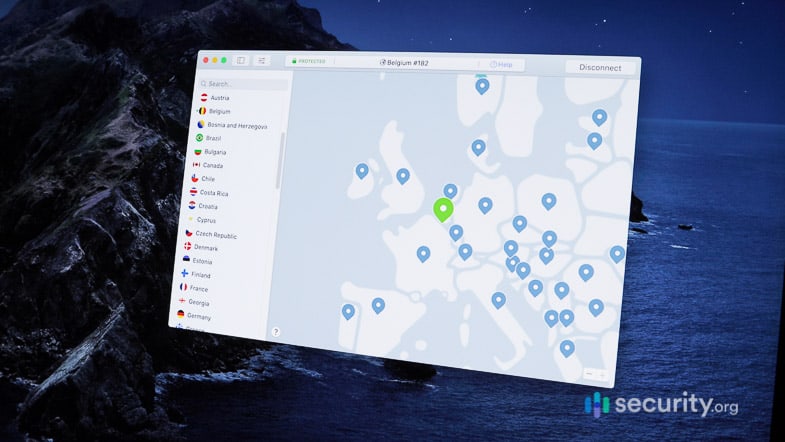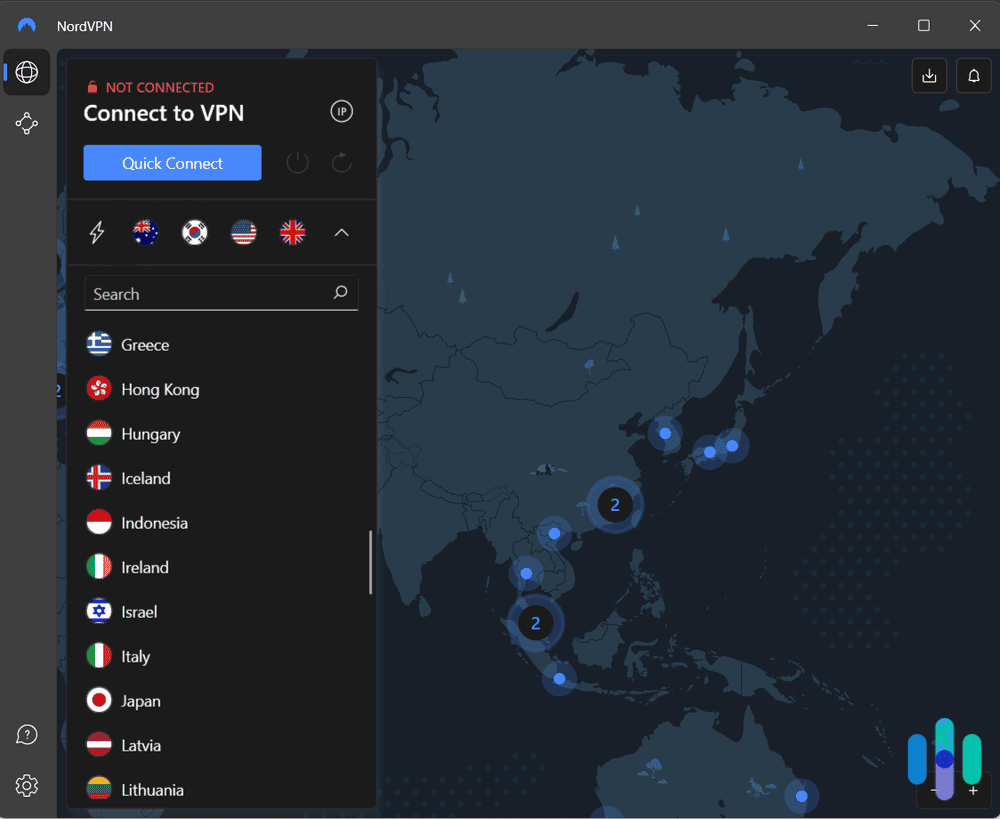

Whichever option fits your platform, both let you test NordVPN’s full server network and security features before you’re locked into anything

Does NordVPN Have a Free Trial?
NordVPN's three-day free trial only works on Android, so most people end up using the 30-day money-back guarantee instead.
- A two-year plan currently costs just $3.49 per month.
- Multi-hop feature routes connection through two VPN servers and two layers of encryption.
- Over 9,300+ spread across 137 countries worldwide.
Get NordVPN
Links to NordVPN
All of our content is written by humans, not robots.
Learn More
By

&

Last Updated Sep 29, 2026
the security.brief
NordVPN offers a three-day free trial, but only on Android. Here's how to get it, and why the 30-day money-back guarantee is the better option for everyone else.
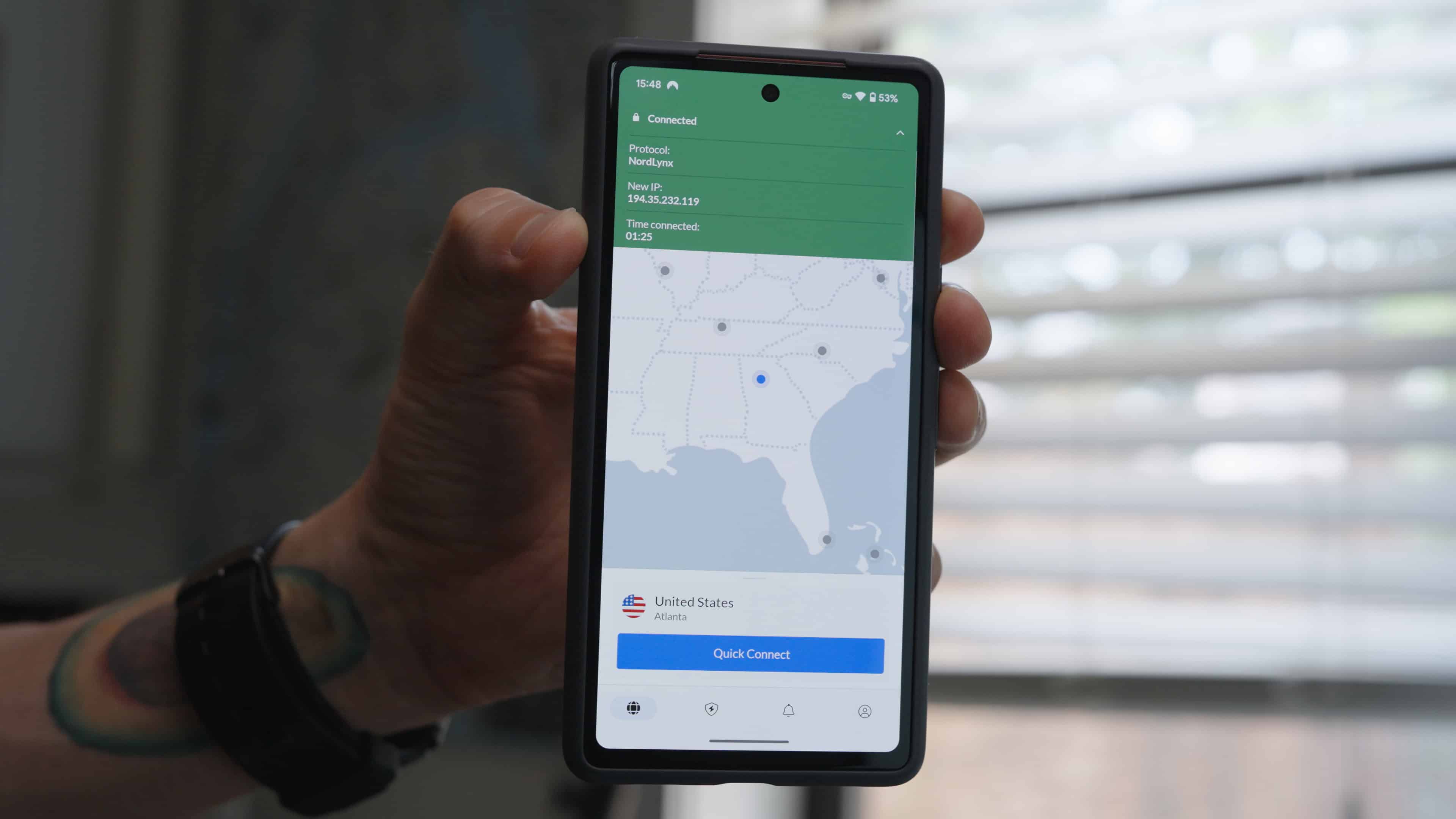
NordVPN has a free trial, but it comes with more restrictions than the phrase “free trial” usually implies. It offers a three-day trial through the Google Play Store, so you can only access it if you sign up on an Android device. There’s no equivalent for iOS, Windows, macOS, or signups made directly through NordVPN’s website. That said, you can still use NordVPN’s 30-day money-back guarantee like a free trial on those platforms. The only catch is you need to pay upfront and then request a full refund if it’s not for you.
Both paths give you access to NordVPN’s full feature set that make it one of the best VPNs, including its kill switch and no-logs privacy protections. The right choice mostly comes down to how much time you’d like to test it and if you have an Android device. For the full picture of how it performs, see our complete NordVPN review. Or, if you want an overview of the basics first, head over to our beginner’s VPN guide.
Does NordVPN Have a Free Trial?
The quick version above is accurate, but the three-day window deserves a closer look at exactly what it includes and where it comes from. Most of the confusion floating around online traces back to people mixing up the Android trial with the money-back guarantee.
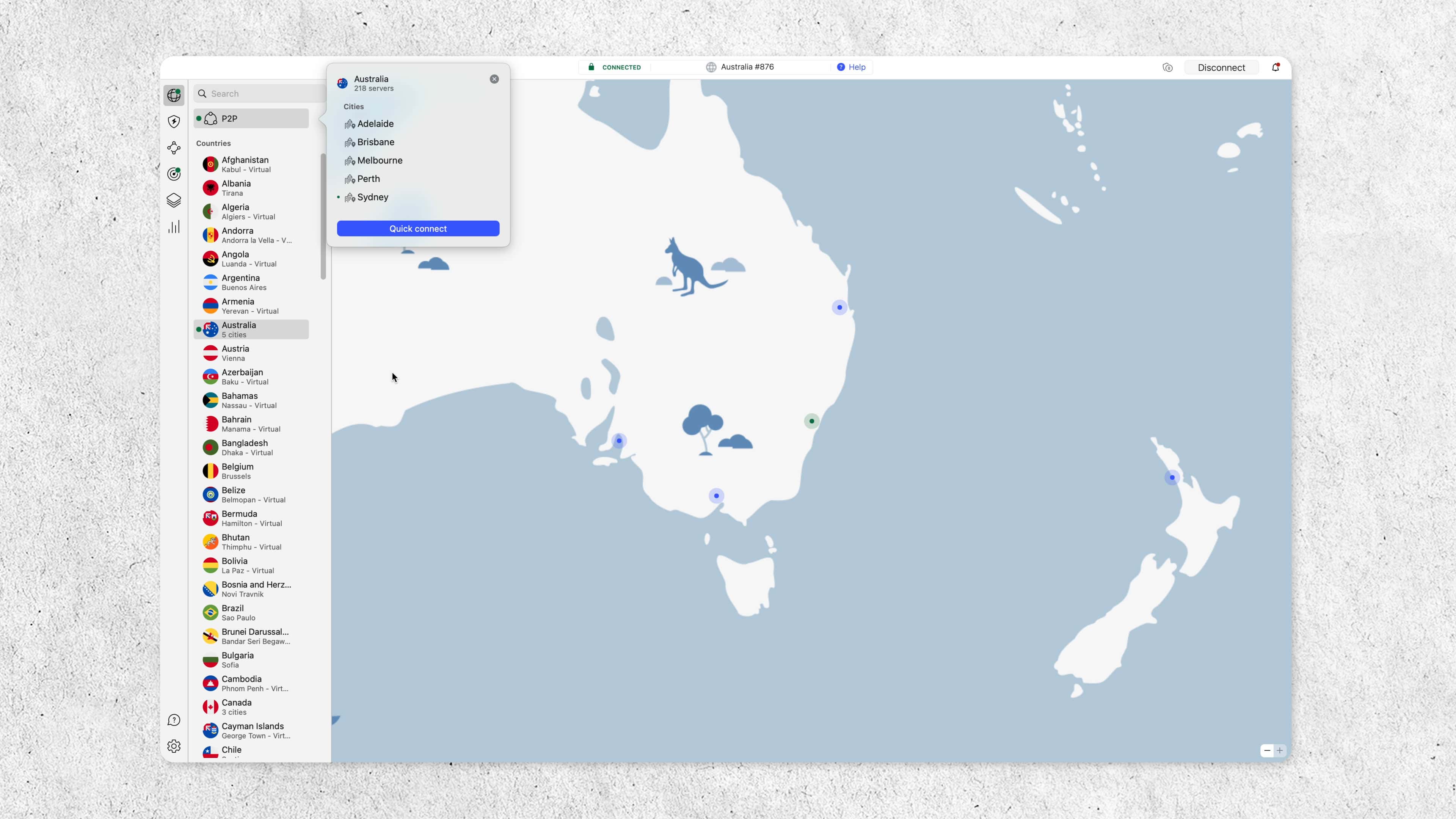
First, here’s what the three-day free trial actually means. New users can download the NordVPN app from the Google Play Store and activate it before paying for a subscription. The trial is run by Google Play itself, not NordVPN directly, so it follows Google’s subscription terms rather than NordVPN’s own checkout process.1 It’s also limited to one free trial per customer, and it isn’t available in a handful of countries, including India, Bangladesh, Sri Lanka, and South Korea.
That’s the entire scope of NordVPN’s actual free trial. Everything else people call a “NordVPN free trial” online is really the money-back guarantee, which we’ll also go over below.
FYI: If you decide to subscribe after the trial, NordVPN’s pricing starts at $3.49 a month on the two-year plan. However, we always recommend comparing it against other VPN deals before committing.
How to Get NordVPN’s Three-Day Free Trial
Now that the terms are clear, actually claiming the trial is the easy part. All you need is an Android device and a Google account you’re willing to sign in with.
Here are the exact steps for getting NordVPN’s three-day free trial:
- Open the Google Play Store on an Android device and search for NordVPN.
- Download and open the app, then choose Sign Up to create a new account.
- Select any plan and look for the free trial option during checkout. NordVPN’s pricing varies by plan and term length.
- Use the trial for up to three days, then either subscribe or cancel before it ends to avoid being charged.
Once you’ve signed up this way, you can log into that same account on other devices, including iPhones, Windows PCs, and Macs. The three-day window still applies across all of them, since the trial is tied to the account rather than a single device. Just remember to cancel before the three days are up or your plan will automatically convert to a paid subscription. For a broader walkthrough, see our guides on how to set up a VPN and cancel a VPN subscription.
>> Read More: Best VPNs for Windows Laptops & Desktop PCs in 2026
What If You’re Not on Android?
Chances are good you landed on this page from an iPhone, laptop, or desktop, in which case none of the steps above apply to you. NordVPN’s own support documentation clearly states that the website does not offer a free trial for purchases made there, and neither does any app store besides Google Play. It’s unclear why NordVPN only offers a free trial through the Google Play Store, but the 30-day money-back guarantee is a practical option for those without an Android device.
If that limitation is a dealbreaker, it’s worth comparing NordVPN’s alternatives before deciding. A truly free option might suit you better than a time-limited trial anyway, in which case the best free VPNs are worth a look. Several of them include a lifetime free plan. You could also opt for one of the best VPN free trials if you only need a temporary option.
Expert Insight: Prefer sticking with NordVPN? You can get any plan risk-free with its 30-day money-back guarantee. Even the one-month plans offer the guarantee, so you don’t need to put more than $15 down. Just remember to request a refund through NordVPN’s live chat before the 30 days are up.
How NordVPN’s 30-Day Money-Back Guarantee Works
This ends up being the path most readers actually take, since relatively few people are signing up specifically on Android. Here’s exactly how the process works before you commit to a plan.
The money-back guarantee isn’t a trial in the technical sense, since you pay for a subscription upfront. In practice, it accomplishes the same thing: you get a full refund if you cancel within 30 days of purchase. Here’s how to use NordVPN’s 30-day money-back guarantee:
- Buy any NordVPN plan directly through NordVPN’s website.
- Use the service normally for up to 30 days.
- Contact NordVPN support before day 30 if you want a refund, and let them know you’re claiming the money-back guarantee.
- Receive your refund to your original payment method, typically within a few business days, although it can take up to 10 business days depending on your payment method.
In verifying NordVPN’s refund policy against its own terms, we found this guarantee doesn’t cover subscriptions purchased through Apple’s App Store. If you paid through an iPhone or iPad, refunds go through Apple’s own request process instead, not NordVPN.2
>> Check Out: Best VPN for iPhones in 2026
Free Trial vs. Money-Back Guarantee: Which Should You Use?
With both options explained individually, seeing them side by side makes the practical differences easier to weigh, especially if you’re trying to decide in the few minutes before you actually sign up.
| Three-Day Free Trial | 30-Day Money-Back Guarantee | |
|---|---|---|
| Platform | Android only when signing up through the Google Play Store | All platforms |
| Payment required upfront | No | Yes, refunded if canceled |
| Test window | Three days | 30 days |
| Works on other devices after signup | Yes, once you’re logged in | Yes |
| Covers App Store purchases | Not applicable | No |
If you’re on Android and just want a quick, no-commitment look at the app, the free trial is the simpler option. For more time to test NordVPN’s speeds, streaming access, and server network before committing, the money-back guarantee gives you ten times as long to decide.
Android users don’t have to pick just one, either. NordVPN only restricts repeating the free trial itself, so subscribing after your trial ends still qualifies for the standard 30-day money-back guarantee. That gives you a risk-free window of 33 days total. Just make sure to cancel the free trial before the three days are up and then subscribe to a new plan separately.
Try NordVPN Risk-Free
Get NordVPN
Links to NordVPN
Is NordVPN Worth Trying?
Trial mechanics are one thing, but they’re only worth caring about if NordVPN itself holds up once you’re past the trial period and into daily use.
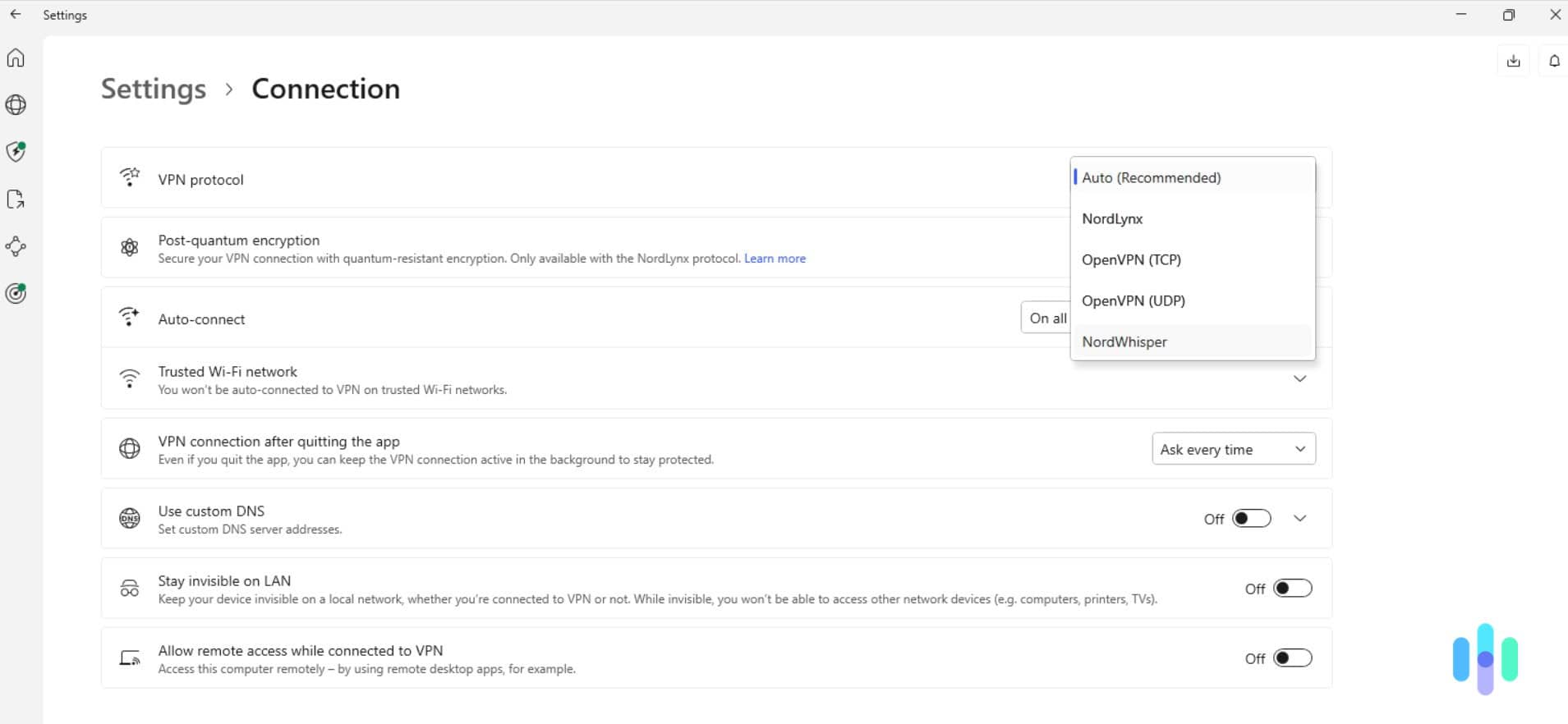
NordVPN earned a 9.7 out of 10 SecurityScore in our testing. It’s backed by one of the best VPN no-logs policies that’s independently audited every year, a kill switch that works at both the app and system level, and a large server network spanning 137 countries. For most people deciding whether to try it, the money-back guarantee is the more useful option of the two. That 30-day window is enough time to actually use it the way you normally would, rather than rushing a decision in three days.
>> Comparison Shopping: Compare NordVPN vs. ExpressVPN
Free Trial FAQs
-
Can I get NordVPN's free trial on iPhone?
No. The three-day free trial is only available through the Google Play Store on Android. iPhone users need to use the 30-day money-back guarantee instead.
-
Can I use the free trial and the money-back guarantee together?
Yes. If you start with the Android free trial and then subscribe to a paid plan on that same account, the subscription is still eligible for the standard 30-day money-back guarantee, giving you up to 33 days total to decide. Just cancel the free trial before it expires and then manually open a new plan.
-
Does the free trial require a credit card?
Since the trial runs through Google Play, payment details are handled by Google’s own subscription system rather than NordVPN directly.
-
What happens if I forget to cancel the free trial?
NordVPN automatically starts billing you for a Basic subscription once the three-day window ends, so you’ll want to cancel through Google Play beforehand if you don’t want to pay for a subscription.
-
Is the money-back guarantee available on every NordVPN plan?
Yes, it applies to all monthly, one-year, and two-year plans purchased directly through NordVPN’s website. Purchases through app stores or third-party marketplaces do not qualify for NordVPN’s money-back guarantee.
Get NordVPN
Links to NordVPN
Citations
-
Google Play Store. (2026). Google Play Terms of Service.
https://play.google.com/intl/en-US_us/about/play-terms/index.html -
Apple Support. (2026). Request a refund for apps or content that you bought from Apple.
https://support.apple.com/en-us/118223