
Best Antivirus for Multiple Devices in 2026
Norton Antivirus offers the best protection from malware and phishing for Windows, macOS, Android, and iOS devices.
 &
&
 Last Updated on May 19, 2026

- Protects up to 10 devices across all platforms
- AI-powered real-time protection from the latest malware and phishing threats
- Intuitive apps for all devices

- Protects up to 10 Windows, Mac, and Android devices
- Bundles all security tools into one user-friendly app
- Standout identity theft protection monitoring

- Protects up to 8 devices across all platforms
- Affordable subscription options
- Device cleanup tools bring new life to mobile devices
the security.brief
We found Norton offers the best antivirus for multiple devices, with comprehensive protection powered by AI for computers and smartphones.
Antivirus protection hasn’t been exclusive to computers in a long time. Today’s cybercriminals use malware and phishing links to hack phones and tablets. You don’t even need to download anything. Hackers can sneak through public Wi-Fi hotspots or divert you to fake websites. This is why we recommend choosing the best antivirus protection that secures all your devices.
After testing more than 40 antivirus apps across laptops, desktops, phones, and tablets, we found Norton Antivirus did the best job. We also liked how Aura and TotalAV kept our devices virus-free. Let’s take a closer look at why these three antivirus apps stood out to us.
>> Find Out: Do You Still Need Antivirus Protection in 2026?
Our Picks for the Best Antivirus Software for Multiple Devices
- Norton Antivirus - Best Detection Rates
- Aura Antivirus - Best for Families
- TotalAV Antivirus - Best Value Solution
Comparing the Best Antivirus Software for Multiple Devices
| System |
Norton Antivirus
|
Aura Antivirus
|
TotalAV Antivirus

|
|---|---|---|---|
| Ranking | 1st | 2nd | 3rd |
| Ratings | 9.7/10 | 9.5/10 | 9.3/10 |
| Starting Price | $19.99 for the first year | $36 for the first year | $29 for the first year |
| Maximum Number of Devices | 10 | 10 | 8 |
| Free Trial | 14-day free trial | 60-day money-back guarantee | 30-day money-back guarantee |
| Read Review | Norton Antivirus Review | Aura Antivirus Review | TotalAV Antivirus Review |
-
1. Norton Antivirus - Best Detection Rates
View Plans Links To Norton
Product Specs
Virus Detection Yes Malware Detection Yes Firewall Yes Full, quick, and scheduled scans Yes Real-time protection Yes Behavior-based monitoring Yes
Overview
During our malware tests, Norton Antivirus achieved perfect detection scores. It also gave us consistent coverage across our desktop and mobile devices, while keeping the performance impact minimal. We only had noticeable slowdowns on our older Windows 10 laptop. We think the apps might be a tad overwhelming to navigate for antivirus newcomers. Subscription renewal prices are also steep, but considering Norton’s exceptional threat and scam detection ability, we think it’s worth it.
>>Learn More: What is a Scam and How Can You Avoid One?
What We Like
- Protects up to five devices
- Consistent features across Windows, macOS, iOS, and Android
- Perfect malware detection
- Extra security tools available with premium subscriptions
What We Don’t Like
- Some app interfaces feel cluttered
- Too many subscription bundles make it difficult to choose the best option
- Renewal price increases sharply after the first year
Setting Up Norton Antivirus on Multiple Devices
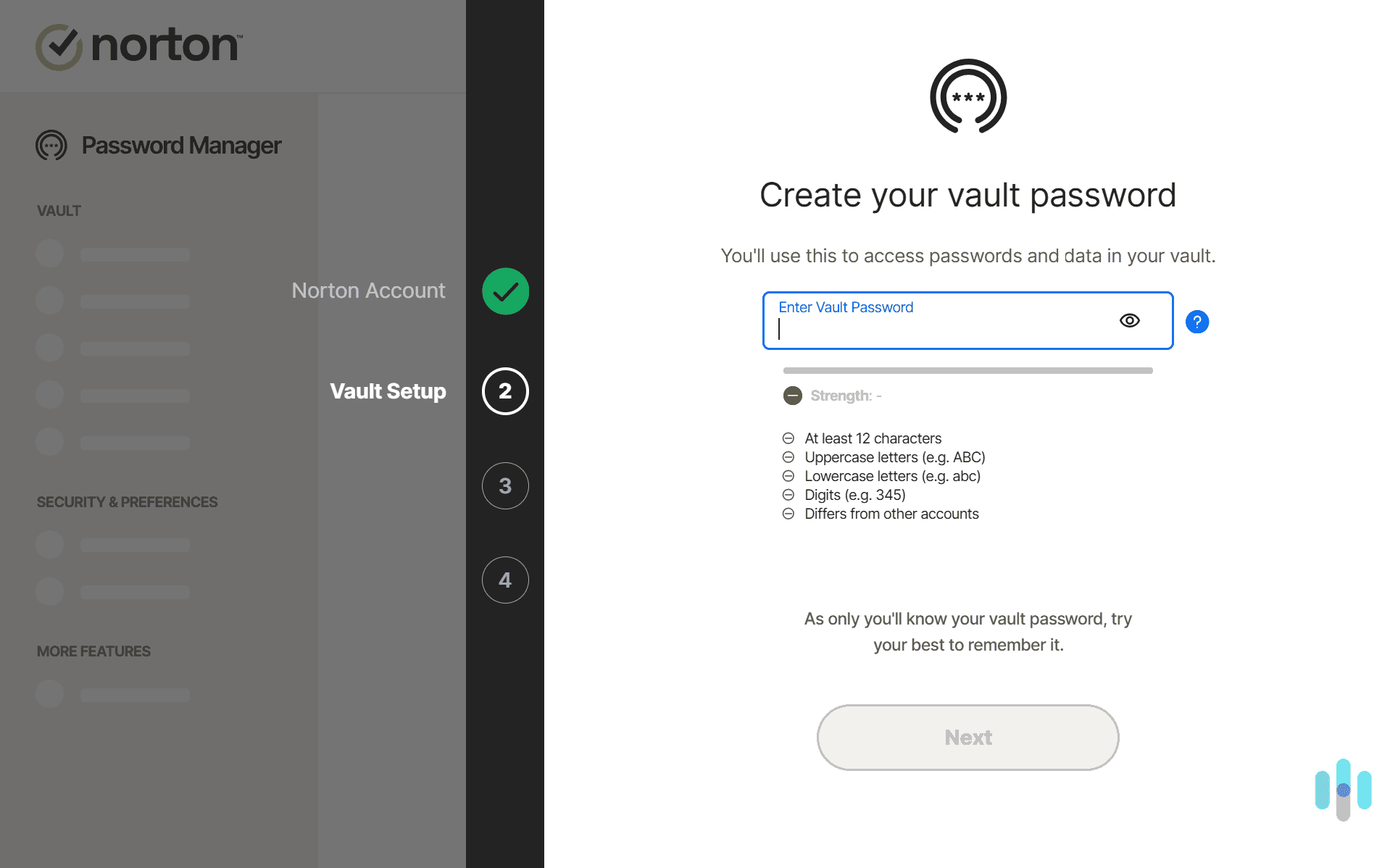
Setting up Norton on all our devices took about 30 minutes. We started by creating an account and choosing a Norton subscription. We went with Norton 360 Deluxe, which covers five devices and includes a VPN, dark web monitoring, and a password manager.
The web dashboard allowed us to download installers for Windows and Mac with one click. For our phones, we got the apps from the App Store and Google Play. The installation wizard walked us through initial configuration. It showed us how to schedule scans, set up the VPN, and more. Once it finished, each device appeared in the dashboard so we knew how many slots we had left.

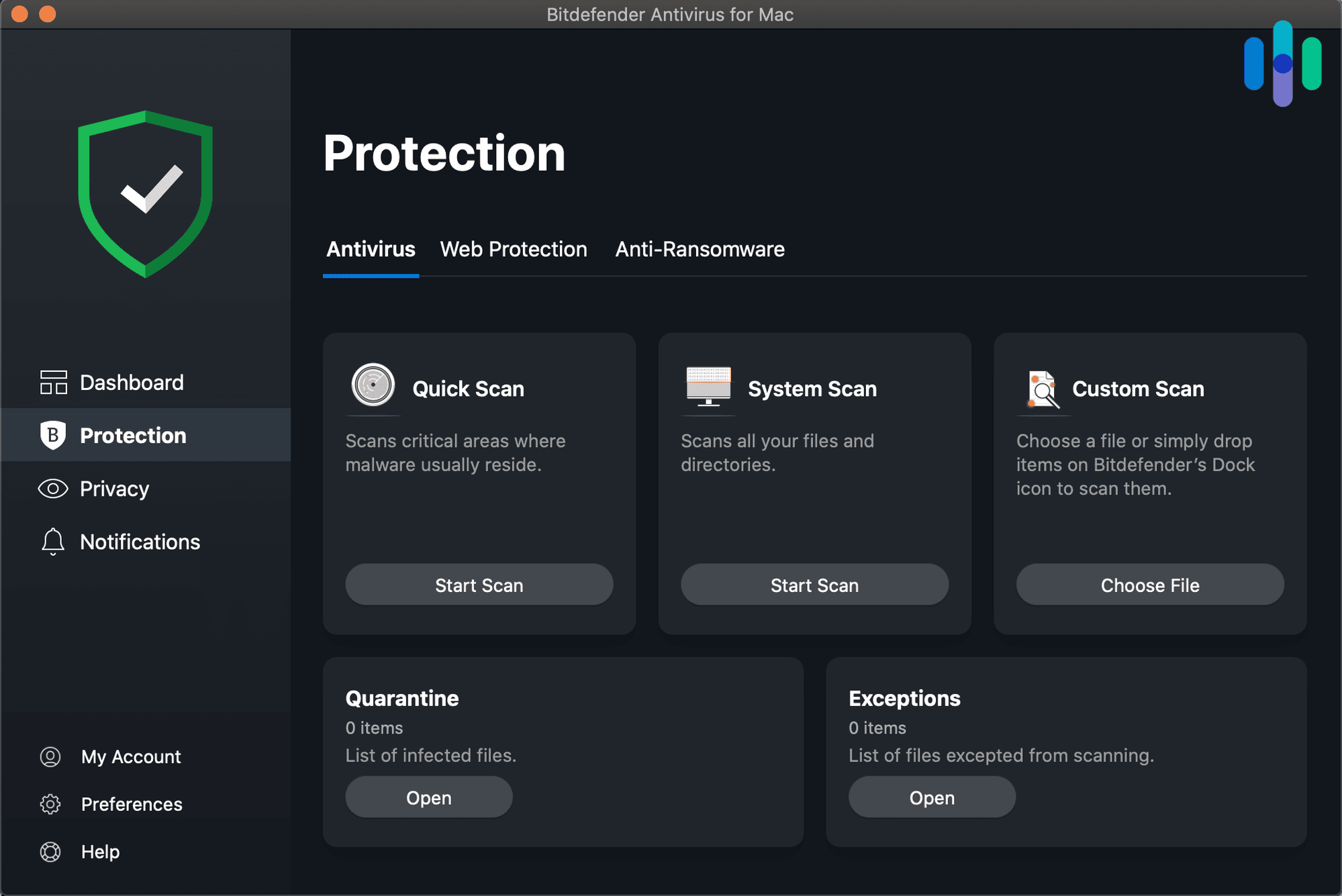
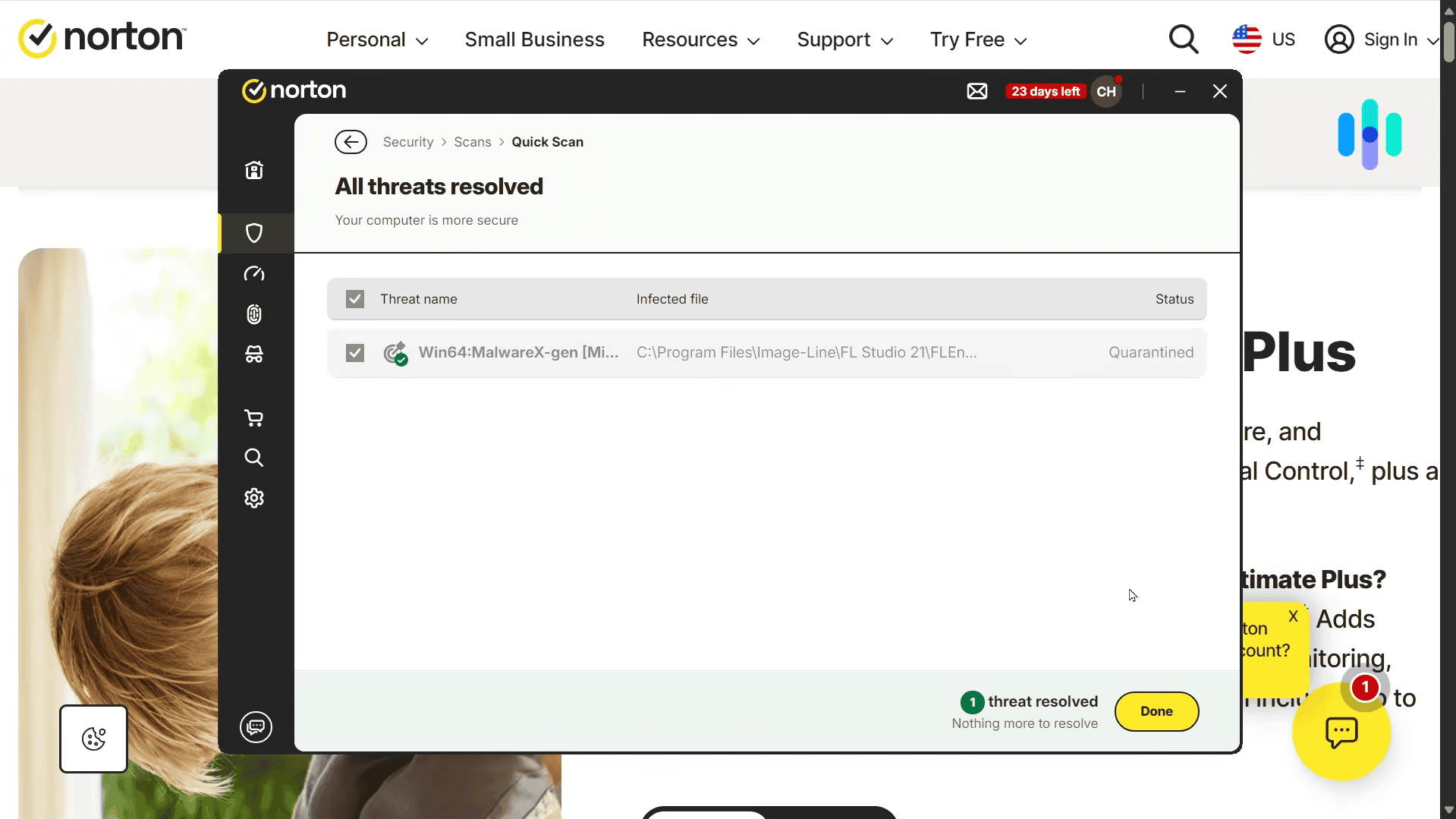
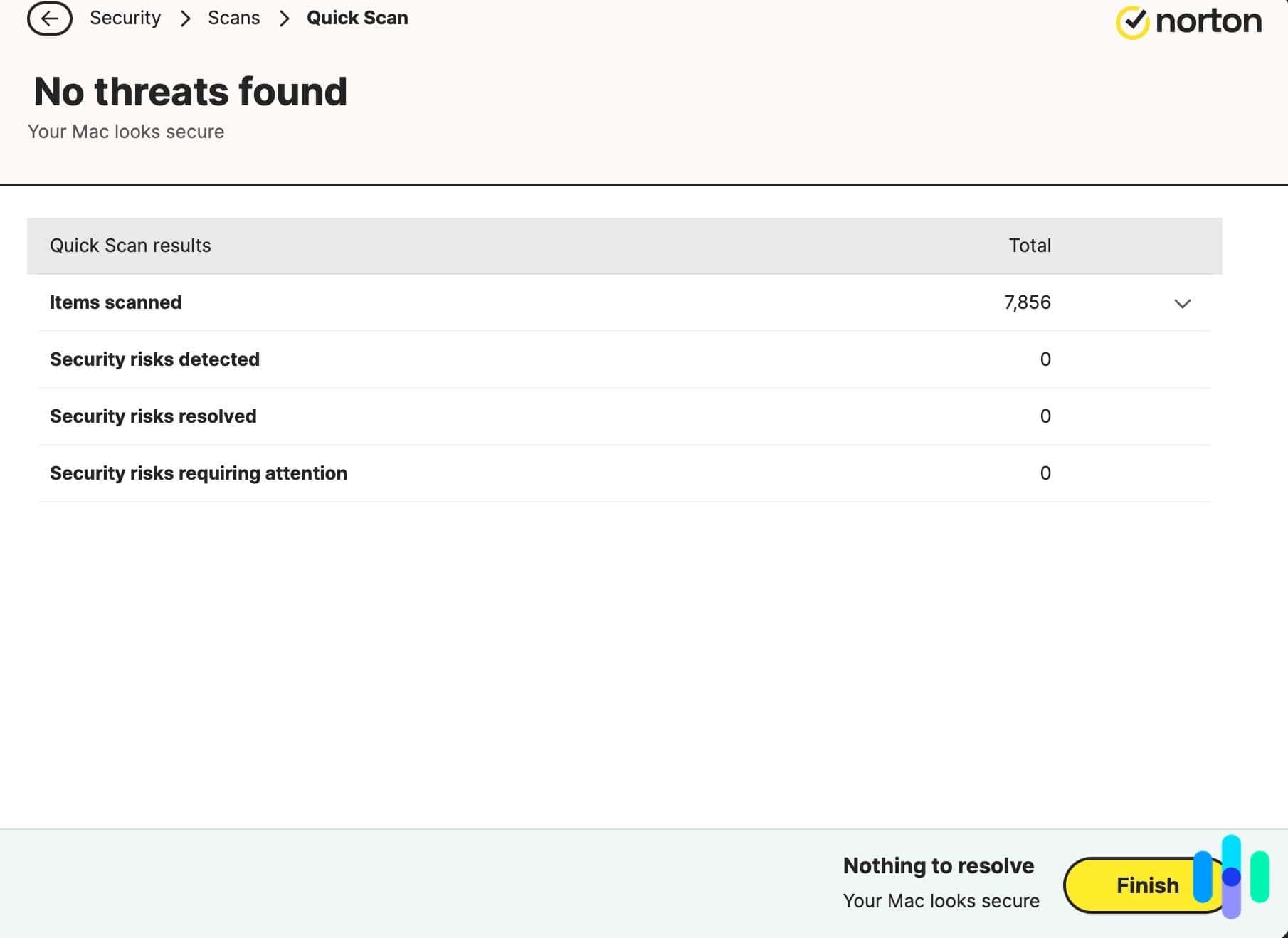
The results screen after running a scan on our MacBook Pro. Norton Antivirus Features
Norton’s AI-powered scam protection feature can spot threats traditional antiviruses might miss, especially online scams that involve social engineering. During our testing, it blocked phishing emails and fake websites that steal personal information. One was even a very convincing Best Buy Geek Squad scam email that almost had us fooled.
Scam protection comes with most subscriptions, with prices starting at just $2.49 per month. However, that plan covers one device. You’ll need a Norton 360 plan to protect multiple devices, with 10 maximum devices on the Select Plus plan that also includes LifeLock.
FYI: LifeLock is an identity theft protection service. The app monitors your credit score and personally identifiable information and it does it well. That’s why LifeLock is on our list of the best identity theft protection solutions.
Norton Antivirus Performance
Our performance testing showed Norton’s impact varies by device age and specifications. On newer machines with SSDs and at least 8 GB RAM, the performance hit stays under five percent during active scanning. Older devices, particularly those running Windows 10 on mechanical hard drives, experienced up to 15 percent slowdowns during full system scans.
On mobile devices, there was barely an impact on battery life. Even with two scans a day, we were still able to get the usual single-charge battery life from our iPhone 16 and Samsung smartphone.

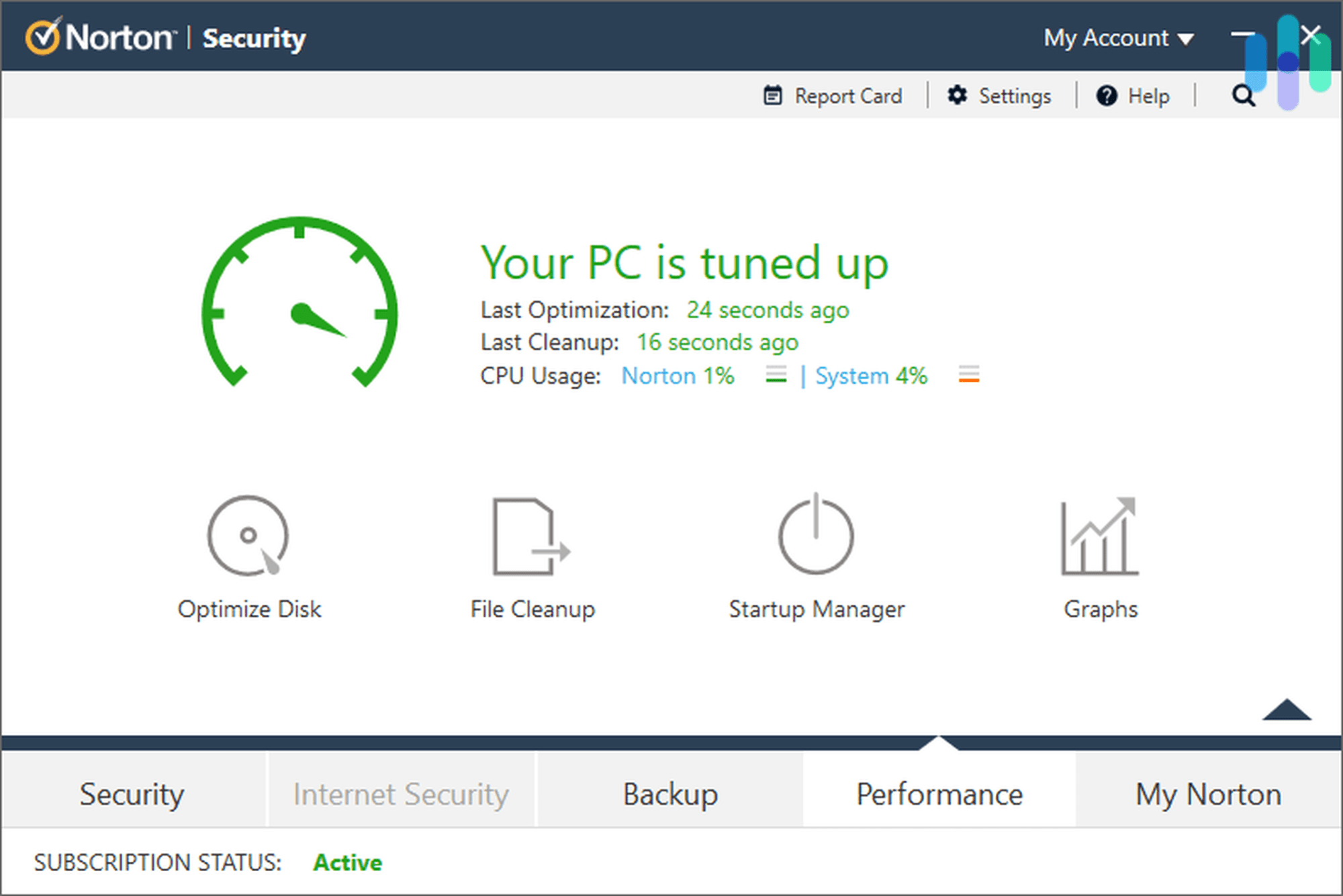
Performing a system scan and tuning up our Windows desktop with Norton. Norton Antivirus Costs
Norton offers a lot of subscription options, but for multi-device users, we recommend any of the Norton 360 plans. Prices start at $3.49 per month for three-device coverage.
Norton Antivirus Plus Norton 360 Standard Norton 360 Deluxe LifeLock with Norton 360 Select Plus Devices Covered 1 3 5 10 Cost $2.49 per month, billed annually $3.49 per month, billed annually $4.49 per month, billed annually $8.49 per month, billed annually -
2. Aura Antivirus - Best for Families
Select a Plan Links To Aura.com
Product Specs
Virus Detection Yes Malware Detection Yes Firewall No Full, quick, and scheduled scans No scheduled scans Real-time protection Yes Behavior-based monitoring No
Overview
Aura offers affordable, robust protection for families, covering up to 10 devices so every household gadget is secure. Aura’s antivirus engine achieved a strong 99.4 percent detection rate in our testing. Compared to Norton, Aura’s digital security tools are less advanced, and the antivirus functionality is unavailable on iOS. If you’re a Windows, Mac, or Android family, you can still trust Aura to protect all your devices.
What We Like
- Protects up to 10 devices
- Excellent detection rates
- Includes dark web monitoring that alerts you of data breaches
- $1 million identity theft insurance covers identity restoration expenses
- Financial monitoring tracks credit reports and bank accounts for suspicious activity
What We Don’t Like
- Antivirus features are more basic compared to competitors
- Antivirus protection isn’t available on iPhone or iPad
- Real-time threat protection is exclusive to Windows devices
Setting Up Aura Antivirus on Multiple Devices

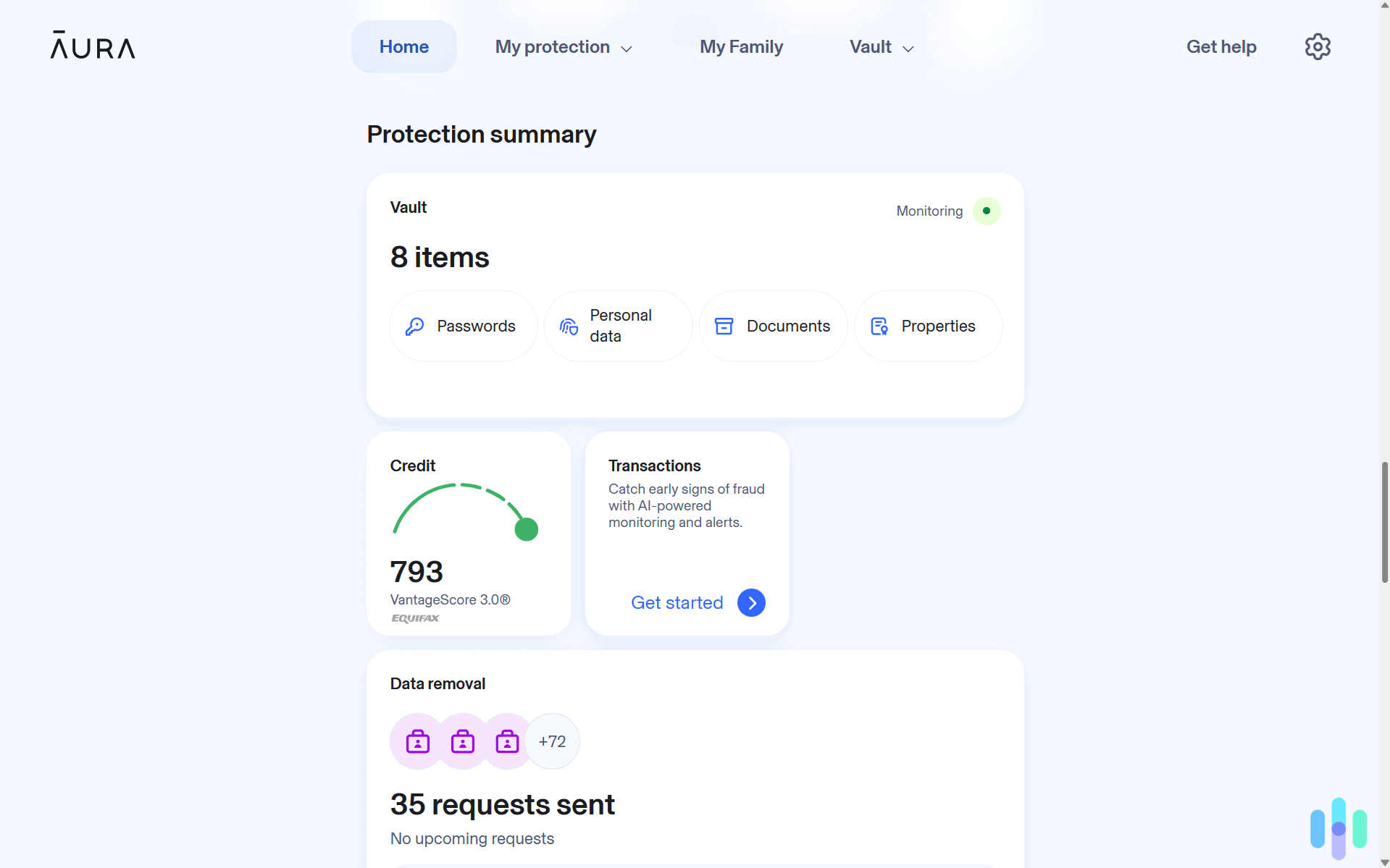
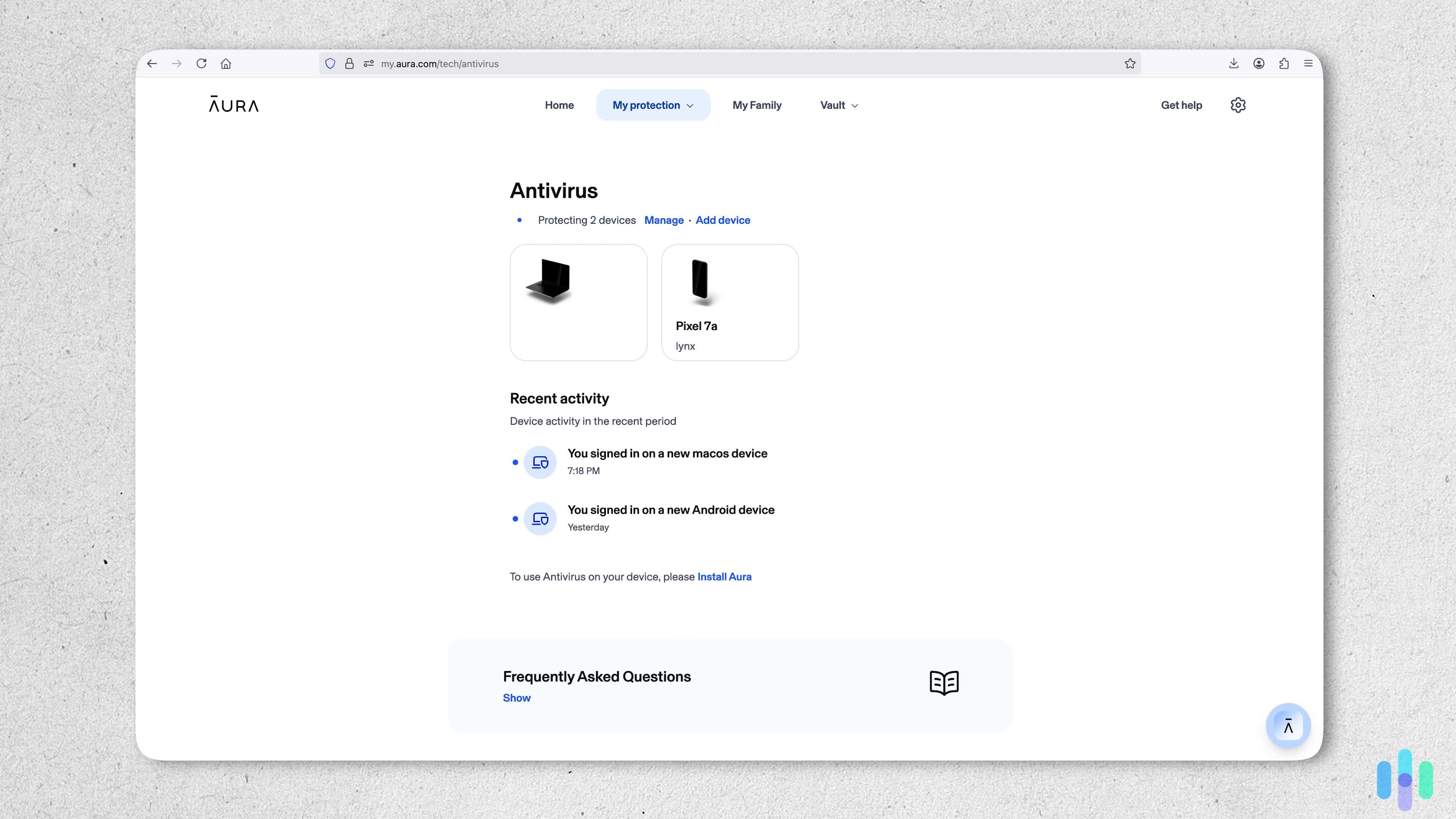
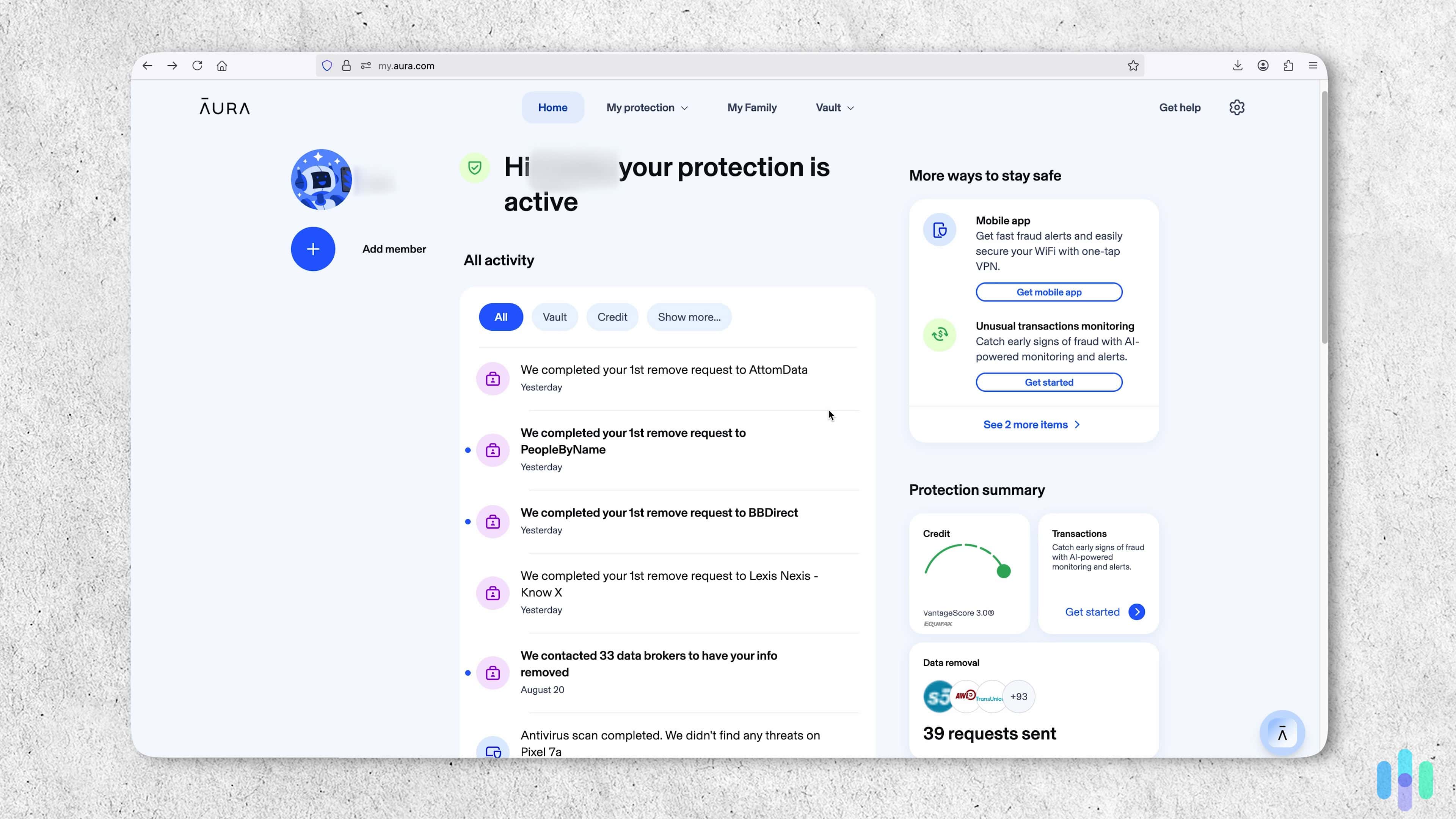
Checking how many devices we had linked to our Aura Antivirus plan. Installing Aura on multiple devices was as easy as Norton Antivirus. We chose Aura’s Ultimate Plan, which is $5 a month and protects 10 devices. Each setup process ran for about 15 minutes, which isn’t bad considering we installed Aura on all our Windows, Mac, and Android devices. That included the ones our kids use.
Like Norton Antivirus, we could see what devices were linked to our Aura account. Aura’s dashboard also displayed the scan status for each device.
FYI: We had an issue with one of Aura’s apps, so we uninstalled and reinstalled it. This meant the device appeared twice in our list for a moment. Eventually, it disappeared.
Aura Antivirus Features
Aura specializes in combining traditional antivirus protection with advanced identity and financial monitoring tools. Its antivirus engine provides real-time scanning on Windows devices against malware, ransomware, and phishing attempts. All Aura plans include a VPN for an encrypted connection, while premium subscriptions have a password manager that securely syncs credentials across all your devices.
The Ultimate Plan also includes dark web monitoring, which alerts you to data breaches. If your identity is stolen, Aura insures you for $1 million and connects you with its dedicated fraud resolution team to help get you back on your feet.
>> Check Out: The Best Identity Theft Protection with Dark Web Monitoring
Aura Antivirus Performance
Aura’s antivirus engine almost passed every test we threw at it. The app only missed a malware test file we hid in a zip file. The real-time scanning feature, which checks files in the background when accessed, modified, or copied, identified all threats on our Windows devices. We were also impressed with Aura’s web protection tool that stopped our malicious test URLs from loading.
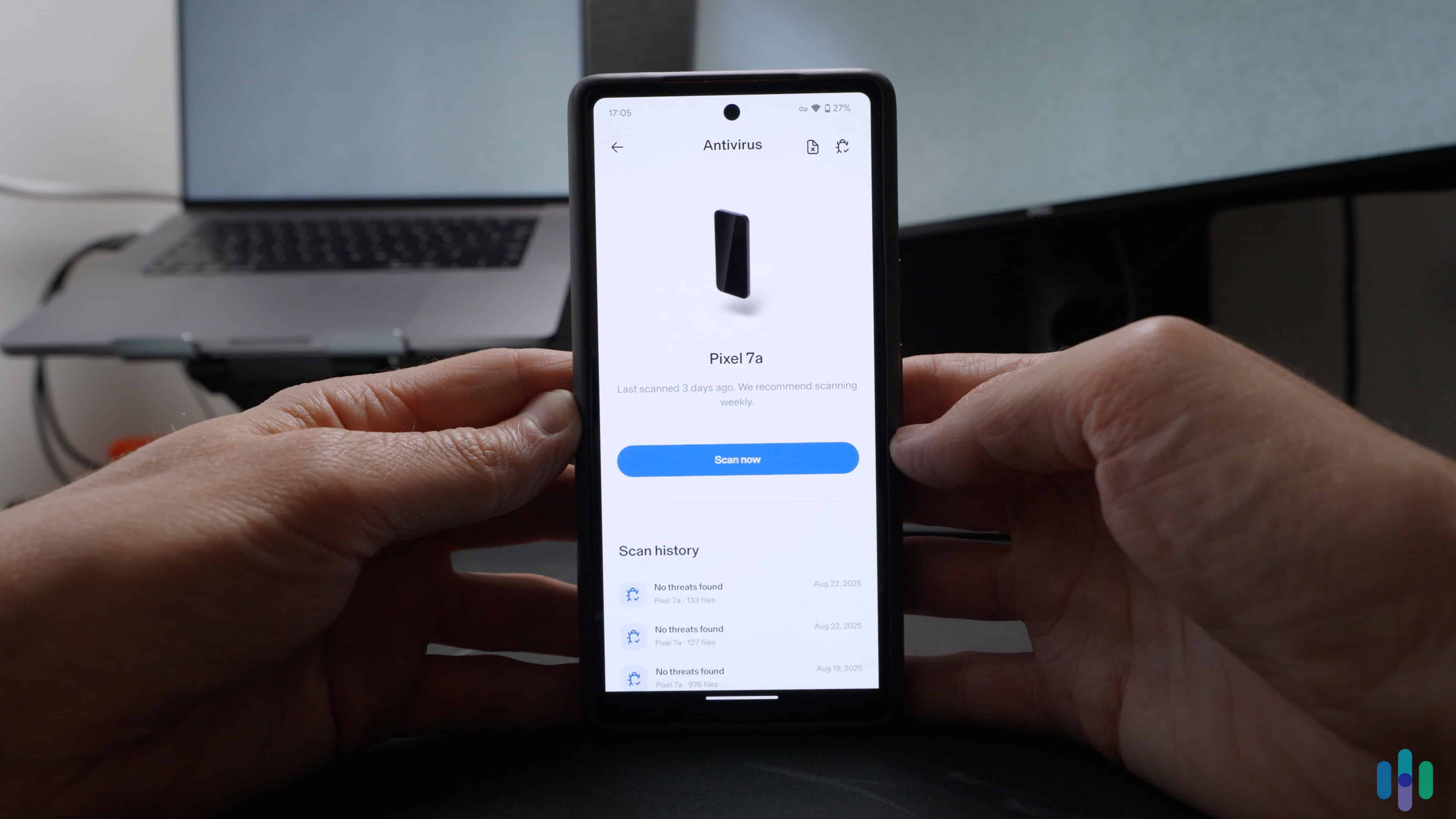
There are some limitations to consider. For starters, real-time threat detection is only available on Windows and antivirus support isn’t available for iOS devices. Other devices still receive comprehensive protection, but we’d like to see a more consistent experience across all Aura apps.
We tested Aura Antivirus on our Pixel since the antivirus feature isn’t available on iOS. Aura Antivirus Costs
Aura keeps its plans simple. If you only want antivirus protection, you can sign up for the basic plan. If you need more comprehensive coverage, it will only cost you $2 more a month.
Antivirus Antivirus Plus Ultimate Devices Covered 3 5 10 Cost $3 per month, billed annually $4 per month, billed annually $5 per month, billed annually Need More Coverage? Aura’s identity theft protection plans offer more comprehensive identity protection, plus they cover up to 10 devices for each adult member. With a family plan (starting at $25 per month), you can protect up to five adults and unlimited children. That’s identity and malware protection for up to 50 devices total.
-
3. TotalAV Antivirus - Best Value Solution
 Get TotalAV Links To TotalAV
Product Specs
Virus Detection Yes Malware Detection Yes Firewall No Full, quick, and scheduled scans Yes Real-time protection Yes Behavior-based monitoring No
Overview
TotalAV combines solid antivirus performance with user-friendly features for an affordable price. During our testing, we were impressed with TotalAV’s intuitive interface and one-click optimization tools that make it easy for anyone to secure and manage multiple devices. On the flip side, we didn’t love the constant upselling during installation or the renewal price increase after the first year.
What We Like
- Affordable protection for up to 8 devices
- User-friendly interface for each app
- System optimization features improve device speed
- AI-powered real-time scanning
What We Don’t Like
- A lot of upselling during installation
- Prices increase significantly upon renewal
- Slower customer support response times
Setting Up TotalAV on Multiple Devices
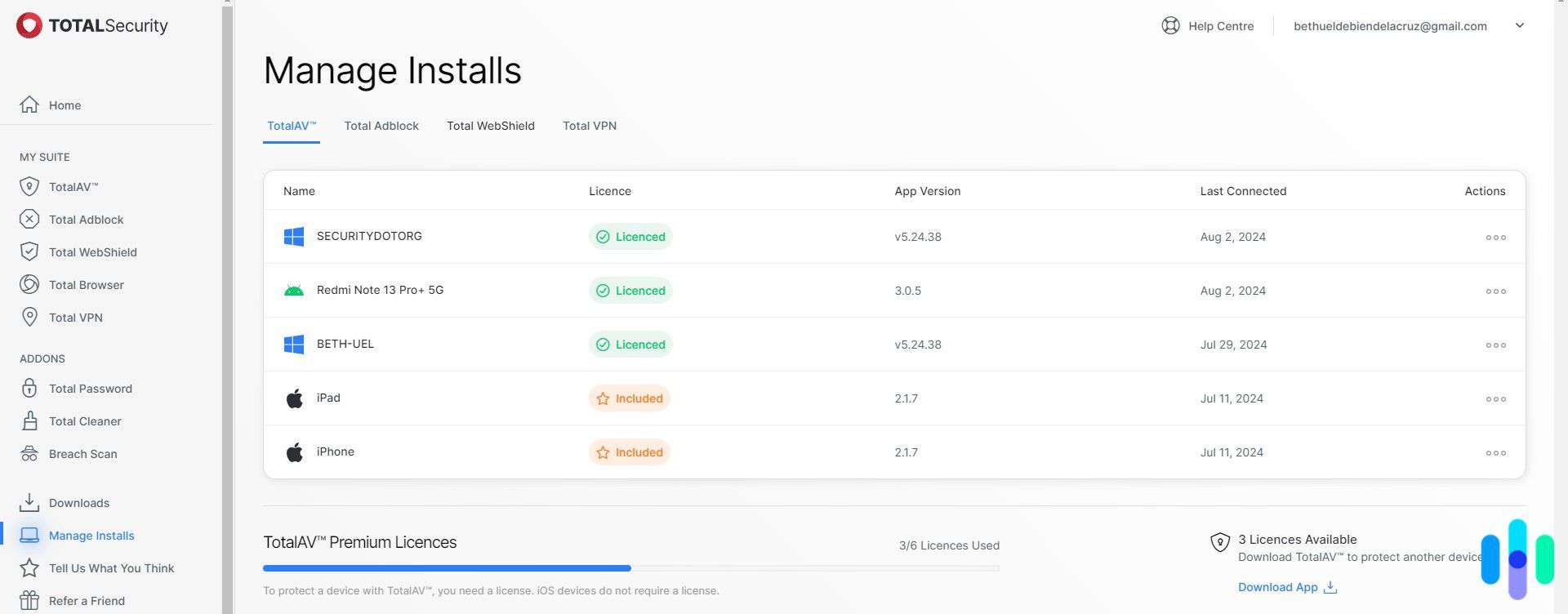
Like Norton and Aura, setting up TotalAV across multiple devices is easy regardless of how many devices you have. The base subscription covers up to three devices and the TotalAV Total Security plan protects up to eight. Installation is guided and simple, with clear prompts to help you get started quickly.
Setting up scheduled scans, automatic optimizations, and device-specific settings takes just a few taps. We also like how the interface is designed for touch interfaces like tablets and smartphones.

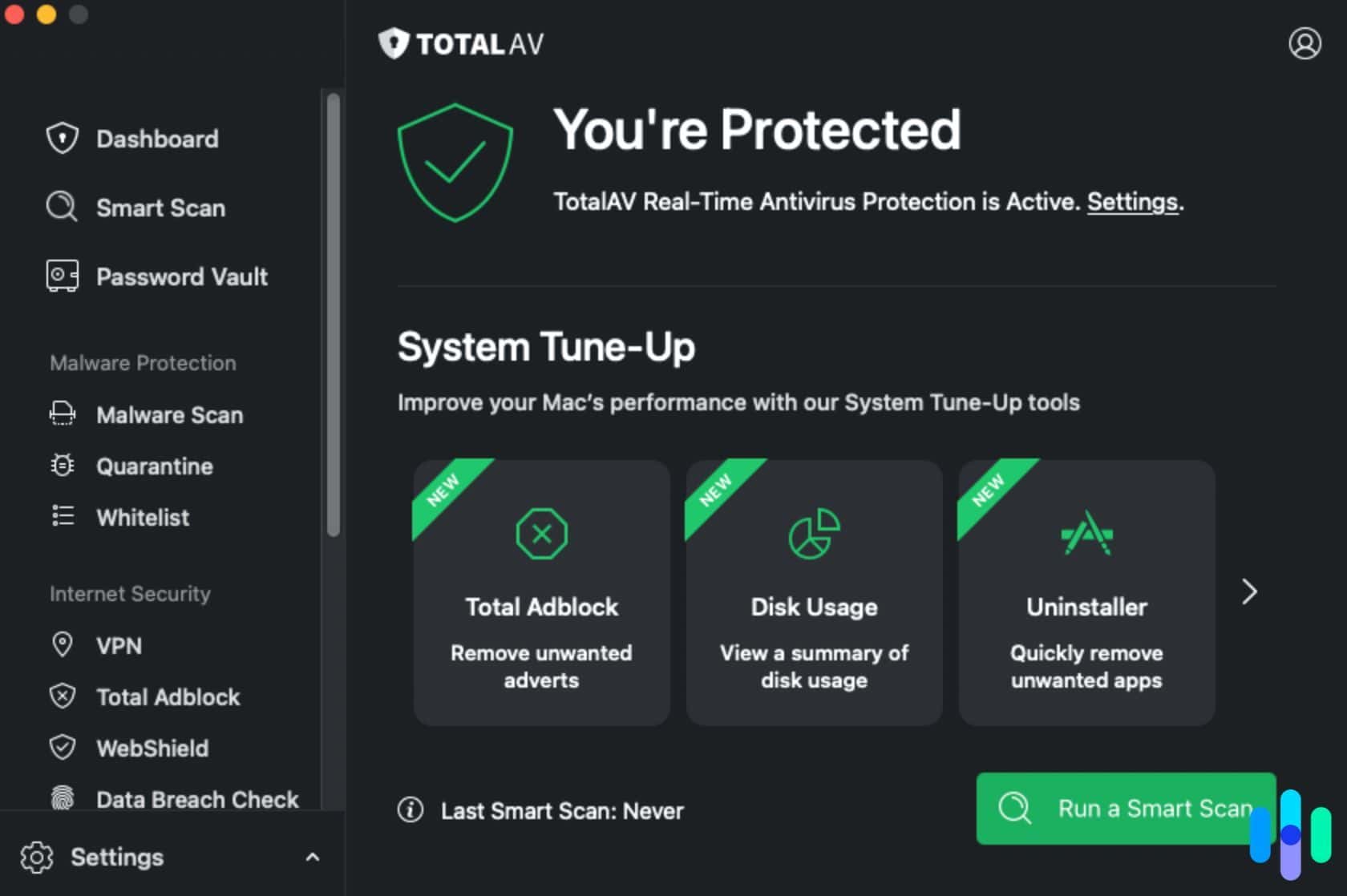
TotalAV’s macOS dashboard is easy to navigate and schedule tasks. TotalAV Features
TotalAV combines antivirus protection with system optimization and privacy tools in one package. Its real-time protection continuously monitors for malware, ransomware, and suspicious behavior, while web shields block phishing sites and malicious downloads. We also like the Safe Browsing VPN that comes with premium plans, which secures connections on public Wi-Fi.
The system optimization tools are the standout. TotalAV identified programs on our laptop slowing boot times, found duplicate files on our hard drive, and removed cookies and cached files we no longer needed. We noticed our devices ran significantly faster afterwards, so we’ve scheduled a reminder to run the tool every few months.
>> Find Out: Are Mobile Hotspots Safe?
TotalAV Performance
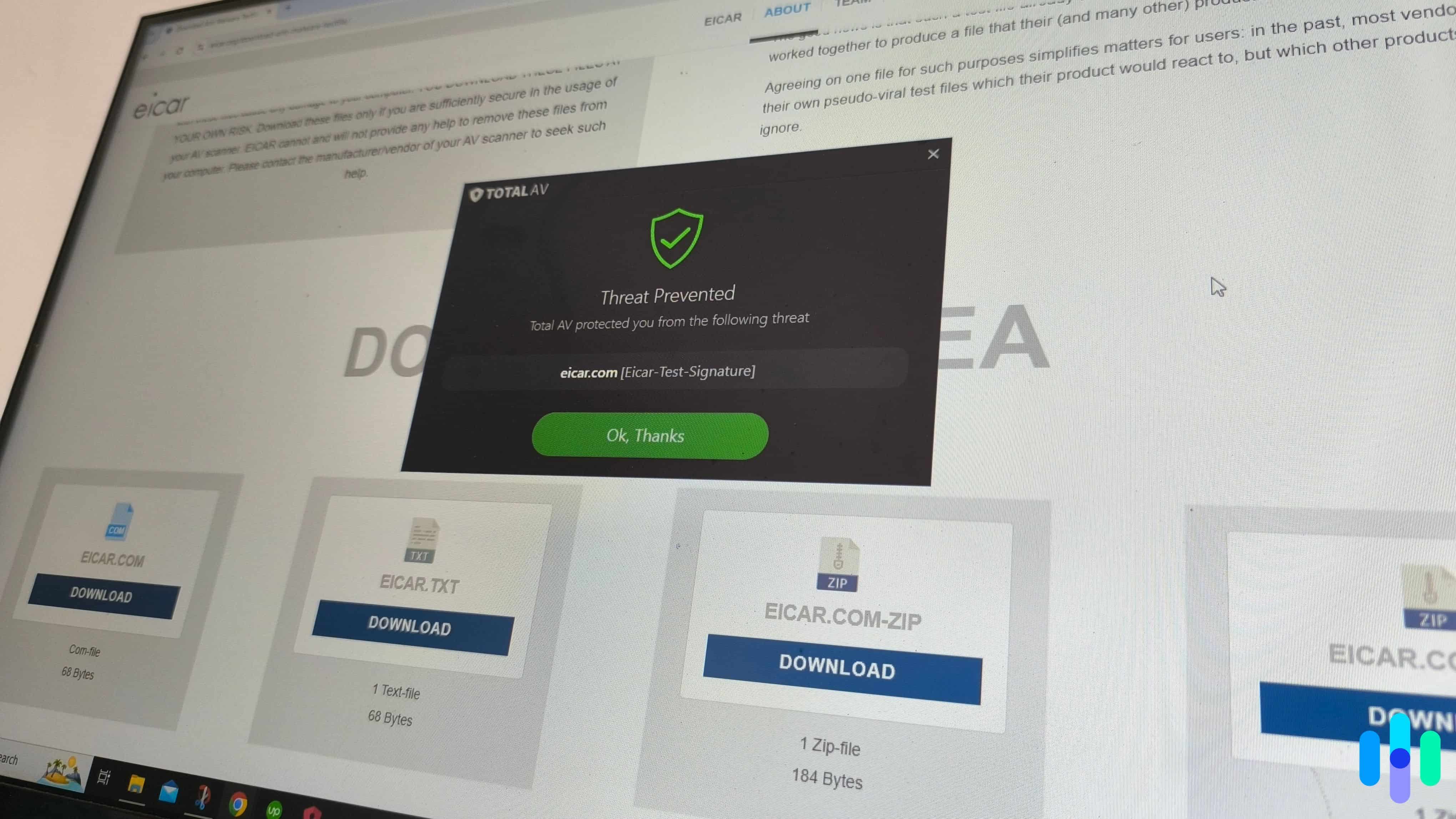
In our testing, TotalAV detected every test file. The web protection and phishing shields also spotted some dodgy websites and blocked access to pages with fake forms.
While we can’t complain about TotalAV’s antivirus protection, the rest of the suite is lacking compared to Norton. When we reviewed Total VPN, we noted its limited server selection. TotalAV has servers in 90 countries, whereas Norton’s network covers 100 locations. Dark web monitoring is also missing. Plus, three devices on the basic plan might not be enough for every household.

TotalAV didn’t overload us with alerts, but we got alerts when it detected dangerous threats. TotalAV Costs
Like Aura, if you just need antivirus protection, the Premium plan is affordable but protects up to three devices only. We recommend TotalAV Internet Security if you need coverage for extra devices and don’t have a VPN. The Total Security plan includes more coverage and a password manager, which is ideal if you’re looking for an all-in-one security bundle.
TotalAV Premium TotalAV Internet Security TotalAV Total Security Devices Covered 3 6 8 Cost $99 for the first year $129 for the first year $149 for the first year
Our Testing Process: How We Selected The Top Antivirus Software for Multiple Devices
How We Test Antivirus Software
Our antivirus review process is guided by our Editorial Guidelines. It’s built on a simple rule: we never take an antivirus provider’s word about its own product. That means we evaluate, install, and put every antivirus through its paces across both desktop and mobile platforms. We run detection tests against real malware samples, time full system and quick scans, and log system performance impact. Real-time protection reliability is also tested across common attack vectors, including phishing and ransomware. Plus, we log false positive rates, because a suite that flags legitimate apps as threats creates unneeded friction. Subscription costs, renewal pricing, and device limits are also weighed during our evaluations.
How We Selected These Picks
Multi-device antivirus protection introduces a layer of complexity — a suite that excels on Windows but delivers a stripped-down experience on Android or macOS isn’t a genuine multi-device solution, regardless of how many devices its plan technically covers. We built our selection criteria around what it actually means to protect multiple devices well. Here’s what we focused on:
- Consistent Protection Across All Covered Platforms: We tested each suite’s full feature set across every major platform — Windows, macOS, Android, and iOS — verifying whether core protections like real-time scanning, web filtering, and ransomware blocking were available and functional.
- Device Limits and License Flexibility: We also assessed how many devices each plan covered at each pricing tier and how easy it was to transfer licenses between devices. We also checked out family and household plans, since the value proposition of a multi-device antivirus lives or dies on whether the coverage it offers actually matches the number and variety of devices most households run.
- Centralized Management and Cross-Device Visibility: We evaluated whether each suite offered a unified dashboard that gives users a clear view of protection status across all covered devices. We also tested how easy it was to push updates, review alerts, and manage settings remotely.
- Performance Impact Scaled Across Device Types: We measured system overhead on each supported platform independently, tracking CPU usage, memory consumption, and battery drain on mobile devices separately.
Antivirus suites that delivered genuinely consistent, capable protection across every platform they covered — not just the one they were built for — are the only ones that made this list.
Who We Are
Security.org’s independent team of cybersecurity experts and product testers made it their goal to cut through the crowded antivirus market to help you find the right protection for every device you own. Our 20+ researchers and testers have collectively logged over 25,000 hours of hands-on security product evaluation since 2018, producing 740+ cybersecurity reviews and guides.
Heading our antivirus testing is Brett Cruz, a cybersecurity expert and antivirus specialist who has reviewed hundreds of security apps and online protection tools using a methodical, consumer-first approach. The full team behind our antivirus recommendations includes:
- Corey Birnstengel: Editor and videographer responsible for 200+ hands-on video reviews spanning eight security and consumer tech product categories
- Cort Honey: Product tester with an engineering background and 1,000+ hours of hands-on evaluation experience
- Ozzie Enriquez: West Point graduate and former Deputy Director of Security at the Missile Defense Agency, U.S. Pentagon, contributing expertise in federal security operations and digital risk assessment
- Gene Petrino: Former S.W.A.T. commander and law enforcement veteran with three decades of real-world security expertise, serving as a senior advisor across our antivirus and cybersecurity coverage
No brand can pay to influence our recommendation lists. Our picks are editorially independent, and every recommendation got here by outperforming the competition under real test conditions across real devices.
How Many Devices Do You Really Need to Protect?
The average person owns four devices that connect to the internet, and we recommend you protect all of them.1 This includes laptops, desktops, smartphones, and tablets. We also recommend leaving a few spare slots in case you get a new work-from-home laptop or office smartphone. This way you won’t have to make the tough decision about which device loses its protection when you exceed your limit.
Expert Tip: We recommend securing devices that store personal data or access financial accounts first when prioritizing protection.
How Does Cross-Platform Antivirus Protection Really Work?
A common misconception when it comes to cross-platform antivirus software is that you get the same level of protection across all your devices. You get the same core features — malware detection, scam protection, and extra tools like VPNs and password managers. When it comes to more advanced features, your access depends on the devices you’re using.
Let’s take real-time protection, for instance, where the program scans every file or app you open for malware. This feature is common in Windows antiviruses, but we rarely see it in iPhone antivirus apps because of Apple’s more closed-off system. That means without real-time protection, you’ll be scanning your iPhone more often than your Windows devices.
The real advantage of using antivirus software with multi-platform support is that you get to unify protection under one subscription. You won’t need to manage multiple subscriptions. And of course, while there’s some feature parity between platforms, the apps often provide similar user interfaces. This significantly reduces the learning curve of using antivirus apps for your multiple devices.
>>Find Out: How to Run an Antivirus Scan on Your Computer or Phone
Did You Know: The number of phishing attacks doubled in 2024, with hackers no longer solely focused on using email to trick people.2 Cybercriminals are using URLs, text messages, and invoices to evade antivirus detection.
How to Manage Antivirus Licenses for Multiple Devices
Even with a single subscription, managing multiple devices under one antivirus dashboard can still prove challenging. We recommend using your antivirus brand’s web dashboard. Typically, that’s where you’ll see:
- Device limits
- Number of devices currently using the software
- Options for adding/removing devices
- Download links for the antivirus software
- Download links for extra tools if included (VPN, password manager, etc.)
Start by familiarizing yourself with the dashboard. When you’re ready, use the available download links to download the apps onto your devices. Always use download links from official channels. After that, check the number of connected devices. You should see it update whenever you sign in on a new device.
Once you’re through the initial setup, you’ll barely need to manage your dashboard. The only times you’ll need to access it is if you’re making changes to your subscription or adding/removing devices. If you ask us, anyone can manage multi-device antivirus plans.
Did You Know: The average adult spends $90 a month on subscriptions, but you might be able to save money by bundling products.3 It’s why we recommend brands like Norton, Aura, and TotalAV, which include multiple security tools.
Wrap Up: Which Antivirus Software is Right For Your Devices?
The best antivirus for multiple devices is the one you’ll use consistently across all platforms. You should choose software with intuitive interfaces and reliable cross-platform syncing. The app shouldn’t require a large time investment and interfere with your daily activities.
That’s why we like Norton Antivirus. The apps are always running in the background, but we’re never bombarded with notifications. Aura Antivirus also does a great job on its own, but we recommend opting for the identity theft bundles that cover up to 10 devices per person. For a budget-friendly option, consider TotalAV, which is also a reliable and trustworthy solution.
Frequently Asked Questions
-
Can I share my multi-device antivirus with family members?
Yes, most multi-device antivirus subscriptions allow sharing with others living in the same household. Some providers, like Norton, explicitly market their products as family plans with features designed for household sharing.
-
Do I need antivirus on my iPhone or iPad?
Even though iOS devices benefit from web protection and anti-phishing features, we still recommend installing antivirus protection to prevent opening malicious links in emails or text messages.
-
What happens if I exceed my device limit?
You’ll need to deactivate a protected device to add a new one, or upgrade to a plan with more device slots.
-
Can I protect different operating systems with one subscription?
Yes, modern multi-device antivirus plans support mixed environments. You can typically protect any combination of Windows, Mac, Android, and iOS devices within your device limit.
-
Is it better to buy separate antivirus for each device or one multi-device plan?
Multi-device plans cost significantly less than individual licenses. We think individual licenses only make sense if you need dramatically different protection levels per device.
-
Statista. (2023). Average number devices and connections per person worldwide in 2018 and 2023.
https://www.statista.com/statistics/1190270/number-of-devices-and-connections-per-person-worldwide/ -
Inforsecurity Magazine. (2024). Phishing Attacks Double in 2024.
https://www.infosecurity-magazine.com/news/2024-phishing-attacks-double/ -
CNET. (2024). Don't Let Sneaky Subscriptions Ruin Your Budget. Americans Spend More Than $1,000 a Year on These Services, CNET Survey Finds.
https://www.cnet.com/personal-finance/subscription-survey-2025/