

ADT Smart Lock Review and Pricing
We’re taking a deep dive into ADT’s smart locks, from their features, costs, and real-world performance.
 Last Updated on Jan 26, 2026

What We Like
- Professional monitoring integration unlocks useful features such as Trusted Neighbor
- Offers Yale hardware known for quality and durability
- Integrates seamlessly with the ADT+ app for remote control
What We Don't Like
- Requires an ADT security system with the right monitoring plan to access some features
- Higher upfront costs compared to standalone smart locks
- Limited compatibility with non-ADT smart home devices
Bottom Line
When we started testing smart locks for home security, we quickly realized that not all connected locks are created equal. The best smart locks prioritize standalone features, while others shine when integrated into larger security ecosystems. ADT’s smart locks fall squarely into the latter category, and that positioning shapes everything about this product.
We spent several weeks testing ADT’s smart locks to understand who benefits most from this system. We also wanted to see whether the price is justified. We learned that ADT’s smart locks excel in specific scenarios, but because they require an ADT security system to work, they require careful consideration of your overall security strategy. Keep reading to find out what we mean.
>> Keep Reading: The Best Home Security Systems of 2026
What Smart Locks Does ADT Offer?
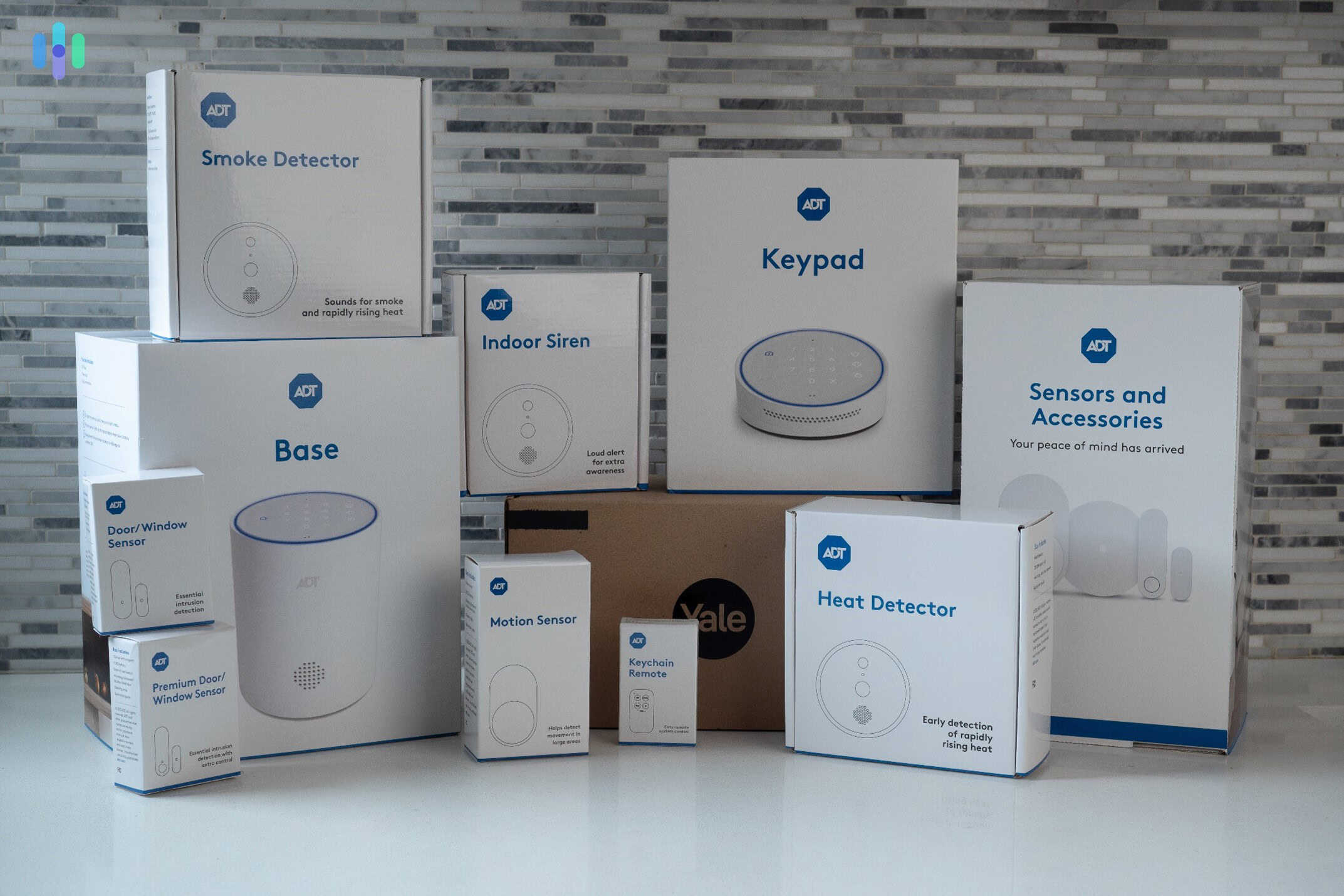
There isn’t a single “ADT smart lock.” Instead, ADT smart locks are a line of third-party smart locks made to integrate with ADT security systems. These locks connect via Z-Wave technology to the ADT security hub, which then allows remote access, locking schedules, and integration with other ADT security devices, such as cameras and sensors.
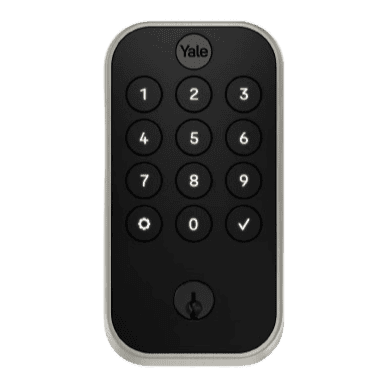
ADT offers two options, both of which are from Yale — the Assure Lock 2 Touch (keyless touchpad) and the Smart Lock (keypad with key backup). Each model offers different form factors and access methods, but both integrated well with our ADT ecosystem.
You might be thinking that you can just buy Yale smart locks on their own, but ADT’s Yale smart locks are special because they work with ADT’s services. When someone unlocks your door, for example, that event appears in your ADT+ app alongside motion sensor alerts, camera footage, and alarm status. That means if you’re an existing ADT user (or planning to buy an ADT security system), you’ll enjoy a streamlined experience if you buy your smart locks from ADT.
Pro Tip: Both ADT smart locks make your home instantly more secure. Since 95 percent of all home invasions involve forceful entry such as picking locks, smart locks make it hard for anyone to break in.1
ADT Smart Lock Pricing
We bought our ADT smart lock as part of our ADT security system, and we recommend you do the same. We also recommend contacting ADT directly to arrange professional installation. It costs a little extra, but you get peace of mind knowing it’s set up correctly. If you’d rather take the DIY route, though, buy from ADT’s website. Whichever route you choose, here’s how much each model costs:
| Model | ADT Price | Installation Options |
|---|---|---|
| Yale Assure Lock 2 Touch | $299.99 | Professional/DIY |
| Yale Smart Lock | $209.99 | Professional/DIY |
>> Check Out: How to Install a Smart Lock on Your Door
Ongoing Monitoring Costs
ADT smart locks require an active ADT monitoring plan to access remote features. You’d need at least the Smart plan, but when we tested ADT, we subscribed to the Complete plan, which starts around $39.99 per month. This subscription covers professional monitoring, mobile app access, and smart home integrations. It also comes included with a Google Home Premium subscription (formerly Nest Aware) to provide cloud video storage to ADT security cameras.
In case you’re wondering, here are ADT’s different monitoring options.
| Plan Level | Monthly Cost | Smart Lock Features |
|---|---|---|
| Secure | $24.99 | Local operation only, no remote access |
| Smart | $29.99 | Remote lock/unlock, notifications, automation |
| Complete | $39.99 | All features plus camera integration |
Over a three-year period (a typical contract length), the total cost of ownership reaches approximately $1,900 to $2,200 when factoring in equipment, installation, and monitoring fees. This makes ADT smart locks a premium option compared to self-installed alternatives like August or Wyze locks. But at the same time, keep in mind that a smart lock integrated with a security system as advanced as ADT comes with additional benefits. Let’s talk about those benefits next as we go through the features we tested.
Key Features We Tested
We’ve been conducting long-term performance and reliability testing on an ADT security system, and the smart lock is one of the key components of that system. Over the past year, these are the features we’ve tested so far.
Remote Access and Control
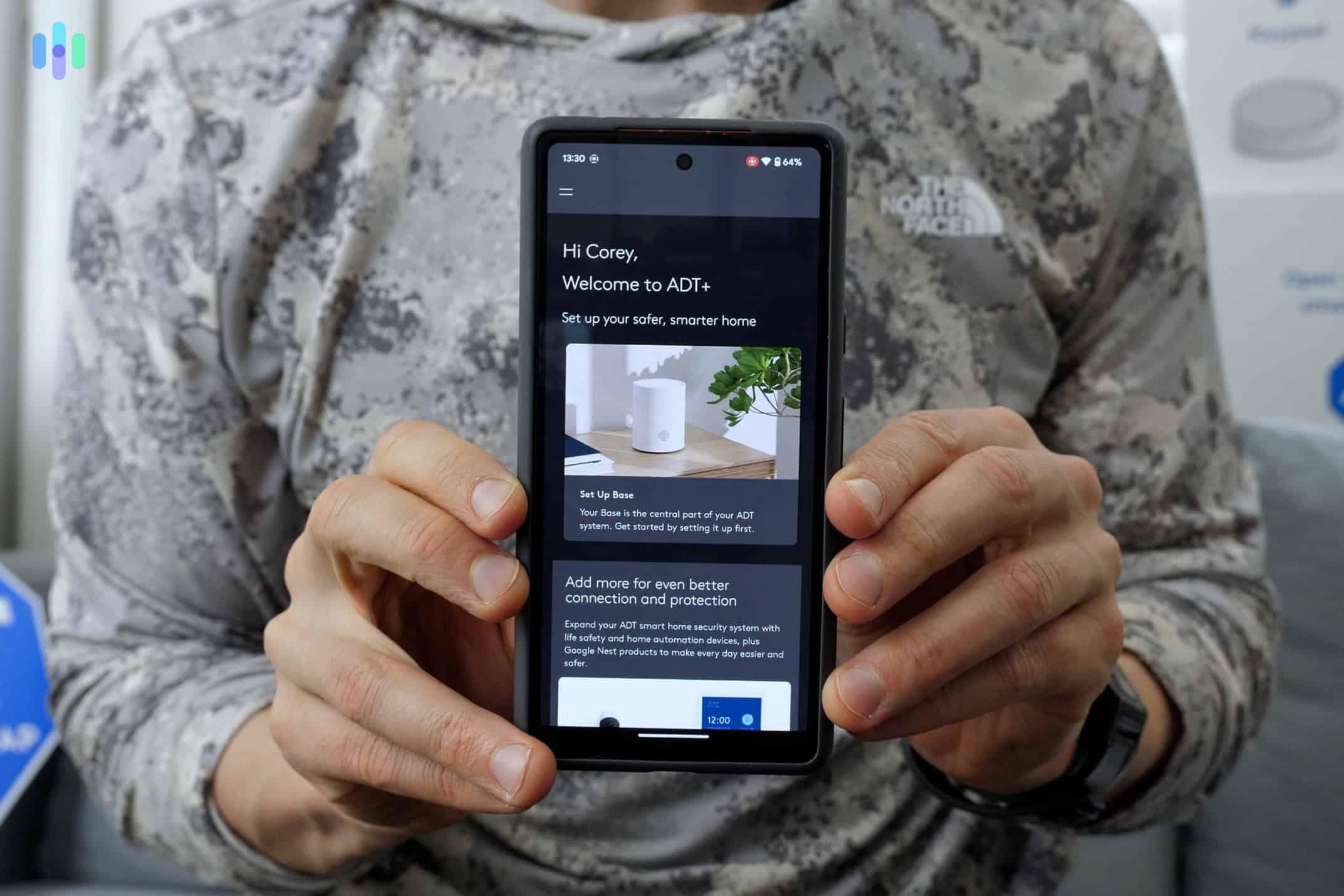
We’ve been testing the remote lock and unlock functionality extensively, sending commands from various distances. The ADT+ app consistently executed lock commands within three seconds. The Z-Wave connection between the lock and ADT hub has also proved reliable.
We like that the app interface displays lock status clearly, showing whether doors are locked, unlocked, or in an unknown state (this occasionally happens when the lock loses connection temporarily). The display means we can just check the app to find out if we locked the door after we left. And if not, we can lock it remotely then and there. We also appreciate the push notifications that arrive whenever someone unlocks the door.
>> Find Out: The Best Security Systems With Apps
User Code Management
Pro Tip: Set up unique user codes for each family member. Door unlock activity logs show who performed the action based on the user code used, so each member has unique codes, you can keep track of who comes and goes.
ADT smart locks support up to 250 personalized codes. We didn’t need that many, but we created codes for family members, regular service providers, and temporary guests. Creating new codes through the ADT+ app took about 30 seconds per code, and the system let us assign custom names to each code for easy identification in the activity log.
One feature we found particularly useful was temporary codes with expiration dates. When we needed to grant access to a contractor for a three-day window, we created a code that essentially gave them a temporary digital key. We set it to expire after three days, so after they were done with the work, ADT automatically took away their access.
Automation and Smart Scenes
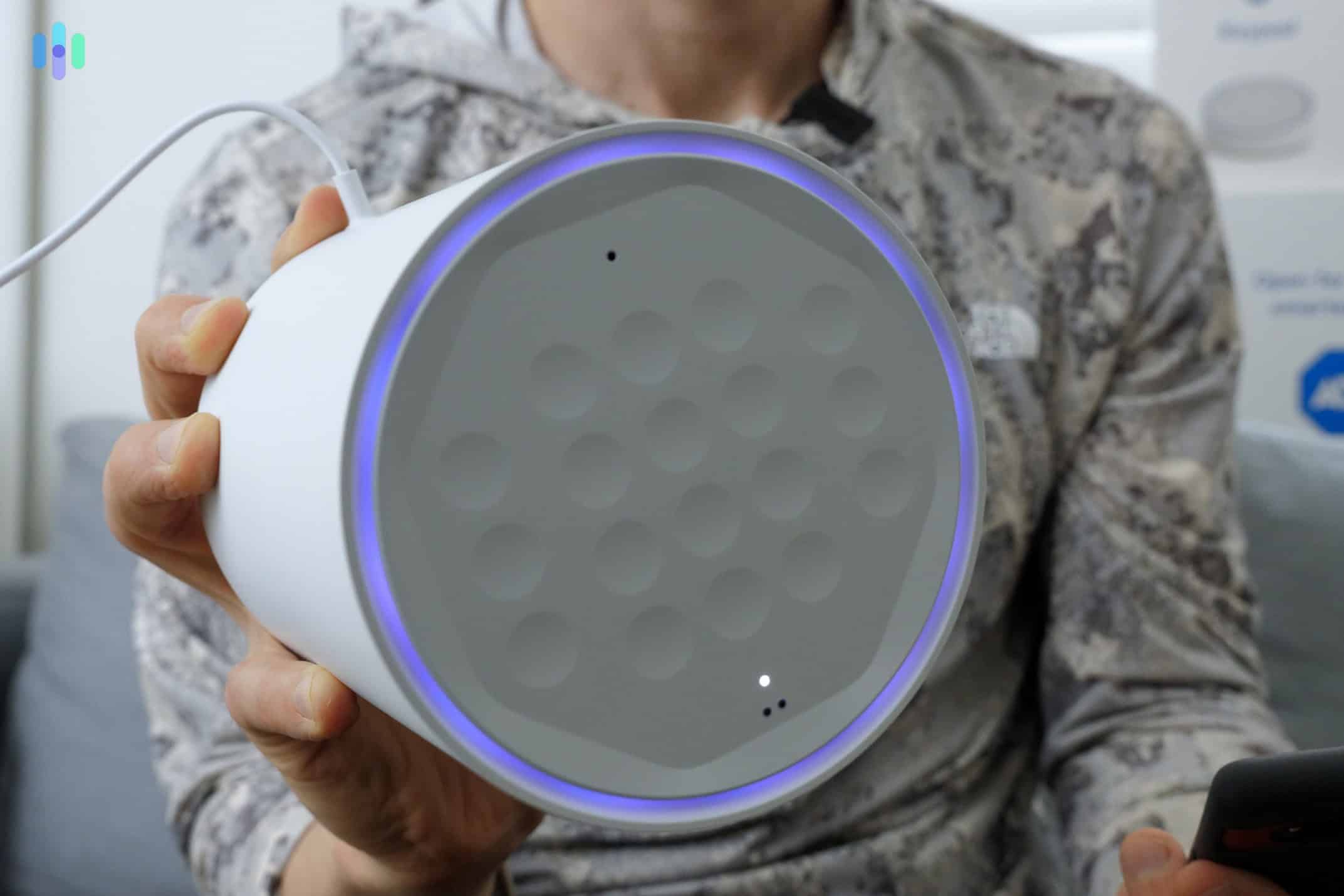
ADT’s automation system, “Scenes,” allows the smart lock to trigger or respond to other security devices. We set up several automated routines during testing, including automatically locking the door when we armed the security system in “Away” mode and unlocking the front door when the system detected our arrival.
These home automations worked reliably in our tests, though we noted a slight delay of around ten seconds between the trigger event and the lock action. For context, research indicates that Z-Wave smart home devices typically communicate with latencies under 100 milliseconds, but we find that real-world performance depends on network traffic, hub processing, and other factors such as signal interference.
Pro Tip: Create an automation that sends you a notification if the door is unlocked for more than 10 minutes after you leave. This catches forgotten locks before you’re too far away.
Trusted Neighbor
We also tested a special kind of automation that involves the security system itself, a smart lock, and a doorbell camera, all from ADT. It’s called Trusted Neighbor. This automation lets you make a list of pre-approved persons allowed to enter your home at a certain schedule or during certain events. Then, the doorbell camera uses facial recognition to detect them. If they’re seen approaching the house — and if the access criteria is met — a notification will be sent to their phone. In a single tap, the smart lock unlocks and the security system disarms.
We tested this feature by giving a neighbor access to our house throughout our week-long out-of-town so they could water our plants. Trusted Neighbor kicked in nine times out of nine. We also appreciated that it triggered our indoor cameras to record as soon as our neighbor entered our house, and that after they left, our ADT system armed back up.
See exactly how Trusted Neighbor works in our video review:
Our ADT Smart Lock Installation Experience: Pro vs. DIY
We always recommend opting for ADT professional installation to make sure the job is done correctly. For us, the technician arrived within the scheduled two-hour window and completed the installation in approximately 30 minutes. This included removing our existing deadbolt, installing the Yale lock, connecting it to our ADT base, and demonstrating basic features.
DIY installation is also an option. Both Yale locks include detailed installation instructions. The physical installation is similar to a standard deadbolt replacement. When we tested an ADT Self Setup system, we removed the old lock, ensured proper door preparation, and secured the new lock with the provided screws.
Pro Tip: We recommend setting up smart locks on all entry points to your home. Back doors, garage doors, and basement entry points are common targets for burglars.2 Integrating locks for these doors means you’ll get personalized notifications if anyone is trying to access them.
What We Didn’t Like
We’d say that overall, the ADT smart locks we’ve tested performed well within their intended ecosystem. However, we also encountered several limitations. The most significant issue is the system dependency. Locks require an active ADT monitoring subscription. We tested what happens when you pause or cancel monitoring, and the remote features immediately stop working.
The pricing also gave us pause. When we calculated the total cost of ownership over three years and compared it to competitors like August, Schlage Encode, or Yale’s own standalone smart locks, the ADT smart lock cost roughly two to three times more. It’s true that the price difference is because you’re also getting an entire ADT system complete with monitoring. But if you’re only after a standalone smart lock, it’s not practical to go with ADT.
We also found the third-party integration options limited. Unlike standalone smart locks that work directly with Google Assistant or Amazon Alexa, the ADT smart lock primarily talks to ADT’s own ecosystem. ADT+ does integrate with Alexa and Google Assistant, but the functionality is more restricted than what you get with platform-native smart locks. We couldn’t, for example, create complex automations using IFTTT or SmartThings that many smart home enthusiasts prefer.
Our Verdict on ADT Smarts
ADT smart locks are not for everyone, but for the right homes, they deliver exceptional value that standalone alternatives can’t match.
If you’re already an ADT customer with professional monitoring, adding an ADT smart lock makes a lot of sense. We think the ability to see lock status, door activity, camera footage, and alarm events in a single app justifies the premium pricing. However, if you’re shopping for a smart lock as a standalone device or you don’t already have ADT monitoring, we recommend exploring more affordable alternatives like August or Wyze.
Our recommendation? Review your current security setup, budget, and priorities before committing to ADT’s ecosystem. The lock hardware is excellent. It’s the ecosystem lock-in and pricing requires careful consideration.
Frequently Asked Questions
-
How much does an ADT smart lock cost?
ADT smart locks range from $200 to $300 for equipment and installation, plus monthly monitoring fees starting at $29.99.
-
Do ADT smart locks work with Alexa or Google Assistant?
Yes, ADT smart locks integrate with Alexa and Google Assistant through the ADT+ system. However, functionality is more limited than platform-native smart locks.
-
How long do batteries last in ADT smart locks?
ADT claims 12-month battery life on AA batteries under typical use. We found minimal battery drain during our two-month testing period.
-
Can I install an ADT smart lock myself?
Physical installation is possible if you’re handy. We recommend choosing professional installation to ensure it’s set up correctly.
-
What happens if I cancel my ADT monitoring?
You lose all remote access, app control, and automation features. The lock still works via keypad codes but functions as a basic electronic lock.
-
Are ADT smart locks weather-resistant?
Yes, Yale locks are rated for exterior use and we tested them successfully in temperatures from 35°F to 95°F. The touchscreen works in rain and various weather conditions.
-
Alarms.org. (2019). Burglary Statistics: The Hard Numbers.
https://www.alarms.org/burglary-statistics/ -
Money. (2024). Break-In Trends in 2024.
https://money.com/break-in-trends-in-2024/