

Best Smart Home Platforms of 2026
Our Tech experts rank the five most popular smart home platforms that offer convenience and security.
 &
&
 Last Updated on Jul 08, 2026

- Advanced first-party security cameras with familiar face detection
- Industry-leading voice recognition
- Partnered with ADT to offer comprehensive smart home security systems

- Supports integrations with over 400,000 smart home devices
- Easy to set up and control third-party devices with Alexa Skills
- Owns several home security companies, including Ring and Blink, with native integration

- Works seamlessly within the Apple ecosystem
- Privacy-focused platform that processes many Siri requests on-device, minimizing data sent to the cloud
- Closed system provides for a reliable smart home experience
the security.brief
This 2026 guide compares Alexa, Google Home, Apple HomeKit, and Google Nest on compatibility, features, and how each smart home platform performs.
With the average home owning about five types of smart devices, most people need a smart platform to connect them all.1 Choose the wrong ecosystem and you’ll spend hours reading smart home guides to troubleshoot incompatibilities. Choose the right one and your lights, locks, cameras, and thermostat will all work together seamlessly.
We’ve set up and lived with every major smart home platform, testing them against real-world devices across home security, lighting, climate, and automation. Here’s where each one excels — and where it falls short.
>> Related Reading: The Best Smart Home Security Systems of 2026
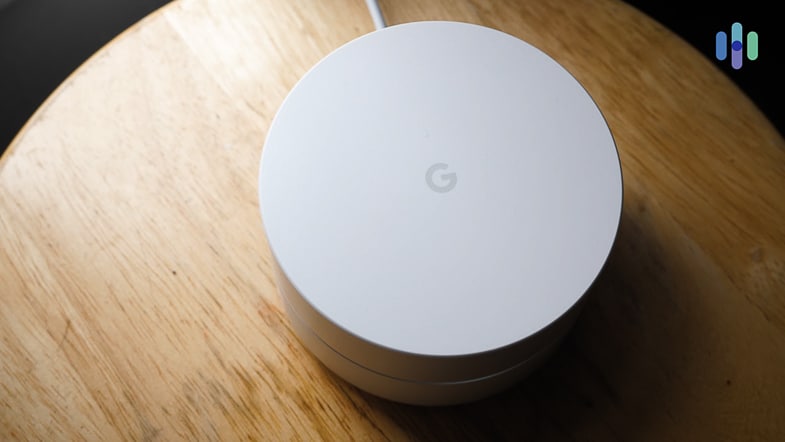
Best Smart Home Platforms
- Google Nest Hub Max - Best Voice AI
- Amazon Echo Show 8 - Widest Compatibility
- Apple HomePod - Best for Privacy
- Matter - Best for Future-Proofing
- Home Assistant Green - Best for Full User Control
Comparison Chart of Best Smart Home Platforms
| System |
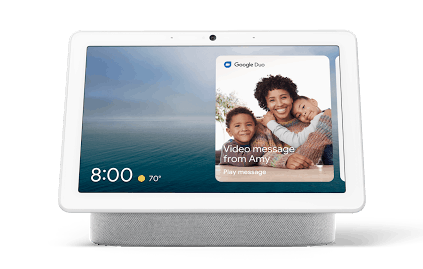
Google Nest Hub Max
|
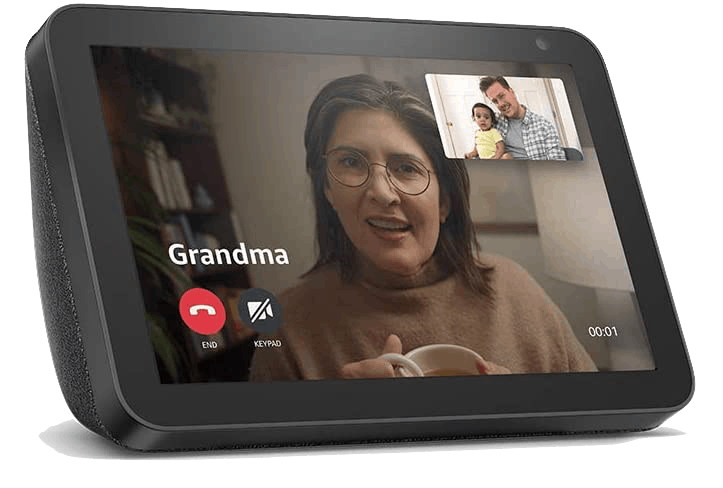
Amazon Alexa
|
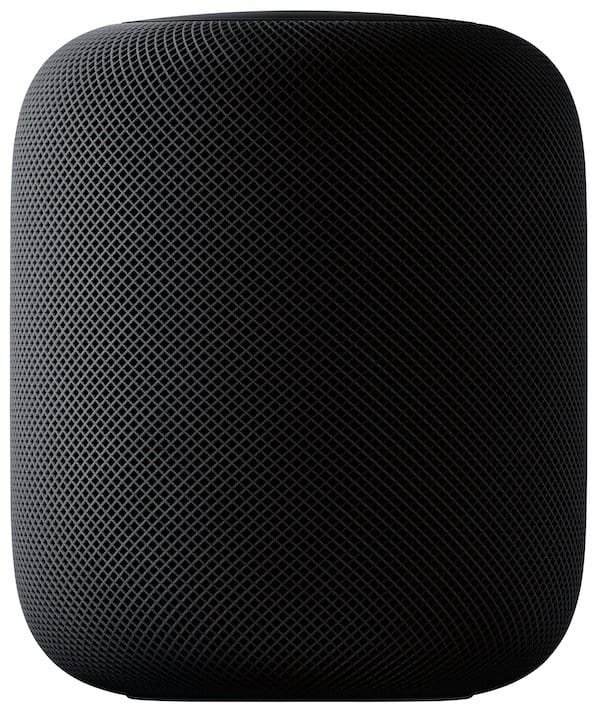
Apple HomeKit
|
Matter


|
Home Assistant Green


|
|---|---|---|---|---|---|
| Ranking | 1st | 2nd | 3rd | 4th | 5th |
| Ratings | 7.5/10 | 7.5/10 | 7.9/10 | /10 | /10 |
| Voice Assistant | Google Assistant / Gemini | Alexa | Siri | Works with all | Works with all |
| Compatible Devices | 50,000+ | 140,000+ | 1,000+ | 850+ | 2,500+ official integrations |
| Works Locally (No Cloud) | Mostly cloud | Mostly cloud | Yes | Yes | Yes |
| Privacy-First Design | Moderate | Moderate | Strong | Strong | Strong |
| Setup Difficulty | Easy | Easy | Easy | Easy–Moderate | Advanced |
| Monthly Cost | Free / $10 (Premium) | Free | Free | Free | Free (self-hosted) |
| Apple Device Required | No | No | Yes (for full use) | No | No |
| Security System Compatibility | ADT, Nest, Vivint | Ring, SimpliSafe, ADT | Abode, Ecobee, Eufy | ADT, Vivint, and growing | Most systems via integration |
| Read Review | Google Nest Hub Max Review | Amazon Alexa Review |
What Is a Smart Home Platform?
A smart home platform is the software layer that connects your devices, allowing lights, locks, thermostats, cameras, and sensors to communicate with each other and respond to your commands. Choosing one is comparable to picking an operating system. Compatibility and available features vary between platforms, which is worth thinking about before you buy a device.
Our Top Picks For Smart Home Devices
-
1. Google Nest Hub Max - Best Voice AI
See Pricing Links to Google Nest Hub Max
Best For
We recommend Google Home for homeowners who prioritize voice control accuracy and those already using Nest or ADT products. Google Home is also ideal for Android users who want their phone and smart home tightly integrated.
What We Like
- Most accurate and capable voice AI of any platform
- Deep integration with Nest smart home devices
- Strong partnership with ADT for professional security
- Matter support opens the door to near-universal compatibility
- Works on Android and iOS
What We Don’t Like
- Fewer total compatible devices than Alexa
- Heavily cloud-dependent outside of Matter devices
- Google Home Premium subscription needed for some advanced features
- Most functions require an active internet connection
Why We Picked It

Google Home offers an easy-to-follow step-by-step setup for connecting your entire smart home. In our testing, Google Assistant consistently outperformed its competitors on voice accuracy, handling complex multi-step questions and controlling devices more reliably than Alexa or Siri. It uses Gemini AI to understand plain-language requests in context instead of relying on keyword matching. We found this made a difference when issuing layered commands or asking follow-up questions during our time testing the Google Nest Hub.
Google’s partnership with ADT also makes it the strongest option for anyone looking to pair professional security monitoring with a full smart home setup. The ADT+ app brings Nest cameras, Nest thermostats, and Google’s broader ecosystem into a single unified interface. We found it genuinely easy to work into a daily routine during our time testing ADT, and it’s a big reason ADT ranks among the best Google Home security systems available.
Did You Know: When we tested voice assistants head-to-head, Google Assistant correctly answered 93 percent of questions — the highest of any platform we evaluated.
-
2. Amazon Echo Show 8 - Widest Compatibility
See Pricing Links to Amazon.com
Best For
Alexa’s compatibility is unmatched, making it the go-to platform when you want to mix and match without hitting walls. It’s the ideal platform for building a diverse smart home with devices from a variety of brands.
>> Check Out: Best Home Security Systems That Work with Alexa in 2026
What We Like
- Most compatible platform — works with more devices than any other
- Built-in Zigbee hub on Echo 4th Gen and later
- Free to use; no subscription required
- Broad compatibility with home security systems including Ring and SimpliSafe
- Thousands of skills for advanced automation
What We Don’t Like
- Voice AI accuracy trails Google Assistant
- Cloud-dependent; reliability tied to Amazon’s servers
- Amazon scaled back some Alexa features after launching the paid “Alexa+” subscription
- Ads can feel overwhelming at times
Why We Picked It

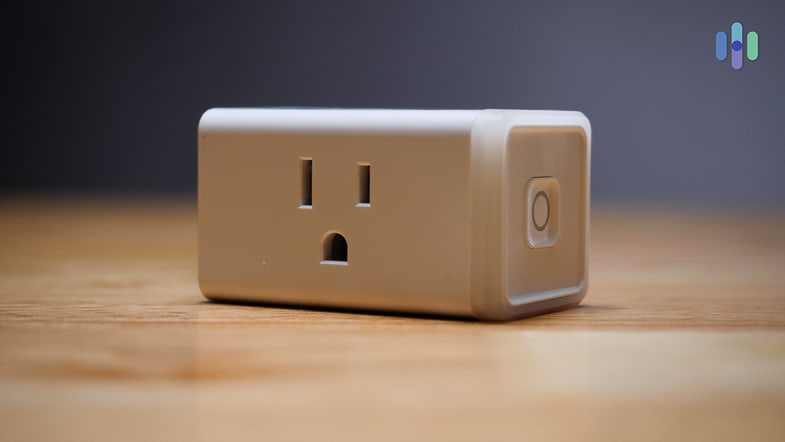
Amazon Smart Plug No other platform comes close to Alexa’s breadth of device compatibility. During our testing, we found Alexa skills covering almost every smart home category, from budget smart plugs to high-end security systems. If you’re building a mixed-brand setup and want the flexibility to swap products without starting from scratch, Alexa is the safest bet.
The Echo lineup also doubles as a capable Zigbee hub, meaning you can control Zigbee devices directly without purchasing separate hardware. For home security specifically, Alexa’s deep integration with Ring makes it a natural fit for anyone already in Amazon’s ecosystem. We cover the full capabilities in our Ring Alarm review.
Pro Tip: The Amazon Echo (4th Gen) has a built-in Zigbee hub, which means it can control a wide range of smart home devices — including many Philips Hue bulbs and Yale smart locks — without a separate bridge. You can read more about this in our Amazon Echo Show review.
-
3. Apple HomePod - Best for Privacy
 See Pricing Links to Apple HomePod
Best For
If you’re already committed to the Apple ecosystem, it can make sense to opt for Apple HomeKit as your smart platform as well. It lacks the broad compatibility with third-party devices that Google Home and Amazon Alexa offer, but that closed system ensures reliable integrations with all supported devices. Apple’s also known for privacy, which they extend to Apple HomeKit.
What We Like
- Strongest privacy protections of any major platform
Most commands and automations are processed locally - End-to-end encryption for all device communication
- Tight integration with iPhone, Apple Watch, and Siri
- Consistent quality from a strict certification program
What We Don’t Like
- Requires Apple devices — limits accessibility for Android users
- Smaller device catalog than Google or Alexa
- Siri voice AI is less capable than Google Assistant
- A HomePod or Apple TV hub is needed for remote access
Why We Picked It

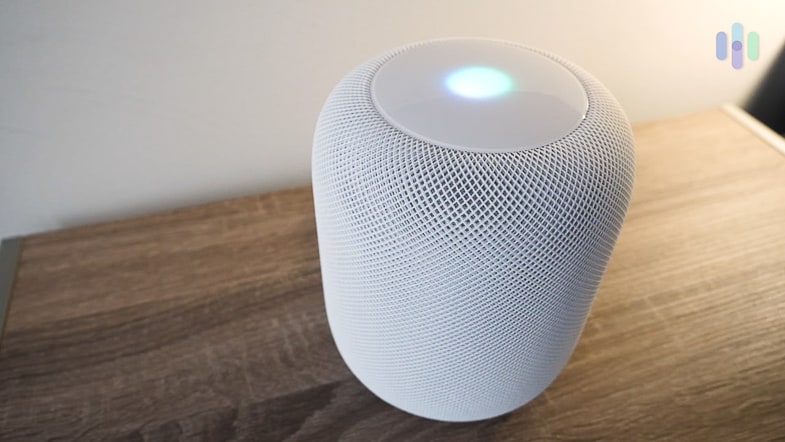
Our Apple HomePod connects all of our HomeKit-compatible smart devices Apple built HomeKit with privacy as a core design principle, not an afterthought. Data from HomeKit devices is end-to-end encrypted and most requests are processed locally on your HomePod or Apple TV hub — not on Apple’s servers. This cuts the lag between your command and your smart home’s response. It also limits the exposure of your personal data.
HomeKit’s smaller device catalog is a tradeoff worth accepting if privacy is your priority or you’re already locked into the Apple ecosystem. The certification process is strict, which means every compatible device meets a consistent quality bar. When we tested abode, we noticed our requests through HomeKit processed faster than Alexa making our system feel smoother. That’s one reason abode is one of the best security systems for Apple users.
Something to Consider: HomeKit requires an Apple device (iPhone, iPad, or Mac) to set up. To enable remote access and automations, you’ll also need a HomePod mini, full-sized HomePod (2nd generation), or Apple TV as a home hub.
- Strongest privacy protections of any major platform
-
4. Matter - Best for Future-Proofing


Product Specs
Voice Assistant Works with Google, Alexa, Siri, and others Compatible Devices 850+ Protocols Supported Wi-Fi, Thread (preferred), Ethernet Works Locally Yes — local-first by design Monthly Cost Free Security System Compatibility ADT, Vivint, and growing App Use your preferred platform's app (Google Home, Apple Home, Alexa)
Best For
Although it’s technically not a platform, looking for Matter-compatible devices will help future-proof your system. Matter allows devices to communicate between all three smart home platforms we’ve discussed so far amongst others. It also enables full local control.
What We Like
- Works across all major platforms — no lock-in
- Fast and reliable local control by default
- Strong industry adoption; most major brands are onboard
- Interoperates with Google, Alexa, HomeKit, and SmartThings simultaneously
- Future-proof with the standard continuing to expand
What We Don’t Like
- Older products are unlikely to get support for Matter
- Requires a Thread Border Router for full Thread benefits
- Security system compatibility is still limited
- Troubleshooting cross-platform setups can be complex
Why We Picked It

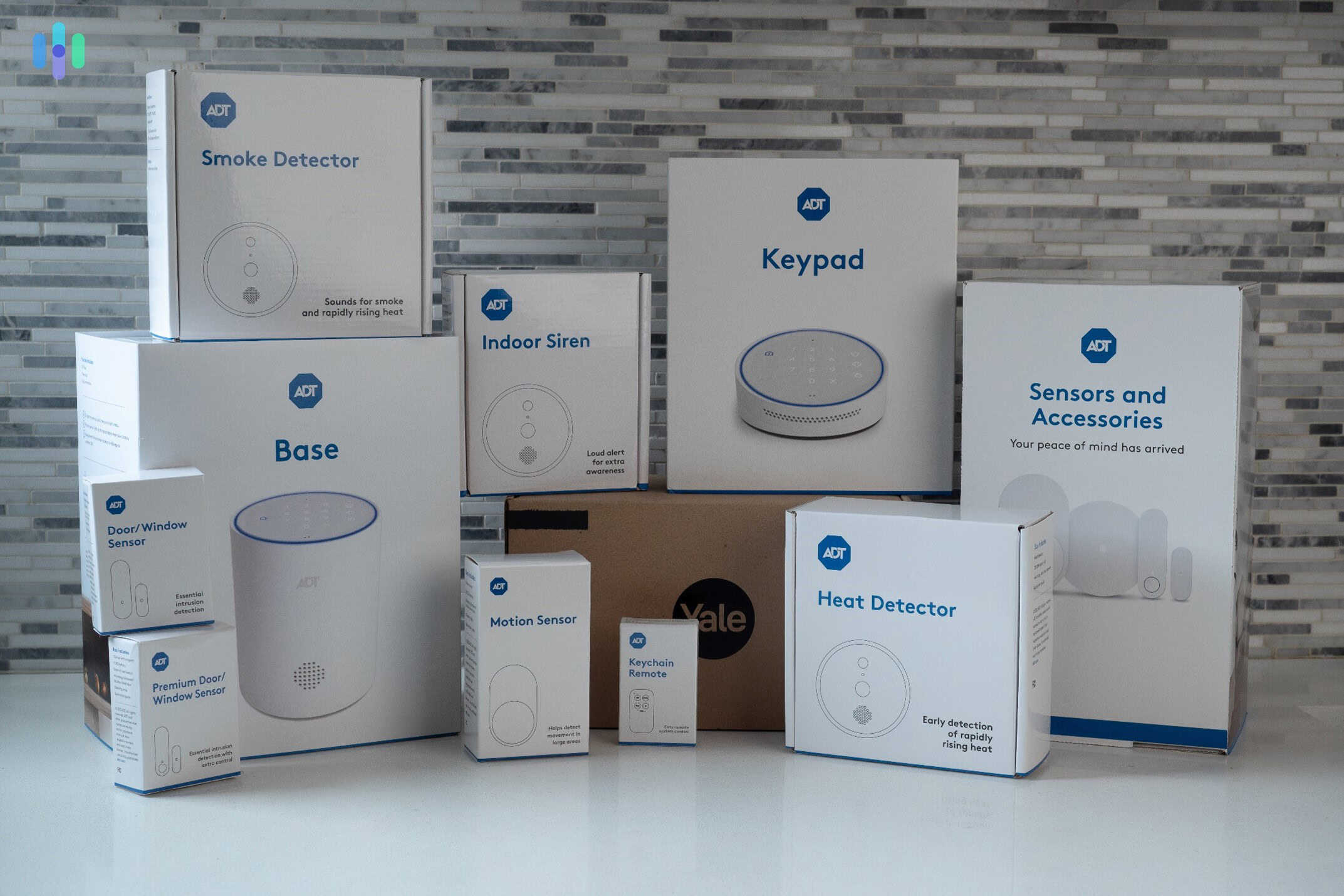
All of our ADT security equipment is compatible with Matter, enabling broad integrations with third-party devices Matter isn’t a competing platform. It’s a universal standard backed by Apple, Google, Amazon, Samsung, and hundreds of device makers. A Matter-certified device works with all four ecosystems simultaneously, meaning a smart plug you buy today won’t be stranded if you switch platforms tomorrow.
One of Matter’s biggest advantages over older standards is that it runs locally. Commands from your phone go directly to the device over your home network rather than bouncing through a remote server. In technical terms, that means lower latency compared to cloud-dependent setups on Google Home or Amazon Alexa. It also means your devices keep working even when your internet goes down.
-
5. Home Assistant Green - Best for Full User Control
 View Packages Links to Home Assistant Green
Product Specs
Voice Assistant Works with Google, Alexa, Siri; also has local voice processing Compatible Devices 2,500+ Protocols Supported Wi-Fi, Zigbee, Z-Wave, Thread, Matter, Bluetooth, and many more Works Locally Yes — fully self-hosted Monthly Cost Free (self-hosted); Optional cloud hosting through Nabu Casa at $6.50/mo Security System Compatibility Ring, SimpliSafe, Alarm.com, DSC, Risco, and many others via integrations App Home Assistant Companion (iOS and Android)
Best For
Tech-savvy homeowners who want total control, maximum device compatibility, and zero dependence on cloud services will appreciate Home Assistant. It’s an open-source platform you can run entirely on your own. While that appeals to some, it also means a more complicated setup process that can turn off everyday users.
>> Read About: The Data Big Tech Companies Have On You
What We Like
- 2,500+ integrations — connects virtually anything
- Fully local; your data never leaves your home
- No vendor lock-in whatsoever
- Extremely powerful automation engine
- Free and open-source with strong community support
What We Don’t Like
- Steep learning curve and not beginner-friendly
- Requires dedicated hardware and occasional maintenance
- No official professional support
- UI, while improved, still lags behind commercial platforms
Why We Picked It

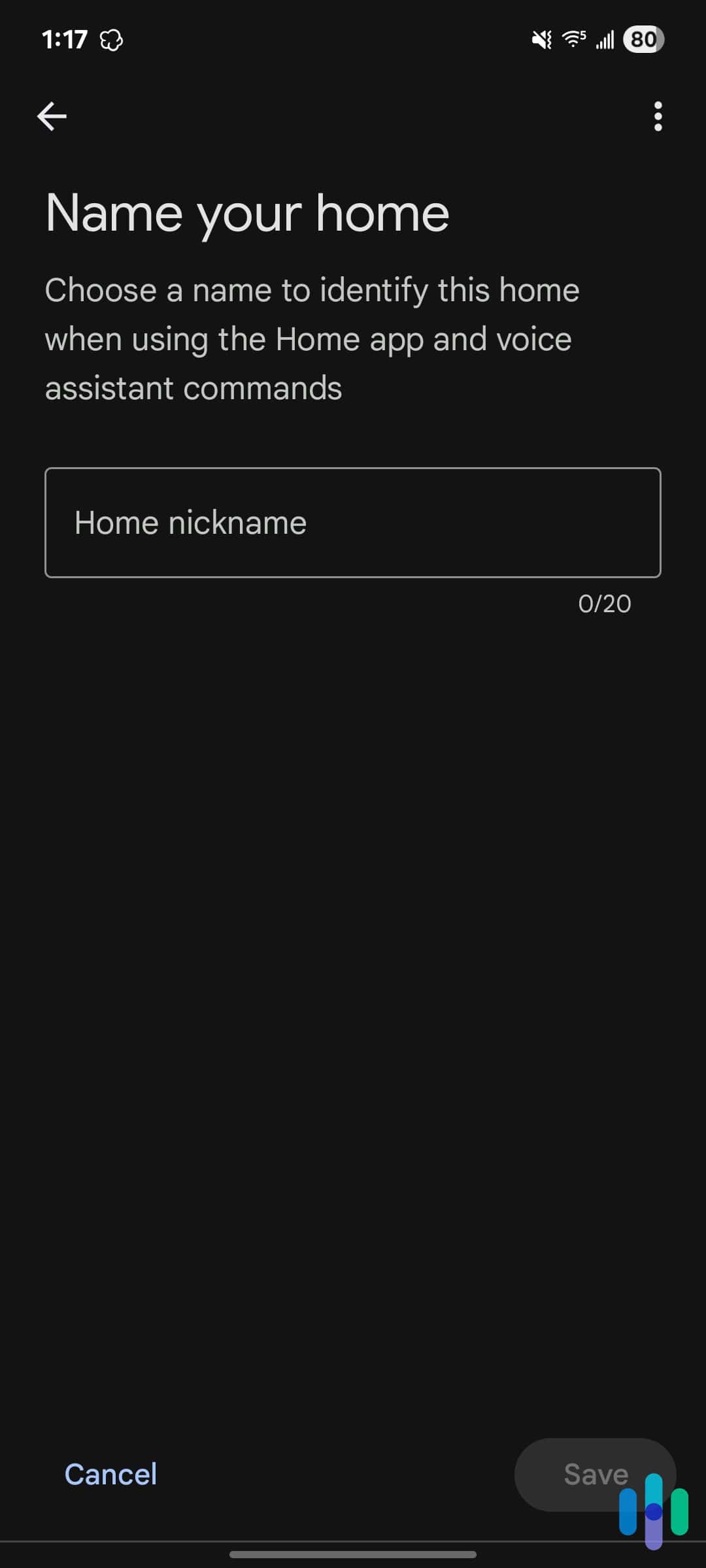
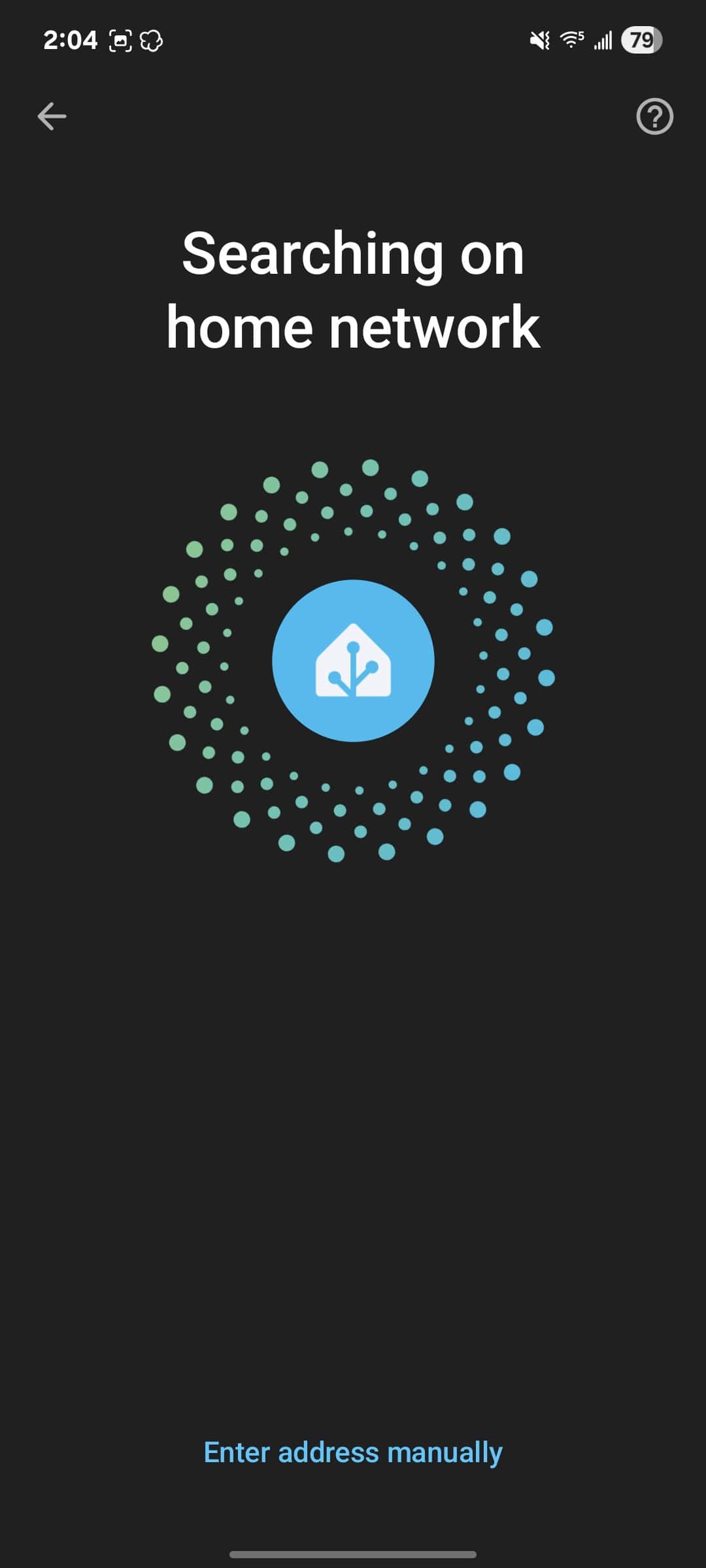
After setting up a Home Assistant server, the mobile app automatically connects to it Home Assistant is a powerful smart home platform, but it’s also demanding to set up. It’s open-source software that runs on dedicated hardware (like the Home Assistant Green or a Raspberry Pi) in your home. This gives you complete control over your data and your automations.
As an open-source platform backed by an active community, Home Assistant can integrate with almost any device. That said, don’t expect the polished, certified integration experience you’d get with Apple HomeKit. Still, we found most integrations worked well without much effort during our tests of devices from 23 different manufacturers. It also worked well with our home security equipment, including for viewing our camera’s live feed and sending sensor alerts to our phone.
How to Choose the Right Smart Home Platform
There’s no one-size-fits-all option for smart home platforms. It all depends on what devices you currently have, which ones you plan to get, and your personal priorities. Here are the five main factors you should consider when choosing a smart home platform:
- If you’re an iPhone user, start with HomeKit. Its privacy defaults and Apple device integration are hard to beat, and Matter fills the gaps where HomeKit’s catalog falls short.
- If you want the widest device selection, go with Alexa. You’ll encounter fewer “not compatible” roadblocks than with any other platform.
- If voice control quality matters most, choose Google Home. Google Assistant is the most accurate and capable of the major voice AIs.
- If you’re buying new devices in 2026, prioritize Matter-certified products. They’ll work with whichever platform you choose now and any you switch to later.
- If you’re technically inclined and want full control, Home Assistant gives you capabilities no commercial platform can match.
Most households don’t need to pick just one. Matter makes it practical to run Google Home as your primary platform while still using Alexa on a bedroom Echo — your devices will respond to both.
>> Learn About: Can an iPhone Be Hacked?
Methodology: How We Ranked The Best Smart Home Platforms
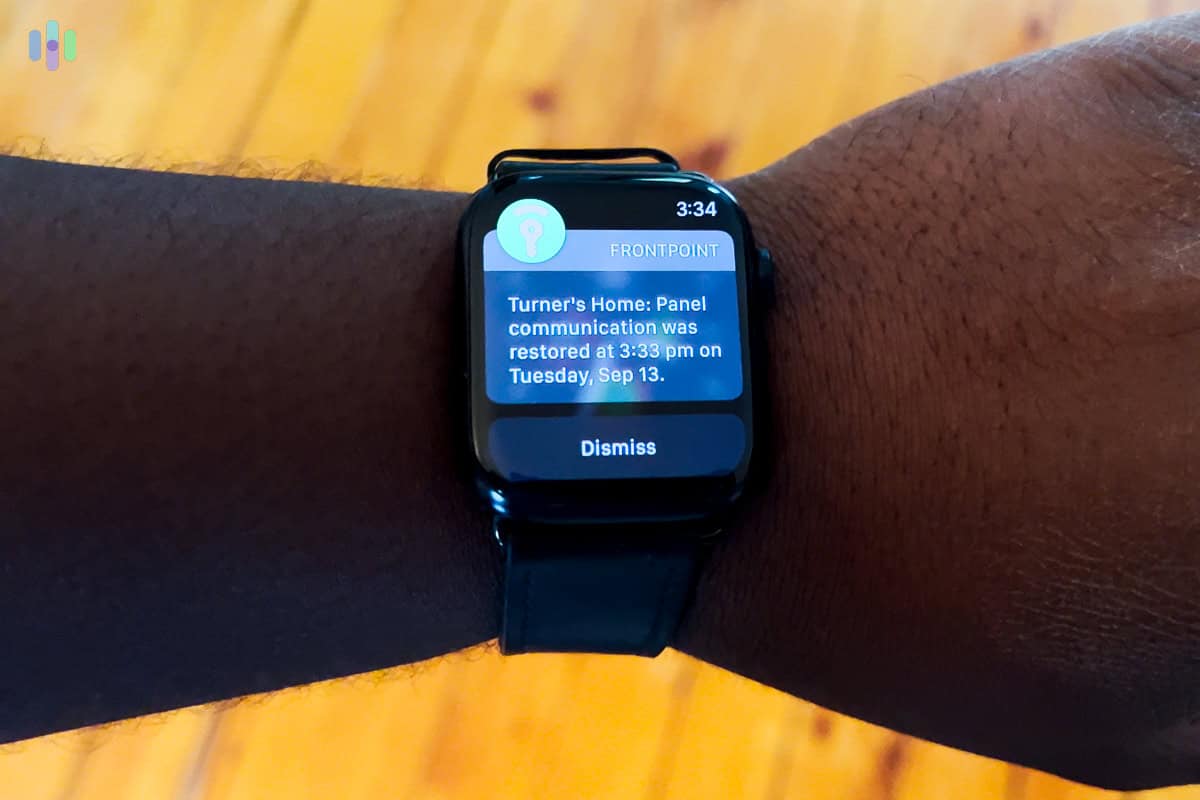
To determine which smart home platforms are the best, we leveraged our team’s years of existing experience making their home smart along with quantitative tests. For this guide, we ranked each platform based on the following criteria:
- Device Compatibility: At the end of the day, a smart home platform is only as effective as the devices it can control. That’s why broad compatibility was our top priority. However, we didn’t just look at the number of supported devices, we categorized them to ensure each platform supports a wide range of device types on top of brands.
- Automation Capabilities: Automating our devices is one of the main ways we use our smart home platform. However, comparing automation capabilities gets tricky as each platform offers different features depending on the connected devices. We considered both the automation options for first-party devices and third-party devices.
- Ease-of-Use: While we’re a tech-savvy team, we understand most people want an easy onboarding process and a system that’s intuitive to use day-to-day. We tested this by having less tech-savvy family members use each system during our testing period, assessing how easy it was for them to set up and use.
- Security: Of course, our top priority is always security, but we don’t only mean home security as we covered that when assessing device compatibility and automation capabilities. For the security of a smart home platform, we’re talking about digital security and data privacy. Our cybersecurity team created a comprehensive report for each platform detailing any potential vulnerabilities as well as what the average user should beware of.
- Long-Term Support: Choosing a smart home platform is a long-term decision, so you want to choose one that’ll be around for the long haul. We determine this by assessing the history of the platform to see if it remained stable over the course of years as well as look for backing from large corporations.
After finalizing our tests, we verified the results with our team that has over three decades of combined smart home experience. We also hired a third-party smart home expert to audit our results. This ensures the results we share with you are trustworthy and accurate.
Final Thoughts: Picking a Smart Home Platform
It can feel like you’re locking in for life when choosing a smart home platform. However, that’s not totally accurate. A lot of devices work with several smart home platforms, so we recommend starting with those devices that have broad support and trying out a few different platforms. Then, once you decide which one you like, you can start looking into devices optimized for that platform. This is a safe way to pick a platform before investing heavily in devices that only work with a single ecosystem.
Frequently Asked Questions
-
What is the most popular smart home platform?
Amazon Alexa has the largest number of compatible devices, making it the most widely used platform by device count. Google Home is the most popular choice among Android users, while Apple HomeKit dominates among iPhone households.
-
Can I use multiple smart home platforms at the same time?
Yes, and it’s increasingly common. Matter-certified devices work across Google, Alexa, and HomeKit simultaneously. Even without Matter, many devices support multiple platforms through separate app connections.
-
Which smart home platform is best for privacy?
Apple HomeKit and Home Assistant are the strongest choices for privacy. HomeKit encrypts all communication end-to-end and processes most commands locally. Home Assistant allows you to self-host your entire smart home ecosystem.
-
Do smart home platforms work with home security systems?
Most do. Google Home and Alexa both work with ADT, SimpliSafe, Cove, and many others. Ring only works with Alexa since it’s an Amazon brand. HomeKit integrates with fewer security systems, namely abode, ecobee, and Eufy. Home Assistant offers the broadest security system support through its integration library.
-
Is Matter replacing Alexa and Google Home?
No. Matter is a connectivity standard, not a platform — it’s the language devices use to communicate. Alexa, Google Home, and HomeKit all support Matter, meaning the standard makes those platforms more compatible with each other rather than replacing them.
-
How difficult is Home Assistant to set up?
More difficult than any commercial platform. Getting started requires setting up dedicated hardware, installing the software, and configuring your devices. The community is helpful and documentation is thorough, but expect to invest several hours before your system is running smoothly.
-
PR Newswire. (2012). First ‘Intelligent Security Cameras' with Facial Recognition Available in North America from Gadspot .
https://www.prnewswire.com/news-releases/first-intelligent-security-cameras-with-facial-recognition-available-in-north-america-from-gadspot-173477531.html