


the security.brief
To get a US IP address, use a VPN like NordVPN or Surfshark. Other options include Tor or proxy servers, but VPNs are more reliable for long-term use.
Changing your IP address has its benefits, like unlocking tons of streaming content, getting around annoying government restrictions, or even just hiding your web activity from your Internet Service Provider. Many people want to get an IP address from the US, specifically, and if you’re reading this, you’re probably one of them. We’ll tell you everything you need to know about getting a US IP address, and why you would want it in the first place.
How To Get A US IP Address
Get A US IP Address with a VPN
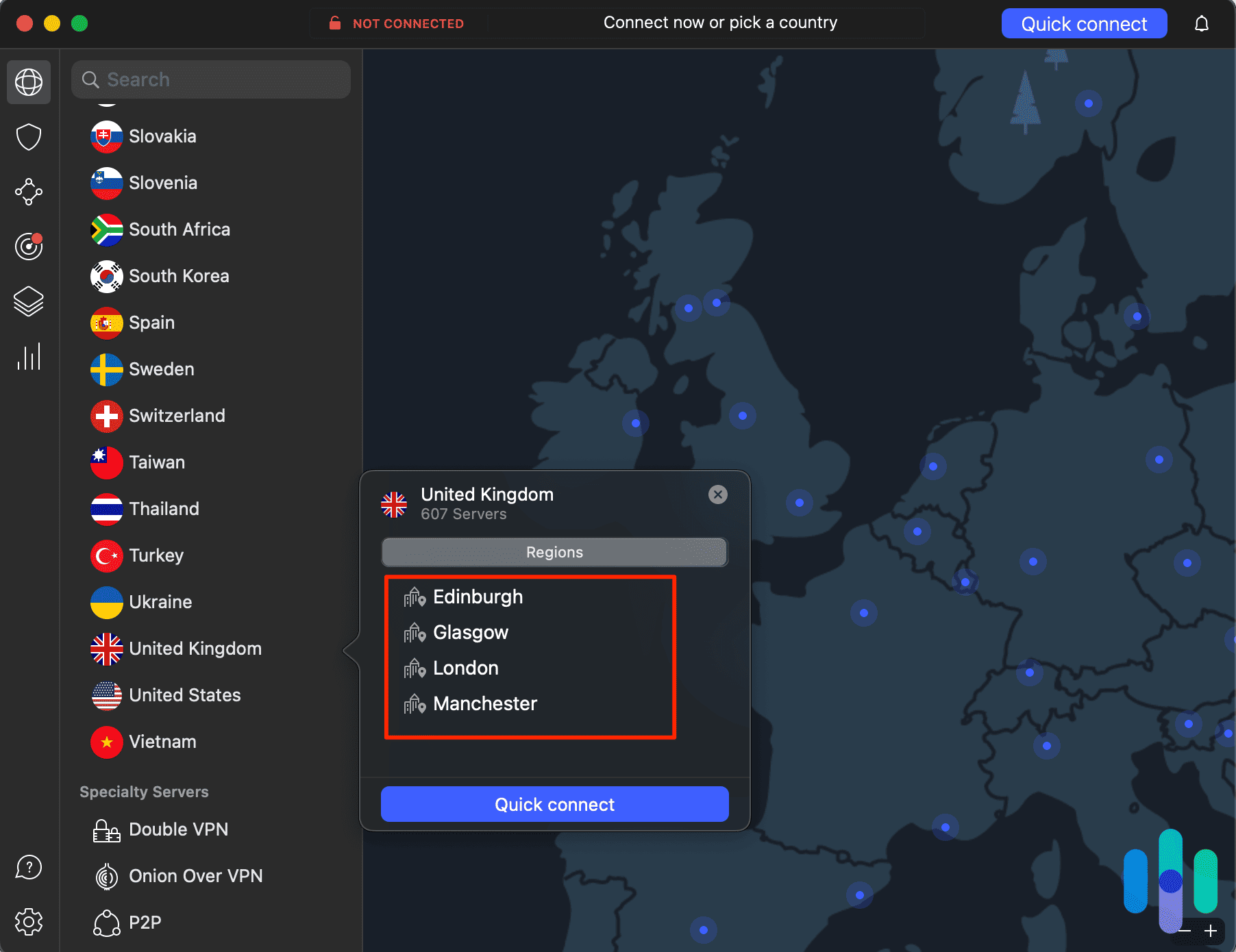
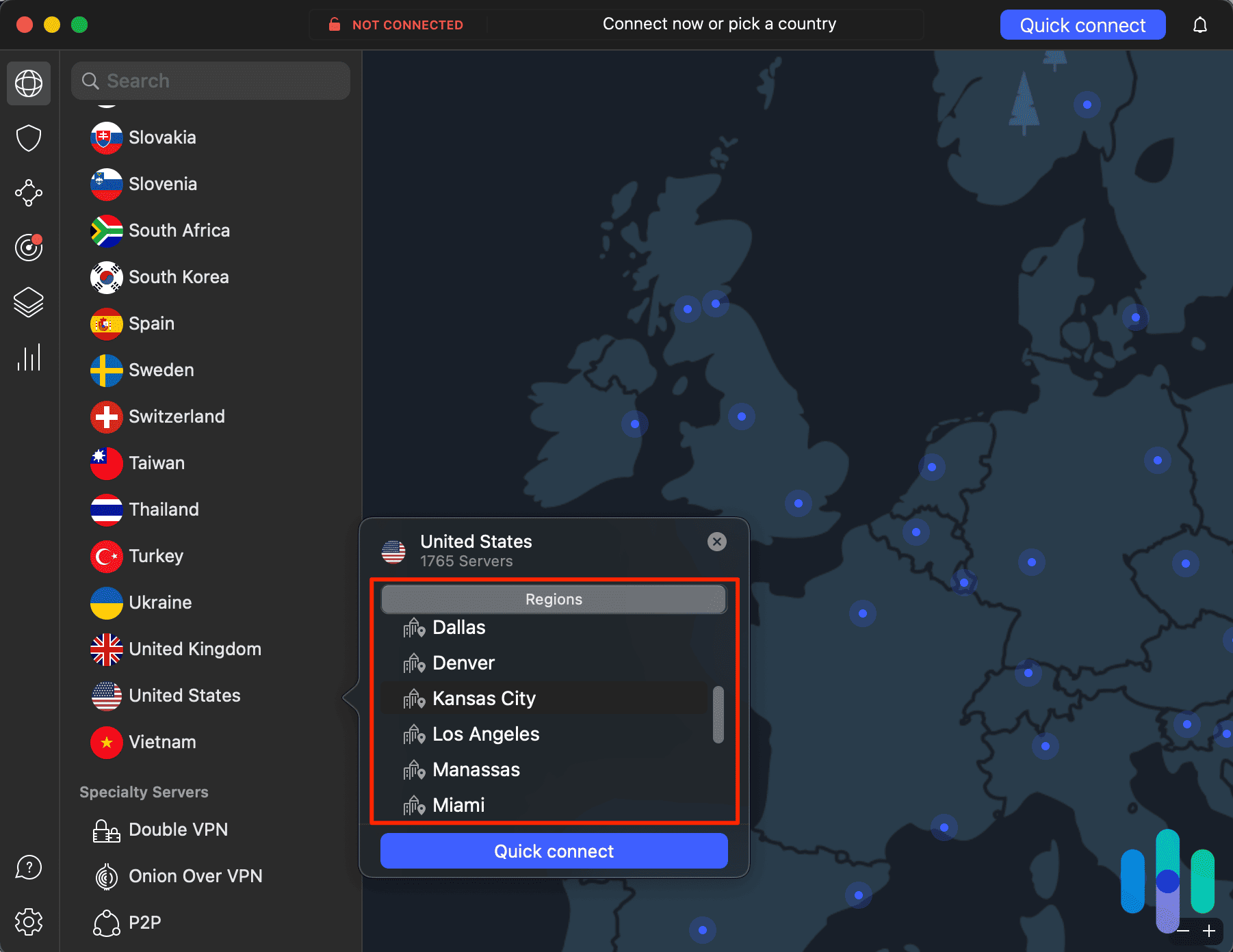
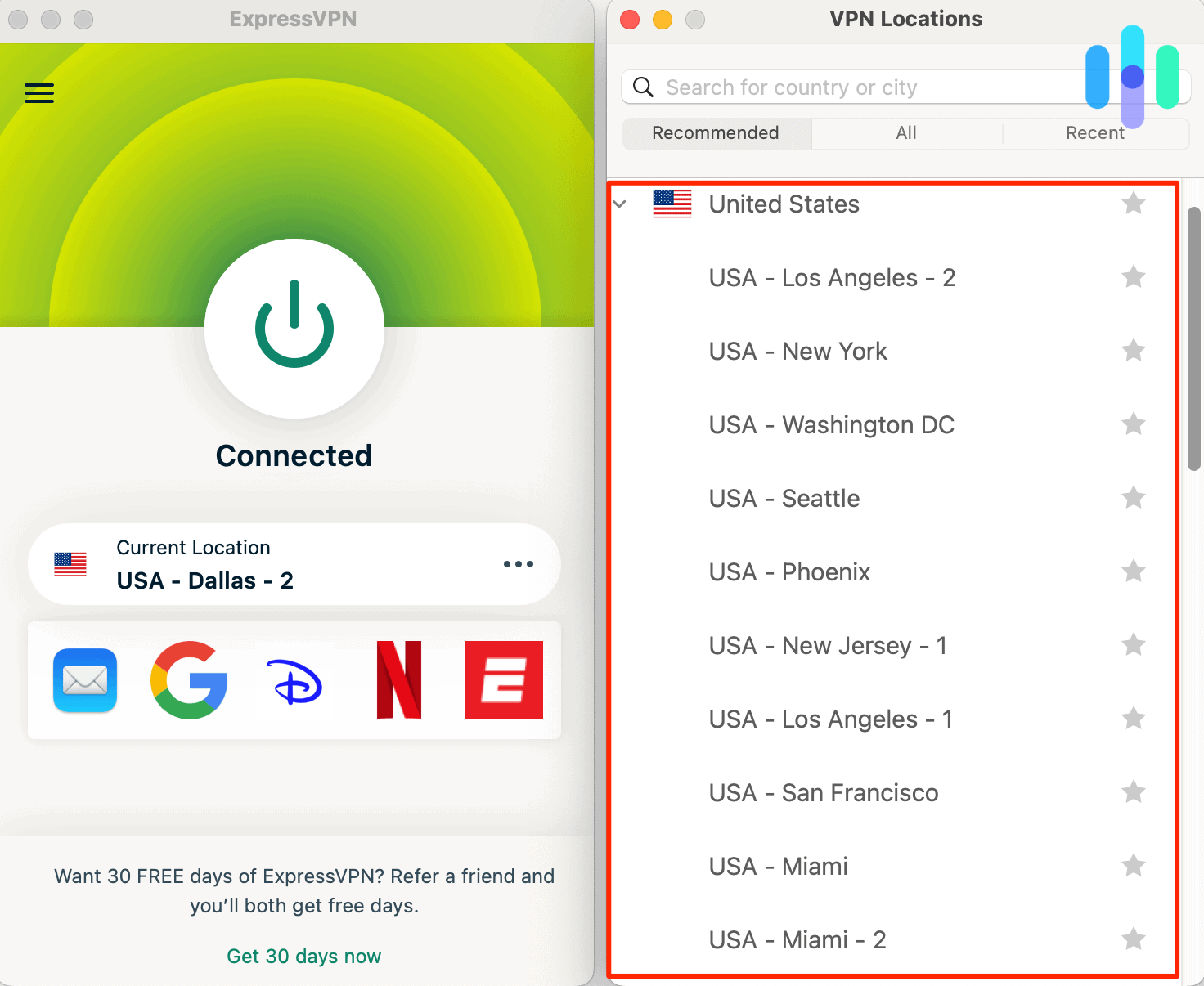
- Select a VPN provider with multiple US server locations.
- Download it onto the appropriate devices.
- Login.
- Connect to a US server.
The most reliable method to get a US IP address is to use a VPN service, which typically requires a monthly fee. That’s why we’ve also included two alternative free options for those on a budget.
» Learn more: How to find your IP address
VPN
Virtual Private Networks, or VPNs for short, will first hide your IP address and then change your IP address to one from the US. Most quality VPNs cost $3 to $8 per month with annual plans. While there are some free VPNs available they typically come with server or data limits. There are also free trial VPNs with regular old time limits. These may do the job, but if you need a US IP address for a long period of time, it’s best to pay for one of the best VPNs with US addresses. Here are the steps to follow to get that VPN on your device:
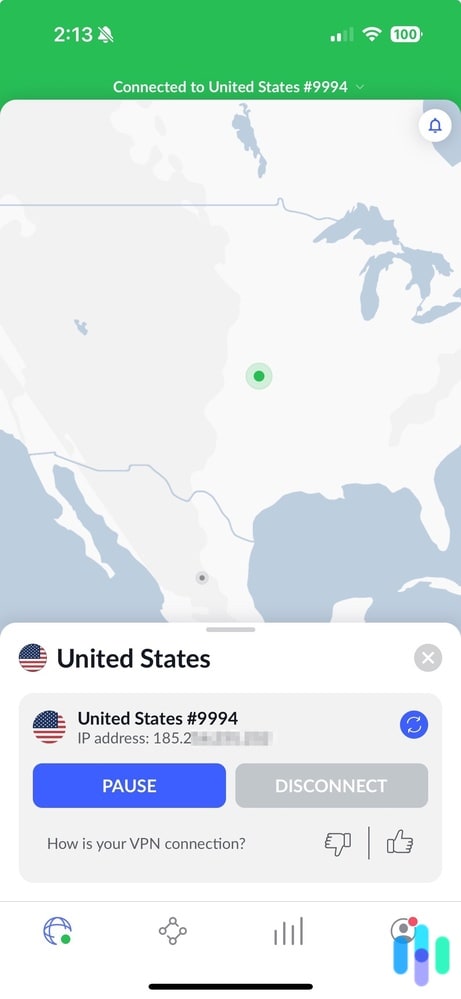
NordVPN reliably bypasses geo-restrictions with strong encryption — not just a wide spread of U.S. server locations.

Tor
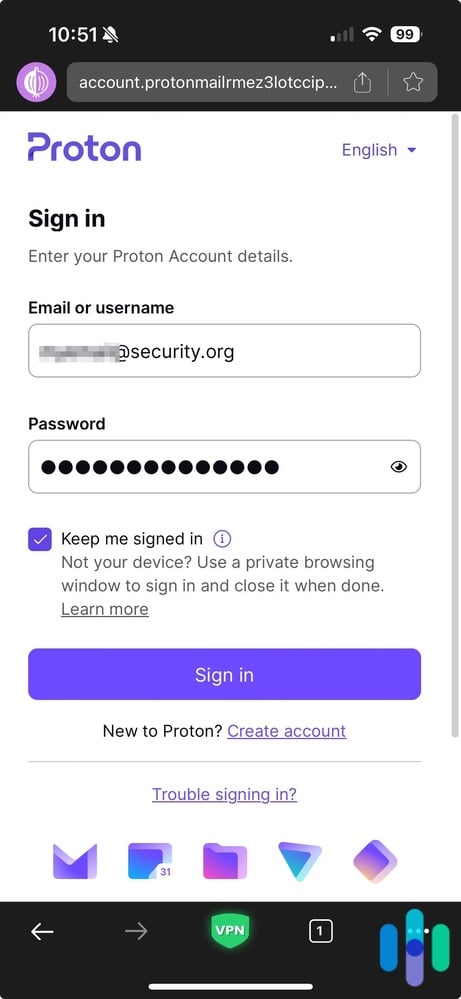
For those who don’t mind slower speeds, the Tor browser provides a free alternative to change your IP address. This open-source browser routes your traffic through multiple encrypted layers, effectively masking your real IP address and potentially replacing it with a US one. However, Tor isn’t a great option for streaming, as many streaming services block it (and when they don’t, you can expect slow connections). But if you’re not streaming or gaming, then Tor is a decent option and one you can download from the Tor Project’s website for free.
Proxy
VPNs and proxy servers are pretty similar, but while VPNs usually cost money, proxy servers are almost always free. However, the saying “there’s no such thing as a free lunch” is never true more than proxy servers. Why? Let’s break down the key differences:
- Unlike VPNs, proxy servers only encrypt your IP address and not your actual web activity, so they’re not the best choice for the privacy-minded.
- Proxy servers are one-use only, so they’re not a great choice if you need a US IP address for the long haul.
- Proxy servers only cover one website or app, while VPNs can cover many devices simultaneously.
- Free proxy servers frequently monetize their services by tracking and selling user data, whereas reputable VPN providers maintain strict restrictions on user data collection.
While proxy servers can be a good idea if you need a single-use US IP address (say that three times fast), VPNs are simply the best option to turn that address into an American one. That being said, here’s how you can connect to a proxy server if need be:
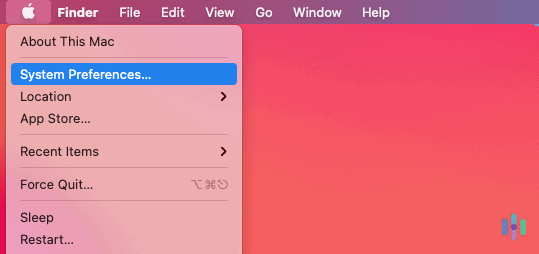
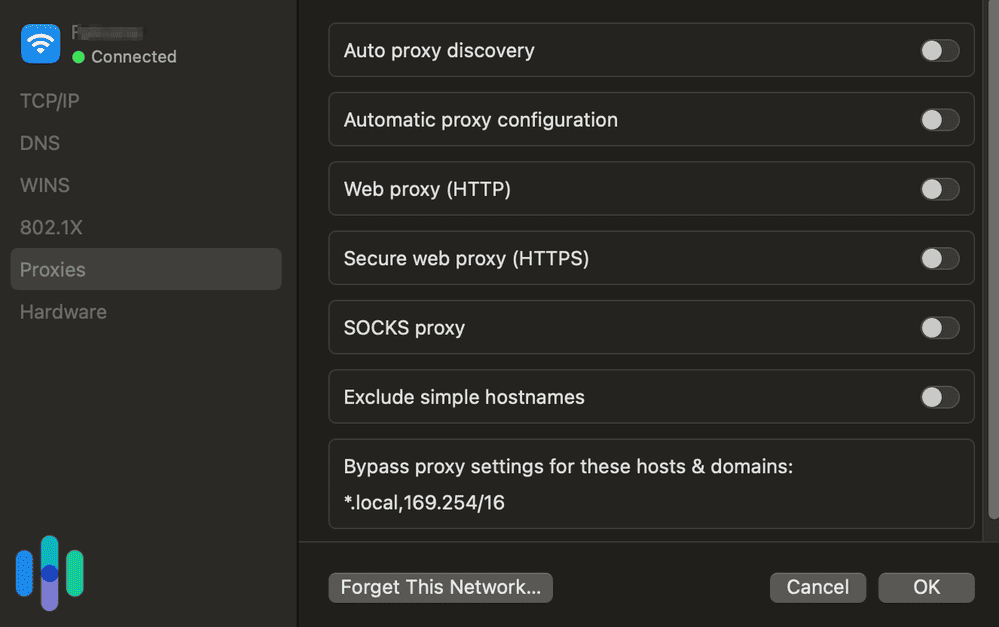
Mac:
- Open Safari.
- Click Settings.
- Click Advanced.
- Under the Proxies section, click Change Settings.
- Update your settings with the necessary information that was provided to you.
iOS:
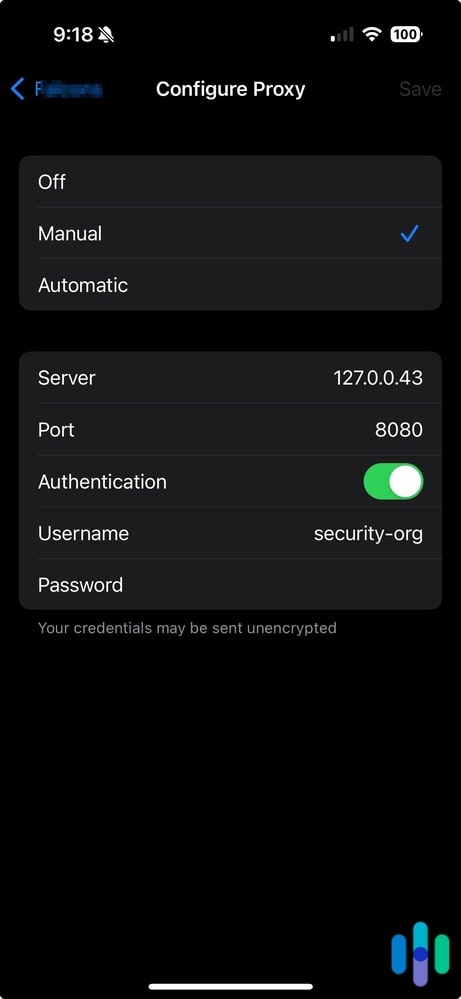
- Open your Settings.
- Click Wi-Fi.
- Select the lowercase i, in the WiFi section.
- Scroll to HTTP Proxy section.
- Click Manual.
- Change the setting from Off to Manual.
- Enter in the Server and Port information needed.
Android:
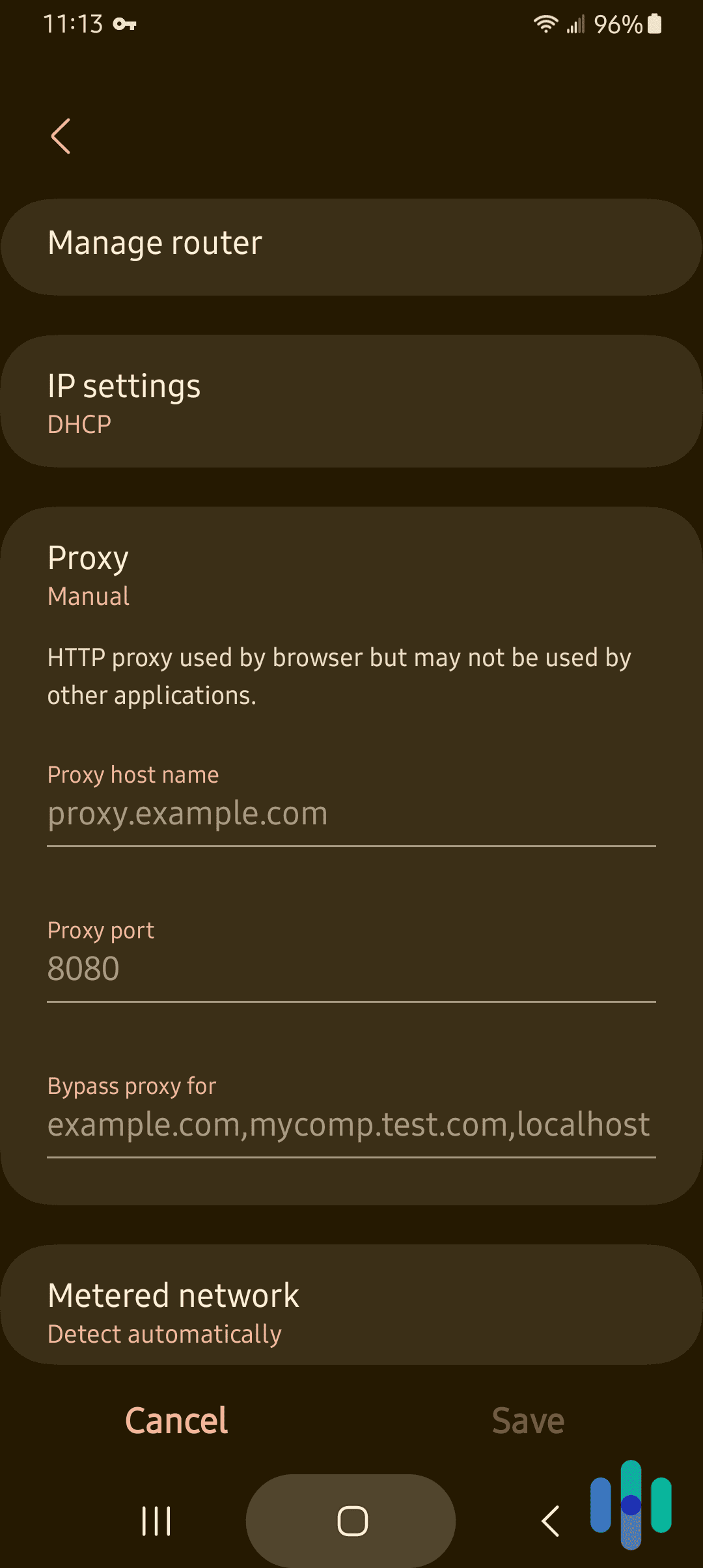
- Go to Settings.
- Tap Connections.
- Tap Wi-Fi.
- Tap Settings next to the network name.
- Tap View More.
- Tap Proxy.
- Tap Manual.
- Enter your Hostname and Proxy port.
- Click Save.
Windows:
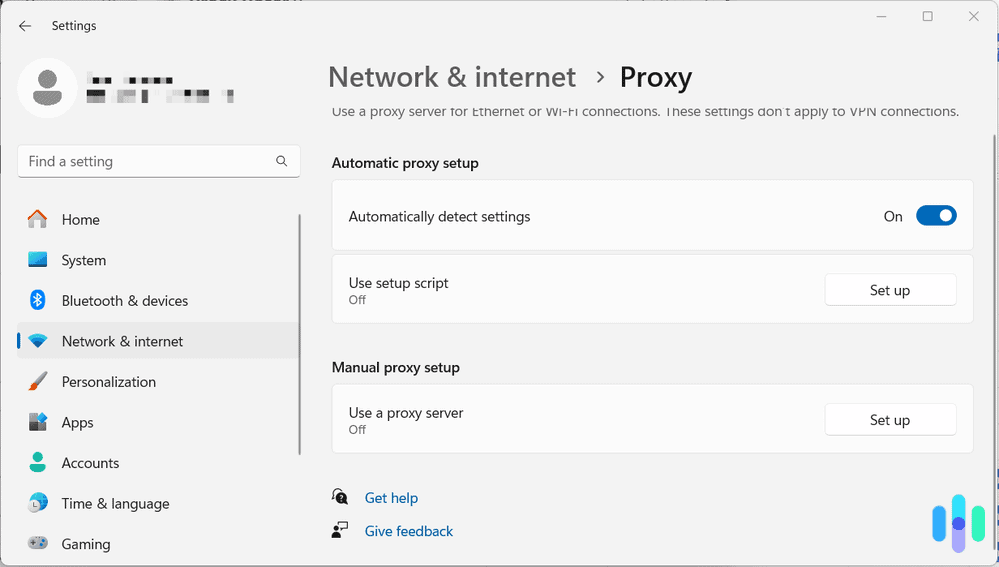
- Open your Settings.
- Click Network & internet.
- Click Proxy.
- Click Set up under the automatic or manual section.
- Enter your proxy information.
- Click Save.
Why You Might Want A U.S. IP Address
Having a U.S. IP address can be useful for many different reasons. It can help unblock certain geo-restricted websites and platforms, access local news for those traveling, access banking information, or stay connected with family and friends. Using a VPN is also a great way to enhance your privacy and security online since it encrypts your internet traffic. More specifically, here are a few reasons why you might want to use a U.S. IP address:
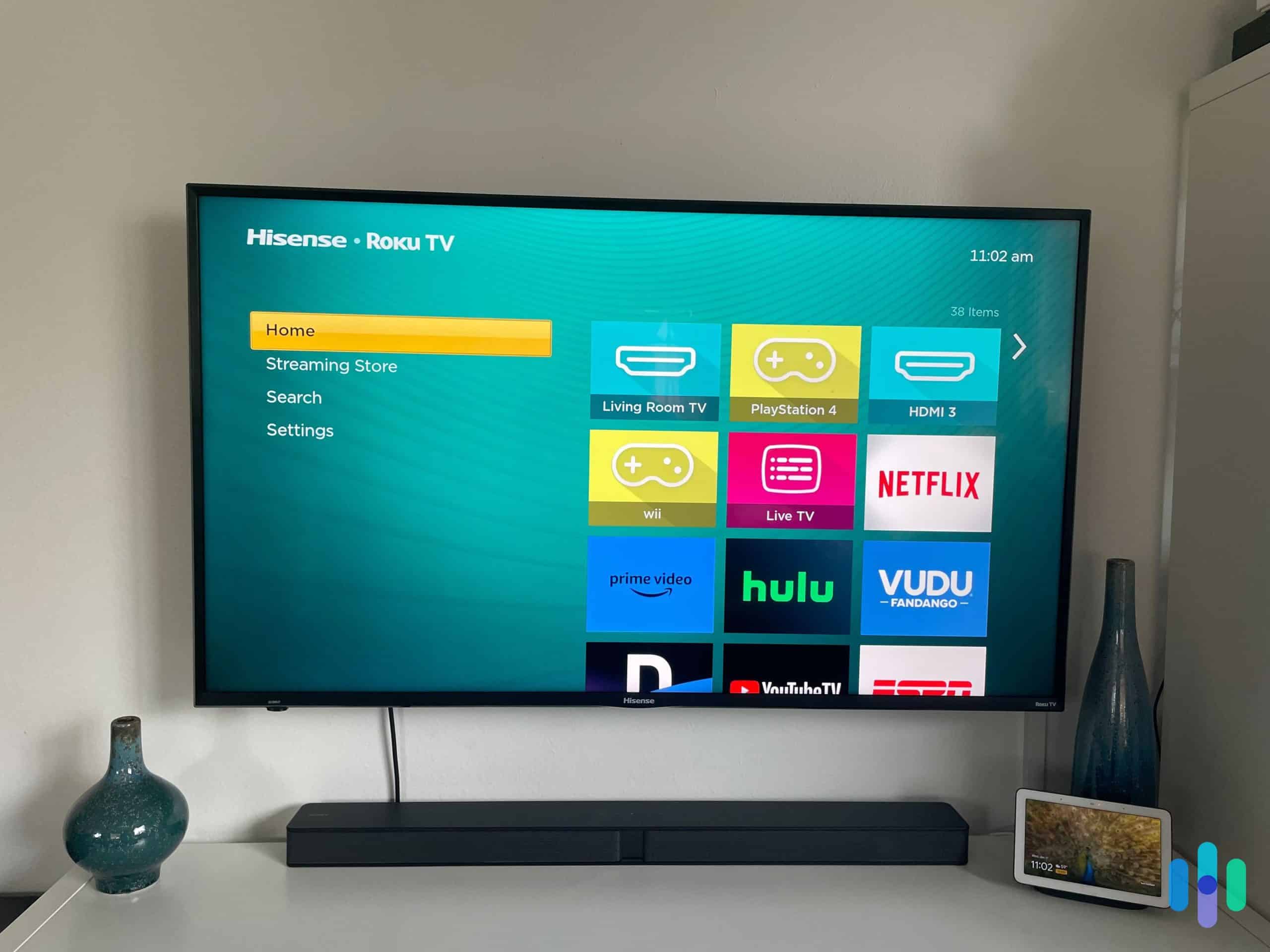
- Streaming Platforms: A U.S. IP address unlocks extensive content libraries on platforms like Netflix, Hulu, and Max. The U.S. Netflix catalog alone features over 7,000 titles, significantly more than most other regions.
- Gaming Servers: Similar to accessing streaming content, you can also use a U.S. IP address to access U.S.-only gaming servers.
- YouTube: Some videos on YouTube are only available in the U.S. Getting an IP address that tells your device you’re in the U.S. will allow you to watch those videos.
- Dynamic Pricing: You can use a U.S. IP address to get exclusive discounts on products, services, or software only available in the U.S.
- Privacy and Security: Using a VPN to get a U.S. IP address can encrypt your internet activity, which will make your time online more private and secure. Using a VPN will also give you anonymity online if you want to mask your location for safety reasons.
- Testing and Development: If you’re building a website or app, you might want to use a U.S. IP address to test how others see your site and services. Some functions might be different based on location, so this is a good way to test regional functionalities.
What Is A US IP Address?
IP addresses are numerical codes that tell computers how to get to websites. Each Domain Name Server, or DNS, stands for a specific IP address. So while the DNS is the name of the website that you type in, the IP address is how you actually get there. Along with websites, each device comes with its own private IP address that can reveal the user’s approximate location. Currently, the U.S. controls approximately 1.6 billion IPv4 addresses.1 To check your IP address and make sure it’s truly from the US, click the link below.2
Your private information
My IP Address
IP:
Loading…
Status:
Unprotected
My IP Information
Internet provider:
Loading…
City:
Loading…
Region/ State:
Loading…
Browser name:
Loading…
Browser version:
Loading…
Device brand:
Loading…
Device type:
Loading…
Latitude:
Loading…
Longitude:
Loading…
Postal code:
Loading…
What Is A US IP Address?
IP addresses are numerical codes that tell computers how to get to websites. Each Domain Name Server, or DNS, stands for a specific IP address. So while the DNS is the name of the website that you type in, the IP address is how you actually get there. Along with websites, each device comes with its own private IP address that can reveal the user’s approximate location. Currently, the U.S. controls approximately 1.6 billion IPv4 addresses.1 To check your IP address and make sure it’s truly from the US, click the link below.2
Your private information
My IP Address
IP:
Loading…
Status:
Unprotected
My IP Information
Internet provider:
Loading…
City:
Loading…
Region/ State:
Loading…
Browser name:
Loading…
Browser version:
Loading…
Device brand:
Loading…
Device type:
Loading…
Latitude:
Loading…
Longitude:
Loading…
Postal code:
Loading…
Pros and Cons of US IP Addresses
Why would someone want to change their IP address to one from the US, specifically, and what are the negatives?
Did You Know: Netflix maintains different content libraries for each country due to licensing agreements. Connecting to a foreign server can give you access to hours of extra entertainment.
Pros
- Watch US content: The U.S. remains an entertainment powerhouse, hosting one of the world’s most extensive Netflix libraries with over 7,000.3 By using a US IP address, you’ll have access to more Netflix content than ever before. And here you go, some of the best VPNs for Netflix.
- Bypass government restrictions: Say what you will about the US, but we’re well-known for our lack of internet censorship. Protected by the First Amendment, freedom of expression, people can basically do whatever they want online, as long as it’s not child pornography.4
- Benefit from net neutrality: Following the FCC’s 2024 restoration of net neutrality rules, Internet Service Providers cannot block, throttle, or prioritize certain internet traffic based on content or payment.5 This means equal access to all legal online content without artificial slowdowns or fast lanes.
Cons
- Five Eyes member: Now, this doesn’t apply to all VPNs with US servers, but rather to all VPNs headquartered in the US, like Private Internet Access and IPVanish. Basically, the US is a founding member of the international surveillance alliances Five Eyes, Nine Eyes and 14 Eyes, so any country based in the US could be forced to give the US government customer data. As a workaround, we recommend getting a US IP address from a company that’s not US-based, as ironic as that may seem.
- Some VPNs are paid only: For reliable long-term access to US IP addresses, expect to invest $3 to $12 monthly for premium VPN services, though long-term subscriptions often reduce costs by 50 to 70 percent.
- Slowdowns: Whether you use a VPN, Tor or a proxy server, you can expect slower speeds than without.
» Read Next: How to get a U.K. IP address
» Do You Know: How to get a UK IP address
American DNS Servers
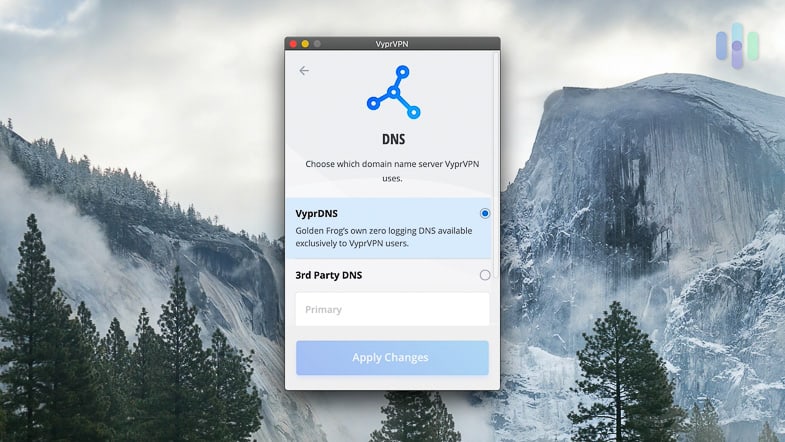
While changing DNS servers won’t change your IP address, it can help access U.S.-based content. Popular public DNS servers like Cloudflare (1.1.1.1) and Google (8.8.8.8) are based in the U.S. and offer fast, reliable connections. Forcing a connection through them instead of your nearest DNS server can make sites think you’re located in the U.S. However, if you’re already using a VPN, Tor or a proxy server, then DNS servers aren’t something you’ll have to worry about.
FAQs
Since so many people want US IP addresses, we’re constantly bombarded with questions, which we will answer right now.
-
What is the IP address of the U.S.A?
The United States doesn’t have a single IP address but instead manages approximately 1.6 billion IPv4 addresses distributed across various Internet Service Providers, organizations, and government agencies.
-
How do I get an American IP address?
You can get an American IP address by using a VPN, the Tor browser or a proxy server and connecting to servers in the US.
-
What is the 192 IP address?
The 192 IP address is an address used for many popular routers from brands like Linksys and D-Link, among others.
-
Do IP addresses show countries?
IP addresses may or may not show countries. But rather than being assigned to countries, they’re assigned to organizations and companies, so people may be able to tell the address’s approximate location.
-
Is IP tracking illegal in the U.S.?
IP tracking remains legal in the US when conducted properly. However, it must comply with state privacy laws like the California Consumer Privacy Act (CCPA) and sector-specific regulations like HIPAA for healthcare data.