


the security.brief
Public Wi-Fi carries real risks, but not the ones most people assume. Here's how attacks actually happen, which myths to ignore, and how to stay protected.
Most advice about public Wi-Fi boils down to “get a VPN and don’t do your banking at the coffee shop.” That’s not wrong, but it skips the more useful question: what’s actually happening on these networks that makes them risky in the first place? Understanding the real mechanics behind public Wi-Fi threats makes it much easier to tell which precautions actually matter and which ones are outdated advice still floating around the internet.
This guide breaks down how public networks differ from the one in your home and how attackers actually exploit them. It also covers which commonly repeated warnings are exaggerated or outright wrong, and what to do if you think your data has already been exposed.
Editor’s Insight: To cut to the chase, using a VPN is one of the best ways to protect yourself when connecting to a public Wi-Fi network. If you want to skip to the solution, head over to our best VPNs for public Wi-Fi or best VPNs overall guides.
What Is Public Wi-Fi, and How Is It Different From Your Home Network?
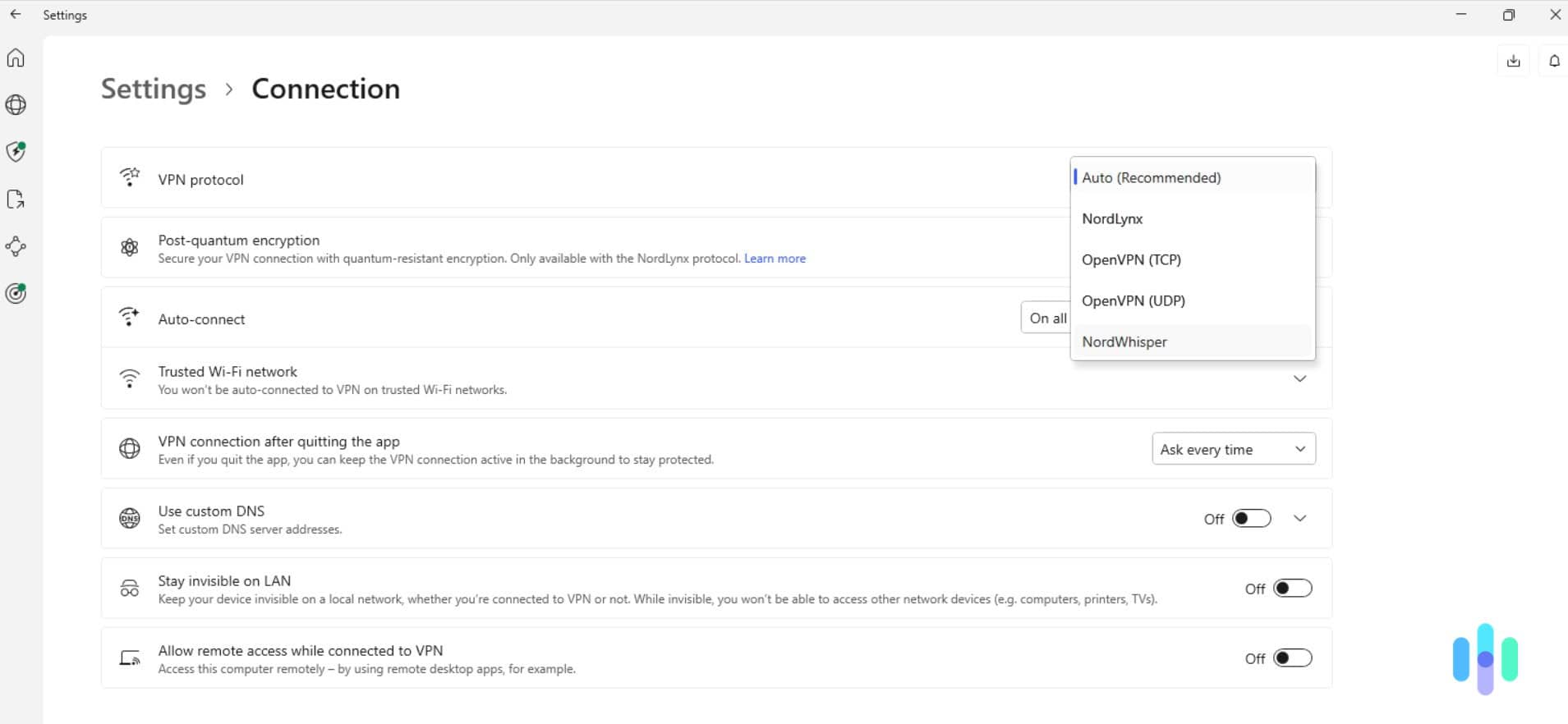
Public Wi-Fi refers to any wireless network available to multiple strangers in a shared space, like a coffee shop, airport, hotel, or library. The key difference from your home network isn’t just that it’s free or open. It’s that you have no control over who else is connected, what they do on the network, or how the network is configured. You also can’t verify whether the person running it has taken basic security precautions.
At home, your router’s firewall sits between your devices and the wider internet, and you’re the only one with access to the local network. On public Wi-Fi, that protection disappears. You’re sharing a network with anyone else nearby, including people who may be actively trying to intercept traffic to harvest your data or steal your login credentials.
>> Check Out: The Best Firewalls of 2026
Is Public Wi-Fi Actually Dangerous?
The honest answer is that it depends on what you’re doing. Most websites today use HTTPS encryption by default.1 This protects the data traveling between your device and that specific site, even on an unsecured network. That’s a real improvement over a decade ago, when unencrypted websites were common and public Wi-Fi eavesdropping was much easier to pull off.
That said, HTTPS only protects the connection to a given website. It doesn’t hide which sites you’re visiting or protect apps that handle data insecurely. It also does nothing to stop the network itself from being fake to begin with. In reality, these rogue networks pose the biggest risk. If you connect to one, a stranger could see everything you do while connected, including any passwords or personal information you input on legitimate websites.
How Attackers Exploit Public Wi-Fi
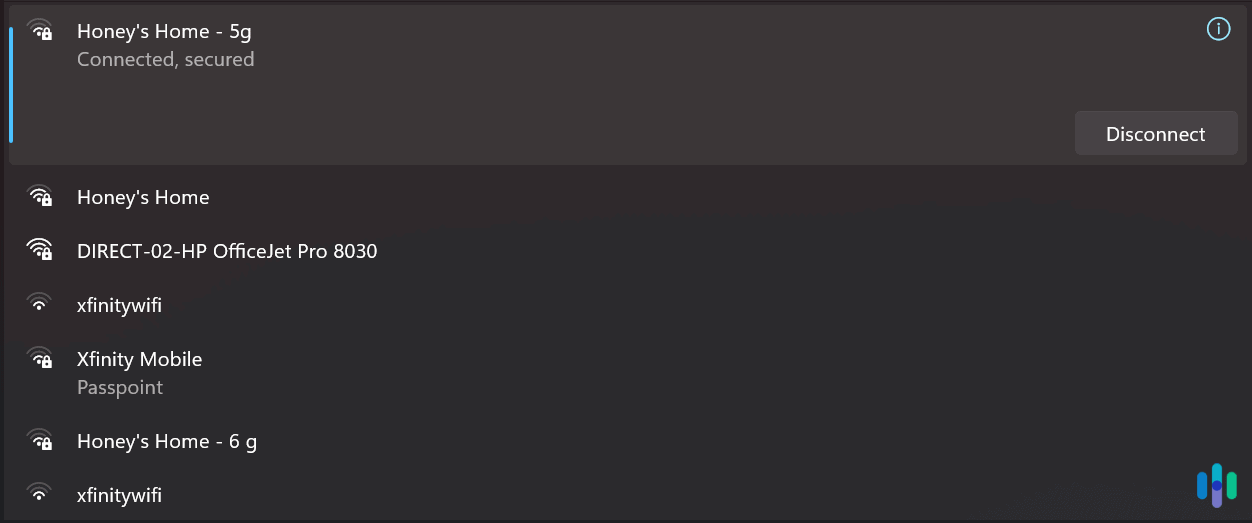
A few specific techniques account for most real-world public Wi-Fi attacks, and understanding them makes the risk much less abstract. Here are the four most common types of attacks aimed at exploiting public Wi-Fi networks:
- Evil twin and rogue hotspots: In these attacks, a bad actor sets up a network with a name that matches or closely resembles a legitimate one.2 It often broadcasts a stronger signal than the real hotspot to lure devices in. Furthermore, a device’s auto-connect setting can pull you onto these networks without warning. Once connected, everything you send passes through the attacker’s equipment first.
- Packet sniffing: On networks and sites without proper encryption, specialized tools can capture data traveling across the network. That includes login credentials. This is called packet sniffing and it’s what most people assume is the main public Wi-Fi risk. However, it’s become less effective as most sites now use HTTPS, which blocks packet sniffing, but it hasn’t disappeared entirely.
- Man-in-the-middle attacks: Once an attacker controls the network, whether through an evil twin setup or another method, they can position themselves between you and the sites you visit. From there, they can alter traffic or serve fake login pages designed to harvest credentials.
- Malware distribution: Some rogue hotspots serve fake software update prompts or malicious downloads through a captive portal page, the login screen you see before a public network grants access. This relies on the appearance of legitimacy to get you to install something harmful.
Any one of these exploits can cause serious repercussions for victims. The bad actor might steal your login credentials to gain unauthorized access to your accounts or spread ransomware that locks down your device until you pay them a fee. To defend against the latter, consider using high-quality ransomware protection software.
>> Learn More: How to Hide Your IP Address
Common Public Wi-Fi Myths, Debunked
A lot of the advice circulating about public Wi-Fi is outdated, exaggerated, or just wrong. Here are the myths worth retiring:
- “Any hacker nearby can see everything you do.” This was truer a decade ago. With HTTPS now standard across most of the web, the content of your browsing is generally end-to-end encrypted regardless of the network. The bigger risk is what HTTPS doesn’t cover.
- “Password-protected Wi-Fi is automatically safe.” A password keeps random strangers off the network, but it doesn’t verify who’s running it or guarantee the connection is encrypted properly. Plus, an evil twin hotspot can easily require a password to make it look more legitimate.
- “Airplane mode protects you between connections.” While true for cellular and Wi-Fi radios, airplane mode does not protect you against public Wi-Fi risks once you reconnect. It’s often repeated as general advice without much relevance to this specific topic.
- “You’ll know if you’ve connected to a fake network.” Unfortunately, that isn’t true. Evil twin hotspots are designed to look identical to the real thing, often down to the exact network name. That leaves you with no visual indicators to tip you off that it’s a dangerous network.
These myths can leave people feeling safer than they actually are, which makes it easier for bad actors to exploit their security gaps and cause harm.
>> Related: How to Stay Anonymous Online
Who’s Most at Risk on Public Wi-Fi?
The risks associated with public Wi-Fi are not evenly distributed. A few groups face substantially higher exposure:
- Remote workers and frequent travelers: Those who regularly connect to unfamiliar networks at airports, hotels, and coworking spaces face higher risks. This group often accesses work accounts with sensitive data making any attacks more damaging, which makes it particularly important to use a top-tier travel VPN.
- Students: College students regularly use campus or library Wi-Fi networks shared with hundreds of other devices, some of which may not be secured properly. Check out our roundup of the best VPNs for students if you belong to this group and want to stay safe on public Wi-Fi networks.
- Anyone accessing financial accounts on the go: Banking apps and sites are the highest-value target for attackers trying to intercept traffic. A bad actor will put all their effort into stealing your data if they notice you trying to access one of your financial accounts on a public network.
- People who reuse passwords across accounts: If you reuse passwords, a single compromised login on a public Wi-Fi network can cascade into other accounts using the same credentials. That means your Facebook login leaking could compromise your bank accounts.
None of these groups need to avoid public Wi-Fi entirely. They just need to take extra precautions to actively protect themselves from all associated risks.
Pro Tip: The habits that keep you safe on public Wi-Fi can also protect you from online scams, which cost Americans nearly $150 billion a year.3 For instance, just like you should confirm a network’s name with an employee instead of guessing, you should also verify links in emails before clicking them to avoid phishing scams.
How to Protect Yourself on Public Wi-Fi
A handful of habits address most of the real risks associated with using public Wi-Fi, and none of them require much technical know-how. Here’s how we recommend you stay protected without sacrificing the convenience of public Wi-Fi:
- Turn off auto-connect and auto-join for Wi-Fi networks: This is the single most effective defense against evil twin attacks, since it removes the chance of your device silently joining a fake network with a familiar name.
- Verify the network name before connecting: Ask staff for the exact network name rather than assuming the most obvious-looking option is correct.
- Stick to HTTPS sites: Most modern browsers warn you if you’re connecting to a site that lacks HTTPS encryption. Never push through those warnings when on a public Wi-Fi network.
- Forget the network after you’re done: This prevents your device from automatically reconnecting to it in the future, even if an evil twin later appears using the same name.
- Keep your device’s software updated: Security patches often address vulnerabilities that public Wi-Fi attacks are specifically designed to exploit.
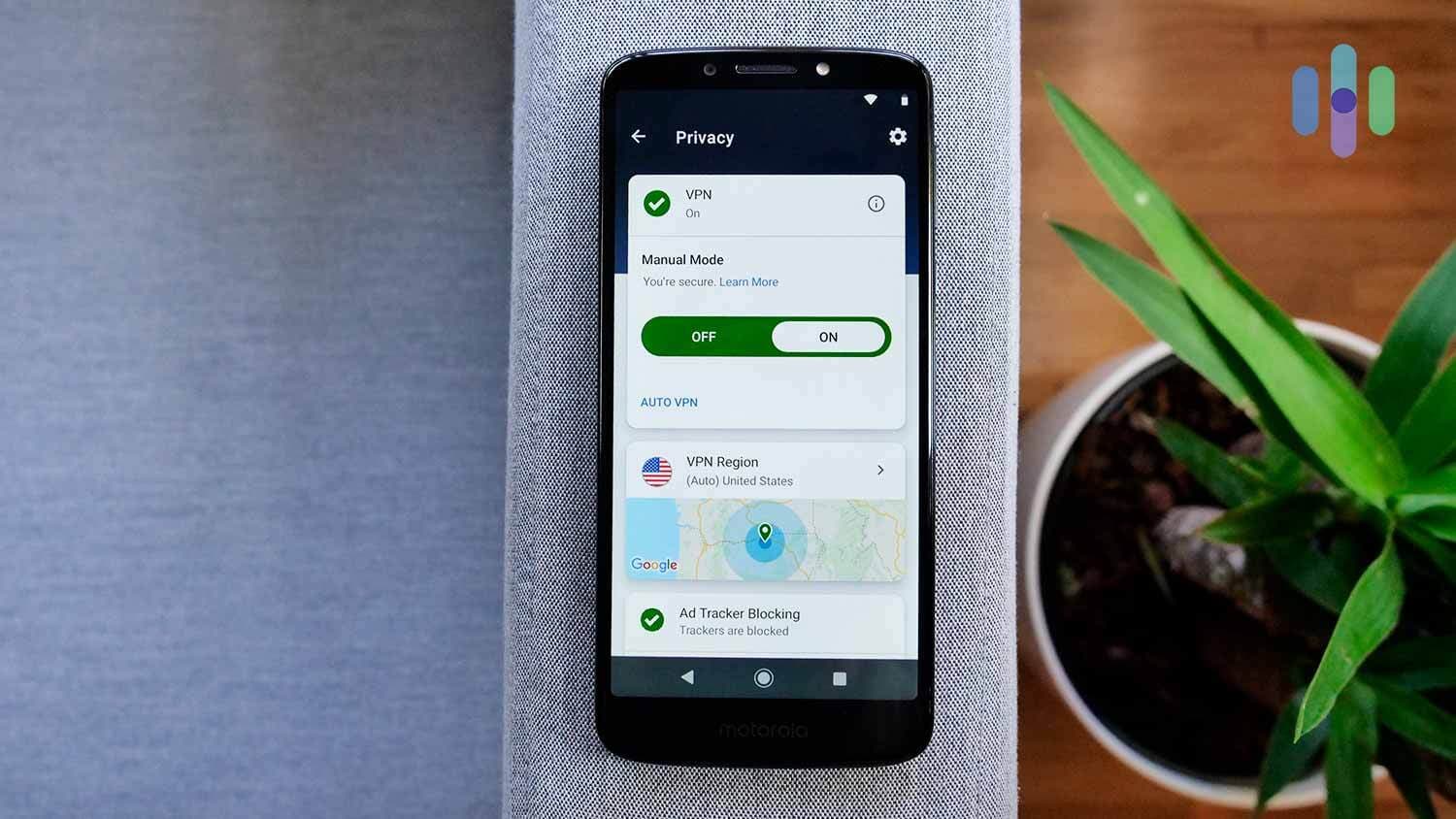
- Use a VPN as your primary layer of protection: A VPN encrypts your traffic before it ever reaches the local network. This closes the gap that HTTPS alone doesn’t cover, and it protects you even if you end up on a compromised network.
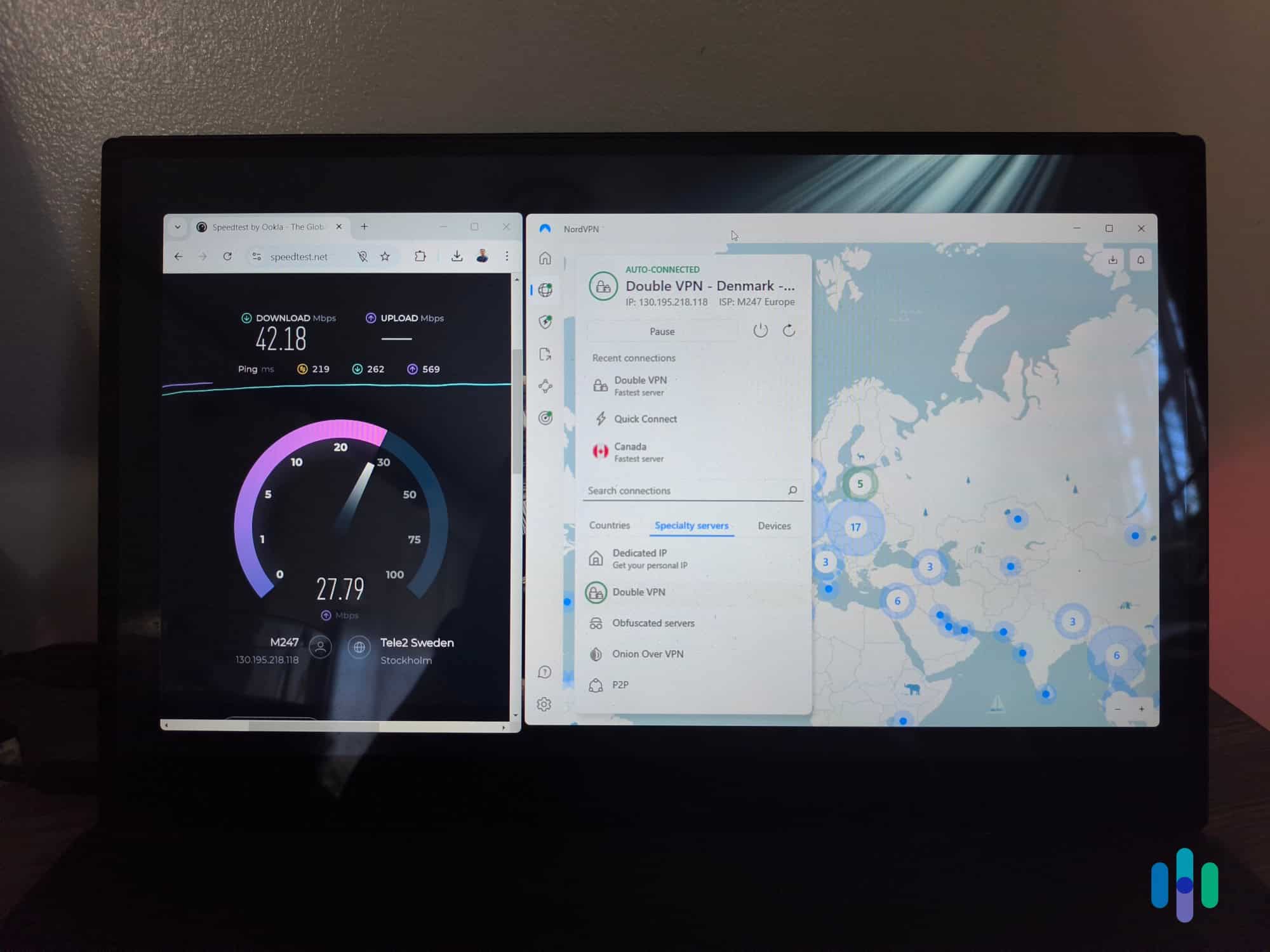
NordVPN is one option with features specifically designed to keep you protected on public Wi-Fi networks. Its app can be set to auto-connect the moment it detects an unsecured or unrecognized network, so your traffic is encrypted before you’ve even opened a browser tab. Its kill switch also blocks all traffic if the VPN connection ever drops. Head over to our NordVPN review to see if it’s the right option for you.
>> Price Guide: NordVPN Pricing in 2026
Do You Need a VPN for Public Wi-Fi?
If you regularly connect to networks you don’t control, yes. A VPN protects your traffic regardless of how the network itself is configured. That matters most against evil twin and man-in-the-middle attacks that HTTPS alone can’t stop. The other habits above reduce risk, but a VPN addresses the underlying problem directly.
That said, not every VPN is created equally. Poor quality VPNs can actually lower your overall security as they can introduce new risks like the app itself containing malware. That’s why we’ve tested over 50 providers, so we can help you steer clear of those risky options. There are plenty of good, affordable VPNs out there, as long as you know what you’re looking for. Head over to our VPN comparison guide to find the right option for you.
FYI: While we generally recommend paying for a premium VPN, there are good free VPNs out there. For instance, when we tested Proton VPN, we were genuinely impressed with their free tier. It provides unlimited bandwidth and no artificial speed caps. They just limit which servers you can connect to.
What to Do If You Think Your Data Was Compromised
If you suspect you connected to a compromised or fake network, a few steps can limit the damage:
- Change your passwords, starting with financial accounts and anything reused across multiple sites.
- Enable two-factor authentication on accounts that support it, so a stolen password alone isn’t enough to gain access.
- Monitor your bank and credit card statements for unfamiliar charges over the following weeks.
- Run a malware scan on the device you used, in case a compromised network attempted to deliver malicious software.
- Report the incident to the venue if you connected through a hotspot they provided, since they may not be aware of a rogue network operating nearby.
Acting quickly on these steps matters more than doing all of them perfectly, since the biggest risk window is usually the first few days after exposure. Once you address the exposure, invest in a reliable no-logs VPN service to prevent future incidents.
Final Thoughts: Is It Safe to Use Public Wi-Fi?
Public Wi-Fi isn’t as universally dangerous as older advice suggests, but the risks that remain are the kind that catch people off guard precisely because they don’t look like anything unusual. An evil twin hotspot looks identical to the real thing, and a fake login page is designed to be indistinguishable from a legitimate one.
The good news is that the same handful of habits address most of what can actually go wrong: turning off auto-connect, verifying network names before joining, and using a VPN as your default layer of protection rather than an afterthought. Anyone can take those precautions as long as you remain diligent anytime you join a network you don’t control.
Public Wi-Fi Safety FAQs
-
Is it safe to use public Wi-Fi for online banking?
We recommend avoiding it. Even if you use a VPN, someone could be looking over your shoulder to physically see your login information. It’s simply not worth the risk in most cases. If you absolutely must use public Wi-Fi for online banking, always connect through a VPN and take a look around to ensure nobody is snooping when typing in your credentials.
-
Can someone hack my phone just by being on the same Wi-Fi network?
Simply sharing a network doesn’t give an attacker access to your device. The real risk comes from intercepted traffic or a fake network designed to harvest data.
-
Does a VPN protect against evil twin attacks?
Partially. A VPN encrypts your traffic even if you connect to a fake network, but it doesn’t stop you from joining one in the first place. Turning off auto-connect and verifying network names are still important.
-
Is it safer to use my phone's mobile data instead of public Wi-Fi?
Generally yes, since you’re not sharing the connection with strangers. This is a good default for anything sensitive if you don’t have a VPN available.
-
How do I know if a public Wi-Fi network is fake?
There’s often no reliable visual sign. The safest approach is to confirm the exact network name with staff before connecting rather than assuming the most obvious option is legitimate.