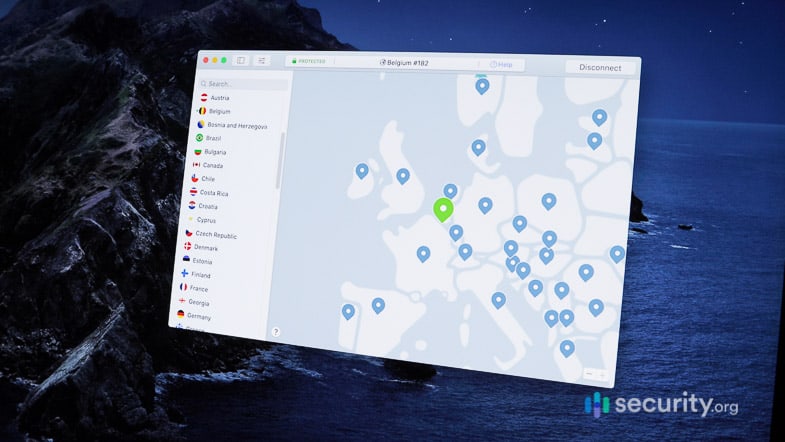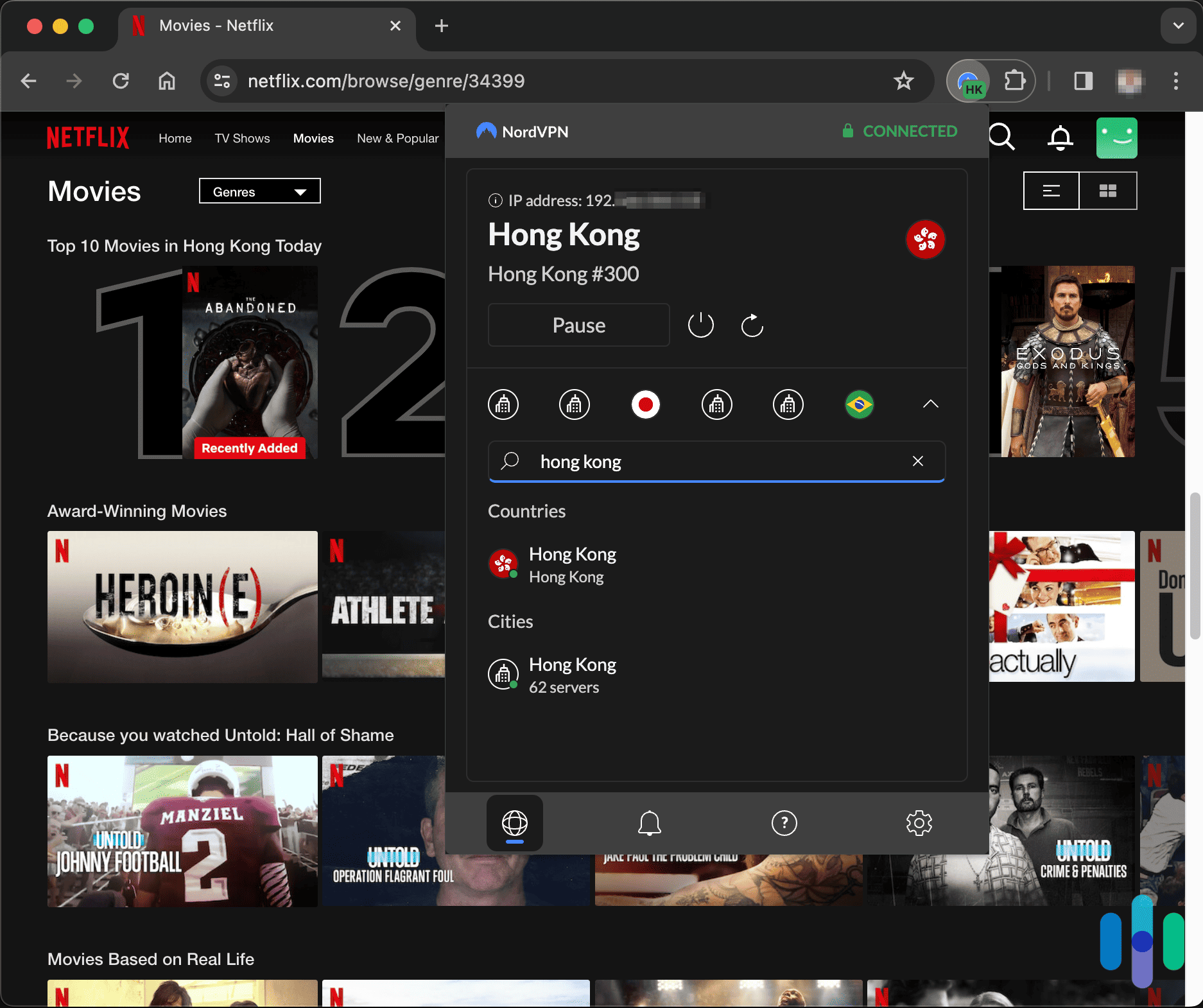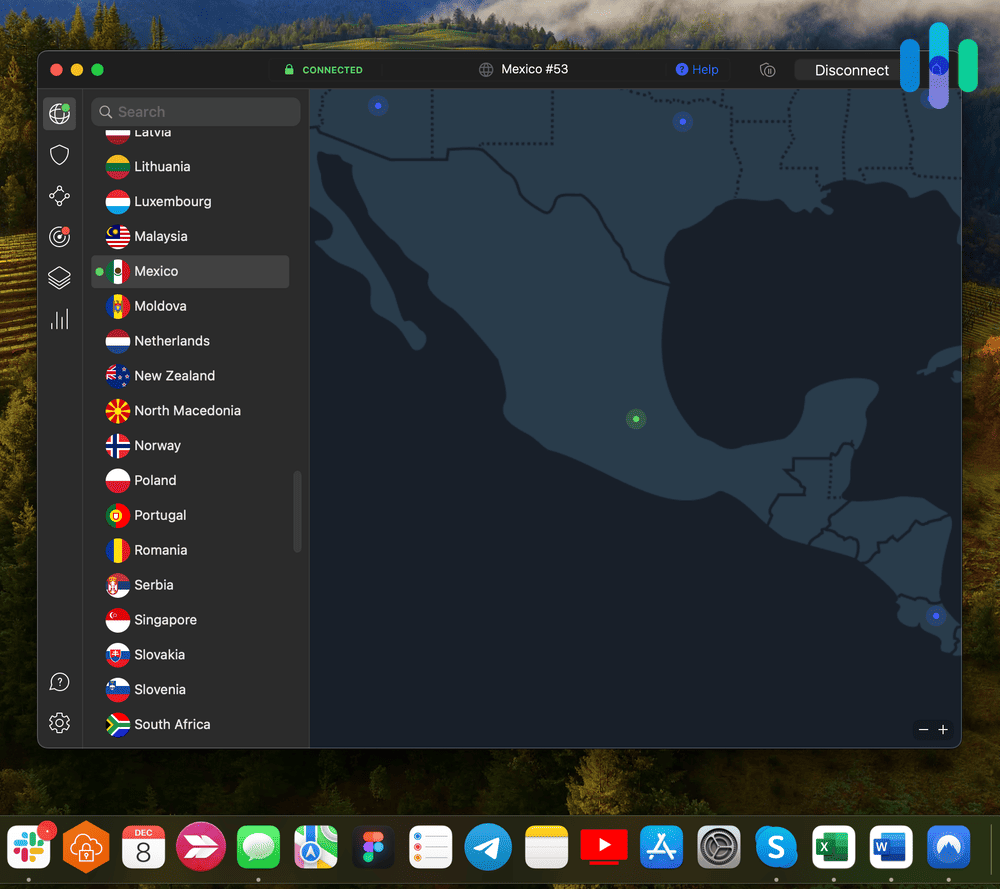

NordVPN’s auto-connect setting triggers specifically on unsecured or unrecognized networks, so it’s already protecting you by the time you open your first app.
The Best VPNs for Public Wi-Fi in 2026 – Tested for Auto-Protection & Leak Security
Our top pick, NordVPN, never leaked in our tests and secures your connection automatically when you join a public network,
All of our content is written by humans, not robots.
Learn More
By
 Last Updated on Sep 28, 2026
Last Updated on Sep 28, 2026
Public Wi-Fi is everywhere, from coffee shops and airports to hotel lobbies, and it’s convenient enough that most of us join without thinking twice. However, that convenience comes at a cost. With a little effort, bad actors connected to the same public network as you can see what you’re doing, from the sites you visit to the credentials you type in. A VPN prevents that by wrapping your traffic in encryption before it ever touches the local network, but not every VPN handles this well.
We tested the best VPNs specifically for how they behave on public networks. We deliberately dropped connections to see how each kill switch responded, and ran repeated leak tests to check for gaps. After our tests, we found that NordVPN performed the best thanks to its automatic protection. Surfshark and Proton VPN followed shortly behind. Let’s go over those three and two others we found that we would trust to protect our connection on public Wi-Fi networks.
the security.brief
NordVPN leads our public Wi-Fi picks for automatic protection, Surfshark covers unlimited devices, and Proton VPN is the best free option we tested.
The Best VPNs for Public Wi-Fi
- NordVPN - Best for Automatic Protection
- Surfshark - Best for Multiple Devices
- Proton VPN - Best Free Option
- ExpressVPN - Best for Hotels and Travel
- Private Internet Access - Best Budget VPN
Comparing the Best VPNs for Public Wi-Fi
| System |
NordVPN

|
Surfshark

|
Proton VPN

|
ExpressVPN

|
Private Internet Access

|
|---|---|---|---|---|---|
| Ranking | 1st | 2nd | 3rd | 4th | 5th |
| Ratings | 9.7/10 | 9.5/10 | 9.3/10 | 9.1/10 | 9.4/10 |
| Starting Price | $3.49 per month | $2.49 per month | Free (or $3.49 per month for premium) | $2.99 per month | $1.79 per month |
| Kill Switch | App-level and system-level | System-level | System-level | Network-level | System-level |
| Simultaneous Connections | 10 | Unlimited | 10 (paid) | 10 (Basic tier) | Unlimited |
| Money-Back Guarantee | 30 days | 30 days | 30 days | 30 days | 30 days |
| Server Countries | 137 | 100 | 149 | 105 | 91 |
| Read Review | NordVPN Review | Surfshark Review | Proton VPN Review | ExpressVPN Review | Private Internet Access Review |
Methodology: How We Picked the Best VPNs for Public Wi-Fi
Our Review Guidelines
Our VPN review process is guided by our Editorial Guidelines, which emphasize direct, hands-on testing over marketing claims. We don’t just take a VPN provider’s word for how it performs on public networks. We download, install, and run each VPN we evaluate on real coffee shop, airport, and hotel Wi-Fi, deliberately dropping connections to test kill switch behavior and running repeated leak tests to check for any gap where unencrypted data could slip through. We also factor in pricing against the features on offer, since strong public Wi-Fi protection shouldn’t require an expensive subscription.
How We Ranked These VPNs
We only included VPNs that held up consistently across every public Wi-Fi scenario we tested. Here’s how we narrowed the field:
- Auto-connect reliability: We tested how quickly and consistently each VPN connected after joining an unfamiliar or unsecured network, since any gaps here can expose your data.
- Kill switch behavior: To test each VPN’s kill switch, we manually dropped our connection on public networks and confirmed each VPN immediately blocked all traffic.
- Leak protection: Across all five VPNs, we ran dozens of DNS and WebRTC leak tests on real public networks to confirm no data slipped through outside the encrypted tunnel.
- Affordability: We only included VPNs that are worth the money and included at least one legitimate free option.
We also factored in how each VPN’s apps handled the practical realities of public Wi-Fi use, like switching between multiple hotspots in a single day while traveling. Evaluating each VPN across this consistent set of factors allows us to objectively rank each VPN according to its real-world performance.
>> Find Out More: Is a VPN Encrypted & Does it Encrypt All Traffic?
Why Trust Us
Security.org’s team of VPN experts is spearheaded by Brett Cruz, a consumer-first cybersecurity expert and VPN specialist with extensive experience reviewing privacy tools and cybersecurity software.
Brett’s consumer-first methodology guides how we approach every recommendation on this page. He is backed by an independent team of security experts, featuring over 20 researchers and testers who have collectively logged over 25,000 hours testing security products since 2018. We have produced more than 740 product reviews cited by major outlets including The New York Times, TechRadar, and CBS News. That team includes:
- Ozzie Enriquez: Former DHS Senior Watch Officer and DHS Duty Director for Current Operations with 30+ years of national security experience, contributing expertise in national security, threat analysis, and digital privacy as a senior advisor
- Gene Petrino: Retired law enforcement sergeant and S.W.A.T. commander, contributing 30+ years of real-world security expertise as a lead advisor
- Cort Honey: Product tester with an engineering background, 1,000+ hours of hands-on testing, and a talent for making technical concepts easy to understand
- Corey Birnstengel: Editor and videographer behind 200+ in-depth video reviews across multiple product categories
Our picks are never influenced by brand partnerships, ads, or affiliate deals.
Why Should You Use a VPN on Public Wi-Fi?
Based on our testing and research, here’s what a VPN actually protects you from on a public network:
- Data interception: Most public hotspots don’t encrypt traffic between your device and the router, which means anyone else with the right tools on that same network could potentially intercept what you send.1 A VPN encrypts your traffic before it ever reaches the local network, closing that gap.
- Fake or spoofed hotspots: Attackers sometimes set up networks with names that mimic a legitimate business’s Wi-Fi to trick people into A VPN doesn’t stop you from joining a fake network, but it keeps your traffic encrypted even if you accidentally do.
- Session hijacking: On an unsecured network, someone could potentially capture the session cookies your browser uses to stay logged into accounts, then use them to impersonate you. Encryption from a VPN prevents that data from being readable by online snoopers.
- Unencrypted login credentials: If a website doesn’t use HTTPS, your username and password could travel across the network in plain text. A VPN adds a layer of encryption regardless of whether the destination site is secure.
We recommend keeping a VPN active by default anytime you’re on a network you don’t personally control, rather than deciding case by case whether a given hotspot feels safe.
Get NordVPN for automatic protection
Get NordVPN
Links to NordVPN
Is Public Wi-Fi Actually Dangerous?
It depends on what you’re doing and how the network is set up. Most websites today use HTTPS encryption by default, which means your data is protected in transit even without a VPN, at least for that specific That’s an improvement over the earlier days of the internet, when unencrypted sites were far more common on public networks.
That said, HTTPS doesn’t cover everything. It protects the connection to a specific website, but it doesn’t hide which sites you’re visiting, protect apps that don’t use encryption properly, or stop someone from setting up a fake hotspot designed to intercept traffic before it reaches any website at all. Public Wi-Fi also removes the layer of protection your home router’s firewall normally provides, since you’re sharing a network with strangers rather than just your own devices.
The realistic risk on a modern public network is lower than it was a decade ago, but it isn’t zero. These risks come with major consequences as well. A compromised account or intercepted login could allow a bad actor to access your bank account or impersonate you to scam your friends and family. That’s why we recommend using a VPN as a default habit rather than skipping it because a given coffee shop’s Wi-Fi seems fine.
FYI: With how little premium VPNs cost, we consider using one a no-brainer. For instance, Private Internet Access’s prices start at under $2 per month. That’s less than we pay for our Starbucks coffee on travel days. Even NordVPN’s plans start at under $4 per month and that’s for a top-tier option with all the latest tech.
Can You Use a Free VPN on Public Wi-Fi?
You can, but the results vary a lot depending on which one. Many free VPNs cap your data, throttle your speeds, or limit you to a handful of server locations, which can make them frustrating to rely on daily. Some free VPNs also log and sell user data to third parties, which defeats the purpose of using one for privacy in the first place.
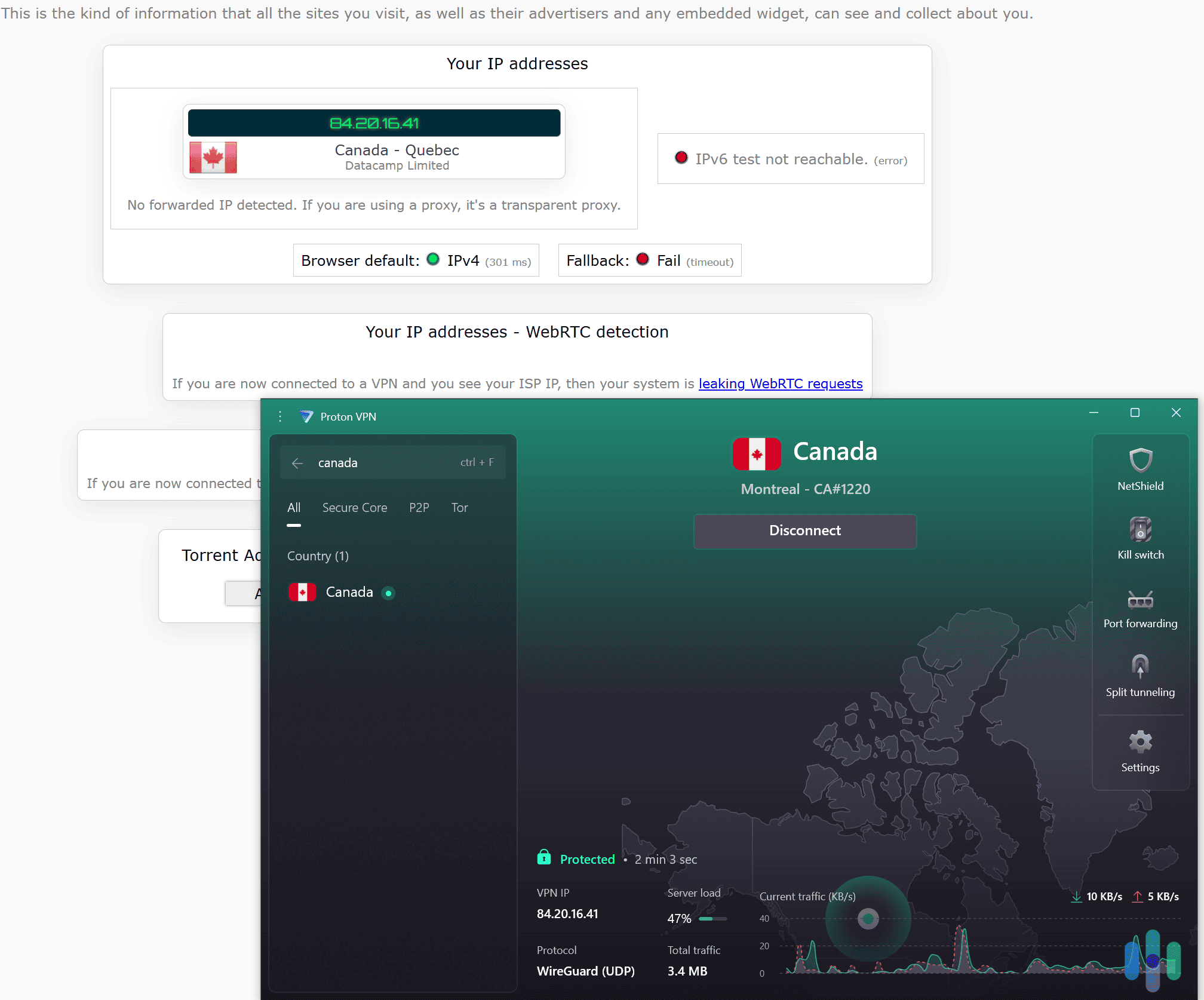
Proton VPN’s free tier is the exception we found in testing. It includes unlimited bandwidth, doesn’t cap your data, and passed every leak test we ran on public networks. If you only need occasional protection and don’t require streaming or torrenting support, it’s a legitimate free option rather than a compromise.
Pro Tip: If you’re using a free VPN specifically for public Wi-Fi protection, prioritize one with an independently audited no-logs policy and a working kill switch. Always avoid ones that simply advertise a “free” service without those safeguards in place.
How to Stay Safe on Public Wi-Fi Without a VPN
If you’re ever stuck without a VPN, a few habits can reduce your exposure, though none of them replace the encryption a VPN provides:
- Stick to HTTPS sites: Check for the lock icon and “https” in the address bar before entering any login information or personal details.
- Avoid sensitive logins: Skip online banking, entering credit card numbers, or accessing work accounts with sensitive data while on an unsecured public network.
- Turn off automatic Wi-Fi connection: Disable your device’s setting that automatically joins known or open networks, so you’re not connecting to hotspots without realizing it.
- Use your phone’s mobile data instead: For anything sensitive, switching to cellular data avoids the shared public network entirely.
- Log out when you’re done: Don’t stay signed into accounts longer than necessary on a network you don’t control.
These habits reduce risk, but they don’t encrypt your traffic the way a VPN does, so we still recommend treating a VPN as the primary layer of protection rather than a backup.
How Much Does a Public Wi-Fi VPN Cost?
VPN prices vary depending on the provider and subscription length. If you choose a monthly plan, expect to pay somewhere between $9 and $15 per month. Longer plans, like one- or two-year subscriptions, typically bring that down to $2 to $5 per month, though you’ll pay the full term upfront.
Several providers also run seasonal VPN deals around Black Friday, Cyber Monday, and other shopping holidays, which can substantially lower the upfront cost of a long-term plan. If budget is a concern and you don’t need every premium feature, Private Internet Access and Surfshark both offer strong protection at some of the lowest long-term rates we tested.
>> Price Guide: Surfshark VPN Cost & Pricing Plans in 2026
Setting Up a VPN for Public Wi-Fi
Getting a VPN ready for public Wi-Fi use takes only a few minutes, but the settings you choose matter more than they would for general use. Here are the steps we take to set up every VPN we use for public Wi-Fi:
- Install the VPN app on every device you plan to use on public networks. Most setups take less than two minutes.
- Turn on auto-connect for unsecured networks, if the app supports it. This is the single most important setting for public Wi-Fi, since it removes the risk of forgetting to connect manually.
- Enable the kill switch in the app’s settings, and set it to block traffic immediately rather than only after a delay, if that level of customization is available.
- Test your connection after joining a public network by checking your IP address and running a quick leak test to confirm the VPN is actually active.
Once these settings are in place, using the VPN on public Wi-Fi becomes automatic rather than something you have to remember to do every time.
>> Read More: How to Set Up and Install a VPN
What If the VPN Doesn’t Work on Public Wi-Fi?
Some public networks actively interfere with VPN connections, whether intentionally or as a side effect of how the network is configured. If you’re having trouble connecting to your VPN on a public Wi-Fi network, try these troubleshooting steps:
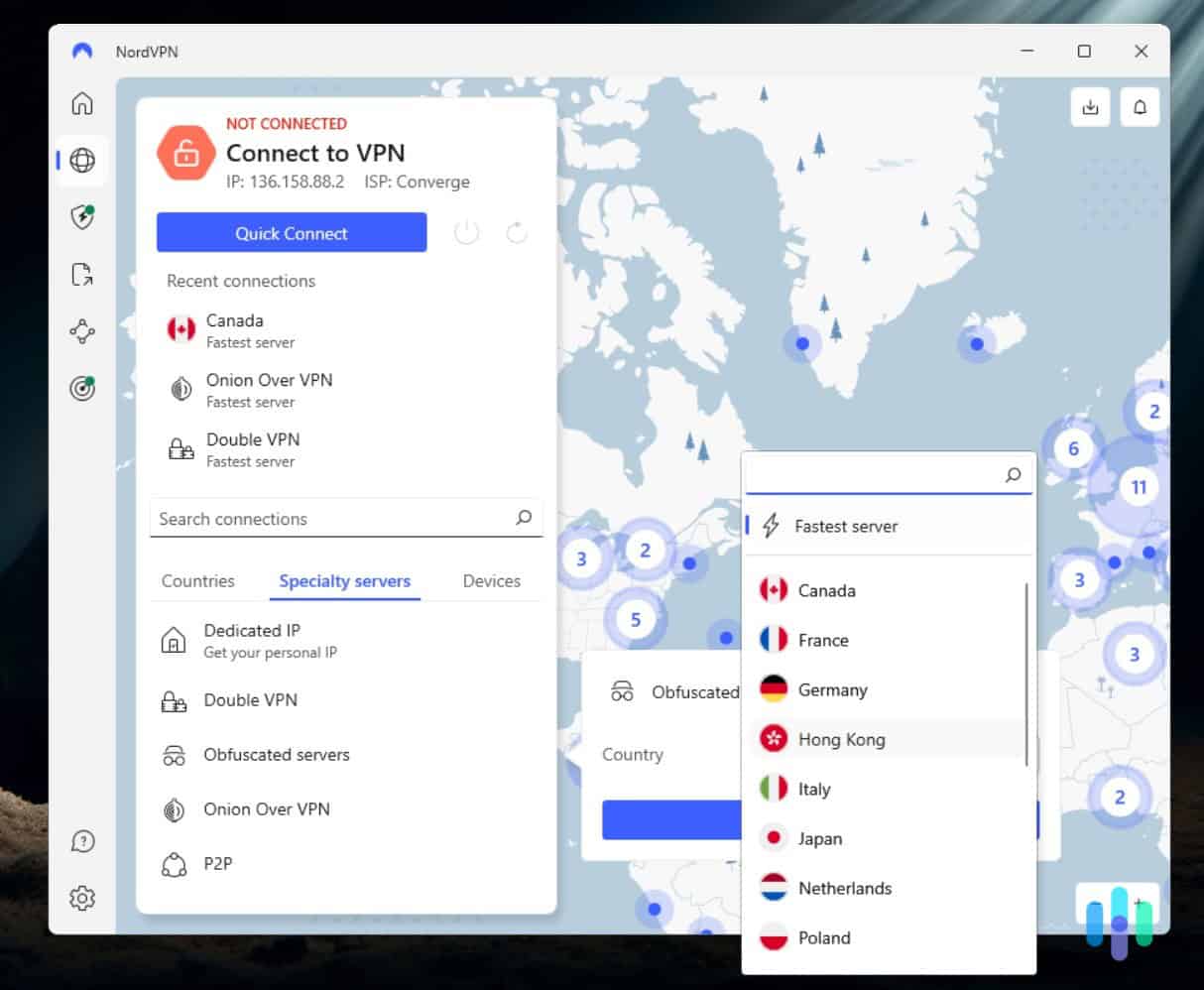
- Switch to a different server: Some public Wi-Fi providers block specific VPN server IP addresses. Reconnecting to a different server location usually resolves this.
- Change your VPN protocol: If one protocol isn’t getting through, try switching to a different one in the app’s settings. WireGuard-based VPN protocols tend to have the best success rate on restrictive networks.
- Use an obfuscation or stealth mode: This disguises VPN traffic as regular internet traffic, which can help on networks that specifically block VPN usage. Not all VPNs support obfuscation.
- Restart the app or your device: This sounds basic, but it resolves a surprising number of connection issues on public networks.
If none of these work, the network itself may be blocking VPN traffic entirely. This is most common on corporate or institutional Wi-Fi networks, although some coffee shop or hotel networks may block VPNs by default.
Recap: Which VPN is Best for the Public Wi-Fi Networks You Use?
Public Wi-Fi is convenient, but it’s also one of the more common places where your data is exposed without you realizing it. A VPN closes that gap by encrypting your traffic before it ever reaches the local network. The best ones do it automatically, so you don’t need to remember to turn it on every time.
After testing over 50 VPN services specifically for public Wi-Fi conditions, our top picks are NordVPN, Surfshark, Proton VPN, ExpressVPN, and Private Internet Access. They all held up under real coffee shop, airport, and hotel network conditions. Each one brings something slightly different to the table, so the best option for you depends on your specific needs and budget.
Public Wi-Fi VPN FAQs
-
Is it safe to check email on public Wi-Fi?
It’s generally safer than logging into financial accounts, but email can still contain sensitive information. We recommend using a VPN for any email access on public Wi-Fi, especially for work accounts.
-
Can someone see what I'm doing on public Wi-Fi?
On an unsecured network, it’s technically possible for someone with the right tools to intercept unencrypted traffic. A VPN encrypts your data so it’s unreadable even if intercepted.
-
Do I need a VPN if a website uses HTTPS?
HTTPS protects the connection to that specific website, but it doesn’t hide which sites you visit or protect other apps on your device that may not encrypt properly. A VPN protects all of your online activity, regardless of any individual site’s security.
-
Will a VPN slow down my connection on public Wi-Fi?
You’ll always see some speed reduction with any VPN, but in our testing, the slowdown was minor on all five of our top picks. It never interrupted our browsing or streaming experience.
-
Can free public Wi-Fi networks steal my data?
The network operator itself typically isn’t the risk. The danger comes from other people on the same unsecured network, or from fake hotspots set up specifically to intercept traffic. A VPN protects against both.
Citations
-
PR Newswire. (2012). First ‘Intelligent Security Cameras' with Facial Recognition Available in North America from Gadspot .
https://www.prnewswire.com/news-releases/first-intelligent-security-cameras-with-facial-recognition-available-in-north-america-from-gadspot-173477531.html