3 Surfshark Alternatives Our Experts Recommend in August 2026
Our team tested 40+ VPNs to find the best alternatives that match Surfshark’s value.
 &
&
 Last Updated on Aug 06, 2026

- Over 8,900 servers spread across 130 countries ensure an open server is nearby
- Lightweight proprietary protocol provides fast speeds
- Pre-routed multi-hop connections enhances privacy with minimal setup required

- Over 35,000 servers spread across all 50 U.S. states and 91 countries
- All servers support torrenting and P2P connections
- Low prices starting at $1.98 per month

- Easy to find servers tailored to your activities for optimal speed
- SmartDNS makes it easy to setup CyberGhost on a router for console gaming
- Long 45-day money-back guarantee
the security.brief
NordVPN, Private Internet Access, and CyberGhost VPN are the best Surfshark alternatives in 2026, with NordVPN excelling in security.
We like Surfshark VPN. It’s our second favorite VPN after we tested over 40 of them. We think it offers great value for families with its unlimited device connections and comprehensive security through its bundled services. This includes an excellent antivirus and data removal tool (to learn more about it, check out our Incogni review).
However, our testing found some limitations. For example, while it allows torrenting on all servers, it doesn’t have any extra P2P-related features. Gaming performance also falls short compared to some alternatives. Plus, its monthly plan is pretty expensive.
If you’re looking for other options, we found them for you. After rigorously testing 40+ top VPNs, we decided that NordVPN, Private Internet Access, and CyberGhost VPN are the best Surfshark alternatives in 2026.
Comparison Between the Best Surfshark Alternatives
| System |
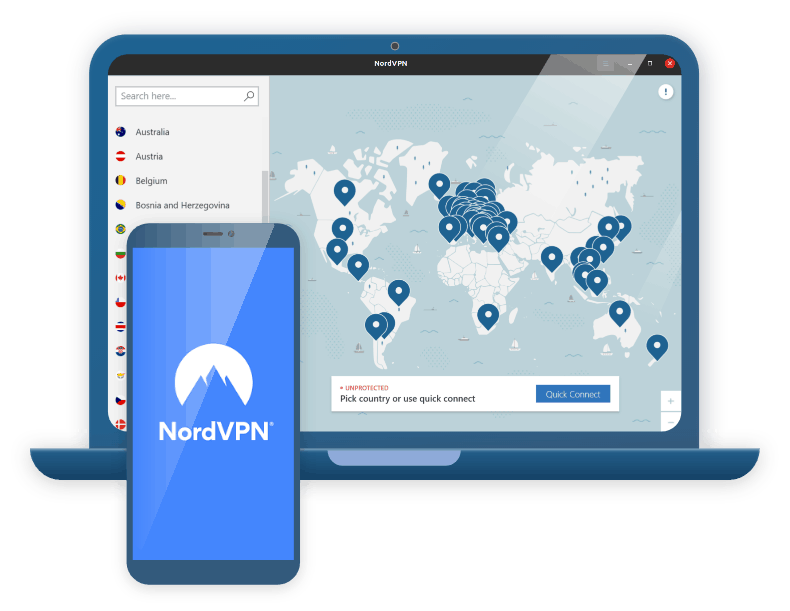
NordVPN
|
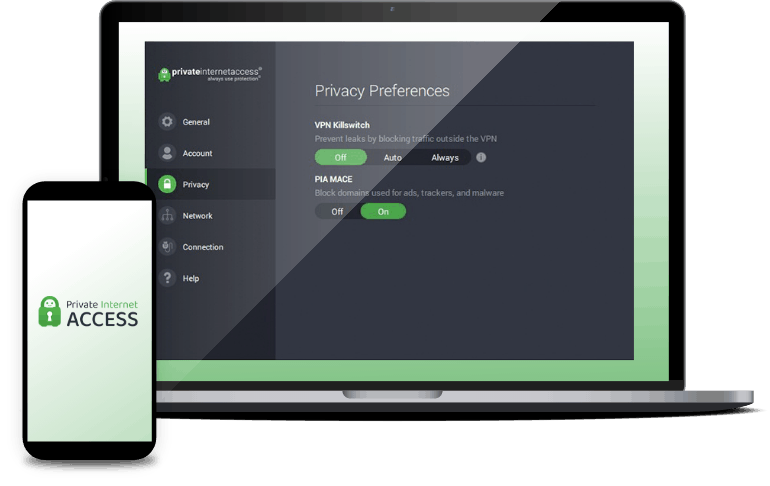
Private Internet Access
|
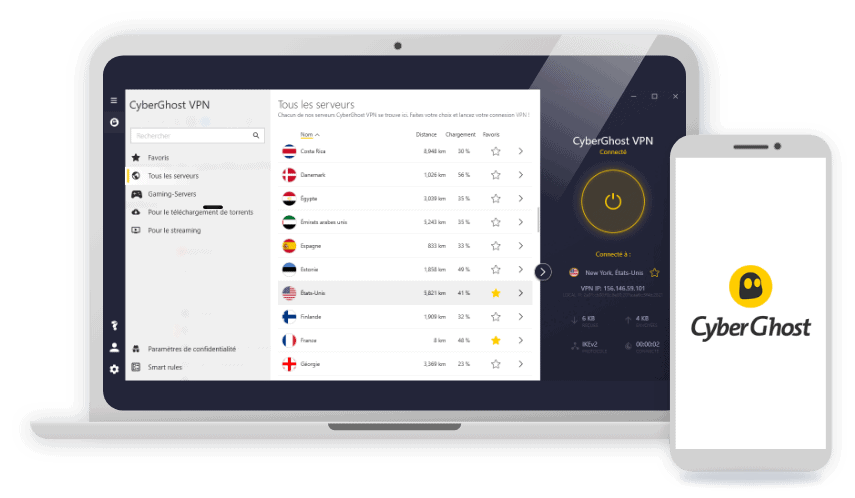
CyberGhost VPN
|
|---|---|---|---|
| Ranking | 1st | 2nd | 3rd |
| Ratings | 9.7/10 | 9.4/10 | 8.9/10 |
| Server Count | 8,000+ | Unknown | 11,500+ |
| Number of Countries | 118 | 91 | 100 |
| Number of Connections | 10 | Unlimited | 7 |
| Price | Starting at $2.99 per month | Starting at $2.03 per month | Starting at $2.19 per month |
| Read Review | NordVPN Review | Private Internet Access Review | CyberGhost VPN Review |
Best Surfshark Alternatives
-
1. NordVPN
Get NordVPN Links to NordVPN
Product Specs
Server locations 137 countries Average Speed Loss 6% download & 4% upload Apps Windows, MacOS, Linux, Android, iOS, Chrome, Firefox, Edge, Android TV, tvOS Best Monthly Rate $3.49/mo with a 2-year plan Money-Back Guarantee 30 days full refund
Why Choose NordVPN Over Surfshark?
NordVPN offers enterprise-grade security features that go beyond standard VPN protection.

NordVPN is a great option if you’re looking for high-end security features. We think NordVPN is a better pick if you want access to high-end VPN security features. This is mostly due to the VPN’s Threat Protection Pro feature. It blocks ads, ad trackers, and shady websites just like Surfshark’s CleanWeb feature. But, on top of that, it also protects your device from malware-infected downloads. What’s more, on Windows, it also alerts you about app vulnerabilities.
FYI: We tested Threat Protection Pro and CleanWeb on ad-heavy websites and they both performed exceptionally well, blocking over 95 percent of ads. We also like that Threat Protection Pro continues protecting you even when disconnected from the VPN.
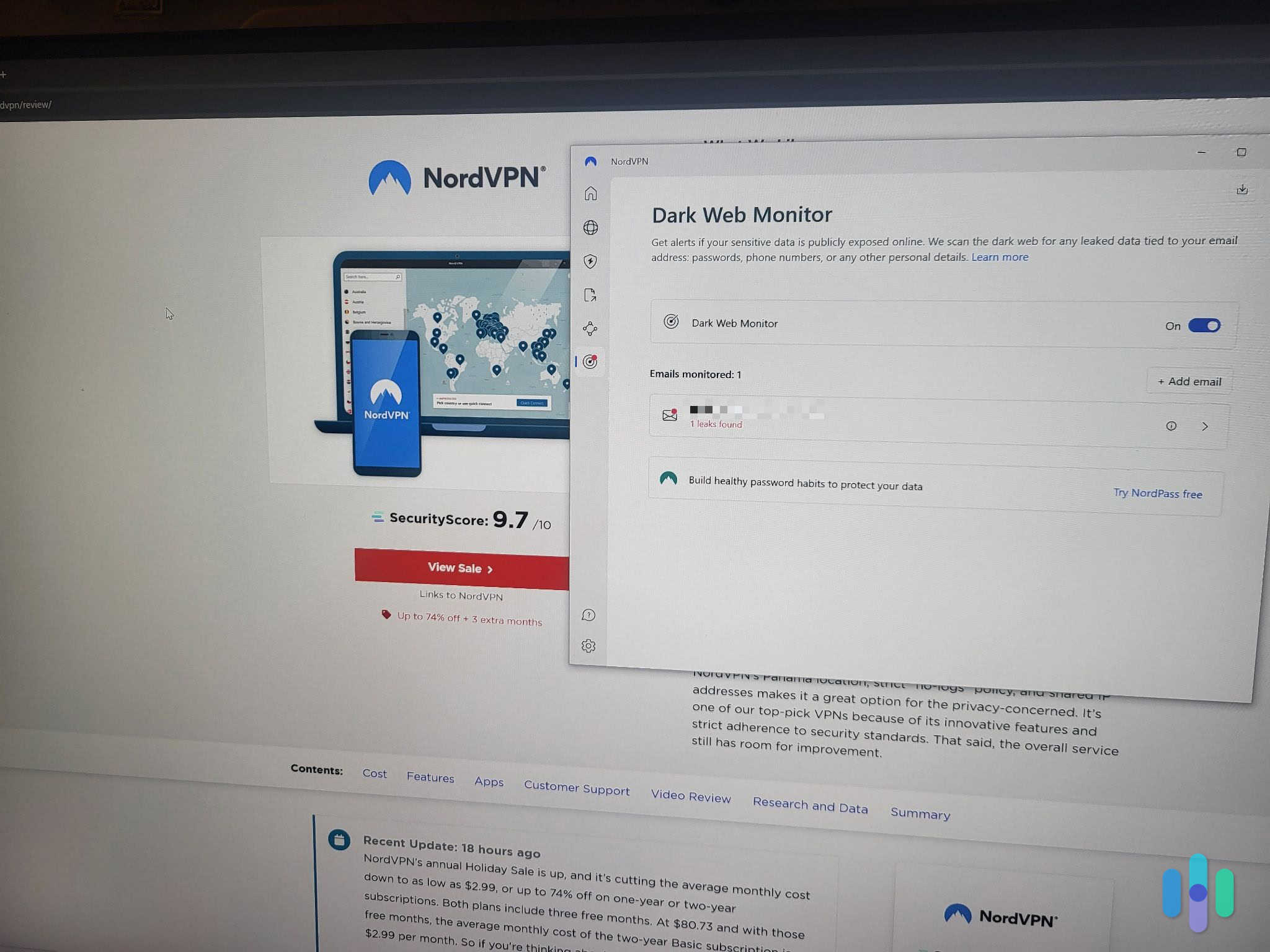
Plus, NordVPN also comes with Dark Web Monitor and double VPN servers. Dark Web Monitor alerts you if data associated with your NordVPN account is leaked on the dark web. And double VPN servers secure your data with an extra layer of encryption — this is similar to Surfshark’s Dynamic MultiHop feature. Both features provide similar protection levels, but we think Surfshark offers more flexibility. You can customize server combinations with Surfshark, whereas NordVPN uses preset duos.
Finally, NordVPN has Meshnet, which is excellent for securely sharing files, and is also available for free. It’s a feature that allows you to link up to 60 devices over an encrypted VPN connection (which is powered by NordVPN’s proprietary VPN protocol, called NordLynx). Meshnet worked perfectly in our remote work scenarios. We could securely transfer files between home and office devices without needing cloud storage.
User Experience
NordVPN has excellent cross-platform compatibility, just like Surfshark. Both VPNs have apps for Windows, macOS, Linux, iOS, Android, Android TV, Fire TV, and Apple TV, and they allow manual router setups. The key distinction lies in the Linux experience. Surfshark’s GUI-based Linux app significantly reduces the learning curve compared to NordVPN’s command-line interface.
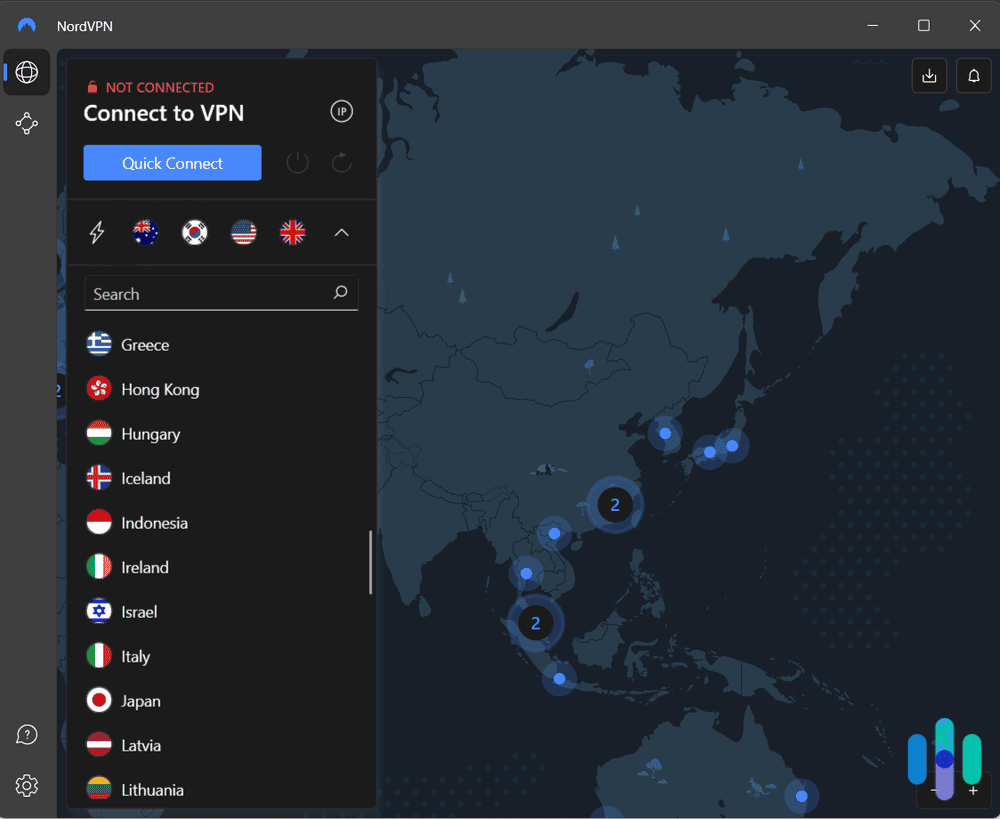
When we tried both VPNs’ apps, we found them very intuitive. It’s very simple to connect to a server, and find and change a setting or enable a feature. NordVPN’s interactive map interface is a more engaging connection experience. We could visually select server locations with a single click. This was helpful when frequently switching between regions.
Pricing
Like Surfshark, NordVPN also has tier-based subscriptions. But we’re only going to be looking at how NordVPN’s first two subscription tiers compare to Surfshark’s first subscription tier, as these tiers include all VPN features from each service. If you’d like to learn more about NordVPN’s subscriptions, check out our full NordVPN pricing guide.
Here’s the current pricing for NordVPN’s core subscription tiers:
NordVPN Subscription 1-Month Plan Cost 1-Year Plan Cost 2-Year Plan Cost Basic $12.99/month $4.59/month $2.99/month Plus $13.99/month $5.49/month $3.89/month No matter which subscription tier you pick, NordVPN is pricier than Surfshark. We recommend the Plus tier. It offers the best security value despite the higher cost. We also think the addition of malware protection and vulnerability scanning justifies the price. And NordVPN backs all purchases with a 30-day money-back guarantee (just like Surfshark).
-
2. Private Internet Access
View Plans Links to Private Internet Access
Product Specs
Server locations 91 countries Average Speed Loss 5% download & 84% download Apps Windows, MacOS, Linux, Android, iOS, Chrome, Firefox, Android TV, tvOS Best Monthly Rate $1.98/mo with a 3-year plan Money-Back Guarantee 30 days full refund
Why Choose Private Internet Access Over Surfshark?
We recommend Private Internet Access for torrenters due to its purpose-built P2P features.
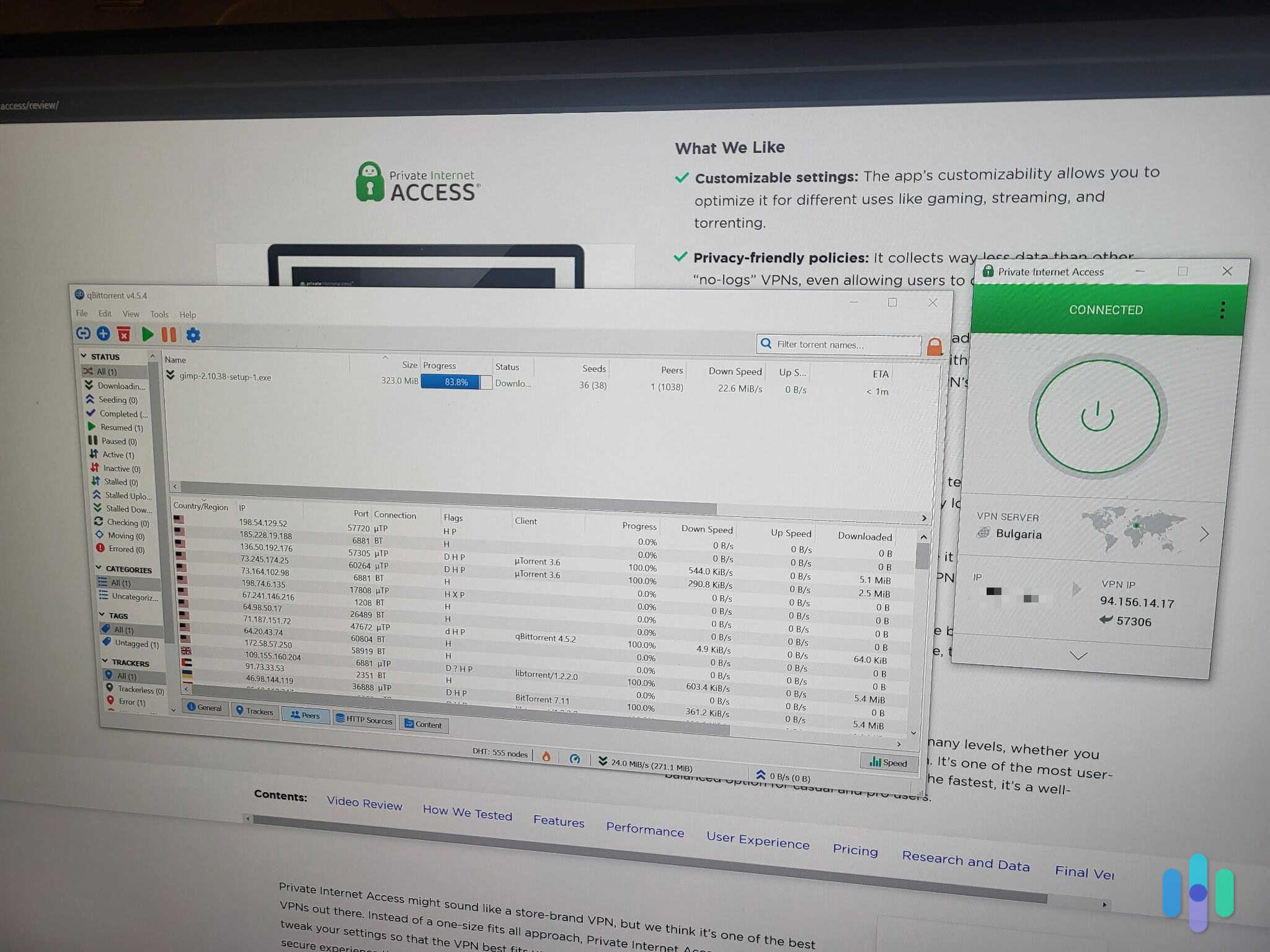
Private Internet Access is better for torrenting than Surfshark. Private Internet Access (PIA) is a much better pick if you’re mainly looking for a VPN to use while torrenting. In fact, PIA actually made it to our list of the best torrenting VPNs in 2026.
Both VPNs support torrenting on all of their servers, and their server networks are pretty matched in terms of size — PIA has servers in 91 countries, while Surfshark has servers in 100 countries.
However, PIA also has additional P2P-related features that might improve torrenting speeds. For one, it has built-in support for port forwarding, which is a feature that lets you connect to more peers while torrenting. Plus, it has SOCKS5 proxy support — you can configure the SOCKS5 proxy server in your P2P app (it will hide your IP address, but it won’t encrypt your traffic).
FYI: In our testing, PIA’s port forwarding boosted download speeds by approximately 20 percent on average. The SOCKS5 proxy delivered even more impressive results. We recorded speeds reaching 50 percent faster than standard VPN connections for large file transfers.
User Experience
Both VPNs are matched when it comes to cross-platform compatibility — they both have apps for desktop, mobile, and smart TVs, and they allow manual router setups. In addition, both PIA and Surfshark allow unlimited simultaneous connections.
We also found both of their apps very simple to use. We tried out PIA and Surfshark’s Windows, macOS, Android, iOS, and Android TV apps, and it always took us less than 10 seconds to find and connect to a VPN server. PIA’s interface allows for more granular control over connection settings. Even if you’re not tech-savvy, it’s still accessible for beginners through its simple mode toggle.
Pricing
PIA and Surfshark are both some of the best cheap VPNs in 2026. Surfshark has several tier-based subscriptions, but we’ll only compare its Surfshark Starter Subscription prices with PIA since that subscription includes all VPN features. Here’s PIA’s current prices:
Private Internet Access Pricing Plans 1-Month Plan Cost $11.95/month 1-Year Plan Cost $3.33/month 3-Year Plan Cost $2.03/month You really can’t go wrong with either VPN if you’re on a tight budget. Month-to-month, Surfshark is more expensive, but keep in mind that’s because its Surfshark Starter subscription includes an extra security service (Alternative ID) on top of the VPN. For long-term commitments, both services offer good value at under $3 per month. And PIA and Surfshark both come with a 30-day money-back guarantee for all plans.
>> Learn More: How Much Does Private Internet Access Cost in 2024?
-
3. CyberGhost VPN
Get Cyberghost VPN Links To CyberGhost
Product Specs
Multihop No Obfuscated Servers No Kill Switch Yes Split Tunneling Yes Netflix Yes Torrenting Yes
Why Choose CyberGhost VPN Over Surfshark?
CyberGhost VPN is ideal for gamers wanting specialized infrastructure.
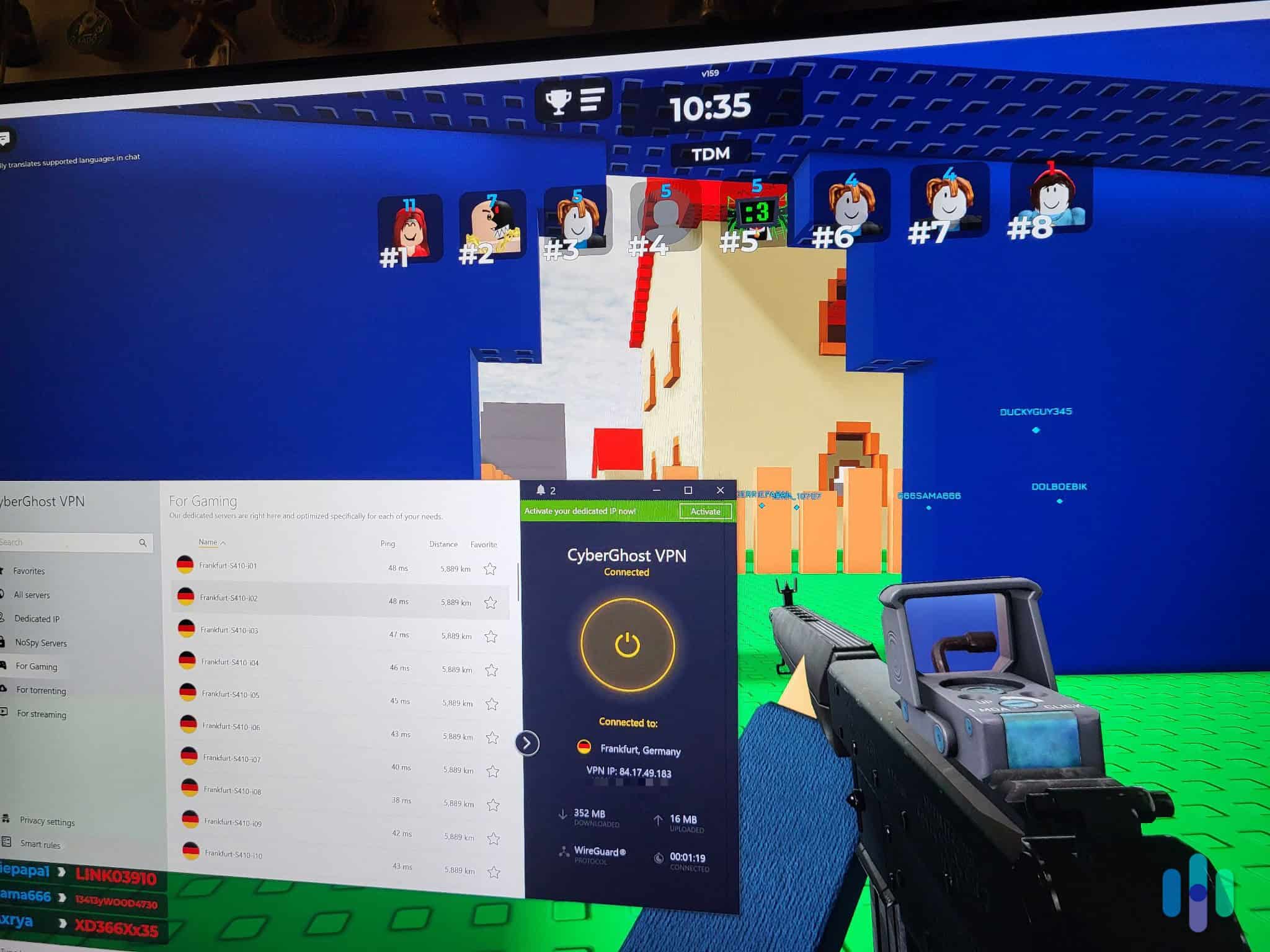
CyberGhost VPN is a great alternative for gamers. We think CyberGhost VPN is a good alternative if you’re into gaming — it’s actually one of the best gaming VPNs in 2026. The service has over 90 dedicated gaming servers across four strategic locations (US, France, Germany, and UK). Each one is optimized to minimize latency and prevent packet loss during gaming sessions.
FYI: We tested three gaming servers from each of the four countries while playing Fortnite, Counter-Strike 2, and different Roblox games. We always had stable ping (110-140 ms), and we never experienced noticeable lag or dropped connections.
We also like how you can manually set up CyberGhost VPN’s gaming servers on your router. This means you can use the VPN to protect your Xbox Series X, PlayStation 5, and Nintendo Switch 2 without compromising performance.
Finally, we like how CyberGhost VPN supports cloud gaming, which means it works with platforms like GeForce Now and Xbox Cloud Gaming. Surfshark, on the other hand, doesn’t guarantee cloud gaming support — it worked with GeForce Now in our tests, but we can’t promise it’ll work for you.
User Experience
CyberGhost VPN and Surfshark both have apps for desktop, mobile, and smart TV devices, and also support manual router setups. Keep in mind that CyberGhost limits you to seven simultaneous connections. Surfshark doesn’t have any device limits.
Both VPNs have apps that are great for beginners — they’re easy to install and navigate, and you get helpful explanations for all features and settings. We’ll give bonus points to CyberGhost VPN due to its Smart Rules feature, which allows you to automate VPN connections.
Pro Tip: You can actually use the Smart Rules feature to streamline your gaming experience with a VPN. For example, we used the feature to configure the CyberGhost VPN app to automatically connect us to our desired gaming server and open our desired online game on launch.
Pricing
We’re only going to compare CyberGhost VPN’s pricing to Surfshark’s lowest subscription tier (Surfshark Starter), as that’s the one that has all VPN features. Here’s CyberGhost VPN’s latest prices:
CyberGhost VPN Pricing Plans 1-Month Plan Cost $12.99/month 6-Month Plan Cost $6.99/month 2-Year Plan Cost $2.19/month CyberGhost is cheaper if you go month-to-month, but that’s only because Surfshark Starter also includes an extra security service (Alternative ID). At $2.03 per month, CyberGhost’s two-year plan is one of the industry’s best deals. CyberGhost also offers a generous 45-day money-back guarantee on long-term plans.
Bottom Line
Surfshark is still one of our top VPN choices. The ability to bundle it with one of the best antivirus services in 2025 and a great data removal tool make it a security package that’s hard to beat.
But if you’re not 100% sure Surfshark is right for you, there are some good alternatives — picking the right one just depends on your needs. NordVPN has superior security features for privacy-focused users. Private Internet Access is best for torrenting large files through its specialized P2P tools. CyberGhost VPN is ideal for gaming enthusiasts. Each alternative excels in its specialized area while maintaining reliable VPN capabilities.
FAQs About Surfshark Alternatives
-
What’s the best Surfshark alternative?
Our favorite alternatives to Surfshark are:
- NordVPN – Best Alternative for Security
- Private Internet Access – Best Alternative for Torrenting
- CyberGhost – Best Alternative for Gaming
-
Is Surfshark a good VPN?
Yes, we think it’s an awesome VPN for streaming, large families, and anyone who wants to bundle their VPN with antivirus and other device protections. Its low prices and well-rounded capabilities make online security easy.
-
Are any VPNs cheaper than Surfshark?
Yes, Ivacy is one of the few VPNs that’s cheaper than Surfshark since its prices begin at just $1.69 per month. The drawback is a very high commitment, as you need to sign up for a 5-year plan. Alternatively, Private internet Access offers similar pricing to Surfshark via its 3-year plan (starts at $2.03 per month).
-
Why should I consider a Surfshark alternative?
Surfshark’s a great VPN, but we think it has a few drawbacks. While it allows torrenting on all servers, its overall P2P support isn’t very impressive. Also, its monthly plan is pretty expensive, and there are top competitors with more affordable month-to-month prices.