



the security.brief
Malware is any software built to damage, disrupt, or steal from your devices. Learn the main types of malware, warning signs of an infection, and how to stay protected.
Malware, short for malicious software, is pretty much exactly what it sounds like: any program or code someone built to damage your device, steal your data, or sneak into your system without your permission. It’s not one single thing. It’s an umbrella term covering viruses, worms, trojans, ransomware, spyware, and adware, and each of those spreads and behaves in its own way. New versions show up constantly, too. AV-TEST Institute detects more than 450,000 new malware and unwanted programs every single day, so the specific threats keep changing even though the goal behind them (damage, theft, or control) really doesn’t.
Key takeaways:
- Malware is an umbrella term. A virus, a trojan, and ransomware are all types of malware, not separate categories of threat.
- The main types differ by how they spread and what they do once they’re on a device: some replicate themselves, some hide inside legitimate-looking files, and some just quietly steal information.
- Common signs of infection include a suddenly slow device, unexpected pop-ups, unfamiliar apps, and a browser that redirects to sites you didn’t search for.
- Most malware spreads through phishing emails, malicious downloads, infected links, or outdated software with unpatched security holes.
- Antivirus software with real-time protection is still the most reliable way to catch malware before it does damage, though safe browsing habits matter too.
The sections below break each of these down in more detail, starting with what actually counts as malware in the first place.
What Is Malware?
At its core, malware is just software built to work against you instead of for you: something written to harm your device, exploit you, or gain access you never agreed to. The word itself comes from combining “malicious” and “software,” and that combination really is the whole definition. If a program’s purpose is to hurt you or benefit an attacker at your expense, it counts as malware, regardless of how it’s built or what it’s called.
That’s an important distinction, because people often use “virus” as a stand-in for any kind of infection, the same way people say “Kleenex” for any tissue. A virus is only one specific type of malware. Ransomware, spyware, adware, and trojans are all malware too, and each one causes a different kind of problem. Some malware is loud and obvious, locking your files and demanding payment. Other malware is built specifically to stay hidden, quietly logging your keystrokes or routing your device into a larger network of infected machines. Understanding the difference matters, because how you spot and remove a threat depends heavily on which kind you’re dealing with.
FYI: The most common types of malware are listed below, but more are being created all the time. Some of the most dominant in 2026 include infostealers, AI-driven polymorphic malware, remote access trojans, and mobile NFCs.
Types of Malware
Here are the malware types you’re most likely to encounter, along with what makes each one distinct.
Virus
A computer virus attaches itself to a legitimate file or program and spreads when that file is shared or opened, similar to how a biological virus needs a host to reproduce. Once active, a virus can corrupt files, slow down your system, or spread itself to other devices on the same network. Viruses need some action from you, like opening an infected attachment, to actually activate.
Worm
A worm is similar to a virus, but it doesn’t need a host file or any action from you to spread. Worms exploit security holes in a network to copy themselves from device to device on their own, which is what lets them spread so quickly across large networks.
>> Read More: What Is a Computer Worm?
Trojan
A trojan disguises itself as legitimate software (a free download, a game, a system update) to trick you into installing it yourself. Once it’s on your device, it can open a backdoor for an attacker, steal data, or install additional malware. The name comes from the same idea as the Trojan Horse: the danger is hidden inside something that looks harmless.
>> Read More: What Is a Trojan Virus?
Ransomware
Ransomware encrypts your files or locks you out of your device entirely, then demands payment (usually in cryptocurrency) in exchange for restoring access. It’s one of the most financially damaging types of malware for both individuals and businesses, since paying the ransom doesn’t always guarantee you’ll get your files back.
>> Read More: Best Antivirus Software for Ransomware Protection
Spyware
Spyware installs itself quietly and monitors your activity without your knowledge, tracking things like browsing habits, login credentials, or personal messages and sending that information back to whoever deployed it. Keyloggers, which record every keystroke you type, are one of the most common forms of spyware.
>> Read More: What Is Spyware?
Adware
Surfshark Antivirus detecting a suspicious website.
Adware bombards your device with unwanted advertisements, often by hijacking your browser or injecting pop-ups into pages that shouldn’t have them. It’s usually more of an annoyance than a serious security threat, but some adware also tracks your browsing activity or opens the door for more dangerous malware to follow.
>> Read More: What Is Adware?
Rootkit
A rootkit buries itself deep in your operating system, often at a level that hands it administrator-level control while staying hidden from normal antivirus scans. Attackers don’t usually use a rootkit for quick, visible damage. They use it to hang around undetected in your system for as long as possible.
Pro Tip: Rootkits are hard to detect. Some of the warning signs to keep an eye out for are disabled security, slower performance, and regular system crashes. Unusual network traffic can also be a telltale sign.
Botnet Malware
Botnet malware quietly recruits your device into a larger network (a “botnet”) controlled remotely by an attacker. On its own, an infected device might not show any obvious symptoms. But as part of a botnet, it can get used to send spam, help launch large-scale attacks against websites, or mine cryptocurrency using your own processing power.
Fileless Malware
Unlike most malware, fileless malware doesn’t install a traditional file on your hard drive. Instead, it operates directly in your device’s memory, hijacking legitimate system tools to carry out its attack. That’s exactly what makes it hard for older, signature-based antivirus programs to catch. There’s no infected file sitting on your drive for them to scan in the first place.
Common Signs of Malware Infection
Malware doesn’t always announce itself, but a few warning signs tend to show up across most infections:
- Your device runs noticeably slower than usual, even when you’re not running anything demanding
- Pop-up ads appear, including when your browser isn’t even open
- Your browser’s homepage or search engine changes without you doing it
- Apps or toolbars you don’t remember installing show up on your device
- Your battery drains faster than normal, which can point to something running in the background
- Friends or contacts receive strange messages or emails from your accounts that you didn’t send
- Your antivirus software gets disabled on its own, or you can’t turn it back on
Phones and tablets show some of these same signs, plus a few of their own, like unexplained data usage spikes or apps that ask for permissions they shouldn’t need.
>> Read More: Signs Your Phone Has Been Hacked
How Malware Spreads
Most malware infections trace back to one of a handful of common entry points:
- Phishing emails and links: A message designed to look legitimate tricks you into clicking a link or downloading an attachment that installs malware.
- Malicious downloads: Pirated software, fake system updates, and downloads from unofficial app stores are common delivery methods, especially for trojans.
- Infected USB drives: Plugging in an unknown or compromised drive can install malware without you opening a single file.
- Drive-by downloads: Simply visiting a compromised website can trigger a download in the background, no click required, if your browser or operating system has an unpatched vulnerability.
- Unpatched software: Attackers actively look for devices running outdated software, since older versions often have known security holes that have already been fixed in newer updates.
- Malicious ads: Ads on otherwise legitimate websites can be hijacked to redirect you to malware, a practice known as malvertising.
A lot of these still trace back to one small action on your part, clicking a link, downloading a file, plugging in a drive you probably shouldn’t have, which is why pausing before you do any of that goes a long way. Drive-by downloads and unpatched software are the exceptions, since those can compromise a device without you doing anything at all.
>> Read More: Check If a Link Is Safe
How to Remove Malware
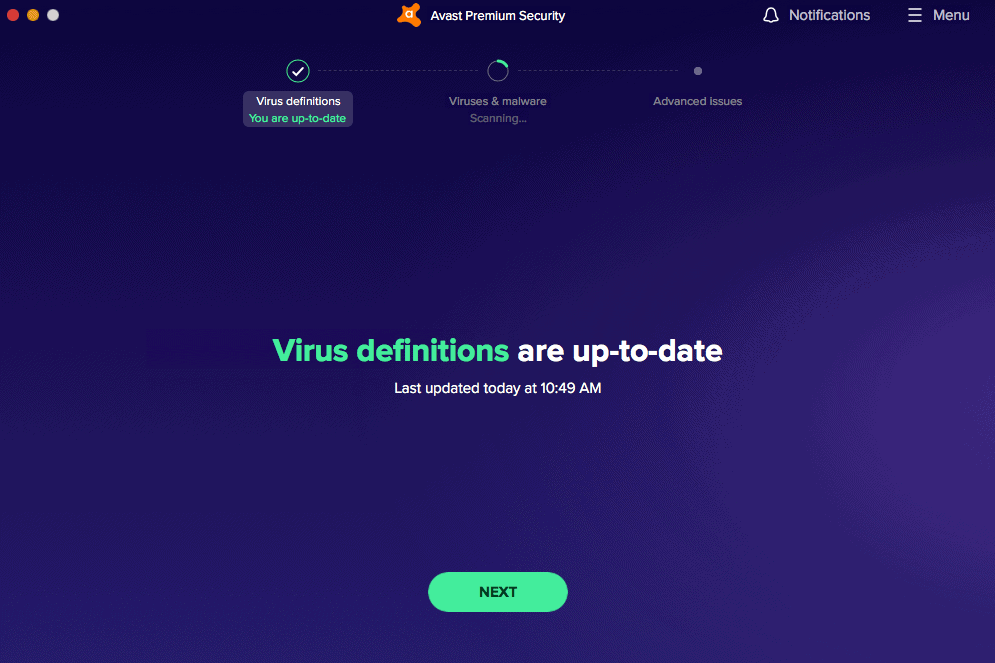
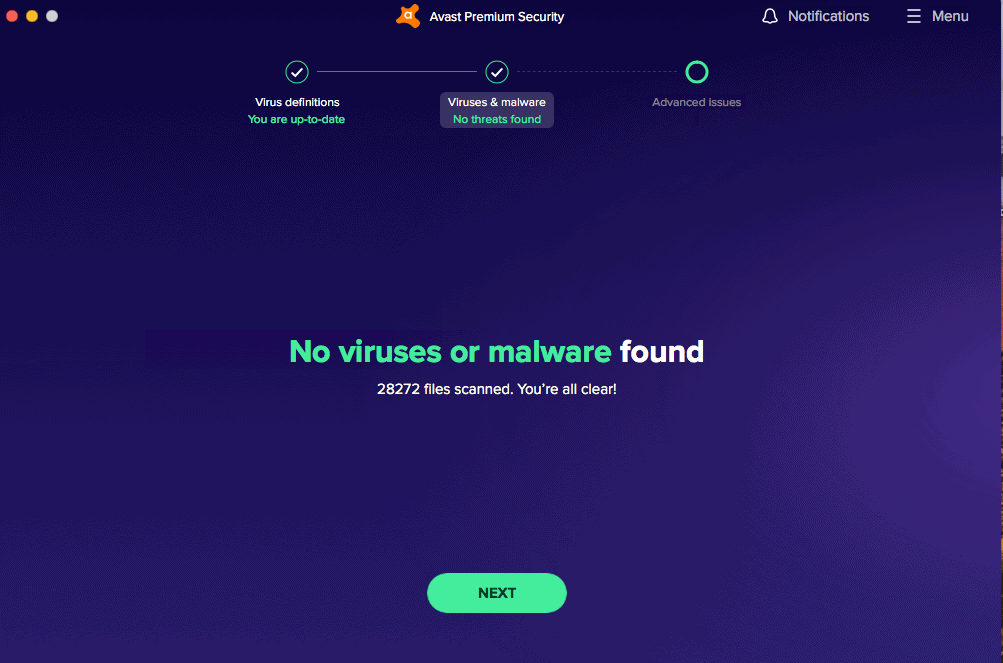
If you suspect your device is already infected, the fastest path forward is usually a full scan from a reputable antivirus program, since it can identify and quarantine threats you wouldn’t be able to find manually. Disconnecting from the internet before scanning can also help stop spyware or botnet malware from sending your data out or receiving further instructions while you clean things up.
The exact steps differ depending on your device and what you’re dealing with. Our malware removal guides:
Whichever platform you’re dealing with, running a full scan should be your first move before you start changing settings or deleting anything yourself.
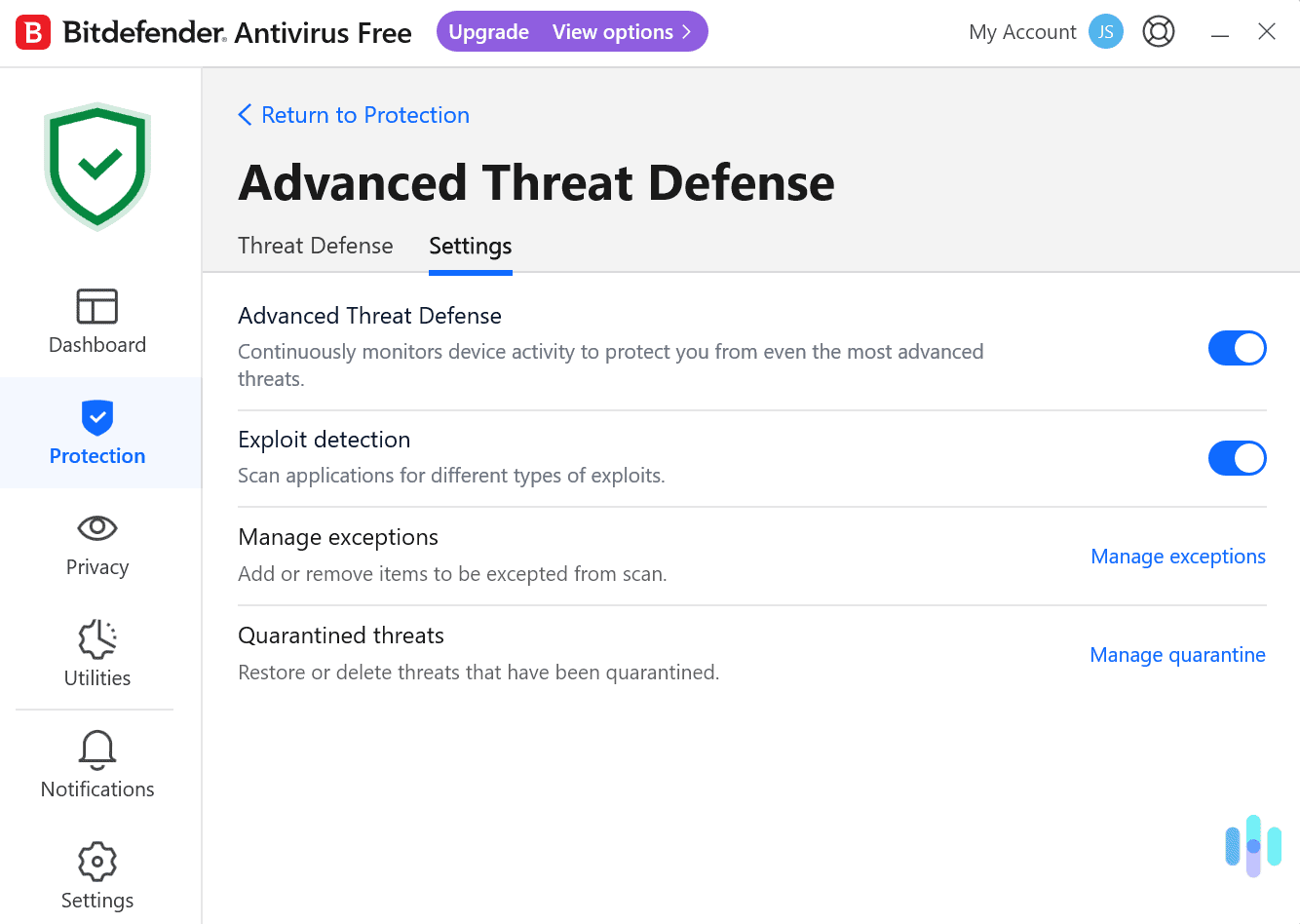
Norton scans, catches, and removes malware in real time, so it doesn’t get the chance to spread further while you’re still figuring out what hit you.

How to Protect Yourself From Malware
A few habits go a long way toward keeping malware off your devices in the first place:
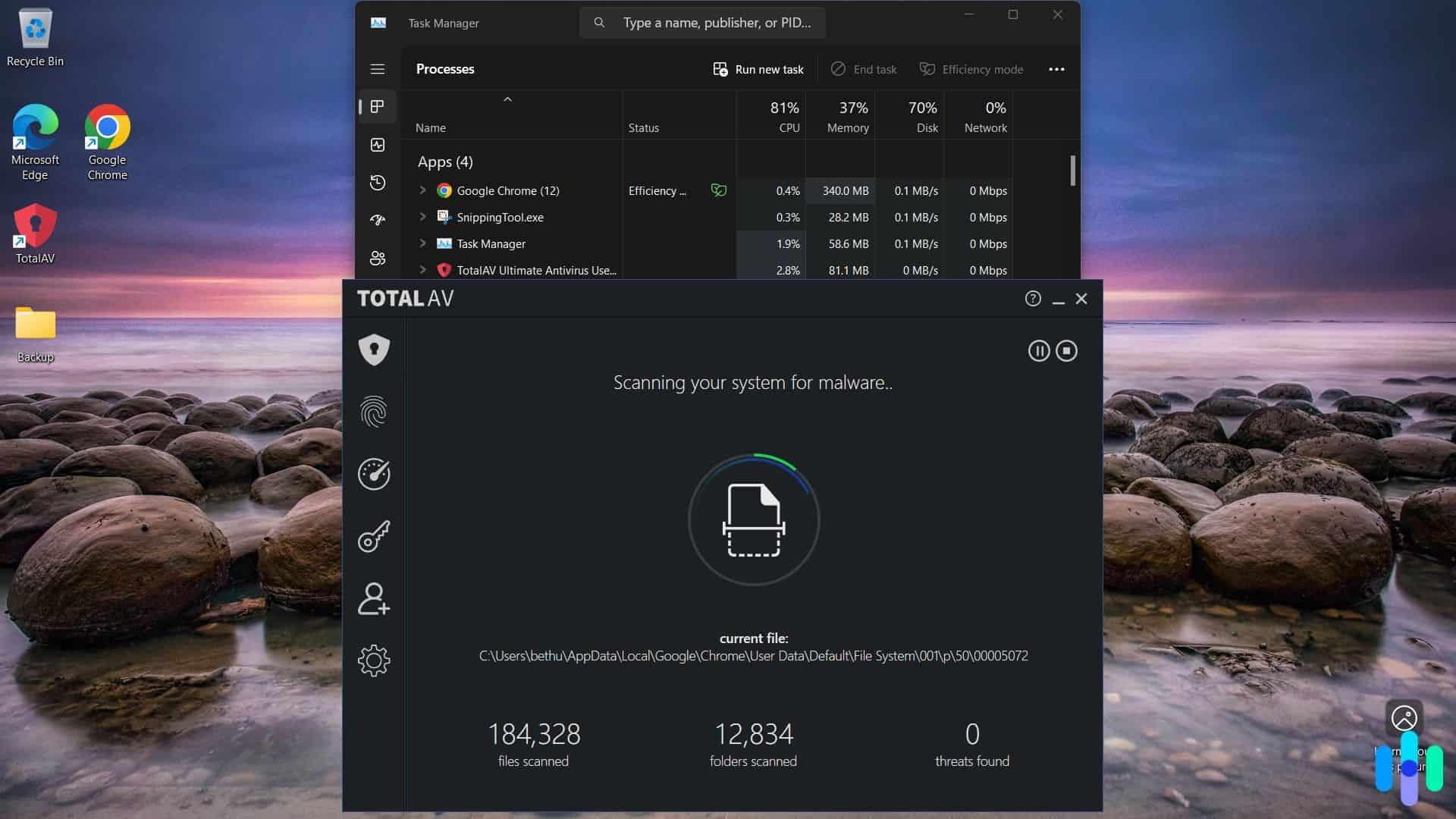
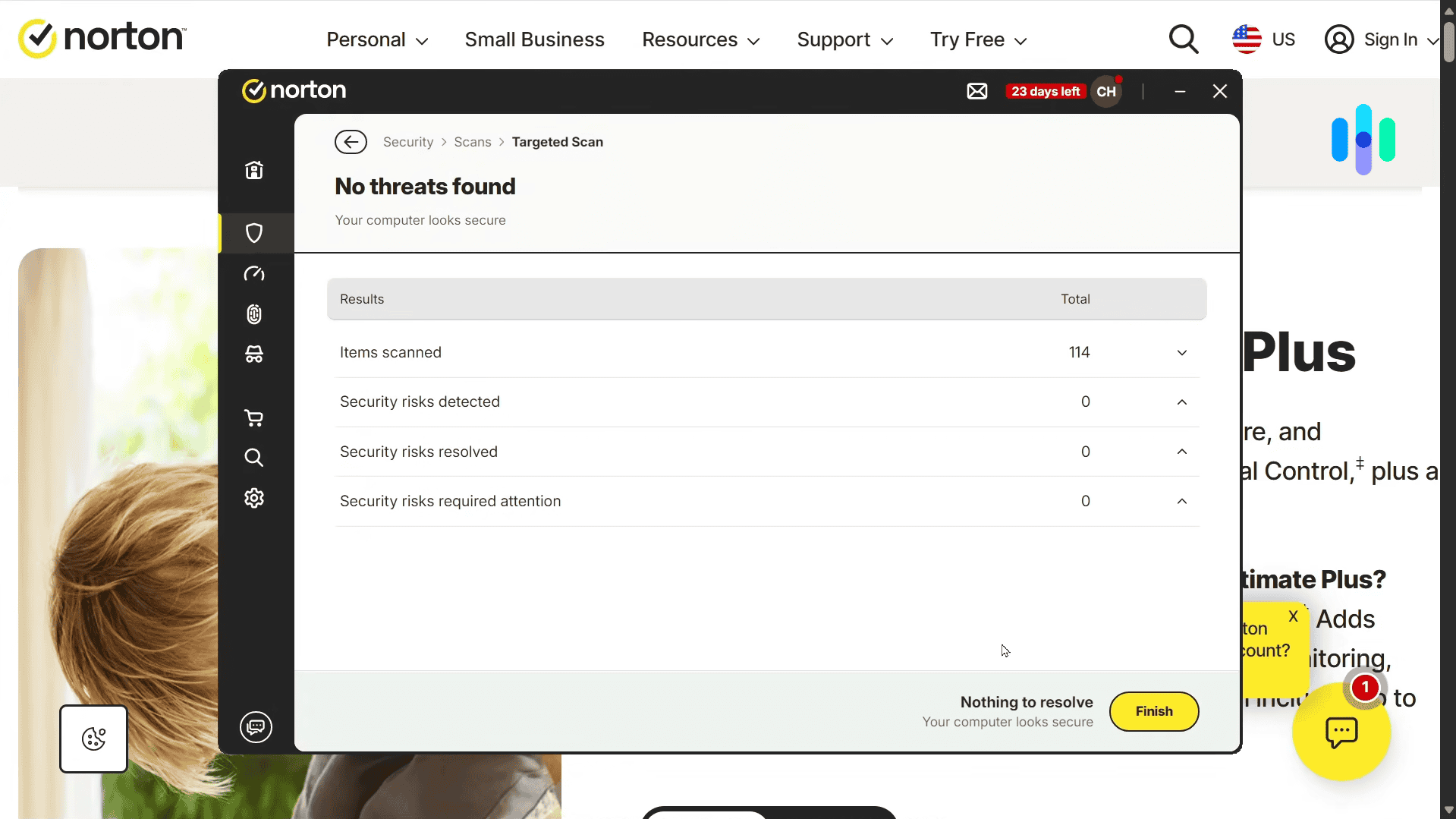
- Run antivirus software with real-time protection. Real-time scanning catches threats as they arrive instead of only when you remember to run a manual scan.
- Keep your operating system and apps updated. Updates frequently patch the exact security holes malware is built to exploit.
- Think before you click. Treat unexpected attachments, links, and download prompts with suspicion, even when they appear to come from someone you know.
- Avoid unofficial app stores and pirated software. These are two of the most common ways trojans and adware make it onto a device.
- Back up your files regularly. A recent backup won’t stop a ransomware attack, but it takes away most of its leverage if one gets through.
- Understand what your antivirus is actually doing. Knowing how detection works makes it easier to trust the alerts you get instead of ignoring them.
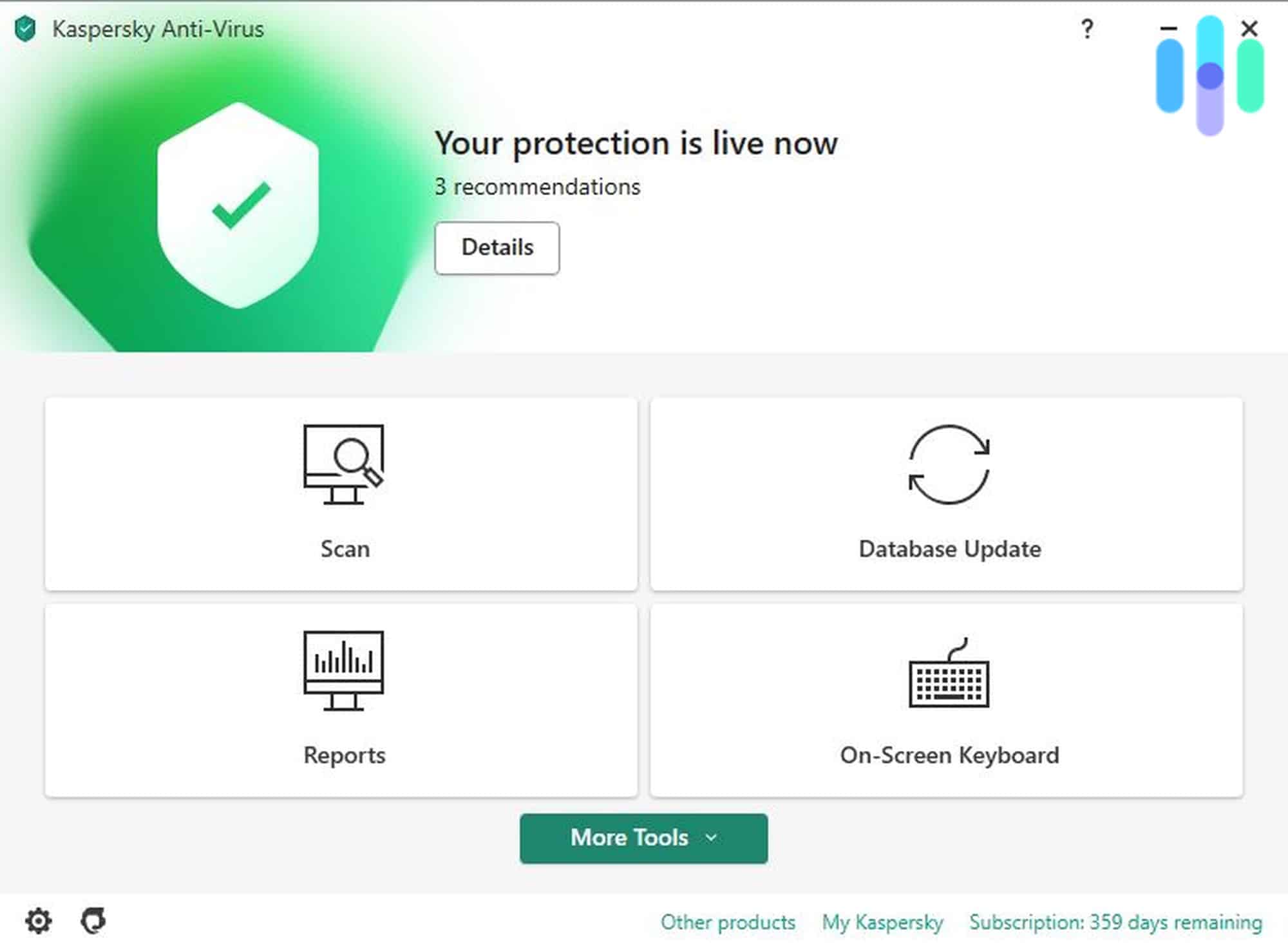
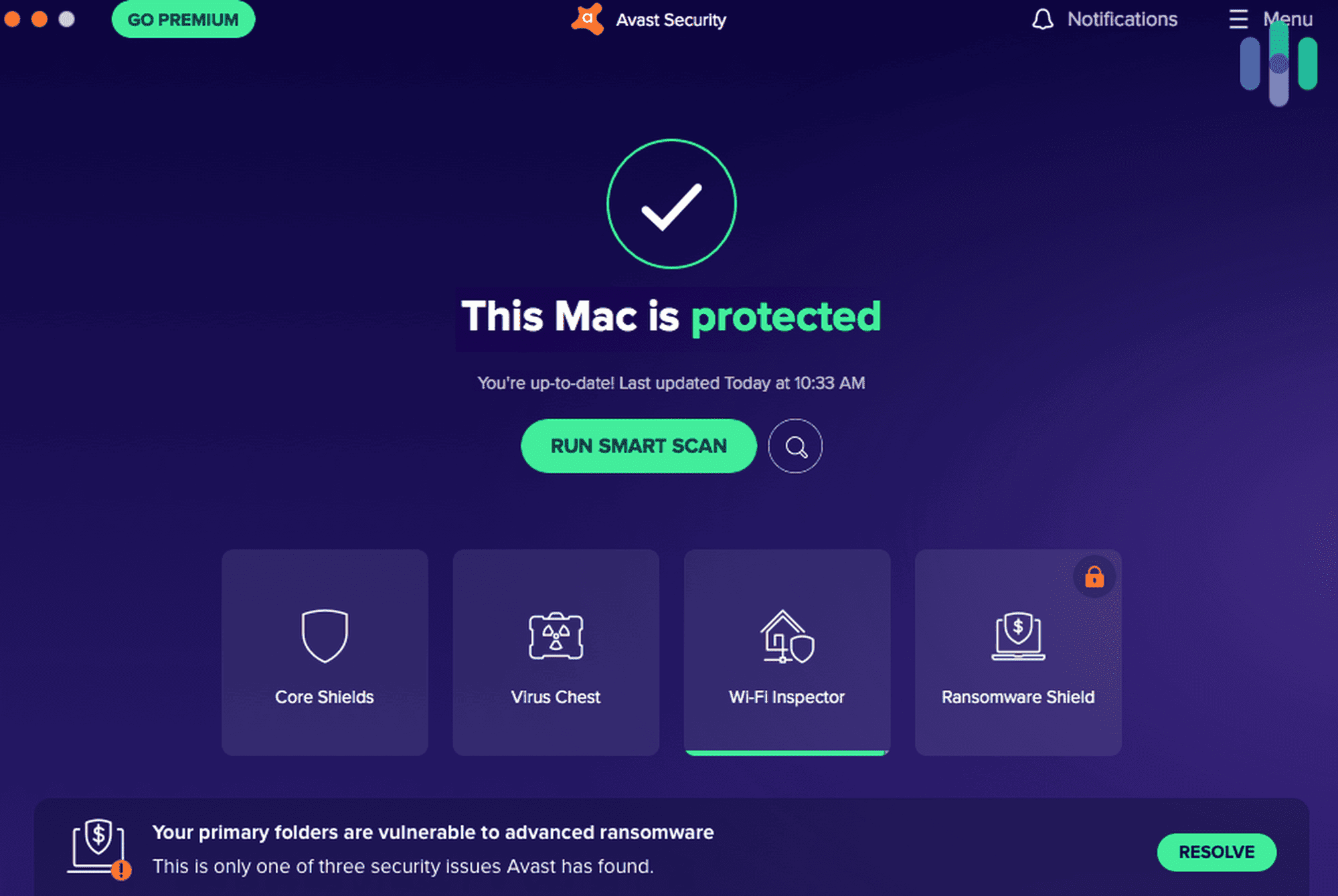
If you’re shopping for protection, our best antivirus software roundup covers the top options we’ve tested, and our antivirus pricing guide breaks down what you should expect to pay.
>> Read More: Do You Need Antivirus Software?
Malware Statistics
A few numbers put the scale of the problem in perspective:
- More than 450,000 new malware and unwanted programs are registered every single day.1
- Over 210,000 never-before-seen malware variants were detected in 2024 alone (an average of 637 new threats a day), and recorded a 124 percent year-over-year jump in IoT-targeted malware attacks.2
- Multiple reports found that ransomware was involved in 44 percent of breaches analyzed in 2025.3
None of these numbers are meant to be alarming for their own sake. They’re a reminder that malware is a constant, moving target rather than something you deal with once and forget about.
FYI: The good news is that 66 percent of US adults use antivirus protection on at least one device, according to our research. We also learned free antivirus adoption continues to become more common, with 61 percent of respondents using it over paid alternatives.
Bottom Line
Malware covers a lot of ground, from loud, obvious ransomware attacks to spyware that’s built to never be noticed at all. The type of malware you’re dealing with determines both how it got onto your device and what it’s actually doing once it’s there, which is why it’s worth knowing the difference rather than treating every infection the same way. Antivirus software with real-time protection remains the most reliable defense, but recognizing the warning signs and knowing how malware typically spreads goes a long way toward avoiding an infection in the first place.
FAQs
-
What is malware in simple terms?
Malware is any software created to damage a device, steal information, or give an attacker unauthorized access. It’s an umbrella term that includes viruses, worms, trojans, ransomware, spyware, and adware.
-
What are the main types of malware?
The most common types are viruses, worms, trojans, ransomware, spyware, adware, rootkits, botnet malware, and fileless malware. Each spreads differently and causes a different kind of problem once it’s active.
-
Is a virus the same thing as malware?
No. A virus is one specific type of malware. Malware is the broader category, and viruses, along with worms, trojans, ransomware, and others, all fall under it.
-
How do I know if I have malware on my device?
Common signs include a sudden slowdown, unexpected pop-ups, a browser homepage that changes on its own, unfamiliar apps you didn’t install, and faster-than-normal battery drain.
-
Can malware infect a phone the same way it infects a computer?
Yes. Phones can get infected through malicious apps, phishing links, and unofficial app stores, the same general categories that infect computers. Mobile malware often shows up as unexplained data usage or apps requesting unusual permissions.
-
Does antivirus software actually stop malware?
Antivirus software with real-time protection is one of the most effective tools against malware, since it can catch threats as they arrive rather than after they’ve already caused damage. No single tool catches everything, which is why safe browsing habits and regular updates still matter alongside it.