


the security.brief
Change your location on Hinge for free. Unlike Tinder and Bumble, Hinge doesn't rely on GPS, allowing manual updates to match anywhere without extra cost.
You’re swiping in Brooklyn right now, but next week, you’ll be in Austin, Texas. Why not find someone to take on a date before your flight? With Hinge, you can change your own location without paying for a month-to-month plan. That makes Hinge quite unique since both Tinder and Bumble require paid subscriptions to change your location. Best of all, it’s easy to do and it doesn’t need any third-party tools. So, let’s get started.
How To Change Location on Hinge
To change your location on Tinder and to change your location on Bumble both make you pay for a month-to-month subscription. Things are different with Hinge. Hinge doesn’t use the GPS or IP address from your device so it doesn’t know where you are. This means you can set and change your location as many times as you want.
Did You Know: Hinge locations don’t update on their own. For example, if you live in New York City but visit Boston, you’ll still see matches in NYC. You need to change your location manually to see who you match with in Boston.
There are two ways to change your location on Hinge. Here’s the first way:
How to Change Location on Hinge Manually
- Open Hinge and log in.
- Go to Settings.
- Select “Preferences.”
- Click “My Neighborhood.”
- Click the compass icon to set your location to where you are right now, or pinch and zoom on the map to select any location you want.
You can also change your profile settings.
On an iOS device:
- Go to Settings.
- Click the pencil symbol next to your name.
- Scroll down to where it says “Edit.”
- Tap on “Vitals.”
- Tap on the toggle next to “Location.”
- Enter the region of your choice.
- Click the less-than icon at the bottom.
- Click “Done.”
On an Android:
- Go to Settings.
- Click on the pencil icon.
- Scroll to “Edit.”
- Click “Vitals.”
- Under “Location,” enter your region.
- Tap the circle next to “Visible on Profile” if you want people to see your new location.
- Click the less-than icon to save.2
Do I Need a VPN To Change My Hinge Location?
Compared to apps like Tinder, which show you people who are near you, Hinge aims to help you find a relationship. So, it doesn’t use the location data from your phone. It lets you set your location so you can match with people where you live or in the place you plan to visit. In other words, using a VPN won’t change where Hinge thinks you are or let you match with new people.
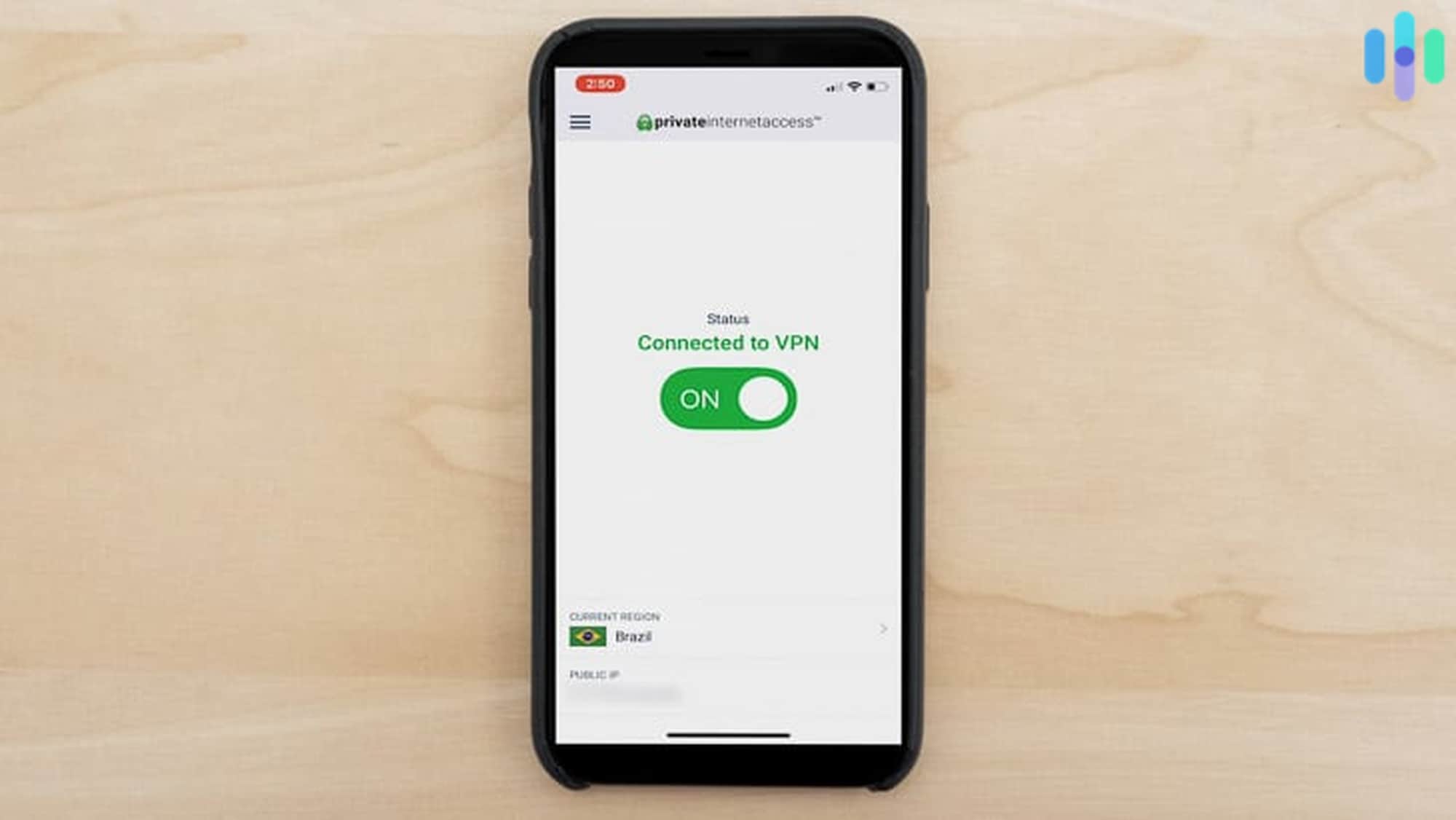
Of course, there are a lot more reasons to use a VPN that go way beyond changing where you can find people on a dating app. VPNs hide your IP address. This makes it harder to hack you. On top of hacking, there are a lot of things that someone can do with your IP address to be aware of. To go further, VPNs can change your IP address too. This lets you make it look like you’re in a different country. That can come in handy if you want to change your region on Netflix for a “Netflix and chill” date.
Finally, VPNs hide your web activity, so what you say on Hinge will stay private from your internet service provider, or ISP (although Hinge will still collect this data). Using a VPN is a great way to stay anonymous on the internet too.
To learn more about VPNs and their many uses, read our VPN usage report. And don’t forget to check out the best VPNs for Netflix while you’re at it. Your date will be impressed by you using a VPN to watch Netflix.
NordVPN encrypts your traffic and masks your IP, so Hinge — and the wider Match Group network — sees less of you.

Hinge Privacy Policy
We always want to find out what data tech companies have on you, and Hinge is one of those companies too.
When we reviewed Hinge’s privacy policy, we didn’t find anything unusual about the data it collects. Hinge stores everything you willingly share, like your photos, videos, messages to matches, and profile information. If you sign up through Facebook, Hinge also gets access to your Facebook profile data. Beyond the obvious stuff, Hinge tracks your in-app behavior. They know what profiles you like, which prompts you respond to, and how you interact with potential matches.
The most interesting thing we found is that Hinge can track your physical location through Wi-Fi, Bluetooth, or GPS, but only if you give permission. Unlike Tinder or Bumble, which require location access to function, Hinge lets you opt out completely and still use the app normally.
Keep in mind that Hinge is part of the brand called Match Group, though. As part of Match Group, all of the data shared with Hinge also gets shared with their other apps. This includes:
- BlackPeopleMeet
- LoveScout24
- Match
- Meetic
- OkCupid
- OurTime
- Pairs
- ParPerfeito
- Plenty of Fish
- Tinder
- Twoo
This means when you join Hinge, you’re sharing your data with a company that controls a large portion of the online dating market.1 That’s a lot of personal information in one corporate basket.
Hinge also collects this and more data about the device you use the app on:
- IP address
- Device ID and type
- Advertising IDs
- Browser type, version, and language
- Operating system
- Time zones
- Device identifiers from cookies
- Network connection data, including the provider and signal strength
Now, this is where VPNs can come in handy. But, what does a VPN do and how does it work? A VPN hides all of this data for you. Put simply, a VPN runs your internet connection through a server in a different location so that Hinge, or any website you use, doesn’t know where you are. They also encrypt your data to hide it before it leaves your PC. That means, if it were stolen before being sent to the VPN server, your data would still be safe.
But, not all VPNs are made the same. Some offer more than one point for you to reroute your data. This hides your device even more. Others give you stronger encryption algorithms to make it harder for a bad actor to steal and use your data.
When a VPN encrypts your web traffic in a tunnel and replaces your IP address with that of the server you connect to, Hinge won’t be able to collect your real IP address. So, if you want to keep your IP private, you need to connect to a VPN before you open Hinge.
Hinge Privacy Policy
We always want to find out what data tech companies have on you, and Hinge is one of those companies too.
When we reviewed Hinge’s privacy policy, we didn’t find anything unusual about the data it collects. Hinge stores everything you willingly share, like your photos, videos, messages to matches, and profile information. If you sign up through Facebook, Hinge also gets access to your Facebook profile data. Beyond the obvious stuff, Hinge tracks your in-app behavior. They know what profiles you like, which prompts you respond to, and how you interact with potential matches.
The most interesting thing we found is that Hinge can track your physical location through Wi-Fi, Bluetooth, or GPS, but only if you give permission. Unlike Tinder or Bumble, which require location access to function, Hinge lets you opt out completely and still use the app normally.
Keep in mind that Hinge is part of the brand called Match Group, though. As part of Match Group, all of the data shared with Hinge also gets shared with their other apps. This includes:
- BlackPeopleMeet
- LoveScout24
- Match
- Meetic
- OkCupid
- OurTime
- Pairs
- ParPerfeito
- Plenty of Fish
- Tinder
- Twoo
This means when you join Hinge, you’re sharing your data with a company that controls a large portion of the online dating market.1 That’s a lot of personal information in one corporate basket.
Hinge also collects this and more data about the device you use the app on:
- IP address
- Device ID and type
- Advertising IDs
- Browser type, version, and language
- Operating system
- Time zones
- Device identifiers from cookies
- Network connection data, including the provider and signal strength
Now, this is where VPNs can come in handy. But, what does a VPN do and how does it work? A VPN hides all of this data for you. Put simply, a VPN runs your internet connection through a server in a different location so that Hinge, or any website you use, doesn’t know where you are. They also encrypt your data to hide it before it leaves your PC. That means, if it were stolen before being sent to the VPN server, your data would still be safe.
But, not all VPNs are made the same. Some offer more than one point for you to reroute your data. This hides your device even more. Others give you stronger encryption algorithms to make it harder for a bad actor to steal and use your data.
When a VPN encrypts your web traffic in a tunnel and replaces your IP address with that of the server you connect to, Hinge won’t be able to collect your real IP address. So, if you want to keep your IP private, you need to connect to a VPN before you open Hinge.
Hinge Dealbreakers vs. Preferences
Hinge is a pretty easy-to-use app, but there are a few key features we want to shed some light on.
Dealbreakers
We all have non-negotiables when it comes to dating. It might be age range, distance, or lifestyle choices. Hinge gets this. When you set something as a Dealbreaker, you’re telling the app “don’t show me anyone who doesn’t meet this criteria.” It’s like having a good friend who knows exactly what you’re looking for and won’t waste your time with bad matches.
Preferences
Hinge also uses Preferences to gently steer your matches. The algorithm prioritizes profiles that match your preferences without completely filtering out those who don’t. It’s the difference between “I’d prefer someone who likes dogs” versus “I absolutely need someone who likes dogs.”
- Go to Settings.
- Click on a preference you want to edit.
- If it’s a strict preference, turn on Dealbreaker.
- Click the back button.
FYI: Keep in mind that only you can see your preferences on Hinge.
Frequently Asked Questions
Still left with some questions? We’ve answered the most common questions we get about how to change your location on Hinge below.
-
Do you have to change your location manually on Hinge?
Yes, you have to change your location through your settings on Hinge. Even if you let Hinge collect your location data from GPS, Bluetooth, or Wi-Fi, Hinge doesn’t base your profile’s location off of this data. It uses the data you put in your settings.
-
Is Hinge based on location?
Hinge is based on location, but it’s where you tell Hinge, not the location data from your device. For example, if you travel to a new city, you’ll still see matches from where you lived. To change your location on Hinge, you’ll have to change your settings.
-
Why does Hinge match me with people who are far away?
Hinge might show you distant matches for two reasons. First, since Hinge uses your manually-set location rather than GPS tracking, your location won’t update automatically when you travel. Second, you might have set too large a maximum distance in your preferences. We suggest checking your settings and adjusting your maximum distance range. Try between 10 and 25 miles. Anything over 50 miles only makes sense if you’re in a rural area or open to long-distance connections.
-
Can you hide your location on Hinge?
Yes, you can hide your location on Hinge by following these steps:
- Go to your settings.
- Click the pencil icon.
- Scroll to “Edit.”
- Click on “Vitals.”
- Next to “Location,” turn the toggle to “off” on iOS phones. On Android phones, tap the circle to hide your location on your profile.
- Tap the < symbol.
- Click “Done” on iOS.