




the security.brief
A botnet is a network of hijacked devices that criminals control remotely. Learn how botnets spread, what they do, and how to protect your devices.
A botnet (short for ‘bot network’) is a network of internet-connected devices that a criminal has infected with malware and can control remotely, usually without the owner noticing. Each infected device is called a bot. Together, bots can send spam, steal logins, mine cryptocurrency, or flood a website with so much traffic that it goes offline. Any connected device can be recruited, including computers, phones, routers, smart TVs, and security cameras.
In our view, most owners never realize their device has been enlisted, because a bot is built to stay quiet and leave the device working normally. This guide explains how botnets work, how they spread, and what we recommend to keep your devices out of one.
Pro Tip: Our main antivirus hub covers the basics of online threats, and our list of the best antivirus software shows the tools we trust to block infections.
How a Botnet Works
Every botnet has two parts. The bots do the work, and an operator, often called a bot herder, gives the orders. The operator usually reaches the bots through a command-and-control server, which is a computer that sends instructions and collects results. Some newer botnets skip the central server and let bots pass instructions to each other, which makes them even harder to shut down.
A botnet’s life follows a predictable pattern.
- Infection. Malware lands on a device through a bad download, a phishing link, or a weak password.
- Connection. The bot quietly contacts the operator and waits for instructions.
- Growth. Many bots scan the internet for more vulnerable devices and spread the infection further.
- Attack. The operator triggers thousands of bots at once to carry out a single job.
The growth stage works much like a computer worm, so one unpatched device can recruit dozens more. Botnet code also often arrives as a trojan, a program disguised as something harmless. Opening the wrong file can be all it takes.
How Devices Get Infected
Attackers rely on a small set of tricks, and most succeed because people or manufacturers skip basic security steps.
- Phishing. Emails, texts, and messages trick you into clicking a link or opening an attachment.
- Default passwords. Routers and cameras that still use the factory login are easy targets.
- Unpatched software. Old firmware and outdated apps contain known flaws that attackers scan for.
- Malicious downloads. Pirated software, fake apps, and cracked games often carry hidden malware.
- Cheap connected gadgets. Off-brand streaming boxes and low-cost smart devices frequently ship with weak security and rarely receive updates.
These infections seldom travel alone. A compromised device often picks up spyware or adware alongside the bot, so cleanup usually involves more than one problem. The hackers behind these campaigns only need a small share of targets to fall for the trick, because the payoff grows with every device added.
What Botnets Are Used For
Operators either use their networks directly or rent them to other criminals. The most common uses include the following.
- DDoS attacks. A distributed denial-of-service attack floods a website or server with junk traffic until real visitors cannot get through.
- Spam and phishing. Bots send huge volumes of email and text messages from real home connections, which helps them slip past filters.
- Credential stuffing. Bots try stolen username and password pairs across many sites to break into accounts.
- Cryptocurrency mining. Bots borrow a victim’s processing power to mine coins for the operator.
- Proxy services. Operators route other criminals’ traffic through infected devices to hide where it came from.
- Malware delivery. Botnets can install additional threats, including ransomware, on the devices they control.
Many operators sell access by the hour, which is why a single botnet can serve several criminals at once. If a botnet drops ransomware on your machine, our list of the best ransomware protection can help you choose defenses.
Pro Tip: Signs of ransomware can include slower performance and blocked emails. If you start noticing changes to your device, we recommend running a thorough scan to avoid any risk of stolen accounts.
Famous Botnets
There have been several popular (and destructive) botnets in cybersecurity history,
Mirai first appeared in 2016 and hijacked cameras, video recorders, and routers. In our assessment, it remains the clearest example of why default passwords are dangerous. The original version tried a list of 64 common username and password pairs, and its source code was later released publicly, which let other criminals build variants that still circulate.1
Another one is the Aisuru-Kimwolf botnet, with its largest publicly disclosed attack coming in December 2025. The Aisuru-Kimwolf botnet hit Cloudflare with a 31.4 terabit per second flood that lasted just 35 seconds. Researchers estimate the botnet controls one to four million devices, mostly Android-based smart TVs.2
Attacks of this size are becoming routine. Cloudflare reported that it blocked 23.2 million network-layer DDoS attacks in the first half of 2026, and attacks above one terabit per second rose 519 percent from the first quarter to the second.3
Do Attackers Use AI in Botnets?
Yes, but in a supporting role. Reports claim that attackers use AI to write attack scripts, find weak spots in defenses, pick the most disruptive timing, and imitate real user behavior.4 The reporting we reviewed points to AI speeding up operators’ work. Infection still runs on phishing, weak passwords, and unpatched software. In our view, AI raises the stakes for basic security habits without replacing them.
Signs Your Device May Be Part of a Botnet
Bots are designed to hide, but they still leave clues. We’d point you toward these warning signs.
- Slow performance. Apps lag, fans run loudly, or the battery drains fast for no clear reason.
- Unusual network activity. Your router’s lights blink constantly while nothing is in use.
- Unfamiliar programs. Apps or processes you never installed appear on the device.
- Blocked email or websites. Your email provider flags your messages as spam, or your internet address lands on a blacklist.
- Repeated security alerts. Your antivirus keeps reporting the same threat.
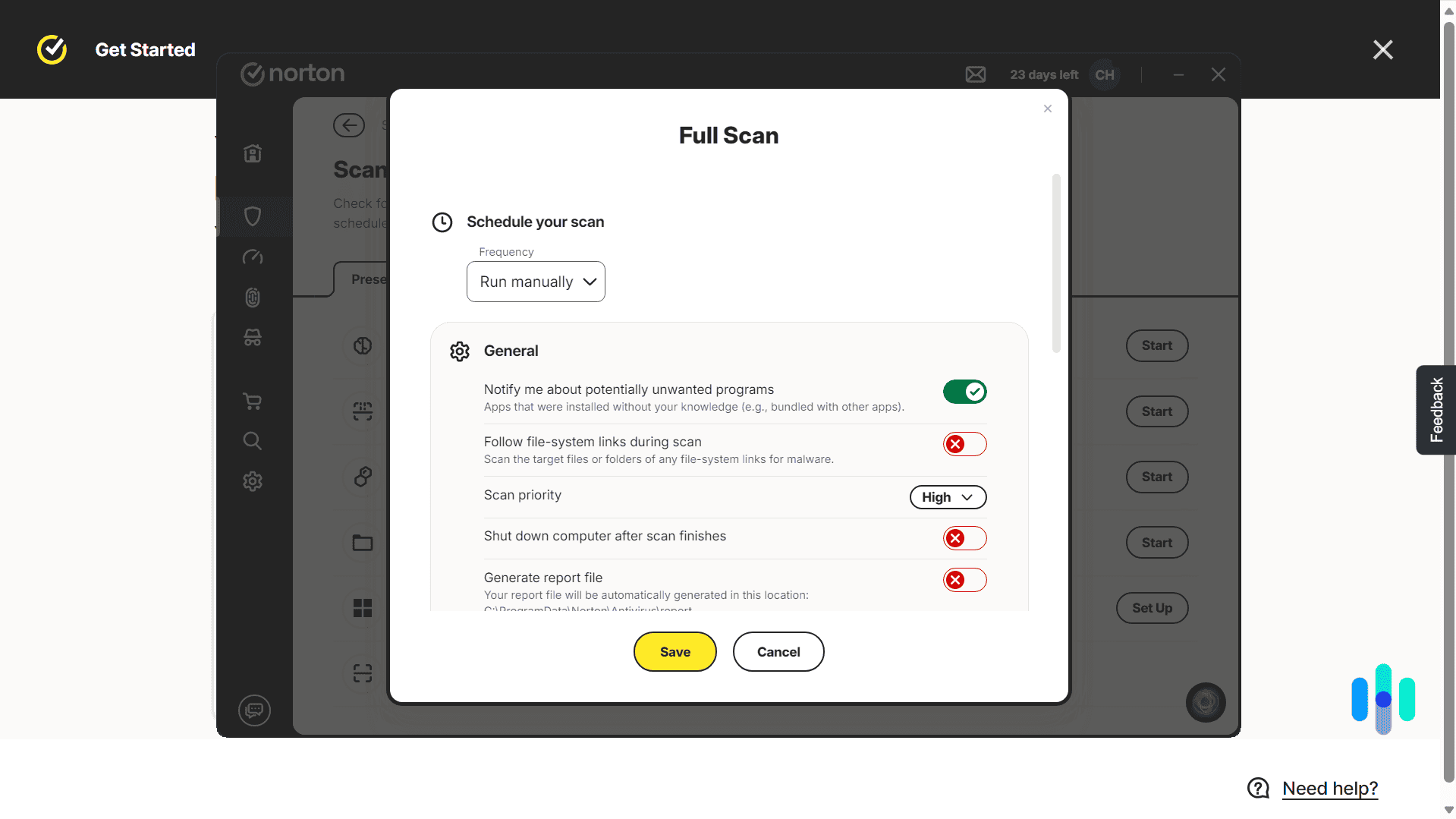
No single sign proves an infection, but two or more together justify a closer look. Start with a full system scan, and read our overview of antivirus scans if you need help choosing the right type. If a scan finds something, our guides to removing a virus from a PC and removing a virus from an Android phone walk through the cleanup. Phone owners who suspect something worse can review the signs of a hacked phone or an iPhone hack.
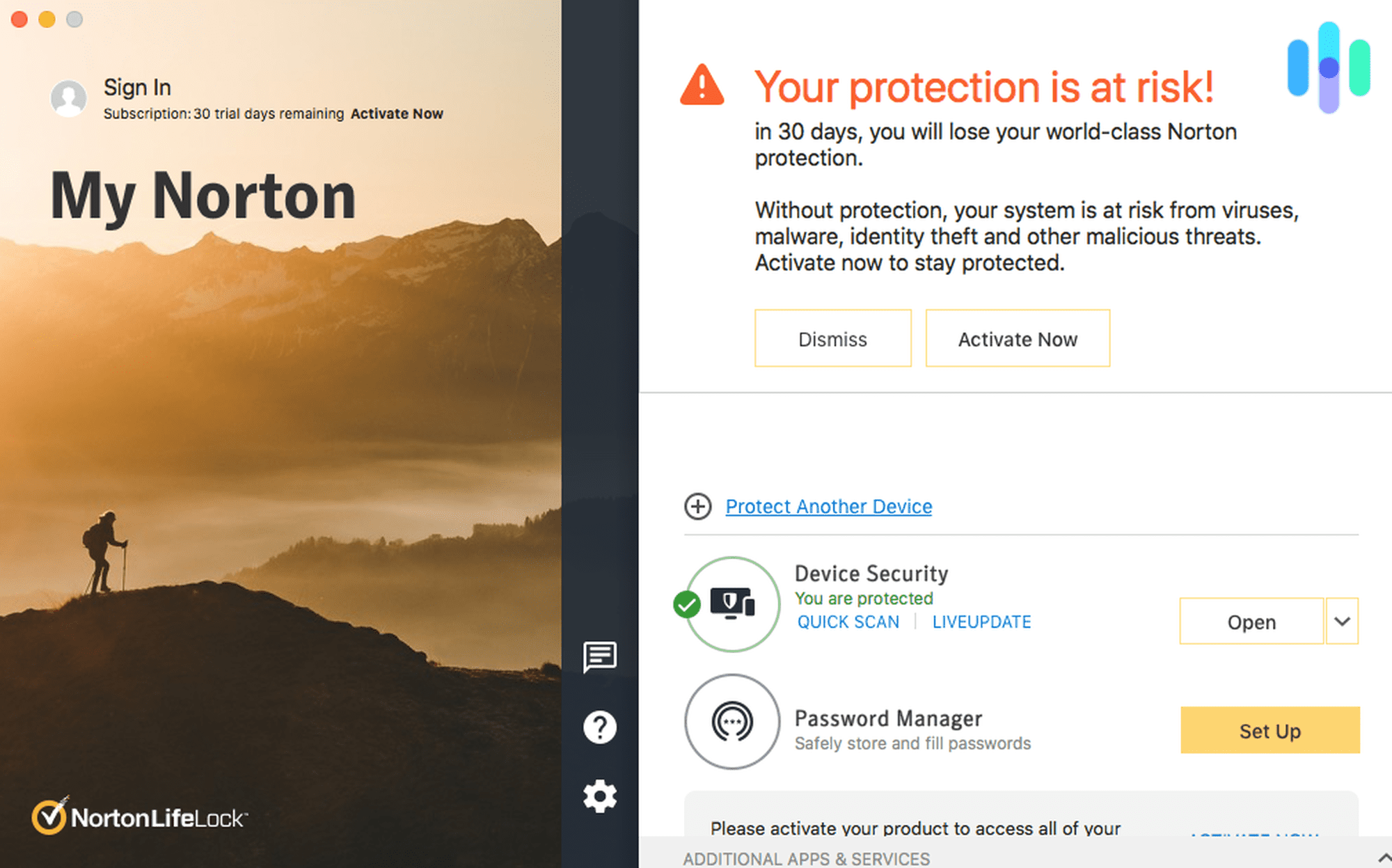
Have Norton Antivirus run a full scan of your system today and eliminate threats in an instant.

How to Protect Yourself From Botnets
Most botnet defense comes down to a handful of habits. We recommend starting with these.
- Change default logins. Replace the factory username and password on every router, camera, and smart device.
- Update everything. Turn on automatic updates for operating systems, apps, and device firmware.
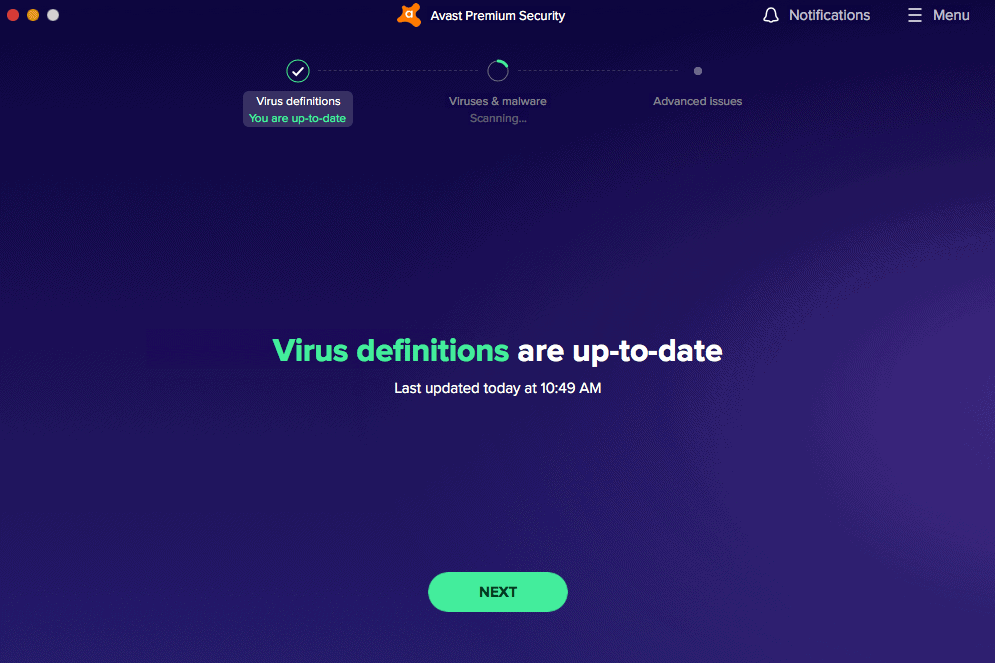
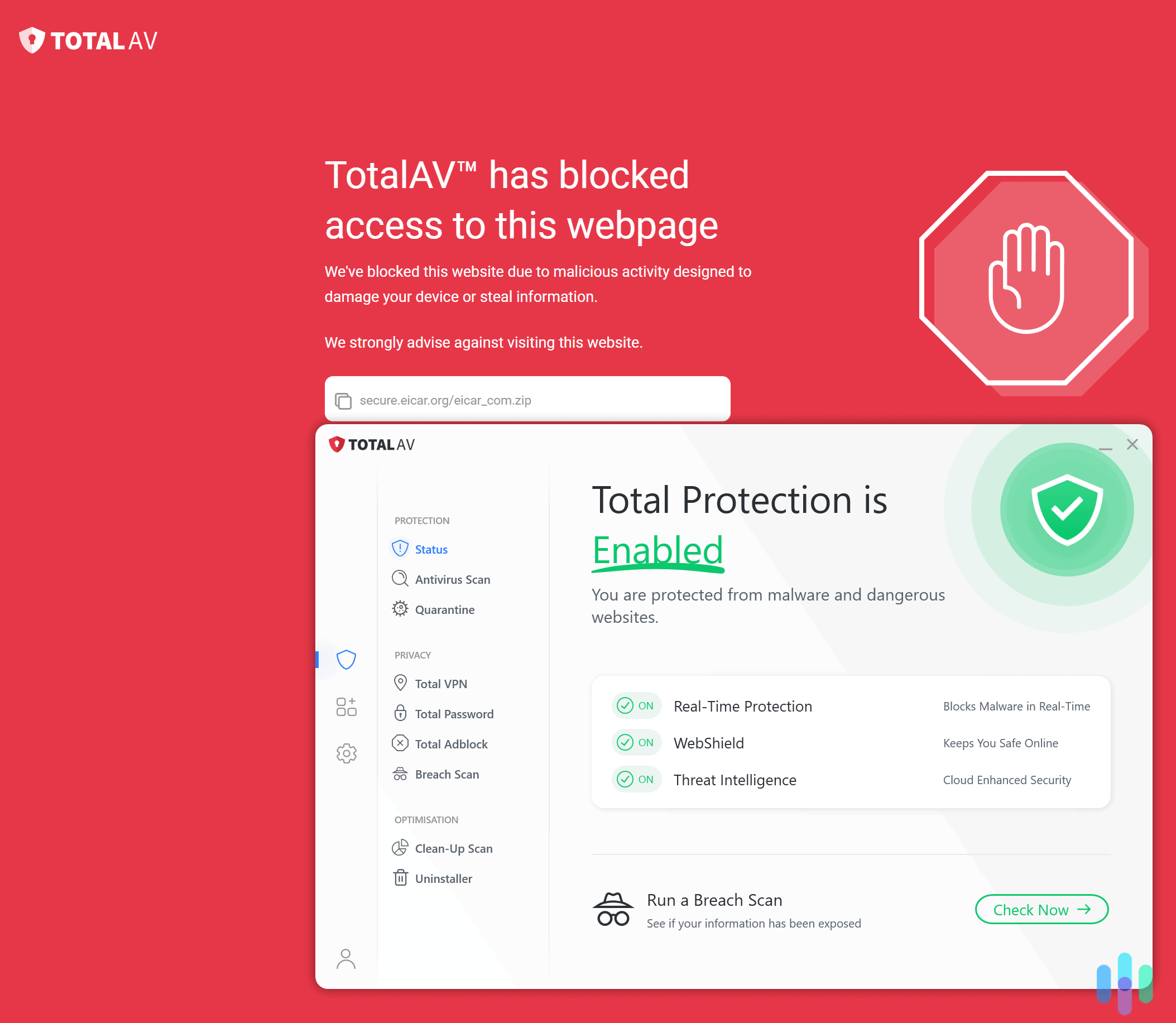
- Use antivirus software. Real-time protection blocks malicious downloads and catches bots that are already running.
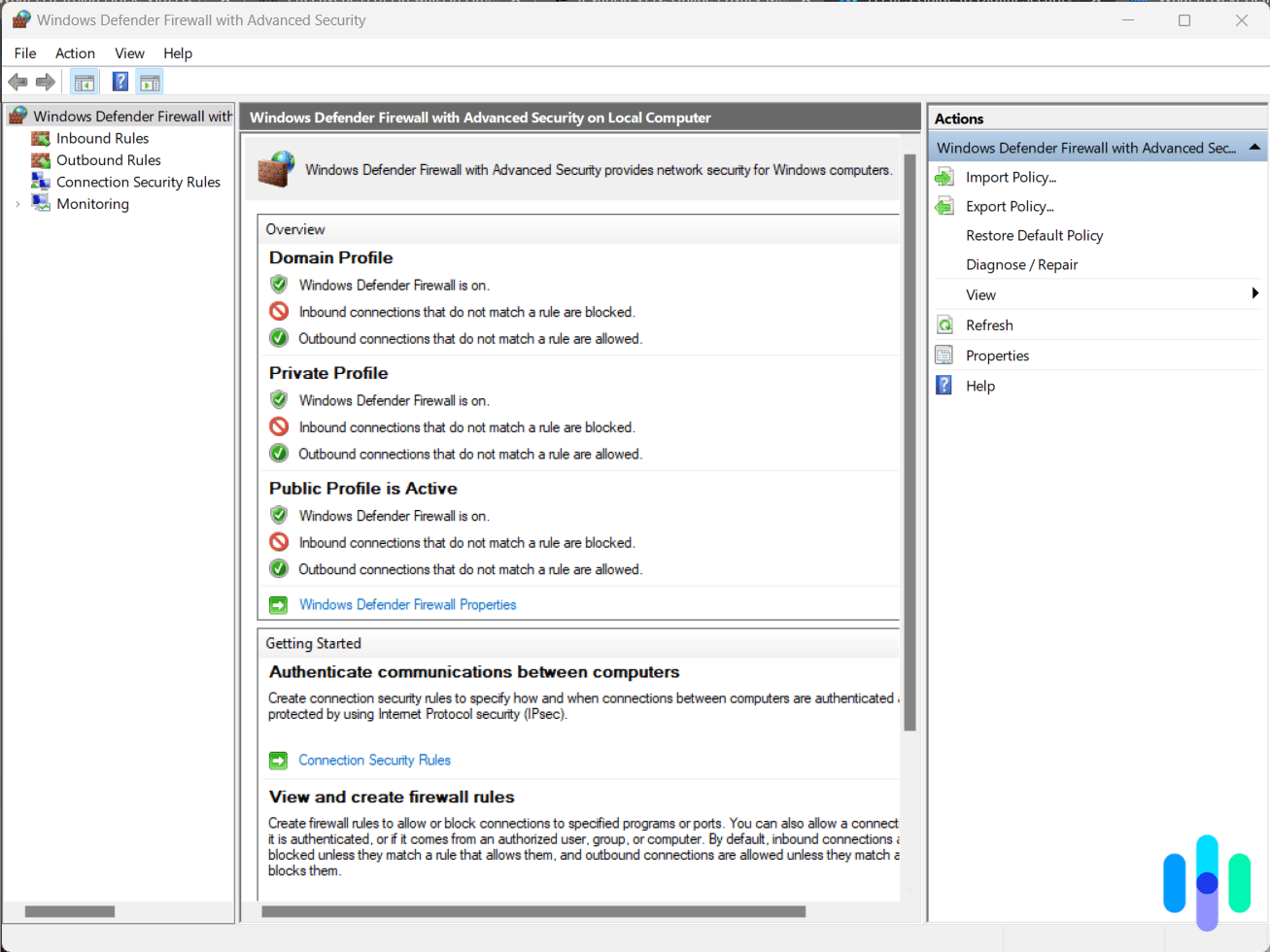
- Turn on a firewall. A firewall blocks unexpected traffic moving in and out of your network.
- Think before you click. Treat unexpected links and attachments as suspect, even from people you know.
- Retire old devices. Gadgets that no longer receive updates are easy targets, so replace them.
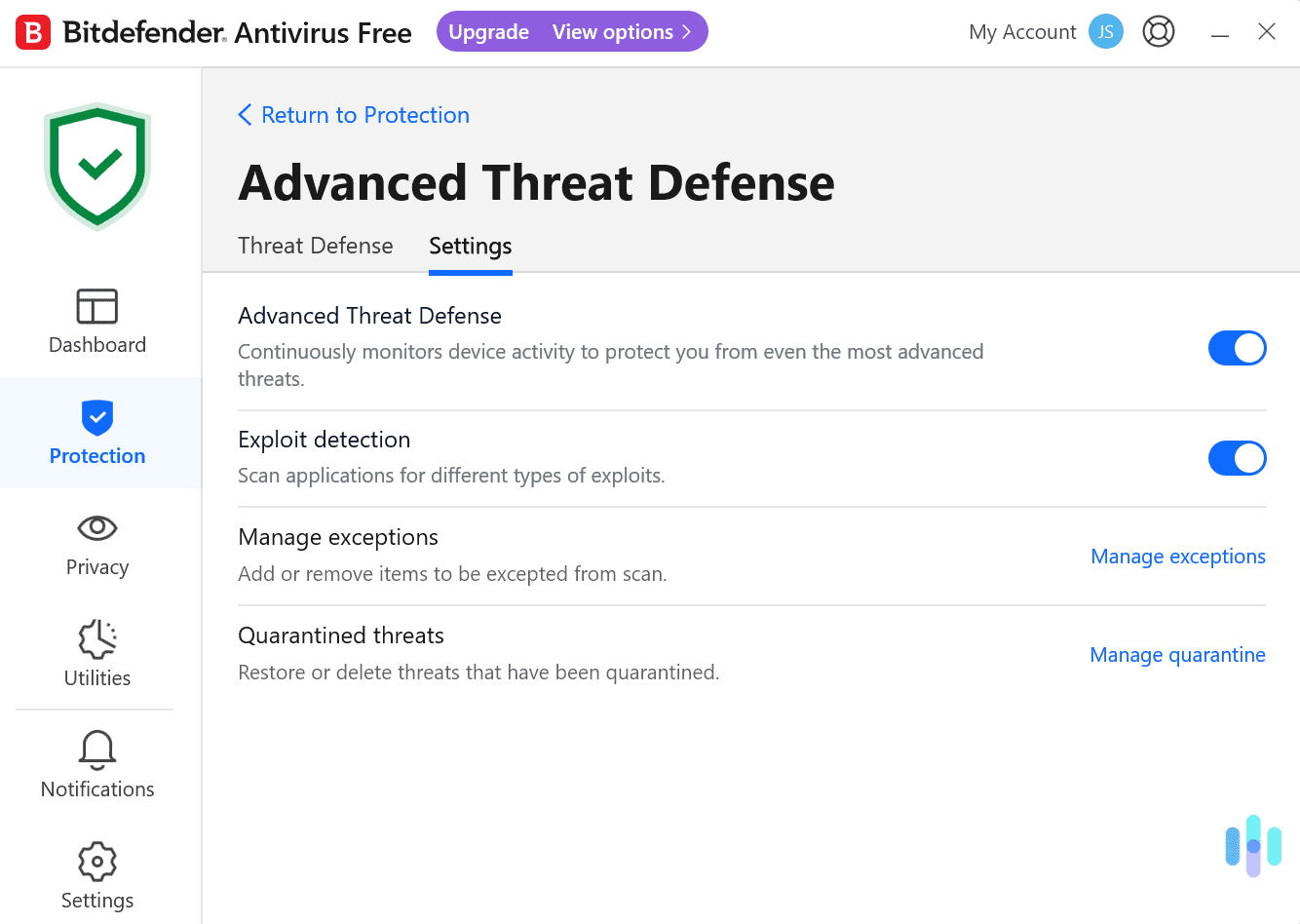
Antivirus does the heavy lifting here, and our explanation of how antivirus works shows why real-time protection catches bots that a one-time scan can miss. If you are unsure you need it, our guide on whether you need antivirus lays out the reasoning.
FYI: When you are ready to choose, we compared options in our roundups of the best firewall software, the best antivirus for multiple devices, and the best antivirus for Android. You can also check a suspicious address with our link checker before you click, and our how-to guides cover setup steps.
Bottom Line
A botnet is a crowd of hijacked devices working for someone else. In our assessment, the real danger comes from how easy recruitment is, since one weak password can hand over a router or camera. Changing default logins, installing updates, and running reputable antivirus stops most infections before they start.
FAQs
-
What is a botnet in simple terms?
It is a group of hijacked devices that take orders from one attacker, who uses them to launch attacks, send spam, or steal data.
-
Can a botnet infect my phone?
Yes. Phones can be recruited, and Android devices are a frequent target, as the Aisuru-Kimwolf botnet shows.
-
Are botnets illegal?
Operating a botnet and renting it out for attacks is illegal in most countries. Owning an infected device is not a crime, though the owner still needs to clean it.
-
Can antivirus remove a botnet infection?
In most cases, yes. A full scan from a reputable antivirus program removes most bot malware, and a factory reset clears stubborn infections.