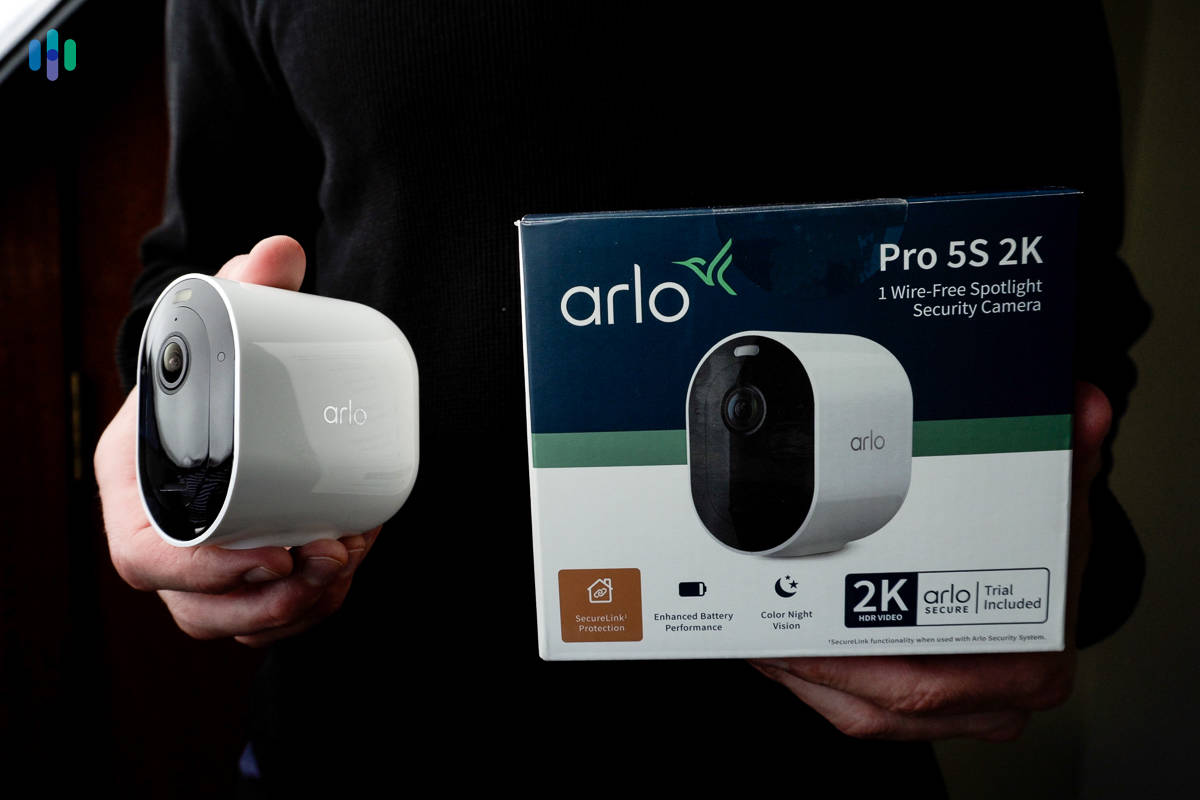
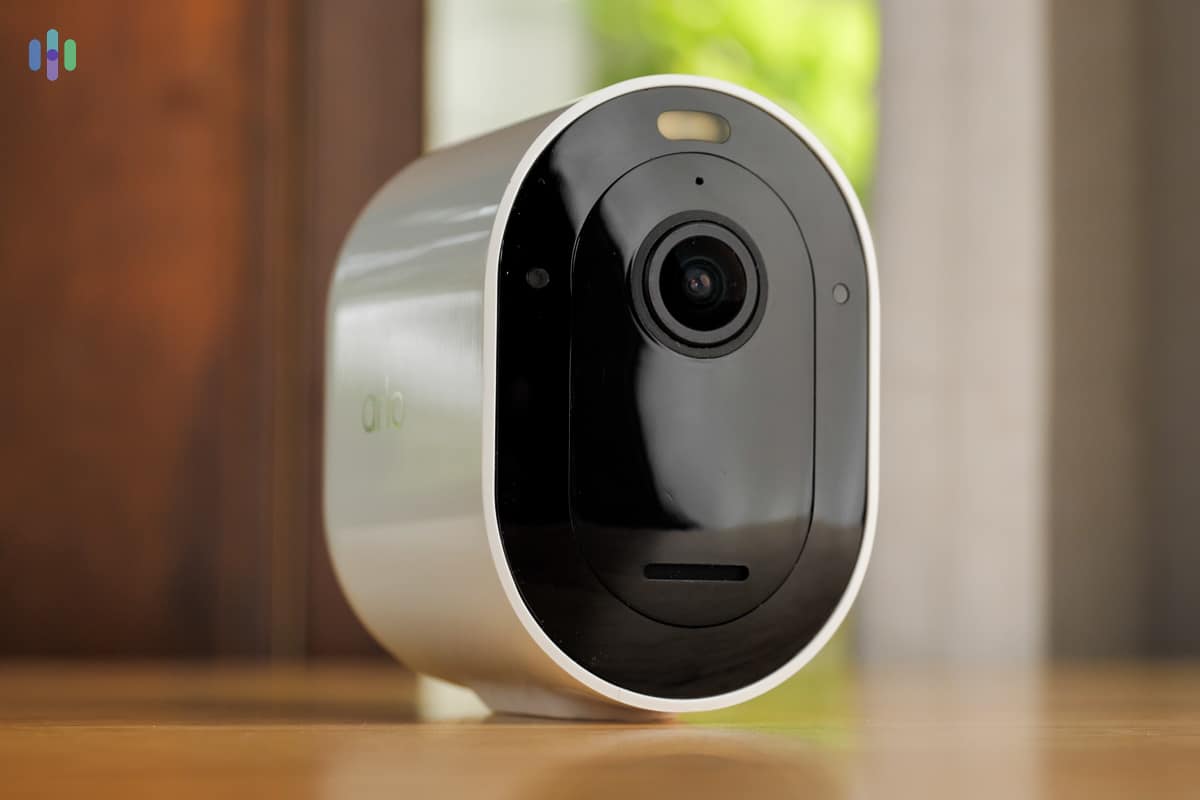
Shop Walmart’s Arlo camera selection for the best deals on indoor and outdoor cameras.

Arlo Security Camera Cost and Pricing
Arlo has quite a few high-quality security camera offerings to choose from, fitting just about any security need and budget.
- High-quality wireless security cameras
- AI-driven features to improve safety and accuracy
- Smart home integrations with third-party systems
View on Walmart
Links to Walmart.com
All of our content is written by humans, not robots.
Learn More
By

&

Last Updated Feb 23, 2026
the security.brief
Arlo cameras offer high-def video, smart AI, and easy installation but are pricey. SimpliSafe gives better value with a free camera offer and more system choices.
View on Walmart
Links to Walmart.com
Editor’s Note: Arlo offers a wide range of cameras, but SimpliSafe has a greater selection of security systems, which provide better home protection. They are even throwing in a free security camera with every new purchase right now. Take a look at our full SimpliSafe Review.
Alro has been in the home security space for a while, carving out a niche for itself by manufacturing high-quality, feature-rich security cameras and doorbells. They’ve recently expanded their offerings into wireless home security systems, but their focus still appears to be helping customers keep an eye on things — indoor and out.
But are these cameras worth the price?
In this article, we’ll dive into Arlo camera pricing: each of its devices, how the WiFi-connected devices function with Arlo’s monitoring plans, and if Arlo can deliver a truly cordless home security solution.
Arlo Cams at Rock-bottom Prices

See Pricing
Links to Walmart
Favorite Things
Before you see the pricing, we want to tell you why we think Arlo’s pricing is worth it.
- Wireless devices: As mentioned before, Arlo prides itself on its cordless devices. This not only freed us from the hassle of power cables, but it also allowed us to place our devices anywhere we liked, without worrying about proximity to an outlet. For those of us worried about replacing batteries, however, you can plug many of Arlo’s cameras in, as well.
- High quality video: Not only can Arlo’s line of cameras capture video in high-def resolution, from 1080p HD to 4K, but many of them also pack in advanced features such as color night vision and panoramic fields of vision. Some of the cameras, such as the Arlo Ultra, even featured a motion-activated integrated spotlight!
- Simple installation: Each of Arlo’s systems boasts a simple DIY installation. We synced devices easily through the use of Arlo’s smartphone app. What’s more, with screw and magnetic mounting options available for our cameras, placing our devices was also a snap.
- Smart A.I.: In addition to stellar video quality, Arlo’s cameras adjust to movement, zooming in on subjects of interest. They even feature advanced object detection, helping our system differentiate between passing traffic, people, and packages.
Equipment Pricing
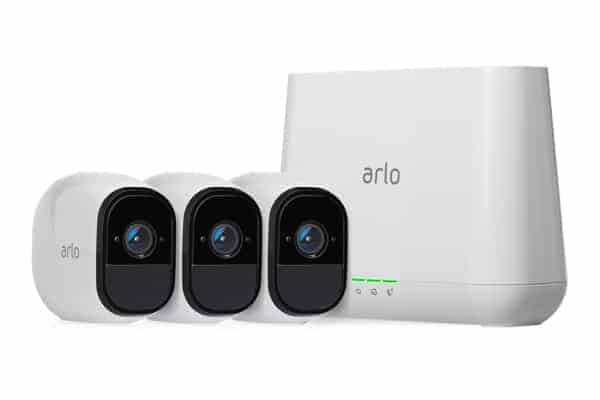
Unlike other DIY security systems that offer different types of starter kits, Arlo centers everything around it’s line of cameras. You can purchase the Arlo, Arlo Pro, Arlo Pro 2, Arlo Pro 3, and Arlo Ultra alone, as an add-on, or as part of an Arlo camera system that also includes a base station and installation materials. For those of us just getting up and running with an Arlo system, we recommend purchasing one of these kits of either one, two, or three cameras, depending on the size of your home.
Editor’s Note: Some of the cameras mentioned above are no longer available on Arlo’s website, but you can still find them through third-party retailers.
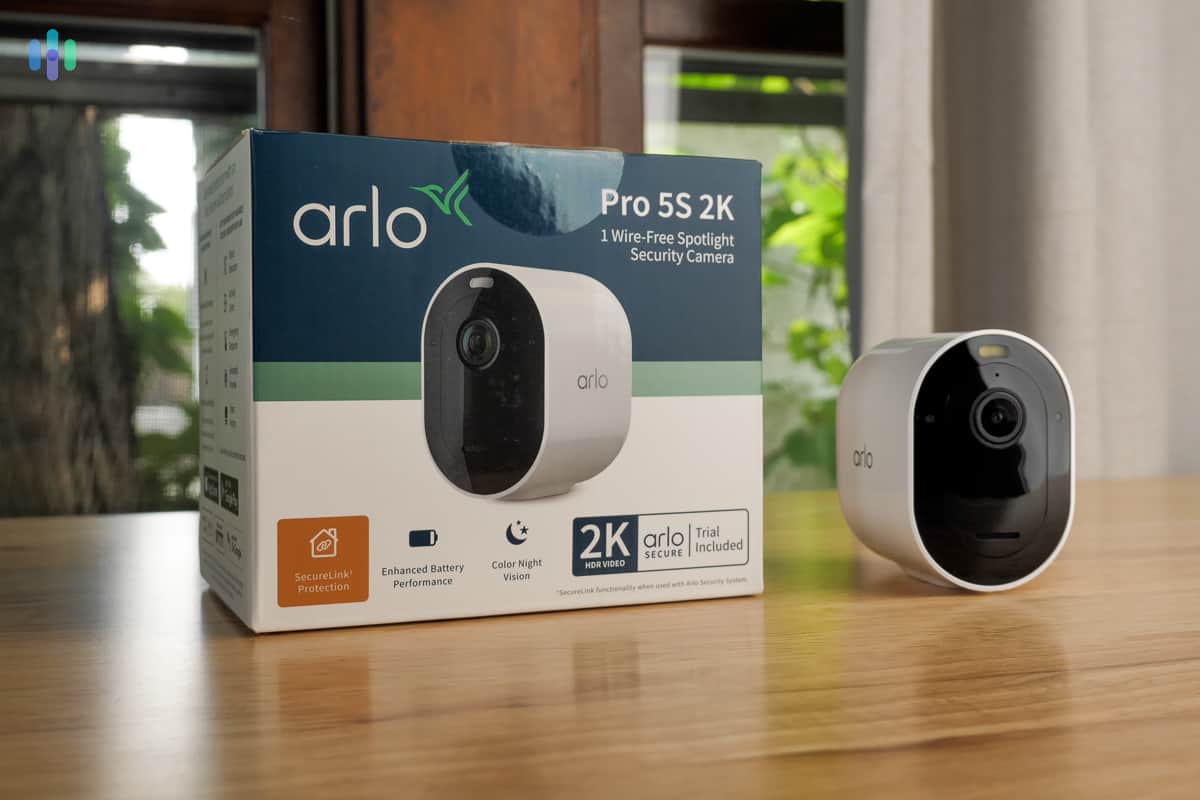
For example, the Arlo Ultra (3rd Gen) $199.99 as an add-on if you already own a SmartHub ($99.99). If you purchase a bundle of three, like we did, you only pay $499.99 and that includes the SmartHub. That’s $199.97 in savings. That said, the Ultra is the only Arlo camera that requires the SmartHub. That keeps their other models budget-friendly with the Essentials lineup starting at just $39.99. Despite the low cost, they still offer advanced features like 2K resolution and AI-powered alerts.
Here’s a breakdown of their current camera lineup, some important stats, and the all-important price. And remember, you can bring down the cost of your cameras by bundling with Arlo. But, they no longer offer premade bundles, so you’ll need to make a customized bundle for yourself to take advantage.
Arlo Camera Breakdown
| Camera | Resolution | Field of View | Price |
|---|---|---|---|
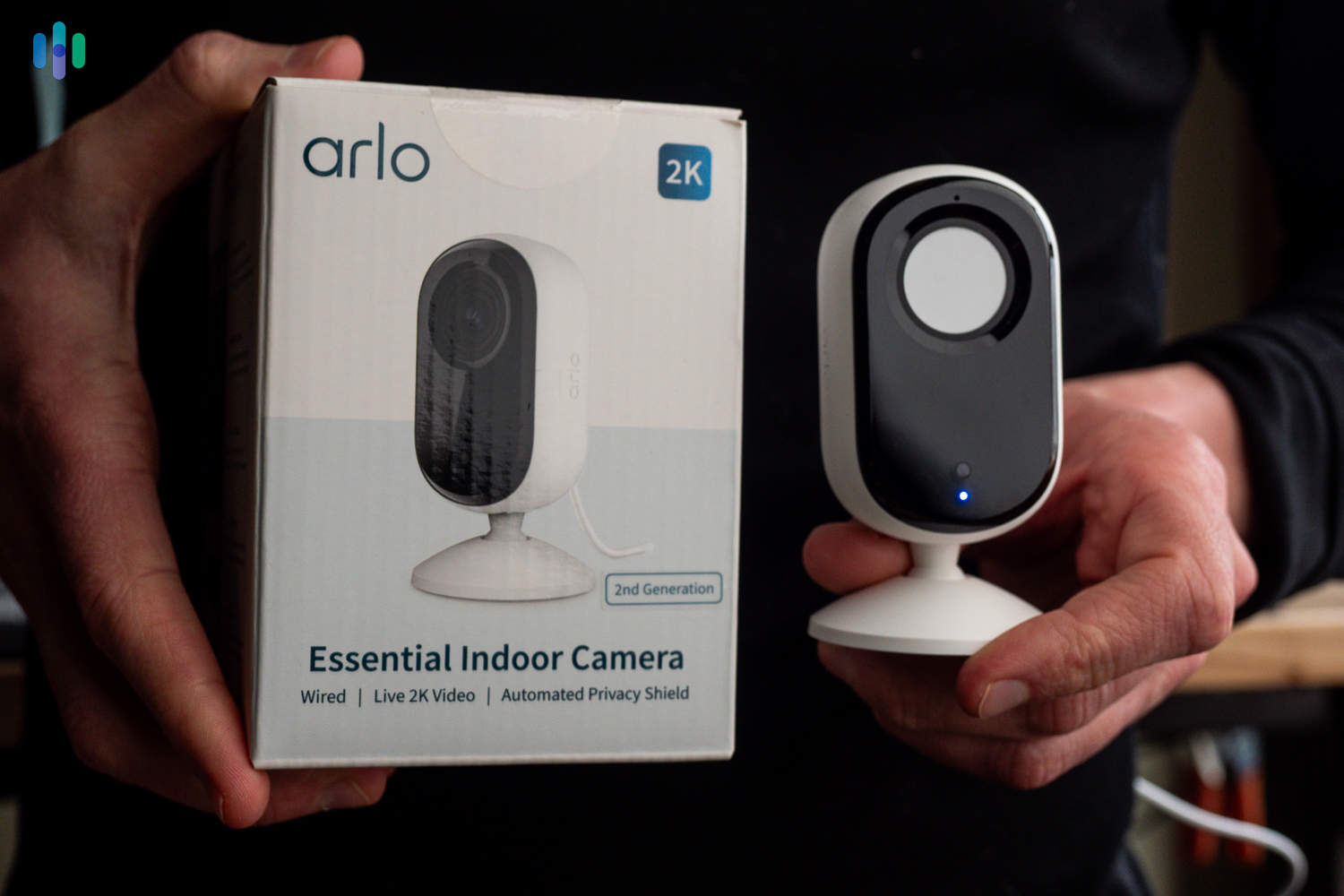
| Essential Indoor (3rd Gen) 2K | 2K | 130 Degrees | $39.99 |
| Essential Outdoor (Plug-in) 2K | 2K | 130 Degrees | $49.99 |
| Essential Outdoor (Battery) 2K | 2K | 130 Degrees | $69.99 |
| Essential XL 2K | 2K | 130 Degrees | $79.99 |
| Essential Pan Tilt Indoor 2K | 2K | 360° Pan / 180° Tilt | $49.99 |
| Essential Pan Tilt Outdoor 2K | 2K | 360° Pan / 180° Tilt | $59.99 |
| Pro Security Camera (6th Gen) 2K HDR | 2K HDR | 160 Degrees | $124.99 |
| Pro XL Security Camera (6th Gen) 2K HDR | 2K HDR | 160 Degrees | $199.99 |
| Ultra Security Camera (3rd Gen) 4K HDR | 4K HDR | 180 Degrees | $199.99 |
| Go 2 (LTE/Wi-Fi) | 1080p+ | 130 Degrees | $199.99 |
| Wired Floodlight Camera 2K HDR | 2K HDR | 160 Degrees | $149.99 |
| Wireless Floodlight Camera 2K HDR | 2K HDR | 160 Degrees | $249.99 |
In addition to cameras, Arlo also offers doorbells, security lights, and a wide range of accessories.
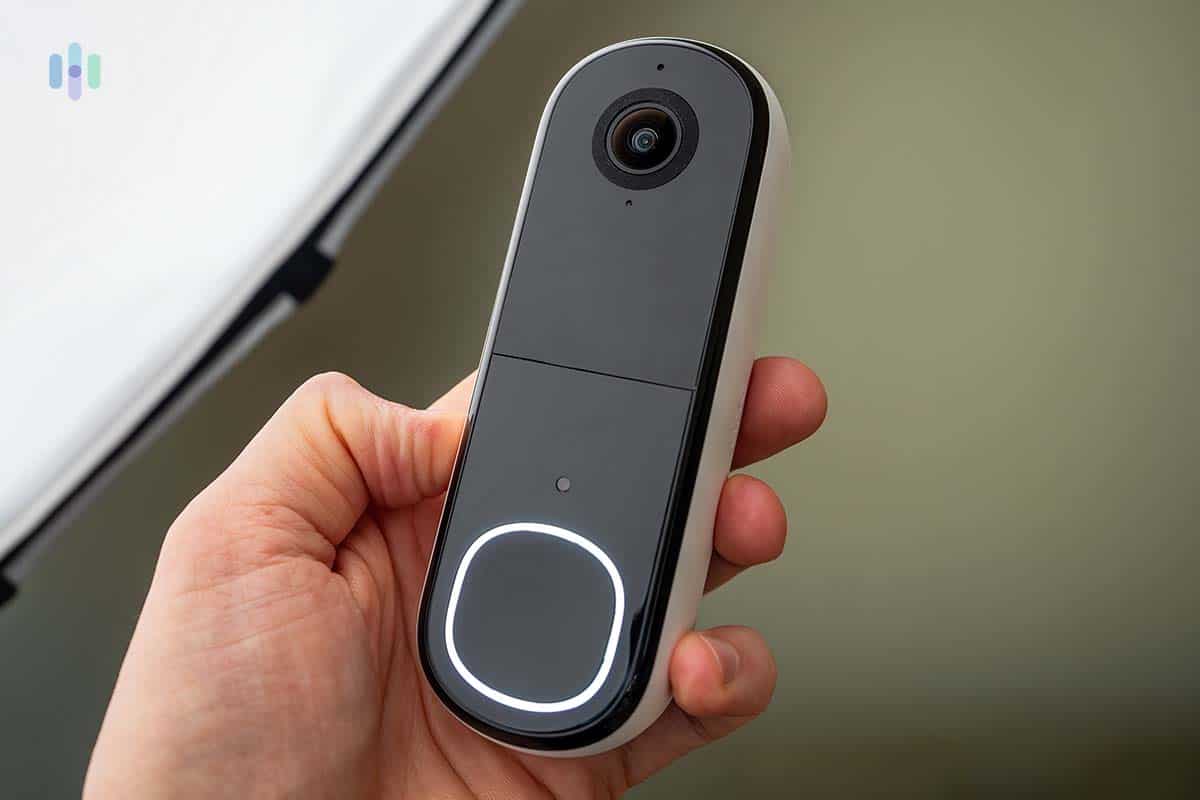
Here are the Arlo video doorbell prices:
| Equipment | Price | Sale Price |
|---|---|---|
| Arlo Video Doorbell Wired or Wireless | $129.99 | $49.99 |
And finally, Arlo offers some helpful accessories to get the most out of your security cameras. Here are the products and their costs:
Arlo Accessory Breakdown
| Product | Price |
|---|---|
| All-in-One Sensor | $29.99 |
| Cellular & Battery Backup for Security System | $79.99 |
| Outdoor Siren | $49.99 |
| Arlo Safe Family Plan and Two Buttons | $199.99 |
| Solar Panel (Essential, Ultra, Pro 3, Pro 4, Pro 5, Pro 6, Go 2, Floodlight) | $49.99 |
| Arlo Pro SmartHub | $99.99 |
| Arlo Ultra SmartHub | $149.99 |
| Ceiling Adapter | $14.99 |
| Charging Station | $49.99 |
| Outdoor Mount | $24.99 |
| Adjustable Mount | $19.99 |
What’s interesting about each of these devices is the way in which they can function as standalone security systems. Although we can sync each piece of Arlo hardware to an existing system, one device can function on its own, as we monitor it through the Arlo app.
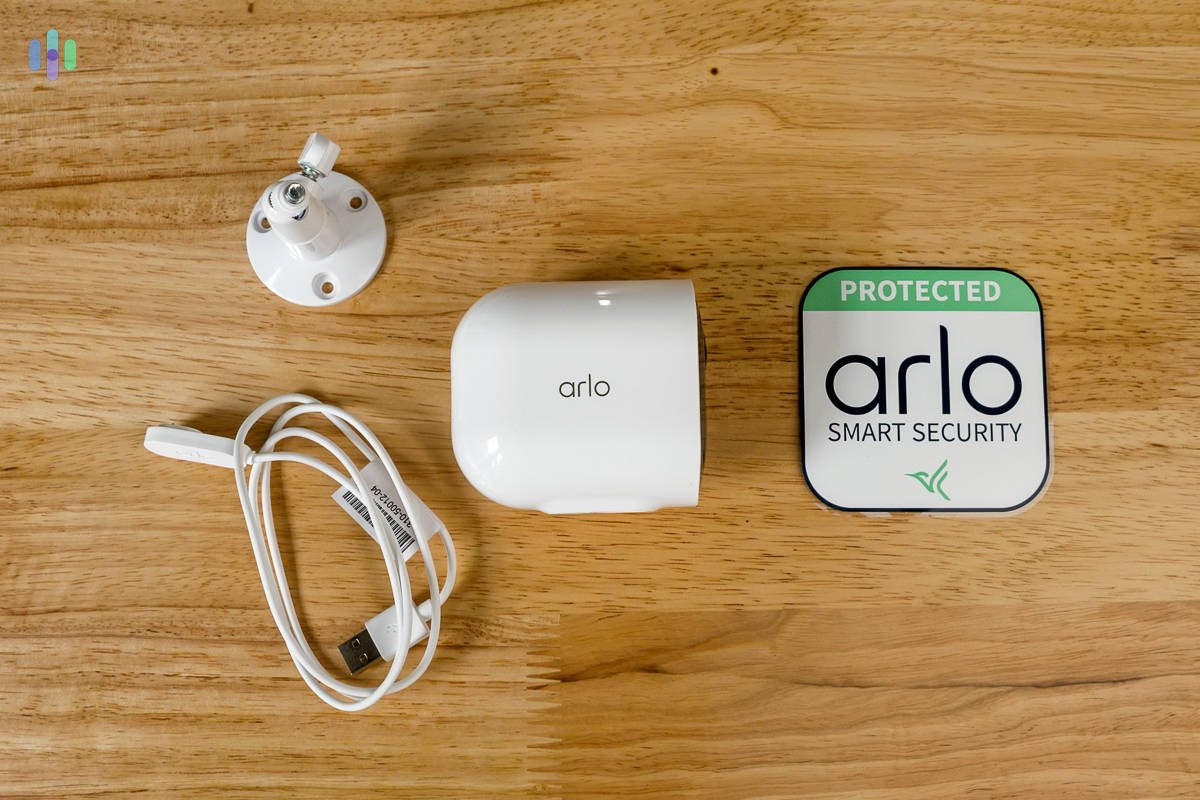
Without the assistance of a base, we set up our video doorbell and received calls to our phone each time somebody pressed the button. To learn more about how everything worked, check out our Arlo camera review.
Hot Tip: Arlo recently released an eight-function sensor that does away with the need to buy separate window sensors or motion detectors. This is on top of offering high-quality security cameras, and top-tier video doorbells.
Arlo Secure Plans
Arlo offers cloud storage and advanced features through their Arlo Secure subscription plans. While they’re still a DIY company at heart, Arlo has taken a cue from competitors like SimpliSafe and began offering professional monitoring to augment their security offerings. Unlike some competitors, Arlo cameras work without a subscription for live viewing and basic alerts, but a subscription unlocks cloud recording, AI-powered detection, and professional monitoring. Arlo has streamlined their offerings into two simple tiers: Plus and Premium.
FYI: Continuous video recording (CVR) is an optional add-on that can be added to either Plus or Premium plans for an additional monthly fee. CVR records 24/7 instead of only when motion is detected.
Arlo Secure Plus — Smart Detection and Cloud Storage
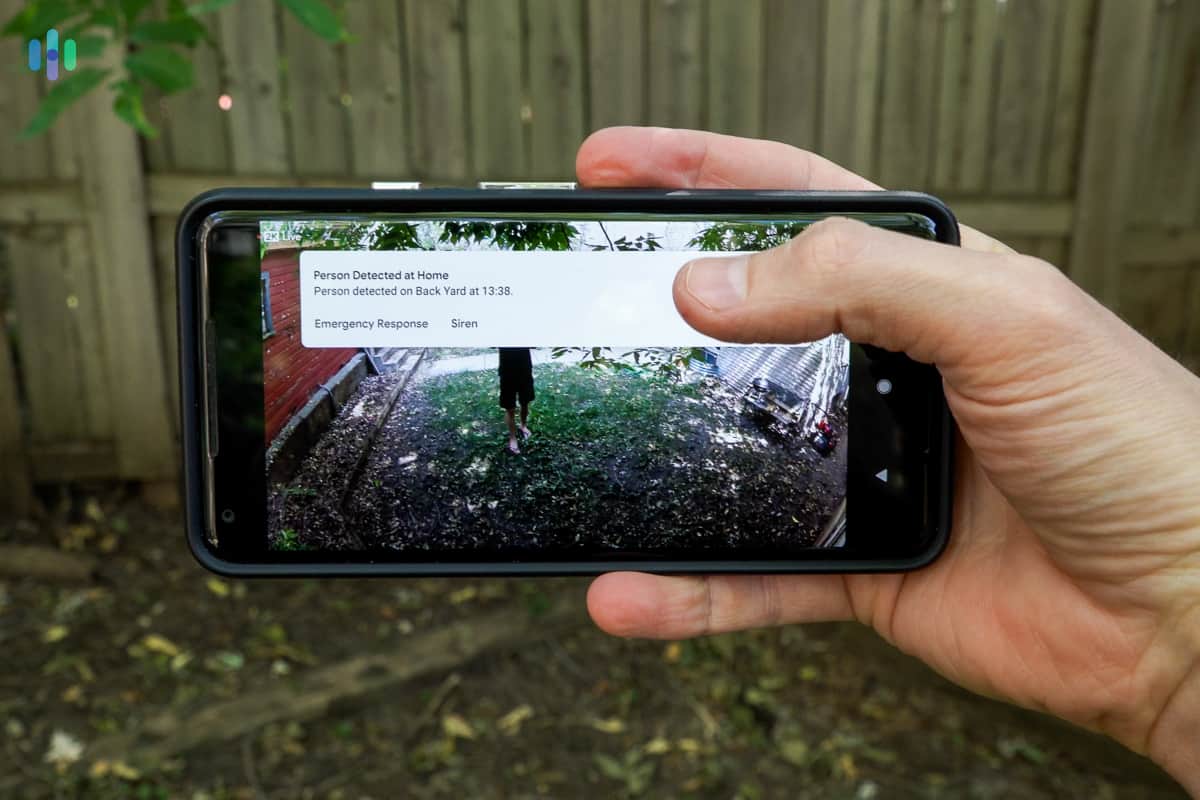
The Plus plan is Arlo’s entry-level subscription that unlocks cloud storage and intelligent AI features. It comes in two pricing options, with discounts for annual subscriptions:
- Single Camera: Starts at $7.99per month — Perfect for monitoring one area like a front door or driveway
- Unlimited Cameras: Starts at $17.99per month — Cover your entire property with multiple cameras
With the Plus plan, you get:
- 60 days of cloud video history
- Person and vehicle detection
- Package detection
- Animal detection
- Custom detection zones
- Interactive notifications
- Animated previews
- Facial recognition
Heads Up: When billed monthly, the Single Camera plan costs $9.99 per month and the Unlimited Camera plan costs $19.99 per month. Arlo Secure Premium also receives an annual plan discount bringing the normal $29.99 per month price down to $24.99 per month. We think the annual discount is well worth the commitment.
Arlo Secure Premium — Professional Monitoring and Emergency Response
The Premium plan includes everything in Plus and adds professional monitoring services for the Arlo security system. Take note, professional monitoring doesn’t apply to security cameras. It’s priced at $24.99per month for unlimited cameras when billed annually.
Premium adds these critical features:
- 24/7 professional monitoring
- Cellular and battery backup
| Feature | Plus (Single) | Plus (Unlimited) | Premium (Unlimited) |
|---|---|---|---|
| Monthly Price | Starts at $7.99 | Starts at $17.99 | Starts at $24.99 |
| Cameras Covered | 1 | Unlimited | Unlimited |
| Cloud Video History | 60 days | 60 days | 60 days |
| Video Resolution | Up to 4K | Up to 4K | Up to 4K |
| Person & Vehicle Detection | Yes | Yes | Yes |
| Package & Animal Detection | Yes | Yes | Yes |
| Facial Recognition | Yes | Yes | Yes |
| Custom Activity Zones | Yes | Yes | Yes |
| Interactive Notifications | Yes | Yes | Yes |
| Theft Replacement | Yes | Yes | Yes |
| Priority Support | Yes | Yes | Yes |
| 24/7 Professional Monitoring | No | No | Yes |
| 24/7 Emergency Response | No | No | Yes |
| Cellular & Battery Backup | No | No | Yes |
| Home Insurance Discounts | No | No | Yes |
Hot Tip: The single-camera Plus plan at $7.99per month is one of the most affordable options for users who only need to monitor one area. For whole-home coverage, the unlimited Plus plan at $17.99per month provides excellent value, and Premium at $24.99per month adds professional monitoring for those who want live agents watching their property.
What You Get Without a Subscription
Even as subscription-free security cameras, Arlo cameras still work for basic monitoring:
- Live streaming from anywhere via the Arlo app
- Basic motion and audio alerts
- Two-way audio to speak through your cameras
- Local control and viewing on the control panel (if applicable)
However, cloud storage, AI-powered detection (person, package, vehicle, animal), facial recognition, and other smart features all require a subscription. For most users, we recommend at least the Plus plan to take full advantage of Arlo’s smart features.
Smart Home Integration
One of Arlo’s standout features is its extensive compatibility with popular smart home platforms. Whether you use Amazon Alexa, Google Assistant, or Apple HomeKit, Arlo cameras integrate seamlessly into your existing ecosystem. This means you can control your cameras with voice commands, view live feeds on smart displays, and create powerful automations that tie your security cameras into your broader smart home setup.
Amazon Alexa Integration
Arlo works exceptionally well with Alexa-enabled devices. After enabling the Arlo skill in the Alexa app, we were able to use voice commands to control our Arlo cameras hands-free.
What you can do with Alexa:
- View live feeds: Say “Alexa, show me the front door camera” to pull up your camera stream on an Echo Show, Fire TV, or any Alexa-enabled display.
- Arm and disarm: Use voice commands to change your system’s armed status without opening the app.
- Check camera status: Ask “Alexa, is the garage camera on?” to verify your cameras are active.
- Smart home routines: Include Arlo cameras in Alexa routines. For example, “Alexa, goodnight” could arm your cameras, turn off lights, and lock smart locks all at once.
During our testing, we found the Echo Show 8 provided the perfect size display for monitoring camera feeds, but didn’t do justice for Arlo’s 2K and 4K cameras. The Echo Show 8 we tested maxed out at 1080p. If you want a better viewing experience, use a Fire TV. The 4K video from our Arlo Ultra looked stunning when streamed to our Fire TV, making it easy to keep an eye on our property from the comfort of our couch.
Google Assistant Integration
Google Assistant offers similar functionality to Alexa, with the added benefit of Google’s powerful AI and tight integration with Chromecast devices.
What you can do with Google Assistant:
- Voice-activated viewing: Say “Hey Google, show me the backyard camera” to display your camera feed on a Nest Hub, Chromecast, or any Google Assistant display.
- Stream to any screen: Cast your camera feeds to any TV with a Chromecast, making it easy to monitor multiple rooms at once.
- Arm and disarm with voice: Control your system status hands-free while cooking, cleaning, or working.
- Google Home routines: Automate your security based on location, time, or other triggers. For example, your cameras could automatically arm when your phone leaves your home zone.
We particularly enjoyed streaming camera feeds to our smart TV via Chromecast during movie nights — we could keep an eye on our front porch for package deliveries without interrupting our entertainment.
Apple HomeKit Integration
For Apple users, Arlo offers native HomeKit support on select camera models, bringing your security into the Apple ecosystem. However, this integration requires an Arlo Base Station or Arlo SmartHub.
What you can do with Apple HomeKit:
- Siri voice control: Say “Hey Siri, show me the living room camera” to view camera feeds on your iPhone, iPad, Apple TV, or HomePod with a screen.
- Home app integration: View and control all your cameras directly in the Apple Home app alongside your other HomeKit devices.
- Two-way audio: Use Siri to speak through your cameras: “Hey Siri, talk through the front door camera” lets you communicate with visitors or tell the kids to finish their homework.
- HomeKit Secure Video: Some Arlo cameras support HomeKit Secure Video, which processes video locally on your Apple devices for enhanced privacy and stores encrypted footage in iCloud.
- Advanced automations: Create sophisticated scenes and automations using the Home app’s powerful automation engine.
We loved using two-way audio to communicate with our dogs when we spotted them on camera. And let’s not forget — dogs can be an effective deterrent to potential home invaders too!
Comparing Arlo to Competitors
When shopping for security cameras, Arlo competes directly with two major players: Google Nest and Ring. Each has its strengths, but Arlo’s pricing and feature set make it a compelling choice. With cameras ranging from $39.99 to $249.99, Arlo offers options for various budgets. Its pricing is competitive with options like the wired Google Nest Indoor Cam ($99) that we tested with an ADT security system. Arlo’s deals frequently bring prices even lower, making them an excellent value.
What sets Arlo apart is its combination of wireless versatility and advanced features. Most Arlo cameras have long-lasting rechargeable batteries. This gives you far more flexibility in camera placement than Ring’s mostly wired cameras. Arlo also excels in AI detection, offering person, vehicle, package, and animal recognition along with facial recognition on Plus and Premium plans. This puts it in direct competition with Google Nest Cams.
The durability and weather resistance of Arlo’s cameras also impressed us during testing. Most models handled extreme temperatures and weather conditions well. Combined with features like color night vision, 2K to 4K video quality, and seamless smart home integration with Alexa, Google Assistant, and Apple HomeKit, Arlo delivers professional-grade security at consumer-friendly prices.
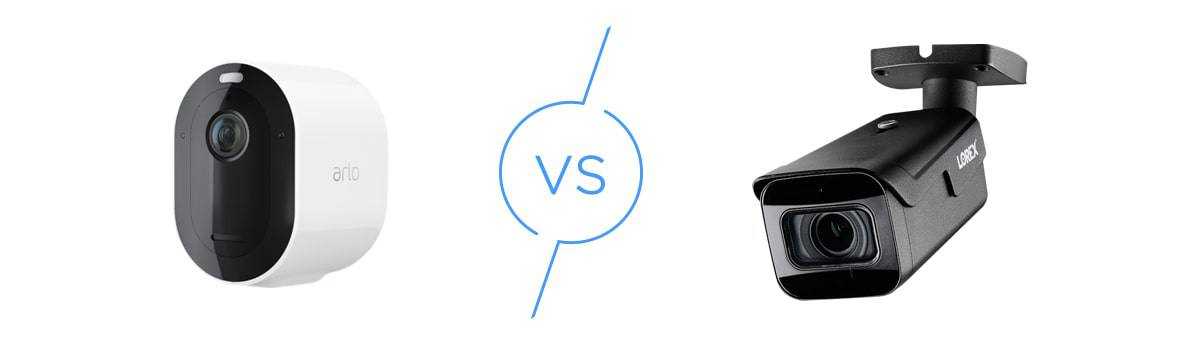
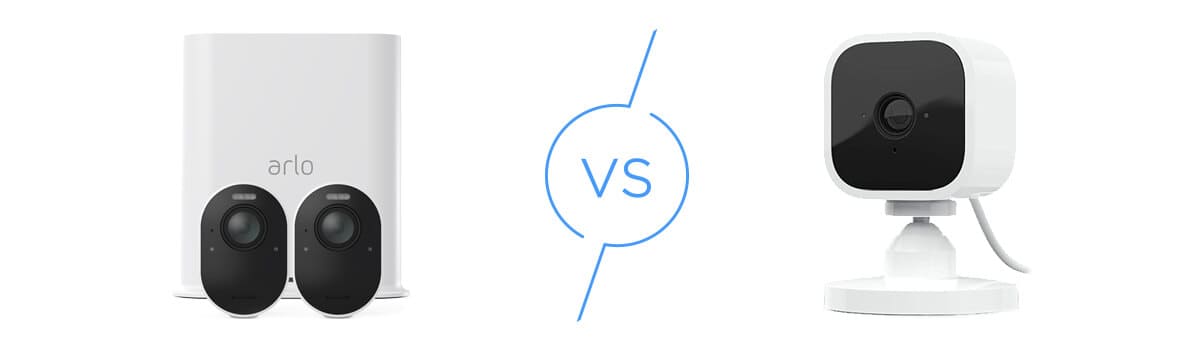
If you’re weighing your options, our detailed comparison guides can help: check out Ring vs Arlo, SimpliSafe vs Arlo, Arlo vs Blink, and Arlo vs. Lorex. You can also explore our comprehensive guide to the best home security cameras of 2026 for additional options.
Our Expert Opinion: Arlo Pricing and Value
Arlo pricing is structured to accommodate various budgets and needs. Camera prices range from $39.99 for the Essential Indoor (3rd Gen) to $249.99 for the Wireless Floodlight Camera with 2K HDR resolution.
Arlo’s flexible subscription pricing also sets it apart: the Plus plan starts at just $7.99 per month for a single camera or $17.99 per month for unlimited cameras, while the Premium plan adds 24/7 professional monitoring for $24.99 per month. This pricing model makes Arlo accessible whether you need one camera for your front door or a comprehensive whole-home security system.
Bottom line: For most users, we recommend starting with the Plus plan at $7.99per month for a single camera or $17.99per month for multiple cameras to unlock Arlo’s full potential. The subscription is essential—without it, you lose cloud storage and AI features. If you want professional monitoring and emergency response, upgrade to Premium at $24.99 per month.
View on Walmart
Links to Walmart.com