Blink vs Ring – Which Brand Offers Better Security Cameras?
With a bigger selection of cameras and more advanced hardware and software, Ring proved to be the better security camera brand.


 &
&
 Last Updated on Jul 21, 2026
- Two-way talk feature
- Up to 4K resolution
- Smart home Integrations
- No long-term contracts
- Impressive two-year battery life
- Camera prices starting at $29.99
the security.brief
Ring outshines Blink with more camera options, better app, and advanced features, while Blink is cheaper with longer battery life and simpler local storage.
Editor’s Note: Let’s cut to the chase. We highly recommend the Ring Alarm Whole Home Basic Kit, which comes with entryway sensors, motion sensors, and cameras. Read about it in our Ring Alarm review.
Bottom Line
- Both Amazon companies, Ring and Blink offer cameras that integrate well with Alexa.
- Affordability is Blink’s strong suit; Ring’s is tech and features, as shown in our review of the high-tech Spotlight Cam.
- Cloud subscriptions for both brands remain remarkably affordable. Blink starts at $3.99 per month; Ring starts at $4.99 per month.
Ring and Blink might both be owned by Amazon, but they’ve successfully maintained distinct identities in the competitive home security market. Ring builds a comprehensive ecosystem of premium security devices packed with advanced features, while Blink stays laser-focused on simplicity and affordability without compromising essential functionality.
So, does Ring’s impressive feature set justify paying more compared to Blink’s budget-friendly options? We installed multiple cameras from each brand throughout our homes, testing them side by side over several weeks. Ring ultimately earned our recommendation overall, but Blink impressed us with exceptional value. Let’s explore our detailed findings to help you choose the brand that matches your security needs and budget!
Pro Tip: Blink and Ring are great DIY security camera systems, but we think SimpliSafe is better. Find out why in our SimpliSafe review.
Overview of Blink and Ring’s Security Camera Lineups
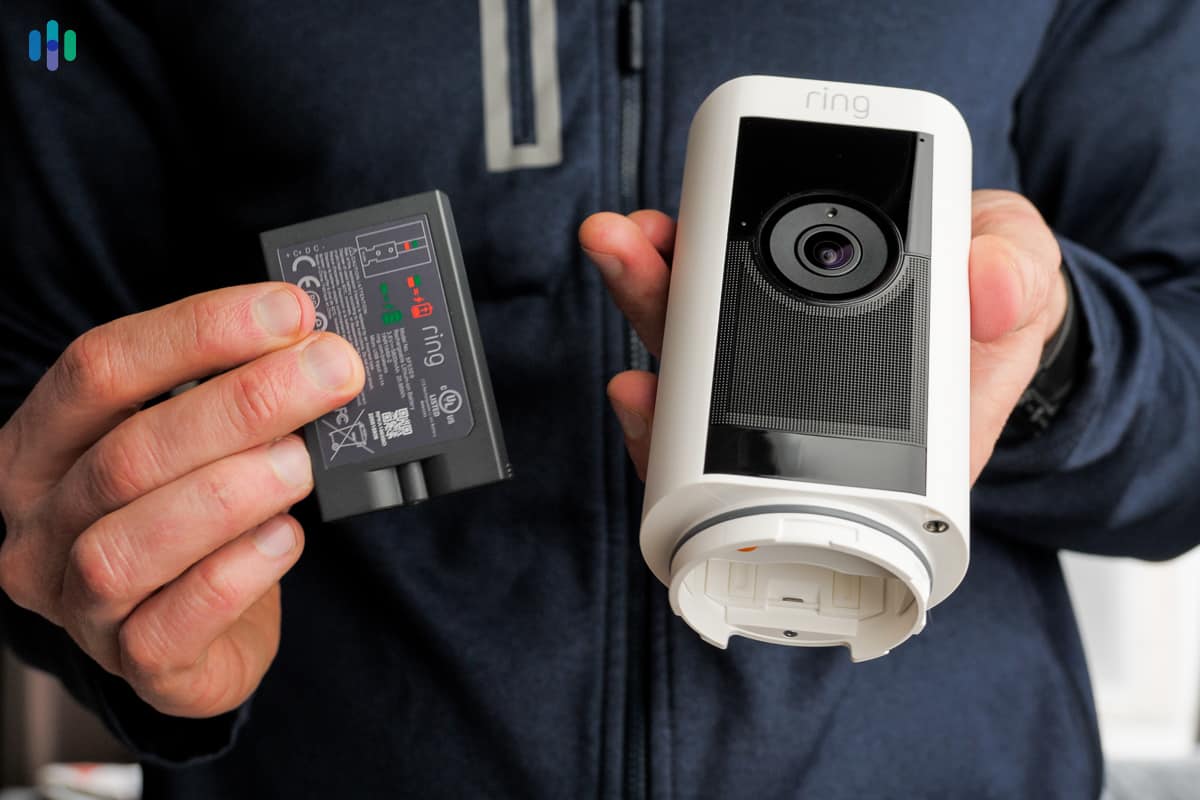
Ring currently offers five distinct categories of security cameras:
- Ring Video Doorbell
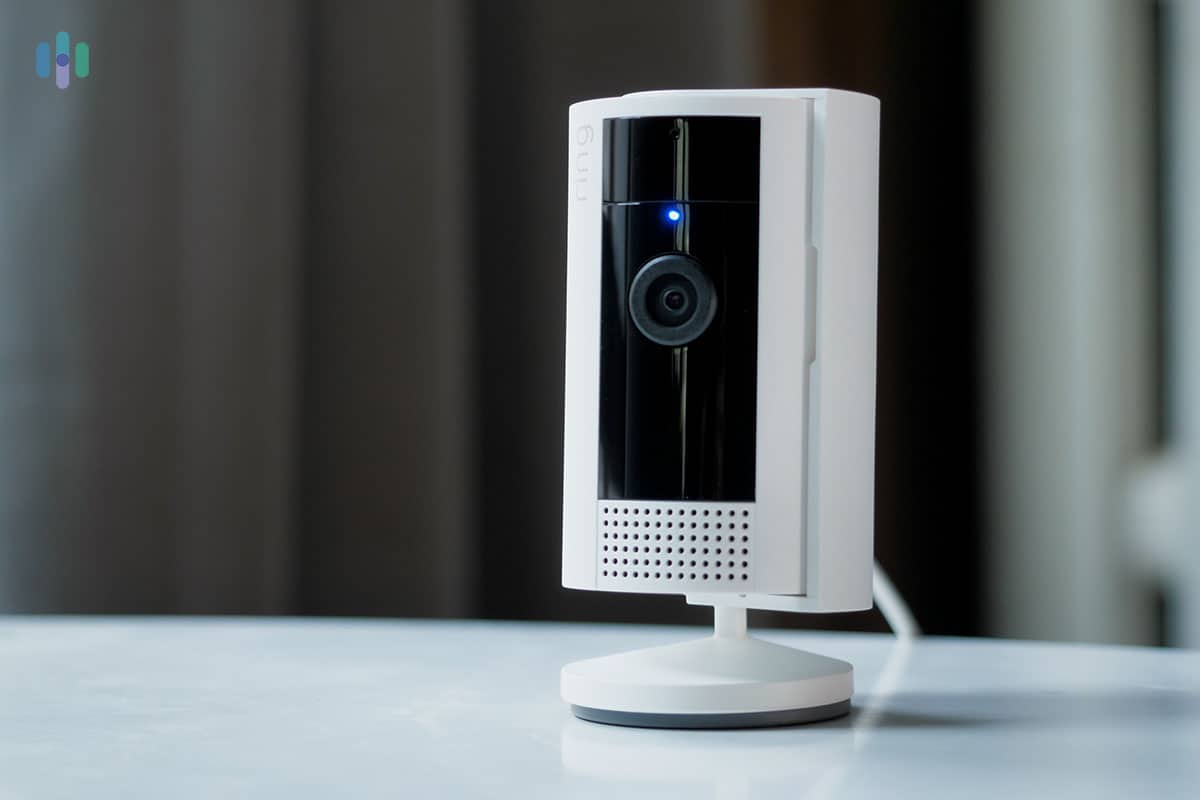
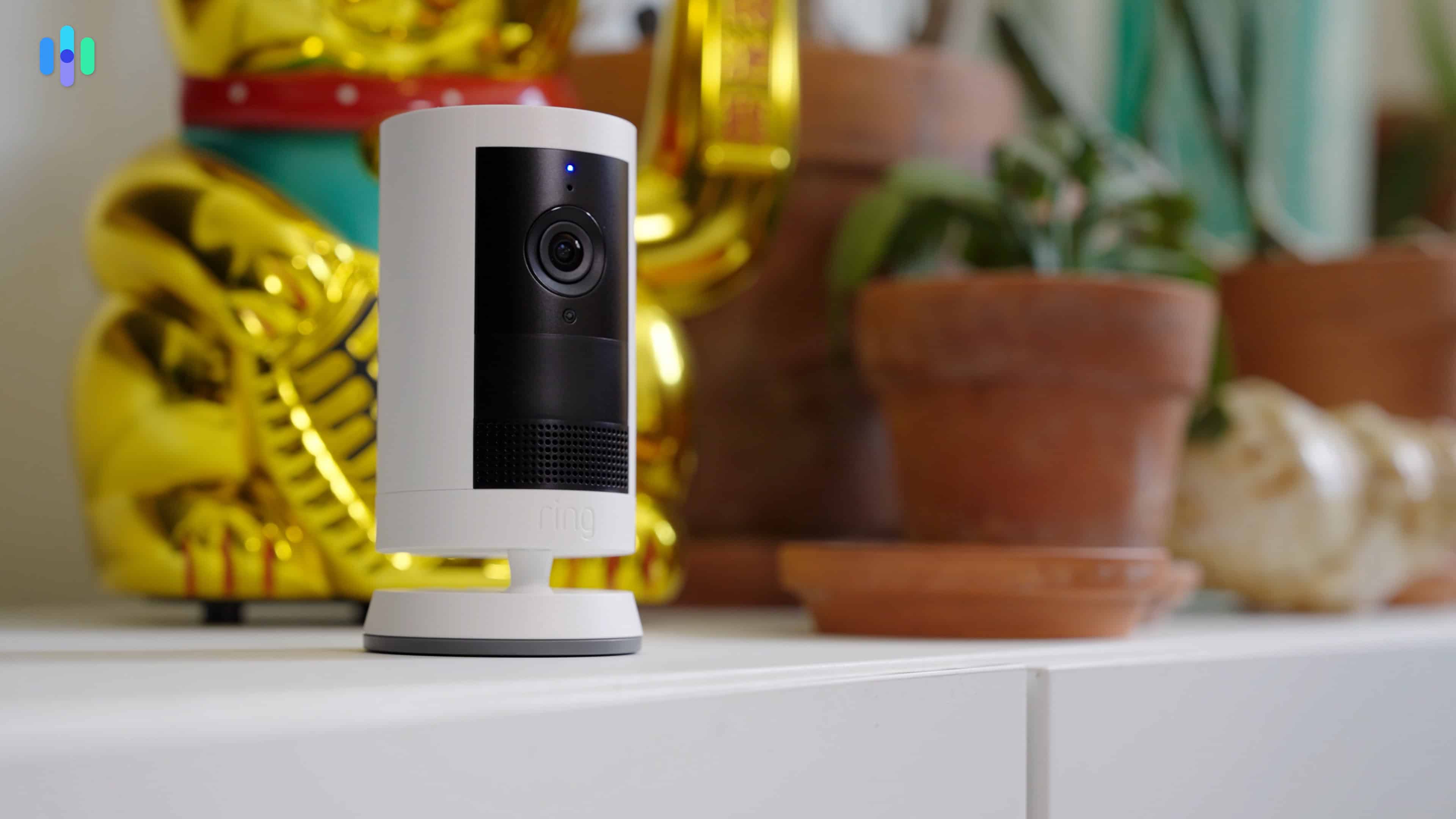
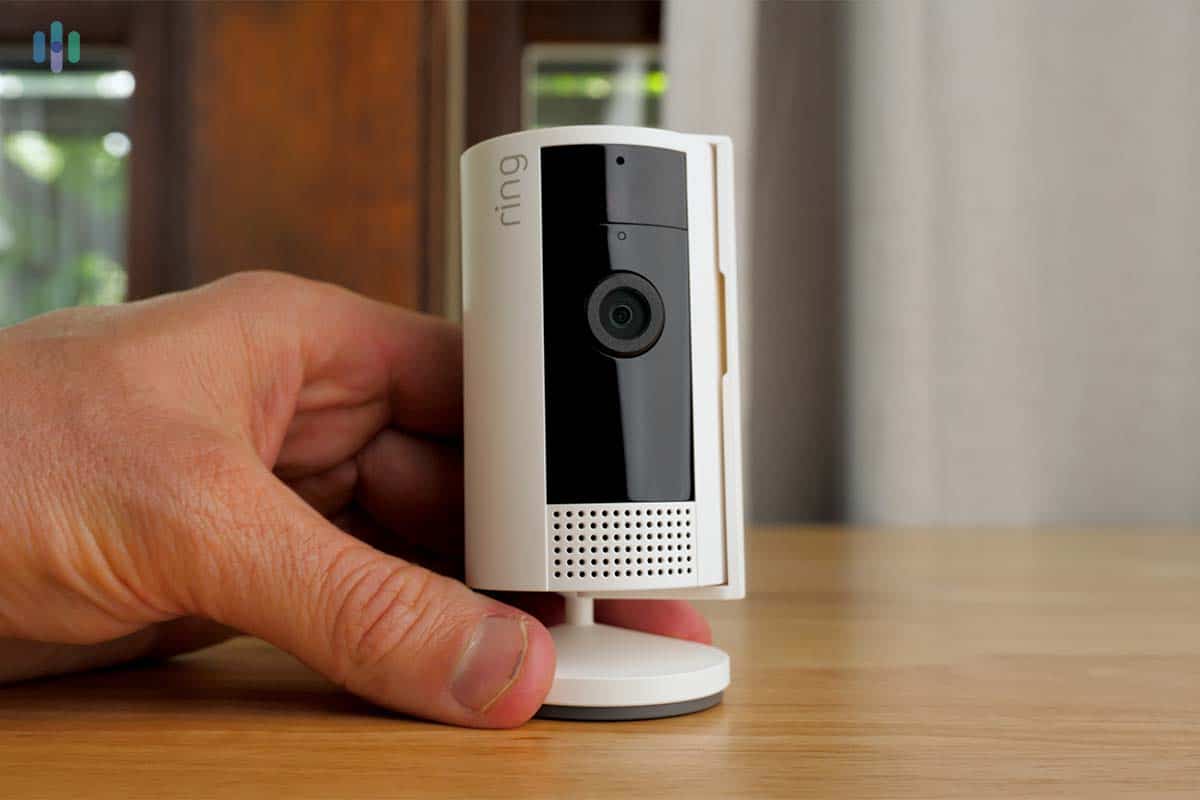
- Ring Indoor Cam
- Ring Outdoor Cam
- Ring Spotlight Cam
- Ring Floodlight Cam
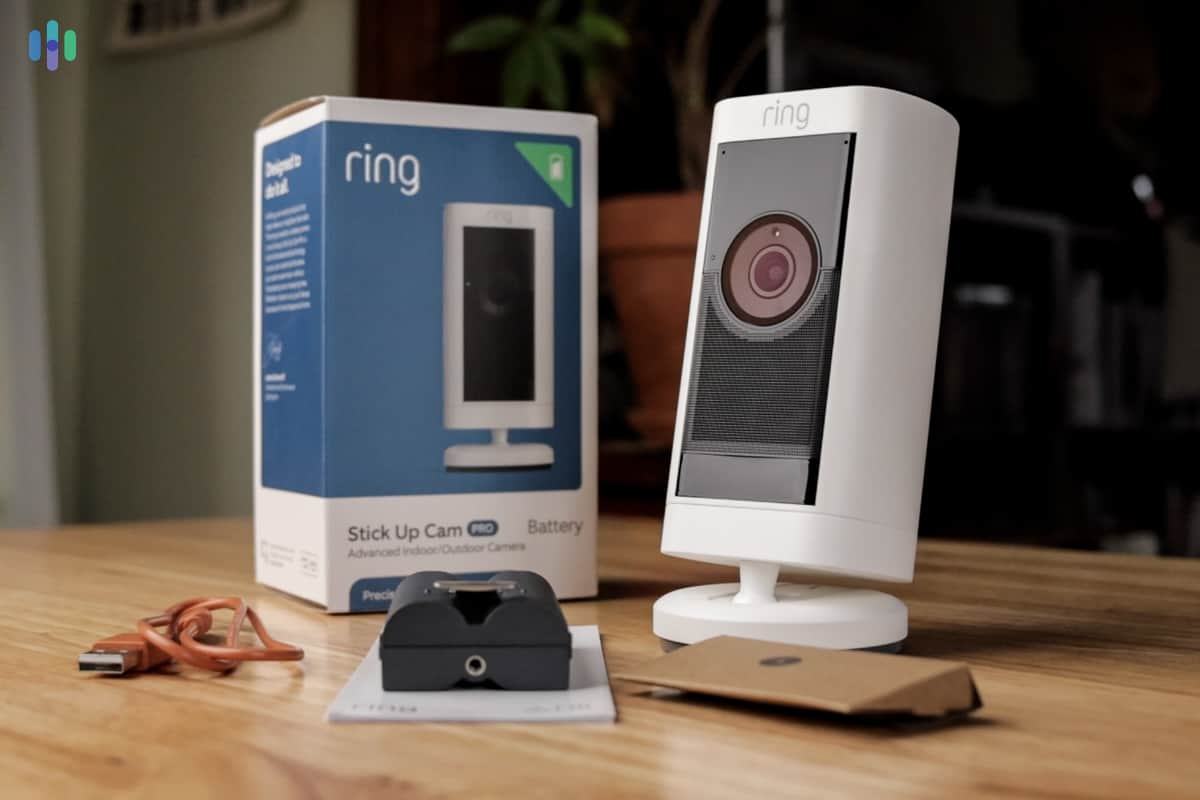
The Video Doorbell models, Outdoor Cam, and Spotlight Cam come in both battery-powered and hardwired versions. The latter two can also harness solar power. The Indoor Cam runs exclusively on plug-in power, while the Floodlight Cam offers both plug-in and hardwired options. Ring also produces Pro versions of the Outdoor, Spotlight, and Floodlight Cams featuring enhanced motion detection, superior video quality, and improved two-way audio.

With Blink, cameras are either battery-powered, plugged in, or hardwired. Select battery cameras support solar panel charging. Blink also maintains a more streamlined approach with fewer accessory options compared to Ring.
Currently, Blink offers five lines of cameras:
- Blink Video Doorbell
- Blink Mini
- Blink Outdoor
- Blink Solaris
- Blink Wired Floodlight Camera
There are several versions of each camera line. For instance, the Mini and Outdoor lines feature 2K versions with enhanced audio and night vision. The video doorbell also features 2K resolution and its available in a battery-powered or hardwired version.
Blink vs. Ring: Quick Lineup Price Comparison
In general, Blink security cameras are more affordable. For example, the plugged-in Mini 2K+ is just $39.99, whereas the Ring equivalent, the Indoor Cam Plus, is $59.99. Blink’s battery-powered cameras are competitively priced with the entry-level Ring cameras. However, Ring has more premium options, while Blink essentially offers a single tier of cameras.
| Camera Type | Blink Starting Price | Ring Starting Price |
|---|---|---|
| Indoor | $29.99 | $49.99 |
| Outdoor | $69.99 | $79.99 |
| Video Doorbell (battery) | $69.99 | $99.99 |
| Floodlight Camera | $99.99 | $179.99 |
Blink and Ring’s prices only tell part of the story. We found out why Ring cameras cost more once they were installed in our home. Ring’s devices are more advanced, the app is more user-friendly, and the products feel more robust than Blink. Even the AI-powered features stand out for Ring.
Key Similarities Between Blink and Ring
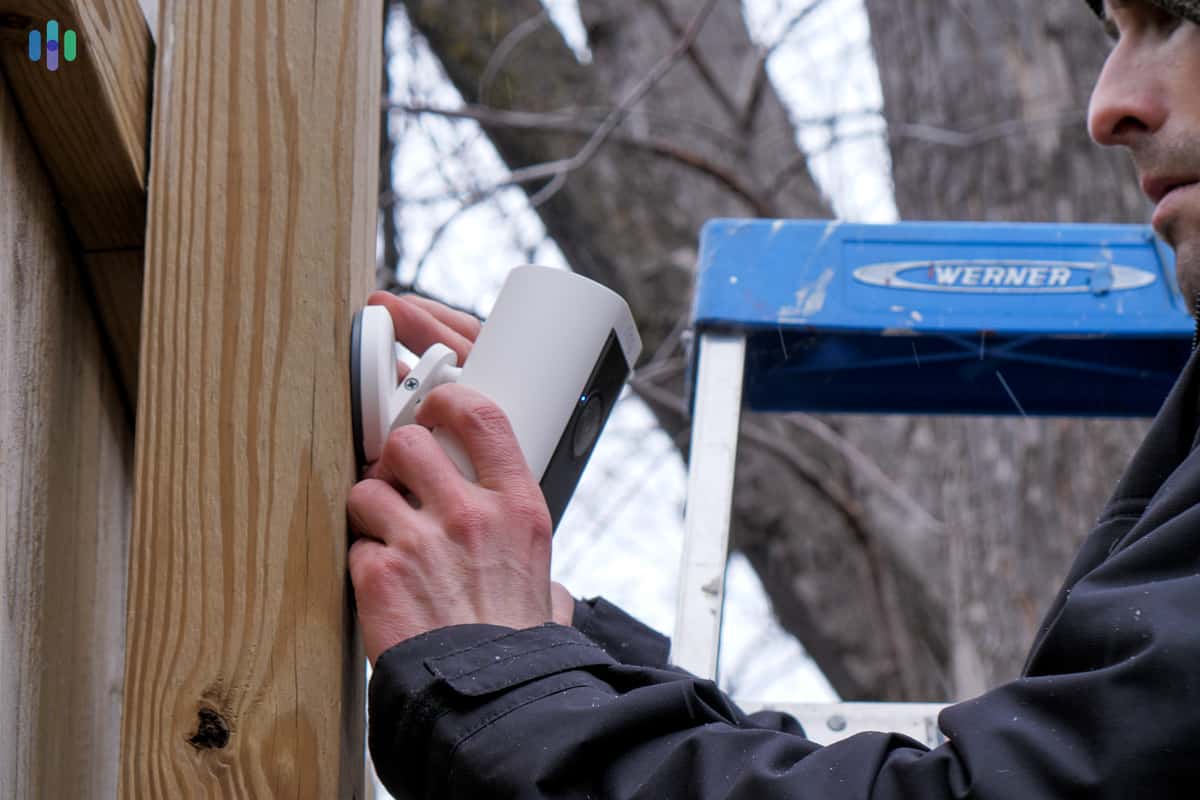
It’s natural that despite offering distinctly different security camera lineups, Blink and Ring share numerous core features, from their setup process to monitoring capabilities.
- No Contracts: Neither Blink nor Ring requires monthly subscriptions. If you choose a cloud recording plan like we did, you’re free from contracts and can cancel whenever you want.
- Easy DIY Installation: Aside from each brand’s floodlight camera models, installing a Blink or Ring camera doesn’t take more than 10 minutes. All we had to do was pick out a spot for the camera and then follow the instructions on the app.
- Indoor/Outdoor Cameras: Blink and Ring both offer some of the best indoor cameras and outdoor cameras in the industry with several models to choose from.
- Mobile App: While it’s expected from modern security cameras, both Blink and Ring deliver solid mobile apps for controlling cameras and viewing recordings remotely. We regularly used the apps to activate each camera’s built-in siren.
- Affordable Cloud Storage: Though optional, both Ring and Blink provide budget-friendly cloud storage plans. Blink’s plans begin at $3.99 monthly while Ring’s start at $4.99 per month.
Key Differences Between Blink and Ring
While Amazon-owned businesses have a lot in common, Blink and Ring have a lot of differences. These are the ones that stood out to us.
- Professional Monitoring: Blink doesn’t offer any professional monitoring. Ring includes this feature in its Ring Pro plan, which is $19.99 a month. You also have the option of a virtual security guard for $99 a month.
- Cloud-Based vs. Local Storage: Both provide affordable cloud plans, but recurring expenses might not fit your budget. Blink includes subscription-free local storage through their Sync Module. Ring’s local storage via their Alarm Pro base station requires an active subscription.
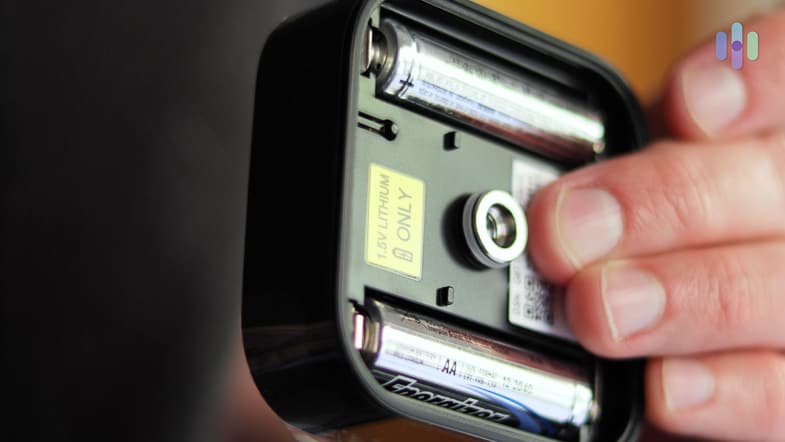
- Battery Life: Our tested Blink battery cameras ran up to two years on non-rechargeable AA lithium batteries. That significantly exceeds Ring cameras’ three to six month lifespan, though Ring uses convenient rechargeable batteries. For us, this meant no more raiding the TV remote when our camera battery died.
FYI: Blink’s battery-powered cameras use two AA batteries, while Ring offers rechargeable battery packs. There are pros and cons to each, but we like Blink better. Besides the super-long battery life, it’s easy to acquire AA batteries from any local hardware store.
Camera Selections
We’ve tested Ring cameras and reviewed Blink cameras many times. In this section, we’ll break down the range, installation process, and key features based on our experiences.
Blink’s Options
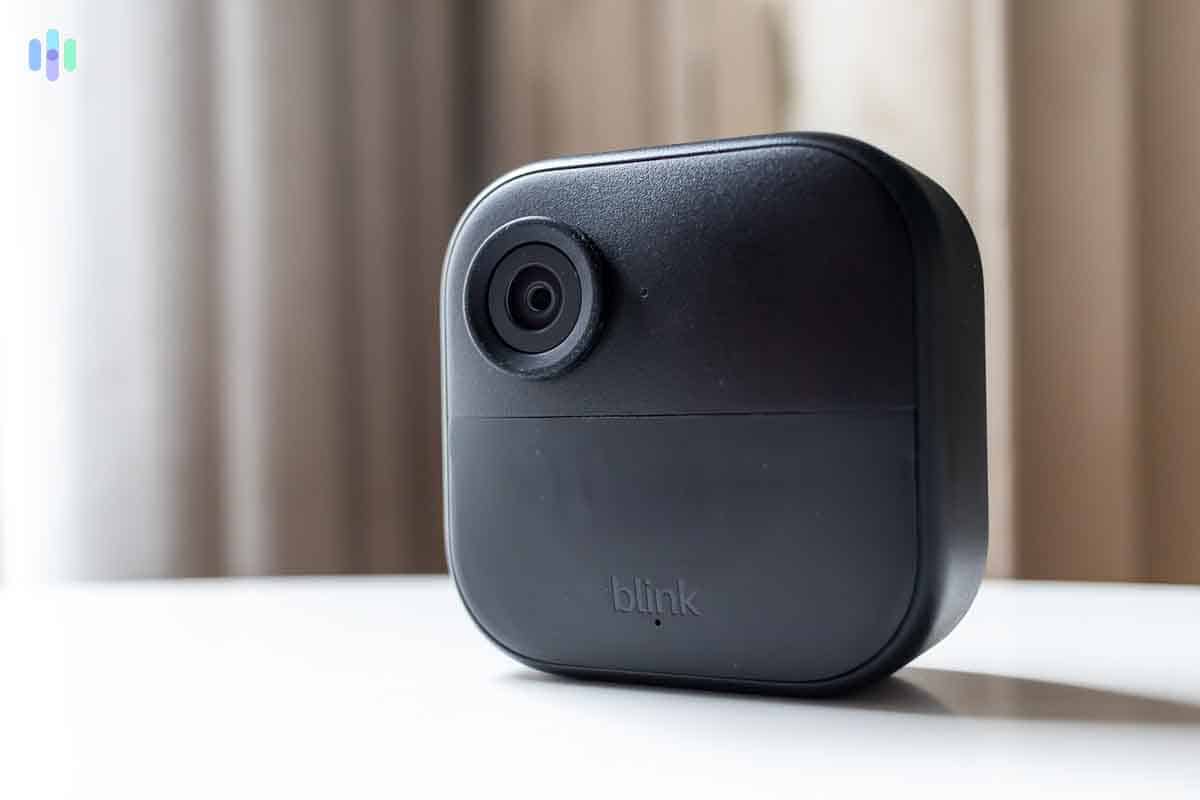
We selected our Blink equipment based on our home’s unique requirements. First, we acquired a Blink Sync Module Core, the hub required for battery-powered cameras that serves as both base station and local storage for up to 10 Blink cameras. We then chose our camera combination: the Blink Mini 2 and Blink Outdoor 4.
The Blink Outdoor 4 impressed us with its reliable person detection capabilities. Budget outdoor cameras under $100 typically bombard us with alerts for any detected motion. Blink integrated smart computer vision algorithms in the Outdoor 4, ensuring we only received notifications when it spotted a person in our front yard rather than whenever the neighbor’s cat strolled past.
Our Mini 2 could distinguish between our dog and household members as well since we opted for a Blink Plus subscription. That made it a great pet cam as it made the notifications more useful telling us each time our pet walked into frame. Note that the base model Mini does not support smart detection.
FYI: If you plan to place your cameras far apart, consider opting for a Blink Sync Module XR+. It allows you to connect up to two Blink Outdoor 4 cameras at up to 1,700 feet away from the module and eight other cameras at up to 100 feet from the module.
Ring’s Options
While Ring offers four primary camera models, each includes different tiers—Plus, Pro and Elite versions. Ring also provides a broader selection of power options for their cameras. In our testing, Ring’s lineup offers sufficient variety without creating an overwhelming, confusing catalog.
That extensive model selection makes us appreciate that Ring doesn’t require a Sync Module like Blink. Ring’s cameras connect directly to Wi-Fi, which explains their shorter battery life compared to Blink, but it makes the system more expandable. You can add Ring cameras without worrying about reaching capacity limits.
Ring’s major advantage, however, is their comprehensive security system called Ring Alarm. When we tested Ring Alarm, we added professional monitoring to our Ring Home plan, letting professionals handle our alerts. Blink lacks any sensors or professional monitoring options, requiring us to stay ready to respond to alerts around the clock.
Winner: Ring
>> Read More: Ring Home Security Camera Reviews 2026
Installation
Both Blink and Ring designed all their cameras for DIY installation. In our testing, these cameras required just two to five minutes for setup and mounting. Only the floodlight cameras from both brands and Ring’s wired doorbells demanded some technical skills since they must be hardwired to your home’s electrical system.
Blink
We completed both Blink camera installations in roughly 10 minutes. That’s marginally longer than Ring since we needed to configure our Sync Module. It wasn’t complicated.
Essentially, we connected the Sync Module to our Wi-Fi network then linked it to the mobile app. Next, we added each camera through the mobile app to connect them to the Sync Module. Finally, we inserted the batteries and either mounted our cameras using the included hardware or placed them on a side table.
Pro Tip: Based on its documentation, the Sync Module XR+ preserves the same simple setup process as its predecessor.
Ring
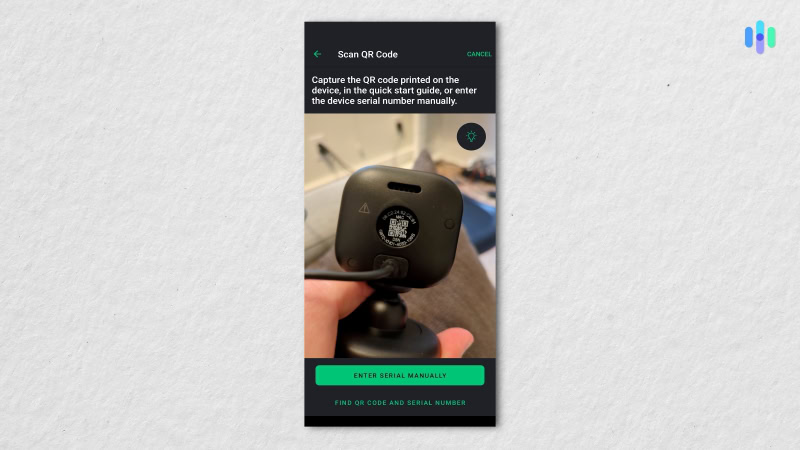
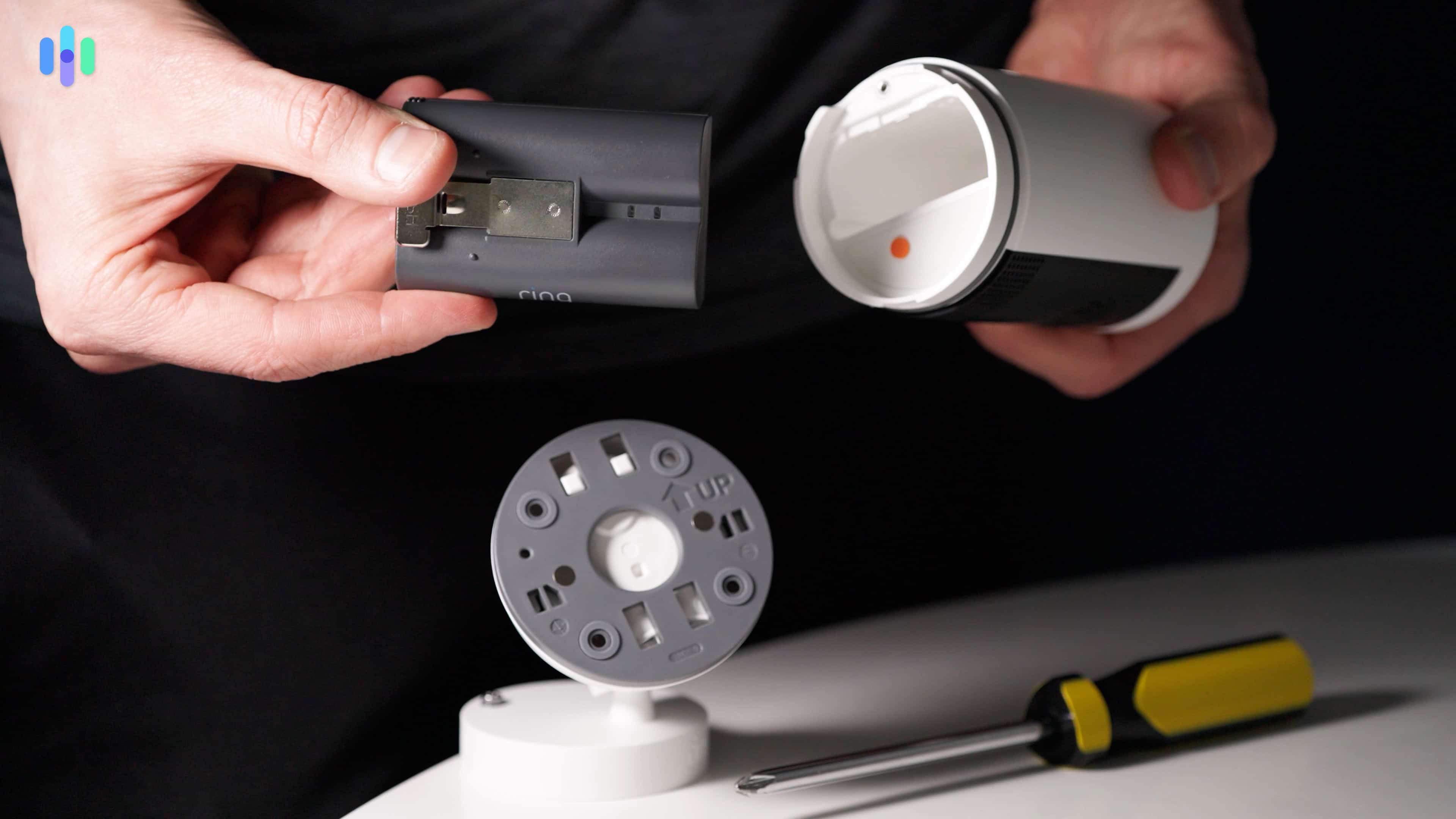
Our installation for the Ring cameras was somewhat similar to that of Blink. Once we downloaded the Ring app, we selected “set up a device” and “security cameras.” Then, all we had to do to connect our cameras to the app was to scan the QR code on the back or in the battery compartment of our cameras.
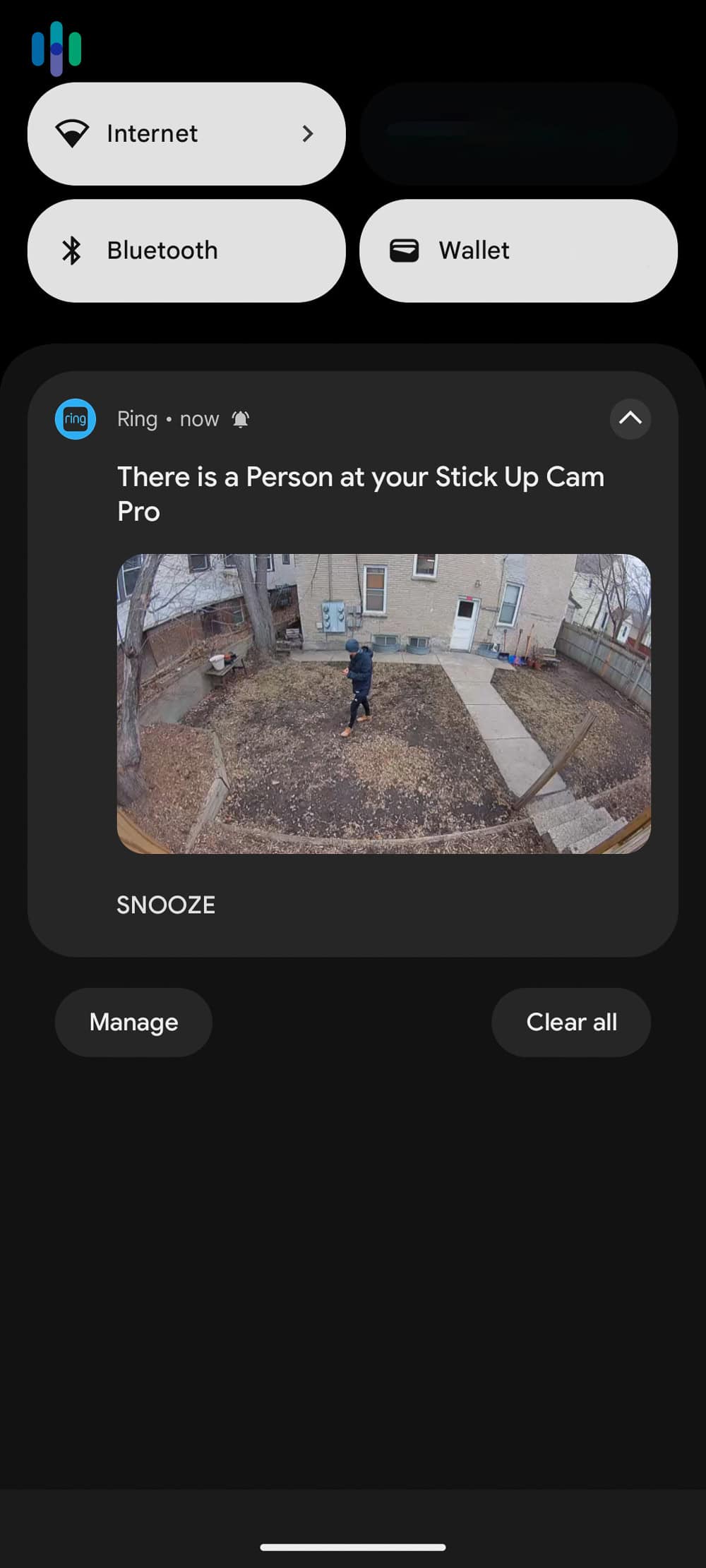
This went quicker than our Blink setup because we didn’t have a Sync module acting as the middleman. That’s why when we tested the Ring Outdoor Cam (previously known as the Stick Up Cam), we connected it to the 2.4 GHz band of our dual-band Wi-Fi router. It’s slightly slower than the 5 GHz band, but it’s better at penetrating walls giving our outdoor cameras a stronger signal.1
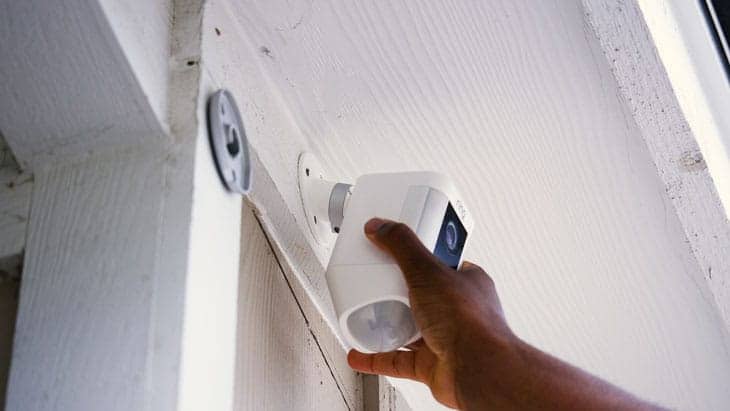
Did You Know: Even though Ring’s equipment is exceptionally easy to install, they still offer a professional installation service through OnTech just in case you need a hand.
Winner: Ring
Features
Think of security camera features as more than just bells and whistles. They’re what separate a functional camera from one that actually enhances your home security. When a camera sends you 50 alerts about blowing leaves but misses the delivery person at your door, you’ll understand why features like smart detection matter so much.
Blink
To cut to the chase, every feature that Blink offers is also available from Ring cameras aside from their long two-year battery life. But, if Blink offers all the features you need, they offer them for a lot less than Ring. Here’s a quick overview of Blink’s main features:
- 1080p HD Resolution: Full HD resolution is the minimum we look for as it provides a clear enough image to identify a face up close or read a license plate in our driveway if the camera’s mounted above our garage. Select models upgrade the resolution to 2K. They do not offer 4K options like Ring.
- Night Vision: All Blink cameras offer infrared night vision, which provides a black and white image, with the Blink Wired Floodlight offering color night vision.
- Person Detection: Most Blink cameras support person detection, which allows you to filter out alerts from pets and cars passing by the camera. We consider this an essential feature as when we test cameras without it we get too many alerts to give each one the attention it deserves. Note that this requires a subscription.
- Alexa Integration: As an Amazon-owned brand, it’s no surprise that our Blink cameras integrated with our Alexa devices, like the Amazon Echo Show we were testing at the same time.
- Two-Way Audio: Every Blink camera is fitted with a small microphone and speaker to enable two-way audio. We found the audio quality to be good enough, but Ring’s Audio+ feature provides noticeably clearer audio.
>> Read About: Best Night Vision Cameras of 2026
Expert Insight: There are a few ways security cameras can detect people. Some use passive infrared sensors and filter out objects with heat signatures that do not match a normal human. Blink and Ring use computer vision algorithms that analyze your video feed to detect humans, which is more accurate.2
Ring
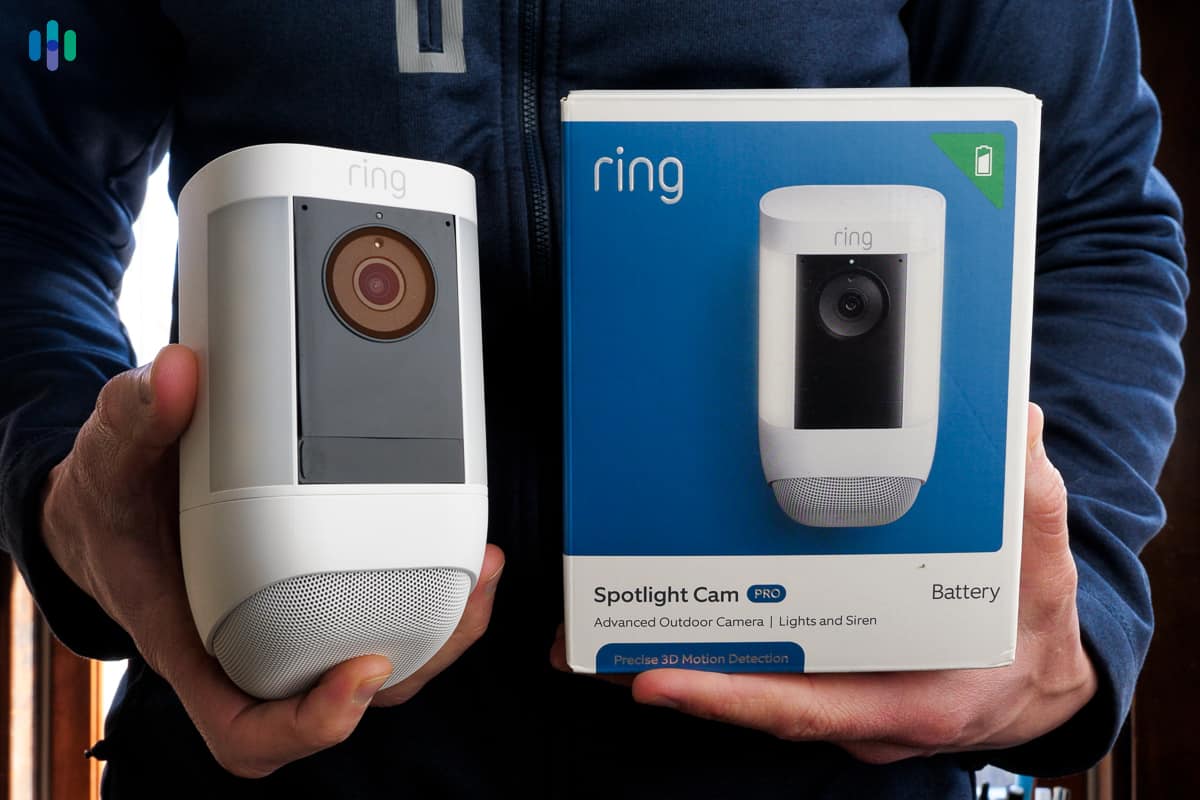
All those features we listed for Blink are available on every Ring security camera. They offer a few more premium features as well, though, including:
- Up to 4K Resolution: Ring’s Pro camera models offer up to 4K resolution for select camera lines. That’s roughly four times more pixels than 1080p HD resolution, which allowed us to zoom in on footage significantly more before it got blurry.
- Package and Vehicle Alerts: On top of person detection, Ring’s cameras can also identify packages and vehicles for more descriptive alerts. There’s also a beta familiar face feature to identify common visitors.
- Built-In Siren: The Spotlight and Floodlight Cams come with a built-in siren that can be triggered remotely from the app. We use this for everything from scaring off raccoons tearing up our yard to notifying lurkers that they should move along.
- HDR Video: Even Ring’s 1080p cameras offer clearer video than Blink cameras largely because of their HDR support. HDR stands for high dynamic range which allows the camera to handle glare and other lighting inconsistencies for a clearer image.
- Wider Field of View: Most Ring cameras also offer a wider field of view than Blink’s cameras allowing them to see more area in front of them. This allowed us to cover more of our property with fewer cameras.
We consider these useful features, but not essential ones. Blink offers enough to provide functional cameras that’ll fit most people’s needs. That said, Ring’s features add an extra touch we would miss if we went back to Blink cameras after testing both.
Winner: Ring
Storage
Both Ring and Blink offer cloud storage options, but only Blink comes with local storage.
Blink

With a local storage option through the Sync Module, we weren’t required to sign up for a monthly cloud subscription to record video clips. We used a MicroSD card we had from an old digital camera for local storage, but you can use a USB drive too. Then, since the Sync Module was connected to the app, we could view and manage our recordings from our phone.
However, if we wanted the Blink Outdoor 4’s person detection capabilities, we’d have to subscribe to one of their cloud storage plans. We opted for their one camera plan even though we were testing a Blink Mini as well since our main reason for subscribing was to unlock the person detection which is not available in the Blink Mini anyways. Here’s a quick overview of Blink’s cloud subscription plans:
| Blink Cloud Storage Plan | Blink Basic | Blink Basic AI | Blink Plus | Blink Plus AI |
|---|---|---|---|---|
| Monthly Price | $3.99 | $6.99 | $11.99 | $19.99 |
| Annual Price | $39.99 ($3.33 per month) | $69.99 ($5.83 per month) | $119.99 ($10 per month) | $199.99 ($16.67 per month) |
Ring
To store video footage from Ring cameras, you need a subscription. Even if you have a Ring Alarm Pro system with local storage, they still require a subscription to use it. They also lock behind the majority of their camera features behind their subscriptions, too. Here’s how much Ring’s subscriptions cost:
| Ring Subscription | Monthly Price | Annual Price |
|---|---|---|
| Ring Solo | $4.99 | $49.99 ($4.17 per month) |
| Ring Multi | $9.99 | $99.99 ($8.33 per month) |
| Ring Pro | $19.99 | $199.99 ($16.67 per month) |
We chose the Ring Multi plan because it unlocks the majority of Ring’s smart features across unlimited cameras at one location. The Solo plan restricts you to just one camera, while the Pro plan includes professional features like 24/7 continuous recording and cellular backup that keeps your cameras online even during internet outages.
Winner: Blink
Monitoring
Of course, you can self-monitor Blink and Ring cameras. Only Ring offers professional monitoring, but it comes with a few considerations. We’ll go over it all so you can pick the right monitoring option for you.
Blink
Keeping with Blink’s budget-friendly ethos, their cameras are meant to be self monitored and that’s the only option they offer. We definitely recommend either getting a micro SD card or USB drive for local storage, or subscribing to a cloud storage plan, though, so you can review footage from the day if you miss an alert.
Ring
Ring gives you more monitoring flexibility. Their professional monitoring is included in the Ring Pro plan for $19.99 per month. Keep in mind this requires a Ring Alarm system. However, it still uses your cameras for video verification. That means Ring’s monitoring agents can check your camera feeds to verify alarms before dispatching responders.
For active monitoring of your Ring cameras, you’ll need the $99 per month Virtual Security Guard plan. With this option, you tell Ring when you want their monitoring agents to actively monitor your video feed for threats. We only recommend this plan for businesses.
Winner: Ring
>> Check Out: Best Security Cameras for Businesses in 2026
Apps
We use the associated mobile app for our security cameras all the time. Blink and Ring were no exception. Needless to say, we got a lot of experience with both provider’s apps. Here’s what we thought of Ring and Blink’s apps.
Blink’s App
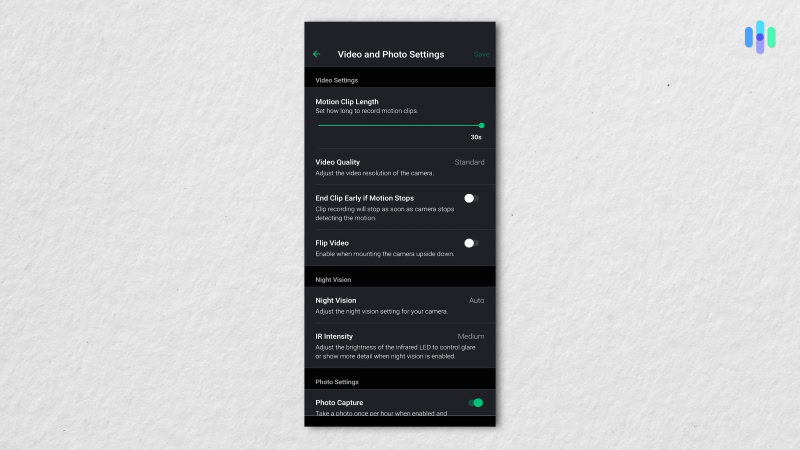
We’re used to cheap security cameras coming with cheap apps, but Blink is the exception. Their app has an intuitive layout that makes it just as easy to check the livestream of your cameras as it is to check your video recordings whether stored in the cloud or locally on your Sync Module.
The only difficulty we experienced was the app kept asking us if we were still watching when reviewing clips. That got annoying, but is by no means a deal-breaker since all we had to do was tap yes to make the notification go away.
Ring’s App
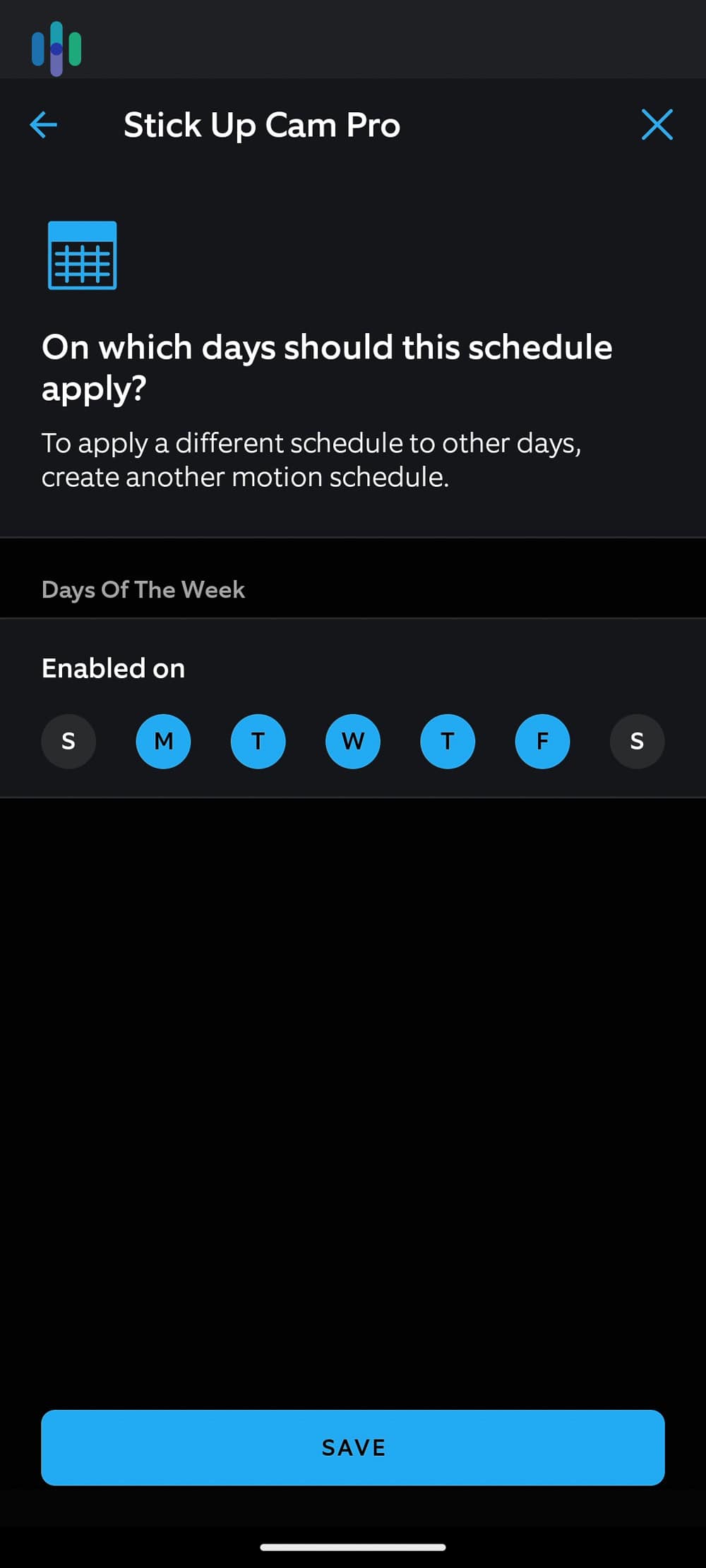
With more features comes a mobile app that’s slightly more complicated. There are more menus to navigate through to take full advantage of your Ring cameras, but we never felt overwhelmed.
We particularly like how Ring lets us set the sensitivity level of our cameras. That way, we could fine tune them so they only sent us alerts when we wanted them. When testing the Ring Indoor Cam, we also used the privacy zones feature so we could have it ignore particular areas in our home.
Winner: Ring
What Does Your Pet Do All Day? Monitor your pets (and potential intruders) with ease using one of the Best Pet Cameras of 2026.
Our Take: Blink vs. Ring
After breaking Blink and Ring down by category, we determined Ring’s the winner with a score of five to one. They offer more options, higher quality cameras, better services, and professional monitoring.
Still, we understand that Ring’s pricing puts it out of reach for budget-conscious shoppers. That’s where Blink shines. They deliver all the essential security camera features at wallet-friendly prices. Better yet, their local storage capability means you can skip monthly fees entirely and still capture important moments.
Select Blink if you’re looking for
- Local storage
- 30-day money-back guarantee
- Quality cameras starting at $29.99
Choose Ring if you prefer…
- Expert installation
- Professional monitoring
- More camera options
- Smart device integrations
- Artificial intelligence
To learn about our recommendations for brands other than Blink and Ring, check out our best home security camera review page.
FAQs About Blink vs. Ring
-
Is Blink and Ring the same company?
No, Blink and Ring are not the same company, although they are both owned by Amazon.
-
Are Ring cameras worth the premium price compared to Blink?
After testing both Ring and Blink cameras, we found the premium price that Ring charges to be well worth it for the higher quality video, more intelligent notifications, and optional professional monitoring.
-
Do Blink cameras work as standalone devices like Ring?
Most of Blink’s cameras work as standalone devices aside from their battery-powered models. Those ones require a Sync Module which connects your cameras to your Wi-Fi. All of Ring’s cameras work as standalone devices.
-
Will Ring’s professional monitoring plan work for my security cameras?
The standard professional monitoring plan from Ring requires a Ring Alarm system, but it still puts your cameras to use through the video verification feature.
-
Do Blink or Ring’s cameras offer better video quality?
Even when comparing Ring and Blink cameras with the same resolution, Ring still provides clearer videos. That’s largely due to their HDR support, which reduces the impact of glare and makes objects in shadows more visible.
-
Data Alliance. (2024). 5GHz Wireless Frequency: Properties, Applications & Comparison to 2.4GHz WiFi.
-
Artificial Intelligence and Applications. (2023). Real-Time Human Detection and Counting System Using Deep Learning Computer Vision Techniques.