

NordVPN vs. VyprVPN
What do a VPN from Panama and a VPN from Switzerland have in common? Strict logging policies, for one.


 &
&
 Last Updated on Aug 06, 2026
- A two-year plan currently costs just $3.49 per month.
- Multi-hop feature routes connection through two VPN servers and two layers of encryption.
- Over 9,300+ spread across 137 countries worldwide.
- More than 700 servers in over 70 countries
- Netflix access in U.S, U.K, Canada and Germany
- Dynamic IP addresses
the security.brief
NordVPN is better than VyprVPN with more servers, better Netflix access, multi-hop encryption, and faster speeds on Mac. VyprVPN logs less data.
When you’re looking at VPNs and comparing companies, it can feel impossible to tell what the actual differences are between providers. It seems like every company has the “most private” or “most secure” VPN on the market. But, they can’t all be the best. We try to break through the marketing lingo by personally testing VPNs and comparing them head-to-head. Today, we’re sharing what we found when we tested NordVPN, and then tested VyprVPN.
NordVPN is one of the industry’s most recognizable names with over 9,300 servers across 137 countries. As for VyprVPN, it operates quietly under Golden Frog’s ownership. Will NordVPN retain its status as the best VPN, or will VyprVPN surpass it? Keep reading to find out.
Key Similarities
Most high-quality VPNs meet what we consider requirements for private internet connections. This includes the country the company is based out of, how much data it keeps on its customers, and kill switches. But, NordVPN and VyprVPN both go beyond these basics and have a lot in common, such as:
- Based in countries without data sharing requirements: While NordVPN is based in Panama and VyprVPN is based in Switzerland, both of these countries aren’t members of the Five Eyes, Nine Eyes, or 14 Eyes alliances. That means that they can never be forced, legally, to hand governments customers’ data. For a VPN, that’s huge.
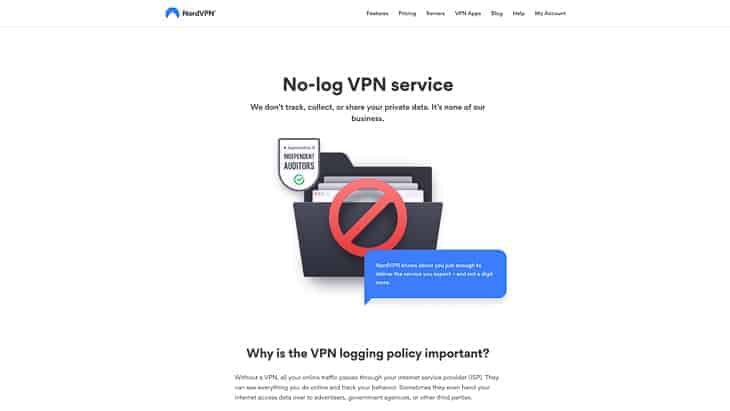
- Logging policies: Both VPNs also have strict logging policies, not logging anything about our online activity such as the websites we visited or our IP addresses. While NordVPN kept a bit more information than VyprVPN, both VPNs are extremely solid in terms of their privacy policies.
| Data | NordVPN | VyprVPN |
|---|---|---|
| IP addresses | No | No |
| Timestamps | Yes*Last session status only | No |
| Total bandwidth used | No | No |
| Websites visited | No | No |
| Email address | Yes | Yes |
| Payment data | Yes | Yes |
| Country details | Yes | No |
| Communication data | Yes | No |
| Server load information | Yes | No |
| Username | Yes | No |
| Connectivity information | Yes | No |
| Application diagnostics | Yes | No |
| Anonymized telemetry data | Yes | No |
| Device info | Yes | No |
| Device identifiers | Yes | No |
| Phone number | No | Yes |
| Physical address | No | Yes |
| Name | No | Yes |
FYI: Although it seems like NordVPN collects a lot more information than VyprVPN, the reality is that the information NordVPN collects cannot be traced back to you. When it comes to using their VPN, they only collect anonymized data for improving their services or essential data for operating their service.
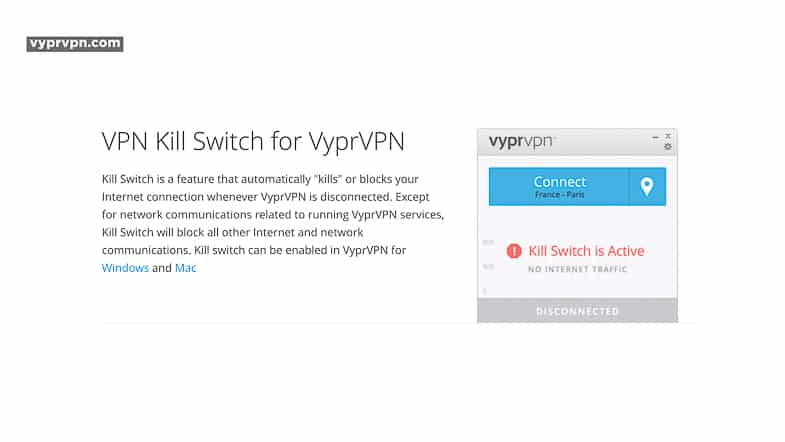
- Kill switches: As we’ve come to expect from the best VPNs, both NordVPN and VyprVPN had kill switches that shut down all of our web activity if they got disconnected.
- Torrenting access: Both VPNs allowed for torrenting, so we could enjoy all that non-copyrighted material that’s not on one of our many streaming subscriptions.
- Encryption methods: If VPNs were a sandwich, then encryption methods would be the meat. Encryption means turning our website data and IP addresses into inscrutable code by routing them through a tunnel. Both providers encrypt data using AES-256. It’s the same encryption protocol that governments, financial institutions, and the military use to protect data.
- Works with Windows, macOS, Android, iOS, and routers: Aside from working with the most commonly used operating systems, we like that both VPNs also work with our routers. This allows us to get around any device limitations. NordVPN only allows 10 and VyperVPN is 30, which is still plenty. Rather, when we connected these VPNs to our routers, they covered all of the devices on the router’s network with only one device used in our limit. Booya!
- 30-day money-back guarantee: While neither NordVPN nor VyprVPN had a free VPN subscription available, both gave us 30 days to return our subscriptions for a full refund. We didn’t end up cashing in on this offer, but it’s a nice safety net for the rest of you all.
- iOS app ratings: Both VPNs had iOS apps with 4.7 overall ratings on the Apple App store, and we didn’t have an issue connecting to nearby servers on our iPhones.
- Customer support: In terms of customer support, NordVPN and VyprVPN are similarly lacking (hey, we never said these were all positives!). Neither had a phone line, which is unfortunately pretty common with VPNs. Instead, we had an online help center, online forms, and live chats.
Key Differences
Once you dig a bit deeper beyond the basics of NordVPN and VyprVPN, you start to find some pretty significant differences. But, these companies having differences is a good thing. It means you can pick a provider based on your unique needs. Before we get into which provider you should choose for which use cases, here are the key differences that separate NordVPN and VyprVPN:
- The number of servers: NordVPN has over 9,300 servers, while VyprVPN has about 700. Clearly, NordVPN is the more established VPN worldwide (and it’s also one of the best VPNs for Germany with over 240 servers in Berlin and Frankfurt alone).

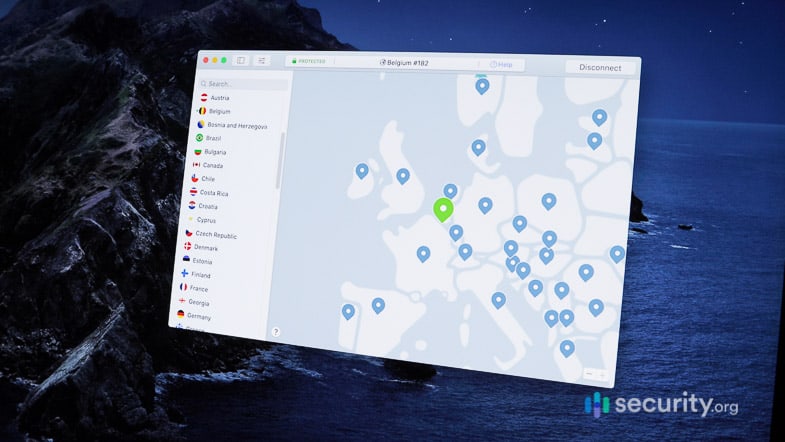
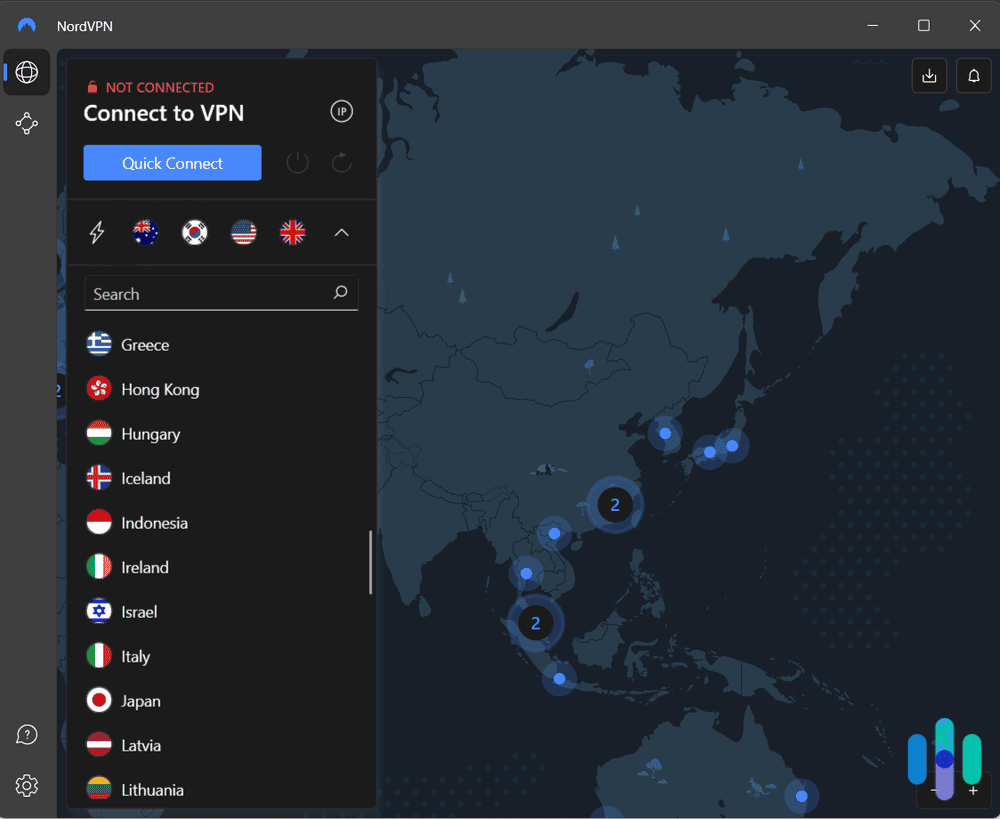
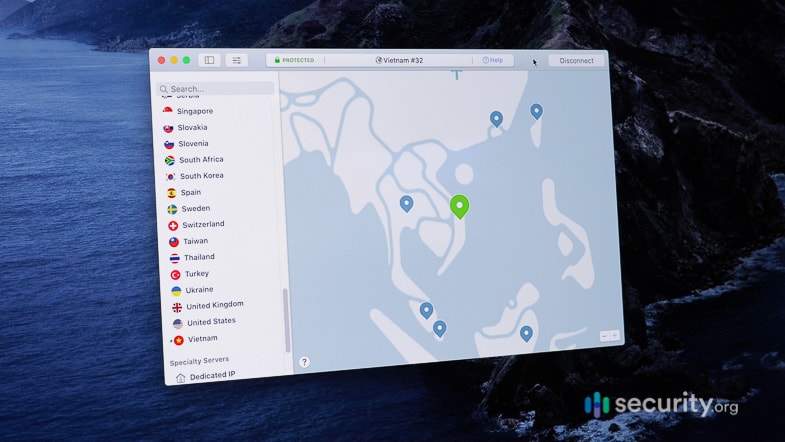
- Server locations: Just like NordVPN has more servers than VyprVPN, they also have more server locations. NordVPN offers connections through servers in 137 countries while VyprVPN offers servers in about 70 locations. Of course, we recommend checking out each VPN’s list of locations to see which one is better for you, depending on where you live and where you plan on going.
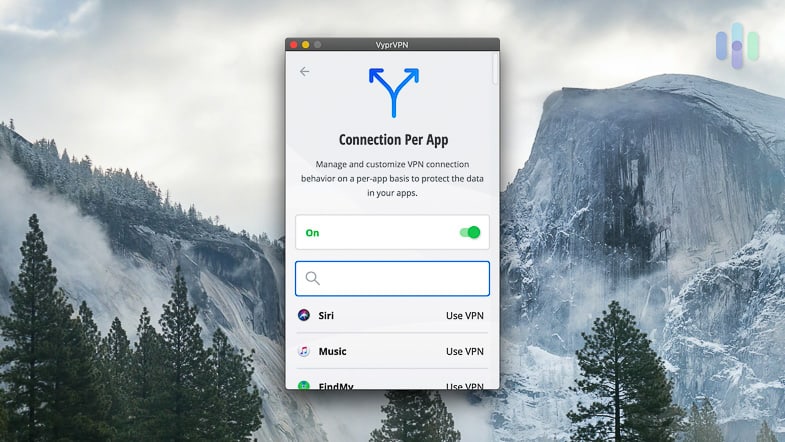
- Split tunneling: Split tunneling means getting to route some of our traffic to the VPN and some directly to the public Wi-Fi network to save on bandwidth. It also comes in handy when some sites block VPN connections and you can’t get through. While both providers offer split tunneling, they allow it on different devices. VyprVPN has split tunneling on their Mac and Android apps while NordVPN offers it on their Windows, Android, and Android TV apps.
- Netflix: All of NordVPN’s servers support Netflix streaming. VyprVPN’s Netflix compatibility is limited to servers in Canada, the U.K, the U.S, and Germany. It still didn’t make our list of the best VPNs for Canada though because of its limited server infrastructure. If you want to connect to another country’s server, you’ll be blocked from Netflix with your VyprVPN IP address.
FYI: Changing your IP address means that Netflix will think you’re in another country and will show you selections as if you are in that country. However, Netflix blocks many VPNs’ IP addresses, so not all VPNs are Netflix-compatible. That’s why we made a list of the best VPNs for Netflix so you can be sure the one you choose works.
- VPN protocol: VPN protocols dictate how data is transmitted from your device to the VPN server. NordVPN gave us a choice between OpenVPN, NordLynx (their proprietary version of WireGuard optimized for speed), and IKEv2/IPsec. VyprVPN offers WireGuard and their proprietary Chameleon protocol. The Chameleon protocol is designed to bypass VPN blocking. While WireGuard is great, you’ll do better having several options for different VPN activities. We know, for instance, that OpenVPN is better for unblocking geo-restricted websites and encrypting data.
- Multi-hop: Speaking of encryption, while NordVPN encrypted our data multiple times through a few different servers, a process called multi-hop, VyprVPN only encrypted our data once. So overall, NordVPN is more secure than VyprVPN, although they did log a bit more data. We only recommend using multi-hop when you need an ultra-secure connection since it takes a toll on your internet speeds. This makes sense considering your data gets routed through two servers instead of one.
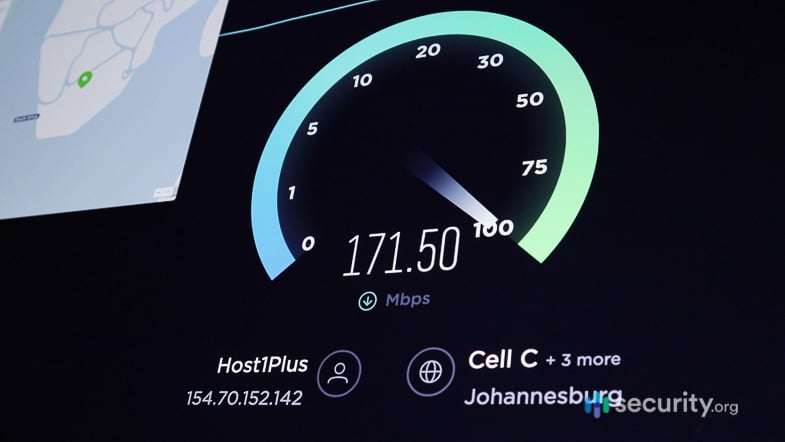
- Speeds: We test out all of our VPNs on our Macbook Pro and our Windows Acer Aspire 5 to see how it works for Mac and Windows-users. On our Mac, NordVPN caused less lag and less of a decrease in our download speeds, although Vypr took the edge when it came to upload speeds. But VyprVPN won by a hair on our Windows 10, as NordVPN had a ton of latency on Windows. Overall, we’re confident in saying that NordVPN is a better VPN for macOS, and although VyprVPN offered slightly faster speeds on our Windows laptop, we still think it’s the best VPN for Windows thanks to its comprehensive set of features.
| VPN | NordVPN | VyprVPN | NordVPN | VyprVPN |
|---|---|---|---|---|
| Device Tested On | Macbook Pro | Macbook Pro | Windows 10 Acer Aspire 5 | Windows 10 Acer Aspire 5 |
| Ping without VPN (in ms) | 42 | 32 | 5 | 5 |
| Ping with VPN (in ms) | 46 | 52 | 160 | 94 |
| Ping Difference | 10% | 63% | 3100% | 1780% |
| Macbook Download Speed without VPN (in mbps) | 55 | 32 | 23 | 24 |
| Download Speed with VPN (in mbps) | 41 | 12 | 22 | 22 |
| Download speed difference | -24% | -63% | -8% | -10% |
| Upload Speed without VPN (in mbps) | 34 | 22 | 24 | 19 |
| Upload Speed with VPN (in mbps) | 27 | 21 | 8 | 4 |
| Upload speed difference | -20% | -5% | -67% | -77% |
Did You Know: You can perform your own speed tests at home using a number of different free online speed tests (we use one from Ookla). Test your speed with and without the VPN on and calculate the difference.
- Number of devices per subscription: If you own a lot of devices or plan to share an account with a family member, you’ll appreciate the 10-device limit of all NordVPN subscriptions. However, you’ll appreciate even more the 30-device limit VyprVPN offers.
- Number of simultaneous connections: As mentioned above, VyprVPN allows 30 simultaneous device connections compared to NordVPN’s 10, making it ideal for large households or small businesses.
- Compatibility with Linux, proxy, NAS, smart TVs, Anonabox, Blackphone, and QNAP: Although there was some overlap between NordVPN and VyprVPN in terms of device compatibility, there were also some differences when it came to niche devices like Linux and Anonabox.
| Compatible Devices | NordVPN | VyprVPN |
|---|---|---|
| Windows | Yes | Yes |
| macOS | Yes | Yes |
| Android | Yes | Yes |
| iOS | Yes | Yes |
| Router | Yes | Yes |
| Linux | Yes | No |
| Proxy | Yes | No |
| NAS | Yes | No |
| Smart TVs | Yes | Yes |
| Anonabox | No | Yes |
| Blackphone | No | Yes |
| QNAP | No | Yes |
- Browser extensions: In the same vein, NordVPN had browser extensions for Chrome, Microsoft Edge and Firefox while VyprVPN had apps only. If you’re using the web via a browser only, you might prefer using an extension rather than an app to save on bandwidth.
- Android app ratings: When it comes to their Android app, NordVPN got higher ratings than VyprVPN, 4.6 compared to 4.4. However, with software updates, these ratings are bound to change, so be sure to check out the most recent reviews for the most up-to-date information. Personally, we found both apps to be perfectly functional on Android, but NordVPN wins by a hair.
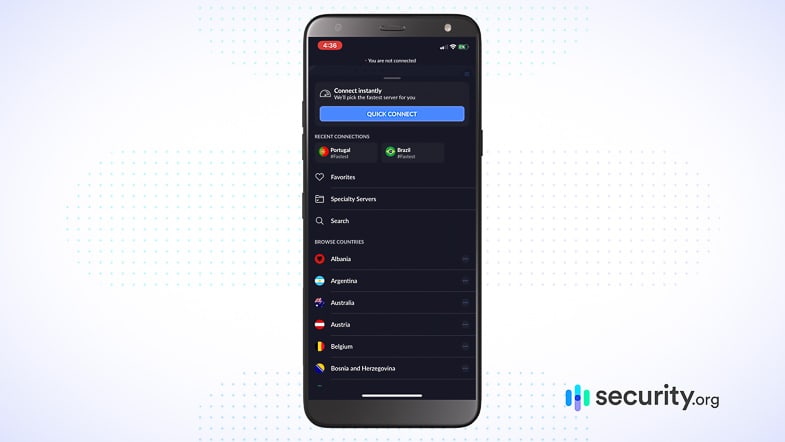
- Pricing: NordVPN’s prices start at $14.99 monthly or $3.49 per month for a two-year commitment. VyprVPN offers simpler pricing at $5 monthly or $4.00 per month annually.
| Contract Length | 1 Month | 1 Year | 2 Years |
|---|---|---|---|
| Cost Per Month- NordVPN | $14.99 | $5.49 | $3.49 |
| Cost Per Month- VyprVPN | $5.00 | $4.00 | $3.00 |
| Total Amount Billed- NordVPN | $14.99 | $65.88 | $94.23 |
| Total Amount Billed- VyprVPN | $5.00 | $48.00 | $36.00 |
Pro Tip: NordVPN offers multiple tiers of their service. If you choose a higher tier, you’ll get more security tools bundled into your subscription. We recommend the Complete plan, which includes next-generation antivirus malware blocking and the NordPass password manager we tested. The Complete plan starts at $4.49 per month on a two-year commitment.
Conclusion
So, which VPN do we recommend? NordVPN is still our top pick with its superior server infrastructure and consistent streaming access across their entire network. However, depending on what you’re looking for, VyprVPN could be better for your needs.
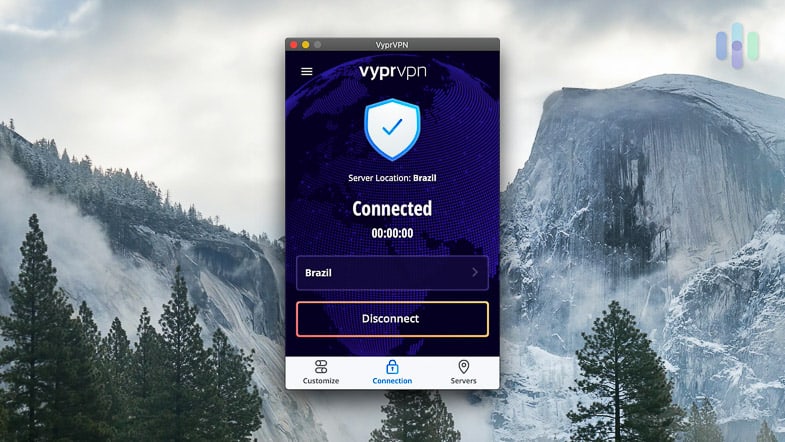
Go with NordVPN if you want:
- More consistent Netflix access
- More servers
- AES-256
- Lower cost dedicated IP addresses
- Minimal slowdowns on Macs
- Better digital security bundles
- Coverage for up to ten devices
- Compatibility with Linux, proxy and NAS
But choose VyprVPN if you’re looking for:
- Split tunneling on Mac
- Less data logged
- WireGuard and Chameleon VPN protocols
- Dynamic IP addresses
- Minimal slowdowns on Windows
- Lower month-to-month prices
- Support for up to 30 simultaneous connections
- Compatibility with Anonabox, QNAP and Blackphone
To learn more about either VPN, read our NordVPN review or our VyprVPN review, or compare NordVPN to another top choice in NordVPN vs. ExpressVPN. We tested out each VPN for over six months each, so you should be able to find all of the detailed information that you’re looking for.
Commonly Asked Questions
Comparing VPNs is always heavily contested but with VyprVPN and NordVPN, our readers had even more questions than usual.
-
Is VyprVPN better than NordVPN?
No, VyprVPN is not better than NordVPN; NordVPN is much better, as it has:
- More servers: NordVPN has over 9,300 servers worldwide, increasing the chances that you’ll find one near you. NordVPN also has more server locations, covering 137 countries compared to 70 locations for VyprVPN.
- More streaming options: With VyprVPN, Netflix and Hulu only work on servers in the U.S., U.K., Canada and Germany, while Prime Video only works with the U.S., U.K., and Germany. All of NordVPN’s servers, on the other hand, work with these streaming platforms, making it easier to watch the libraries of other countries.
- Multi-hop: NordVPN encrypted our IP addresses and web activity multiple times, while VyprVPN only did it once.
- Better speeds on Mac: We got over six times more latency with VyprVPN as opposed to NordVPN when we tested them both on our Macbook Pro.
- More devices per subscription for typical users: VyprVPN allows 30 connections, but we’ve found that most people find NordVPN’s 10-device limit more than sufficient.
-
Is NordVPN really the best?
NordVPN is one of the best VPNs due to its competitive prices, great mobile apps, quick speeds, multi-hop, AES-256 encryption, compatibility with Netflix, Prime Video, Hulu, and Disney+, kill switch, minimal logging, and headquarters in Panama, a non-member country to Five Eyes. NordVPN also has one of the largest server networks, with over 9,300 servers in 137 countries.
-
How good is VyprVPN?
VyprVPN is a solid mid-tier VPN, even though it didn’t make our best VPN list. Here are its main advantages and disadvantages.
Pros
- Headquarters in Switzerland so it can’t be forced to give governments customer data
- More than 700 servers in over 70 countries
- No logging of IP addresses, traffic, etc.
- Kill switch
- Torrenting
- Split tunneling on Mac and Android
- Some Netflix, Hulu and Prime Video access
- AES-256 encryption
- Dynamic IP addresses
- Good speeds on Windows
- Great mobile apps
- 30-day money-back guarantee
- Up to 30 simultaneous connections
Cons
- Not all servers work with streaming services
- No multi-hop
- Significant latency increase on Windows devices
- Limited server network compared to top-tier VPNs
-
Is NordVPN owned by China?
No, NordVPN is not owned by China. Rather, the company is based in Panama with offices in Berlin, Germany, France, London, England, Kaunas, Lithuania, and Vilnius, Lithuania. NordVPN is its own company and is not under a parent organization.
-
Does NordVPN cost more than VyprVPN?
NordVPN prices start at $3.49 per month on a two-year plan. The same length with VyprVPN costs $3.00 per month. Here’s a comparison of the cost difference between NordVPN and VyprVPN when only purchasing a VPN from either provider:
Contract Length 1 Month 1 Year 2 Years Cost Per Month- NordVPN $14.99 $5.49 $3.49 Cost Per Month- VyprVPN $5.00 $4.00 $3.00 Adding NordPass to your NordVPN subscription (via the Complete plan) raises the price to $4.49 per month on a two-year commitment. Most password managers cost up to $5 per month, so bundling NordVPN and NordPass is a good way to save money. Check out our review of NordPass to find out why it’s one of our favorite password managers.
-
National Institute of Standards and Technology. (2024). Cryptographic Standards and Guidelines.
csrc.nist.gov/projects/cryptographic-standards-and-guidelines/archived-crypto-projects/aes-development