Best Security Cameras for Apartments in 2026
Our top spot goes to SimpliSafe because they’ll help next time you move with by sending a complimentary Mover’s kit.
 &
&
 Last Updated on Jul 09, 2026

- Complimentary Mover’s kit makes it easy to bring your cameras with you to a new home
- Professional monitoring plans include Intruder Intervention response
- Easy DIY installation minimizes the risk of damage

- Award-winning professional monitoring service
- Wired and battery-powered options mean flexible installation without hardwiring
- Recognizes regular visitors and can unlock smart locks and disarm the system for them.

- The only true peephole camera on the market
- DIY installation means you pay nothing when you move
- A la cart pricing means you buy only the cameras you need for your sized space
the security.brief
SimpliSafe tops apartment security cameras with a free Mover's kit and Intruder Intervention. ADT offers flexible pro monitoring with Nest cams.
Renting is more common than ever, and with home prices remaining stubbornly high, more people are staying in apartments longer than they planned. In many cities, that trend is only getting stronger. That’s not necessarily a bad thing, but it does raise a practical question. How do you secure a home you don’t own?
Most landlords aren’t thrilled about drilling holes in walls or rewiring anything, and that’s fair. Still, “I rent” is no excuse to leave your home unprotected.
The good news is that security cameras have caught up to renters’ needs. We’ve tested dozens of models built specifically for apartments and rentals, and the best of them mount with adhesive strips, run on rechargeable batteries, and come down cleanly when your lease is up, no landlord approval, no damage deposit at risk. You’ll find our top picks below.
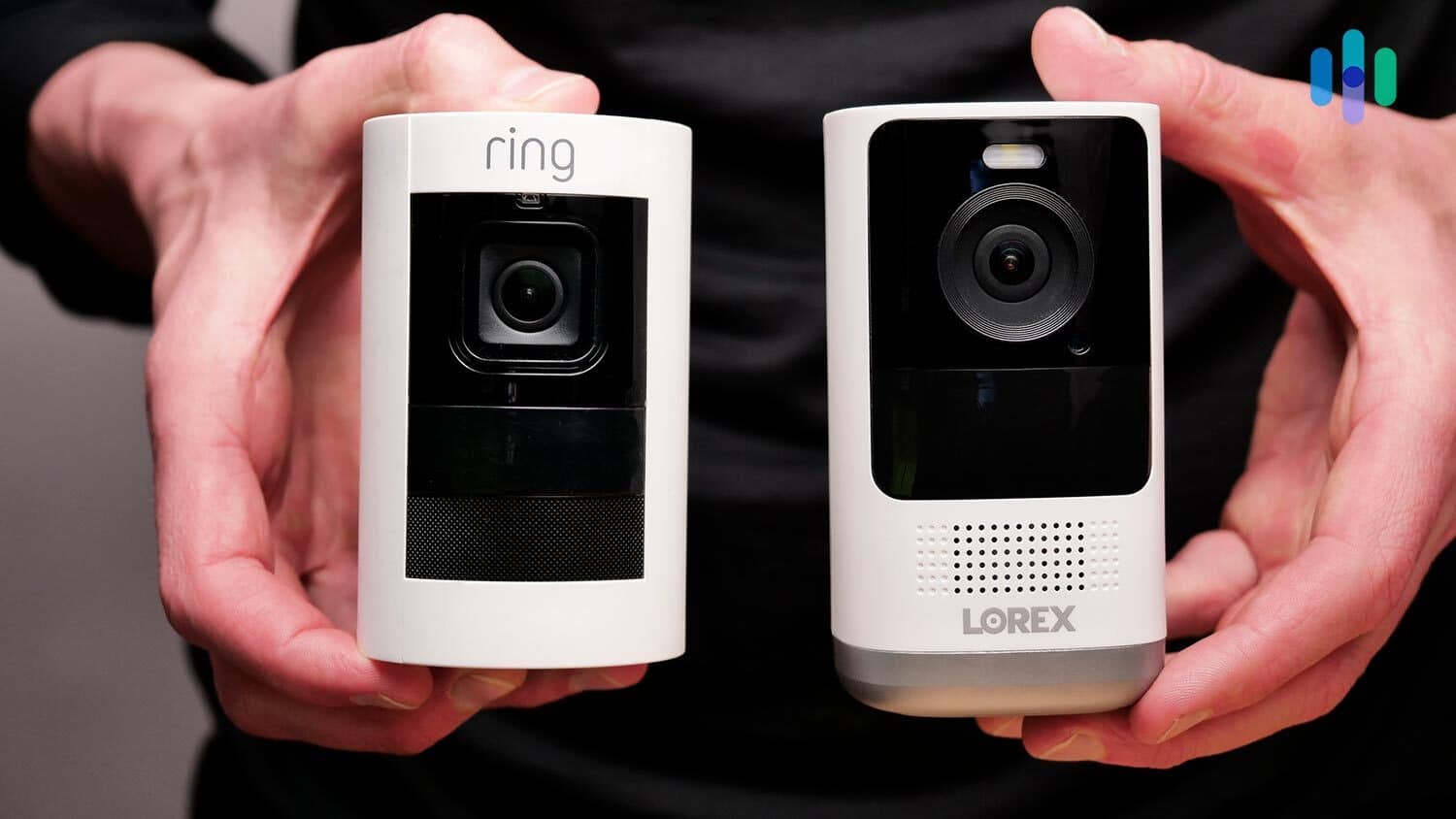
Here Are The Best Security Cameras for Apartments
- SimpliSafe - Best Emergency Response
- ADT - Best Professionally-Monitored Security Cameras for Apartments
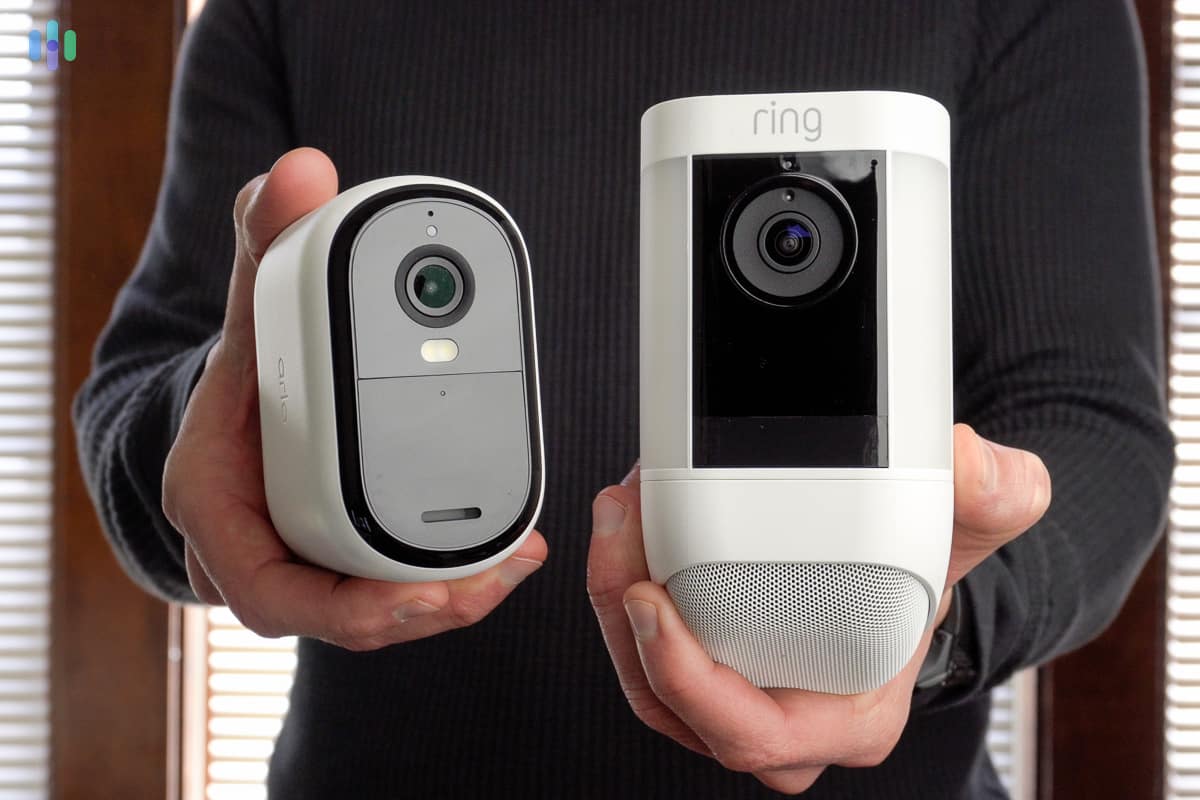
- Ring - Best Self-Monitored Security Cameras for Apartments
- Nest - Best Security Cameras for Apartments With Facial Recognition
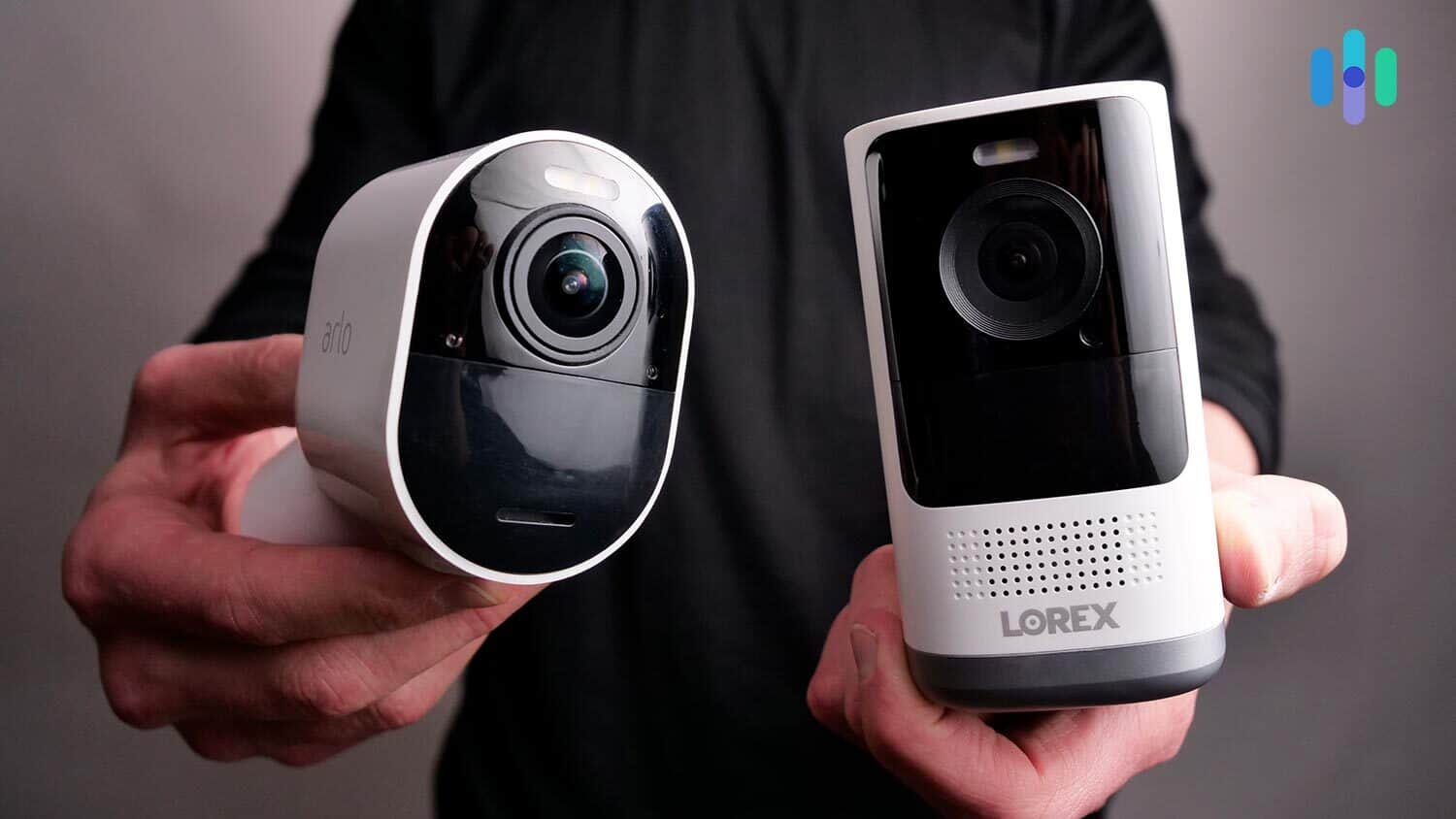
- Arlo - Best Wire-Free Security Cameras for Apartments
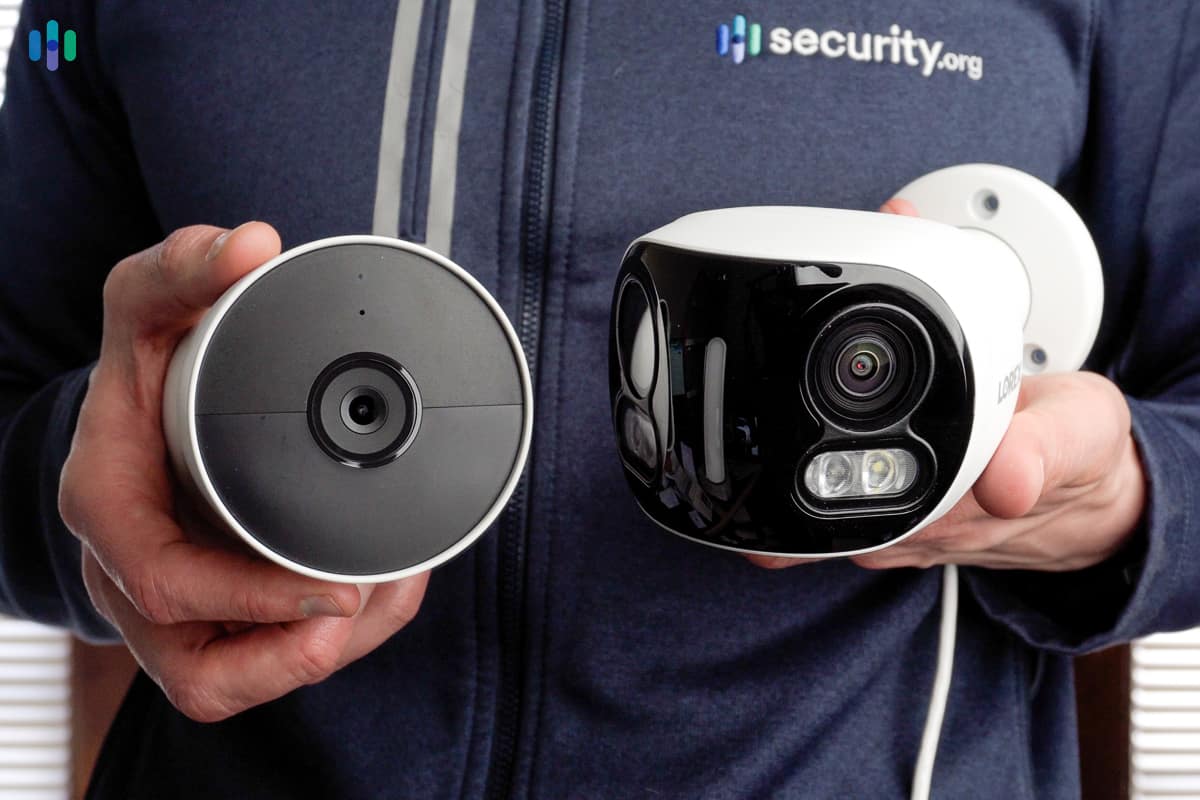
- Lorex - Widest Available Options
Comparing the Best Security Cameras for Apartments
| System |
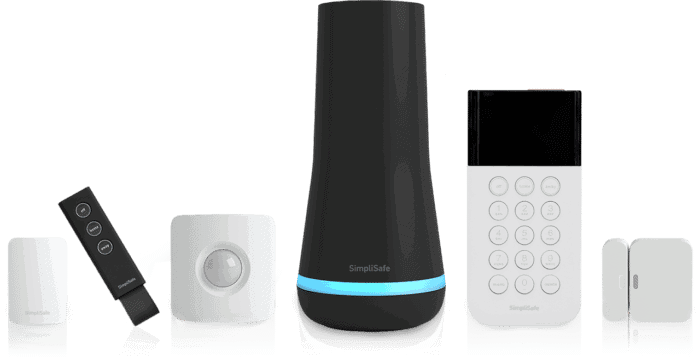
SimpliSafe
|
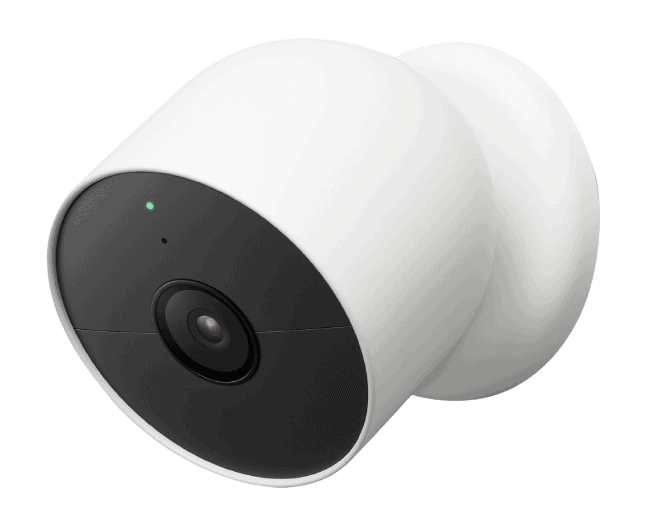
ADT
|
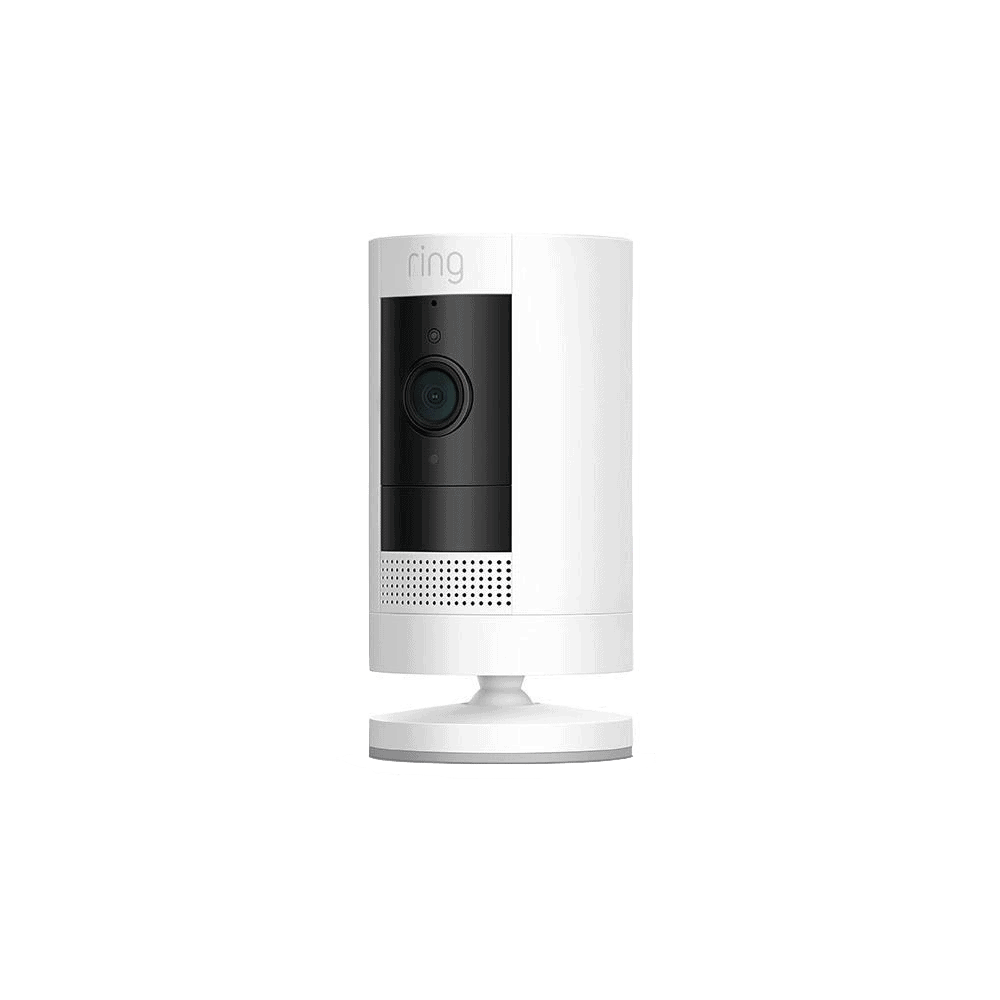
Ring
|
Nest

|
Arlo

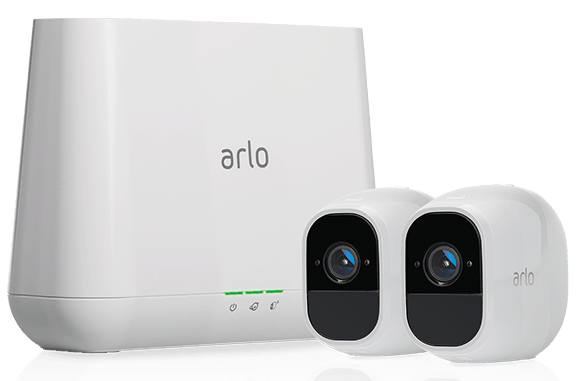
|
Lorex

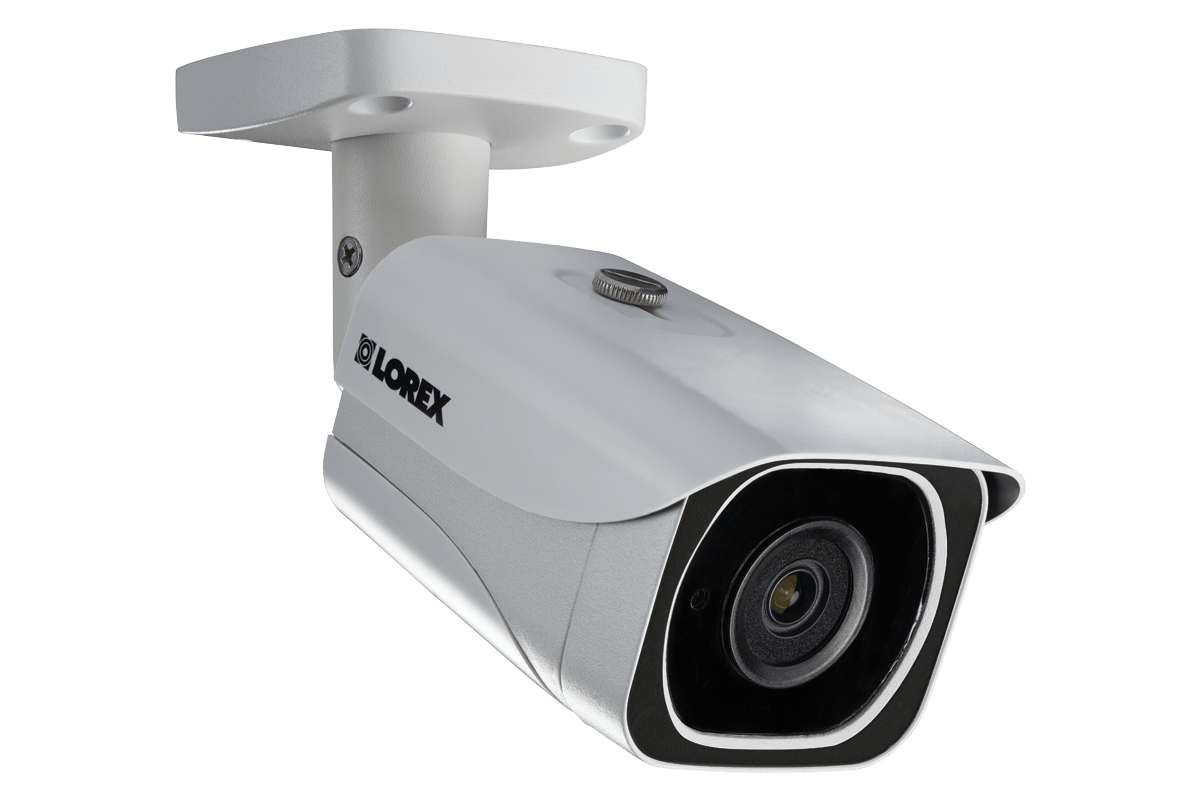
|
|---|---|---|---|---|---|---|
| Ranking | 1st | 2nd | 3rd | 4th | 5th | 6th |
| Ratings | 9.8/10 | 9.8/10 | 9.5/10 | 9.2/10 | 8.8/10 | 9.0/10 |
| Installation | DIY or professional | DIY or professional | DIY or professional | DIY or professional | DIY or professional | DIY |
| Storage | Cloud | Cloud | Cloud | Cloud | Cloud or USB device | DVR/ NVR or microSD card |
| AI | Person detection | Person detection and facial recognition | Person detection | Person detection and facial recognition | Person detection | Person detection |
| Smart platform integration | Alexa and Google Assistant | Alexa and Google Assistant | Alexa and Google Assistant | Alexa and Google Assistant | Alexa, Google Assistant, and Apple HomeKit | Alexa and Google Assistant |
| Price range | $150-$200 | $100 - $280 | $50 - $280 | $100 - $280 | $40 - $250 | $30 - $1,300 |
| Read Review | SimpliSafe Review | ADT Review | Ring Review | Nest Review | Arlo Review | Lorex Review |
A Detailed Look at the Best Security Cameras for Apartments
-
1. SimpliSafe - Best Emergency Response

Product Specs
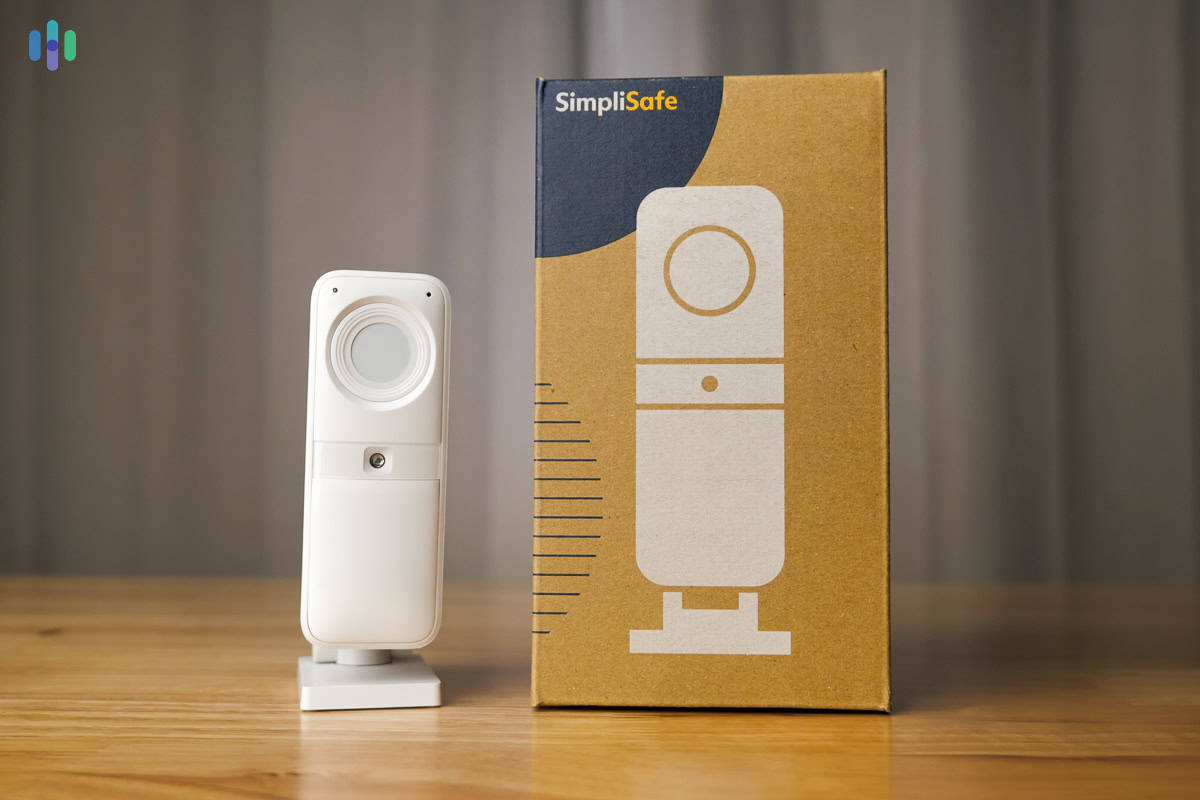
Equipment Costs Packages starting at $250.96 Monitoring Options Professional and DIY Monthly Monitoring Costs Starts at $22.99 Contract Lengths Month-to-month Installation Options DIY or professional Smart Platform Integration Alexa and Google Home If you live in an apartment, you’re probably not staying there for the rest of your life. We moved almost every year when we lived in apartments. Each time you move, you shouldn’t need to buy a new security system.
That’s exactly what SimpliSafe offers. You can start off with a small system and a single indoor camera for that tiny studio and then scale up your system when you save up to buy the home down the road. But that doesn’t mean you get less protection. SimpliSafe’s equipment may be flexible, but they offer the best emergency response with Intruder Intervention.
What We Like
- No contracts for any systems or plans
- Intruder Intervention uses live two-way audio to scare intruders
- Easy DIY installation
- Take your cameras and equipment with you for free when you move
What We Don’t Like
- Color night vision is only available on the Outdoor Camera
- Video doorbell requires hardwiring
- Outdoor camera and wireless indoor camera requires a SimpliSafe base station and keypad
- Discounts require the purchase of a full security system
Professional Monitoring Plans

We kept the privacy shutter on our SimpliSafe Wireless Indoor Camera closed knowing it would open during an active alarm. SimpliSafe’s professional monitoring plans are flexible, making it easy to switch between tiers — even if you have security cameras set up. We recommend the Core plan at $32.99 per month, which unlocks Intruder Intervention. This feature allows SimpliSafe monitoring agents to access your Wireless Indoor Camera’s live feed and use its two-way audio to actively deter intruders during alarms. It’s a genuinely useful (and still affordable) tool for apartment dwellers.
Since the Video Doorbell Pro requires hardwiring, we recommend SimpliSafe’s Outdoor Camera to monitor your entryway. If you go that route, you can get your outdoor camera actively monitored with the Pro or Pro Plus plan starting at $49.99 per month.
Of course, SimpliSafe has free self-monitoring or a cloud storage plan for $9.99 per month as well.
Easy DIY Installation

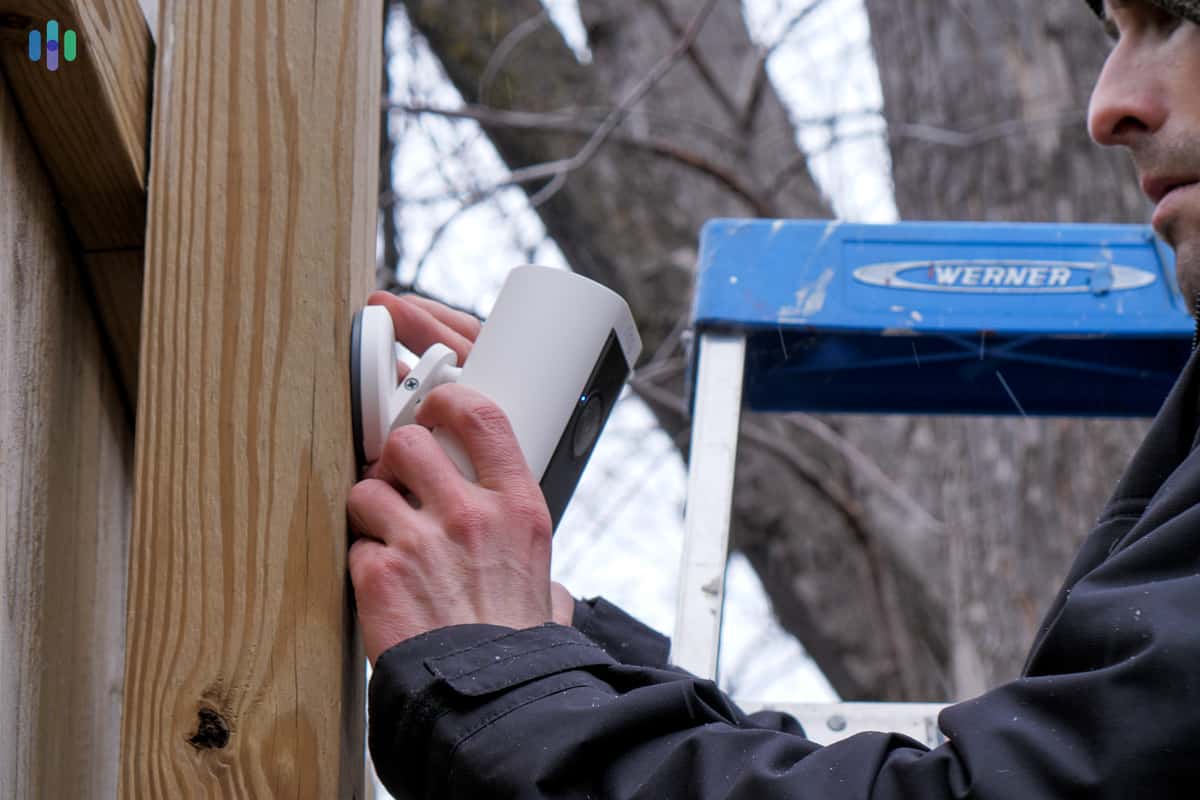
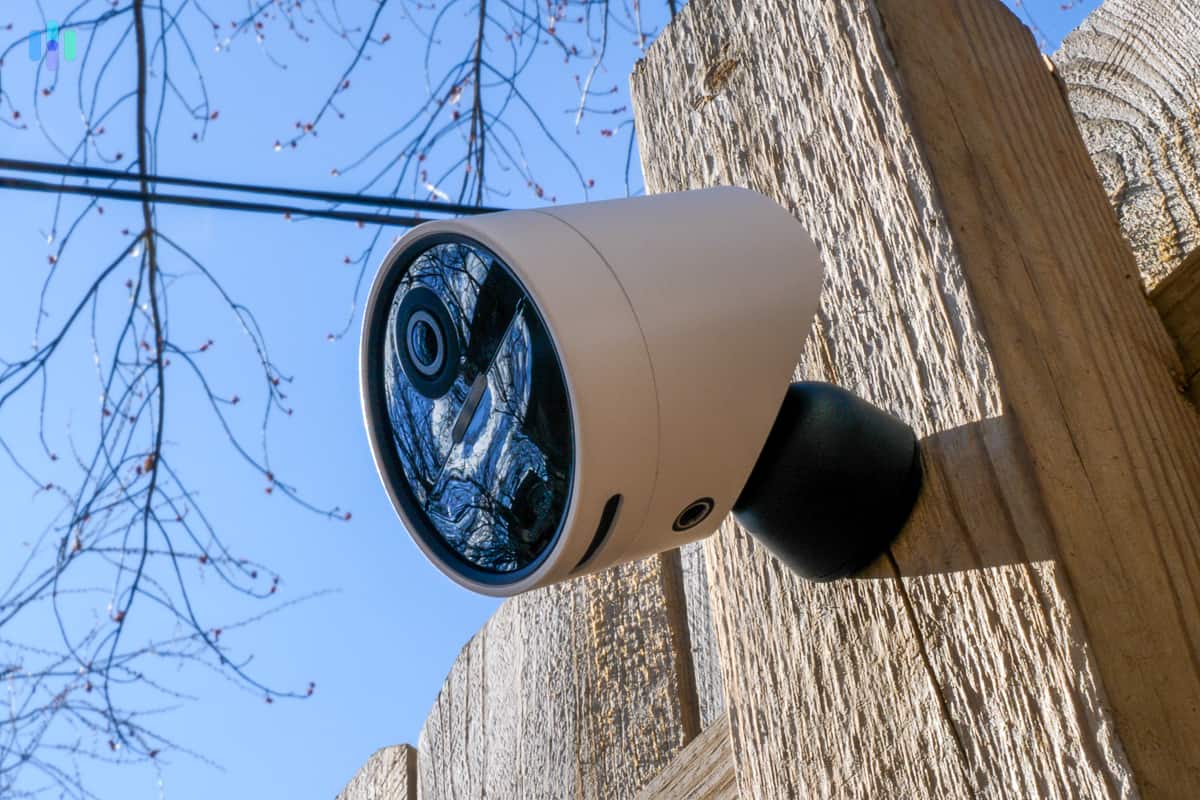
We used the mounting bracket to attach our SimpliSafe Outdoor Camera to our wooden fence but it also has a peel-and-stick backing. Out of the 40 security systems and over 100 cameras we’ve tested, SimpliSafe is one of the easiest to install aside from the Video Doorbell Pro. That means you’ll easily be able to install any of their cameras, including the outdoor camera, without causing any damage to your apartment and risking your security deposit.
>> Check Out: SimpliSafe Video Doorbell Pro Review 2026
Pro Tip: That easy installation process also makes SimpliSafe easy to uninstall and bring with you when you move to a new place. They’ll even send you new peel-and-stick adhesives to make the reinstall as easy as possible.
Scalable Security Solution
Because SimpliSafe’s equipment is so easy to install, you can always add new devices to your security system whenever you need them. We started off with a Wireless Indoor Camera and Video Doorbell Pro, and eventually added entry sensors and motion detectors when moving into a bigger place.
-
2. ADT - Best Professionally-Monitored Security Cameras for Apartments

Product Specs
Resolution Up to 2K Field of View Up to 152 degrees Power Wired, battery Connectivity Wi-Fi, ethernet Video Storage Cloud Smart Platform Compatibility Alexa ADT’s integration of Google Nest cameras into its lineup is a solid win for apartment renters. It’s a big reason we were able to DIY our install when we last tested ADT, which only took about 30 minutes. That means no hefty installation fees and they also got rid of their long-term contracts for DIY systems. The real standout, though, is ADT’s professional monitoring backing those Nest devices. You get round-the-clock protection plus smart features like Familiar Face detection, which uses Nest’s AI to recognize the people you know and cut down on false alerts.
>> Read More: ADT Home Security Review 2026

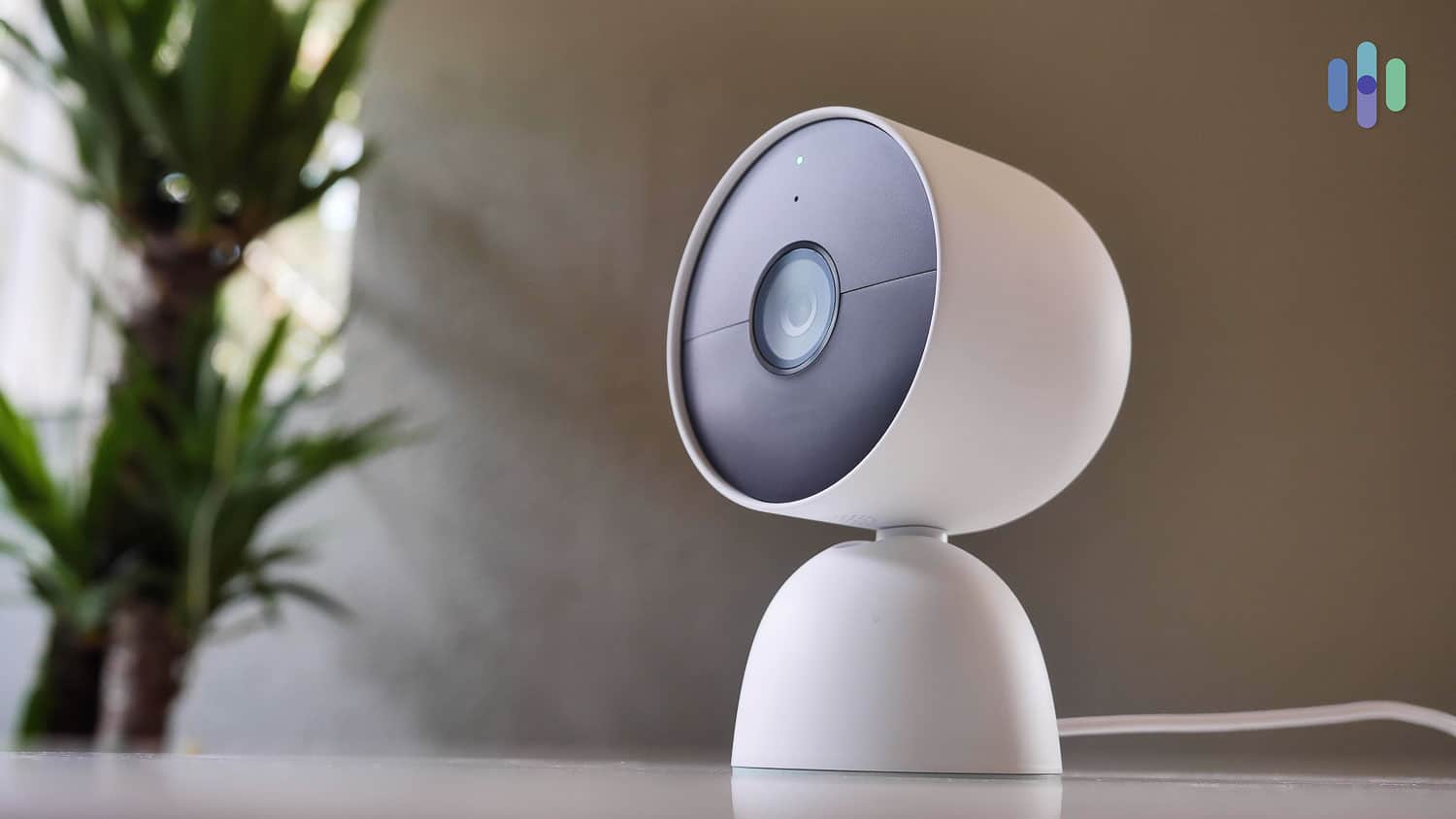
Our wired Google Nest Cam doesn’t take up a lot of space on our desk. What We Like
- Wired and battery-powered models
- DIY and professional installation available
- Trusted Neighbor feature
- 12 monitoring centers across North America
What We Don’t Like
- Expensive monitoring plans
- 1080p and 2K resolution only
- No local storage
- Only offers black-and-white night vision for indoor cameras
Professional Monitoring Plans
We don’t want to constantly monitor security alerts and check the feeds to see if we need to call 911. What happens if we miss a notification while we’re in a meeting or at the movies? That’s why we rely on professional monitoring – and no company is more reliable than ADT. Sure, ADT’s professional monitoring costs more than most other companies. But the top plan (required for security camera support) includes several useful features to keep your apartment secure.
FYI: We recommend installing the Nest Cams yourself, since most are battery-powered or sit on a surface. You’ll save $100 and monitoring plans cost about $10 less a month.
Trusted Neighbor
One of those useful features is Trusted Neighbor. You’ll need a Nest Cam or Nest Doorbell and a smart lock to take advantage of it. Trusted Neighbor uses the Nest’s Familiar Faces feature to unlock doors and disarm systems for registered guests. We use the feature to let our neighbors move our parcels from outside the hallway into our apartment when we’re not home.
Scalable Security Solution
Switching apartments can be a headache – whether you’re upsizing or downsizing. But ADT makes it a little easier. If you’re moving from a bottom floor shoebox apartment to a penthouse, you can add new cameras and integrate them into your existing system. Removing devices is equally simple in the ADT+ app. We don’t need as many cameras in our temporary place so we used the app and removed the ones we weren’t using.
FYI: You’ll need a Google account to integrate Nest products with ADT. The good news is once they’re synced, you’ll only need to use the ADT+ app to manage your Nest cameras and the rest of your security equipment.

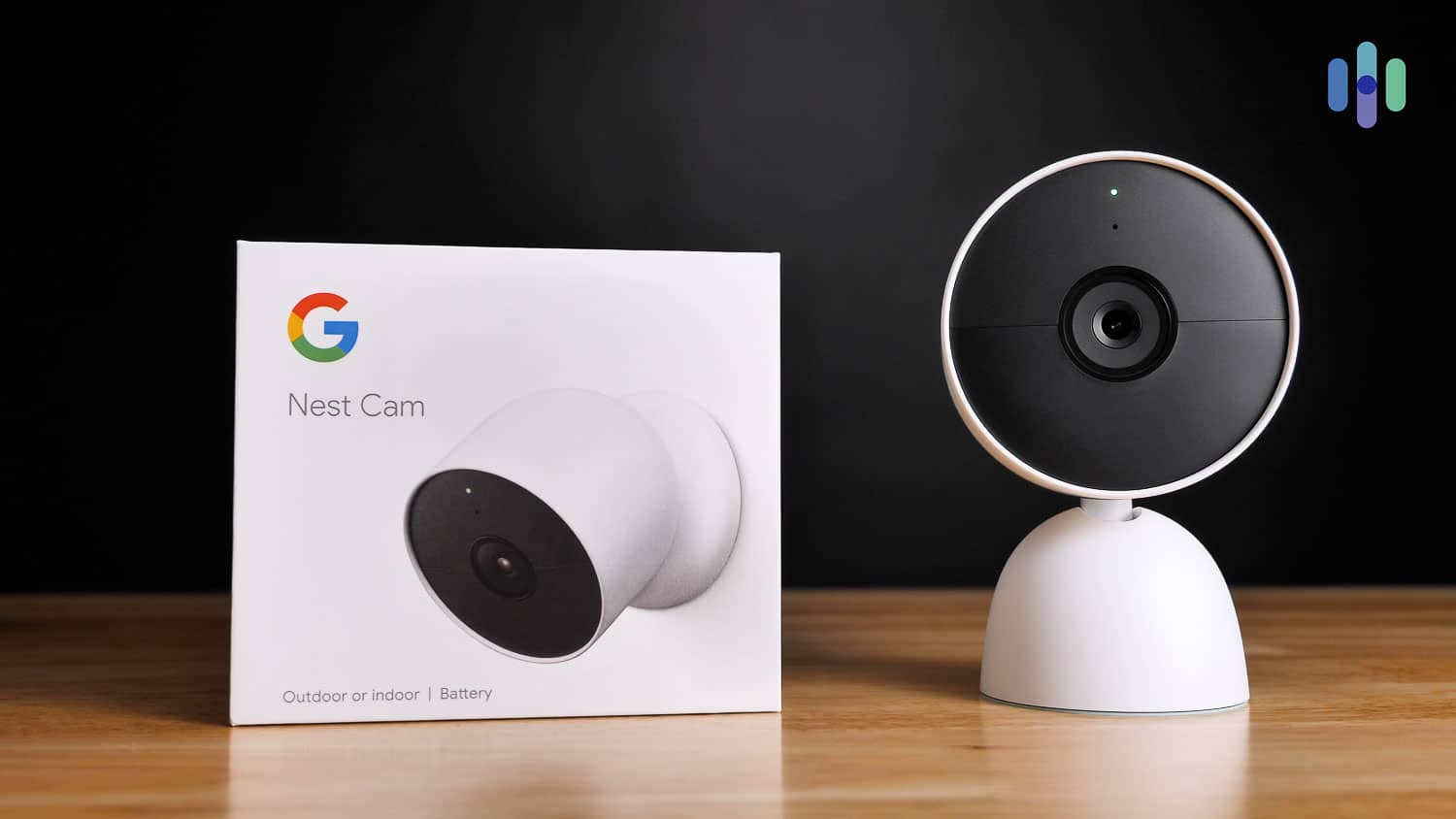
We kept our Nest Cam box to make it easier for our next move -
3. Ring - Best Self-Monitored Security Cameras for Apartments
 Learn More Links to Ring.com
Product Specs
Resolution Up to 4K UHD Field of View Up to 164 degrees Power Wired, battery, PoE, solar Connectivity Wi-Fi, ethernet Video Storage Cloud Smart Platform Compatibility Alexa and Google Home
Ring has one of the best apps in the game, making it easy to keep tabs on your apartment without needing a professional monitoring service. With a self-monitoring plan, you get up to 180 days of video event history. That’s more than what most security camera companies offer. The Ring Protect Solo plan covers a single device for $4.99 a month (or $49.99 a year), while the Ring Protect Multi plan runs $10 a month (or $100 a year) and covers all your Ring devices. If you feel like you need professional monitoring, Ring Protect Pro adds it for $20 a month (or $200 a year).

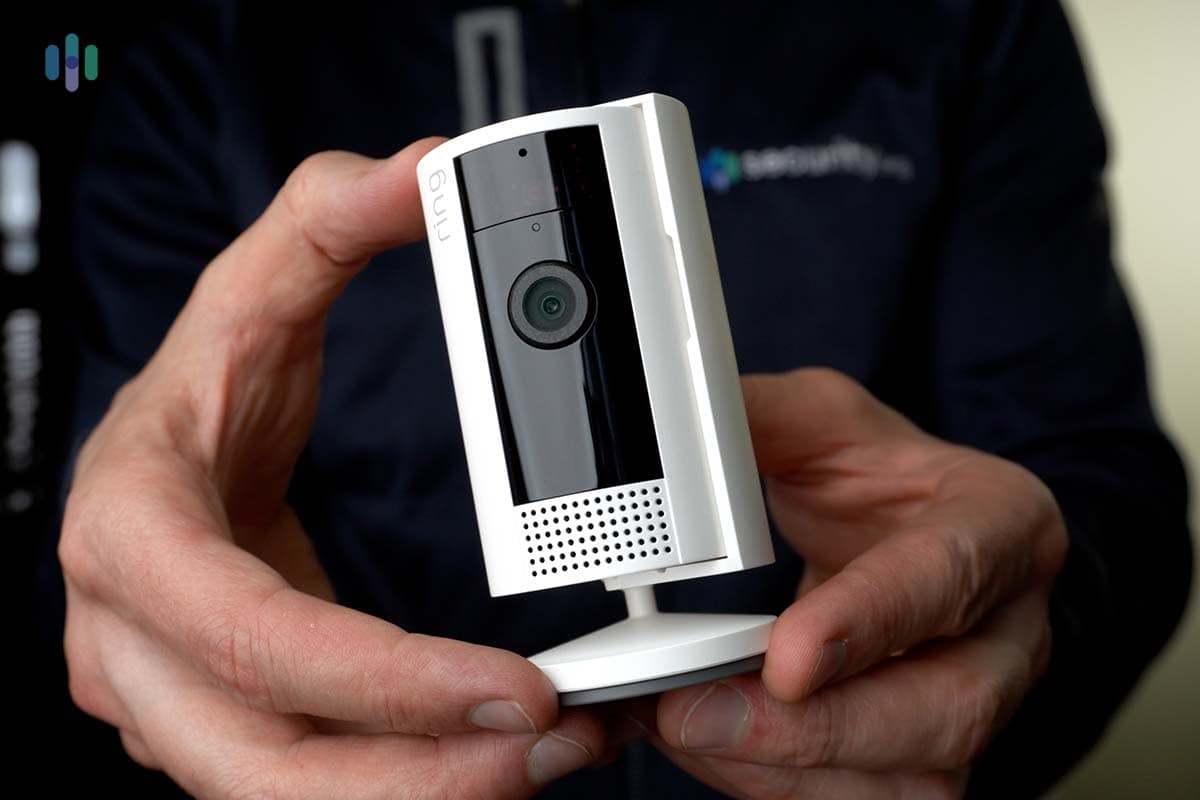
Ring Indoor Cam (2nd Gen) What We Like
- Low-priced professional monitoring
- Alexa and Google Home compatibility
- Two-way audio with noise reduction and echo cancellation
- Easy DIY installation
What We Don’t Like
- No free storage
- Limited field of view
- Relatively expensive high-end cameras
- No IP-rated cameras
Professional Monitoring Plans
We always recommend professional monitoring so you don’t have to stress over missing alerts or notifications. Ring offers professional monitoring through its Ring Protect Pro plan that costs $20 per month (or $200 per year). It includes 24/7 professional monitoring, person detection, package detection, rich notifications, and 180 days of video history. For those who want a more hands-off, high-touch approach, Ring also offers live video monitoring and intruder deterrence through its Virtual Security Guard plan at $99 per month.
FYI: Ring’s self-monitoring plans are also a good deal, with prices starting at $4.99 per month. Like SimpliSafe, it’s easy to switch between plans as your needs change or when you move to a new apartment.
Easy DIY Installation
Anyone can handle Ring camera installation. Once you decide where to place your cameras, all you need to do is turn a few screws and you’re set. In fact, indoor cameras don’t necessarily require even that level of skill. Just set one on an end table and plug it into the nearest wall outlet. OK, in extreme circumstances you might need an extension cord. You should still be finished in under a minute, and your landlord won’t have anything to complain about.
Person Detection
Person detection has become a standard expectation in the security camera world, and Ring delivers it across its entire camera lineup. So what does person detection actually do? It means the camera can tell the difference between a human being and, say, a branch swaying in the wind. That matters a lot when you’re living in an apartment — the last thing you want is your phone buzzing every time a bird flies past the window.
-
4. Nest - Best Security Cameras for Apartments With Facial Recognition
 View on Amazon Links to Amazon.com
Product Specs
Resolution Up to 2K with HDR Field of View Up to 152° Power Wired, battery Connectivity Wi-Fi Video Storage Cloud Smart Platform Compatibility Alexa and Google Home
Nest cameras are available for purchase without an ADT security system. You can even get some of the same features like facial recognition and person detection. You’ll just miss out on professional monitoring. Nest Cams make up for it in other ways, like Matter protocol support as well as Alexa and Google Home voice control.
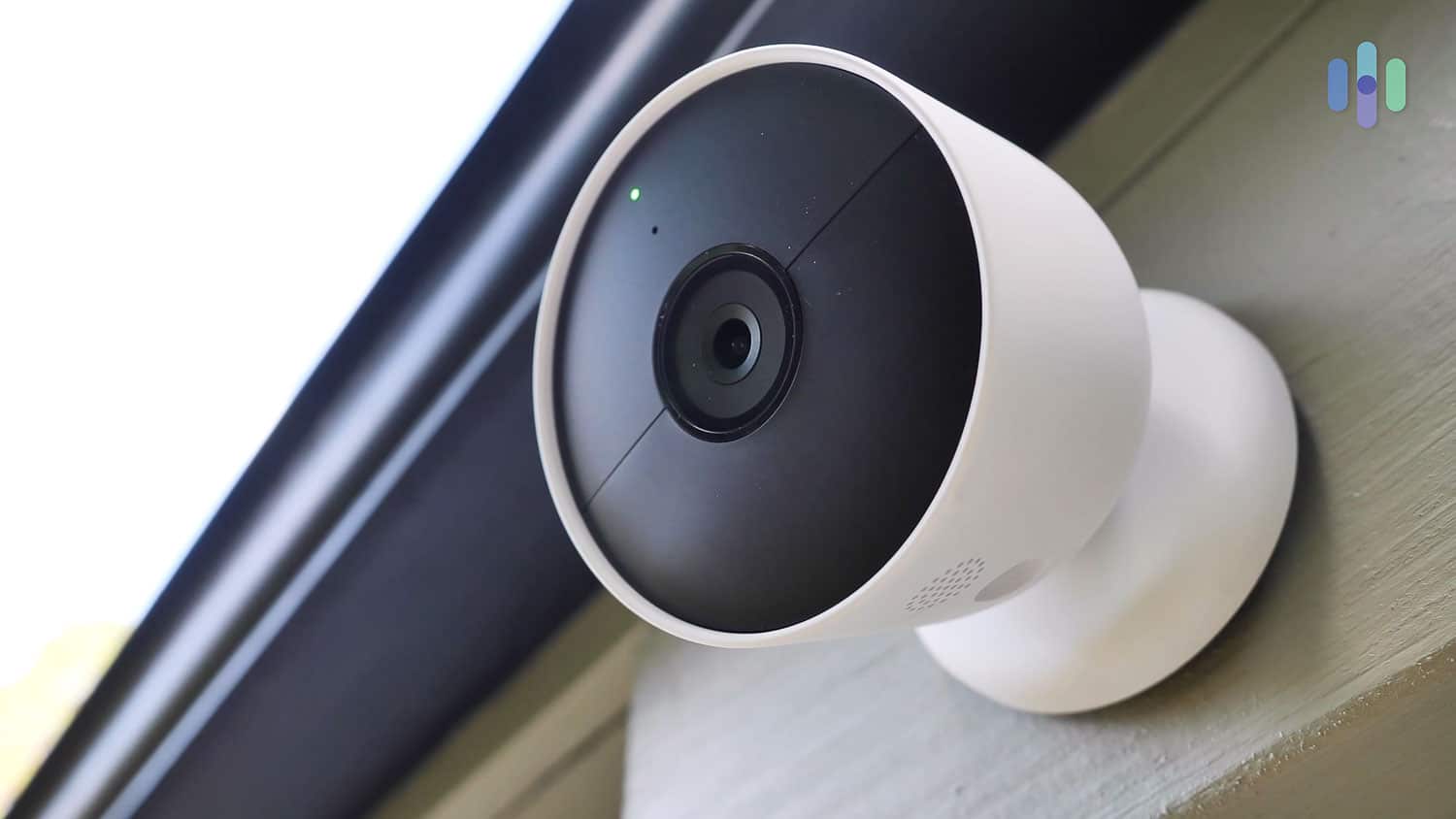
Google Nest Cam What We Like
- Facial recognition
- Matter protocol support
- Integration with other Nest smart products
- Up to 2K HDR resolution
What We Don’t Like
- Limited local storage
- Familiar face detection requires a subscription
- No professional monitoring option
- Few camera models
Facial Recognition
What’s better than person detection? Some companies, including Nest, have begun offering facial recognition software with their cameras. You scan in a few pictures of your family and friends, and your cameras won’t just tell you someone’s at the door. They’ll tell you exactly who it is. Connect your cameras to smart devices and you create nifty routines. Unlock the door for your sister, even when you’re not at home, and she’ll be far more likely to come over and feed your fish when you’re on vacation.
Google Compatibility
Given that Nest is a Google company, you’d expect its cameras to be fully compatible with Google Home. That means you get the convenience of operating your system using just your voice. Say “Hey, Google,” and you can turn cameras off and on, adjust settings, even pull up footage. As we mentioned, you can also connect your cameras to other smart devices around your home. In fact, Google is one of the premier manufacturers of smart equipment, including speakers, locks, thermostats, and even game controllers. Your Nest cameras will be instantly compatible with all of them.
Matter support
Want to connect your cameras to even more smart devices? Nest cameras support Matter, one of the most widely adopted smart home connectivity standards today. It allows your devices to work across ecosystems. That means you can seamlessly switch between Amazon Alexa and Google Home depending on which device you’re using. This is a big deal for apartment dwellers who already have a mix of smart gadgets and don’t want to start from scratch.
-
5. Arlo - Best Wire-Free Security Cameras for Apartments
 View on Walmart Links to Walmart.com
Product Specs
Resolution Up to 4K HD Field of View Up to 180° Power Wired, battery, solar, PoE Connectivity Wi-Fi, ethernet Video Storage Cloud Smart Platform Compatibility Alexa and Google Home
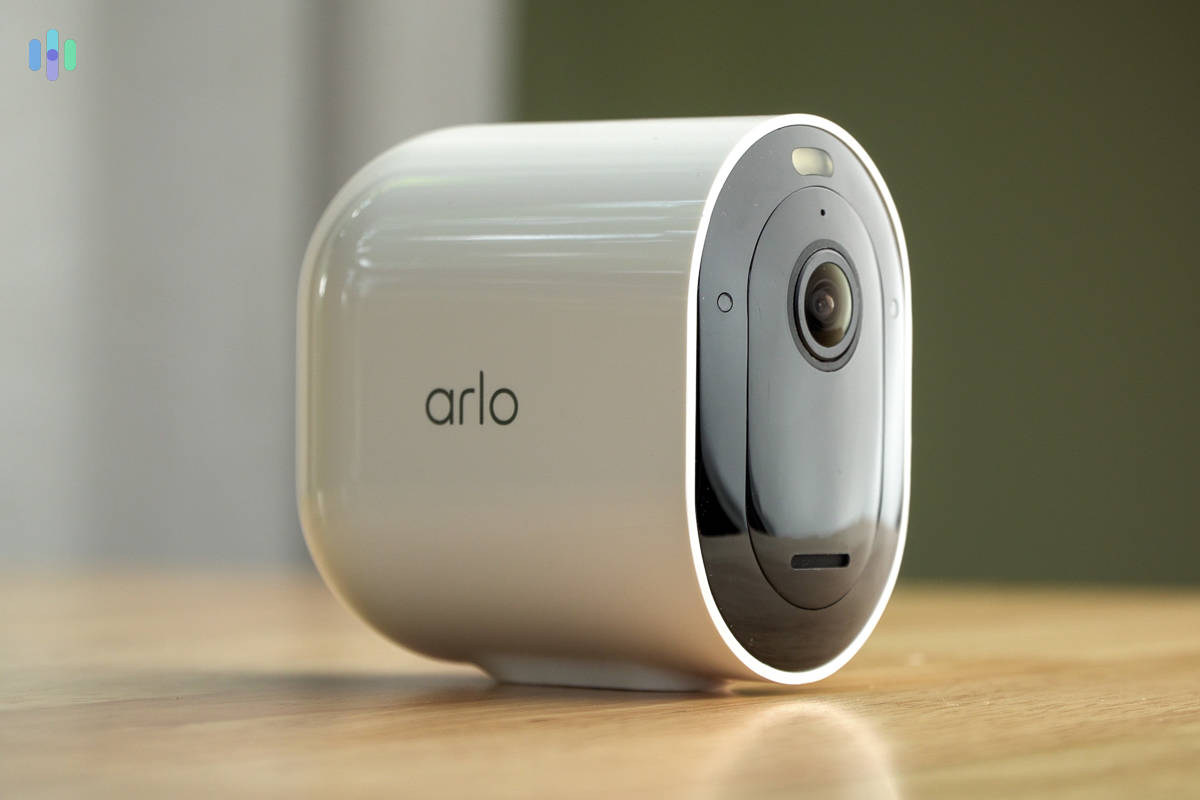
Most of the security cameras on this list offer 1080p and 2K resolution. Arlo offers this as well as cameras with 4K resolution. Where Arlo stands out most is in its range. You’ll find multiple storage and power options to suit every type of apartment.

Arlo Pro 5S 2k What We Like
- Up to 4K resolution
- Free cloud storage with some cameras
- No long-term contracts required
- Wire-free camera models available
What We Don’t Like
- Some camera models require an Arlo hub
- Person detection requires paid subscription
- No other security equipment available
- Relatively expensive
4K Resolution
1080p HD is the industry standard when it comes to resolution. It’s great. Two million pixels provide sharp images so you know exactly what’s going on around your property. Arlo, though, offers several camera models that provide 4K resolution. That’s 8 million pixels. You might as well be looking at what’s happening with your actual eyes. You can’t get better resolution from a security camera, at least for now.
FYI: 1080p HD resolution features 2 million pixels, while 4K resolution uses four times that number, or 8 million pixels.
Storage Options
Footage you can’t save is footage you can’t use. Arlo gives you more ways to store video than most competitors. Depending on the model, you can use a microSD card slot for on-device storage or plug in a USB drive to an Arlo hub. If you’d rather keep things simple, Arlo also supports cloud recording through its Arlo Secure subscription, which starts at $7.99 per month for a single camera.
Wire-Free Cameras
Want to make your landlady really happy? Install security cameras that require no wiring whatsoever. Wire-free cameras, like those available from Arlo, don’t require a cord to connect to a central hub or to transmit footage, and don’t require a cord to receive power. They aren’t just wireless. They’re truly wire-free. That means you can put them anywhere and they don’t interfere with your apartment’s existing decor.
-
6. Lorex - Widest Available Options
 Shop Lorex Cameras Links to Lorex
Product Specs
Resolution Up to 4K HD Field of View Up to 180° Power Wired, battery, PoE Connectivity Wi-Fi, ethernet Video Storage Cloud, Local Smart Platform Compatibility Alexa and Google Home
Lorex offers commercial-quality security cameras, but Lorex prices its cameras within reach of renters. Lorex cameras are durable and packed with features like two-way audio, 4K resolution, and person detection. Best of all, though, Lorex manufactures such a wide range of cameras that it’s always easy to find exactly the one you need for your particular situation.

Lorex Camera What We Like
- Large camera selection
- High-quality equipment
- Multiple storage options
- No subscriptions
What We Don’t Like
- No professional monitoring
- Relatively high prices
- No cloud storage option
- Limited customer service hours
Top-Tier Cameras
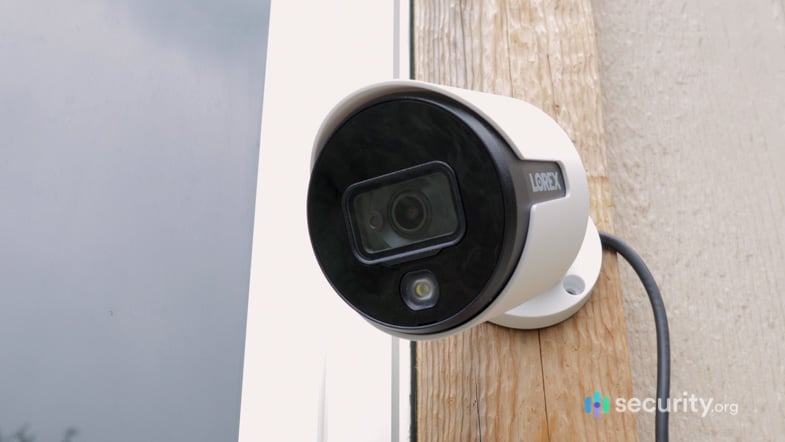
Lorex built its reputation making some of the most durable and feature-packed cameras on the commercial security camera market. These days, you can get those same cameras for your home security needs. Most cameras are rated IP66, which means they are dust-tight and can withstand powerful water jets. In addition, many models include person detection, two-way audio, and color night vision. Some even come with 4K resolution. You’ll pay a few dollars more for Lorex cameras, but you won’t find any better-quality cameras for less.
No Commitments
One of the nice things about Lorex cameras is that once you purchase the cameras themselves, you never have to worry about paying for anything else. Lorex cameras all require self-monitoring. That means there’s never a subscription fee. In addition, they all utilize local storage. Some cameras connect to a DVR or NVR unit. Others have on-board microSD card slots. In either case, you get access to all your footage at absolutely no cost.
Wide Range of Options
We love having options, and Lorex delivers in a big way. The company produces dozens of different camera models, including bullet-style, dome-style, and pan-and-tilt. You can get indoor, outdoor, and doorbell cameras with up to 4K resolution and person detection. Cameras are also available individually or in bundles. You can even choose what kind of storage you prefer. Your only challenge will be narrowing it down.
Methodology: How We Ranked The Best Home Security Cameras for Apartments
How We Test Security Cameras
At Security.org, we put every camera through a thorough evaluation before it earns a spot on any of our best lists. Our team buys, configures, and uses each camera the same way a homeowner would. We also time the setup from unboxing to the first live feed and test picture quality in multiple lighting conditions. We also evaluate IR and color night vision reliability, motion zone precision, and trigger sensitivity.
We assess each camera against real-world conditions, such as extreme weather and temperature swings, false alert scenarios, and resistance to vandalism and mounting instability. We also weigh upfront hardware costs, recurring service fees, and cancellation policies alongside performance, in accordance with our Editorial Guidelines, so every camera we list reflects long-term value, not just first impressions.
Our Testing Criteria
When testing and evaluating home security cameras for apartments, our team of security experts put each model through a hands-on evaluation designed around the specific constraints and concerns of renter living — from lease-friendly installation to shared-space privacy. Here’s what we looked for:
- Renter-Friendly Installation: We prioritized cameras that could be set up without drilling, permanent mounting, or modifications that might violate a lease agreement, assessing how securely each unit stayed in place using adhesive, magnetic, or freestanding mounts.
- Indoor Performance and Discretion: We tested each camera’s image quality and motion detection in typical apartment environments with smaller rooms, varying natural light, and close-range subjects.
- Privacy Features and Controls: We examined each camera’s privacy mode options, data encryption practices, and whether users had granular control over when the camera was active — a key consideration in shared living situations with roommates or frequent guests.
- Wireless Flexibility and Smart Home Integration: We evaluated how well each camera performed on standard home Wi-Fi networks and how seamlessly it connected with popular smart home platforms like Alexa, Google Home, and Apple HomeKit for renters who rely on connected devices.
Only cameras that balanced strong security performance with the practical realities of apartment living made our final list. We choose cameras with a range of different features so we can be sure that you’ll find exactly what you’re looking for. For a more detailed analysis, check out our complete guide to security cameras.
About Our Team
We are an independent team of security experts committed to making only honest, unbiased recommendations. We have 20+ security researchers and testers who have collectively published more than 740 hands-on testing reviews and guides since 2018. Our work has been cited by major outlets including The New York Times, TechRadar, and CBS News.
Our security camera testing is spearheaded by Paul Frew, a long-time product specialist who has reviewed hundreds of security cameras and other home security products with a detail-oriented, consumer-first methodology. The rest of the team behind our security camera coverage includes:
- Corey Birnstengel: Editor, videographer, and product reviewer behind 200+ hands-on video reviews across eight security and tech product categories
- Gene Petrino: Retired law enforcement sergeant, contributing security expertise as a senior advisor
- Cort Honey: Product tester with an engineering background, 1,000+ hours of product testing, and a specialty in making complicated security tech digestible for everyday consumers
- Matthew Adkins: Matthew Adkins: Researcher with a doctorate who has evaluated and ranked over 100 security cameras
Our editorial recommendations are never shaped by advertiser relationships or affiliate compensation.
Recap
Life is different for apartment dwellers. You have to worry about wall-to-wall neighbors. You also need to get permission any time you want to make any big changes to your living space. One thing that isn’t different though: you’re still vulnerable to fires, floods, and break-ins. And just like anyone else, you need reliable security cameras that suit your specific needs.
There are dozens, maybe hundreds, of different cameras on the market, and we’ve narrowed down the best to six. All that’s left is picking the one that fits your life. If you’re looking for a security solution you can scale when you move, go with SimpliSafe. Want professional monitoring you can count on? ADT has you covered. Prefer to handle everything yourself? Ring is your best bet. Google Nest cameras offer face recognition, which is a useful feature. Arlo delivers truly wire-free flexibility. If you want high-quality equipment with plenty of options, Lorex is worth a look.
FAQs
Don’t have time to read through this whole article? Get answers about the best security cameras for apartments, and get them fast, by taking a look at some of our most frequently asked questions.
-
Which camera is best for apartments?
The best security cameras for apartments come from SimpliSafe. Even though it requires a system, you can take everything with you next time you move and add any extra equipment you need for the new place. Other great cameras for apartments include ADT, Ring, Nest, Arlo, and Lorex.
-
Can you get security cameras for apartments?
Yes. In fact, many camera manufacturers produce equipment that is wireless or wire-free. That means you don’t have to worry about trying to wire them directly into your home. Some companies even offer a whole range of cameras that don’t need to be attached to a wall, so there’s no need to create holes. Most importantly, though, just because you’re renting doesn’t mean that would-be thieves will leave your home alone. If you want to be protected, you need security cameras, no matter where you may live.
-
Can I put a camera in front of my apartment door?
Yes. That said, some landlords or apartment complexes may have rules about this, so check your lease before you install anything. Most places recognize that security cameras don’t just protect individual tenants. They can also boost the overall safety and value of the property.
-
Are Ring cameras good for apartments?
Ring cameras are a good choice for apartment dwellers. They are easy to install, so you can do it yourself, usually without asking if you can modify your apartment. Cameras are sleek and attractive, so they won’t interfere with your decor. Video footage is stored in the cloud so you don’t have to worry about finding space for extra equipment. Finally, Ring lets you sign up for professional monitoring with no long-term commitments, so you can cancel when it’s time to move or take your coverage with you to your new location.