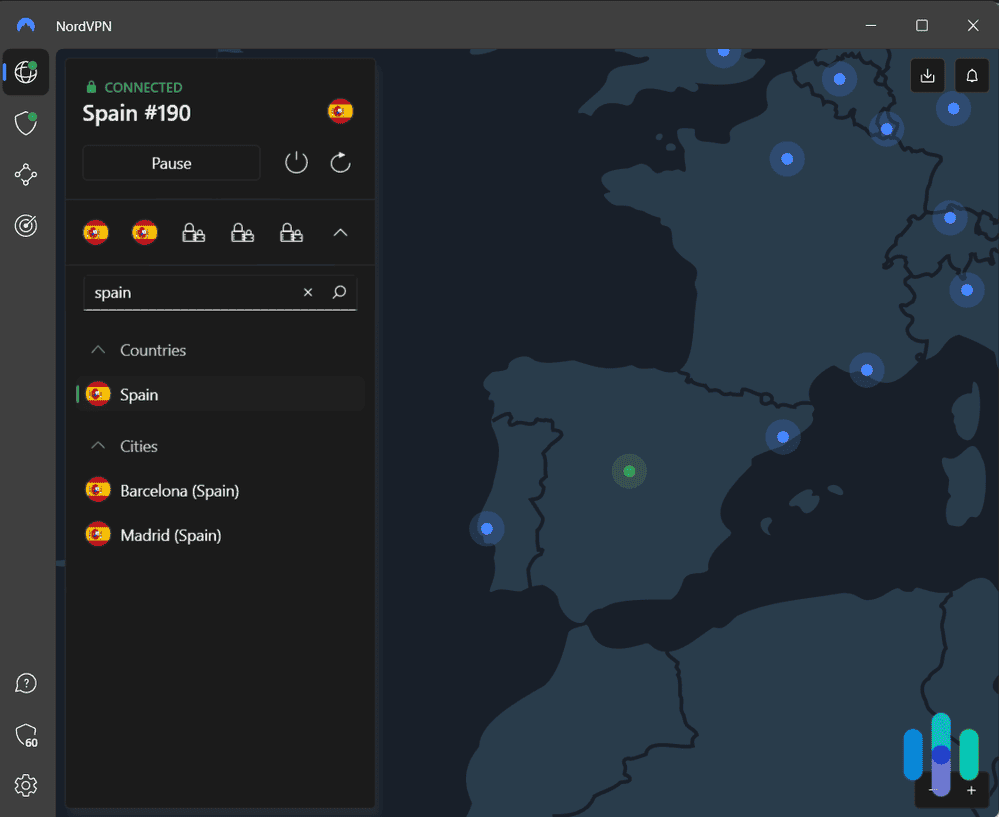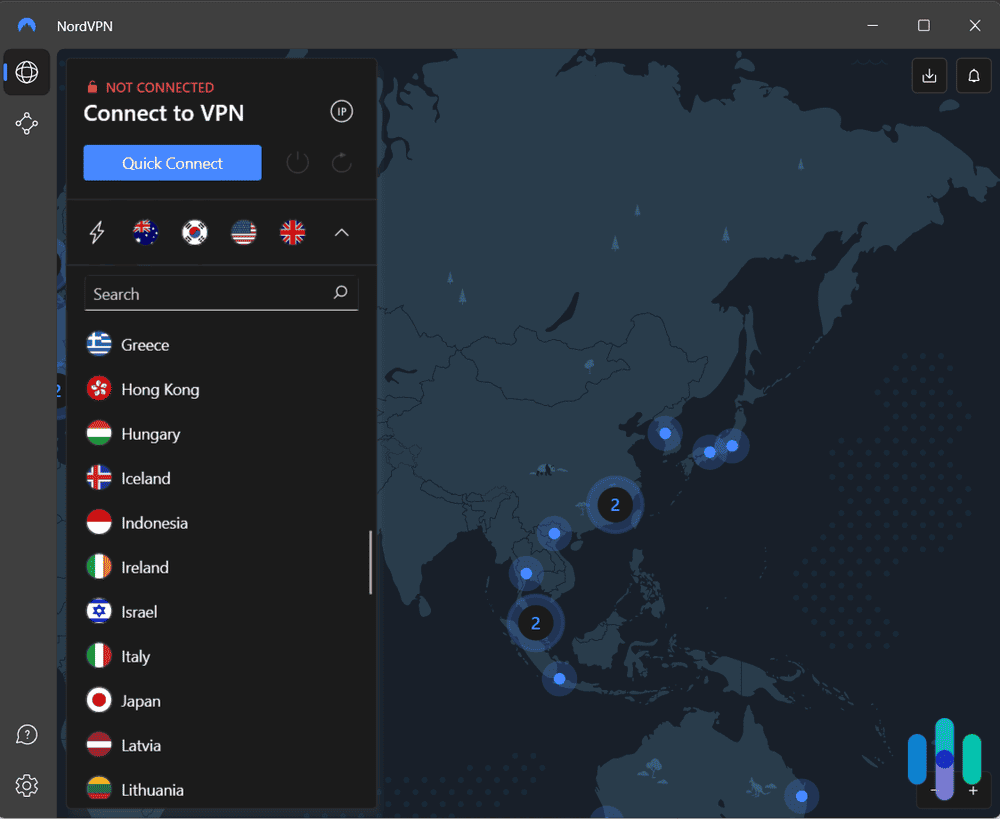

NordVPN provides a kill switch that works at both the app and system level to ensure your real location is never revealed.
The Best VPNs for YouTube in 2026
Our top pick, NordVPN, consistently unblocked region-locked videos in our tests and maintained fast speeds for buffer-free 4K streaming.
All of our content is written by humans, not robots.
Learn More
By
 &
 Last Updated on Oct 12, 2026
&
Last Updated on Oct 12, 2026
About our Methodology and Testing
Most of us browse with Chrome, which happens to have a reputation for tracking our every move. So when we were considering VPNs for Chrome, we looked for VPN services with the best privacy features to keep our data safe. We tested over 50 VPNs and narrowed the list down to the top seven. We tested those for over a month on Windows, Apple, and Android devices, measuring speed, comparing apps, and testing for IP, WebRTC, and DNS leaks. For more on our testing approach, see our complete testing methodology below.
2,500+
research hours
50+
VPNs reviewed
300
speed tests
6
experts consulted
5
VPNs recommended
All of our content is written by humans, not robots.
Learn More
Best for Unblocking Region-Locked Videos
NordVPN
Best for Unblocking Region-Locked Videos-NordVPN

Top Features
- Maintains servers in over 137 countries
- Interface makes it easy to switch server locations on the fly
- Every server we tested reliably bypassed YouTube’s region-based restrictions, hiding our actual location
Get NordVPN
Links to NordVPN
Best for Multiple Devices
Surfshark
Best for Multiple Devices-Surfshark
Top Features
- All plans support unlimited devices
- Includes CleanWeb ad blocking, which works for most YouTube ads
- Affordable long-term prices starting at $2.49 per month
Get Surfshark VPN
Links to Surfshark.com
Best for Reliable Streaming Speeds
ExpressVPN
Best for Reliable Streaming Speeds-ExpressVPN

Top Features
- Proprietary Lightway protocol minimizes the speed impact of connecting through a VPN
- Offers pre-installed VPN routers
- Speeds remained consistent across all tests
Get ExpressVPN
Links to ExpressVPN
the security.brief
NordVPN, Surfshark, and ExpressVPN top our picks for YouTube, tested for unblocking region-locked videos, streaming speed, and reliability.
Not every YouTube video is available everywhere. Licensing agreements mean a video perfectly legal to watch in one country can be blocked entirely in another. There’s not even a warning before you click, just a message saying the video isn’t available in your region. Add in the possibility that your own internet provider is slowing your video traffic, and it’s easy to see the value of using a VPN for YouTube beyond general privacy.
We tested five best VPNs specifically for how they handle YouTube: unblocking region-locked videos and holding up under 4K streaming with subscriptions that start at under $4 per month. NordVPN led the pack by reliably unblocking region-locked videos. Surfshark followed with its support for unlimited connections. ExpressVPN rounded out our top three with reliable streaming speeds. Let’s dig in to find out which option best fits your specific needs.
The Best VPNs for YouTube
- NordVPN - Best for Unblocking Region-Locked Videos
- Surfshark - Best for Multiple Devices
- ExpressVPN - Best for Reliable Streaming Speeds
- Proton VPN - Best Free VPN for YouTube
- CyberGhost VPN - Best Budget VPN for YouTube
Comparing the Best VPNs for YouTube
| System |
NordVPN
|
Surfshark
|
ExpressVPN
|
Proton VPN
|
CyberGhost VPN
|
|---|---|---|---|---|---|
| Ranking | 1st | 2nd | 3rd | 4th | 5th |
| Ratings | 9.7/10 | 9.5/10 | 9.1/10 | 9.4/10 | 8.9/10 |
| Starting Price | $3.49 per month | $2.49 per month | $2.99 per month | Free ($2.99 per month for premium) | $2.19 per month |
| Simultaneous Connections | 10 | Unlimited | 10 | 10 (paid) | 7 |
| Server Countries | 137 | 100 | 105 | 149 (paid) | 100+ |
| Kill Switch | App and system-level | System-level | System-level | System-level | System-level |
| Money-Back Guarantee | 30 days | 30 days | 30 days | 30 days | 45 days |
| Read Review | NordVPN Review | Surfshark Review | ExpressVPN Review | Proton VPN Review | CyberGhost VPN Review |
Why You Need a VPN for YouTube
We recommend using a VPN for YouTube for four primary reasons:
- Region-locked videos: Licensing agreements restrict some videos to specific countries, so a video available to a friend abroad may show you an “unavailable in your country” message instead. A VPN can hide your real location and make YouTube think you’re somewhere else.
- ISP throttling: Net neutrality is no longer a federal rule in the US, so ISPs can legally manage traffic however they choose as long as they disclose it.1 Research has repeatedly found that video streaming traffic specifically gets slowed down more than other traffic on the same connection.2 Connecting through a VPN hides your traffic types from your ISP.
- Network-level blocks: Some schools, workplaces, and public networks block YouTube outright. A VPN can hide the fact that you’re visiting YouTube from the network, restoring your access to YouTube.
- Watching while traveling: If you’re outside the US and want access to your usual YouTube recommendations and available videos, a VPN can make your connection look like it’s coming from home.
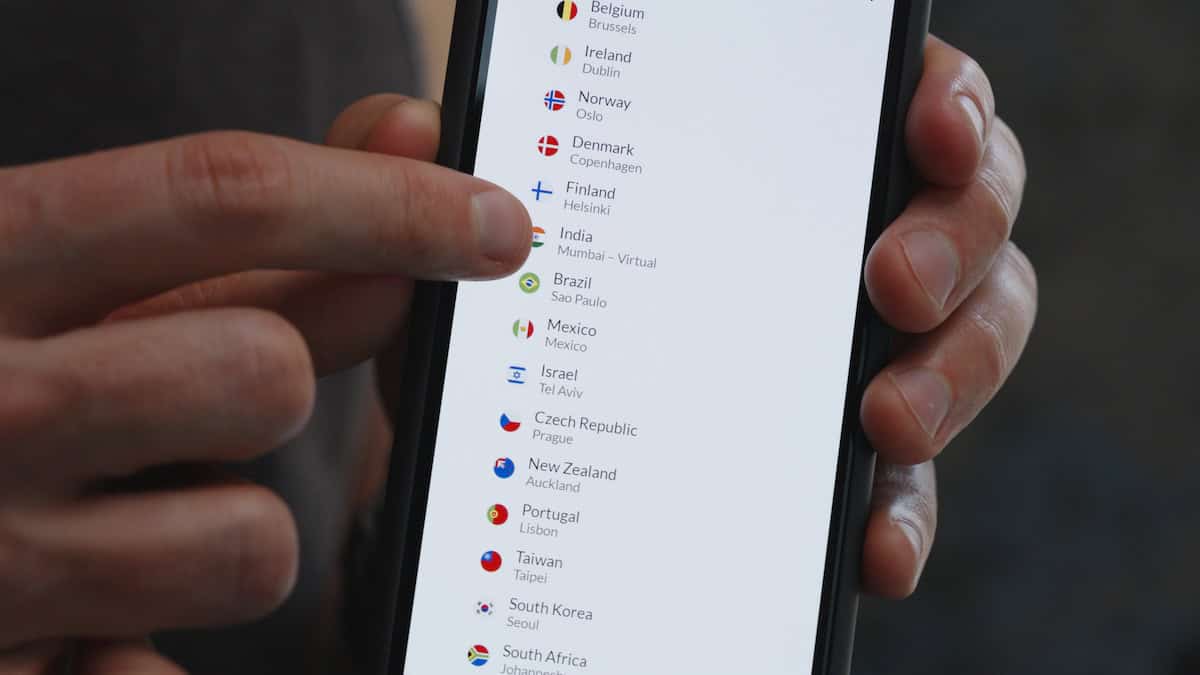
None of this requires a VPN specifically for YouTube, but you will want a VPN that works well for these specific use-cases. For instance, if you plan to use your VPN to watch region-locked videos, you need to make sure the VPN you choose has plenty of servers in the country that allows those videos. Otherwise, you won’t be able to watch them even with the VPN.
The Top VPNs for YouTube: Why They're Best
-
1. NordVPN - Best for Unblocking Region-Locked Videos
Get NordVPN Links to NordVPN
Product Specs
Server locations 137 countries Average Speed Loss 6% download & 4% upload Apps Windows, MacOS, Linux, Android, iOS, Chrome, Firefox, Edge, Android TV, tvOS Best Monthly Rate $3.49/mo with a 2-year plan Money-Back Guarantee 30 days full refund
Why We Picked It: NordVPN’s large server network gave us the most consistent results unblocking region-locked YouTube videos across the countries we tested. It also provided a fast enough connection for smooth 4K playback.
What We Like
- Large server network across 137 countries
- Independently audited no-logs policy
- Kill switch works at both the app and system level
- Fast enough for 4K streaming without noticeable buffering
What We Don’t Like
- Only 10 simultaneous connections
- Prices increase at renewal after the introductory term
- Next-generation antivirus isn’t included on the Basic tier

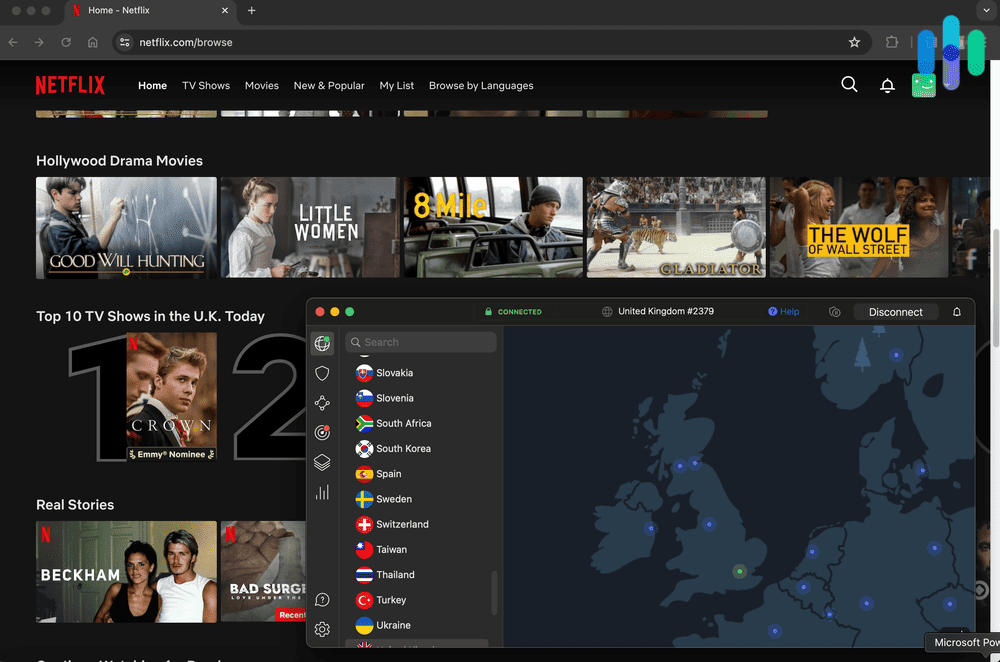
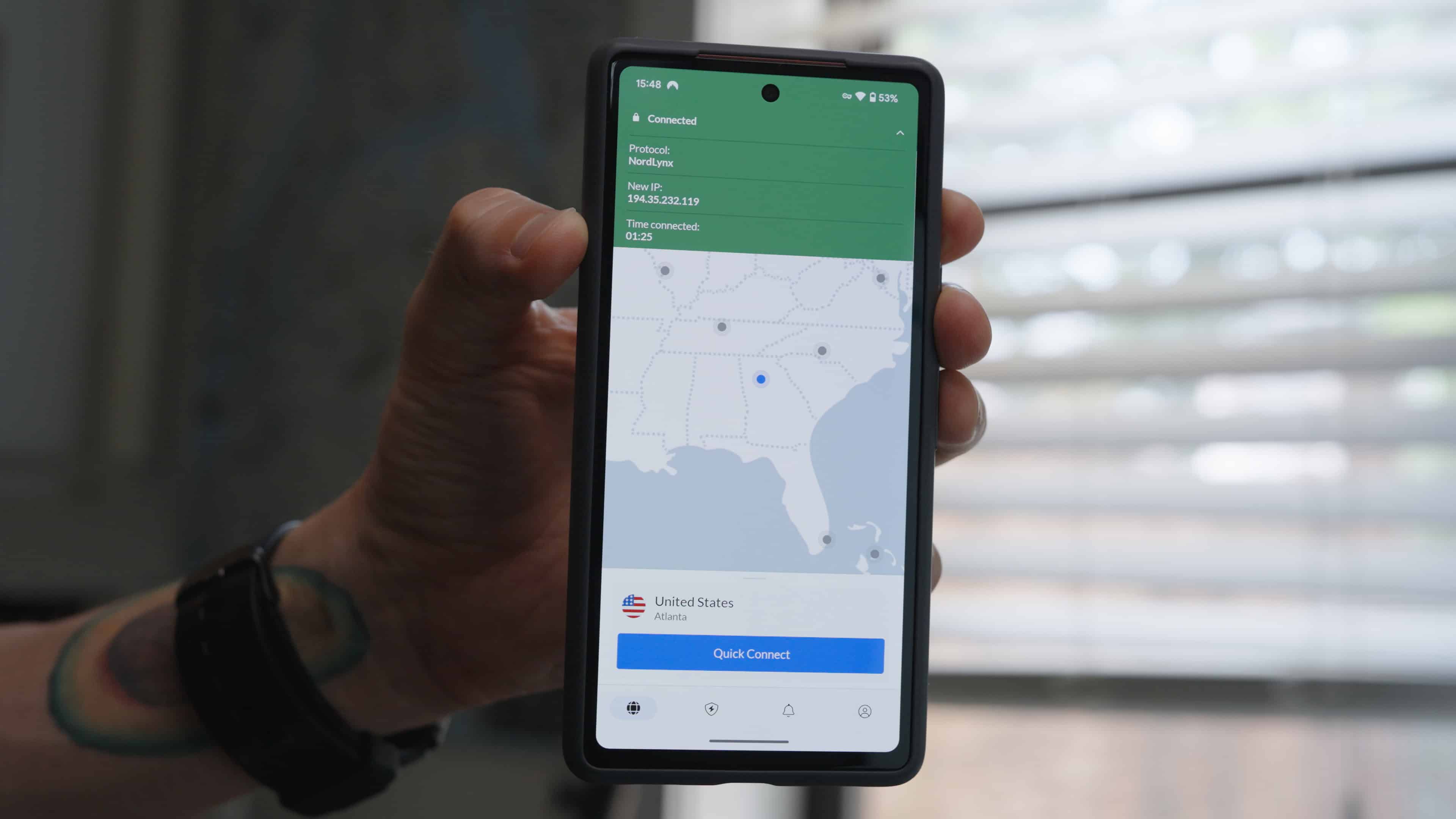
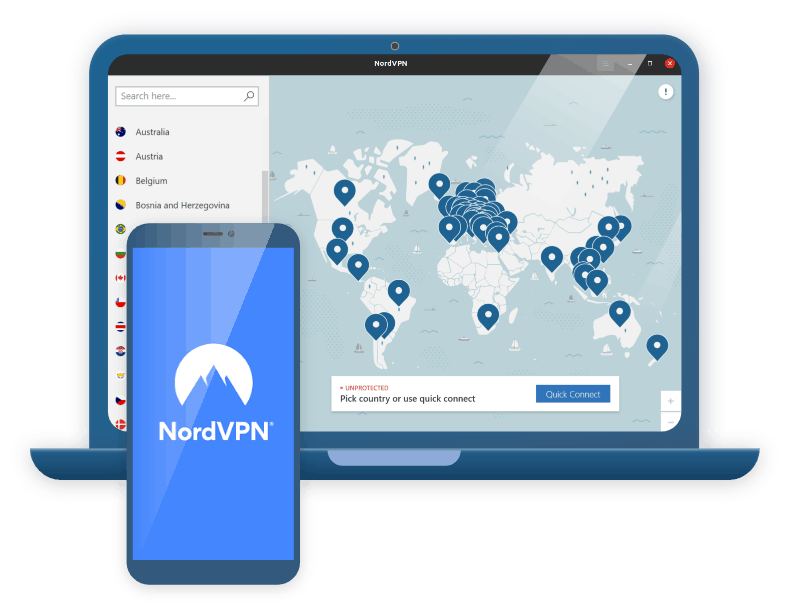
We watch YouTube on our phone regularly, so we made sure tested NordVPN’s mobile app as well We tested NordVPN against a list of region-locked YouTube videos, connecting to a server in each restricted country and checking whether the video loaded. Nearly every video was unblocked with the first server we tested. A few times, the first server was blocked, so we had to switch to a different server in the country. That second server always got through, and switching servers only took a few seconds.
Throughout these tests, NordVPN consistently provided fast speeds. We streamed 4K video on nearby servers without any noticeable buffering, and even on more distant servers, we only had to drop to 1080p to prevent buffering. That combination of a wide server network and consistent speed is why NordVPN is our top pick for YouTube specifically.
FYI: The premium NordVPN plans include additional tools to help you stay safe. There’s even a bundle that includes an identity theft protection service with up to $1 million identity theft insurance.
-
2. Surfshark - Best for Multiple Devices
Get Surfshark VPN Links to Surfshark.com
Product Specs
Server locations 100 countries Average Speed Loss 8% download & 50% upload Apps Windows, MacOS, Linux, Android, iOS, Chrome, Firefox, Edge, tvOS, Android TV, Fire TV Best Monthly Rate $2.49/mo with a 2-year plan Money-Back Guarantee 30 days full refund
Why We Picked It: Surfshark allows unlimited simultaneous device connections on a single subscription. That makes it great for families with a lot of different devices, as everyone can easily share a plan.
What We Like
- Unlimited simultaneous device connections
- CleanWeb blocks ads and trackers at the network level
- Rotating IP feature for added privacy
- Affordable long-term pricing
What We Don’t Like
- Monthly plan is comparatively expensive
- No port forwarding or SOCKS5 support
- Manual setup needed on some restrictive networks

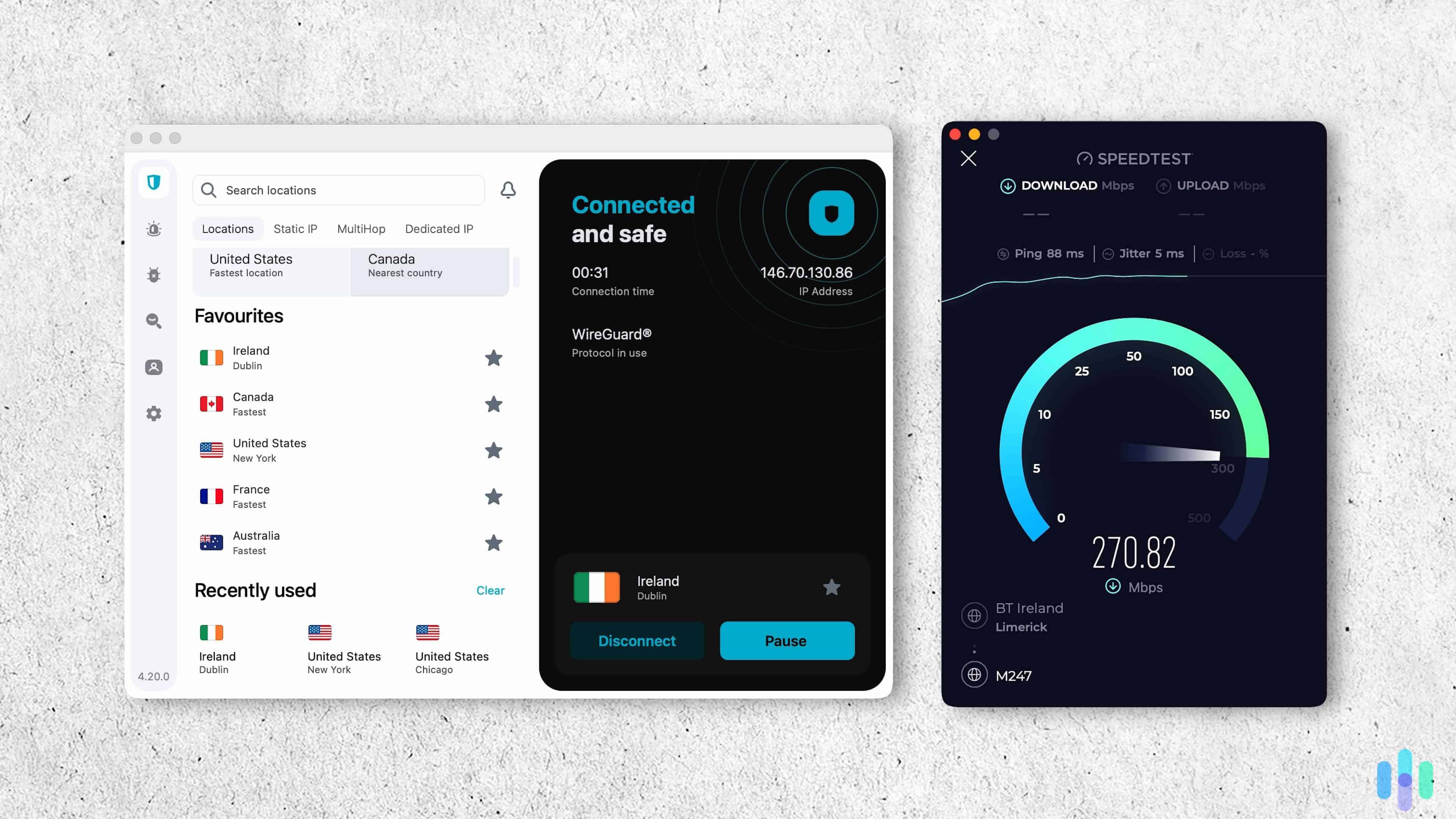
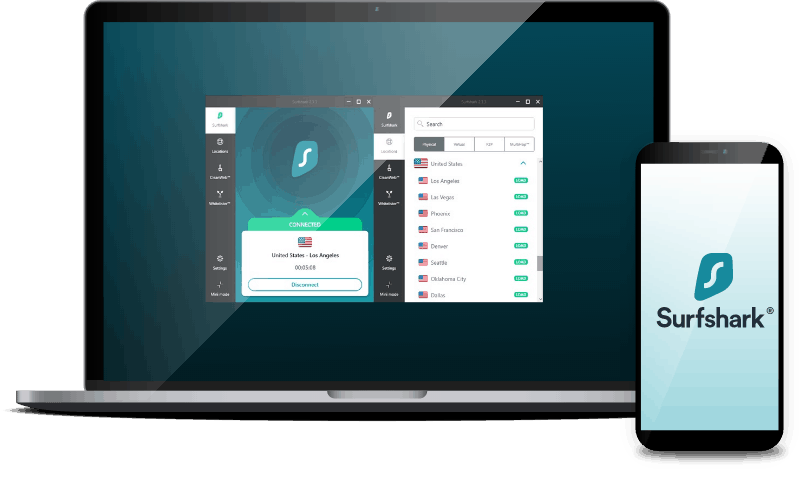
Our 270 Mbps download speed when connected through a Surfshark server in Ireland was plenty fast to stream 4K YouTube videos We connected four devices to a single Surfshark subscription and streamed YouTube on each one at once. All four held up without any competition for bandwidth that we could notice. The apps are also well-designed, making it easy to switch servers quickly and pick specific countries when trying to bypass regional restrictions.
CleanWeb’s ad and tracker blocking was a nice bonus. It cut down on the pre-roll ads that otherwise interrupt YouTube playback, though it didn’t eliminate all of them. For a household covering several devices at once, Surfshark’s unlimited connections make it the practical pick.
>> Read More: The Best VPNs for Multiple Devices
-
3. ExpressVPN - Best for Reliable Streaming Speeds
 Get ExpressVPN Links to ExpressVPN

Product Specs
Server locations 105 countries Average Speed Loss 7% download & 24% upload Apps Windows, MacOS, Linux, Android, iOS, Chrome, Firefox, Edge, Android TV, tvOS Best Monthly Rate $2.79/mo with a 2-year plan Money-Back Guarantee 30 days full refund
Why We Picked It: ExpressVPN’s RAM-only servers and Lightway protocol provided consistent streaming speeds. It had the least variation between our best and worst test results out of all the VPNs we tested.
What We Like
- RAM-only servers wipe data on every reboot
- Network Lock kill switch blocked all traffic in our drop tests
- Lightway protocol delivered consistent speeds across servers
- Simple, beginner-friendly app
What We Don’t Like
- Pricier than most competitors on a monthly basis
- Basic plan only supports 10 simultaneous connections
- No free trial in the traditional sense

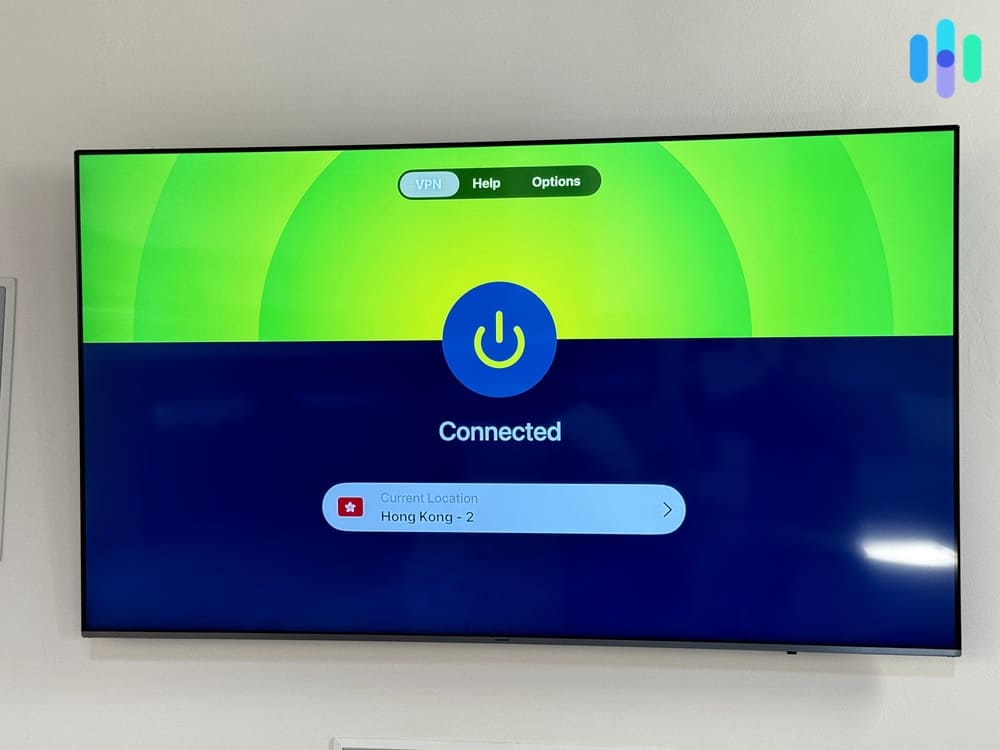
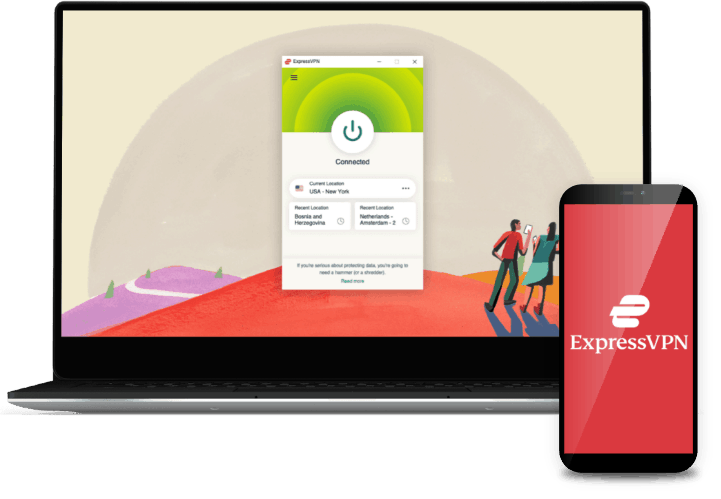
Even when connected through servers in Hong Kong, ExpressVPN still provided fast speeds We ran repeated speed tests across multiple servers at different times of day, and ExpressVPN’s results varied less than any other VPN in this list. That makes it the most predictable option for planning around a big 4K stream. We also manually dropped the connection several times to test ExpressVPN’s kill switch called Network Lock. Each time, all traffic was immediately blocked.
For anyone who schedules watch parties for YouTube content, ExpressVPN’s predictable and reliable speeds are a real selling point. Its steady speeds reduce sudden drops that can delay your ability to watch a video as it premiers or cause you to miss out on important parts of a stream.
Expert Insight: If you need more than 10 simultaneous connections, ExpressVPN’s Advanced and Express Pro plans support 12 and 14 simultaneous connections, respectively. They also include additional digital security tools like a password manager.
-
4. Proton VPN - Best Free VPN for YouTube
 View Plans Links to Proton VPN

Product Specs
Server locations 145 countries Average Speed Loss 8% download & 4% upload Apps Windows, MacOS, Linux, Android, iOS, Chrome, Firefox, Android TV, tvOS, Firestick Best Monthly Rate $2.99/mo with a 2-year plan Money-Back Guarantee 30 days
Why We Picked It: Proton VPN’s free tier includes unlimited bandwidth and a real no-logs policy with no forced upgrade. It’s one of the few legitimate free options if you only want a VPN occasionally for YouTube and don’t want an ongoing subscription.
What We Like
- Free plan with unlimited bandwidth
- Independently audited no-logs policy on both free and paid tiers
- Secure Core servers route traffic through privacy-friendly countries
- Intuitive desktop and mobile apps
What We Don’t Like
- Free plan limits you to a handful of server countries
- Free tier struggled with 4K playback
- Paid tier is pricier than some direct competitors

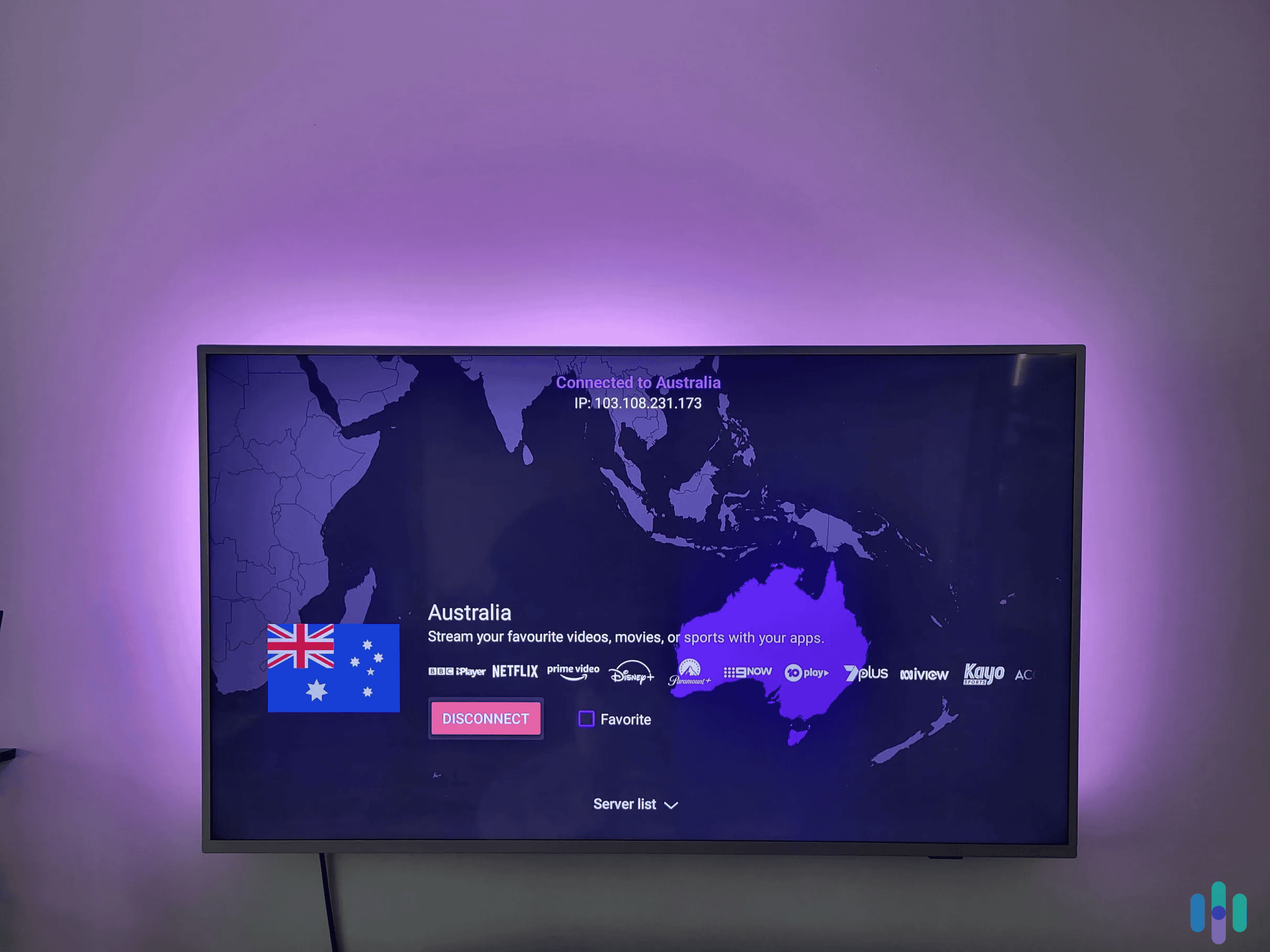
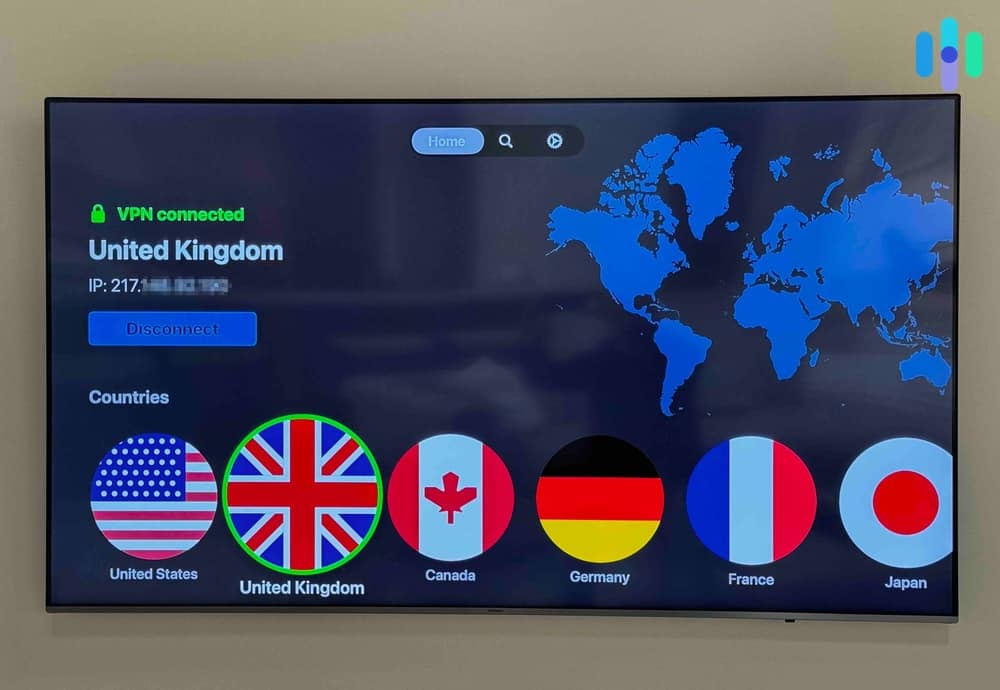
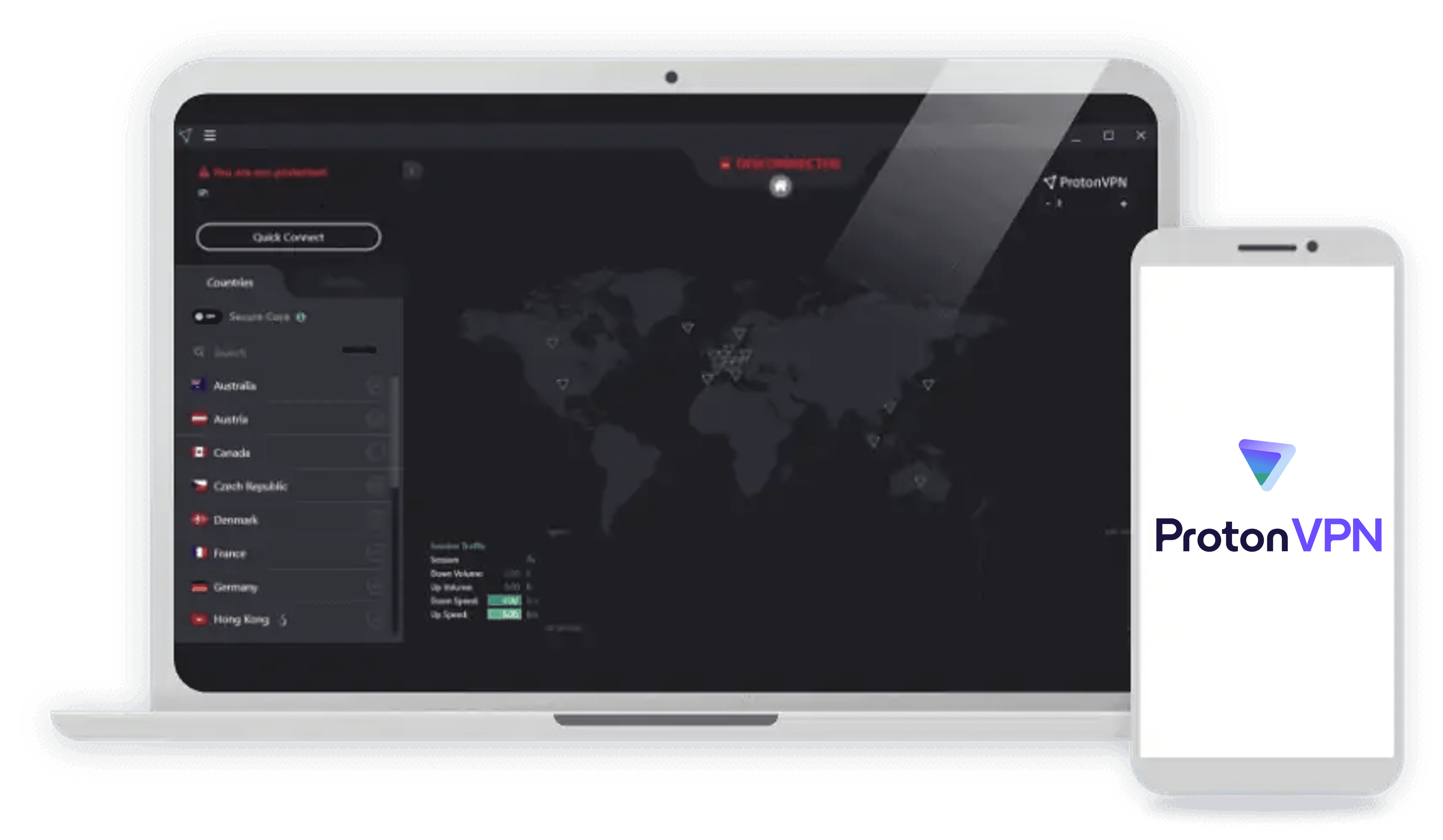
We appreciate that Proton VPN’s free tier supports the Android Smart TV app We tested Proton VPN’s free tier specifically against region-locked YouTube videos. It successfully unblocked content in the handful of randomly selected countries its free servers cover. However, we noticed frequent buffering when streaming 4K videos. Once we dropped down to 1080p, videos streamed smoothly. That puts the free-tier among the best performing free VPNs.
For occasional use, that trade-off is a reasonable one. You’re not getting the full server selection of a paid plan, but you’re also not paying anything. Plus, the no-logs policy on the free tier is independently audited just like the paid version.
>> Related Reading: Best Free Windows VPNs 2026
-
5. CyberGhost VPN - Best Budget VPN for YouTube
 Get Cyberghost VPN Links To CyberGhost

Product Specs
Multihop No Obfuscated Servers No Kill Switch Yes Split Tunneling Yes Netflix Yes Torrenting Yes
Why We Picked It: CyberGhost includes servers specifically optimized for streaming at one of the lowest long-term prices we’ve seen. That gives you solid YouTube performance without a premium price tag.
What We Like
- Dedicated streaming-optimized servers
- RAM-only servers in 100+ countries
- Independently audited no-logs policy
- 45-day money-back guarantee, longer than most competitors
What We Don’t Like
- No multihop support
- Fewer bundled extras than some competitors
- Only supports up to seven simultaneous connections

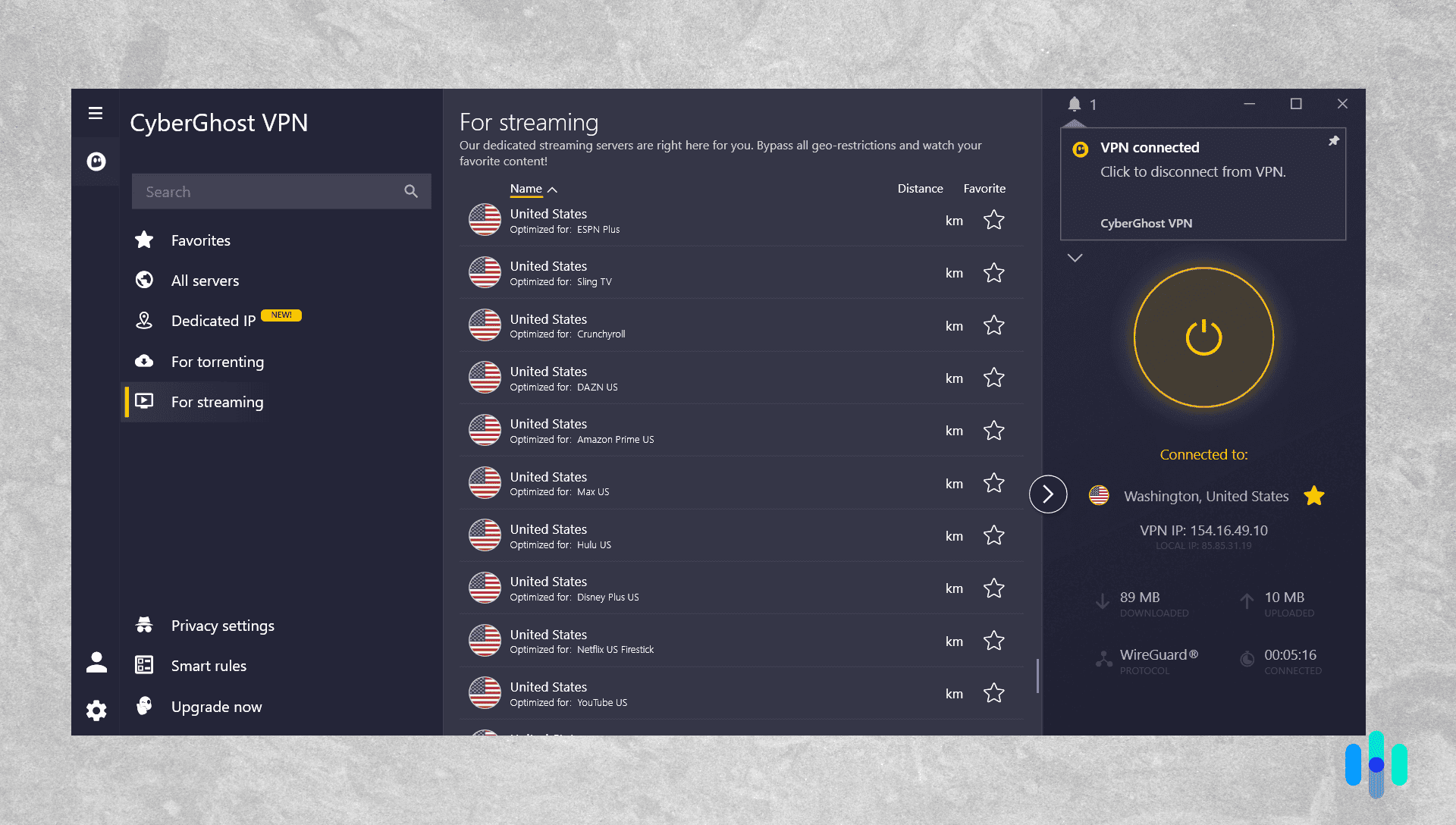
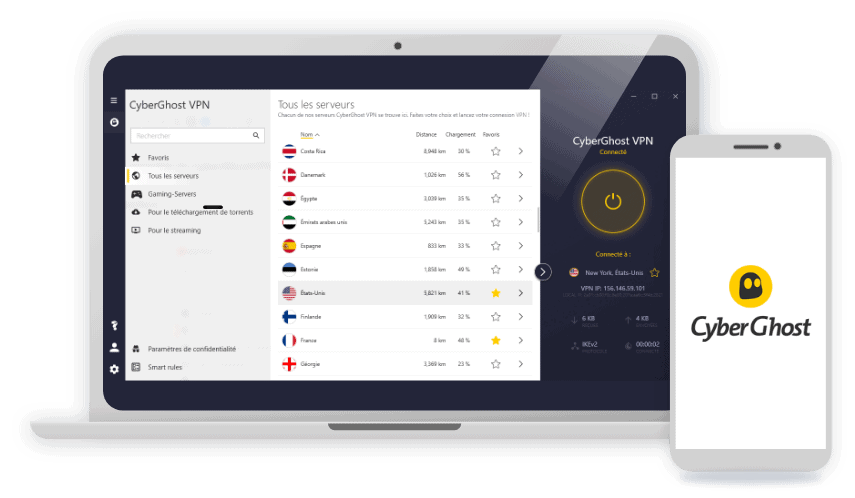
In our tests, CyberGhost’s streaming servers more reliably unblocked region-restricted YouTube videos than their standard servers We connected to CyberGhost’s streaming-optimized servers specifically and found them a reliable shortcut to a working connection. It’s much easier than hunting through a general server list to find one that will perform well for video. Region-unblocking also worked consistently across the streaming-optimized servers we tested against.
Given the price, we didn’t expect this level of consistency. Its apps look dated and a subscription only supports seven simultaneous connections, but at just $2.19 per month, those tradeoffs aren’t bad. Subscriptions also come with a 45-day money-back guarantee, giving you ample time to fully test its capabilities before committing.
>> Read More: The Most Affordable VPNs in 2026
Methodology: How We Picked the Best VPNs for YouTube
Our Review Guidelines
Our VPN review process is guided by our Editorial Guidelines, which emphasize direct, hands-on testing over marketing claims. We don’t just take a VPN provider’s word for how it performs on YouTube specifically. We download, install, and run each VPN we evaluate. For this guide, we specifically tested how well each provider can bypass regional restrictions against a real list of geo-restricted videos. We also ran live streaming tests to see real-world performance rather than relying on generic speed-test numbers alone.
How We Ranked These VPNs
We narrowed a pool of over 50 VPNs down to the five that handle YouTube best. Here are the main factors we considered when ranking each provider:
- Region-unblocking success rate: We tested each VPN against a list of region-locked videos across multiple countries and tracked how consistently it could unblock them.
- Streaming speed and consistency: Rather than relying on raw bandwidth numbers alone, we repeatedly streamed 4K videos to check for buffering on top of repeated speed tests.
- Server network breadth: A wider spread of server locations means more flexibility in which region’s content library you can reach.
- Affordability: We included at least one legitimate free option alongside budget and premium paid picks.
With these four criteria, we were able to find the five VPNs best for YouTube out of the over 50 we tested using objective metrics.
Why Trust Us
Security.org’s team of VPN experts is spearheaded by Brett Cruz, a consumer-first cybersecurity expert and VPN specialist with extensive experience reviewing privacy tools and cybersecurity software.
Brett’s consumer-first methodology guides how we approach every recommendation on this page. He is backed by an independent team of security experts, featuring over 20 researchers and testers who have collectively logged over 25,000 hours testing security products since 2018. We have produced more than 740 product reviews cited by major outlets including The New York Times, TechRadar, and CBS News. That team includes:
- Ozzie Enriquez: Former DHS Senior Watch Officer and DHS Duty Director for Current Operations with 30+ years of national security experience, contributing expertise in national security, threat analysis, and digital privacy as a senior advisor.
- Gene Petrino: Retired law enforcement sergeant and S.W.A.T. commander, contributing 30+ years of real-world security expertise as a lead advisor.
- Cort Honey: Product tester with an engineering background, 1,000+ hours of hands-on testing, and a talent for making technical concepts easy to understand.
- Corey Birnstengel: Editor and videographer behind 200+ in-depth video reviews across multiple product categories.
Our picks are never influenced by brand partnerships, ads, or affiliate deals.
Can You Get YouTube Premium Cheaper With a VPN?
YouTube Premium uses regional pricing with it costing less in some countries than the U.S. Connecting through a VPN server in one of those countries can get you that lower price during signup. It’s a real savings driven by regional purchasing power differences, not a myth.
That said, treat this cautiously rather than as a reliable trick. Doing this violates YouTube’s terms of service, even though it isn’t illegal and enforcement has historically been inconsistent. Recently, YouTube has tightened its checks against this practice by requiring a payment method issued in the country for some locations. As such, a VPN alone often isn’t enough to complete the signup, even if it was a reliable workaround in past years.
If you’re specifically shopping for a VPN to try this, know going in that it may not work, and that using one for region-unblocking or general privacy is a much more dependable use of the subscription.
Unblock More With Confidence
Get NordVPN
Links to NordVPN
How Much Does a VPN Cost?
VPN prices vary depending on the provider and subscription length. Monthly plans typically run between $9 and $15 per month, while one- or two-year plans bring that down to roughly $2 to $5 per month, paid upfront for the full term.
If cost is the main concern, Surfshark and CyberGhost both offer strong long-term rates. Alternatively, Proton VPN’s free tier is a legitimate option if you don’t want an ongoing subscription at all.
Setting Up a VPN for YouTube
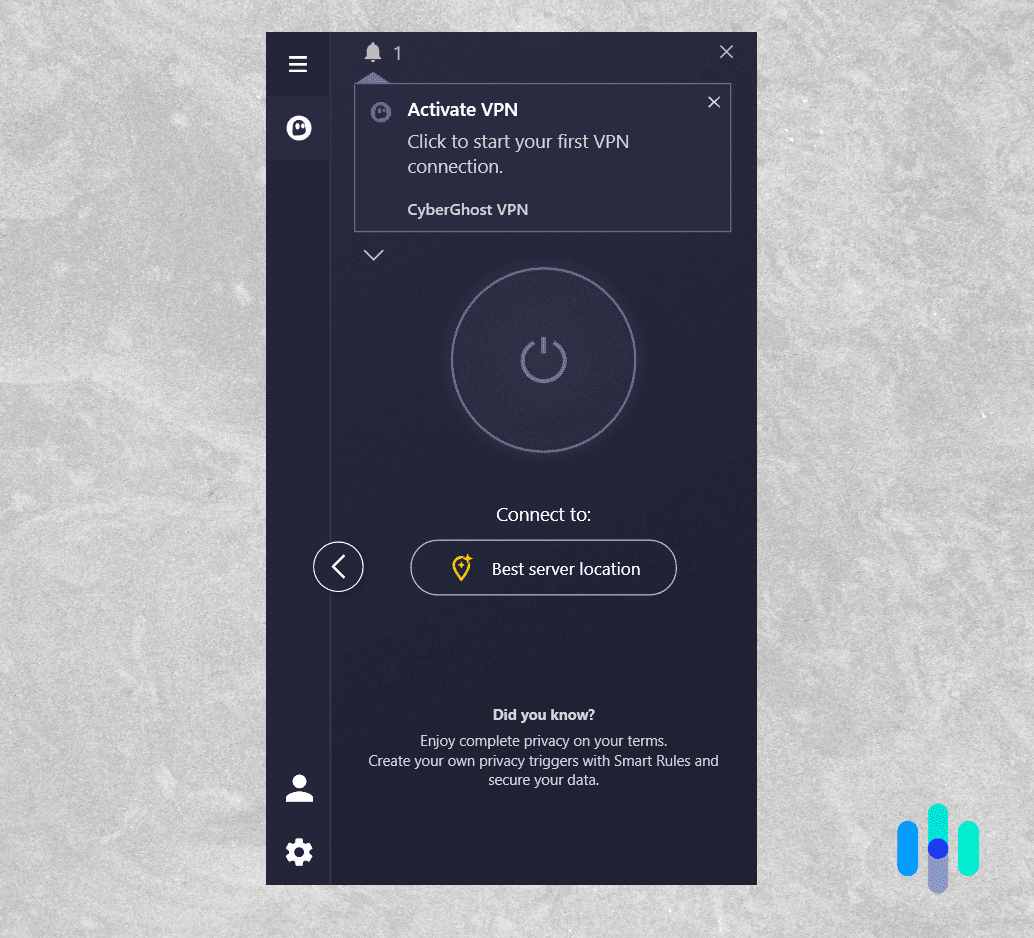
It only takes a few minutes to set up a VPN. Just follow these four steps:
- Install the VPN app on the device you’ll be watching YouTube on.
- Connect to a server in the country whose content library you want to access, or a nearby server for the fastest general speeds.
- Open YouTube and load the video you want to watch.
- Switch servers if a video doesn’t unblock on the first try, since availability can vary slightly by specific server.
This process works on any device that supports VPN apps. However, some devices don’t natively support VPNs. In that case, you’ll need to set up a VPN router or buy one. Head over to our roundup of the best VPN routers for more information.
>> Read More: How To Install a VPN on Roku (2026): 3 Setup Methods
Conclusion
YouTube’s region locks and the possibility of ISP throttling are two real, specific reasons to use a VPN when watching YouTube. NordVPN, Surfshark, ExpressVPN, Proton VPN, and CyberGhost each handle that job well. Whether you want the most consistent region-unblocking, room for the whole household to stream at once, or a legitimate free option to start with, one of these five fits.
>> Find Out More: The Best VPNs for Streaming
YouTube VPN FAQs
-
Why does YouTube say a video isn't available in my country?
Licensing agreements restrict some videos to specific countries. A VPN can make your connection appear to come from a country where the video is available.
-
Will a VPN slow down my YouTube streaming?
Every VPN causes some speed reduction. However, the top ones minimize that reduction to just a few percent. During our tests, all five of our top picks could handle 1080p streaming without noticeable buffering. When we stepped up to 4K quality, Proton VPN and CyberGhost introduced minor buffering. The other three streamed without an issue.
-
Can YouTube detect and block VPN traffic?
Yes, YouTube can detect and block VPN traffic from known VPN server IP addresses. Top providers regularly refresh their server IP addresses to get around these blocks. It’s also one reason why server network size matters so much.
-
Do I need a paid VPN, or is a free one enough for YouTube?
It depends on your needs. Proton VPN’s free tier includes a real no-logs policy and unlimited bandwidth, but 4K playback held up less consistently than on paid VPNs in our testing.
-
Is it legal to use a VPN to watch region-locked YouTube videos?
Using a VPN is legal in the US. Accessing region-restricted content may violate YouTube’s terms of service, which is a different issue from breaking the law.
Citations
-
BroadbandSearch. (2026). The Latest on Net Neutrality – Where Are We In 2026.
https://www.broadbandsearch.net/blog/net-neutrality -
Northeastern Global News. (2018). New Research Shows That, Post Net Neutrality, Internet Providers Are Slowing Down Your Streaming.
https://news.northeastern.edu/2018/09/10/new-research-shows-your-internet-provider-is-in-control/