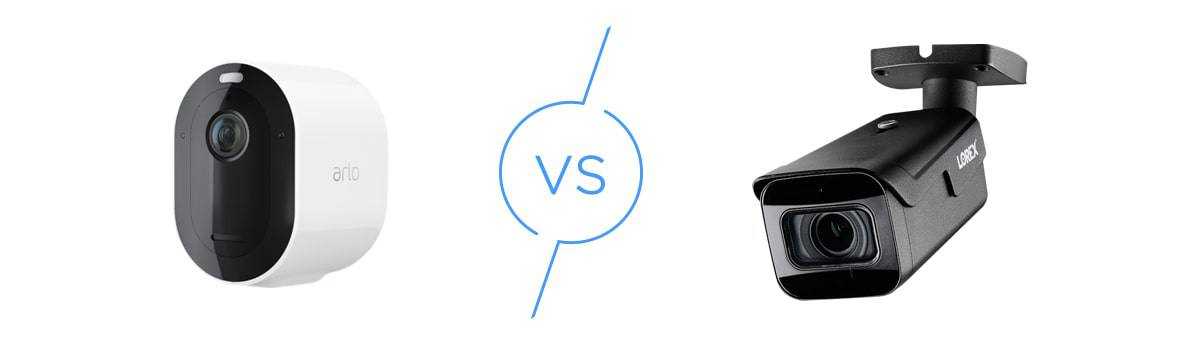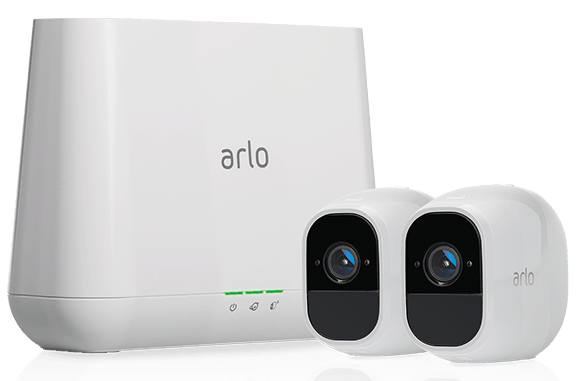
Shop the full lineup of reviewed Arlo cameras at Walmart with fast shipping.
2026 Arlo Security Camera Hands-On Review
We lived with the Arlo Essential 2K, Essential XL 2K, and Pro 5S and found that Arlo offers some of the best cloud-based security cameras on the market.
All of our content is written by humans, not robots.
Learn More
By
 &
&
 Last Updated on Apr 06, 2026
&
Last Updated on Apr 06, 2026
What We Like
- Versatility: Arlo offers wired and wire-free options, with a video resolution ranging from 1080p HD to 4K.
- Reliable battery-powered options: Arlo was a pioneer of wire-free, battery powered cameras, and they continue to put up the best battery-powered cameras today.
- Smart detection with Arlo Secure: From smart motion zones to facial and vehicle recognition, Arlo Secure subscriptions bring intelligent detection to Arlo security cameras.
What We Don't Like
- Higher price tag: Compared to industry averages, Arlo security cameras are typically positioned higher in terms of price.
- Cloud dependent: We like the advanced features Arlo’s cloud subscriptions offer, but not the fact that their cameras require a subscription to record videos.
- Confusing lineup: Arlo offers several generations of its Essential, Pro, and Ultra security cameras, making it harder to choose the right models and features.
Bottom Line
Arlo keeps pushing the envelope with its security cameras. They pack some of the most advanced intelligent detection features available, including facial and vehicle recognition, advanced audio detection, fire detection, and package detection. The catch? Those features require a cloud subscription starting at $7.99 per month for one camera or $17.99 per month for unlimited cameras.
the security.brief
We took several Arlo indoor and outdoor cameras for a spin, and found that they offer good value despite the high price.
Editor’s Note: Arlo has impressive security cameras, but for top-of-the-line security, we recommend Google Nest cameras from ADT. Nest cameras have AI facial recognition and crystal clear video resolution. When paired with ADT, they boost your home security to the next level. Learn more in our ADT Security System Review.
Arlo has been around for nearly a decade, and it has established itself as a leader in the security camera industry. We’ve been testing their cameras since the Arlo Wire-Free, their first battery-powered indoor/outdoor camera. And now that we’re in 2026, we’ve updated this review to show you how some of their latest security cameras perform.
Keep reading for an updated look at Arlo’s current security lineup, and to see our experience with the Arlo Essential 2K, Arlo Essential XL 2K, and the Arlo Pro 5S. They are some of the smartest cloud-based security cameras we’ve tested, but there are catches you need to know before buying.
Arlo’s Current Security Camera Lineup
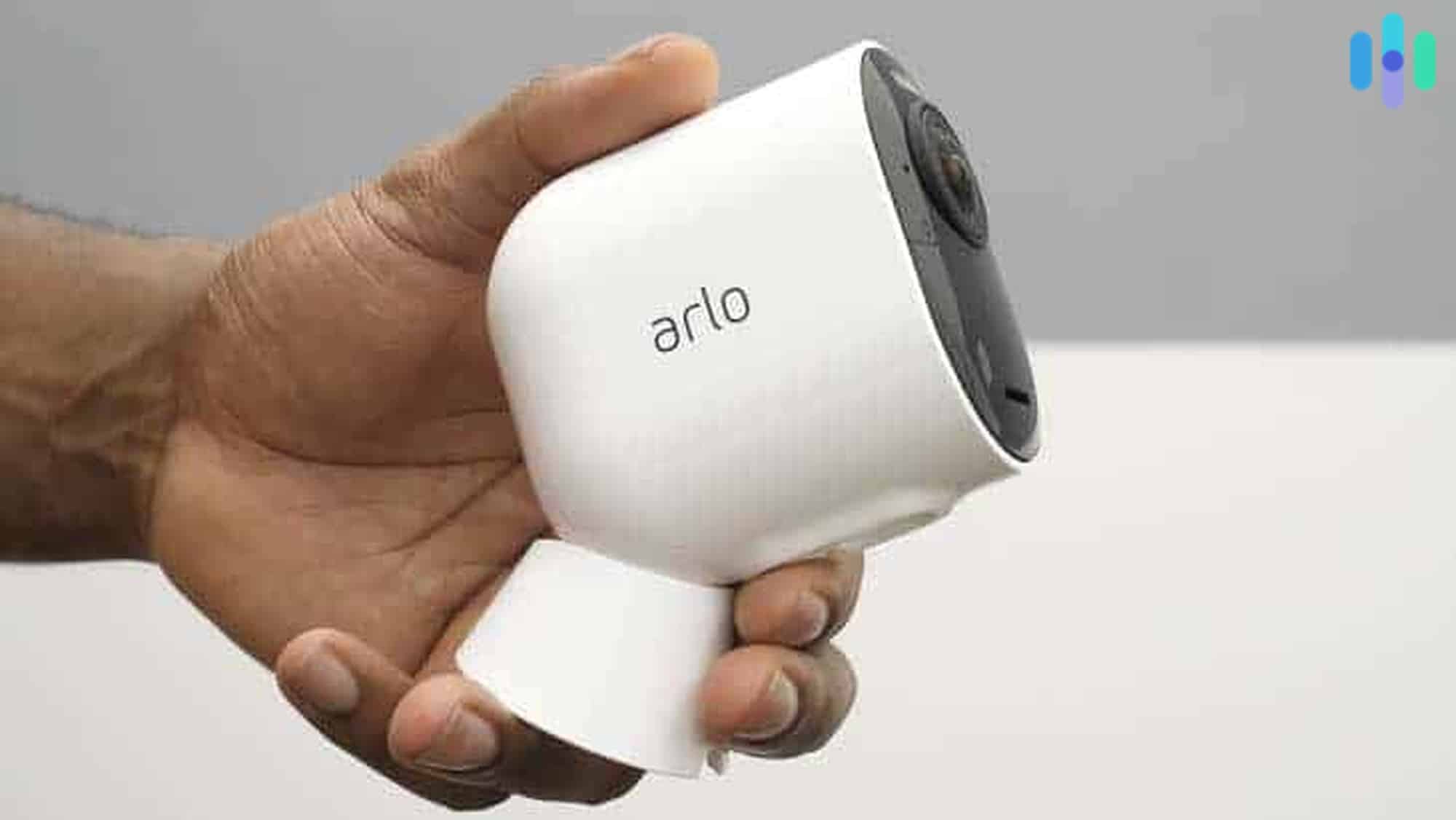
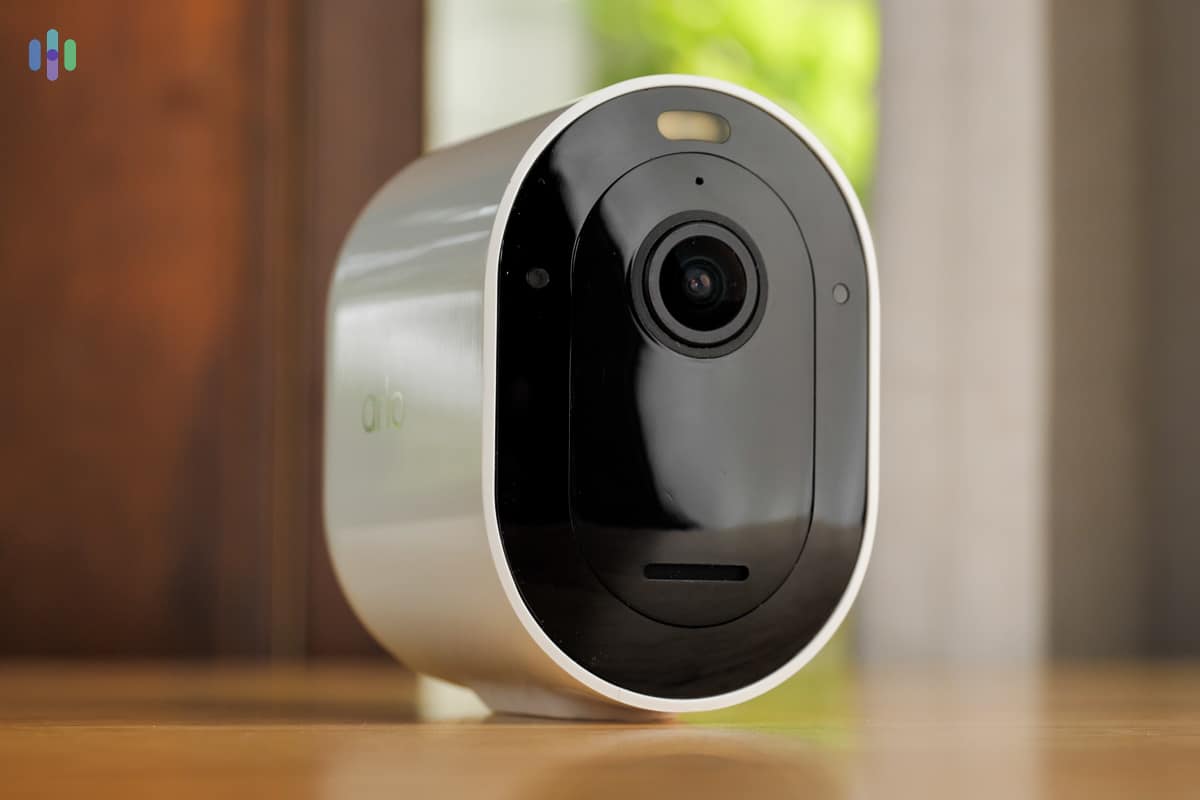
We appreciate Arlo’s recent efforts to make their lineups as easy to figure out as possible. They all look alike; they come in either white or black finishes and have capsule-shaped faces. But you can tell them apart through their names.
- Arlo Essential: These are entry-level cameras with 1080p HD to 2K resolution, and some smart features.
- Arlo Pro: These are the mid-range cameras. They all have a 2K resolution and a wider field of vision than the Essential range.
- Arlo Ultra: These cameras offer a video resolution of up to 4K and a maxed-out, 180-degree field of view for maximum coverage. These are their flagship cameras.
- Arlo Go: These cameras are unique because they don’t require an internet connection. They are still cloud-dependent, but they use a 4G/5G SIM to connect to the cloud.
>> Related: Are There Security Cameras That Work Without Wi-Fi?
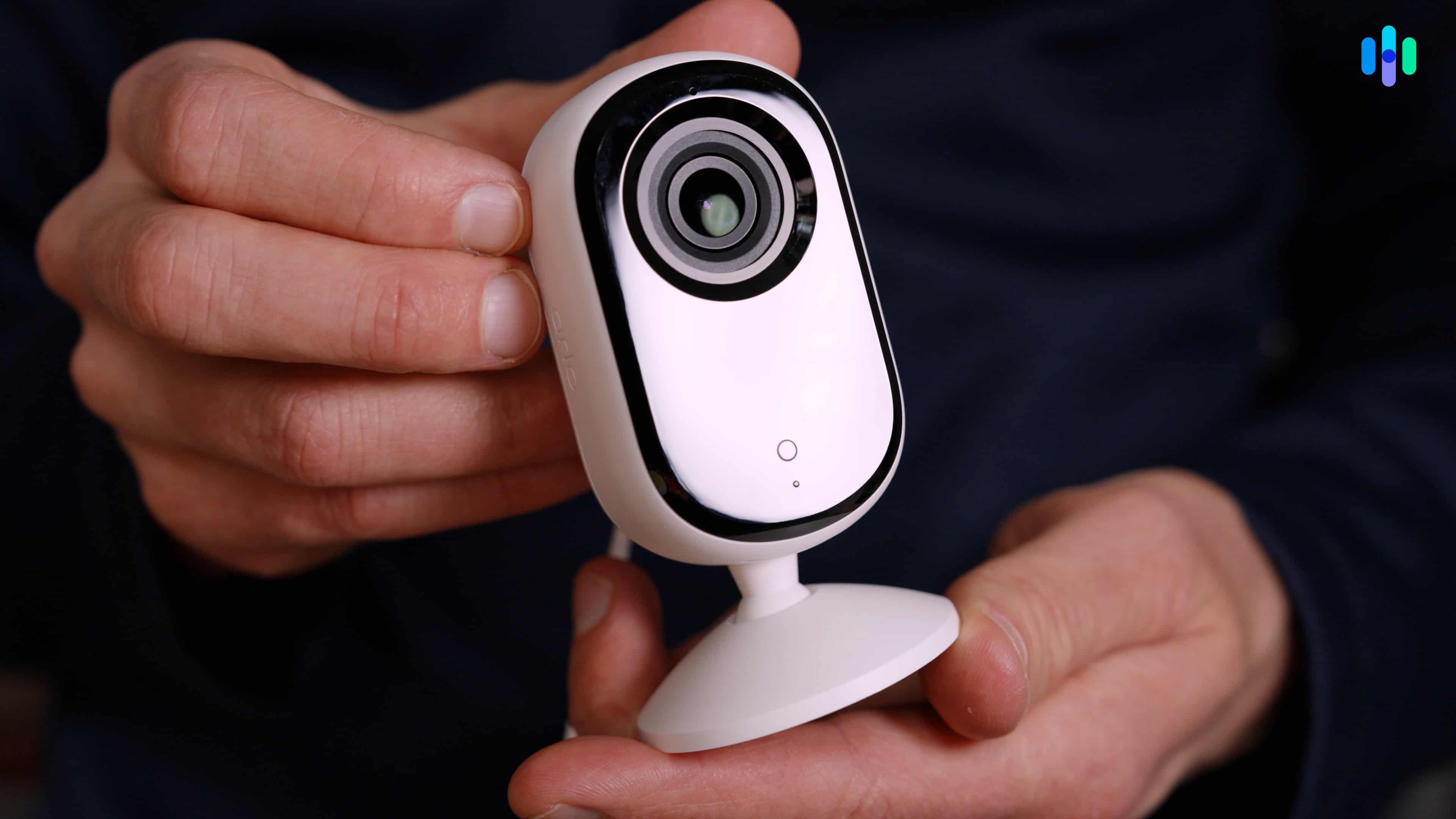
Here’s the complete product line:
| Arlo Essential | Arlo Pro | Arlo Ultra | Arlo Go |
|---|---|---|---|
|
|
|
|
Arlo also offers two floodlight security cameras. One of them is battery-powered and the other requires hardwiring. Both pair night-illuminating LEDs with a Pro-grade camera. At $149.99 for the hardwired model and $249.99 for the wireless option both represent great value. They offer similar capabilities to the $279.99 Google Nest Cam with Floodlight that also requires hardwiring.
Recent Updtes: Arlo has updated their product lineup since our original testing. The Arlo Pro 5S we tested has been replaced by the Arlo Pro (6th Gen) and Pro XL (6th Gen) models. The Arlo Ultra is now marketed as the Arlo Ultra (3rd Gen). Additionally, Arlo has expanded the Essential lineup to include Pan Tilt models for both indoor and outdoor use.
Our Arlo Essential Experience
In our latest testing of Arlo, we took two Arlo Essential cameras for a test drive.
First is the Arlo Essential 2K, which is a plugged-in, indoor-only camera. It’s one of the only two Arlo cameras that don’t run on batteries. We found it more than decent for an indoor camera, especially with the 130-degree field of view and built-in privacy shutter. Unlike the Ring Indoor Cam 2 we reviewed that requires you to manually slide the shutter close when you want privacy, we were able to control and schedule Arlo’s shutter via the app.
We also think the Essential 2K is affordable for a 2K indoor camera. It currently retails for $39.99, making it one of the more budget-friendly 2K cameras currently available. Just note that we found technological limitations, the biggest of which is its image-based motion detection. It’s more prone to false positives than the PIR motion sensors on other Arlo cameras, such as the Arlo Essential XL, which we also tested. Here’s our complete video review of the Arlo Essential 2K:
Unlike the Essential 2K, the Essential XL 2K can work both indoors and outdoors. It also runs on batteries, and uses a more accurate PIR motion sensor. We also like that it has a built-in spotlight bright enough to give it color night vision of our backyard (see the video below).
As for downsides, size is probably the biggest consideration for this device. It promises a battery life four times longer than the base model, the Essential 2K. The trade-off is that it needs a much larger battery, so the device itself is bulkier. Fortunately, it seems capable of delivering the promised one-year battery life.1 We’ve been using it for six months now, and the battery is still at 45 percent.
Our Arlo Pro Experience
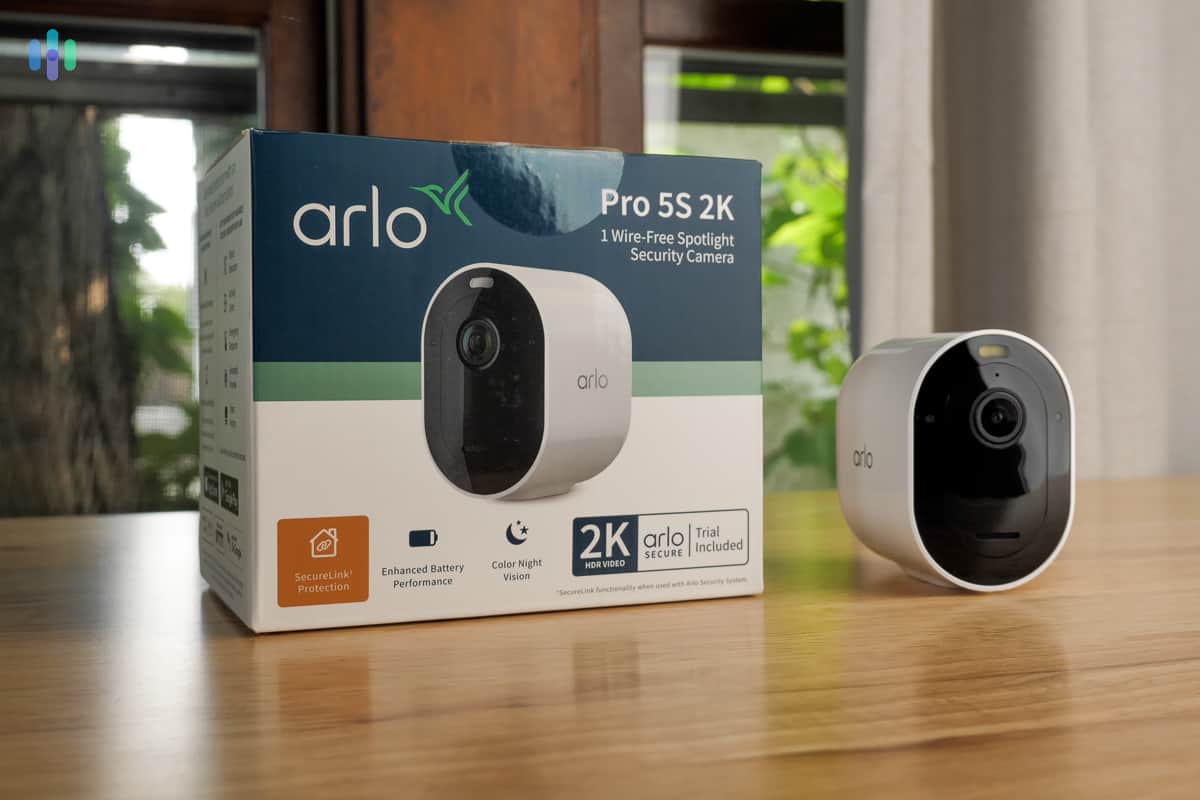
For the Arlo Pro lineup, we tested the Arlo Pro 5S, which has since been replaced by the Arlo Pro (6th Gen) at $124.99 and the Pro XL (6th Gen) at $199.99. It’s worth noting that the Pro 5S sits as a step up from the Essential XL 2K, particularly in terms of hardware specs. Most notably, it offers a wider field of view and dual-band Wi-Fi.
| Arlo Pro 5S | Arlo Essential XL 2K |
|---|---|
| 2K max resolution | 2K max resolution |
| 160-degree FOV | 130-degree FOV |
| Color and infrared night vision | Color and infrared night vision |
| 8-month battery life | 12-month battery life |
| PIR motion sensor | PIR motion sensor |
| Dual-band Wi-Fi | 2.4 GHz Wi-Fi only |
What’s New: The Arlo Pro (6th Gen) builds on the Pro 5S with some welcome refinements: roughly 15 percent longer battery life, USB-C charging for broader compatibility, and sharper AI-powered alerts when paired with Arlo Secure. It’s a solid generational step forward.
Is it worth paying extra to get a 30-degree wider field of view and dual-band Wi-Fi connectivity? The current Arlo Pro (6th Gen) sits at $124.99, while the Essential XL 2K comes in at $79.99. Looking at hardware alone, we don’t think the gap justifies the price difference — the Essential XL 2K gives you more bang for your buck.
Really, we only recommend buying Pro models if you’re also planning to invest in an Arlo home security system. That’s because the Pro cameras can pair directly with the security system hub using the Arlo SecureLink standard. This extends the range of the camera (no need to place it within Wi-Fi range) and keeps the camera running during power and internet outages (thanks to cellular backup on the hub). SecureLink is also more power efficient than the 2.4 GHz and 5 GHz wireless standards.
If you’re planning to buy an Arlo security system as well, here’s our video review of the Arlo Pro 5S.
Expert Advice: If you already have one too many Wi-Fi-connected devices at home, it makes sense to use the Arlo Pro cameras connected to the security system hub to ease congestion. Just note that you get the same benefit with any security camera that connects to a hub, such as the Blink Outdoor 4. Read our Arlo vs. Blink comparison to find out which is better.
Our Arlo Ultra Experience
We haven’t tested the Ultra (3rd Gen), but we didn’t feel the need to after testing the first-generation Arlo Ultra. They’re basically identical, except for the Ultra (3rd Gen)’s upgraded wireless range and dual-band Wi-Fi connectivity. It also features USB-C charging, more accurate AI-powered alerts, and more customizable notifications.
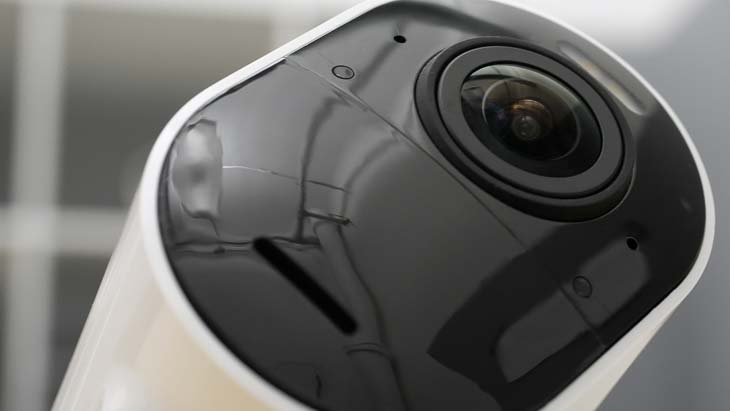
To be fair, the Arlo Ultra (3rd Gen) is a huge upgrade compared to the Pro models, thanks to its 4K video quality and the ultra-wide 180-degree field of view. But these features come at a cost. The Arlo Ultra (3rd Gen) requires a hub (the Arlo SmartHub), and individual cameras cost $199.99. That’s not as expensive as the Vivint Outdoor Camera Pro we reviewed, but it’s a hefty investment.
We think the Arlo Ultra (3rd Gen) is a great camera; we just only think it’s worth it if you plan to buy an Arlo SmartHub anyways. Otherwise, the 4K resolution and 180-degree viewing angle are not worth the requirement of a SmartHub.
Testing Note: The one thing we really appreciate about the Arlo Ultra cameras is that, while they have a 180-degree field of view, the videos don’t appear too distorted. We’ve tested wide-angle security cameras before. Their videos usually have a fish eye effect. When testing Arlo Ultra, we did see some distortion, but not as severe.
Arlo Go
The Arlo Go 2 is Arlo’s most unique camera because it doesn’t need Wi-Fi. It has a SIM slot that, with a compatible data SIM, can give the camera the internet connectivity it needs to stream live video and send recordings to the cloud.
We haven’t tested the Arlo Go 2, but its hardware specs are similar to the Arlo Essential HD, which we tested in 2021. The Arlo Go 2 has a 1080p HD resolution, a 130-degree viewing angle, a PIR motion sensor for detection, and a built-in spotlight. Those don’t sound too impressive, especially for a $199 camera. But we think the Arlo Go 2 is a great security solution for RVs and cabins that don’t have a Wi-Fi connection.
Other Options? ReoLink, another security camera-focused brand, also has a cellular-ready, battery-powered outdoor camera. Learn more in our ReoLink GO review.
Buy Arlo Cameras Direct From Walmart

See Pricing
Links to Walmart
Arlo Feature Testing and Recommendations
When we’re testing individual security cameras, we tend to focus on hardware specs and features, such as video quality, battery longevity, motion detection sensitivity, and so on. When we’re reviewing entire lineups (like we’re doing now), we look at the bigger picture and offer recommendations based on our individual security camera testing. We also focus on things like the app experience and cloud subscriptions.
Video Quality Recommendation for Arlo Cameras

Let’s start with the video quality. Arlo offers a range of options from 1080p HD to 4K security cameras. The industry standard is still 1080p, but we recommend going for Arlo’s 2K cameras. Fortunately, all of Arlo’s cameras aside from the Go 2 offer at least 2K resolution.
We recommend 2K because it offers better clarity and details than standard 1080p while keeping the price more approachable compared to the 4K resolution of the Arlo Ultra (3rd Gen). It’s the perfect balance, and Arlo found the sweet spot with their 2K cameras.
Night Vision Recommendations for Arlo Cameras

Except for the Arlo Go 2, all current Arlo cameras offer black-and-white (Infrared) and color night vision. Color night vision is made possible through an integrated spotlight, so keep that in mind if you’re planning to use Arlo cameras indoors. In our opinion, the spotlight is too bright for indoor use, so we recommend sticking with Infrared night vision. Plus, Arlo has some of the best Infrared night vision cameras we’ve tested.
For Arlo’s outdoor cameras, color night vision comes in handy. It’s clear enough to identify things like the color of shirt a person is wearing or the color of a car driving by. And since the spotlight is motion activated, it adds an element of surprise and acts as a deterrent to trespassers and burglars.
Security Tip: A UNC study found that 60 percent of convicted burglars would scram if they found security equipment at their target’s home.2 Outdoor cameras with integrated lights draw attention to themselves, making them an effective deterrent.
Basic Motion Detection Recommendations
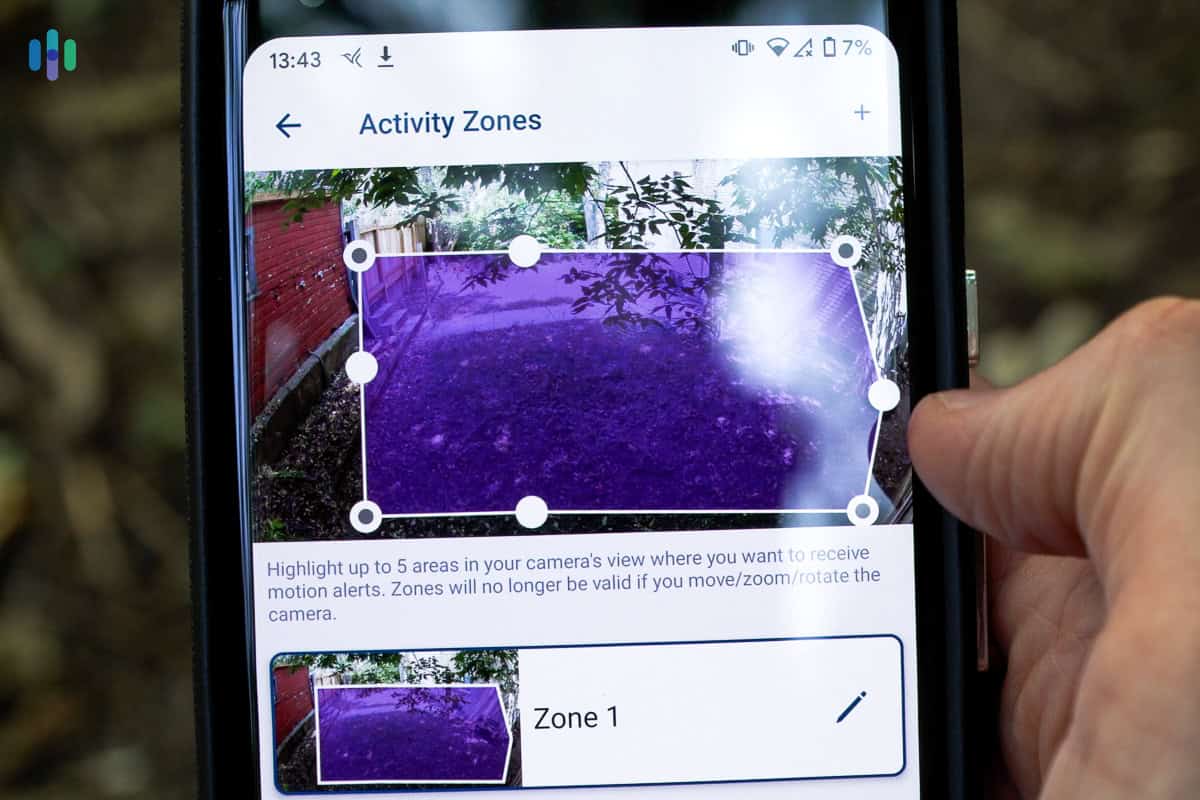
We’ve noticed that Arlo uses two types of motion detection on their security cameras.
The first one is image-based motion detection, which relies on the camera’s video feed. Basically, it analyzes live footage at the pixel level. If there’s a big enough change in a cluster of pixels, the camera registers it as movement. If used by itself without smart motion detection (more on this below), it’s not very reliable, because even things like moving shadows or swaying branches can trigger alerts.
The second one, a separate PIR motion sensor integrated into the camera’s face, is what we recommend. It’s more reliable because it looks for heat signatures, so most inanimate objects won’t trigger false alerts. Fortunately, all Arlo cameras use a PIR motion sensor except for the Arlo Essential Indoor models.
Expert Insight: PIR sensors are not immune to false alerts. Pets, especially large dogs, can still trigger the sensors. We’ve also experienced false alarms due to things like vents blowing hot air into the frame, heat-producing appliances, and direct sunlight.
Advanced Detection Features
Arlo offers some of the most advanced detection features available in a consumer security camera. That’s largely thanks to the Arlo Intelligence suite — a collection of AI-powered tools that includes person, animal, vehicle, and package detection. One thing we appreciate is that these features are available across all Arlo camera models, not just the premium ones.
There’s a catch, though. Arlo Intelligence is cloud-based. For one, that means the features are internet-dependent. If your internet goes down, you lose access to them. Another thing to consider is that Arlo Intelligence doesn’t come with your device purchase. You need an Arlo cloud subscription – which we’ll talk about next – to enable advanced detection.
>> Alternatives: The Security Cameras of 2026 that Don’t Require Subscriptions
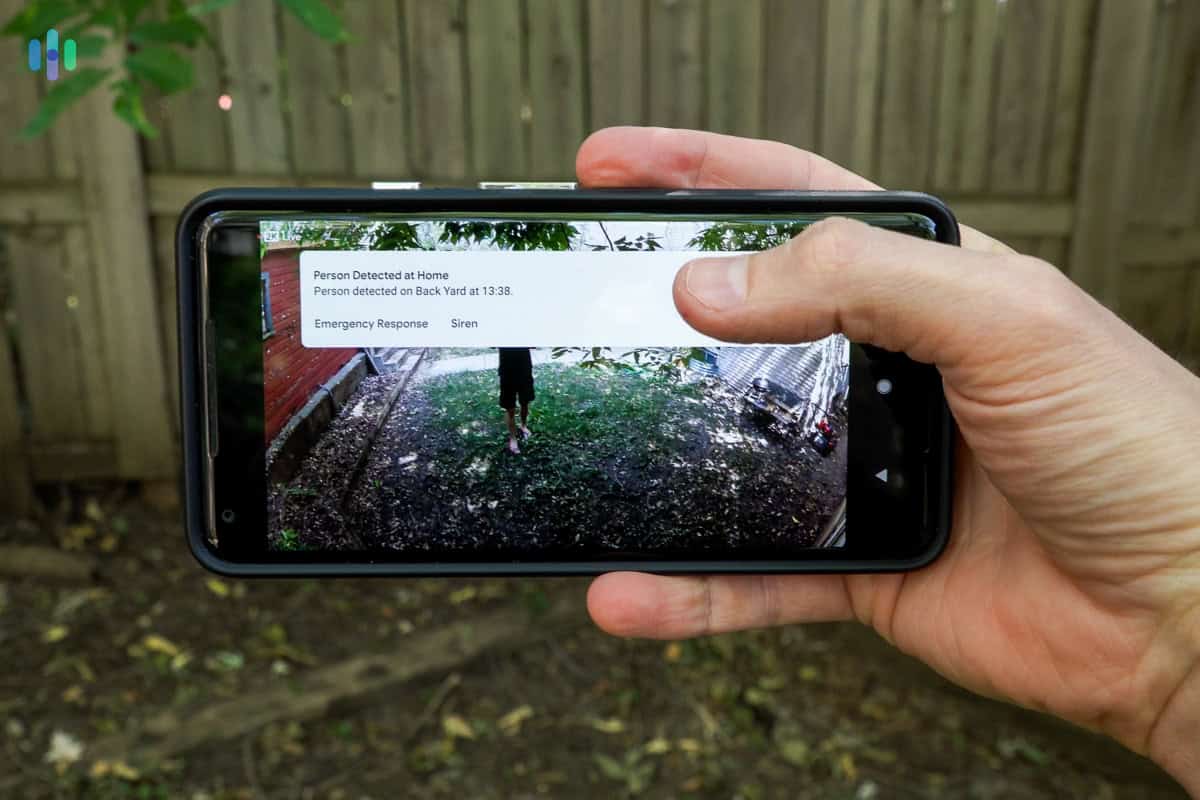
On the bright side, we found Arlo Intelligence highly accurate. During testing, the catch rate for person-triggered motion events was over 90 percent. The same goes for animal detection and vehicle detection. Package detection was a little bit spotty, but we later found that Arlo recommends a specific placement for the security camera to enhance package detection. The camera used should be placed overhead, looking down to where packages are typically dropped off.
Arlo Intelligence also includes facial recognition, similar to what we saw when we tested ADT security cameras from Google Nest. You have to “teach” the cameras who to recognize by naming the people it sees, just like how the People feature on the iPhone’s Camera Roll works. Over three months of testing, facial recognition got accurate enough that it was able to identify friends we have over every week.
Other Arlo Intelligence features that we didn’t extensively test were:
- Fire Detection: Arlo alerts you when the camera sees fire within its frame. We don’t recommend this for indoor cameras if you have a fireplace in view, but we think it’s a cool feature otherwise.
- Advanced Audio Detection: Arlo can detect certain sounds, even ones originating outside the camera’s field of view. The feature aims to recognize audio cues like gunshots, smoke/CO alarms, screaming, glass breaking, and dog barks. Note that the Nest Hub Max we tested has similar audio detection features.
Expert Tip: You can configure Arlo Intelligence on a per-camera basis. For example, we enabled facial recognition on the camera positioned outside the front door to monitor comings and goings of guests, but turned it off on our indoor cameras.
Arlo Cloud Subscriptions and Pricing
Arlo offers two main cloud subscription tiers: Plus and Premium. The Plus plan is available for a single camera or unlimited cameras, while Premium covers unlimited cameras and adds professional monitoring features. Here’s an overview of Arlo’s prices for their subscription plans:
| Arlo Subscription | Arlo Plus Single Camera | Arlo Plus Unlimited Cameras | Arlo Premium Unlimited Cameras |
|---|---|---|---|
| Monthly Price | $9.99 | $19.99 | $29.99 |
| Annual Price | $95.88 ($7.99 per month) | $215.88 ($17.99 per month) | $299.88 ($24.99 per month) |
| Cloud Video History | 60 days | 60 days | 60 days |
| Person, Vehicle, Package & Animal Detection | ✓ | ✓ | ✓ |
| Facial Recognition | ✓ | ✓ | ✓ |
| Custom Activity Zones | ✓ | ✓ | ✓ |
| Theft Replacement | ✓ | ✓ | ✓ |
| 24/7 Professional Monitoring & Emergency Response | X | X | ✓ |
| Cellular & Battery Backup | X | X | ✓ |
Compared to Ring, Arlo’s plans cost about twice as much. They don’t offer as much cloud storage either. Ring’s plans give you 180 days of video event history, whereas Arlo only gives you 60 days. Both are still above the industry standard of 30 days, so we can’t knock Arlo too hard here.
While we think Arlo’s subscriptions are slightly overpriced, they offer some unique AI capabilities that we appreciate. For instance, with a subscription, your Arlo cameras will listen for the sound of a fire or smoke alarm and then send you a notification if they hear it. They also go beyond just person detection with vehicle, pet and package detection.
FYI: Arlo’s 24/7 professional monitoring in the Premium plan only supports monitoring for an Arlo security system, not the cameras. If you’re looking for a system with security camera monitoring, we recommend SimpliSafe. Check out our SimpliSafe review to see if it’s right for you.
Arlo Local Storage via SmartHub
If you’re trying to avoid monthly fees but still want to be able to record footage with your Arlo cameras, you can connect them to the Arlo SmartHub. It allows you to store up to 2 TB of event footage on an external hard drive or USB flash drive. That’s about two months of continuous footage, but since the cameras record only event clips, 2 TB will go a long way.
We particularly like how the storage in the SmartHub integrates into the Arlo Secure app. With it, you can easily review all of your footage in the app. Managing the storage is easy, too. In the app, you can see how much storage is left and get alerts when the storage has less than 20 percent capacity left. We recommend turning on the automatic overwrite feature, so that when you run out of space, the oldest footage gets deleted instead of it no longer recording new footage.
Our Thoughts On the Arlo App
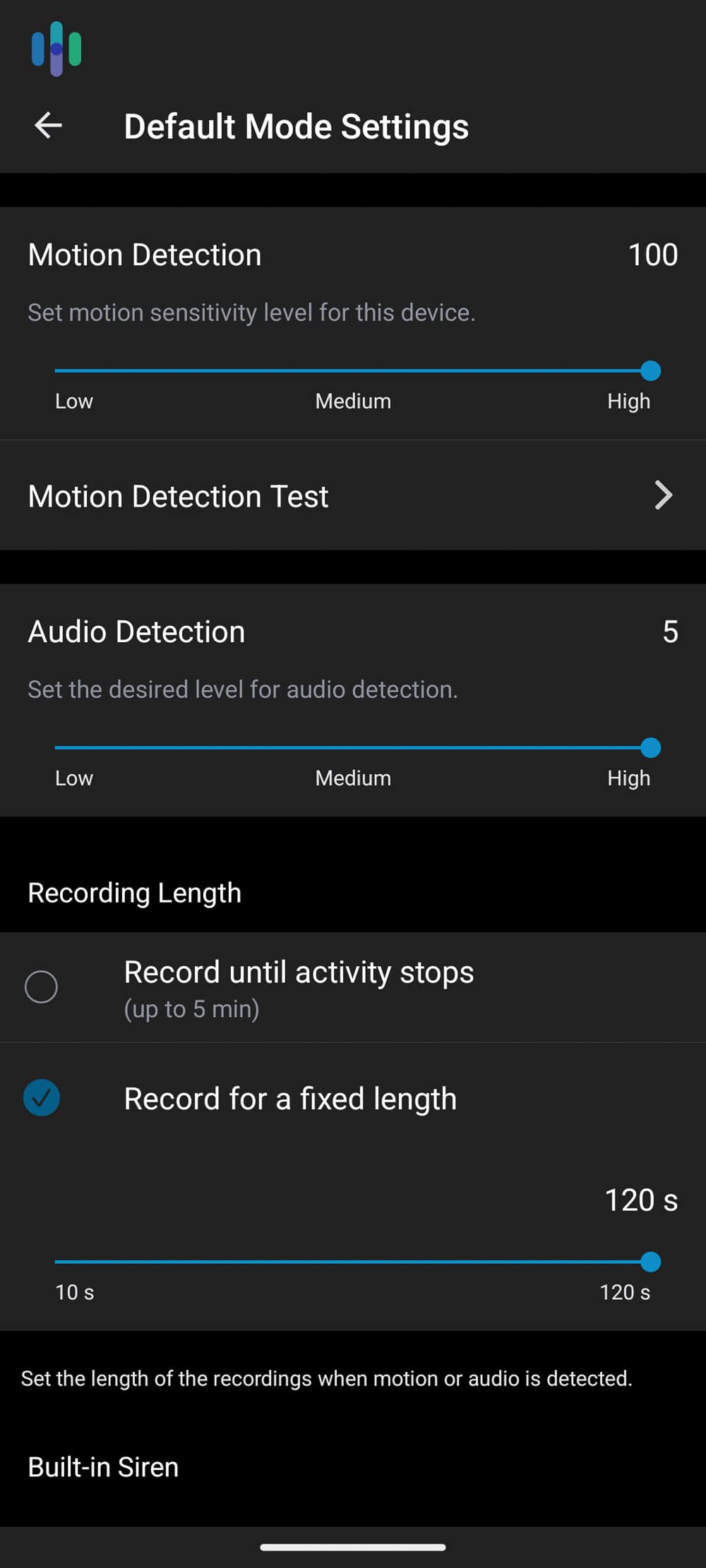
There’s no denying that the Arlo Secure app is powerful, but it took us a while to fully learn how to use it. We found the interface most similar to the Wyze app in that a few features are tucked away in unexpected menus. For instance, if you want to turn off vehicle alerts, you’ll need to navigate to the Arlo Pro settings instead of the camera’s motion detection settings.
On the plus side, we didn’t experience any technical issues with the app. Everything works as expected and it offers a lot of control over your cameras. It’s just a matter of digging up the feature or setting you’re looking for.
>> Check Out: Wyze Home Security Camera Reviews 2026
Arlo Customer Support
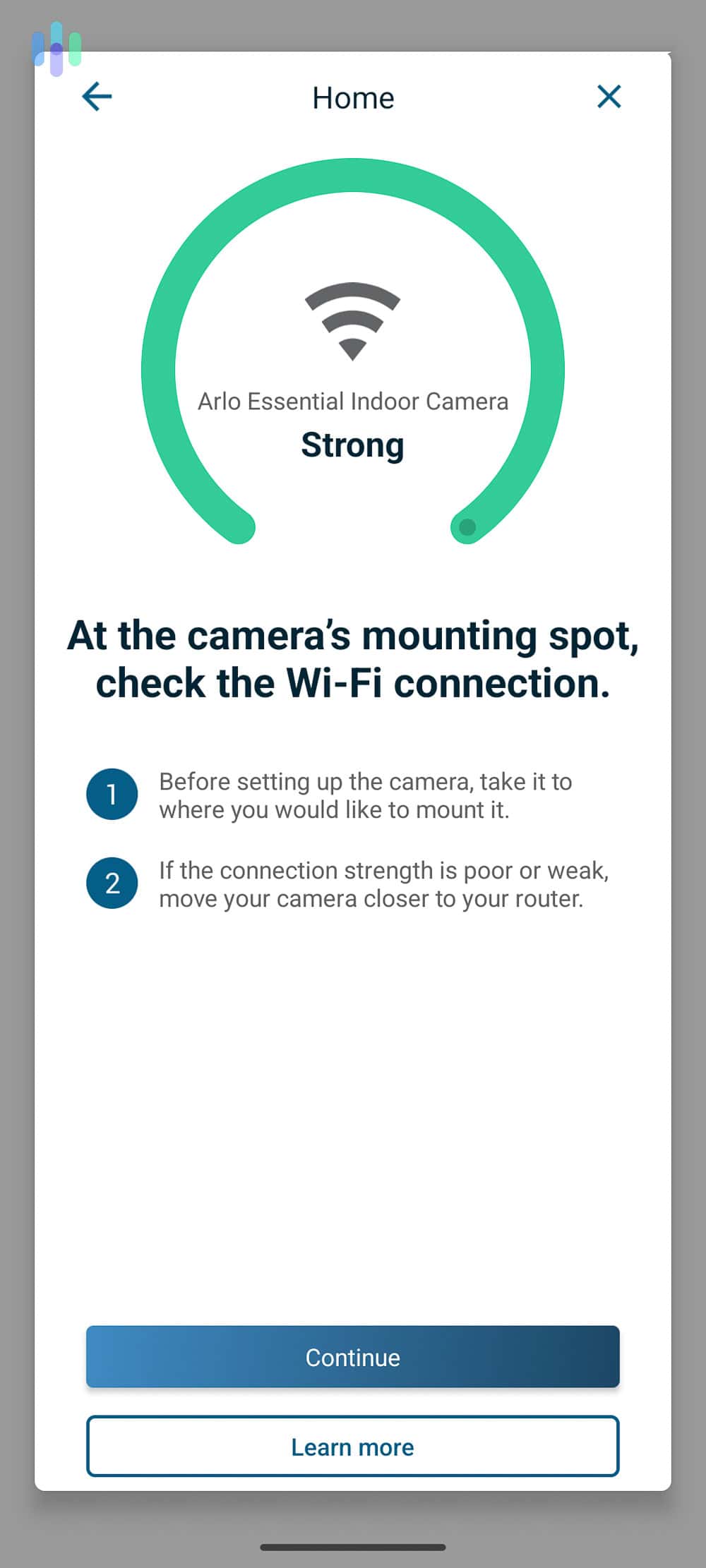
Oddly enough, Arlo’s customer support center is similar to the app. All the information you could need is there, but it’s difficult to find. One of our main gripes is that they sort articles based on each individual camera model even if the information applies to multiple models. That means if you’re troubleshooting an issue with your Arlo Pro (6th Gen), you might actually find the information you need in the Arlo Pro 4 section.
When it comes to receiving live support, we found the options lackluster. First of all, you can only get help from a human from 6:00 a.m. to 6:00 p.m. PST unless it’s for technical support with a camera you already own. If you need help with a new order, you’ll need to ask your questions during their support hours.
On one occasion, once we accessed their live support, it took us about 15 minutes to get a real person on the line. Their agent was clearly well-trained, and they provided thorough answers to our question, so at least Arlo has that going for them.
Arlo vs. The Competition
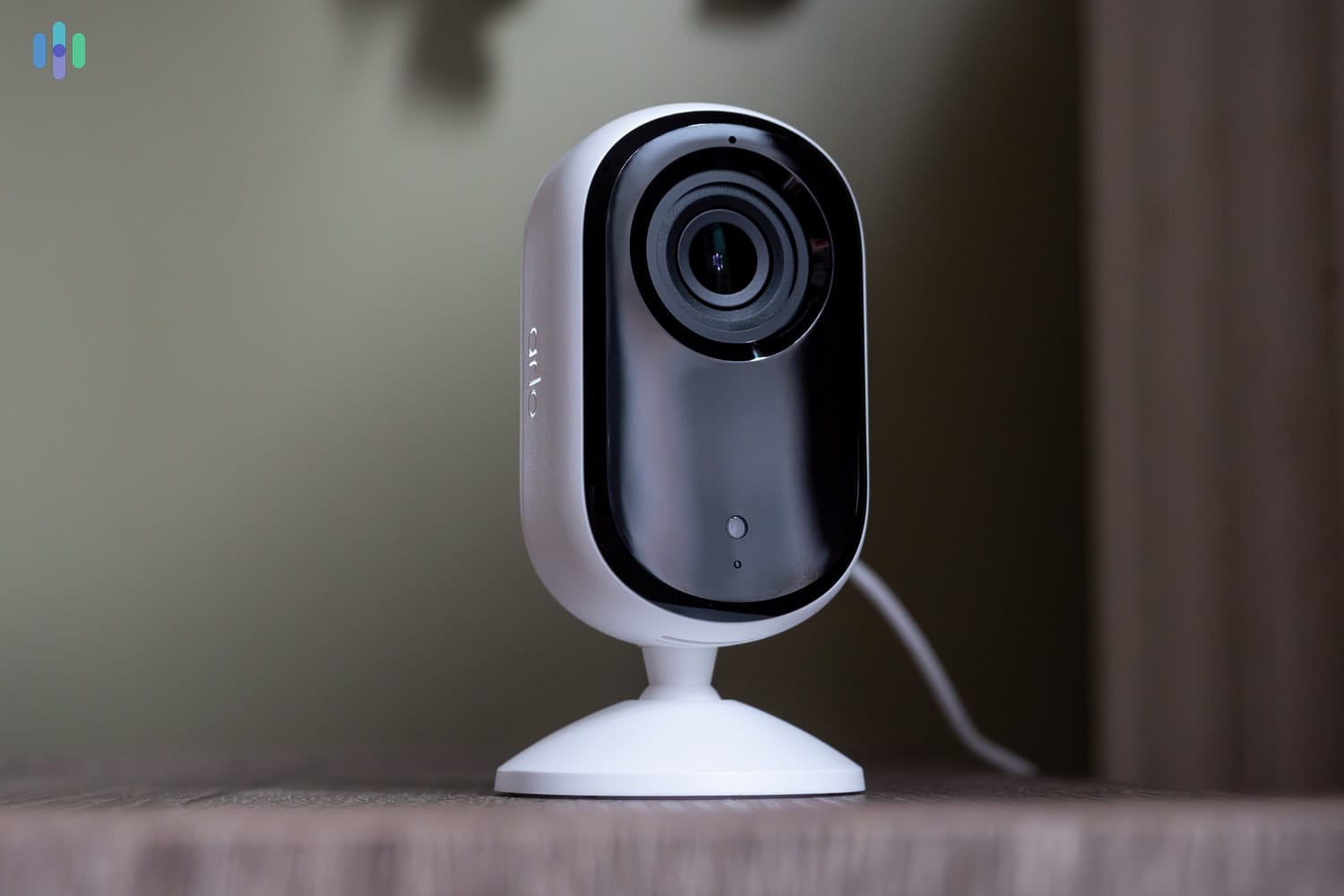
Arlo’s smart, cloud-based home security cameras face stiff competition from Google’s Nest Cam lineup and Ring’s affordable but intuitive security cameras.
Arlo vs. Nest Cam
In terms of AI capabilities alone, we found Arlo to offer more features. Nest Cams also have person, animal, vehicle, and face detection, plus a few advanced audio detection, but they lack Arlo’s fire detection. That’s probably not a big selling point, but the point is, Arlo is slightly ahead in this category.
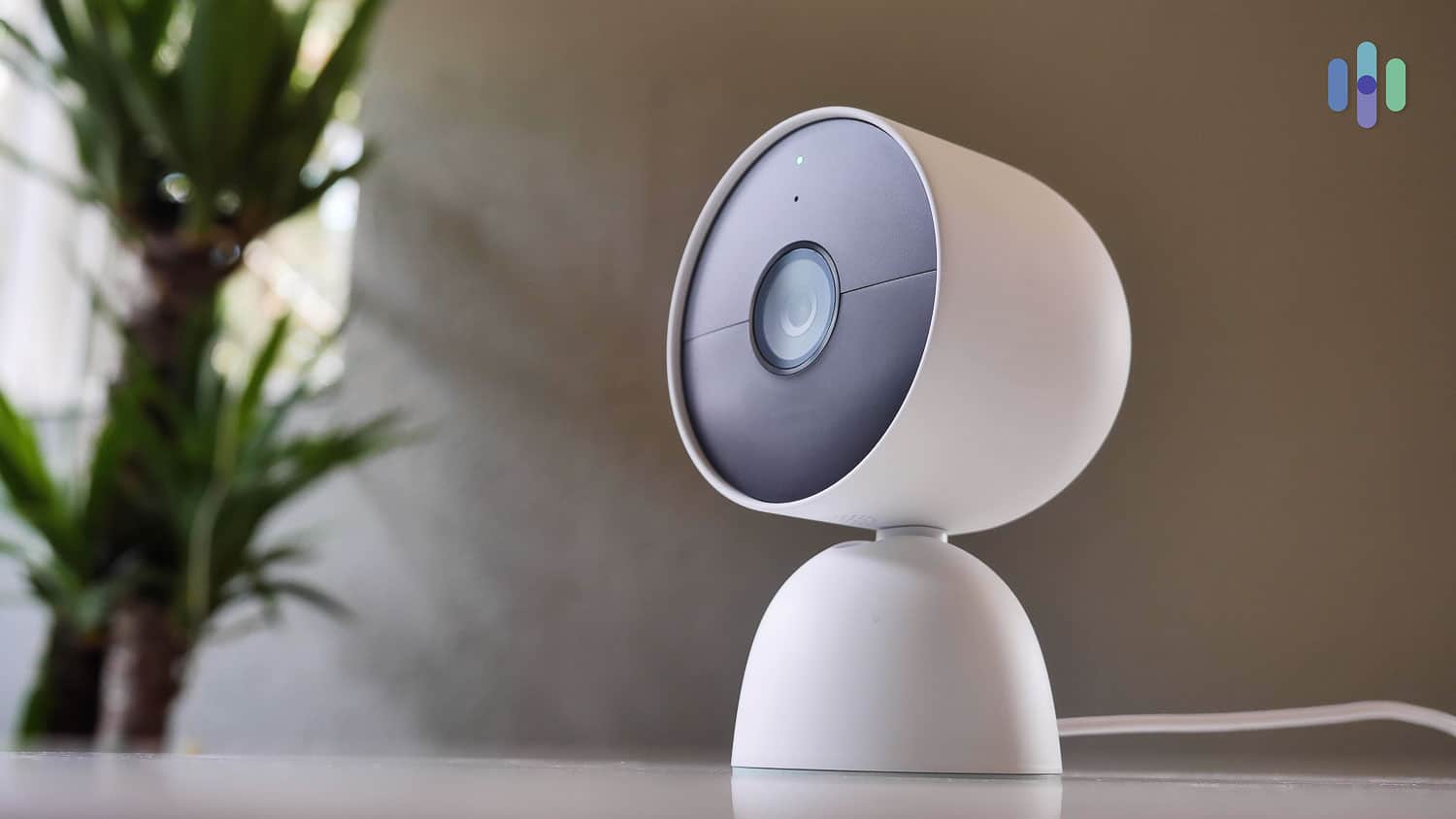
That being said, Nest Cams work directly with ADT home security systems, enabling video verification on systems with a supported monitoring plan. On top of that, Nest Cams works seamlessly with any other Google Nest home product, including the Nest Hub we reviewed. So when it comes to integrations, the Nest Cam wins.
Arlo does have one significant advantage over the Nest Cam line, though: sheer variety. There are over a dozen different Arlo security camera models across the Essential, Pro, and Ultra lineups. By comparison, Google Nest only offers a handful of options — the Nest Cam (outdoor, wired), Nest Cam (indoor, wired), Nest Cam (outdoor or indoor, battery, 2nd gen), and Nest Cam with Floodlight.
>> Learn More: Nest Cam Security Camera Review
Arlo vs. Ring
Comparing Ring and Arlo, the latter’s cameras are way more high-tech. As we saw, Arlo offers a 4K camera. Ring hadn’t had a camera go beyond 1080p HD up until recently. Ring also doesn’t offer advanced detection features such as facial recognition, although Ring cameras allow you to refine your motion detection settings through activity zones.
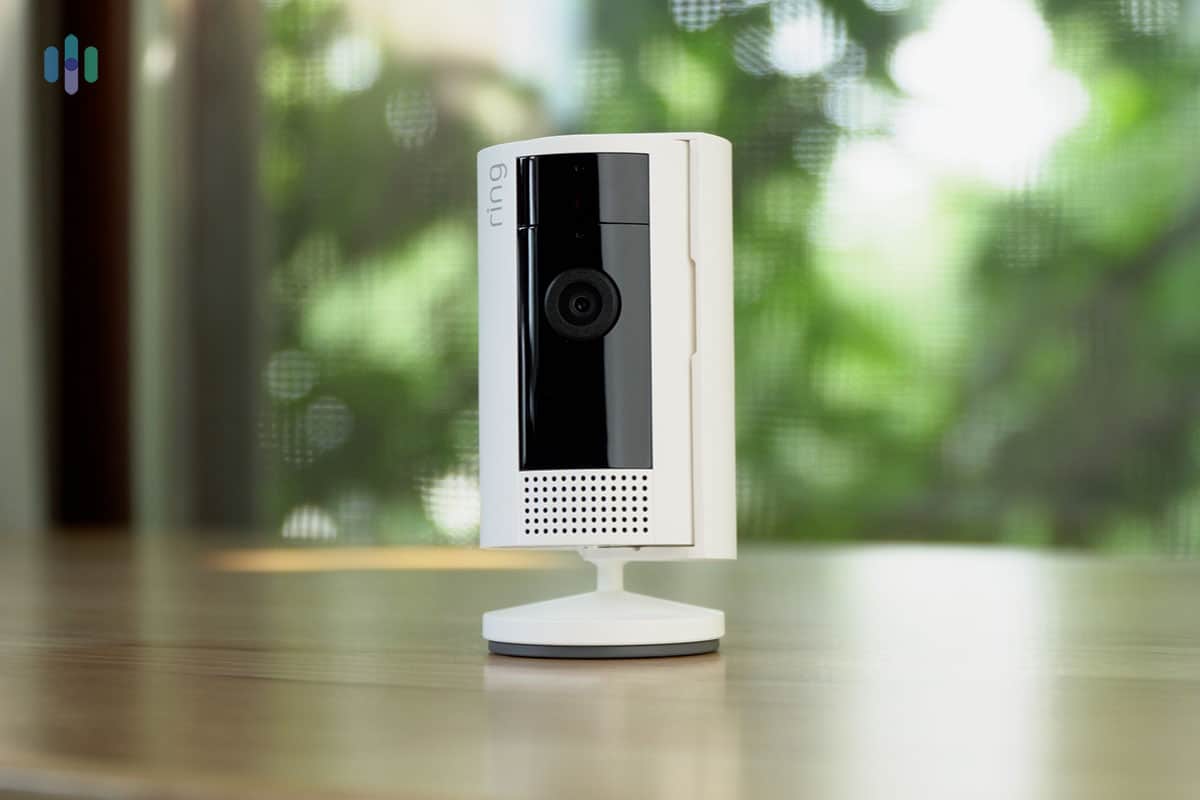
Where Ring wins is with value. Pound-per-pound, Ring security cameras are more affordable than their Arlo counterparts. The most expensive Ring product, the newest Floodlight Cam Wired Pro, starts at $279.99. While that’s more expensive than Arlo’s Wireless Floodlight Camera, it doesn’t require a separate base station and it features 4K resolution. That’s why we consider it a better value.
On top of that, Ring’s cloud plans are more affordable but offer more cloud storage. You can store event clips for up to 180 days with Ring; with Arlo, videos stay in the cloud for up to 60 days only.
>> Read About: Top Alternatives to Arlo Security Cameras in 2026
Did You Know: We’re consistently impressed by Arlo’s sales. They offer year-round discounts with the biggest savings available during Arlo’s Prime Day sale and Arlo’s Black Friday deals.
Recap
All in all, Arlo’s security cameras held up well in our testing. We’ve used cameras with more advanced capabilities and cameras that offer better bang for your buck, but Arlo consistently delivers a solid middle ground. They also cover a wide price range — from budget-friendly options to premium floodlight models — without making the lineup feel overwhelming.
Like with any company, there were a few drawbacks. For instance, we wish they offer 24/7 live support and their app could have been more intuitive. Despite these drawbacks, Arlo security cameras offer top-notch security features for reasonable prices.
FAQs
-
Do Arlo security cameras require a monthly fee?
No, Arlo security cameras do not require a monthly fee. Without a subscription, you can only access the camera’s live feed and receive basic motion alerts. We’d recommend checking our Lorex instead if you’re looking for a no monthly fee security camera that doesn’t require a full security system.
-
Can I store footage locally with Arlo security cameras?
Arlo’s current lineup of security cameras supports local storage through the SmartHub. You can connect an external hard drive or USB flash drive of up to two terabytes to the SmartHub for storage.
-
Is there a way to get free cloud storage through Arlo?
Arlo no longer offers free cloud storage for any of their security cameras. They stopped offering it for new cameras in 2018. However, they still offer seven days of free cloud storage for their legacy cameras that were sold and advertised with that feature.
-
Where do I find the product ID of my Arlo security cameras?
You can find the product ID of your Arlo security cameras in the mobile app. Simply select your camera in the Device Settings menu and then open the “Support” window. There, you’ll see a “Product ID” field.
-
Does Arlo offer professional monitoring for their security cameras?
Arlo’s Premium subscription at $24.99 per month includes professional monitoring and emergency response features. However, it requires Arlo’s home security system. Even then, it only uses your security cameras for video verification, meaning Arlo’s monitoring team will check your camera footage during an active alarm before dispatching emergency personnel. For actual security camera monitoring, consider SimpliSafe with their Pro and Pro Plus plans.

View on Walmart
Links to Walmart.com
Citations
-
Arlo. (2025). How much longer does the Arlo Essential XL Spotlight Camera battery last than the Arlo Essential Spotlight Camera?
https://www.arlo.com/en_eu/support/faq/000062499/How-much-longer-does-the-Arlo-Essential-XL-Spotlight-Camera-battery-last-than-the-Arlo-Essential-Spotlight-Camera -
ResearchGate. (2012). Understanding Decisions to Burglarize from the Offender's Perspective.
https://www.researchgate.net/publication/268444817_Understanding_Decisions_to_Burglarize_from_the_Offender%27s_Perspective