Best VPN for Chromebook in 2026
With up to 6,000 servers, a native Chromebook app, and top-of-the-line security protocols, NordVPN tops our list for Chromebook users.
 &
&
 Last Updated on Mar 10, 2026

- Native Chromebook app similar to the Android app
- Offers strong privacy via 256-bit AES encryption and OpenVPN
- Widespread network of nearly 6,000 servers
- RAM-only servers for complete privacy
- Extra features like obfuscation and Alternative ID
- Dynamic multi-hop for even greater privacy
- Has a free version with unlimited data, strong privacy, and fast speeds
- Paid users get enhanced privacy tools, such as Secure Core servers
- Its Chromebook app is user-friendly and intuitive
When they first came out in the summer of 2011, Chromebooks made waves in the world of personal computing — particularly the budget-laptop vertical. Rather than relying on the typical Windows or Mac OS, Chromebooks run an operating system called Chrome OS that relies heavily on internet connectivity and cloud storage.

Since the OS itself is atypical, traditional threats like viruses are virtually nonexistent on Chromebooks. And since they take an extremely user-friendly approach to computing — and because they’re really, really cheap — they’re a favorite among the not-so-tech-savvy crowd. I bought Chromebooks for both of my parents for Christmas five years ago, and they’re both still using them.
That said, malware isn’t the only digital threat out there. Hackers and scammers are lurking in every digital corner of the internet, looking to get their hands on personally identifying information such as passwords and account numbers. Regardless of whether you’re on a Chromebook, you can still fall victim to those threats. Since Chromebooks rely on internet connectivity to function, you’ll want to make sure you’re as safe as possible.
>> Learn More: A Guide to Digital Security and Online Safety
To do that, you’ll want to invest in a high-quality virtual private network (VPN). The programs make you invisible to many online threats by encrypting your data, which means it would be incomprehensible if anyone were to intercept it.
I’ve spent years testing and reviewing the best desktop VPNs, and I’ve come up with a list of four great ones for your Chromebook. Before I get into them in detail, though, let’s take a look at some of the criteria I’m judging them on.
FYI: Not all VPNs are created equal. A few security features are non-negotiable, and there are a handful of VPN providers out there that you should avoid.
What to Look for in a Chromebook VPN
| Security |
First and foremost, you want a VPN that will protect you online. Look for one that offers AES-256 encryption and that has a privacy policy that has been verified by third-party auditors. |
|---|---|
| Performance |
It’s no secret that using a VPN will slow you down a little, but the worst effects can be offset by selecting a VPN that runs a large fleet of modern servers. |
| Features |
Truth be told, most VPNs do the same thing: help you browse the internet anonymously. How they differentiate themselves, though, is with their features. Some VPNs offer servers optimized for torrenting, while others have ad blockers and tracking protections. Shop around and pick the VPN that gives you the most bang for your buck. |
| Price |
You know the saying, “You get what you pay for”? The same is true for VPNs. The good news is you probably won’t pay more than $5 to $10 per month, depending on the service you select and the duration of your subscription — and sometimes you can get an even better deal. |
| Chrome extension |
I’ve included this here because, as a Chromebook user, you’re likely using the Chrome browser. Many VPN providers offer an extension that will operate as a middleman, preventing prying eyes from looking at what you’re doing online. Be careful though. Those extensions aren’t as secure as using a stand-alone VPN. For more information, read about the differences between a proxy and a VPN. |
Now that you know what you should look for in a Chromebook VPN, let’s get to my list of the best ones.
The Best VPNs for ChromeOS
| System |
NordVPN
|
Surfshark
|
Proton VPN
|
Private Internet Access
|
|---|---|---|---|---|
| Ranking | 1st | 2nd | 3rd | 4th |
| Ratings | 9.7/10 | 9.5/10 | 9.3/10 | 9.4/10 |
| Price range (monthly) | $3.39 to $12.99 | $1.99 to $15.45 | $2.99 to $9.99 | $2.03 to $11.95 |
| Money-back guarantee | 30-day | 30-day | 30-day | 30-day |
| Encryption | 256-bit AES | 256-bit AES | 256-bit AES | 256-bit or 128-bit AES |
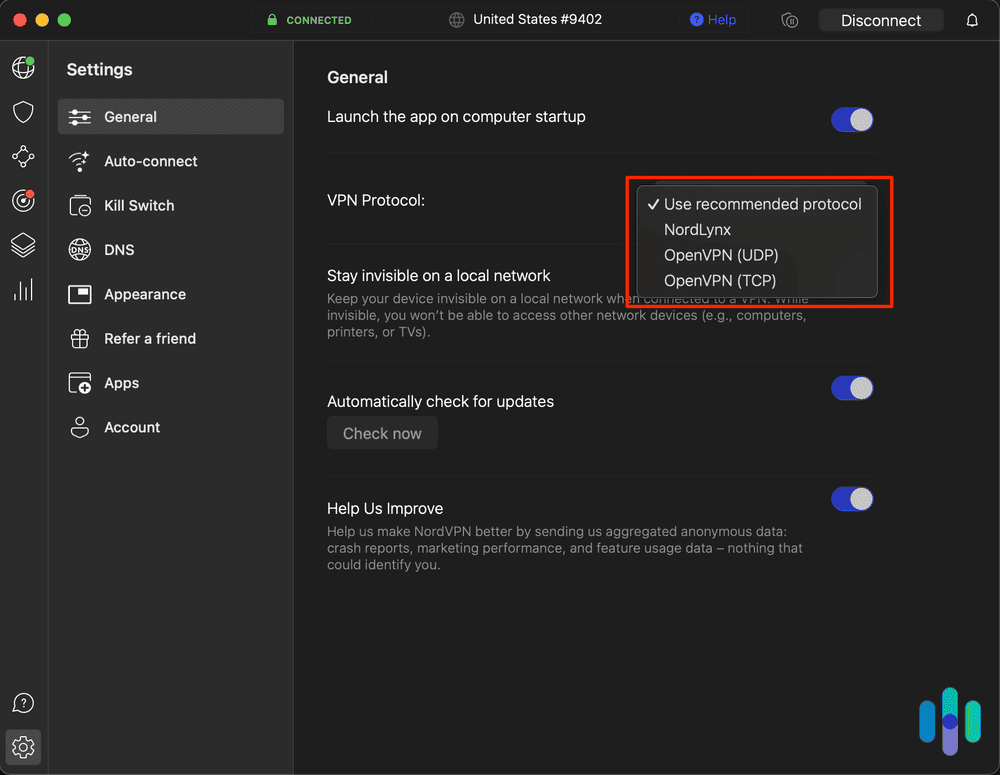
| Protocols | NordLynx, OpenVPN | WireGuard, OpenVPN | WireGuard, OpenVPN, Stealth | WireGuard, OpenVPN |
| Google Play Store rating | 4.5/5 | 4.3/5 | 4.5/5 | 4.5/5 |
| Read Review | NordVPN Review | Surfshark Review | Proton VPN Review | Private Internet Access Review |
The Best Chromebook VPNs
- NordVPN - Best Chromebook VPN for privacy
- Surfshark - Best Chromebook VPN for Extra Features
- Proton VPN - Best Free VPN for Chromebook
- Private Internet Access - Most Affordable Chromebook VPN
-
1. NordVPN - Best Chromebook VPN for Privacy
Get NordVPN Links to NordVPN
Product Specs
Server locations 130 countries Average Speed Loss 6% download & 4% upload Apps Windows, MacOS, Linux, Android, iOS, Chrome, Firefox, Edge, Android TV, tvOS Best Monthly Rate $3.39/mo with a 2-year plan Money-Back Guarantee 30 days full refund
What We Like
- Works with Chromebooks
- 256-bit AES encryption
- OpenVPN and WireGuard protocols
- Online Threat Protection
- 4.5/5 Google Play Store rating
What We Don’t Like
- ChromeOS app is essentially a blown-up Android app
- Occasional connectivity problems
- No ChromeOS support for add-on Nord apps, such as NordPass
- Limit of ten simultaneous connections
NordVPN Overview
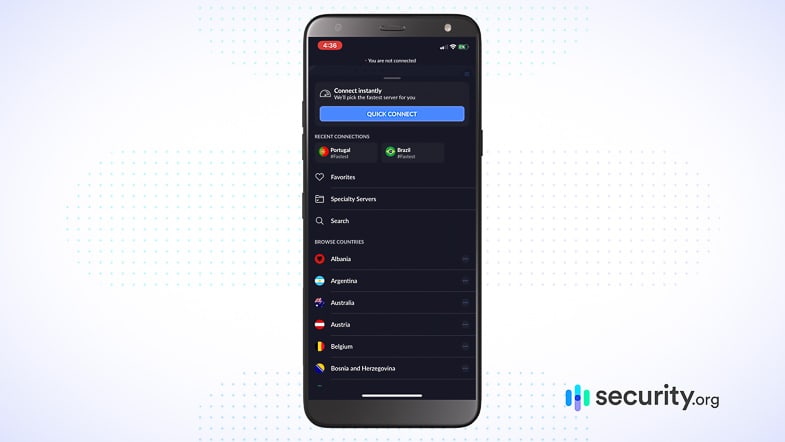
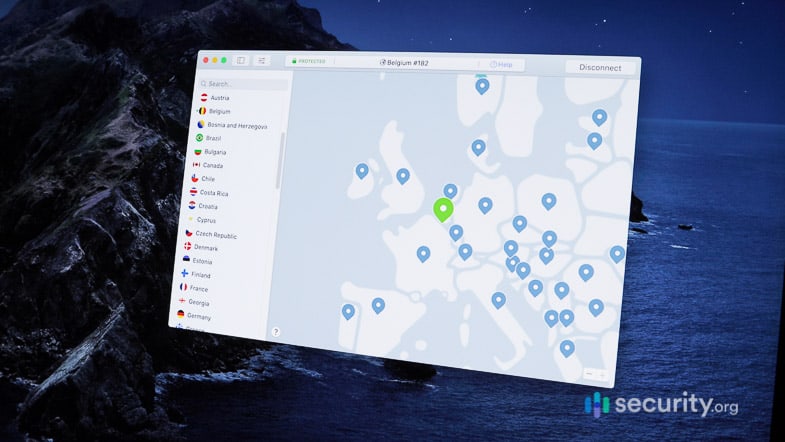
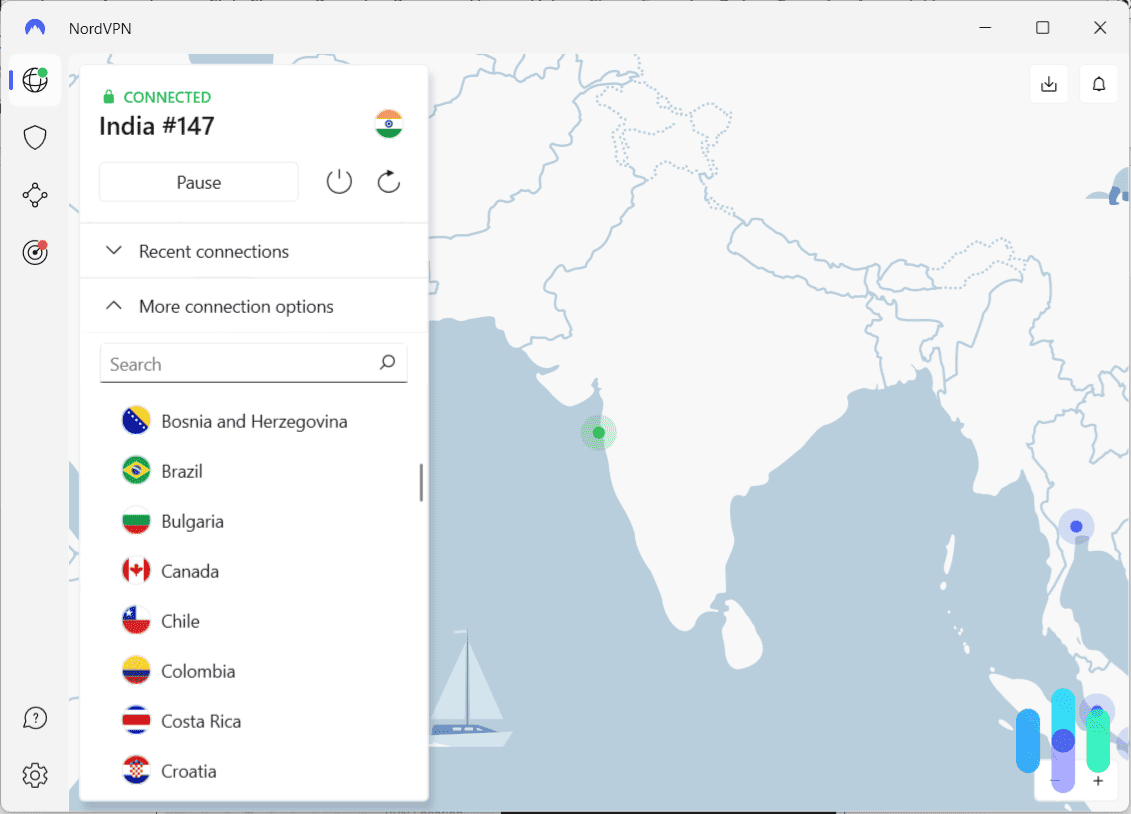
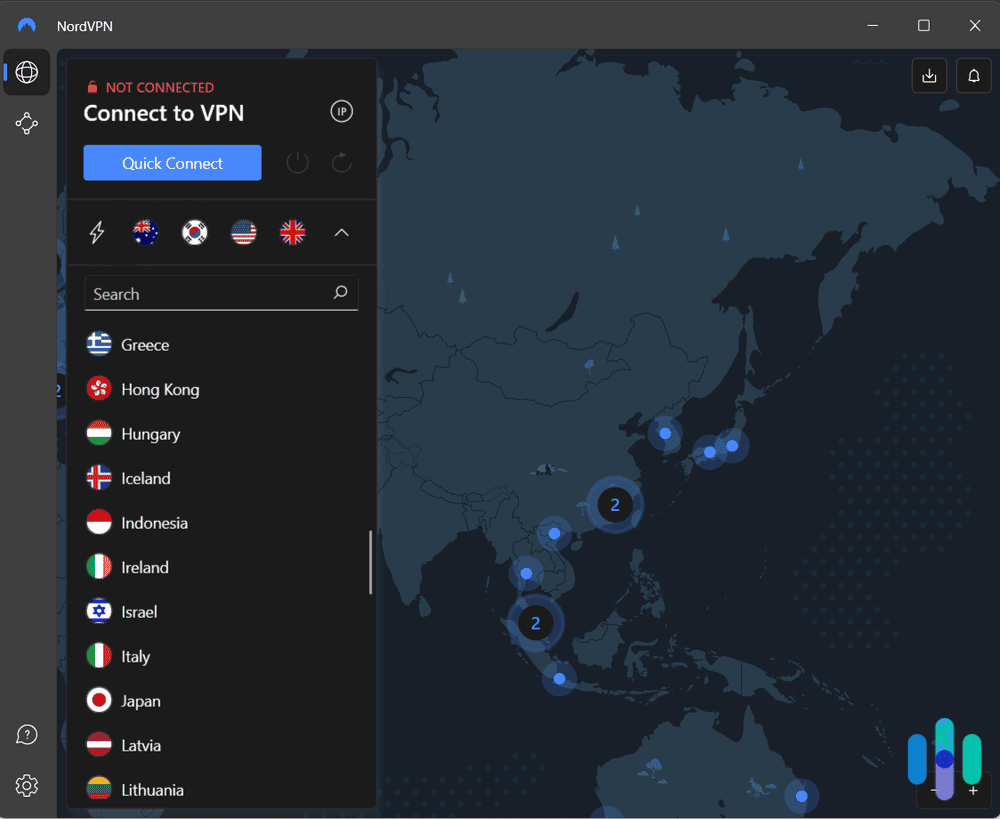
No matter the application or use case, I almost always recommend NordVPN. Why? Because it’s one of the best-balanced, most well-rounded VPNs available. Nord offers a great mix of speed, security, and features without costing an arm and a leg. The program is easy to set up, the UI is intuitive, and it works great regardless of the device you install it on. Chromebook? Check. iMac? Check. Windows gaming laptop? Check.
>> Learn More: Best VPNs for Gaming
Regardless of how you use it or what you need it for, NordVPN will get the job done in almost every case.

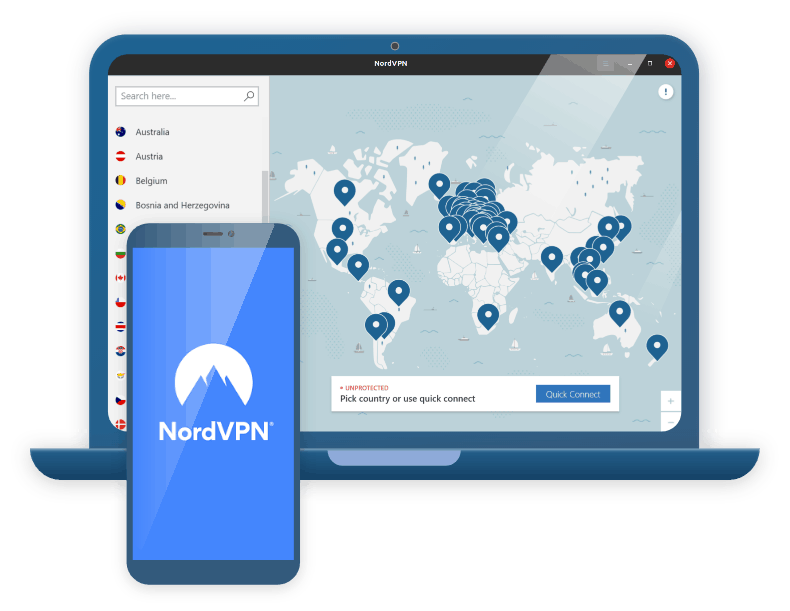
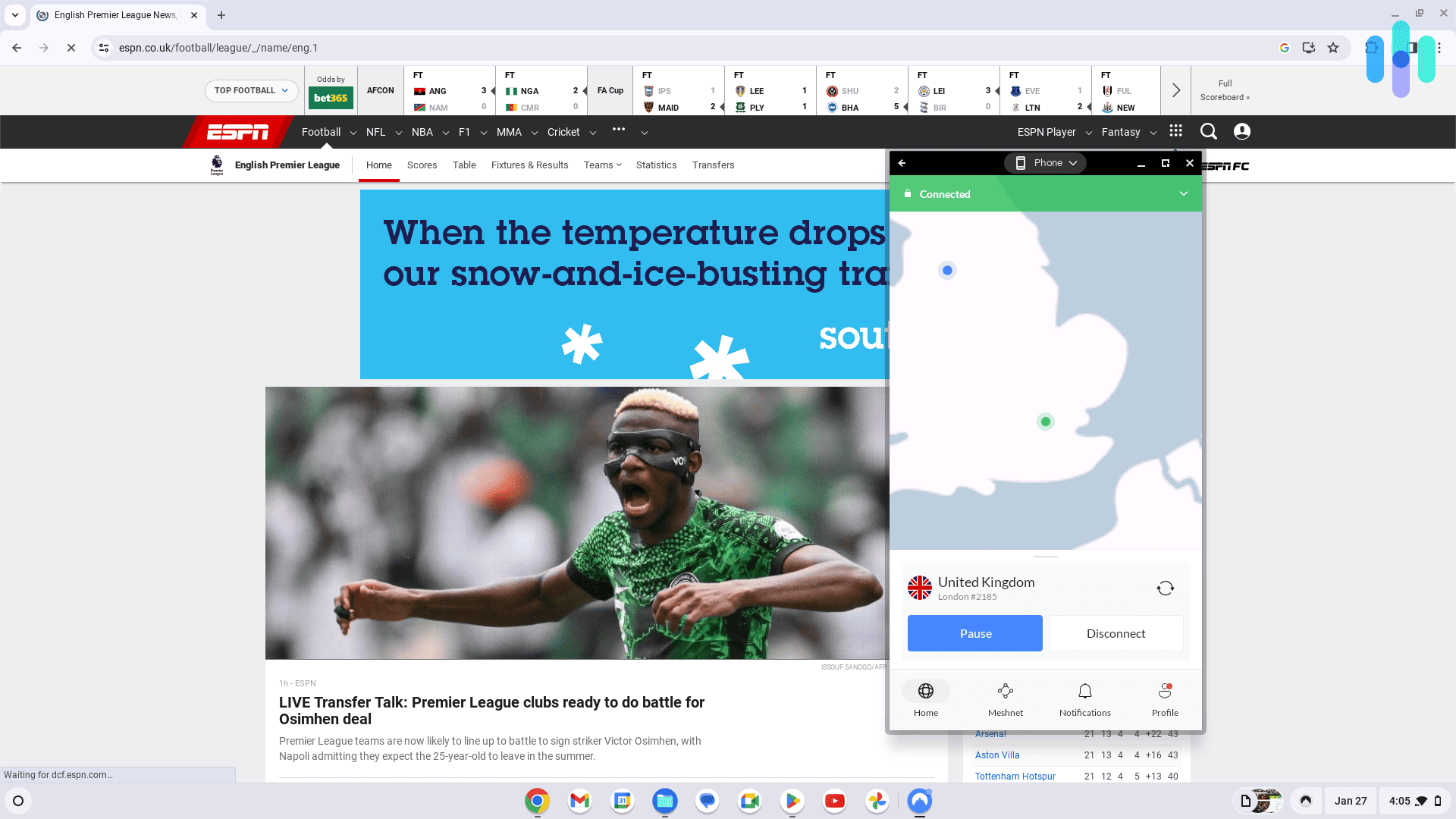
On a Chromebook, testing NordVPN connected to the UK viewing ESPN.co.uk content NordVPN Stand-Out Features
One of the first things I like to point out is that Nord offers a server fleet large enough — more than 9,000 servers across 127 countries — to keep its customers’ connection speeds high, and the fleet is made up of RAM-only servers. What does that mean? Glad you asked.
Traditional VPN servers physically write data to a hard disk, which can be recovered by law enforcement, intelligence agencies, or an enterprising hacker who sneaks into an actual data bank. Not so with RAM-only servers, which require power to store data. Every time the server is cycled down for maintenance, the data is wiped clean — irretrievably lost in the ether. If you’re looking for privacy, this is the gold standard that most VPNs are moving toward.
I also really like that NordVPN offers server obfuscation. That’s a fancy way of saying it can make your data appear as if it’s not going through a VPN at all, meaning you’ll be able to bypass the VPN blockers deployed by a lot of streaming platforms and some heavy-handed governments. On a recent trip to Europe, I was able to use NordVPN to set my location back to the U.S. and access my home Netflix library to fall asleep to “Seinfeld” like I would in my Brooklyn apartment. Ah, technology.
>> Learn More: Best VPNs for Streaming
One final thing to mention: NordVPN also offers its own protocol, NordLynx, which is built using the WireGuard VPN protocol. It’s extremely fast and offers improved security over its predecessor. Definitely something worth checking out.
NordVPN’s Prices
Remember how I said NordVPN is really well rounded? That’s true of its pricing structure as well. It isn’t the cheapest on the list (that distinction goes to PIA), but it isn’t the most expensive on the market either (that would be ExpressVPN). Have a look at NordVPN’s costs below.
NordVPN Pricing
NordVPN plan Monthly price 1-year plan 2-year plan Basic $12.99 $4.99 per month $3.39 per month Plus $15.29 $5.49 per month $3.89 per month Complete $18.69 $6.99 per month $5.39 per month Prime $25.29 $8.99 per month $7.39 per month If you’re looking for just a VPN, you don’t need to bother with the Plus or Complete tiers. I go into more detail in my guide to NordVPN’s prices, but for the most part those two packages offer tangential features you may or may not need.
-
2. Surfshark - Best Chromebook VPN for Extra Features
Get Surfshark VPN Links to Surfshark.com
Product Specs
Server locations 100 countries Average Speed Loss 8% download & 50% upload Apps Windows, MacOS, Linux, Android, iOS, Chrome, Firefox, Edge, tvOS, Android TV, Fire TV Best Monthly Rate $1.99/mo with a 2-year plan Money-Back Guarantee 30 days full refund
What We Like
- Lots of extra privacy features
- Dynamic multihop for power users
- RAM-only servers
- Alternative ID feature
What We Didn’t Like
- Lapses in app design
- Lack of streaming-optimized servers
- No phone support
- Some extra features require an upgrade to Surfshark One
Surfshark Overview
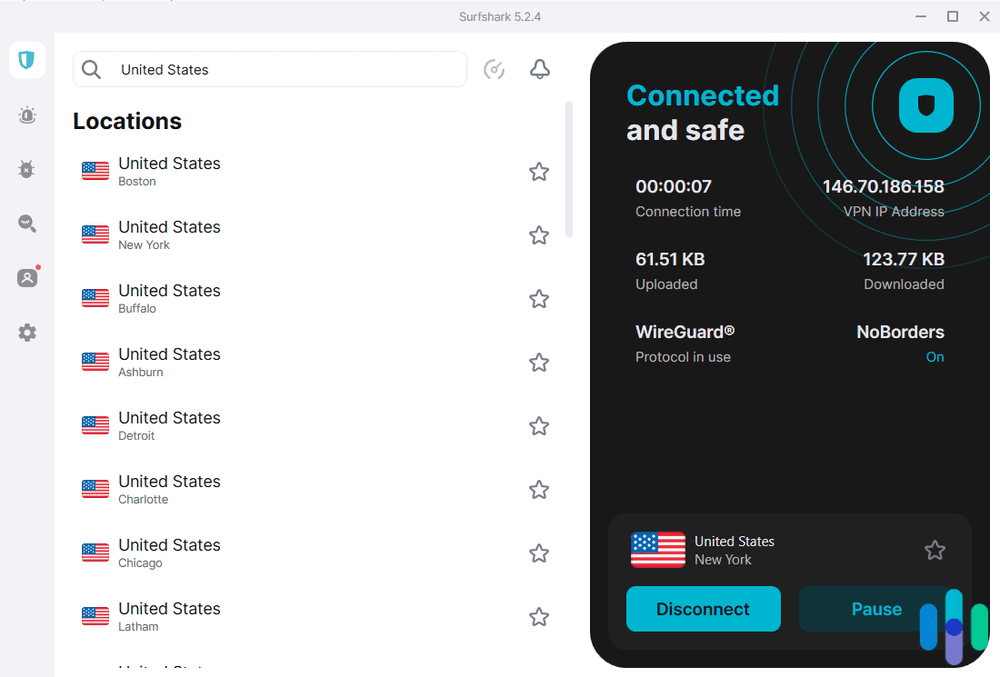
Surfshark is another great option for Chromebook users. It’s speedy, it’s secure, and it’s affordable, just like NordVPN. That said, it has fewer servers — over 4,500 in 100 countries — and its month-to-month prices are a little higher than its counterpart above. Surfshark shows up on this list because of its long list of features, some of the most interesting ones I’ll highlight below.

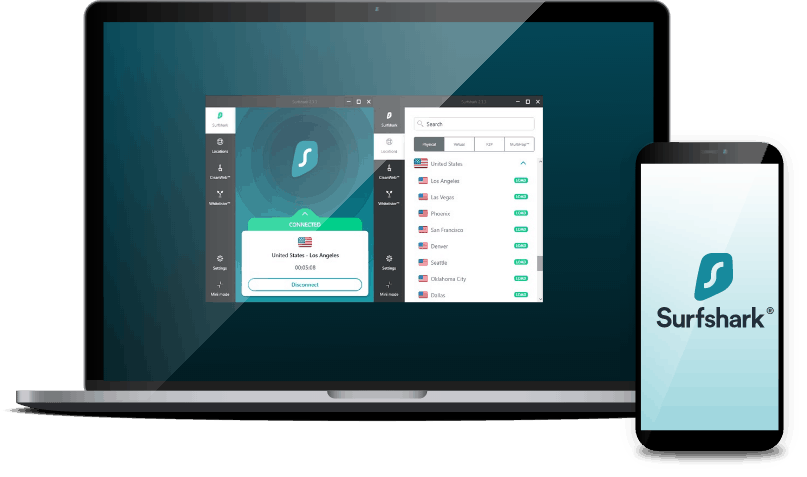
Surfshark connected to New York Surfshark’s Stand-Out Features
Similar to NordVPN, Surfshark offers a pretty large network of RAM-only servers that boast an obfuscation feature — in this case, it’s called camouflage mode — that can get past almost every streaming platform blocker I’ve put it up against. Where it really stands out, though, is its supplemental features.
Take Alternative ID, for example. The feature creates an online cutout identity for you, complete with an alias, birthdate, home address, and email address. You know how almost every online service wants you to input all your information before you can buy a T-shirt or order flowers for your grandmother? Well, if that service suffers a data breach, all that information will be out there.
>> Learn More: What Is a Data Breach?
With Alternative ID, you can use those services without risking your privacy. You’ll need a Surfshark One subscription to use the feature, which I’ll get into just a bit, but I really appreciate the feature. I was recently trying to buy my partner’s birthday present, and I was able to fill out the extensive list of information they wanted with dummy credentials. Seriously, a monthly wine subscription service doesn’t need my Social Security number.
CleanWeb 2.0 is another feature I find really useful. It’s part of the Surfshark VPN web extension, which is highly compatible with Chrome. When enabled, CleanWeb 2.0 blocks ads, pop-ups, trackers, phishing links, and malware. It helps me focus more on the tasks at hand while also keeping my device safe from privacy invaders.
Surfshark’s Prices
Surfshark’s month-to-month price is steeper than NordVPN, but stretching things out to one- or two-year plans unlocks some serious savings. Also, keep in mind that Surfshark is one of the few VPNs that offer free trials, so you can test things out before you plunk down your credit card. Here’s what the breakdown looks like:
Surfshark Prices
Surfshark plan Monthly costs 1-year plan 2-year plan Surfshark Starter $15.45 $3.19 per month $1.99 per month Surfshark One $17.95 $3.39 per month $2.49 per month Surfshark One+ $20.85 $6.29 per month $4.19 per month Similar to NordVPN, if you’re looking for only a VPN, you’ll be fine with the Starter plan. If you’re looking for features like Alternative ID, though, you’ll need to purchase a higher tier of service. I detail all that in my guide to Surfshark’s pricing, so head over there if you’re interested in learning more.
-
3. Proton VPN - Best Free VPN for Chromebook
 View Plans Links to Proton VPN
Product Specs
Server locations 129 countries Average Speed Loss 8% download & 4% upload Apps Windows, MacOS, Linux, Android, iOS, Chrome, Firefox, Android TV, tvOS, Firestick Best Monthly Rate $2.99/mo with a 2-year plan Money-Back Guarantee 30 days
What We Like
- Free plan offers unlimited data, fast speeds, and strong privacy
- Has a very intuitive Chromebook app
- Maintains very fast download and upload speeds
What We Didn’t Like
- Its long-term plans are a bit pricier than competitors
- There’s a 30-day money-back guarantee, but it’s prorated
Proton VPN Overview
Proton VPN is the best free VPN for Chromebook users because it offers unlimited bandwidth — most free VPNs cap usage at 2 GB to 10 GB per month. The free plan also includes an independently-audited no-logs policy, a kill switch, and very fast speeds.
However, the free version is limited to servers in ten countries, and supports only one device connection. It also doesn’t allow streaming and P2P support.
>> Related Reading: The Best Free VPNs in 2026
Proton VPN Stand-Out Features

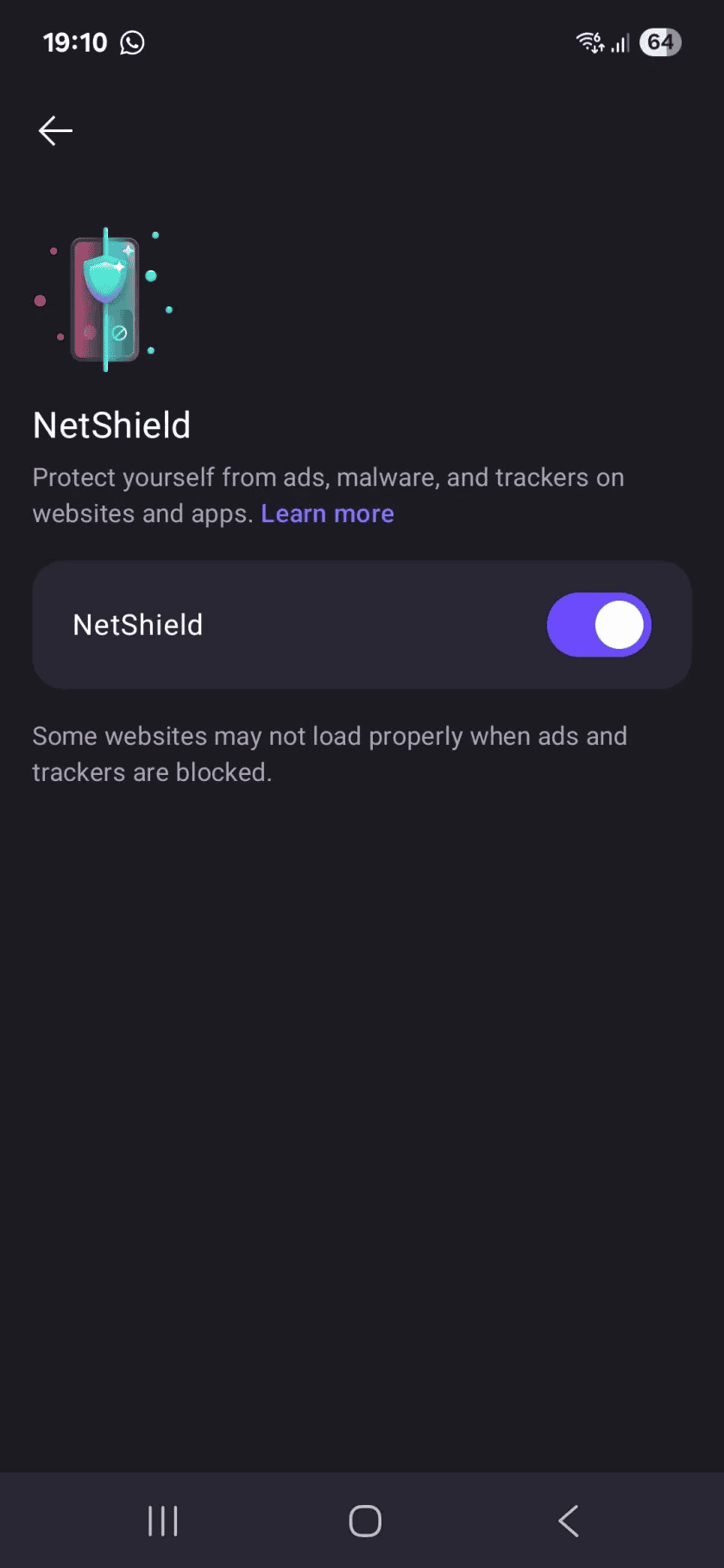
Proton VPN protects you against ads, trackers, and dangerous websites. Proton VPN’s paid version unlocks access to one of the largest server networks in 2026: over 18,900 servers in 129 countries, which is comparable to NordVPN. It also supports over 90 streaming services, and allows P2P traffic in over 110 countries.
The paid plan also adds Secure Core servers, which route your data through an additional VPN server located in a privacy-friendly country (like Switzerland or Iceland). It also includes NetShield, which blocks ads, trackers, and malicious sites. In our tests, Proton VPN blocked over 90 percent of ads.
Feature Highlight: Paid users also get access to VPN Accelerator, a tool that boosts VPN speeds, especially on distant servers. In our tests, the tool increased our speeds by up to 50 percent.
Proton VPN’s Prices
Proton VPN has two paid tiers: “VPN Plus” and “Proton Unlimited.” We recommend “VPN Plus,” as it includes all core VPN features. “Proton Unlimited” is better suited for users who want extra privacy tools, like Proton Pass and Proton Mail.
Here’s a price breakdown of the “VPN Plus” subscription:
Subscription Length Monthly cost 1-Month $9.99/month 1-Year $3.99/month 2-Years $2.99/month All plans come with a 30-day money-back guarantee. However, it’s prorated, meaning you’ll only get a refund for any unused portion of the subscription.
-
4. Private Internet Access - Most Affordable Chromebook VPN
View Plans Links to Private Internet Access
Product Specs
Server locations 91 countries Average Speed Loss 5% download & 84% download Apps Windows, MacOS, Linux, Android, iOS, Chrome, Firefox, Android TV, tvOS Best Monthly Rate $2.03/mo with a 3-year plan Money-Back Guarantee 30 days full refund
What We Like
- Massive server fleet
- Affordable subscriptions starting at $2.03 a month
- Customizable app
- Solid encryption and VPN protocols
What We Don’t Like
- Heavier focus on U.S.-based servers
- Decent speeds
- Reports of crashes after major app upgrades
Private Internet Access Overview
Private Internet Access, or PIA for short, is distinct on our list for two reasons: First, it has an absolutely massive fleet of RAM-only servers — 10 times as large as Surfshark’s — and second, it’s the most affordable VPN on our list when you purchase a long-term subscription. The service has also been around for over a decade and has a great reputation for protecting its customers’ privacy. It regularly proves that through third-party security audits, with the most recent completed by Deloitte in 2025.

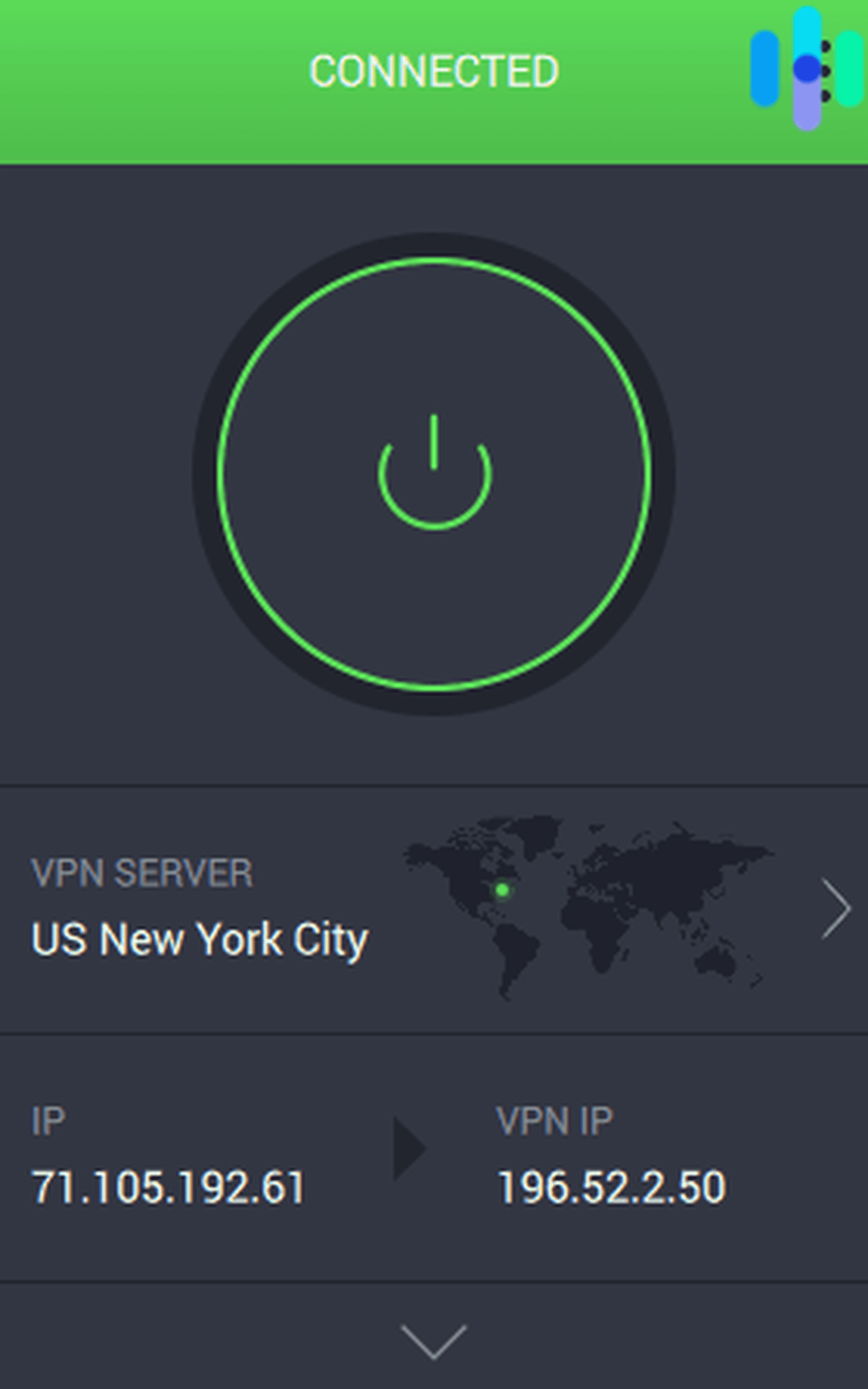
Private Internet Access connected to New York City Private Internet Access Stand-Out Features
I’m going to reiterate what I said above: PIA has the largest server fleet of any commercially available VPN, and the competition isn’t even close. With over 35,000 servers across the globe, you’ll be within spitting distance of one no matter where you are. That’s great news if you travel as much as I do. On a recent trip to Southeast Asia, I was able to use PIA no matter where I was — whether I was backpacking through Vietnam or hanging out in a coffee shop in Seoul.
>> Learn More: Best VPNs for South Korea
I also appreciate how customizable PIA is. It’s certainly user-friendly, but the service also allows you to pop the hood and tinker with things. That’s a refreshing change from some UIs, which are little more than big on/off switches. When I notice some slowdowns, I like to cycle through different servers, protocols, and settings to mitigate the problem as best I can.
Private Internet Access’ Prices
Most VPNs, including Nord and Surfshark, offer one-month, one-year, and two-year subscription packages. PIA, on the other hand, is one of the few that pushes it out to three years. I go a little more in depth in my guide to PIA’s prices, but here’s a quick rundown:
Private Internet Access Pricing
PIA subscription term 1 month 1 year 3 years Monthly price $11.95 $3.33 $2.03 Total cost $11.95 $39.95 $79 The three-year subscription is hard to beat when you break it down month by month. At just over $2 per month, it’s one of the best VPN deals available today.
How Do VPNs Work?
In layman’s terms, a VPN makes it so other people can’t see what you’re doing online. Getting a little more technical, it does that by routing a device’s internet connection through a private server network rather than using the network of your internet service provider, effectively hiding your IP address and preventing snoops from seeing what you’re doing and where you’re going.
>> Learn More: What Can Someone Do With My IP Address?
VPNs also encrypt your traffic as it travels through their network — the best ones use military-grade AES-256 encryption — which scrambles your data to the point that if anyone were to intercept it, it would be totally indecipherable. Simply put: If you want to browse the internet securely and anonymously, a VPN is the way to go.
Do I Need a VPN for My Chromebook?
Chromebooks are known for being almost bulletproof when it comes to digital security, but there are still online threats you need to take seriously — threats that using a Chromebook alone won’t protect you from.
For example, if you’re using a Chromebook on public Wi-Fi. Without a VPN, you’re susceptible to man-in-the-middle attacks that intercept login credentials and personal data. A stranger can gain access to your accounts, including banking details. This won’t happen if you use a VPN every time.
>> Read More: Do I Need a VPN?
How Do I Set Up a VPN On My Chromebook?
Back in the day, setting up a VPN required some technical knowledge. These days, it’s as simple as downloading any other app from the Google Play Store. The exact steps vary depending on your VPN provider, but here’s the general process:
- In the corner of your screen, select the Launcher.
- Select Play Store.
- Search for the VPN app you want to install.
- Select the VPN app.
- On the right, click “Install.”
That’s it. Once installed, open the app and follow the on-screen instructions to connect to the internet through the VPN. Congratulations, you’re now practically invisible online.
Methodology
Before putting together a list like this, we assess dozens of VPNs and evaluate them across key metrics, like speed, security, features, price, and customer support. If a service doesn’t meet our standards, it doesn’t make the cut. Here’s a closer look at how we do it.
Chromebook Compatibility
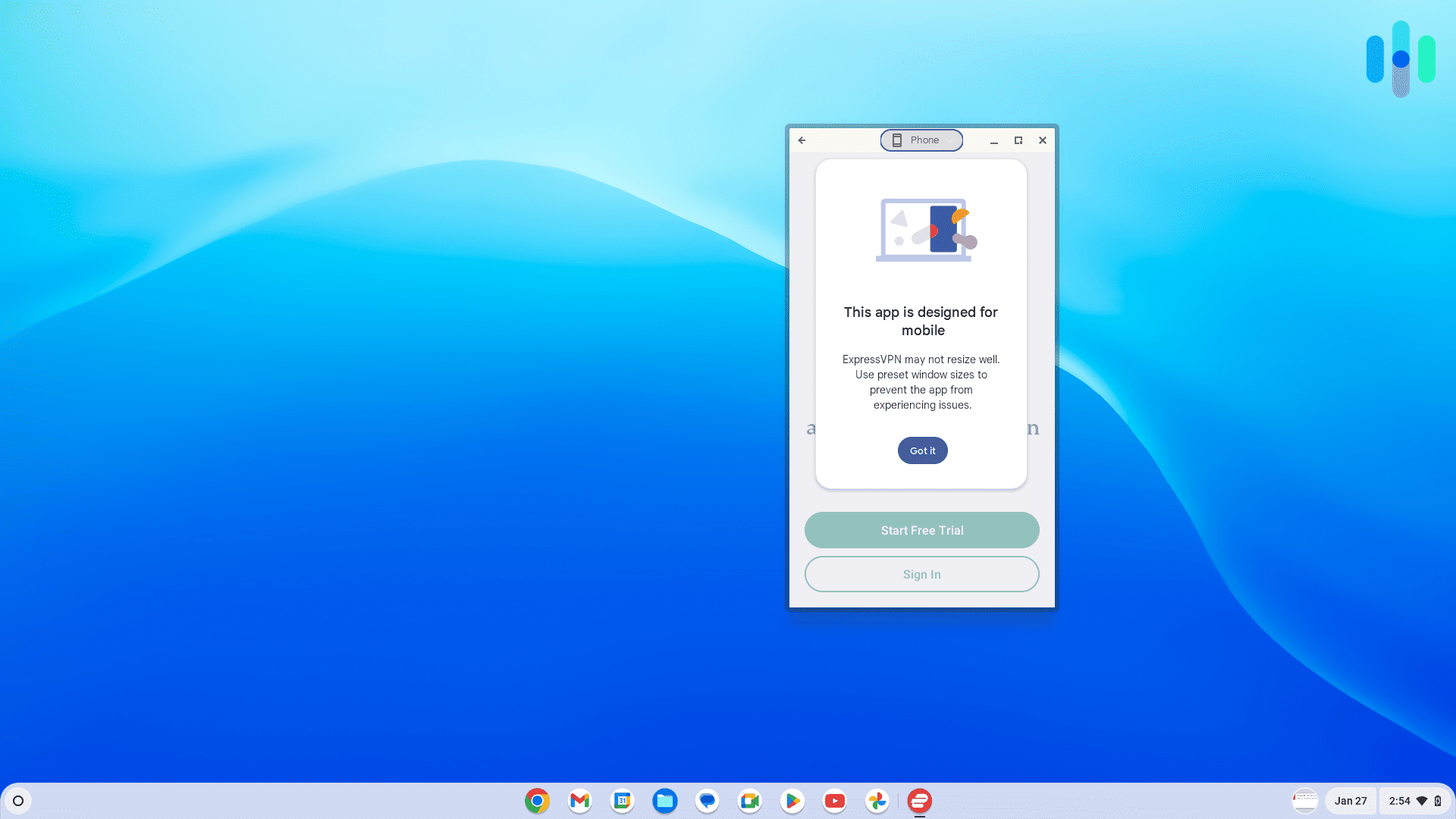
This is obviously the first thing on the list; we’re not going to recommend a VPN that isn’t compatible with your Chromebook. For the most part, any VPN that offers an Android app will work on a Chromebook.
Next, let’s talk about one of the primary reasons you may want to use a VPN.
Security
There aren’t a lot of reasons to set up a VPN that doesn’t provide privacy and anonymity, but VPN security is a product of a number of factors.
- Location: We prefer companies with headquarters in countries outside the Five Eyes, Nine Eyes, and 14 Eyes consortiums. That means they can’t be compelled to hand over customer data to intelligence agencies or law enforcement, nationally or internationally.
- Privacy policy: We expect that our VPN won’t record our browsing activities, IP addresses, or time logs. Beyond that, the less data a company keeps on us, the better.
- Encryption: We give higher marks to VPNs that use AES-256 encryption, the industry standard.
- Protocols: The OpenVPN or WireGuard VPN protocols are our two favorites. They both strike a good balance between security and speed.
- IP addresses: Different kinds of IP addresses are useful for different situations, but we view dynamic IP addresses as the gold standard. Anyone who happens to be watching won’t know which user is doing what.
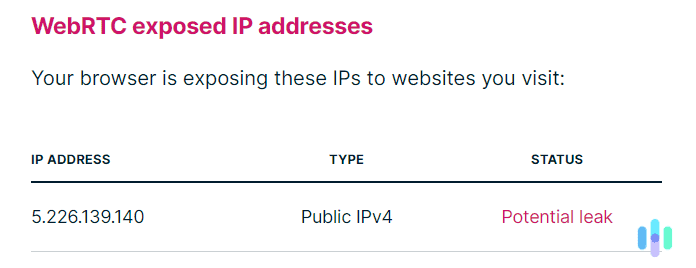
- Leaks: We run every VPN through a DNS leak test at DNSLeakTest.com, and we check for WebRTC leaks as well. A VPN is effective only if it isn’t leaking our data.
Features
We cannot emphasize this enough: A VPN’s job is to protect our browsing activities, and the best VPNs do that better than anything else. But perks are nice too.
-
- Torrenting capabilities: We tend to favor VPNs that make torrenting easy with app controls and peer-to-peer servers.
-
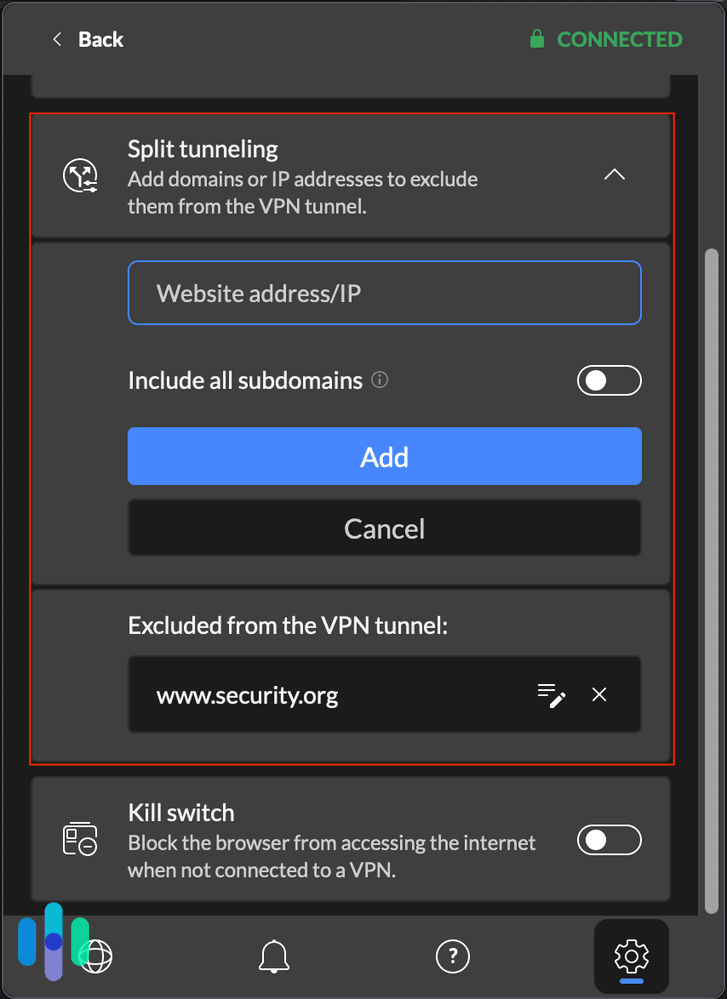
- Split tunneling: We like having the option to log on to the regular internet at the same time we’re using a VPN. With split tunneling we save valuable bandwidth and get to use programs that don’t play well with VPNs, like business email clients.
- Streaming service access: One of the most important uses for a VPN is to access streaming content in countries around the world. As you’ll discover if you check out our list of the best VPNs for Netflix, best VPNs for Prime Video, and best VPNs for Disney+, we know exactly which VPNs will get you to the best streaming content.
Speed
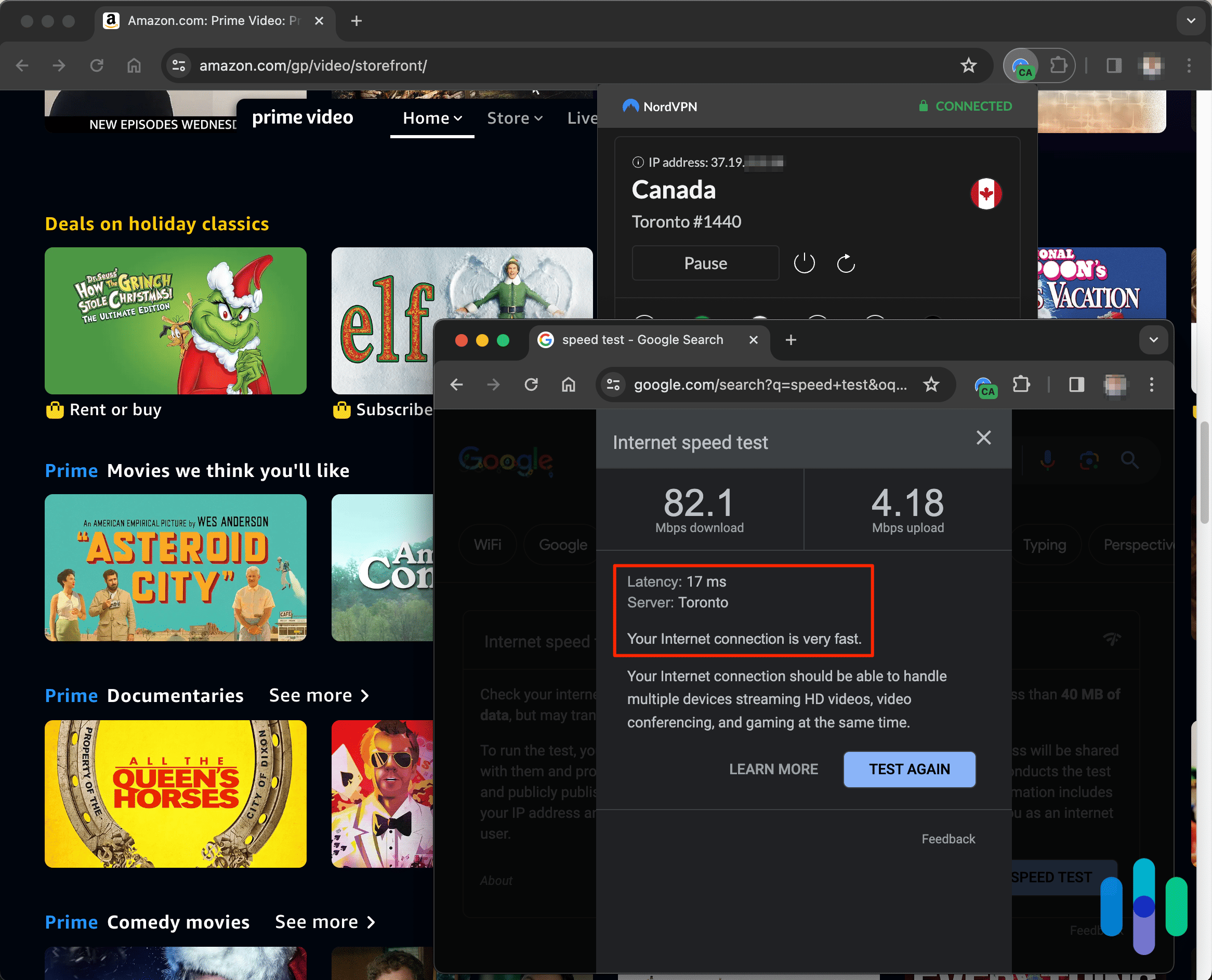
The unfortunate reality is that no matter which VPN you select, it will degrade your performance. To what extent is a product of numerous variables, so we test and retest each VPN until patterns emerge.
To do that, we run speed tests on both Windows and Mac devices. We record how fast each device runs with the VPN and how fast it runs without it. Using a percentage difference between those two numbers, we can easily compare how VPNs perform in terms of ping rate, download speeds, and upload speeds.
Price
We understand that you’re not made of money and you don’t want to overspend on your digital security. The good news is that even the best VPNs are surprisingly affordable. You should expect to pay between $2 and $15 per month, depending on the length of your subscription. Remember that longer plans lock in the best rates.
Chromebook VPN FAQs
Still have questions about Chromebook VPNs? Never fear — we have the answers you’re looking for.
-
Do all VPNs work with Chrome OS?
Chrome OS now supports Android apps. If your Chromebook has the Google Play Store installed, almost all VPNs that work with Android will work on your Chrome OS device. VPNs with a Chrome extension can also work on Chromebooks.
-
What’s the difference between VPN web extensions and VPN apps?
Both web extensions and apps will encrypt your online traffic. A VPN web extension can encrypt traffic only from within your web browser, whereas a VPN app can encrypt all traffic from your device. If you use apps downloaded from Google Play, we recommend using a VPN app instead of a VPN extension.
-
Are free Chromebook VPNs trustworthy?
Most free VPNs aren’t safe, as they log your data and share it with third parties. However, Proton VPN’s free version is trustworthy since it enforces an independently audited no-logs policy, has a kill switch, and offers open-source apps for transparency.
-
Are there free VPN trials for Chromebooks?
Yes, most premium VPNs offer a three or seven-day free trial when you subscribe through their Android app. Once the trial ends, you will be charged unless you cancel beforehand.
-
Can I use the same VPN I use on my other devices on Chromebook?
Most likely, yes. If your existing VPN has an Android app, there’s a good chance it will work on your Chromebook as well. Be careful though. Some VPN providers limit the number of devices you can use on one subscription.