The Best Business and Commercial Security Solutions of 2026
We recommend ADT for its custom-built solutions, multiple cybersecurity solutions, and voice command capabilities.
 &
&
 Last Updated on Sep 17, 2026

- Custom-built systems for every business
- Available cybersecurity options protect you and your customers
- Voice commands improve business efficiency
- Scalable system covers businesses large and small
- Professional monitoring protects your business even after hours
- Optional emergency button in case of robbery

- Protect company vehicles with Vivint’s auto security
- Look out for shoplifting with continuous recording options
- White glove installation service specifically designed for business customers
the security.brief
ADT, SimpliSafe, and Vivint lead business security solutions with affordable, customizable, and high-end options, respectively. Lorex and Frontpoint offer DIY solutions.
Every business faces unique security challenges — from a small boutique worried about shoplifting to a sprawling warehouse managing after-hours access. Whether you need outdoor cameras to cover a parking lot, sensors on doors and windows, or a fully integrated alarm system, the number of options can make choosing feel like a second job.
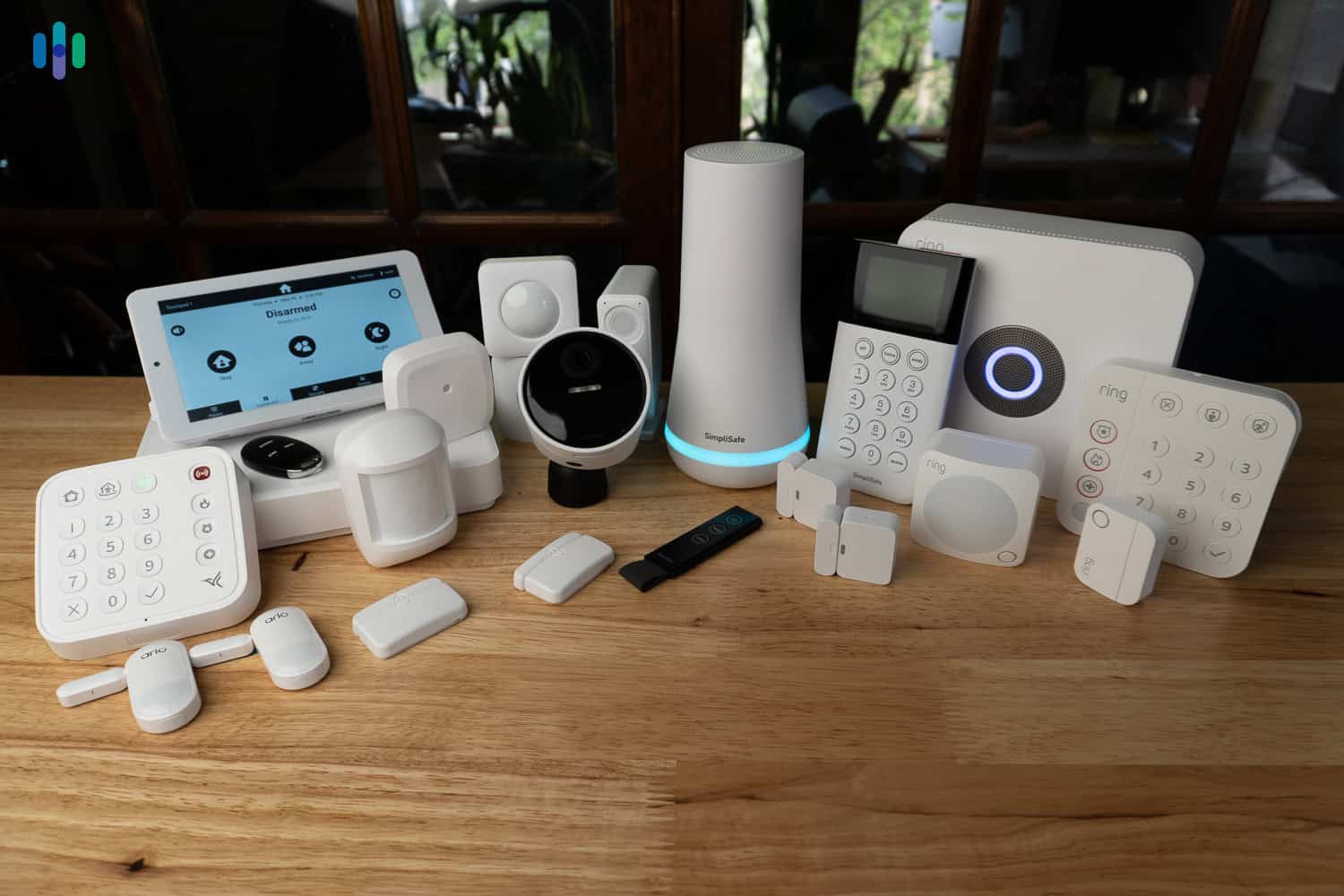
After extensive hands-on testing of the latest security solutions, we’ve identified which systems deliver the best value for businesses of all sizes. While many of the best home security systems, like ADT and SimpliSafe, can pull double duty as solid commercial security systems, there are some meaningful differences. Here’s what we found — and how to zero in on the right fit for your business to prevent burglaries that cost over $50,000 on average.1
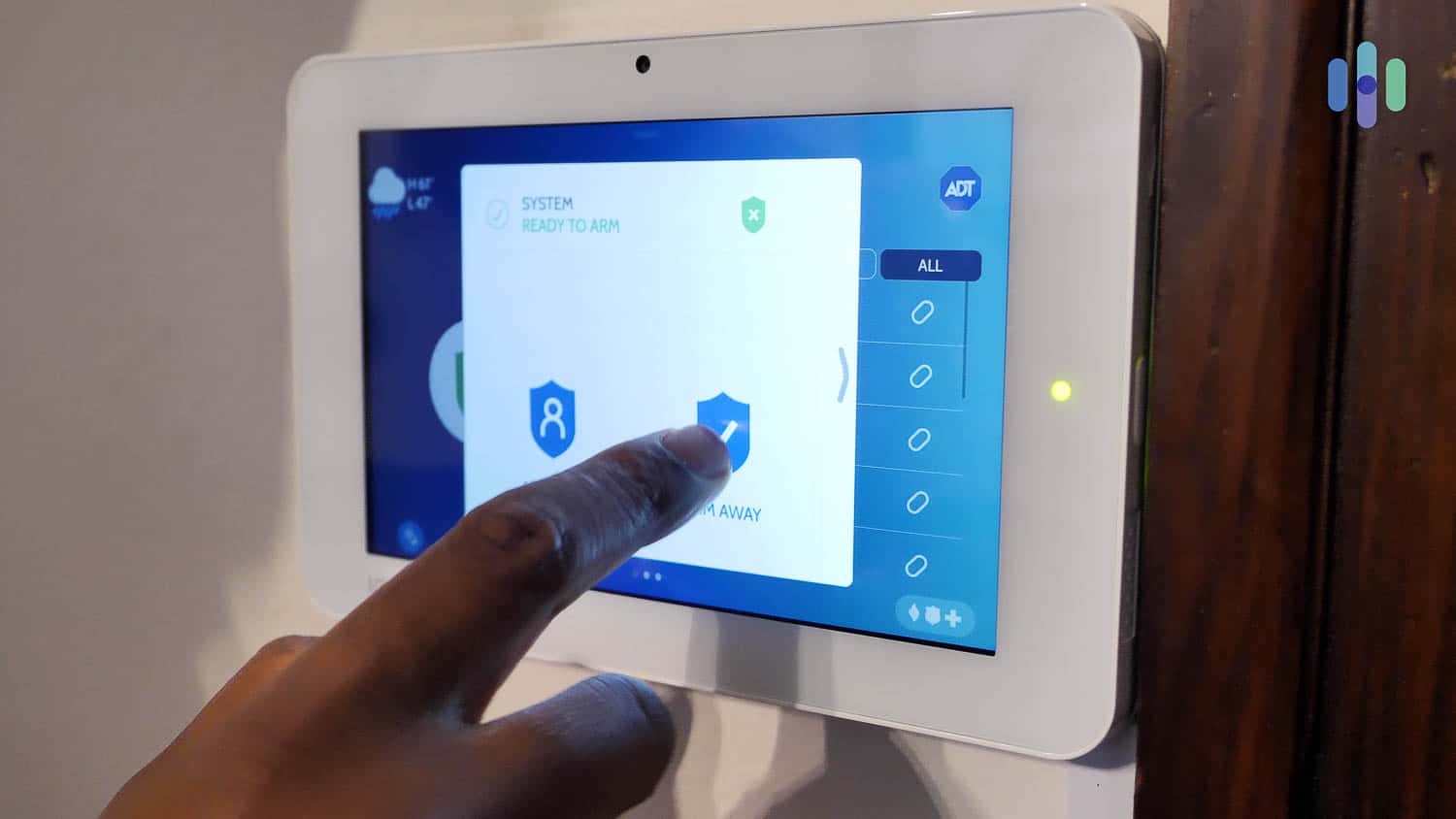
What’s the Difference? Commercial security systems” typically refers to systems designed for larger properties — office buildings, retail spaces, and warehouses — while “business security systems” is a broader term that also covers small businesses. Either way, both describe non-residential security solutions.

>> Related: How Much Does a Security System Cost?
Our Top Recommendations for Business Security
- ADT - Personalized Security for Small and Large Businesses
- SimpliSafe - Affordable Business Security Solution
- Vivint - High-End Security for Small and Large Businesses
- Frontpoint - DIY Security for Small Businesses
- Lorex - Robust Security Camera Systems for Businesses of Any Size
Commercial Security Systems Compared
| System |
ADT
|
SimpliSafe
|
Vivint
|
Frontpoint
|
Lorex

|
|---|---|---|---|---|---|
| Ranking | 1st | 2nd | 3rd | 4th | 5th |
| Ratings | 9.8/10 | 9.8/10 | 9.4/10 | 8.9/10 | 9.0/10 |
| For small businesses | Yes | Yes | Yes | Yes | Yes |
| For large businesses | Yes | No | Yes | No | Yes |
| Consultation | Yes | Online quiz only | Yes | Yes | No |
| Installation type | Professional | Professional or DIY | Professional | DIY | DIY |
| Monitoring type | Professional | Professional or DIY | Professional | Professional | DIY |
| Security cameras | Yes | Yes | Yes | Yes | Yes |
| Video verification | Yes | Yes | Yes | Yes | No |
| Cloud video storage | Yes | Yes | Yes | Yes | Yes |
| 24/7 video recording | Yes | No | Yes | No | Yes |
| Price range | Starting at $269 | Starting at $251 | Starting at $199 | Starting at $69 | Starting at $399 |
| Read Review | ADT Review | SimpliSafe Review | Vivint Review | Frontpoint Review | Lorex Review |
-
1. ADT - Personalized Security for Small and Large Businesses

Product Specs
Equipment Costs Packages starting at $269 Monitoring Options Professional and DIY Monthly Monitoring Costs Starting at $24.99 per month Contract Lengths Month-to-month or 36 months and up Installation Options Professional and DIY Smart Platform Integration Alexa and Google Home Type of Security Solution
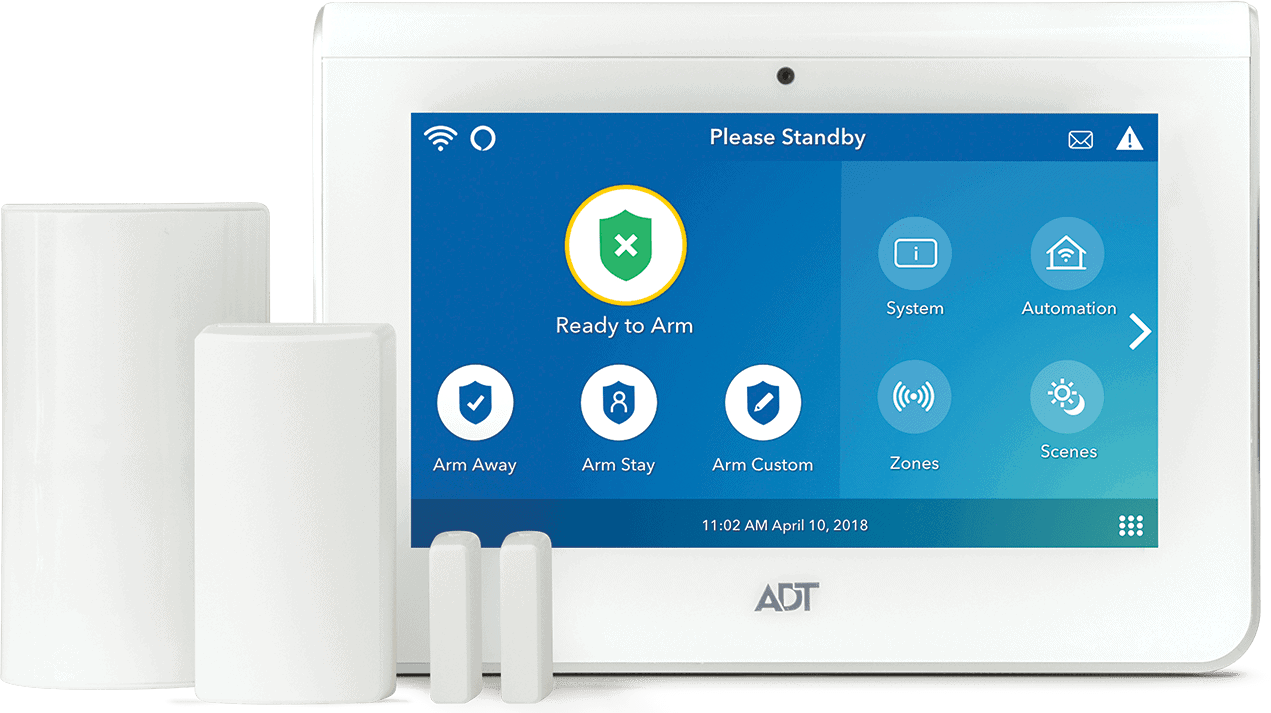
ADT builds every commercial system from scratch. Each engagement starts with a free on-site consultation where a licensed specialist assesses your location, business type, layout, and risk profile before recommending equipment and a plan. We went through this process ourselves — our specialist arrived the morning after we submitted a callback request, walked the space thoroughly, and produced a tailored equipment list.
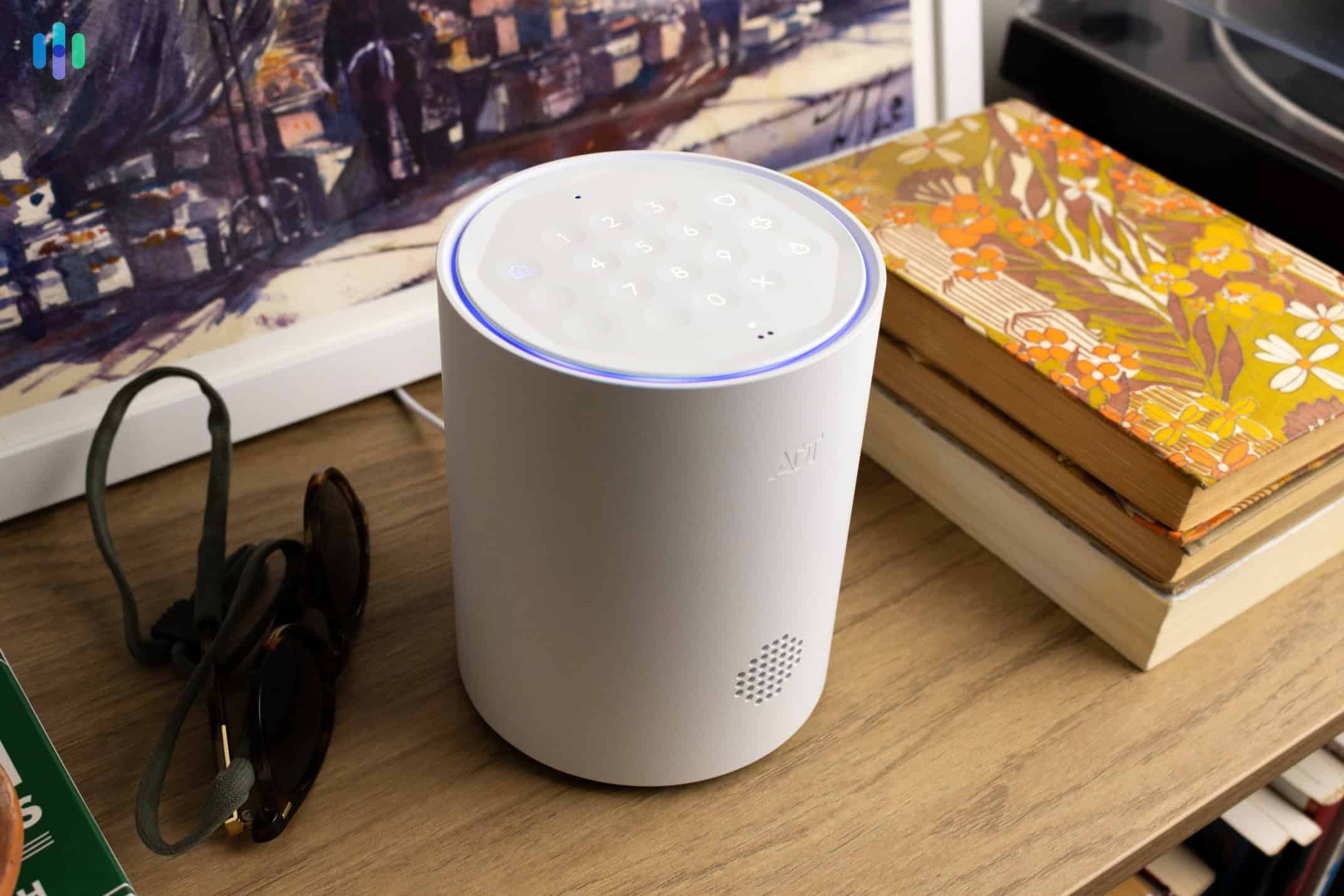
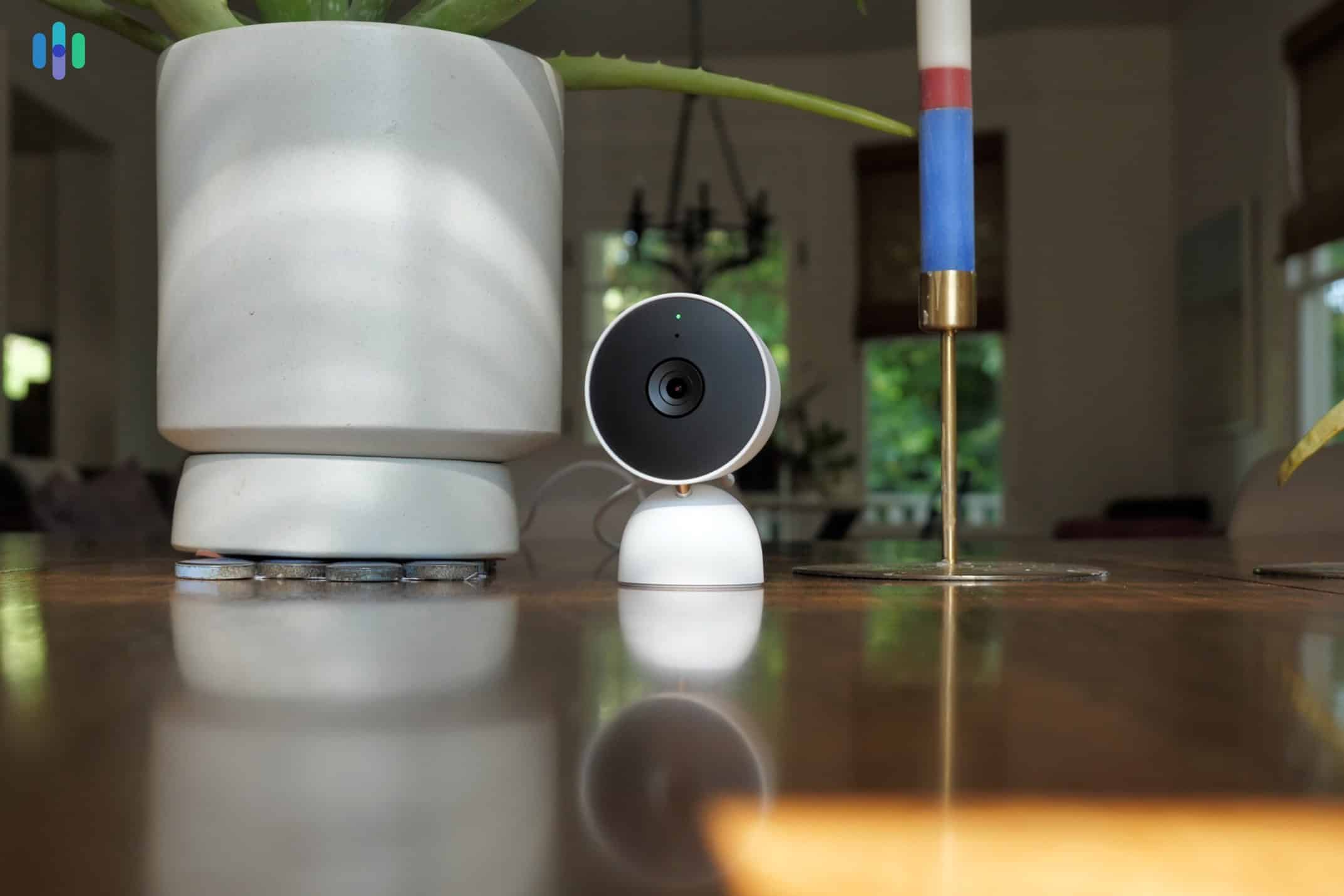
What separates ADT’s business setup from its residential offering is the equipment. ADT deploys proprietary commercial cameras that record continuously 24/7 to an on-site DVR, rather than the event-triggered Google Nest Cams found in home packages. That’s worth noting — continuous footage covers liability scenarios well beyond burglary, including injury claims and register disputes. ADT also includes a physical touchscreen control panel for businesses, which gives it an edge over providers like SimpliSafe that still use traditional keypads.

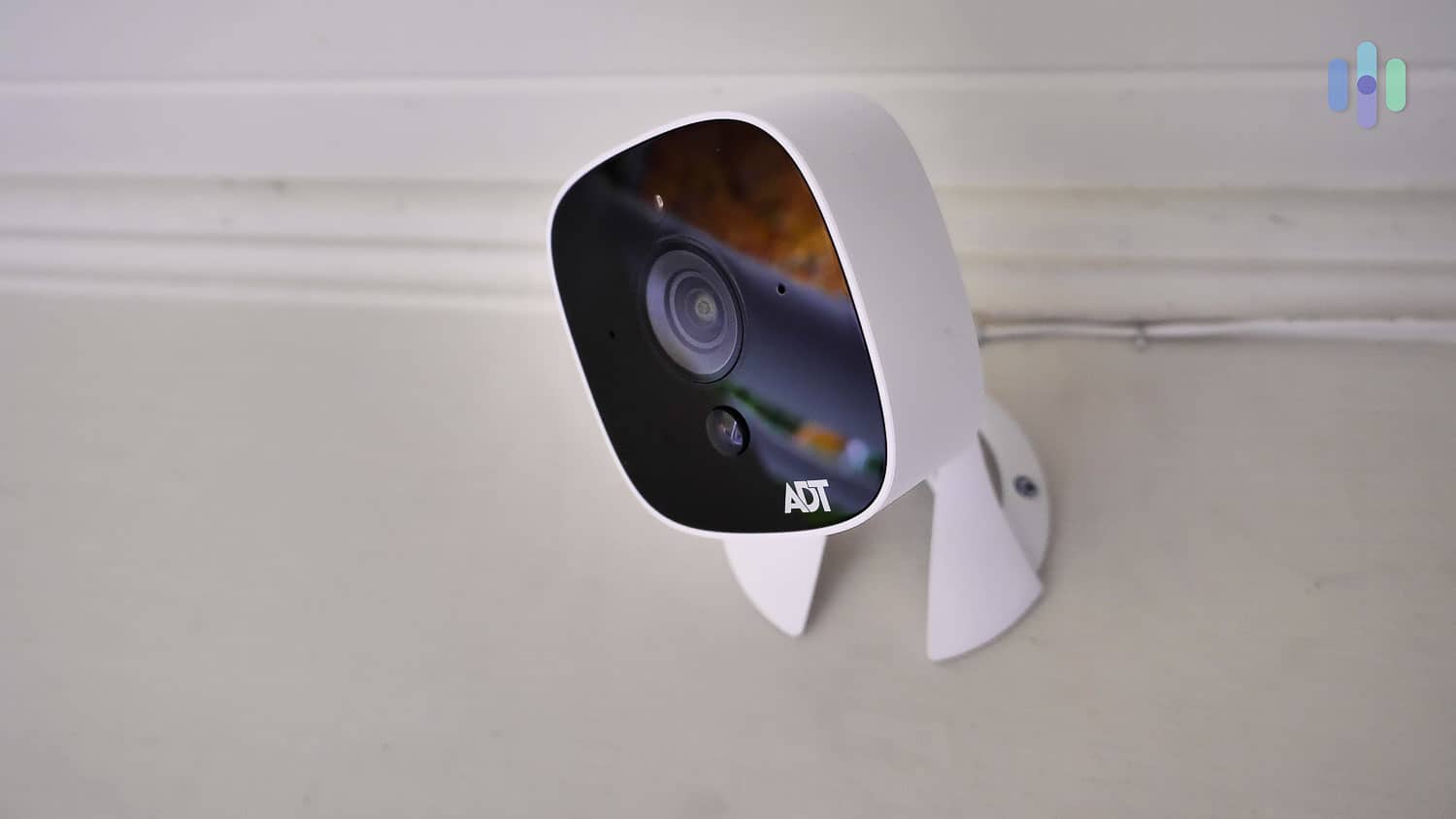
Our ADT Outdoor Camera featured 1080p HD video and two-way audio Cost
ADT isn’t the most affordable security system on this list, but you get what you pay for. Equipment packages start at $599, with professional monitoring starting at $52.99 per month for businesses. Installation typically runs $99 to $199, though ADT frequently runs promotions. For instance, we got a free installation, so make sure you ask for their latest deals.
The main frustration is pricing transparency. ADT doesn’t publish rates online, so getting a real number requires going through the consultation. It’s a low-friction process in our experience, but business owners who want to gauge feasibility before picking up the phone will find that annoying.
FYI: ADT backs its service with a Theft Protection Guarantee — up to $500 toward your business insurance deductible if a burglary occurs while your system is armed. Read the T&Cs before factoring it into your decision.
How to Set Up
Our setup followed ADT’s standard commercial process. After the on-site consultation, we reviewed and adjusted the equipment list, signed an agreement, and scheduled installation within a few days. A licensed ADT technician arrived on time, handled everything from sensor placement to panel configuration, and walked us through the full system before leaving. The whole process was friction-free.
One thing we appreciated is that ADT’s technicians clearly understand commercial environments. Our technician flagged placement points we hadn’t considered — a sensor on a filing cabinet housing confidential documents and camera angles covering both entry points and the register area. That kind of expertise doesn’t come with a DIY kit.
>> Learn More: The Best Professionally Installed Security Systems
Pro Tip: Even though ADT offers DIY installation for some residential systems (through ADT Blu), we strongly recommend professional installation for business use. Proper placement of sensors and cameras is a meaningful part of what you’re paying for.
What We Like
- Personalized solutions tailored to each business’s industry, layout, and risk profile
- Free, on-site professional security consultation
- 24/7 continuous video recording via proprietary commercial cameras
- Theft Protection Guarantee of up to $500 toward insurance deductibles
What We Don’t Like
- Pricing is not disclosed online; requires a quote
- Requires a contract (typically 36 months)
- Professional monitoring is mandatory; no self-monitoring option
- Video surveillance is limited to the highest monitoring tiers
ADT Equipment
ADT’s commercial systems are built on a core of security and safety sensors — entry sensors (including door sensors), motion sensors, glass-break sensors, smoke alarms, flood detectors, and temperature monitors. For cameras, ADT uses proprietary commercial hardware rather than the Google Nest Cams bundled with its residential packages. Those commercial cameras record 24/7 to an on-site DVR and support local backup storage, which keeps footage accessible even during an internet outage.
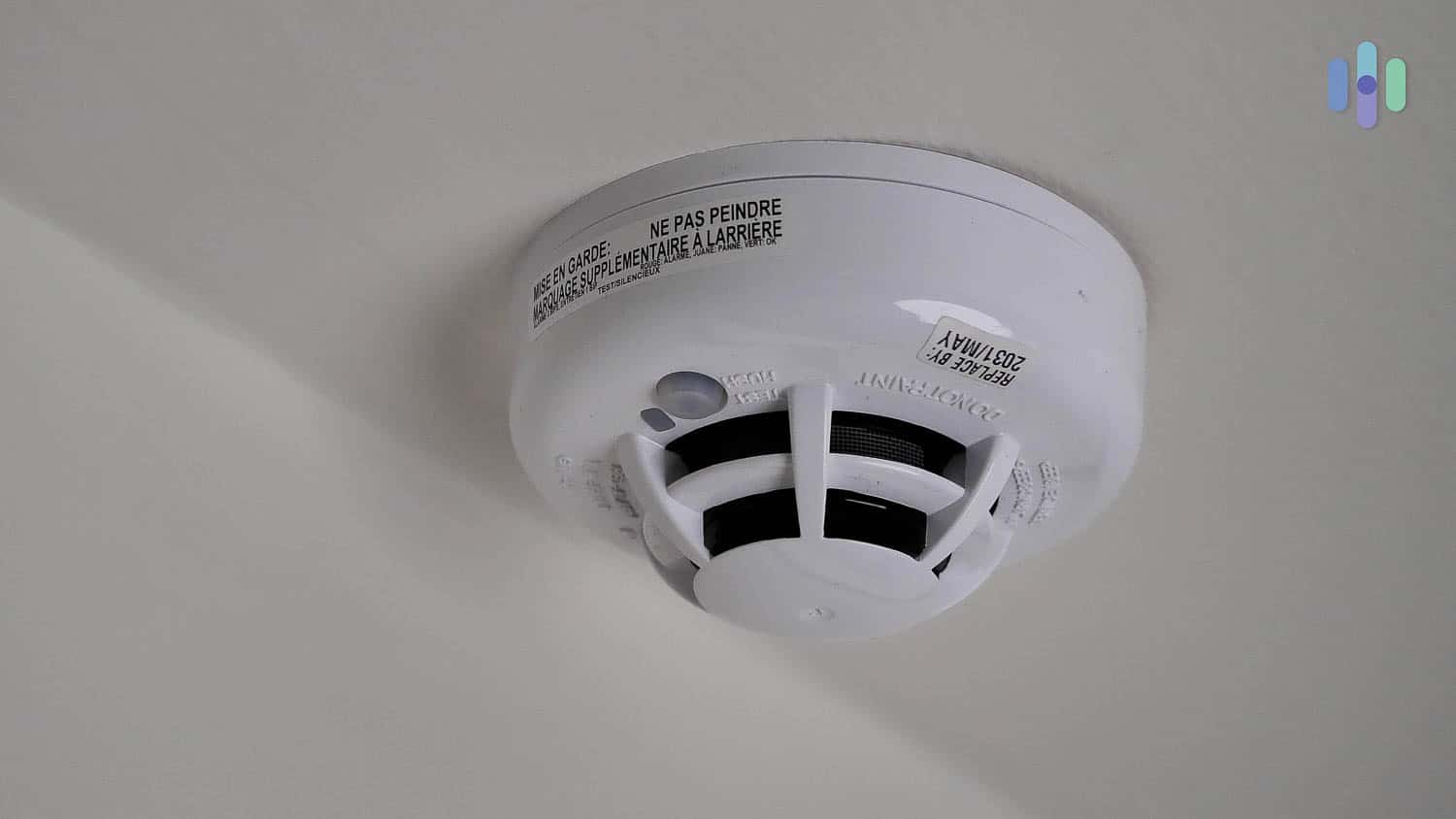
These smoke detectors from ADT are interconnected; if one sounds, they all sound. The ADT+ app handles full system management remotely: live camera feeds, arm and disarm, alert notifications, and — at higher tiers — lighting, climate, and appliance automations. Access control is available as an add-on and includes two-way video intercoms, programmable key cards, and mobile access with app-based revocation. That last feature matters more than it sounds when employee turnover is a concern.
Expert Tip: We recommend continuous video recording for any commercial installation. It captures the full context of an incident — break-ins, shoplifting, customer disputes — rather than relying on triggered clips that may miss what happened before an alarm fired.
ADT Monitoring Options
ADT operates six professional monitoring centers across the United States, several dedicated specifically to business customers. In our testing, ADT consistently responded to alerts in under 60 seconds — faster than the 30-second industry average. Each center runs on backup generators, redundant servers, and multiple communication lines, so service continuity doesn’t depend on a single point of failure.
ADT also offers two commercial-exclusive monitoring features unavailable from most competitors:
- Video escort: A live ADT agent monitors a video feed as a designated employee enters or exits the building — useful for high-level staff working late or opening alone.
- Video guard tours: Virtual security agents conduct remote walkthroughs of your facility at preset intervals, watching for suspicious activity or unsafe conditions.
ADT has been protecting businesses and homes for over 150 years — longer than any other security company operating today. That track record reflects decades of refining its system for real-world commercial environments, from small retail shops to large multi-site operations.
-
2. SimpliSafe - Affordable Business Security Solution

Product Specs
Equipment Costs Packages starting at $250.96 Monitoring Options Professional and DIY Monthly Monitoring Costs Starts at $22.99 Contract Lengths Month-to-month Installation Options DIY or professional Smart Platform Integration Alexa and Google Home Type of Security Solution
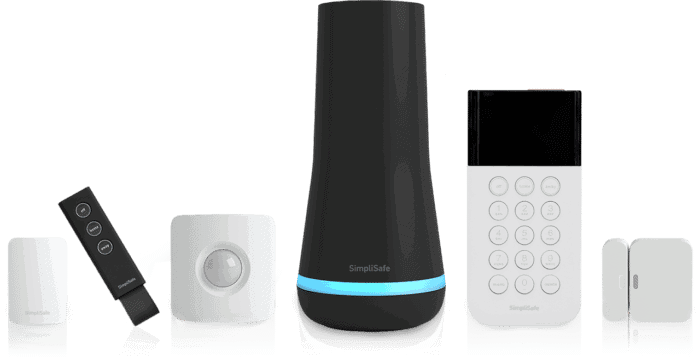
SimpliSafe works best for small businesses and startups that need reliable protection without breaking the bank. You’ll save on installation costs since the wireless devices are incredibly easy to set up, and the system has proven dependable in our testing. Professional monitoring is also optional. It’s fully capable of protecting smaller commercial properties.
The lack of continuous video recording means it’s not suitable for larger facilities, high-risk businesses, and 24/7 shops. If you run these types of businesses, we recommend choosing another option on this list.
Pro Tip: SimpliSafe might not have continuous recording, but the company offers other useful features for businesses. One is Active Guard Outdoor Protection, which is perfect for securing spaces like parking lots.

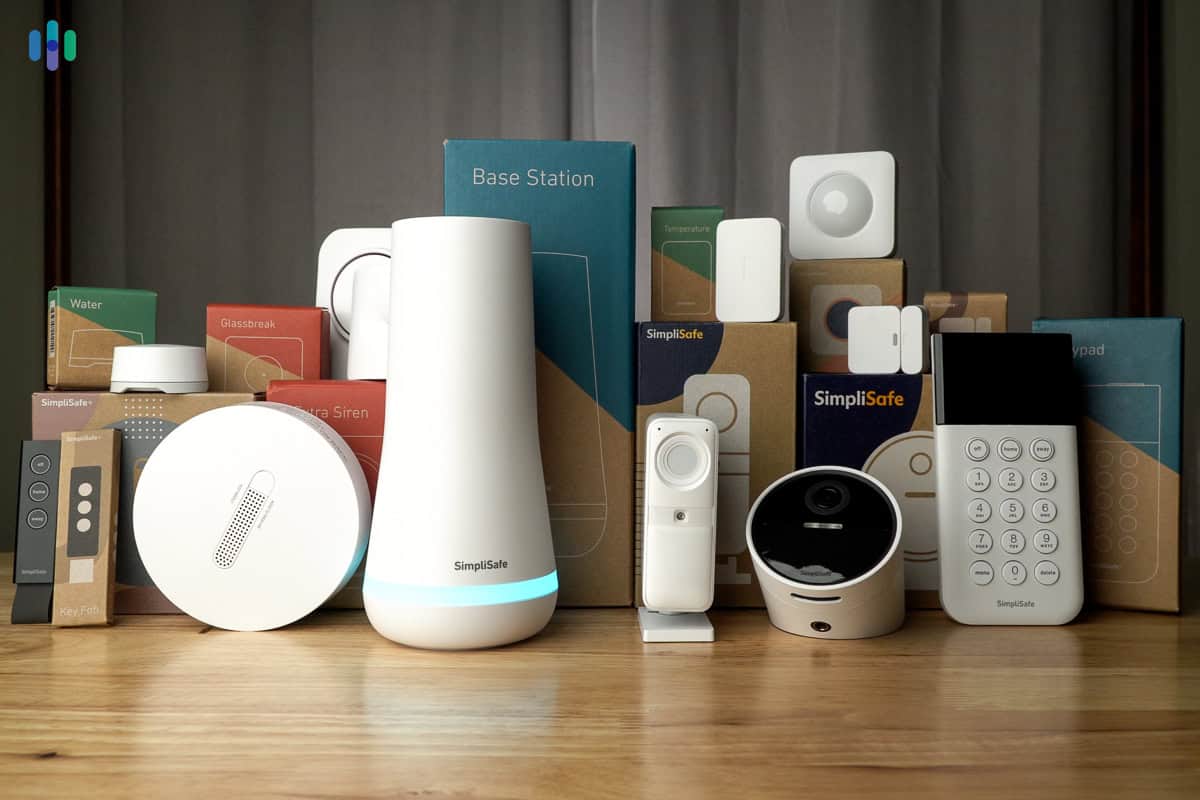
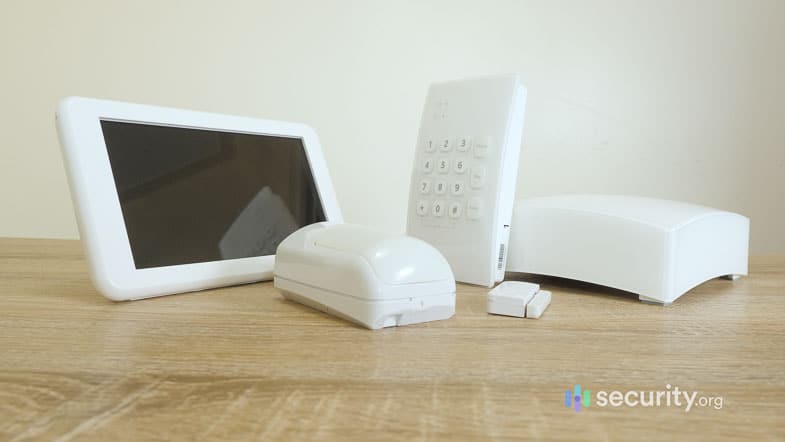
Business owners can protect their businesses with the same SimpliSafe home security equipment we tested. >> Related: The Best DIY Security Systems (SimpliSafe at No. 1)
Cost
Because SimpliSafe is best for smaller businesses, we started out building a test package with a basic SimpliSafe security system. It cost us $282.94 and included a base station, keypad, three entry sensors, and one motion sensor. To match what we got from ADT and other brands, we added cameras, extra motion sensors, and a glass break sensor, bringing our total to approximately $650.
Some business owners who use SimpliSafe opt to self-monitor their system to keep costs down. That works fine for a home setup, but commercial security is a different animal — there’s more at stake, more foot traffic, and more liability. We strongly recommend signing up for SimpliSafe’s professional monitoring service if you’re using it for your business.
SimpliSafe is one of the best no-monthly-fee security systems, but it’s also one of our favorite professionally monitored services. For $34.99 per month, you get the Core monitoring plan. This plan includes video verification — a feature that can get your calls prioritized by police departments as they’re less likely to be false alarms. If you have a compatible indoor camera, you’ll also get access to Intruder Intervention, which lets live agents deter intruders in real time by speaking through your camera.
 Expert TakeFrom Gene Petrino, Retired SWAT Commander and Law Enforcement“Many businesses can’t afford a security system. These are usually new small businesses that do not understand the need for them. In one case, I was investigating a business burglary where there was no system. The business owner told me he couldn’t afford to purchase the system that he wanted because it would cost him $1,000. Unfortunately, the loss from the burglary was over $10,000 and he realized how valuable the system would have been.”
How to Set Up
SimpliSafe offers professional installation, but it’s easier and faster to do it yourself. We placed our Wireless Indoor Camera on a shelf and stuck the entry sensors to surfaces with adhesives. Mounting the outdoor camera was just as easy. You can choose to use the device wirelessly or plug it into an outlet if you’re on the Pro or Pro Plus monitoring plan.
You can monitor everything through the app, but we recommend businesses sign up for professional monitoring. The Core plan starts at $34.99 per month — that’s less than you’d pay for just an hour of a security guard’s time.
>> Further Reading: How to Install Security Cameras
What We Like
- Affordable equipment and monitoring
- Video verification feature
- User-friendly buying and setup process
- Professional monitoring is optional, but highly recommended
What We Don’t Like
- Limited security camera options
- Recordings are stored in the cloud only
- No option for 24/7 continuous video recording
- Not for large businesses
SimpliSafe Equipment
SimpliSafe has everything a small business needs for basic protection. It has motion sensors, door and window sensors, and glass-break sensors for detecting intrusion, security cameras for video monitoring, and emergency buttons as a way to get help quickly. It can also monitor for fire and other commercial safety emergencies.

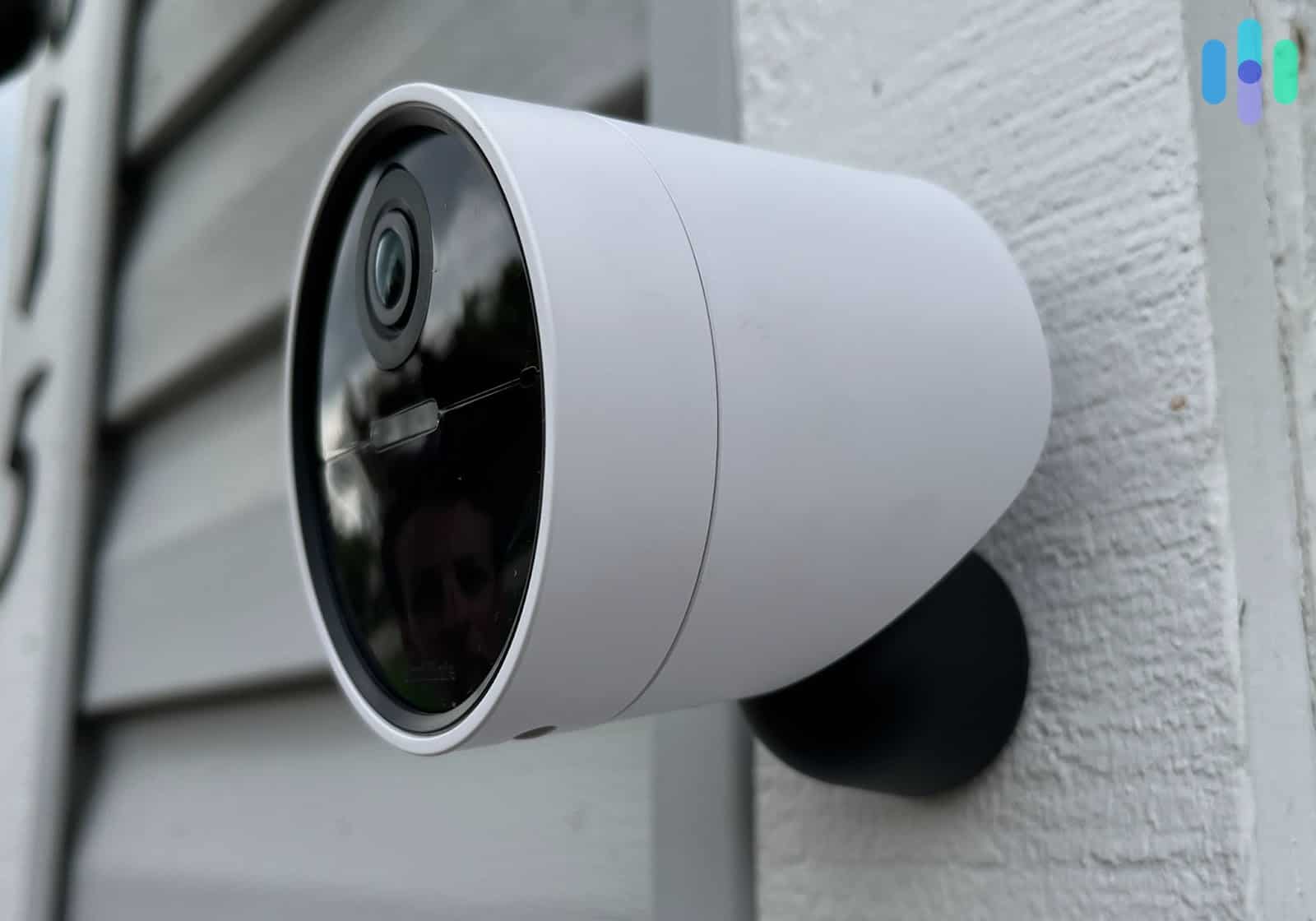
A closer look at the SimpliSafe Outdoor Camera Pro, which works with the Pro and Pro Plus plans. The Wireless Indoor Camera is essential for businesses because it enables the Intruder Intervention feature. When someone breaks in after hours, SimpliSafe agents can access the camera’s live feed and use two-way audio to warn off intruders while dispatching police. We find this significantly more effective than a simple alarm. A similar feature is available with the outdoor cameras, but it requires subscribing to the more expensive monitoring plans.
The downside of SimpliSafe is that it’s not as customizable as ADT. It doesn’t offer more advanced features like access control because it’s primarily a home security system. You can customize it for a small shop, restaurant, or warehouse, but it will be hard to manage, for example, if your business requires employees to come in at different hours.
SimpliSafe Monitoring
SimpliSafe has two self-monitoring plans and four professional monitoring plans. Since we’re recommending professional monitoring, we’ll focus on the features in these plans. Here’s what you’ll get.
SimpliSafe Monitoring Plans Standard Core Pro Pro Plus Professional monitoring Yes Yes Yes Yes Cellular backup Yes Yes Yes Yes Access to app for alerts, control, and management Yes Yes Yes Yes Live Guard Protection (indoor live video monitoring) No Yes Yes Yes Active Guard Outdoor Protection (outdoor live video monitoring) No No Overnight only (8 p.m. to 6 a.m. local time) 24/7 Price per month $24.99 $34.99 $69.99 $99.99 FYI: Only one of SimpliSafe’s self monitoring plans is free. The other is $9.99 per month and includes access to camera recordings for 30 days for up to 10 cameras.
We recommend the Core plan for most businesses at $34.99 per month. You’ll get Intruder Intervention and video verification. The subscription also includes unlimited camera recording for up to 10 SimpliSafe cameras with 30 days of cloud storage.
We would recommend the Pro or Pro Plus plans if you need extensive coverage outside. For example, if you have a large car park or if your business is located in an industrial area. The Active Guard Outdoor Protection feature acts like a security patrol person. It will spring into action once it detects movement and will use spotlights and sirens to deter criminals.
Pro Tip: Keep in mind that the Pro plan’s Active Guard Outdoor Protection feature works between 8pm and 6am only. If you need 24/7 coverage, you’ll have to upgrade to Pro Plus.
-
3. Vivint - High-End Security for Small and Large Businesses

Product Specs
Equipment costs Starting at $199 Monitoring options Professional Monthly monitoring costs Starting from $24.99 Contract lengths Starting at 42 months Installation options Professional Smart platform integration Alexa and Google Home Type of Security Solution
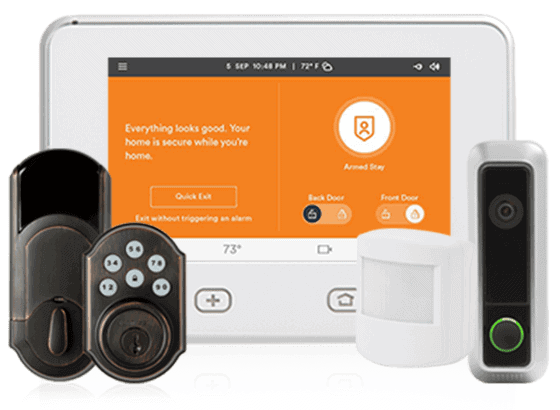
If we ran our business out of a large warehouse in an industrial area, we’d pick a Vivint security system to watch over it. That’s not a knock on ADT or SimpliSafe, but we’ve experienced the power of Vivint while testing the equipment in our homes. From advanced A.I. technology to warning systems built into outdoor cameras to keep lurkers away, Vivint has everything you need to protect your business.
The main drawback is cost. Vivint delivers premium commercial security at premium prices, which can be a stretch for smaller budgets. Financing plans are available, but they come with long-term contracts — up to 60 months — so you’ll want to think carefully about whether the advanced feature set is worth the commitment for your specific situation.
>> Learn More: Vivint Outdoor Camera Pro Review

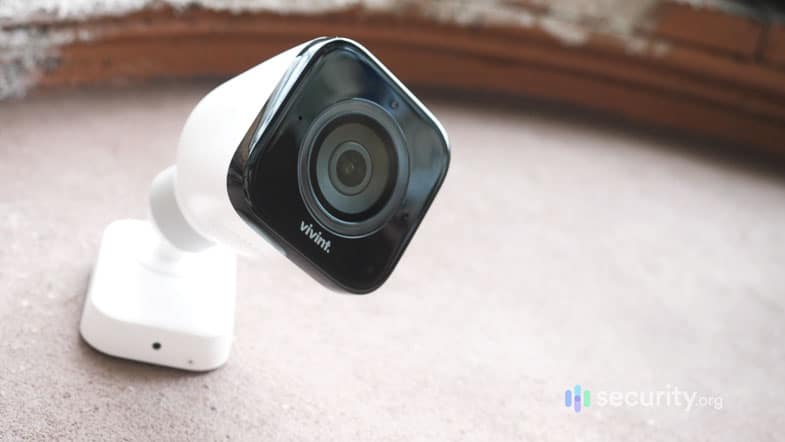
The Vivint Outdoor Camera Pro impressed us with its AI detection and automatic deterrence features. Cost
Vivint’s pricing is where things get real. The Outdoor Camera Pro runs around $400 — compared to most competitors who charge between $150 and $280 for comparable cameras. Overall, a Vivint security system will cost your business at least $1,200 for equipment to get started, and it can climb significantly higher depending on how much equipment and how many add-ons your operation requires.
Vivint excels as a high-end business security solution though. The cameras use artificial intelligence for smarter alerts, distinguishing between people, vehicles, and animals. Plus, the system integrates seamlessly with smart thermostats, locks, and other automation devices. That level of intelligent security makes Vivint worth the premium price for many businesses.
How to Set Up
Vivint means business. The company’s security solutions start with a professional assessment from a security expert and culminate with professional installation — all white-glove service from start to finish.
When we had a Vivint system installed, a licensed technician did the job. He was well dressed and arrived on time, and he clearly knew the Vivint system inside and out. He gave us useful pointers, such as where to best place sensors and cameras, and he hung around after the installation to explain how the system worked. That’s all part of Vivint’s premium service.
>> More Information: Where to Place Security Cameras
What We Like
- Advanced security camera features
- Highly rated and user-friendly mobile apps
- Integrates well with Alexa and Google Assistant
- Great quality installation service
What We Don’t Like
- More expensive than most options
- Long-term contracts
- Lack of pricing transparency on the website
- Professional monitoring and installation are mandatory
Vivint Equipment
Vivint commercial security systems consist of three types of equipment: security sensors, security cameras, and Car Guard.
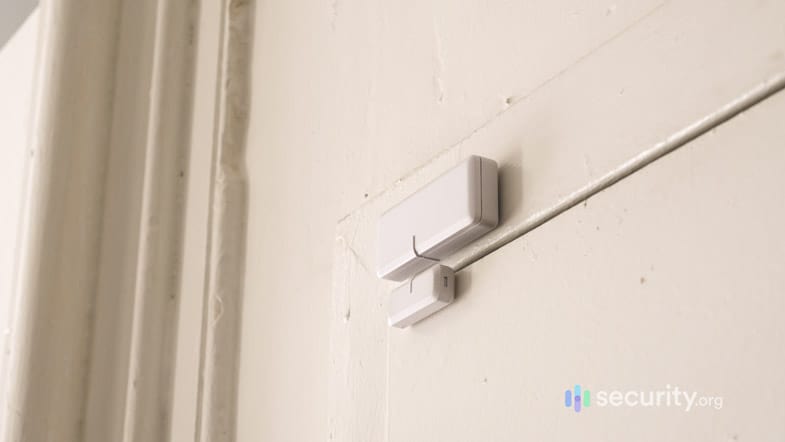
Here’s the Vivint door sensor we tested, one of the several types of sensors available from Vivint. Vivint’s cameras rank among the best we’ve tested. They use AI to reduce false alerts, deliver sharp 1080p HD video captured with a 4K image sensor and HDR, and include clear two-way audio. Each camera also has a microSD card slot for local backup storage — a genuinely useful feature when your internet connection drops.
As for Car Guard, it’s a monitoring device that plugs into any modern vehicle’s OBD2 port. Consider getting Car Guard if your business uses transport vehicles, since it’s equipped with a GPS tracker, vehicle diagnostics, and disturbance detectors (e.g. dings while parked). It has a 4G/LTE connection, which it uses to generate alerts and inform users about the status of their vehicles.
>> Related: What to Do If Your Car Is Broken Into
FYI: While we didn’t test Car Guard, we asked the technician about it and he said that there’s an additional $9.99 per month fee to use the device. That’s on top of the device’s $200 cost.
Vivint Monitoring
Like ADT, you need professional monitoring for your Vivint system to work. Vivint’s monitoring plans start at around $25 per month, but you’ll pay up to $50 per month if your system includes cameras. Despite having fewer monitoring centers than ADT, response times were consistently fast. During simulations, text alerts arrived in under 10 seconds, followed by phone calls within 50 seconds if we didn’t respond.
Keep in mind that you’re limited to 12 security cameras. That’s plenty for smaller operations, but it might not be enough for larger businesses that need coverage for warehouses or multi-office organizations.
>> Related: Vivint FAQs
FYI: Unlike SimpliSafe, Vivint monitoring agents don’t interact with intruders. What you can do instead is set up custom automations to scare off trespassers, like flashing the spotlight or sounding an alarm.
-
4. Frontpoint - DIY Security for Small Businesses

Product Specs
Equipment Costs Starting at $69 Monitoring Options Professional and DIY Monthly Monitoring Costs Starting at $44.99 Contract Lengths 1-36 months Installation Options DIY Smart Platform Integration Alexa and Google Home Type of Security Solution
Frontpoint is a favorite for protecting homes and small businesses with trustworthy security systems. We’ve come to know it for its reputation for friendly service, straightforward pricing, and dependable equipment. We even saw features reminiscent of ADT and Vivint – security and safety monitoring with cellular backup plus a little bit of automation using Z-Wave devices.
Frontpoint is a DIY system, like SimpliSafe. It’s ideal for small businesses with just a couple of rooms rather than sprawling office complexes. The simple wireless setup means you’ll be operational quickly. We had our test system running in under an hour.
Pro Tip: If you really want professional installation, you can contact a local technician to install Frontpoint. The equipment comes from well-known manufacturers like Alarm.com and GE, so it’s not as difficult to set up as proprietary equipment from ADT and Vivint.
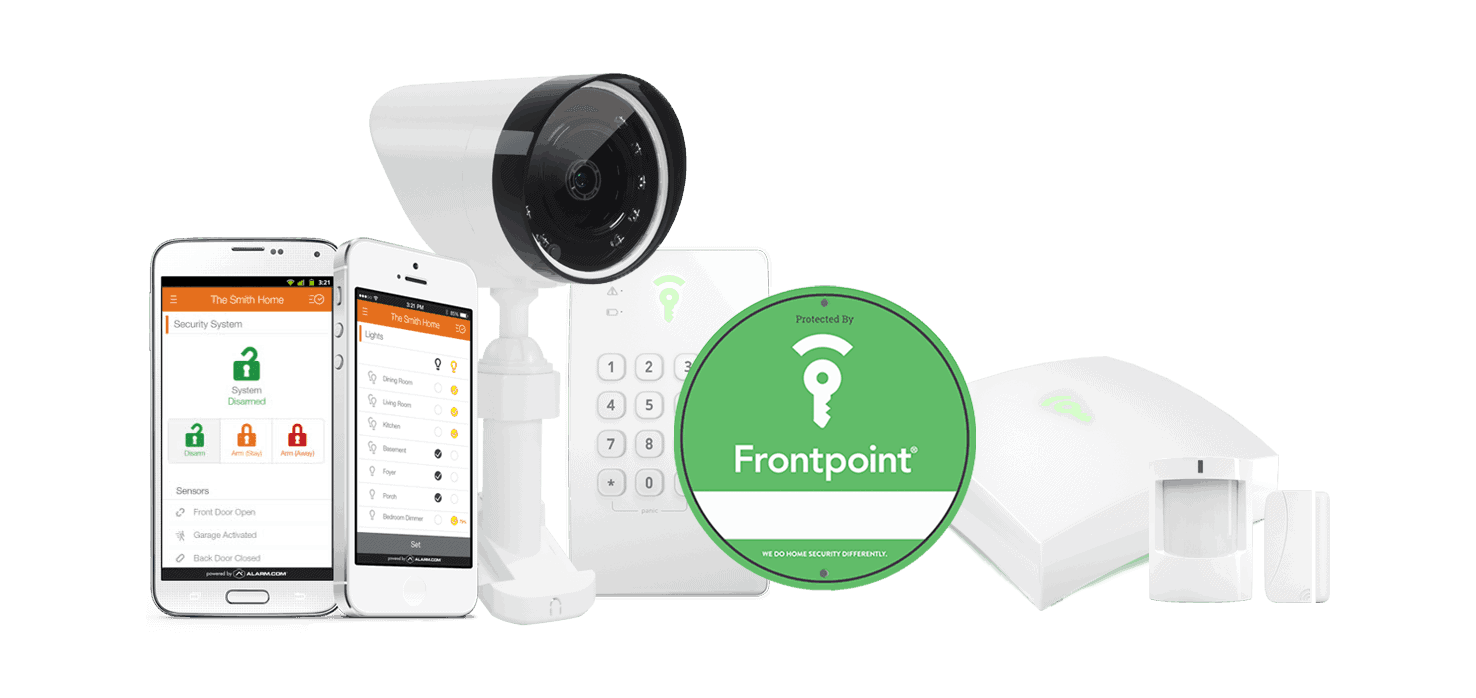
This Frontpoint security system cost us only a little over $200 >> Learn More: ADT vs. Frontpoint
Cost
Frontpoint is one of the most affordable commercial security systems on this list. SimpliSafe has more equipment options, but Frontpoint’s setups offer other benefits like integration with third-party equipment and smart automation.
We also found that Frontpoint’s commercial security solutions are highly customizable, just like with a Frontpoint home security system. The entry-level option starts at just $69, but it only includes a handful of core devices. From there, you can build out your system by adding sensors, cameras, and smart home accessories — many of which are bundled at a discount. Once again, this kind of approach is best for small offices, not sprawling facilities.
How to Set Up
Unlike Frontpoint’s home security systems, getting a business security system isn’t quite as simple as adding items to a cart. Instead, you’ll need to speak with an expert to get a custom quote, similar to how ADT handles things.
The key difference is that once you know what you need, you handle the installation yourself. Frontpoint provides clear, easy-to-follow guides, and in our testing, the process was genuinely straightforward. Since most components are wireless, setup was largely a matter of placing and mounting pieces where you want them.
What We Like
- Affordable equipment
- Straightforward monitoring plans with universal pricing
- Easy DIY installation
- Stellar customer support
What We Don’t Like
- No option for self-monitoring
- Monitoring is expensive if your system has only basic components
- Security cameras don’t record continuously
- Not for bigger businesses
Frontpoint Equipment
Frontpoint’s equipment is pretty standard. It has security sensors such as door and motion sensors, safety sensors such as smoke alarms, security cameras, and even automation devices such as smart locks and thermostats if you ever need them for your business.
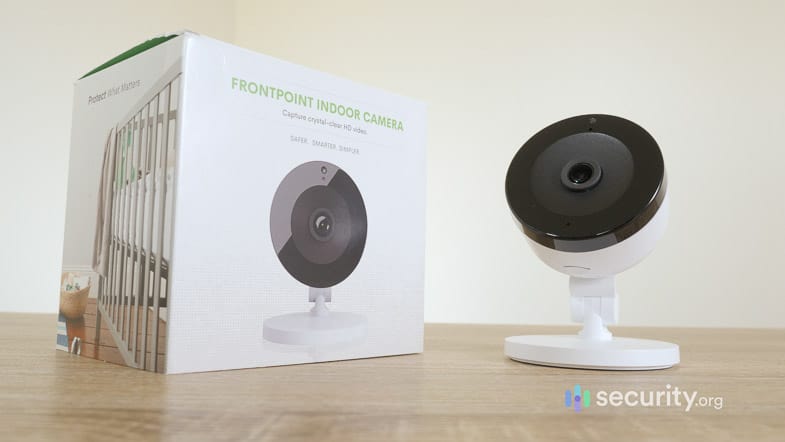
From a baby monitor to a makeshift office CCTV, we found plenty of use for this Frontpoint indoor camera. What really sets Frontpoint apart are its backup measures. The hub can communicate using either Wi-Fi or cellular signals for alerts. So if an employee accidentally shuts off the business Wi-Fi at closing, Frontpoint will keep monitoring your business overnight without interruption. That’s also why it’s one of the best cellular security systems.
Frontpoint’s crash-and-smash protection was also a highlight. If someone tries to destroy the hub to deactivate it, the attempt automatically triggers the alarm. SimpliSafe offers a similar feature.
Pro Tip: While crash-and-smash protection safeguards Frontpoint from tampering, we’d still recommend hiding the hub. We placed ours in an office that we lock at night. If you do that, though, buy a couple of auxiliary sirens. The hub’s siren is not loud enough if it’s in a different room from the intruder.
Frontpoint Monitoring
If you include a camera in your bundle, Frontpoint automatically adds its Ultimate monitoring plan for $49.99 per month. This is the plan we’d recommend for most businesses — it covers 24/7 professional monitoring, fire protection, and smart automations. For other monitoring tiers or custom setups, it’s worth calling Frontpoint directly to talk through what makes sense for your situation.
In a nutshell, Frontpoint features some of the best small-commercial security systems you can self-install and get expertly monitored. Everyday customer service is friendly and readily available. Emergency monitoring is high quality with cellular and Wi-Fi signaling both available, and with two monitoring centers for redundancy.
-
5. Lorex - Robust Security Camera Systems for Businesses of Any Size
 Shop Business Deals Links to Lorex
Product Specs
Resolution Up to 4K HD Field of View Up to 180° Power Wired, battery, PoE Connectivity Wi-Fi, ethernet Video Storage Cloud, Local Smart Platform Compatibility Alexa and Google Home
Editor’s Note: Lorex recently split off its business offerings from its home security offerings. Now, to get commercial-grade security cameras from Lorex, you must register as a business partner with the company.
Type of Security Solution
Lorex specializes in commercial-grade video surveillance systems. You’ll find everything from 4K resolution cameras to long-range devices with exceptional night vision capabilities. Each camera offers unique features like AI-powered person detection and flexible storage options, letting you build a system tailored to your exact needs.
One downside worth noting: Lorex doesn’t offer professional monitoring. If you have on-site security staff, that’s not a dealbreaker — but if you’re the one responsible for keeping the building safe after hours, it’s something to factor in.
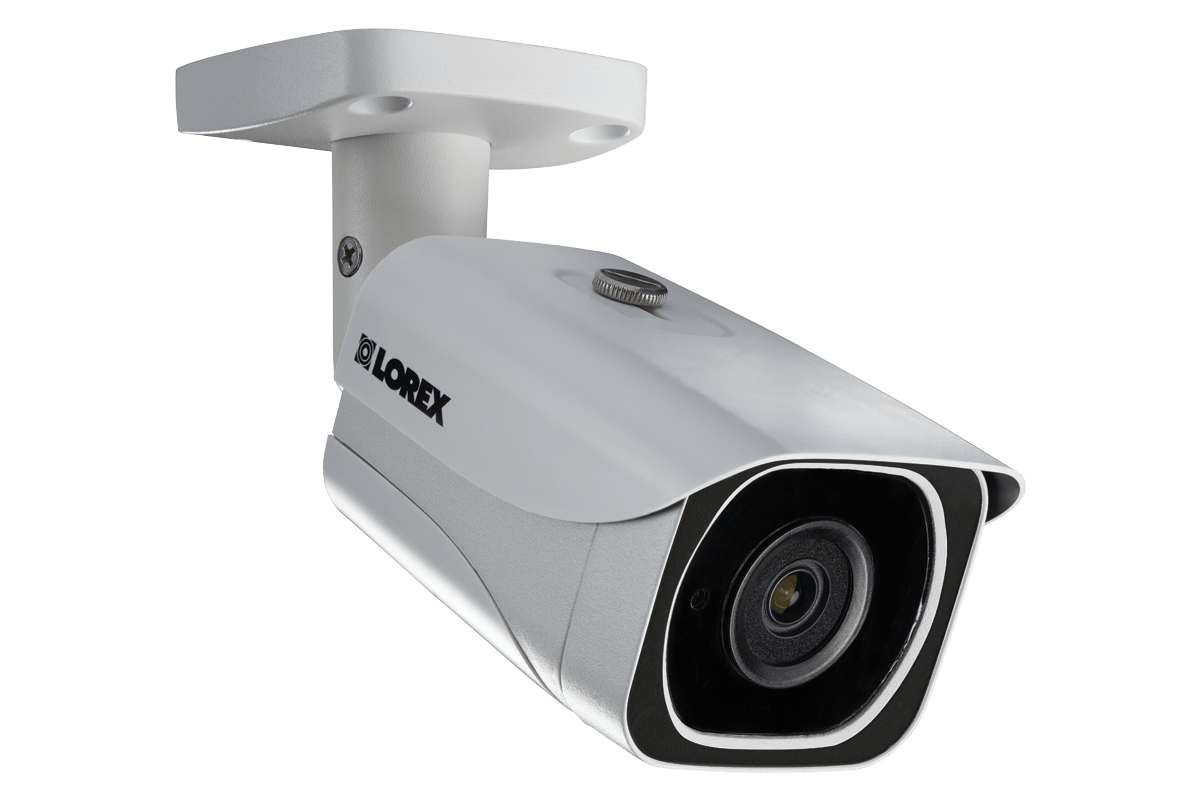
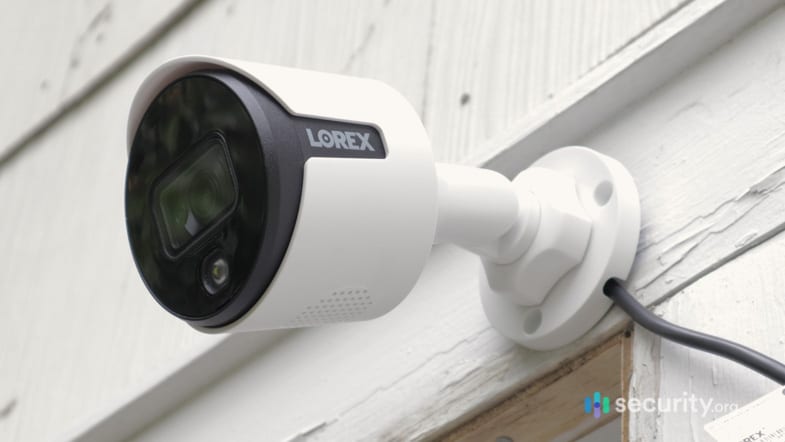
Although they don’t look like it, the Lorex cameras we tested were actually weather- and tamper-resistant.>> Check This Out: Do Security Cameras Deter Crime?
Cost
Another advantage of Lorex is the cost. There are no mandatory monthly fees, because Lorex cameras record locally and save videos to a digital or network video recorder (DVR or NVR). A video recorder is a network-attached computer with terabytes of storage space that can store rolling footage for days or even weeks. That’s certainly something we’d want from business security cameras.
As for the cost of Lorex cameras, it depends on the package. Entry-level systems start around a few hundred dollars, while fully loaded configurations with multiple 4K cameras and NVR storage can easily exceed $1,000 or more. With options spanning a wide range of budgets, it’s worth mapping out your coverage needs before you start shopping.
FYI: The biggest bundles we’ve seen include 32 cameras and a DVR or NVR fully capable of networking them all. Those cost over $5,000, but it shows just how scalable Lorex can be.
How to Install
Unfortunately, Lorex cameras are designed for DIY installation. We say “unfortunately” because it’s not the easiest thing to do, especially since most Lorex cameras are wired. First you’ll have to connect the DVR to your local internet network, and then connect the cameras to the DVR — usually via a coaxial or Ethernet cable. That may not be something you want to do by yourself.
If you want easier installation, look for Wi-Fi models that can connect to the DVR wirelessly or power-over-Ethernet models that use a single cable for both data transfer and power. Lorex offers some of the best PoE cameras on the market.
In our hands-on testing, wiring Lorex cameras was more tedious than technically difficult. It really came down to plugging one end of the cable into the DVR and the other into the camera. Depending on your store’s layout, you might find wired Lorex cameras more manageable than you’d expect.
What We Like
- Wide range of security camera options
- On-site (local) and off-site (cloud) recording options
- Commercial-grade hardware
- Scalable system with DVRs that can accommodate up to 32 cameras
What We Don’t Like
- Lacks security sensors
- No professional monitoring
- Some packages cost over $2,000
- Most cameras are internet-reliant
Lorex Equipment
For businesses, we recommend a digital IP setup with an internet-connected NVR and a mix of indoor and outdoor cameras. That’s the same type of system we tested.
Our setup of four 1080p digital IP cameras sent footage to the NVR. With 1 TB of storage space, we were able to save about five days of continuous video. We recommend setting aside time every few days to review recordings before they’re written over.
We also recommend attaching a computer monitor to the NVR, so you can monitor the cameras live or even hire security personnel to monitor it. Just make sure to read up on the legality of security camera monitoring in your state. At the very least, monitoring high-traffic public areas such as parking lots and store entrances should be fine.
Pro Tip: Considering investing in expansion hard drives. Our DVR had slots for three hard drives in addition to the 1 TB drive already in. More storage space equals longer video history.
Lorex Monitoring
Lorex doesn’t offer professional monitoring for homes or businesses. You’ll need to find a workaround solution instead, like actively monitoring notifications yourself or using a third-party provider. It’s not ideal, which is why we recommend companies with top-tier professional monitoring services, such as SimpliSafe and ADT.
If you go the DIY route, Lorex does include some useful self-monitoring tools. Certain cameras use AI to distinguish between people and vehicles, which helps cut down on false alarm fatigue. Most DVR and NVR models also support remote live viewing through the Lorex Home app, so you can check in or respond to alerts from anywhere on your phone.
Expert TakeFrom Gene Petrino, Retired SWAT Commander and Law Enforcement“A reliable security system has many benefits for a business. Not only does it provide protection from break-ins, but it can also reduce already high insurance premiums, reduce employee theft, and protect the company from false claims by customers (e.g., slip-and-fall allegations). There was one case where I responded to an injury at a business. The person stated that he fell in the store because the floor was wet. Luckily, the security camera captured the incident of the person pouring water on the floor and faking the fall.”
Methodology: How We Picked The Top Security Systems for Business
Our Review Guidelines
At Security.org, we put every security system through a strict multi-step vetting process before it gets a place on any of our best lists. Our experts buy, receive, and install each system the same way a user would. They record how long the setup takes, test sensor reliability across multiple real-world trigger tests, and clock how fast monitoring centers respond to live alerts. We run each system through real-world scenarios, such as lost internet connectivity mid-session, power interruptions, and false alarms. We also assess upfront hardware costs, monthly monitoring fees, and contract flexibility alongside performance, in accordance with our Editorial Guidelines.
Our Testing Criteria
Our review process for commercial security systems takes into account physical issues like size and flexibility, but also complex problems like compliance. For example, the owner of a gas station can put security cameras everywhere, but a doctor’s office has to comply with HIPAA regulations. Once our security experts worked through these considerations, they identified the three most critical criteria for commercial security and used them to rate our top systems.
- Commercial-oriented security: Just like there are security systems for apartments and security systems for homeowners, there are solutions for small businesses, large businesses, and enterprises. We found security services with packages geared for businesses of all sizes.
- Total expenditure: Commercial security costs can vary widely. A single quality outdoor camera can run up to $400. For larger spaces, those costs add up. We looked for brands that offer affordable options at scale.
- Installation options: DIY security solutions might make sense for smaller outfits, but larger businesses with more vulnerable spaces often opt for professional installations. Our top security choices for businesses offer both options.
- Monitoring effectiveness: You can’t be available 24/7, so you need peace of mind knowing alarms are responded to quickly. We timed every security system on our list to ensure monitoring centers responded to alarms within 30 seconds, which is the industry average.
Many of the best security systems come packed with features designed for homeowners. Some are also suitable for businesses, but we considered this a bonus rather than a deciding factor.
Who We Are and Why Trust Us
Security.org’s team of experts who tests security systems is headed by Paul Frew, a seasoned home security expert with over a decade of experience testing security systems, cameras, and doorbell cameras. Paul’s rigorous testing standards guide how we approach every recommendation on this page. He’s backed by an independent team of security experts at Security.org, which includes 20+ hands-on testers and researchers who have collectively spent over 25,000 hours reviewing security products since 2018. The team has produced 740+ reviews and guides, many of which have been cited by major outlets including The New York Times, TechRadar, and CBS News. That team includes:
- Gene Petrino: Retired law enforcement sergeant and S.W.A.T. commander, contributing 30+ years of crime prevention and security expertise as a subject matter advisor
- Corey Birnstengel: Editor, videographer, and product reviewer responsible for 200+ in-depth video reviews spanning multiple product categories
- Matthew Adkins: Researcher with a doctorate and 100+ security systems tested and ranked
- Cort Honey: Engineering graduate with over 1,000 hours of hands-on testing and a talent for making technical concepts easy to understand
No brand can buy their way onto our rankings. Our recommendations are completely independent.
Best Security Systems by Commercial Property Type
No two businesses have the same security needs. A restaurant has very different concerns than a medical office, and a warehouse requires a completely different setup than a retail shop. Here’s a breakdown of what each commercial property type needs and which systems are best suited for the job.
Retail Stores
Retail stores face a unique combination of threats — shoplifting, after-hours break-ins, and disputes at the register. Business-grade video surveillance is the cornerstone of any retail commercial security setup, serving both as a deterrent and as evidence when incidents occur. POS integration adds another layer, helping owners cross-reference transactions with footage to catch internal theft.
- Primary needs: Video surveillance at entry/exit points and registers, alarm systems, POS integration
- Best systems: SimpliSafe, ADT, Lorex
- Key features: Cameras at every entry, exit, and register; motion sensors; glass break detectors
For most retail operations, professional monitoring is worth every penny. According to the National Retail Federation, shoplifting incidents cost businesses 90 percent more per year between 2019 and 2023.2 A monitored alarm helps you fight against that theft as it is significantly more effective at getting a fast police response than a self-monitored one.
Offices
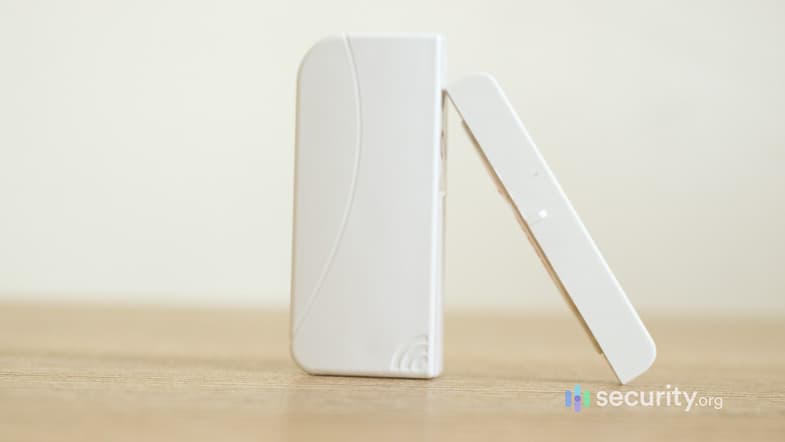
Offices are typically lower-risk during business hours, but after-hours protection and access control are real concerns — especially for commercial operations handling sensitive client data or expensive equipment. The bigger challenge is managing who has access to which areas and maintaining a log of that activity.
- Primary needs: Access control, after-hours intrusion detection, visitor management
- Best systems: SimpliSafe, Vivint, ADT
- Key features: Smart locks with multi-user access, door sensors on restricted areas, zone-specific arming
A well-configured office system should make it easy to arm and disarm specific areas independently, rather than treating the entire floor plan as a single zone.
Warehouses and Industrial Facilities
Warehouses present some of the toughest security challenges as they have large square footage, multiple entry points, high-value inventory, and environmental hazards like fire and flooding. Perimeter security and long-range detection are non-negotiable, and environmental sensors are just as important as intrusion detection in these settings.
- Primary needs: Perimeter coverage, large-area motion detection, environmental monitoring
- Best systems: ADT, Lorex
- Key features: Long-range motion detectors, outdoor cameras covering loading docks, loading dock sensors
Audio and video verification are particularly valuable in warehouse settings, where false alarms are common and slow police response times are a real operational cost.
Restaurants
Restaurants deal with a specific mix of risks. They face kitchen fire hazards, cash-heavy operations, and high employee turnover that makes access management tricky. Back-of-house security is often overlooked, but we believe it’s critical. Backdoor entry is one of the most common points of after-hours break-ins in the commercial food service industry.
- Primary needs: Kitchen fire detection, entry and exit monitoring, cash security
- Best systems: SimpliSafe, ADT
- Key features: Smoke and heat detectors, backdoor sensors, safe and cash storage sensors
Restaurants should also ensure their monitoring plan includes fire response — not just intrusion — since a kitchen fire after hours with no monitored alert can be catastrophic. See our Fire Safety and Prevention Pointers for more.
Medical Offices
Medical offices operate under stricter regulatory requirements than almost any other commercial setting. HIPAA compliance isn’t optional, and that extends to your security infrastructure — activity logs, access controls, and data handling all need to meet specific standards. Plus, medication requires its own layer of physical security.
- Primary needs: HIPAA-compliant monitoring, controlled access to restricted areas, medication security
- Best systems: ADT
- Key features: Access control with detailed activity logs, restricted area sensors, role-based access
When evaluating any system for a medical setting, always confirm with the provider that their monitoring and data storage practices are HIPAA-compliant before signing a contract.
Small Business vs. Enterprise Security
Security needs — and budgets — scale dramatically with business size. Here’s how to match your commercial operation to the right tier.
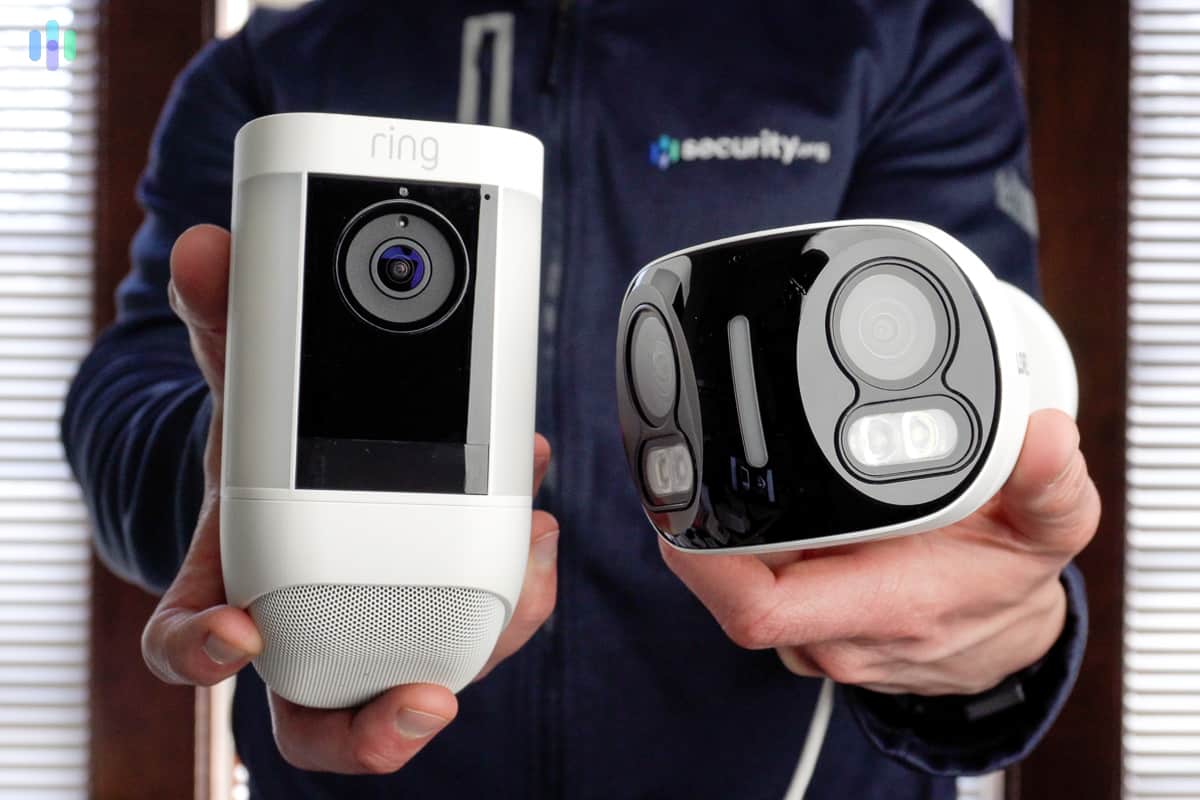
Small Business (1 to 50 Employees)
Most small businesses need reliable coverage without the complexity or cost of enterprise-grade systems. A single location with straightforward access needs is well served by DIY or light professional setups.
- Budget: $500 to $2,500 for equipment + $30 to $80 per month for monitoring
- DIY options: SimpliSafe, Ring Alarm Pro, Cove
- Professional options: ADT small business packages
- Best for: Single location, limited access control needs, budget-conscious owners
The good news for small businesses is that the commercial security systems we recommend throughout this page — ADT, SimpliSafe, Vivint, and Frontpoint — are all scaled to work at this level without requiring a large upfront commitment.
Mid-Size Business (50 to 500 Employees)
Mid-size commercial operations typically need more than a basic alarm system. Multiple locations, higher foot traffic, and compliance requirements all push toward professional installation and more sophisticated access control.
- Budget: $2,000 to $10,000 for equipment + $80 to $250 per month for monitoring
- Options: ADT Commercial, Vivint Commercial
- Features: Multi-location management, access control, visitor management, professional installation
- Best for: Multi-location operations, higher traffic environments, businesses with compliance requirements
At this scale, we strongly recommend getting a professional consultation before purchasing. The right system layout matters as much as the equipment itself.
Enterprise (500+ Employees)
Enterprise commercial security goes well beyond alarms and cameras. Corporate campuses, franchise chains, and high-security facilities need centralized monitoring, HR system integration, and advanced analytics to manage security at scale.
- Budget: $10,000+ for equipment + $250 to $1,000+ per month for monitoring
- Options: ADT Enterprise
- Features: Central station monitoring, HR system integration, advanced analytics, multi-site management
- Best for: Corporate campuses, franchise chains, high-security facilities
At the enterprise level, every system should be custom-quoted. Off-the-shelf packages won’t cut it for complex multi-site commercial operations.
Other Commercial Security Requirements to Consider
Security systems aren’t just about protection — they can also affect your insurance premiums and your ability to meet industry-specific compliance requirements. Understanding both before you buy can save your business money and legal headaches down the road.
Insurance Discounts
Some commercial insurance providers commonly offer discounts ranging from 5 to 20 percent for professionally monitored security systems. To qualify, insurers typically require:
- A UL-certified monitoring center
- 24/7 professional monitoring
- Police and fire dispatch capability
- Monthly monitoring fees of $50 or more (lower-cost plans often don’t qualify)
It’s worth calling your insurance provider before choosing a commercial security system — the monitoring plan you select could directly affect whether you’re eligible for a discount.
Industry Compliance
Depending on your industry, your business security system may need to meet specific regulatory requirements. Here’s a quick overview of the most common:
- Retail (PCI DSS): Video surveillance is required in payment processing areas to comply with Payment Card Industry Data Security Standards
- Healthcare (HIPAA): Access control and activity logging are required for any areas where protected health information is stored or accessed
- Finance (SOX): Enhanced monitoring and full audit trails are required under the Sarbanes-Oxley Act
If your commercial operation is in a regulated industry, verify compliance requirements with your legal or compliance team before finalizing your security setup. Our guide on storing sensitive data is also worth reviewing before you commit to a system.
Access Control vs. Alarm Systems
Two of the most common commercial security components — access control and alarm systems — are often confused or conflated, but they serve different purposes. Access control manages who can enter specific areas. Alarm systems detect and respond to unauthorized entry. Most businesses need both, and understanding the distinction helps you build a more complete security setup.
Alarm System Only
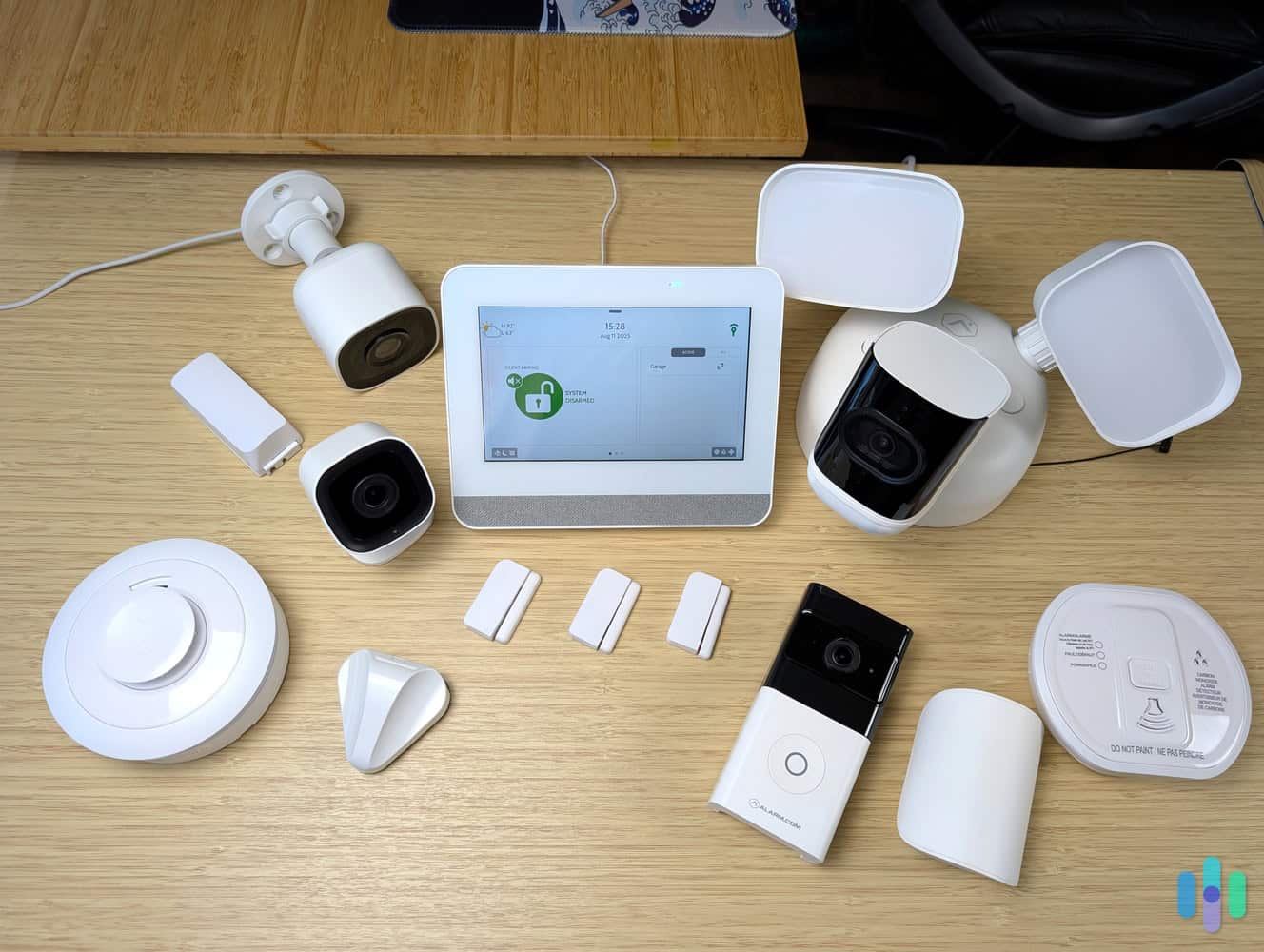
An alarm-only setup is the most common starting point for small businesses. It’s straightforward, affordable, and handles the most critical need: detecting intrusions and getting help fast.
- Good for: After-hours protection, small businesses with traditional keyed entry
- Example: A restaurant with standard locks on all doors and an ADT alarm monitoring for break-ins overnight
- Limitation: Doesn’t track or restrict who enters during business hours
Access Control Only
Access control without alarm monitoring is less common, but it makes sense for certain low-risk environments where foot traffic management matters more than intrusion detection.
- Good for: Office buildings with minimal theft risk, visitor tracking, employee accountability
- Example: An office with keycard entry that logs arrivals and departures but has no after-hours alarm monitoring
- Limitation: No response capability if someone bypasses or tailgates through an access point
Integrated Systems (Alarm + Access Control)
An integrated system combines both functions into a single managed platform. It can control who enters and detects unauthorized entry. This is the gold standard for most commercial operations with 20 or more employees, multi-tenant spaces, or compliance requirements.
- Good for: Mid-size and larger businesses, multi-tenant buildings, regulated industries
- Example: A medical office where keycard access controls entry to exam rooms and medication storage, while alarmed sensors trigger a response if those areas are accessed outside of authorized hours
- Limitation: Higher upfront cost and typically requires professional installation and ongoing management
For businesses that are currently running an alarm-only setup, adding access control is usually the logical next upgrade — especially as headcount grows and managing physical keys becomes impractical. A wired security system is often the right foundation for integrated commercial deployments at this scale.
Commercial Security Recap
Picking the right commercial security solution isn’t all that different from choosing one for your home — it takes real thought and a clear sense of what you actually need. Budget matters, but so does making sure your system provides adequate protection. That’s why our top picks all offer great value with solid equipment and dependable monitoring at a reasonable price. Bottom line, you shouldn’t have to compromise when it comes to protecting your life’s work.
FAQs
Still got questions about the best security systems for businesses? We’re here to help.
-
What is the best security system for a small business?
The best security systems for a small business are ADT, SimpliSafe, Vivint, Frontpoint, and Lorex. All of them provide high-quality equipment, and most offer around-the-clock professional monitoring. ADT and Vivint stand out if you want professional installation service, while SimpliSafe, Frontpoint, and Lorex all offer DIY systems.
-
How much is a security system for a business?
A commercial security system can range from $100 to several thousand dollars, depending on the provider and the size of your space. Professional monitoring typically adds anywhere from $20 to $100 or more per month, based on the features and service tier you choose.
-
How much is ADT Business Security a month?
ADT offers professional monitoring solutions to businesses typically starting around $50 to $60+ per month. More advanced features — like access control and cybersecurity protection — are available at additional cost. Your best bet is to contact ADT directly for a customized quote based on your specific setup.
-
Are businesses required by law to have a security system?
There are no laws that require having a security system, but there are some safety regulations in place with which businesses have to comply. For example, most states require commercial buildings to install fire alarms. While that doesn’t mean they have to install a security system as well, monitored commercial security solutions often include fire safety monitoring in their packages.
-
What is the most secure security system?
All our top picks offer secure solutions businesses and commercial spaces can use for protection. SimpliSafe particularly stands out. Their Intruder Intervention feature offers live monitoring of indoor cameras during alarms, which can speed up response and also deter intruders. ADT is another secure option, offering reliable equipment and a monitoring service built on the company’s 150-year history in the business.
-
Federal Bureau of Investigation. (2026). FBI Crime Data Explorer. https://cde.ucr.cjis.gov/LATEST/webapp/#/pages/explorer/crime/property-crime
-
National Retail Federation. (2024). The Impact of Retail Theft & Violence 2024. https://nrf.com/research/the-impact-of-retail-theft-violence-2024