Best Security Systems for Seniors in 2026, Tested for Senior-friendly Features
ADT is the best security system for seniors with its professional installation and no up-front costs.
 &
&
 Last Updated on Aug 18, 2026

- 24/7 professional monitoring means seniors are always protected
- AARP discounts of up to 20 percent off
- Intuitive system controls make security simple and easy
- DIY equipment keeps security simple and easy
- Alexa and Google Home integration mean seniors can get help using just their voices
- Environmental sensors protect from home hazards as well as break-ins

- With automated routines, you can set up lights, locks, and household appliances for greater convenience
- Vivint app lets family members check on their loved one 24/7
- Video doorbell lets seniors know exactly who is on their front porches
the security.brief
Seniors need a user-friendly system that can keep them safe. ADT is our top pick because of its white glove approach that keeps security simple, yet effective.
Not all seniors are comfortable with technology. Fortunately, some of the best home security systems come with senior-friendly features like voice control and intuitive equipment that anyone can operate. We think ADT is the best solution for seniors with its simple controls and professional monitoring service. ADT even gives AARP members a discount of up to 20 percent off their monthly monitoring fees.
SimpliSafe and Vivint also cater to seniors with environmental sensors and active deterrance features. That means the system can help scare away intruders automatically. We put security systems from all three brands through their paces to see exactly how well they protect aging adults. Here’s what we found.
Stay Safe on a Fixed Income: Most seniors live on a fixed income and are looking to cut costs. If that’s you, we recommend either ADT or SimpliSafe. ADT has low startup costs, while SimpliSafe has affordable monthly monitoring.
Do Security Companies Offer Senior Discounts?
This is one of the most common questions we get, and the honest answer is: not really. When we shopped around, we found that most major security companies don’t offer formal senior discounts. AARP members can get discounts at select retailers for things like security cameras and standalone sensors, but that doesn’t typically extend to security system providers (with a few exceptions).
The good news is that promotional offers are usually better than any senior discount anyway. Here are the most reliable ways to save:
- Look for promotional offers — free equipment, free installation, or discounted first months are common and often offer bigger savings.
- Choose no-contract systems — DIY systems such as SimpliSafe let you walk away from professional monitoring anytime without penalty.
- Self-monitor instead of professional monitoring — If there’s someone who can help watch the security system, self-monitoring can save you $20 to $50 per month (the cost of professional monitoring).
For more affordability tips. see our full affordable security systems guide for more budget options.
Best Home Security Systems for Seniors
- ADT - Best Professionally Installed
- SimpliSafe - Best Professional Monitoring
- Vivint - Best Home Automation
How They Stack Up
| System |
ADT
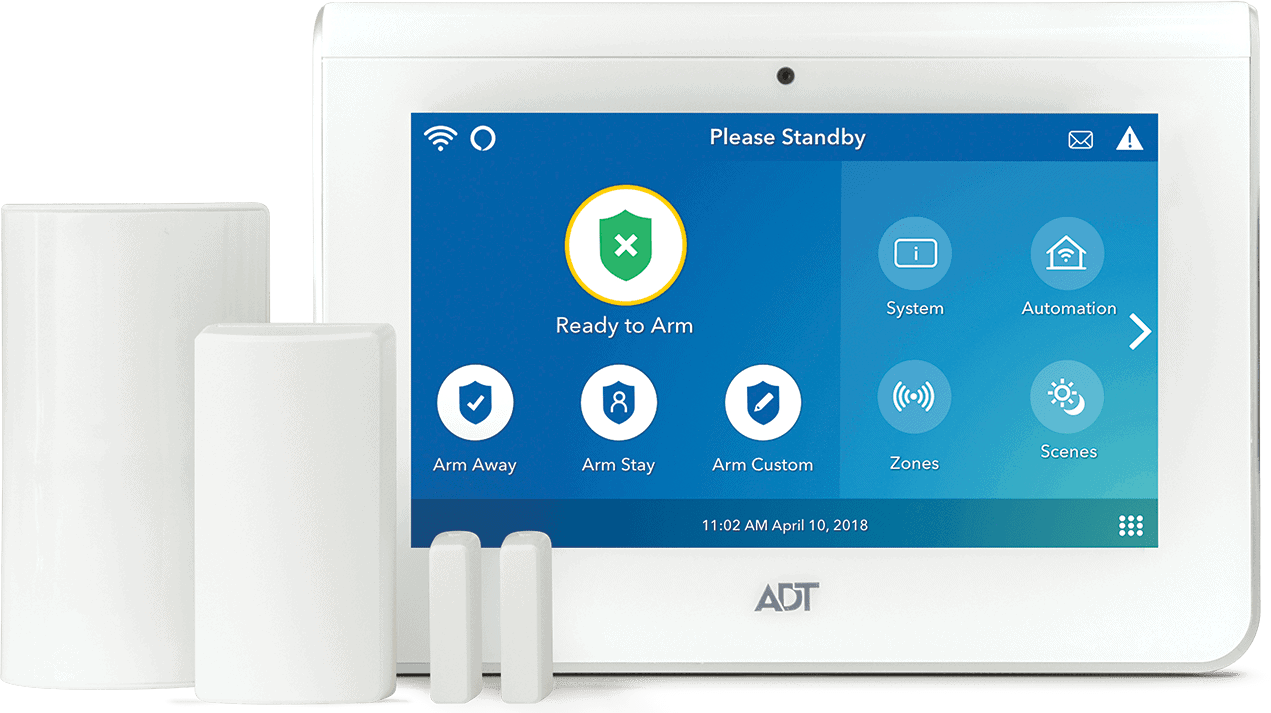
|
SimpliSafe
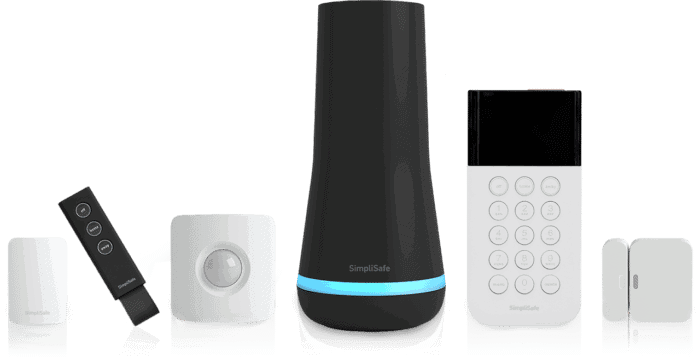
|
Vivint
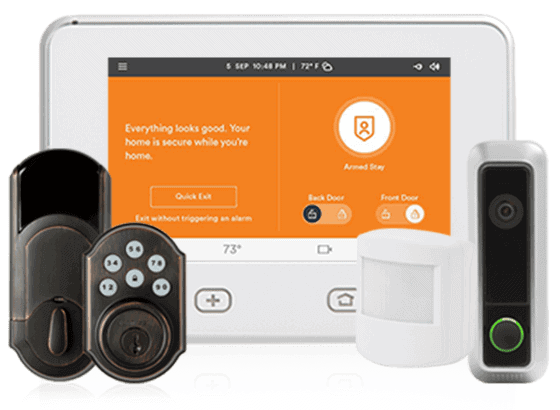
|
|---|---|---|---|
| Ranking | 1st | 2nd | 3rd |
| Ratings | 9.8/10 | 9.8/10 | 9.4/10 |
| Package cost | $349 and up | $250 and up | $199 and up |
| Contract length | Month to month or 36 months or more | Month to month | Single month with up-front equipment purchase |
| Professional monitoring prices | $49.99 a month and up | $22.99 a month and up | $24.99 a month and up |
| Free plan | Yes | No | No |
| Installation type | Professional | DIY or professional | Professional |
| Read Review | ADT Review | SimpliSafe Review | Vivint Review |
What Makes a Security System Senior-Friendly?
Not every home security system is equally easy to use for older adults. After hands-on testing of more than a dozen systems and years of covering the home security industry, we’ve identified the features that consistently make the biggest difference for seniors — from keypad design to monitoring reliability. Here are the specific features that matter most when shopping for an alarm system for seniors.
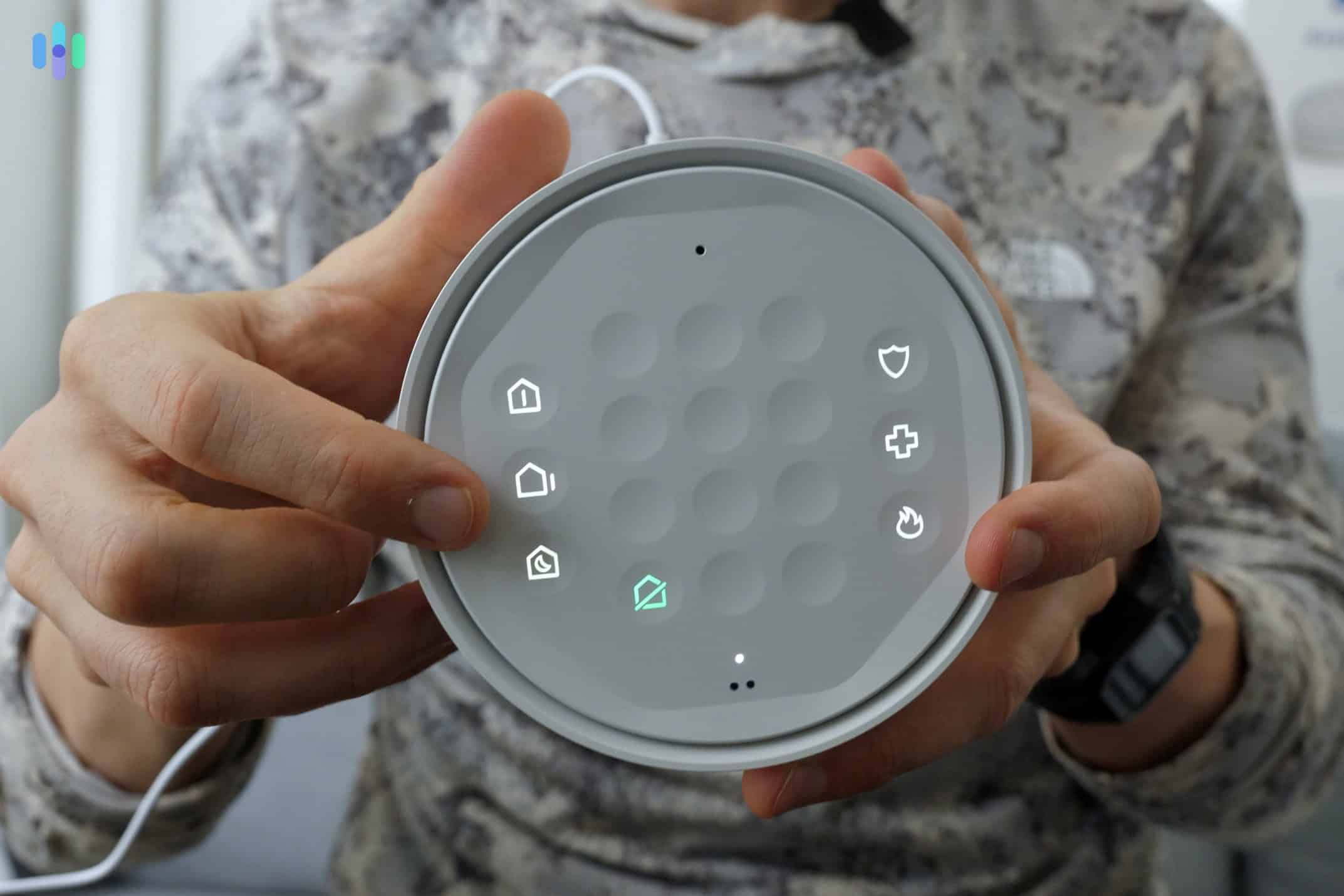
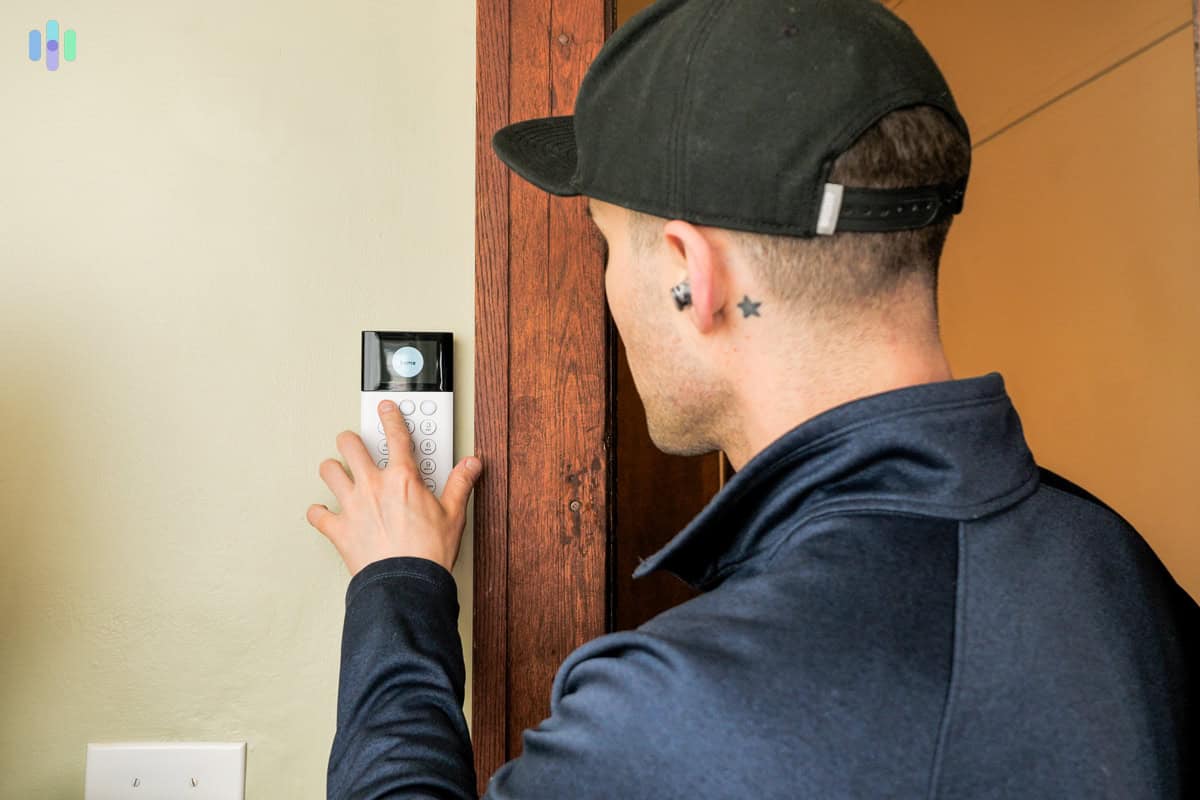
- Large, Easy-to-Read Display — Small keypads with tiny buttons can be frustrating or impossible to use for seniors with vision or dexterity challenges. SimpliSafe’s calculator-style keypad with large physical buttons is a standout option, and ADT’s screenless keypad uses an LED ring to communicate status and auto-illuminates when someone approaches.
- Voice Control — For seniors with arthritis, vision issues, or mobility challenges, voice control eliminates the need to interact with a keypad or screen entirely. All three systems on this list work with Alexa and Google Home, making hands-free arming, disarming, and status checks simple.
- Loud Sirens — Hearing loss becomes a more prevalent issue as we age, so a powerful siren really does matter. SimpliSafe hits 95 dB with an optional 105 dB add-on, and ADT offers an adjustable 85 to 95 dB range.
- Simple Setup and Operation — The less configuration required, the better. SimpliSafe equipment comes pre-programmed out of the box, while Vivint and ADT’s professional installation option means a technician handles everything.
- Cellular Backup (No Landline Required) — All three systems use cellular backup, keeping protection active even if the internet goes down. This is an especially important feature as more seniors move away from traditional landline phones.
With those criteria in mind, here are the security systems we recommend most for seniors.
Detailed List of the Best Home Security Systems for Seniors
-
1. ADT - Best Professionally Installed

Product Specs
Equipment Costs Starting at $404 Monitoring Options Professional Monthly Monitoring Costs Starting at $24.99 Contract Lengths 36 months and up Installation Options Professional Smart Platform Integration Alexa and Google Home 
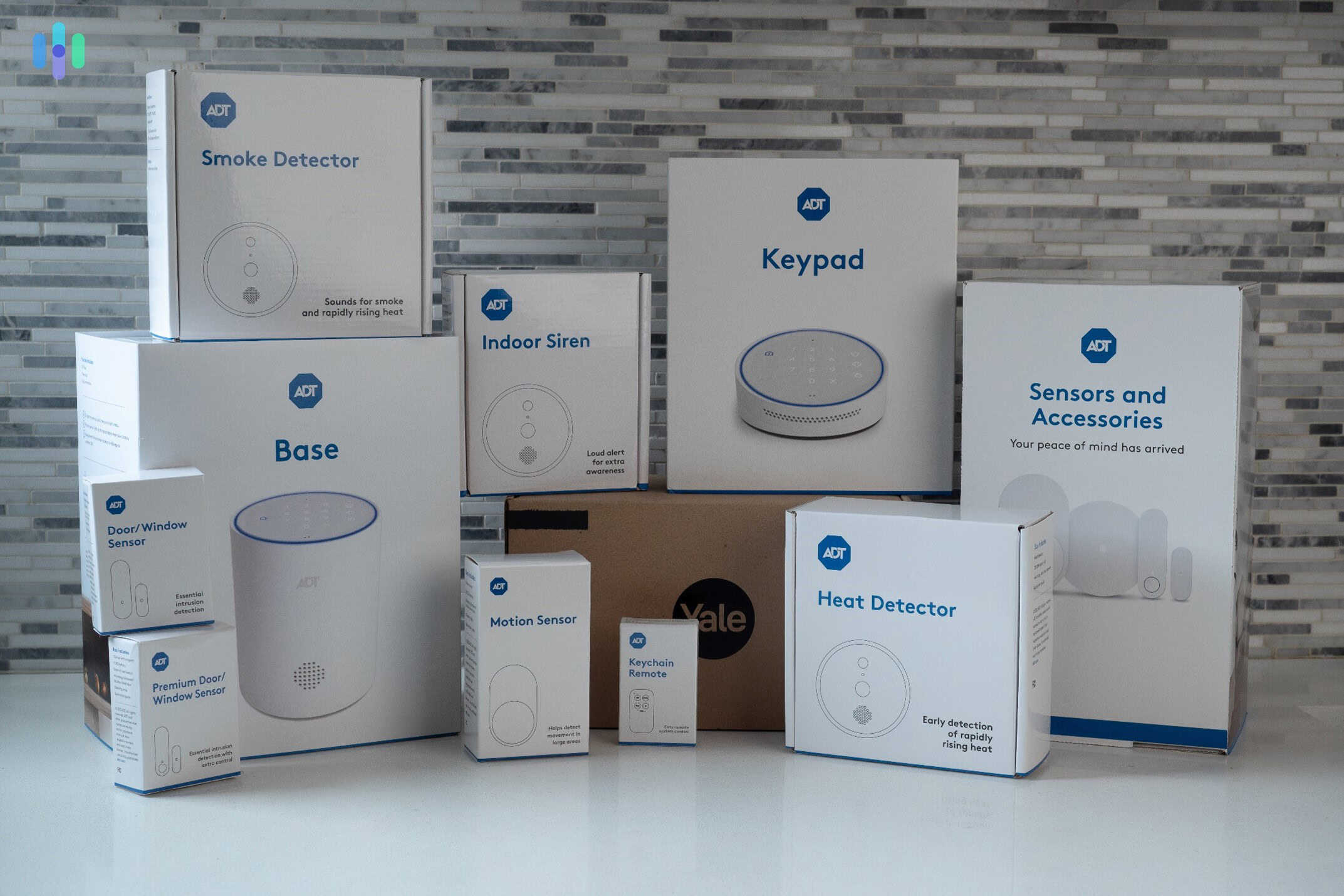
Here’s everything we bought from ADT to test. What We Like
- Offers senior discounts for AARP members
- Emergency button you can wear as a necklace or bracelet
- 150 years of experience in the home security business
- Full-service option from installation to monitoring
What We Don’t Like
- Requires the highest monitoring plan for camera support
- Relatively high equipment cost
- Expensive professional installation costs
- Touch screen keypad is not very user-friendly
What You Need to Know About ADT
ADT has been around for over 150 years and has earned a reputation for being one of the best home security system providers in the industry. It’s backed by its award-winning 24/7 monitoring that covers intrusion, hazard, and health monitoring.
All of ADT’s Pro Install systems are fully customized to your needs. A technician helps you pick the exact right equipment for your home. They typically start with a few entry sensors plus a motion detector to catch any intrusions. From there, we recommend layering in safety gear like smoke alarms and carbon monoxide or gas leak detectors, all of which ADT monitors around the clock. If something triggers, the monitoring center dispatches police, fire, or medical responders right away.
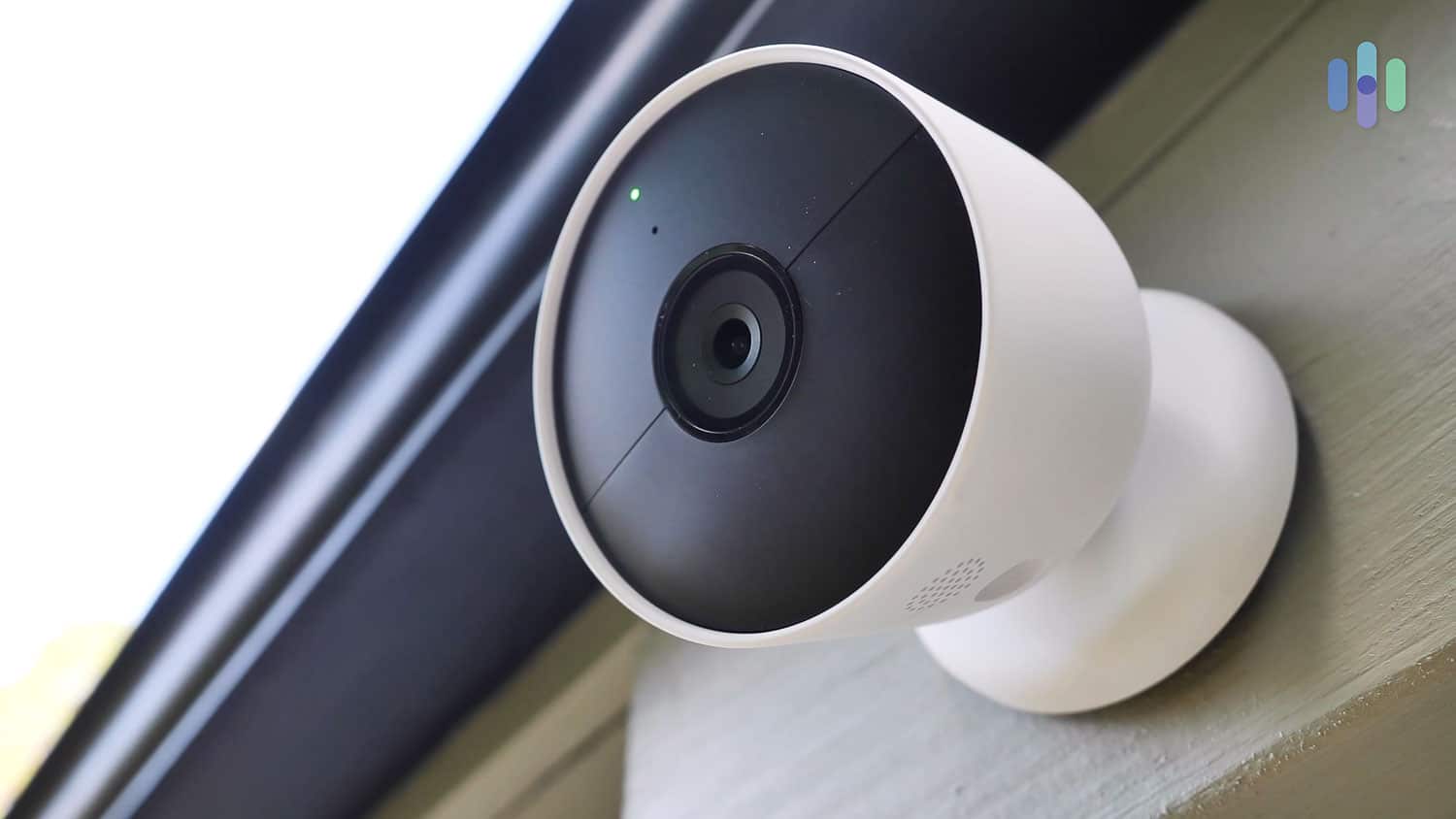
We also recommend adding ADT security cameras. These cameras are from the Google Nest range, which is great. These devices can recognize regular visitors, such as family members or caretakers, and send notifications to the homeowner to let them know they’ve arrived. And while those features typically require a subscription from Google Nest, they are included in ADT’s professional monitoring. That means you won’t have to buy separate subscriptions from ADT and Google Nest, saving you money.

Caretakers Corner: If you’re planning to use security cameras to monitor a senior in your care, make sure to ask for their permission. Not only is it illegal to watch someone in their home without consent, it could also pose privacy risks and cause discomfort.
What Makes ADT Different?
ADT offers two main paths: ADT Blu for budget-conscious DIYers and ADT Pro Install for those who want the full white-glove experience. We went with Pro Install — and it’s the option we’d recommend for most seniors. It’s the only way to get the Google Nest Cams we mentioned above, and it takes all the setup guesswork off the table. Here’s how the process worked for us:
- On day one, we called ADT for a quote.
- A security expert visited us personally on the same day to discuss our options and make recommendations based on our home’s layout.
- We finalized our order. The next day, an installation specialist set up the system for us.
- The installer activated the professional monitoring service before leaving.
We didn’t have to do anything labor-intensive throughout the process. ADT took care of everything. The company’s white-glove service is its main advantage.
Of course, ADT’s full-service approach comes with a full-service price tag. But if it fits your budget, ADT is a genuinely great choice for you or an aging loved one.
Tip for Seniors: ADT offers senior discounts to AARP members with up to five-percent off the monthly monitoring fee. That’s one of the numerous ADT deals we found.
Our Hands-On Experience With ADT
While we were watching our technician install the equipment, we started to wonder if ADT was going to be too high-tech for seniors. But playing around with the ADT keypad and getting hands-on with the ADT+ app helped relieve those fears. Even if someone struggles with technology, they’ll have no trouble managing this security system.
Arming and disarming the system is all you really need to do to enjoy ADT’s protection. When armed in Away mode, all sensors actively monitor for potential break-ins. In Home Mode, all sensors except the motion sensors are armed. This will allow you or your loved one to roam freely inside while the rest of the ADT system keeps burglars out. And keep in mind, anytime an armed sensor detects an intruder, it notifies ADT’s monitoring center.
So, how easy was it to arm and disarm ADT? We had several options:
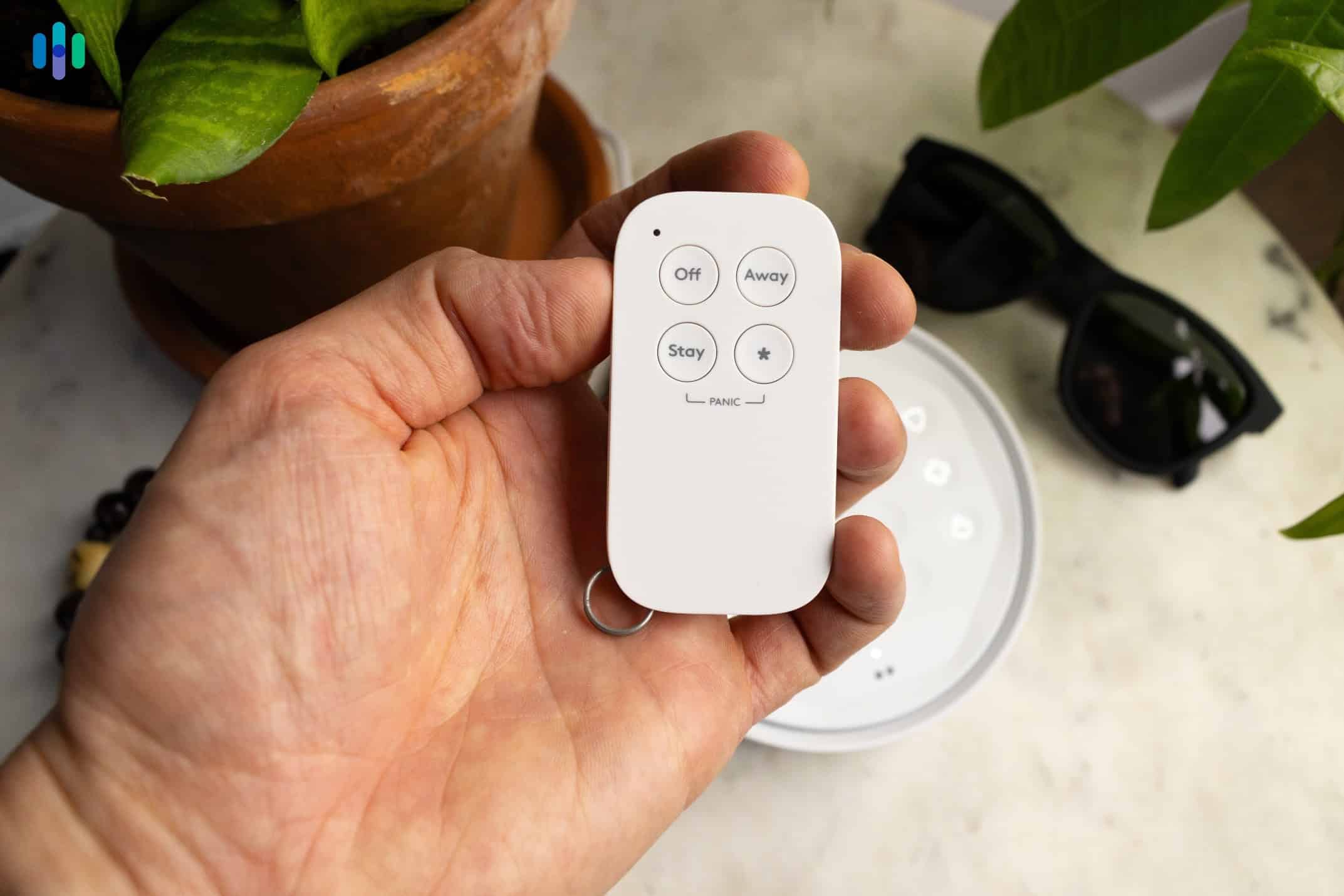
- ADT Key Fob: This was the easiest method for arming and disarming. It has dedicated buttons for arming (shield with a check), disarming (shield with an X), and Home Mode (shield with a person icon). There’s also a button to trigger a panic alarm manually. The Key Fob doesn’t require a passcode to arm or disarm – recommended for seniors who tend to be forgetful.
- ADT+ App: The ADT+ app is as easy to use as a TV remote control. It can be used to arm and disarm the system, turn on lights, and lock and unlock smart locks. This all-in-one security system app also works with Google Nest features like Trusted Neighbor. That means seniors won’t need to switch to another app to access specific features.
- ADT Keypad: The ADT hub has a keypad, but we recommend getting a second one for the living room or bedroom. It’s handy when you want to cancel false alarms or you need quick access to police, medical, or fire. It also lights when you’re within three feet, making it easier to find at night.

The keychain remote is the easiest way for seniors to arm and disarm their security system The ADT hub has a siren that sounds when the alarm is triggered. We could hear it from the living room and kitchen, but the noise didn’t quite make it upstairs. We recommend getting extra sirens or keypads to cover upper floors.
The monitoring service was really the icing on the cake. With cellular and battery backup, ADT monitored our security system day in and day out, with or without power and internet. Also, every time we spoke with a monitoring agent – about six to eight times throughout our month-long test – they always sounded calm and level-headed.
ADT Equipment and Monitoring Costs
Our biggest concern about recommending ADT is the price, especially the price of the equipment. The system we received was high-quality, but it was nearly twice as expensive as SimpliSafe equipment (our #2 pick for seniors). To give you some context, here’s SimpliSafe vs ADT’s pricing on some components:
Security Equipment ADT SimpliSafe Door/window sensor $20 $15.99 Motion sensor $40 $34.99 Battery-powered outdoor camera $179.99 $199.99 Smoke alarm $60 $69.99 Cheapest equipment package $249 $250.96 The real gap shows up when you factor in SimpliSafe’s frequent sales. Discounts can hit up to 70 percent off plus a free camera. That lets SimpliSafe regularly undercut ADT on price, even when ADT is running its own promotion.
Thankfully, you do have the option to pay in installments with ADT. The equipment cost will be added to your ADT monthly fee and you can choose to pay in two, three, or five years. SimpliSafe offers financing too, but only for up to two years. ADT’s longer financing plans mean that you can enjoy lower monthly installments. Just note that there will be an early cancellation fee if you try to cancel your security contract early (up to 75% of your remaining balance).
Pro Tip: If you’re looking for a budget-friendly option, we recommend checking out Cove. Like ADT, Cove equipment can connect to the cellular network and the system will stay operational for 24 hours without power.
Monitoring starts at $49.99 per month for professionally installed systems. Rates climb up to $59.99 per month for camera and smart home support. That puts ADT roughly in line with Frontpoint’s prices for monitoring.
One way to bring the price down is to opt for a self-installed ADT Blu system instead. Then, professional monitoring rates start at $24.99 per month and go up to $34.99 per month for systems with cameras. This also gives you access to ADT’s self-monitoring plans that start at $9.99 per month for only cameras. All that said, we think the premium for ADT Pro Install offers better overall value.
-
2. SimpliSafe - Best Professional Monitoring

Product Specs
Equipment Costs Packages starting at $250.96 Monitoring Options Professional and DIY Monthly Monitoring Costs Starts at $22.99 Contract Lengths Month-to-month Installation Options DIY or professional Smart Platform Integration Alexa and Google Home 
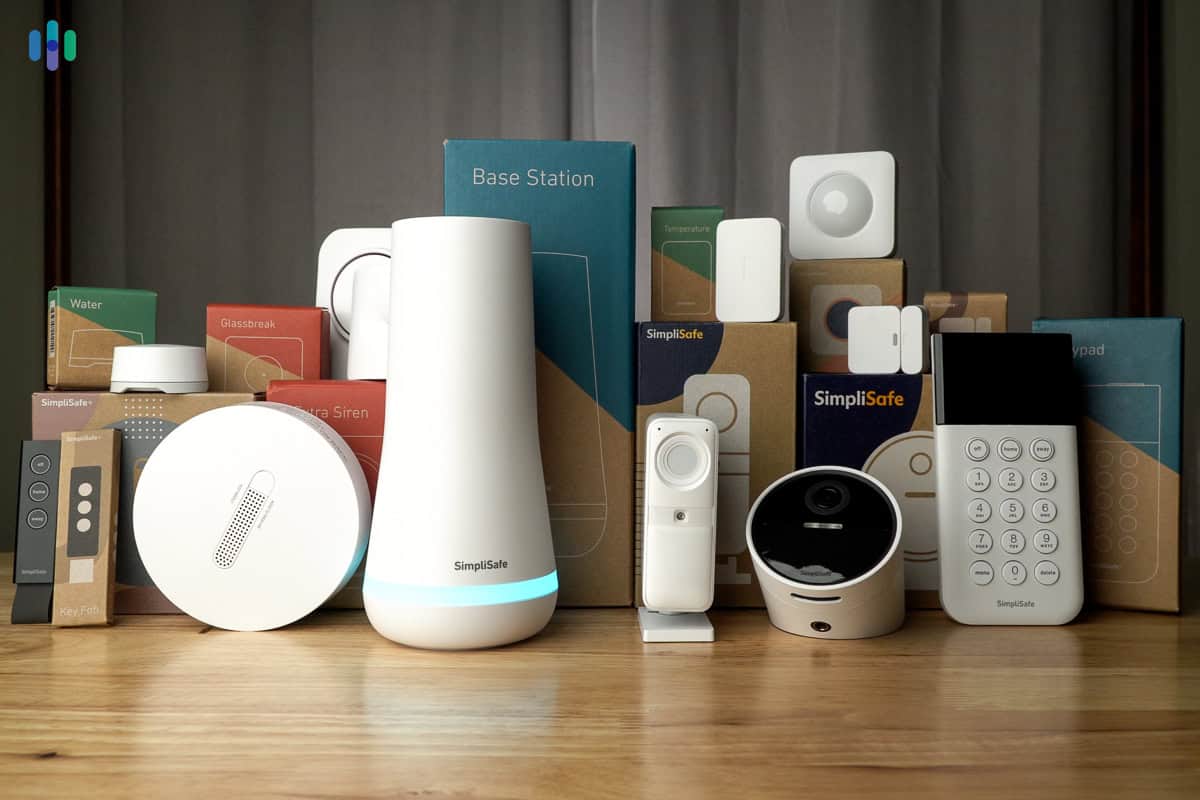
We bought a lot of equipment from SimpliSafe to test. What We Like
- Loud siren is great for those with hearing problems
- Live check-in through cameras by monitoring agents
- Choice of DIY and professional monitoring
- You can save money with DIY installation
What We Don’t Like
- Limited camera selection
- Subscription required to access special features, such as cellular backup
- Requires upfront equipment purchase or financing up to 2 years only
- More expensive professional installation
What You Need to Know About SimpliSafe
SimpliSafe’s flexibility is its biggest selling point. You can install the security system yourself or leave it to the pros. SimpliSafe also offers self-monitoring options, but of course, we recommend getting a professional monitoring plan for optimal protection. It starts at $22.99 per month for standard coverage, and $32.99 per month for plans with camera support and faster alarm response.
SimpliSafe security systems are well-rounded. They include door sensors and motion sensors for keeping intruders out. They also come with a separate base station that has a built-in siren for scaring away burglars. In our testing, it was slightly louder than ADT’s siren. You can also purchase an even louder siren (105 dB) as an add-on, especially if you or your loved one is hard of hearing.
SimpliSafe has things down pat in home hazard prevention. A dedicated smoke alarm and a combo alarm (smoke and gas leak detector) are available. But there’s one piece of equipment that stands out: The temperature sensor. We recommend caretakers place one in the bedroom to constantly monitor the temperature and get alerts when it gets too hot or too cold for comfort.
Caregivers Corner: Older adults are 2.5 times more at risk of dying in a fire than the general population, according to the U.S. Fire Administration.1 Follow our fire safety tips to ensure the safety of seniors in your care.
What Makes SimpliSafe Different?
There’s one other piece of equipment from SimpliSafe that stands out. It’s an indoor security camera called the Wireless Indoor Camera. When combined with SimpliSafe’s Core monitoring plan, agents can use the camera to visually verify alarms and check on the homeowner during active alerts. The agents can also use two-way audio to communicate with intruders to de-escalate the situation.
SimpliSafe calls this feature Intruder Intervention. During our simulations, the Wireless Indoor Camera privacy shutter opened when it detected the intruder. A SimpliSafe monitoring agent let them know they were being recorded and police were on the way. We think Intruder Intervention makes the Core plan worthwhile, especially for older adults who are vulnerable to home invasions.
The Wireless Indoor Camera’s privacy shutter also offers older adults privacy and independence. In our testing, the shutter stayed closed until our system was armed and motion was detected. It’s a feature we wish was included with more cameras, like the Nest Cam we tested with our professionally installed ADT system.
Privacy Tip: Although the privacy shutter does its job of protecting our privacy, we still strongly advise against putting any security camera in the bedroom, bathroom, and other areas where greater privacy is expected. Learn more in our security camera placement guide.
Our Hands-On Experience With SimpliSafe

The SimpliSafe Keypad is perfect for seniors as it comes with a hidden panic button for emergencies. SimpliSafe is one of the most user-friendly security systems out there, especially for aging users. Instead of a touch screen panel, there’s a calculator-like keypad with physical buttons. It’s wireless, so you can install it anywhere. The keypad even told us we left a window open when we were trying to arm the system.
There’s also a key fob for disarming the system or arming it in home or away mode. It was as easy to operate as the ADT Key Fob, although SimpliSafe’s version can be programmed to send out medical alerts. Note that the one from ADT only triggered the security alarm, so SimpliSafe’s is better for folks prone to medical emergencies.
Frankly though, we spent most of our time testing SimpliSafe with our Core monitoring plan. Although SimpliSafe is one of the best no-monthly-fee security systems, we strongly recommend signing up for professional monitoring to enjoy the same crime-preventing perks we accessed:
- Alarm Texts: SimpliSafe sends text messages within 15 seconds of an alarm being triggered. We could verify or cancel the alarm. If you don’t respond, SimpliSafe will call in around 30-45 seconds to check on you.
- Video verification: Every triggered alarms was verified by the SimpliSafe monitoring center via our security camera live feed. Verifying alarms helps police respond faster
- Intruder Intervention: This feature improves on video verification by giving SimpliSafe monitoring agents access to the Wireless Indoor Camera and deterring intruders.
- Cloud video recording: All SimpliSafe monitoring plans with security camera support includes 30 days of video history for up to 10 cameras.
One downside worth mentioning is SimpliSafe’s professional installation fee. DIY setup is free and genuinely straightforward, but seniors dealing with mobility limitations may still need some help getting everything in place. Professional installation starts at $124.99 — more affordable than Vivint, but still a bit steep for a system that’s otherwise designed to be plug-and-play.
We would also like to see more home automation options from SimpliSafe. While it has voice support with Google Assistant and Alexa, it’s limited compared to ADT and Vivint. We were hoping for home automation functions such as automatically locking doors when leaving the house or arming the security system at specific times. These types of features can greatly improve safety and security for seniors.
SimpliSafe Equipment and Monitoring Pricing

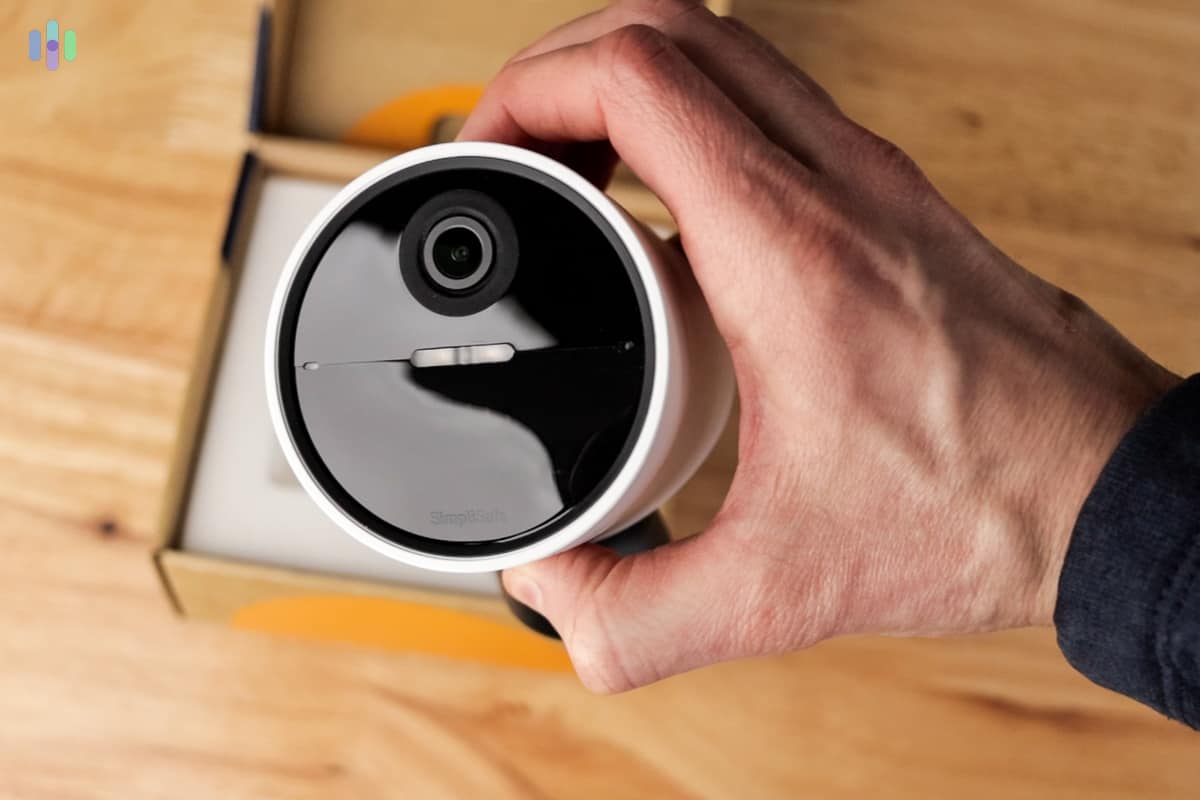
SimpliSafe’s Outdoor Security Camera has a spotlight that can be activated by SimpliSafe agents to startle potential intruders. We love SimpliSafe’s straightforward and affordable equipment pricing. But there are also things to consider, like the fact that SimpliSafe’s equipment financing plans are only up to two years. That means you might have to shell out more upfront than you would with ADT. In the long run, though, SimpliSafe is cheaper.
Also, stay on the lookout for SimpliSafe deals. While the company doesn’t offer senior discounts at the moment, it often has special discounts for new customers that can cut the equipment price by up to 60-percent. A free indoor camera is also usually included in the offer.
Now, for professional monitoring, SimpliSafe offers a few tiers to choose from. The features we highlighted above are included in the Core plan.
- The Standard plan comes with 24/7 professional monitoring, cellular backup, and not much else. It costs $22.99 per month.
- The Core plan adds camera support, alarm texts, video verification, and Intruder Intervention. You can access your system with voice commands via Google Assistant or Alexa. Core costs $32.99 per month.
FYI: If you want Active Guard Outdoor Protection, you’ll need to step up to the Pro or Pro Plus plan. The Pro plan is $49.99 per month and covers outdoor monitoring from 8 PM to 6 AM, local time. For around-the-clock outdoor monitoring, the Pro Plus plan runs $79.99 per month.
-
3. Vivint - Best Senior Home Security With Home Automation

Product Specs
Equipment costs Starting at $199 Monitoring options Professional Monthly monitoring costs Starting from $24.99 Contract lengths Starting at 42 months Installation options Professional Smart platform integration Alexa and Google Home 
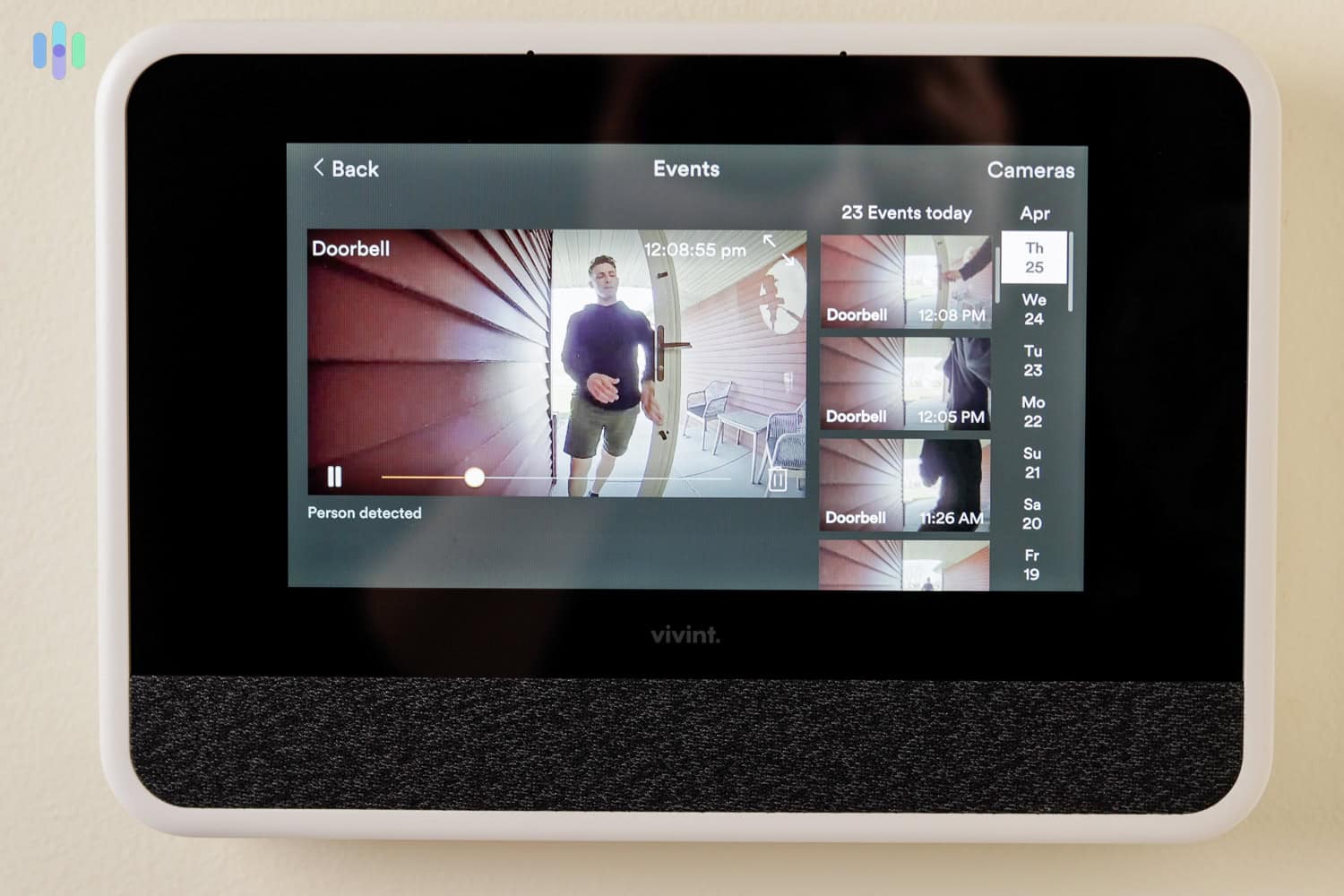
A sneak peek from our Vivint Panel video doorbell. What We Like
- Top-of-the-line equipment
- Extensive range of smart home integrations
- Cellular monitoring on every plan
- Helpful customer-service agents at every step of the purchase and installation process
What We Don’t Like
- Expensive equipment fees
- No DIY installation option
- Moving fee
- Long-term contracts
What You Need to Know About Vivint
Vivint is about as full-service as ADT. It offers professional installation and monitoring. And in our experience, Vivint offers a top-notch level of customer service. Just be aware of the long-term monitoring contract that runs 42 to 60 months. That’s even longer than ADT’s standard 36-month contract. But Vivint is a great security system nonetheless.
To keep intruders out, Vivint’s security setup leans heavily on sensors and cameras. We tested the Vivint Outdoor Camera Pro and got a firsthand look at how the Smart Deter feature — powered by AI — uses lights and audio cues to proactively warn off would-be trespassers. Once we had it configured, Smart Deter ran completely hands-free.
Tips for Caretakers: Setting up Vivint automations might be too difficult for seniors who aren’t well-versed in home automation technology. We strongly suggest setting aside time to set it up for them, with their input on how they want their system to run.
What Makes Vivint Different?
You might have already guessed it – Vivint’s biggest advantage is its home automation technology. We don’t normally hear the words ‘home automation’ and ‘seniors’ together, but Vivint set up its smart security system in a way that benefits older adult users, even if they’re not particularly good with new technology.
Let us give you a couple of examples from our Vivint hands-on test.
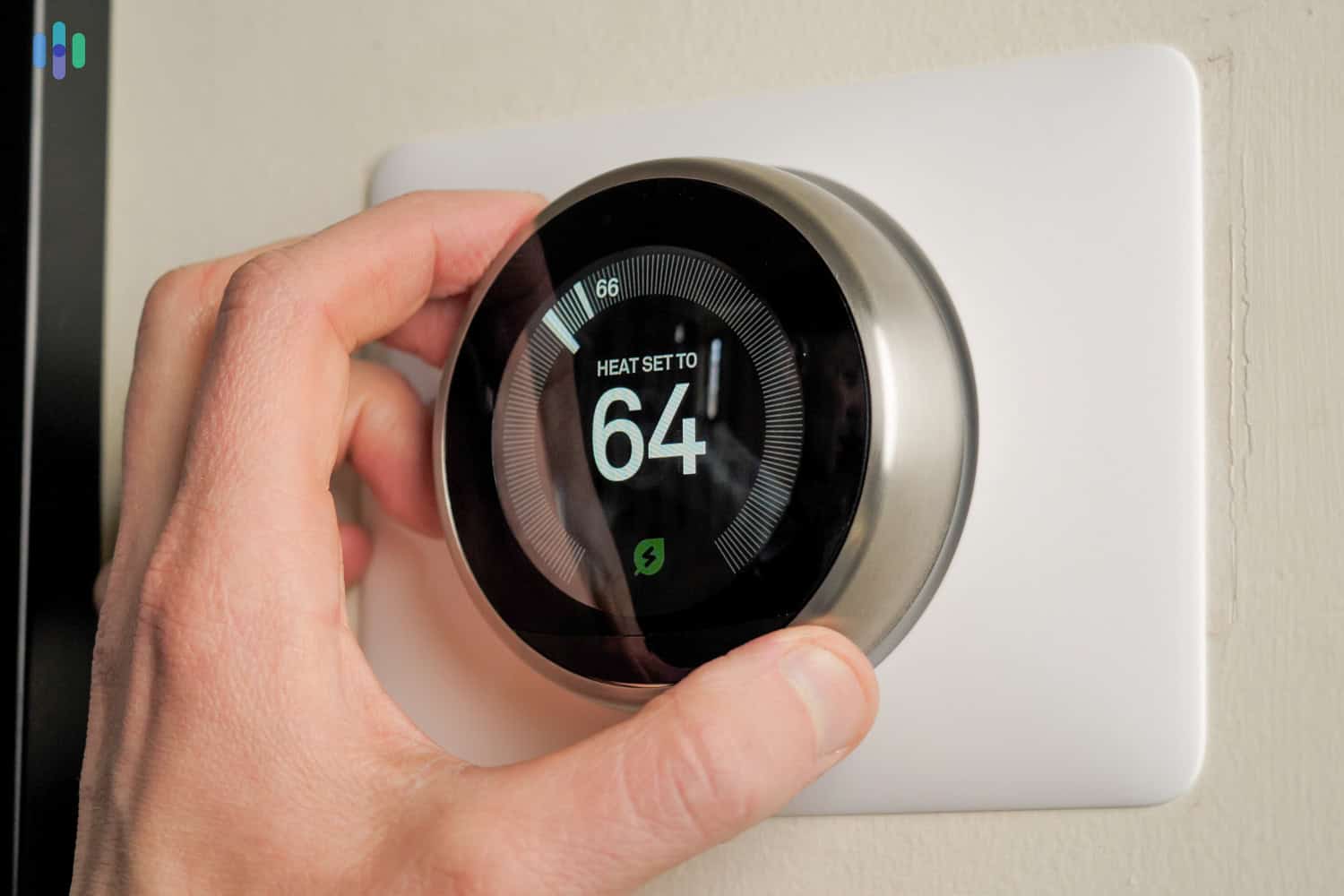
- Automated temperature control: We paired our Nest Thermostat with our Vivint system and made it so that arming and disarming Vivint would adjust our thermostat automatically. Armed Home and Disarmed set the thermostat to 72 degrees because those modes indicate that we are home. Armed Away sets the thermostat to Eco Mode to save energy while we’re away. Automating the temperature can help seniors stay comfortable at home.
- Automated lighting: We also programmed our smart lights to respond to our Vivint sensors. The motion sensor outside our bedroom triggers our hallway lights to turn on when there’s movement – useful both for scaring away burglars and for when we have to get up in the middle of the night. We imagine it would be useful for seniors too.
Here’s our Nest Thermostat that we integrated into our Vivint system. So you see, automating smart devices can help aging adults live safely and more comfortably. And if you’re looking for a smart home security system to do that, we personally recommend Vivint.
Our Hands-On Experience With Vivint
Automation can also help deter burglars, but let’s talk about our experience with Vivint purely as a security system.
For starters, we noticed really fast response times from Vivint’s professional monitoring. We received text alerts as fast as under 10 seconds after triggering a sensor and then a phone call within 45 seconds. ADT was a little faster, but Vivint’s response time is within the 30- to 60-second industry average.
Here’s how Vivint’s response times compared to ADT and SimpliSafe:
Security System Text Alerts Phone Call Alert ADT 12 to 15 seconds 30 to 45 seconds SimpliSafe 12 to 20 seconds 40 to 60 seconds Vivint 8 to 12 seconds 40 to 60 seconds Those text alerts from Vivint were exceptionally fast. And since we could confirm or ignore alerts through text, Vivint’s alerting process saved us precious time.
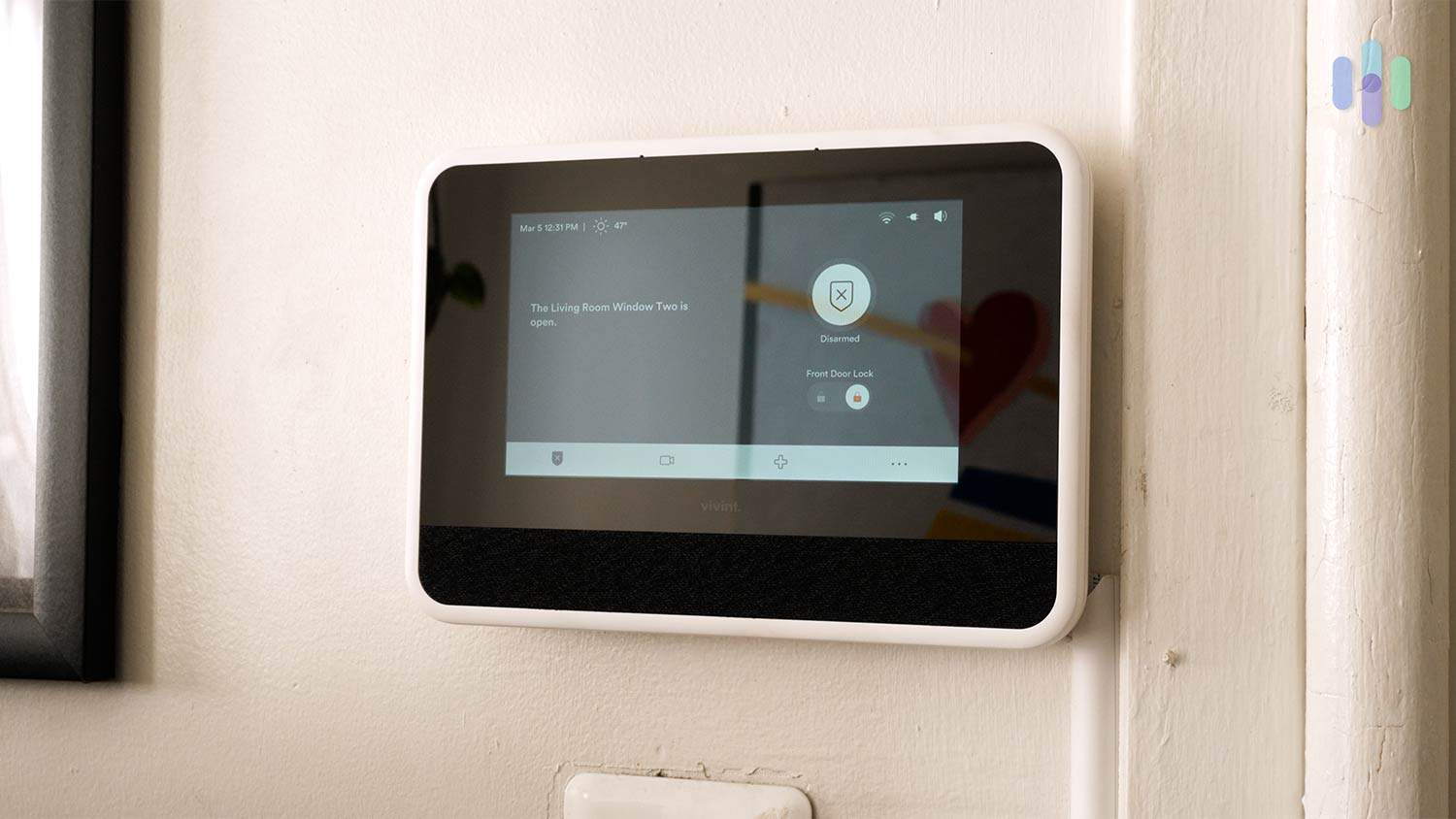
Additionally, we liked that Vivint’s Smart Hub – the touch screen control panel that controls the system – has a two-way audio link to the monitoring center. We think that would really be helpful to seniors in emergency situations as they won’t need to pick up the phone. They can speak with Vivint’s monitoring hands-free as long as the Smart Hub is within earshot. It’s pretty loud, too! We could audibly hear it from the kitchen, which is a good 15 feet from the Smart Hub.
FYI: Since the Smart Hub transmits audio only and no video to the monitoring center, it could be a good alternative to SimpliSafe’s Active Guard Protection feature. That’s one thing to consider if you or your senior family member doesn’t like live video monitoring due to privacy concerns. See more in our SimpliSafe vs. Vivint comparison.
Vivint Equipment and Monitoring Pricing

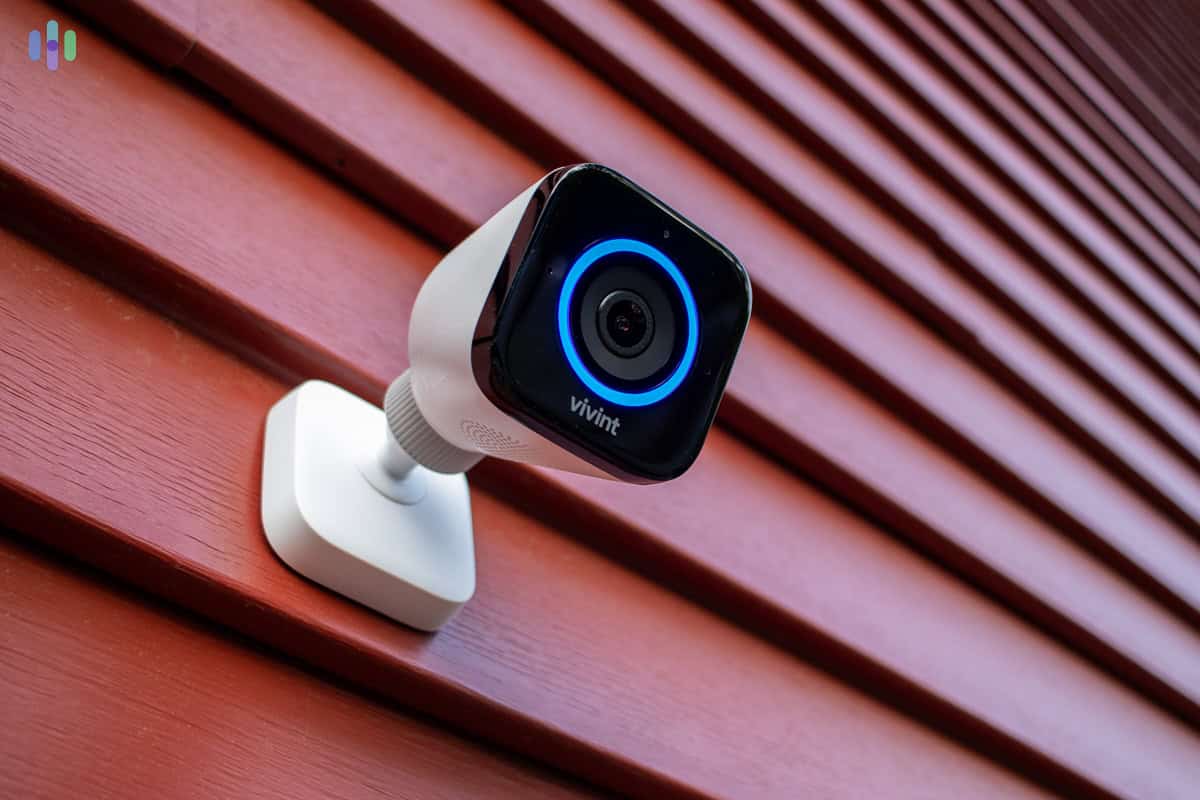
Vivint’s Outdoor Camera Pro (Gen 2) will turn the ring light red, sound warning tones, and send a notification to your phone when it detects intruders. We loved Vivint for all the smart technology it offers, but we’re not big fans of Vivint’s pricing nor its lack of transparency. You won’t find out anything about Vivint’s pricing through its website. The only way to get a quote is to request one by leaving your contact information or by calling Vivint’s phone numbers. That can make comparing security systems more difficult if you’re considering more than one option. Plus, we noticed that Vivint’s sales representatives have a tendency to try to upsell customers.
On the bright side, Vivint’s monitoring pricing is reasonable for what you get. Monitoring plans start at $24.99 per month, but you’ll need to call Vivint for an exact quote since your plan will be tailored to your specific system. Based on our experience, most systems with cameras run around $49.99 per month — competitive with other professionally monitored systems like ADT and SimpliSafe.
Equipment costs are where things start to add up. Starter packages begin around $199, but most people who want to take full advantage of Vivint’s home automation features will spend $1,000 or more on equipment. Add-ons like cameras and video doorbells can get pricey fast — the outdoor camera alone runs around $399. That higher equipment cost is the main reason Vivint lands third on this list.
Our Methodology: How We Picked The Top Home Security Systems for Seniors
How We Test Security Systems
Our home security review process is grounded in our Editorial Guidelines, with a strong focus on direct hands-on testing. We never base our recommendations on manufacturer claims or press materials. Instead, we set up, test, and run each system we evaluate first-hand. We time and record how long it takes to install each system, and run break-in simulations to measure response times, and test apps on our phones for reliability and smart home integrations. We also factor in upfront costs, ongoing fees, and contract flexibility, because the best security systems offer value far more than spec sheets can measure.
How We Selected These Systems
We ranked the best senior home security systems like we would any other security product we review. There are non-negotiables like equipment quality, monitoring options, and value for money. For seniors, we also considered specific criteria when making our recommendations.
- Ease of use: Plenty of seniors know their way around a smartphone, but not all of them do. We chose security systems that were easy to manage (some by voice), but that could still accommodate advanced features.
- Installation option: Our top security systems for seniors offer DIY installation for those that want to be in control and professional installation for anyone who wants to leave it to the experts. If all you need is a plug-in camera on your kitchen counter, you don’t have to pay for a professional service. If you do want someone else to do it, then it’s available.
- Professional monitoring options: We prefer security systems with professional monitoring. That way you get instant help during a security event. They also tend to come with other useful features like facial recognition and cellular connectivity, in case the power goes out.
- Senior benefits: We prioritized security companies offering additional incentives for seniors, like discounts on equipment or installation. For example, ADT knocks 20 percent off installations for older adults.
We also took into account remote access. For seniors with caregivers, it’s important they can access the security system no matter where they are.
Who’s Behind These Recommendations
Our editorial team consists of security experts with one goal — to assist you in finding the right security system for your needs and budget. Working on that are our over 20 researchers and product testers who have collectively put together 740+ security system guides and reviews since 2018. Our work has been cited by The New York Times, TechRadar, and CBS News.
Our home security system testing effort is led by Paul Frew, a veteran security expert with over a decade of experience who has evaluated hundreds of security systems and cameras with a comprehensive, hands-on approach. The rest of the team behind our home security content includes:
- Gene Petrino: Retired S.W.A.T. commander and former law enforcement sergeant, contributing three decades of real-world security expertise as a senior advisor
- Corey Birnstengel: Editor and videographer responsible for 200+ hands-on video reviews across multiple product categories
- Matthew Adkins: Ph.D.-holding researcher with over 100 security systems evaluated and ranked
- Cort Honey: Engineer-turned-security reviewer with over 1,000 hours of hands-on testing and a specialty in making technical concepts easy to understand
No company can pay to influence our lists. Our recommendations are completely independent.
Home Security vs. Medical Alert Systems: What’s the Difference?
Many seniors and their families search for an “alarm system for seniors” and end up confused between two very different products: home security systems and medical alert systems. They serve different purposes, and ideally, you’d have both.
| Feature | Home Security System | Medical Alert System |
|---|---|---|
| Purpose | Prevent burglaries, fire, CO poisoning | Summon help in a medical emergency |
| Main Sensors | Door/window sensors, motion detectors | Wearable button or pendant |
| Monitoring | Security company monitors alarms | Medical responders on call 24/7 |
| Response | Police or fire dispatched | Paramedics or family contacted |
| Examples | SimpliSafe, ADT, Ring Alarm | Life Alert, Medical Guardian, Bay Alarm Medical |
| Typical Cost | $20 to $60 per month | $25 to $50 per month |
If you’re primarily worried about fall detection or being able to call for help in a medical emergency, a standalone medical alert system may be what you’re actually looking for. If you want to protect the home itself from break-ins, fire, and carbon monoxide — and monitor who comes and goes — a home security system is the right tool.
Do you need both: Many seniors benefit from running both systems at the same time. Some providers offer combined packages that cover both home security and medical alert features in a single plan. ADT offers medical alert pendants as an add-on to their security systems and has a separate ADT Health offering. Bay Alarm Medical combines both services as well.
Remote Monitoring for Family Members
A significant share of people searching for home security for seniors aren’t seniors themselves — they’re adult children or caregivers looking for a way to keep an eye on aging parents. If that’s you, here’s what we recommend looking into.
Shared App Access
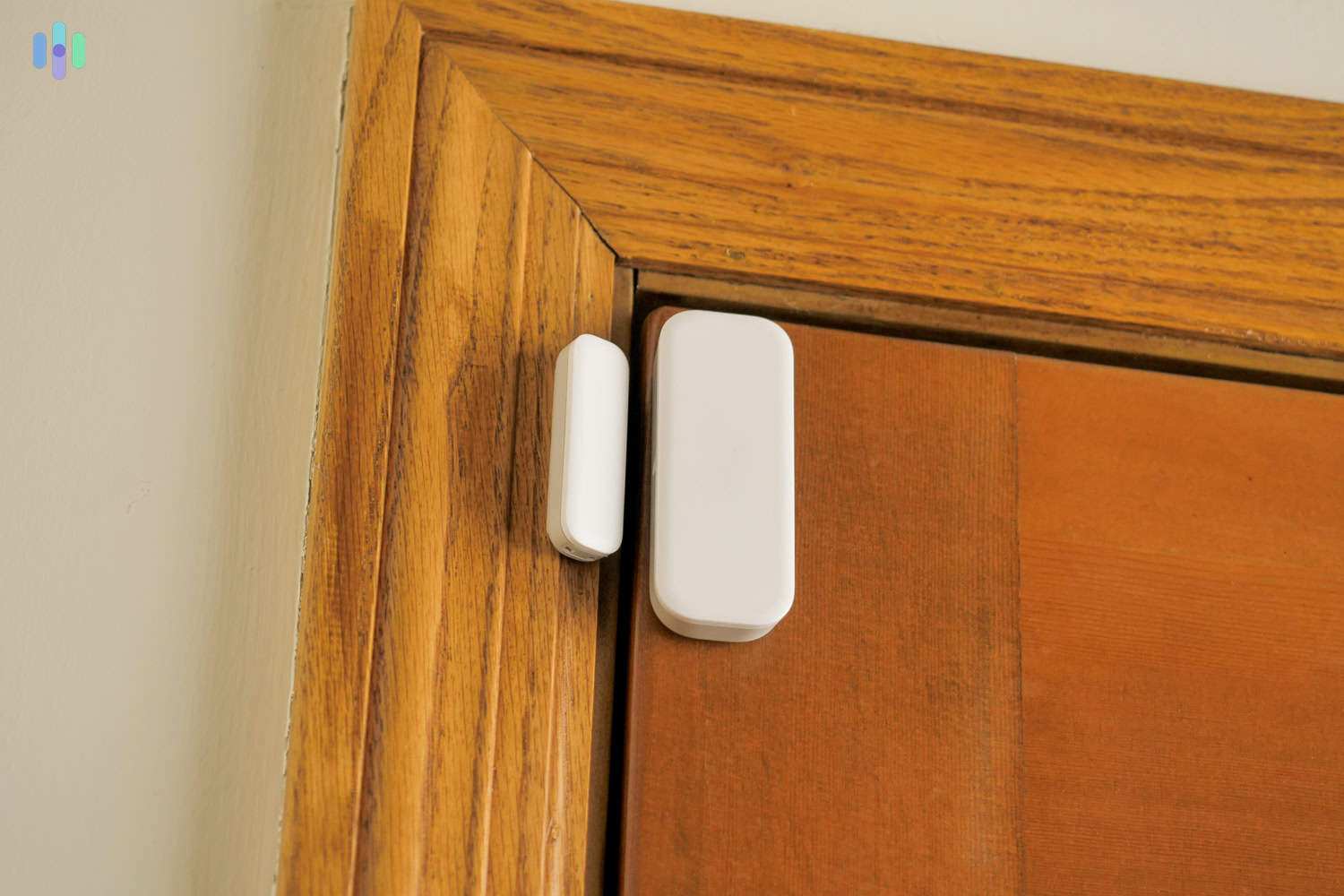
Most security systems allow multiple users on a single account. That means an adult child in another city can:
- Receive the same real-time alerts as the senior homeowner
- Monitor arm and disarm activity, which is useful for knowing when a parent leaves or returns home
- View camera feeds remotely at any time
- Arm or disarm the system remotely if the senior forgets
With these features, adult children and caregivers can help seniors under their care remain independent, while assisting them with their daily security needs.
Activity Monitoring (Wellness Checks)
Beyond security, these systems can serve as passive wellness tools. For example, here are some features from our top picks that can help with wellness checks:
- SimpliSafe Secret Alerts: Notifies family members when the system is disarmed, useful for signaling that a parent is awake and active in the morning without requiring a phone call
- ADT Activity History: Logs when doors are opened, giving family a picture of their daily routine
- Vivint Indoor Camera Check-ins: Seniors can use the Vivint Indoor Camera to initiate two-way audio with a caretaker, allowing for remote voice check-ins without requiring a phone call
These are definitely useful features, but we also recommend talking to your loved one before using them. They may have preferences about which types of alerts feel helpful versus intrusive, and their input can help you configure the system in a way that works for both of you. Getting their permission upfront also makes them more likely to engage with the features consistently.
Caregiver FAQs:
- Can I install a system for my parents without them knowing? Technically yes, but it’s ethically questionable and could damage trust. Cameras inside the home should always be disclosed to the person being monitored. We strongly recommend involving seniors in the decision.
- What if my parents forget to arm the system? We suggest using geofencing-based auto-arm features or schedule-based arming (for example, automatically arm every night at 10 p.m.). Family members can also arm the system remotely through the app.
- How do I handle false alarms? If false alarms are a real concern, look for systems with “secret alert” features that notify family first before looping in a monitoring center. SimpliSafe handles this particularly well. It’s also worth making sure the senior knows the difference between Home mode and Away mode — that alone eliminates most accidental triggers.
Are There Really Free Security Systems for Seniors?
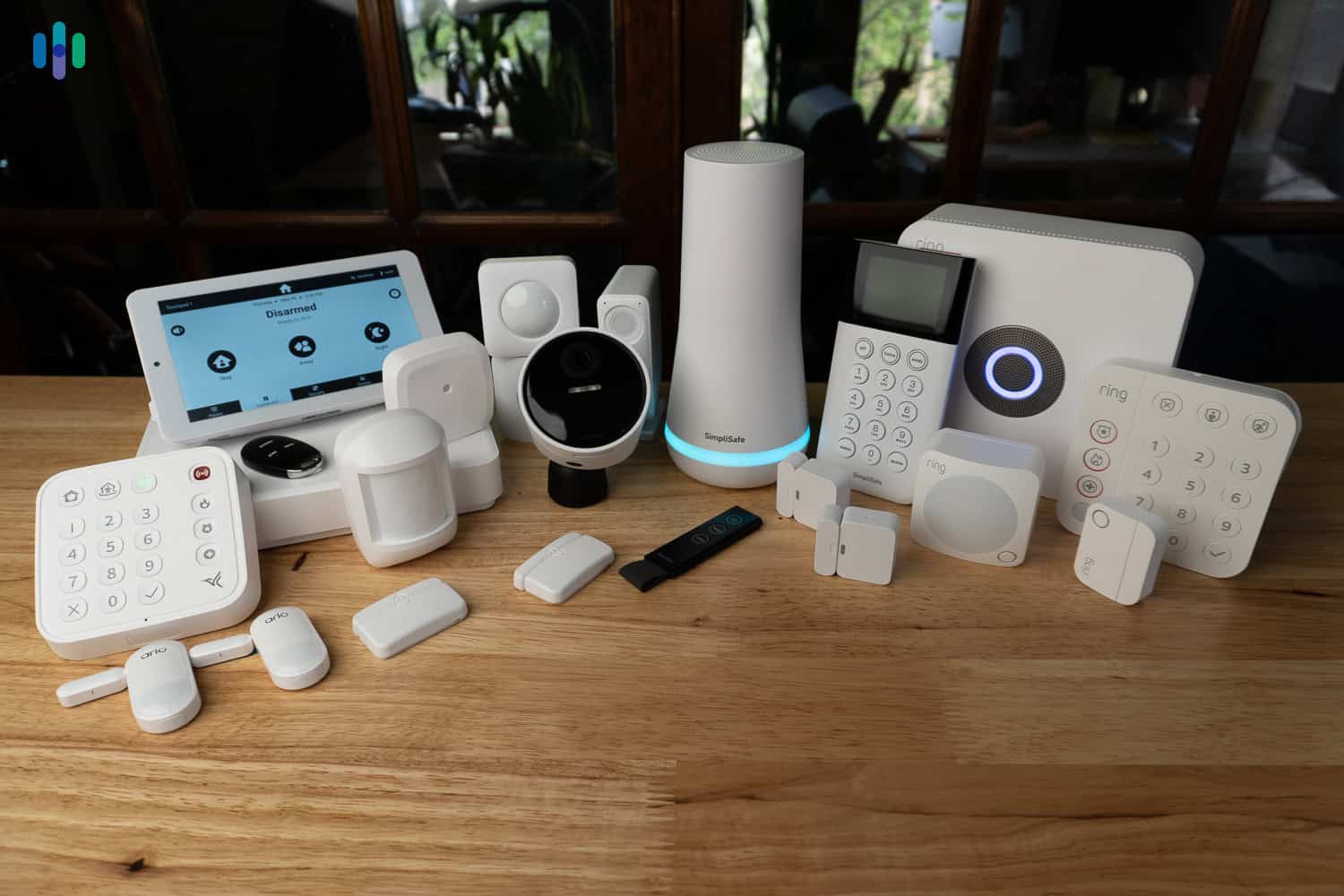
You may have seen ads for “free security system for seniors” and they may sound enticing. But let’s set the record straight: there is no security system worth using that offers free equipment specifically for seniors. That said, here’s what you can actually look for:
- Free additional equipment: Brands like SimpliSafe and ADT sometimes run promotions that include free equipment when you purchase a qualifying package and subscribe to a monitoring plan.
- Package discounts: While not completely free, security system providers often have discounted packages for first-time buyers. Take advantage of these discounts to build out a complete security system with all the components you need without paying full price.
- Free self-monitoring: DIY systems (like SimpliSafe and ADT Blu) give users the option to self-monitor. Free self-monitoring: DIY systems (like SimpliSafe and ADT Blu) give users the option to self-monitor. If there’s someone who can help — a nearby family member or trusted neighbor — self-monitoring can be a cost-effective way to keep an eye on things without a monthly fee.
- Free professional installation: During sales, some companies offer free professional installation, which can actually save you hundreds of bucks. Vivint and Brinks are two of the companies we’ve seen offer this kind of deal.
- Government Assistance Programs: Some states and local agencies offer subsidized security measures for low-income seniors. Check your state’s Area Agency on Aging or visit benefits.gov to find out what programs may be available in your area.
Bottom Line
Like anyone else, older adults need protection. So, like anyone else, they’re better off with a home security system. Ultimately, though, seniors’ needs are different. They are more likely to have accidents, for example, and more likely to need help if something goes wrong in their home.
It makes sense that they also need home security systems tailored to their needs — systems that specifically provide medical help, systems that are simple and straightforward to use, systems that work automatically without the need for a lot of adjustments. The best home security systems for seniors include things like easy-to-change batteries, professional or easy installation, easy-to-reach customer-service agents, and simple pricing plans.
It’s not always easy to know which systems offer those features, but you should be something of an expert by now. We won’t say you’re ready to do our jobs quite yet, but you certainly should be qualified to choose among the best home security systems for seniors.
FAQs
Still have questions about security systems for seniors? Check out our answers to the frequently asked questions.
-
How can I monitor an older adult at their home?
You can monitor an older adult at their home using security systems that feature remote smartphone access. By installing the system’s companion app on your phone, you can monitor the security system in your loved one’s home and be the first to know when there are emergencies. You can even use the app to arm or disarm their security system remotely. You can also use security cameras that stream to smartphones, but be sure to check with your loved one before installing one in their home. They might see the cameras as privacy intrusions.
-
Can seniors get discounts on security systems?
Seniors can get discounts on security systems if the alarm company offers senior discounts. However, not all alarm companies advertise such discounts openly. You may have to call their customer service to find out exactly how much you’ll save.
-
Can seniors connect their medical alerts to security systems?
Seniors can connect their medical alert to their security system if both support the integration. There are security systems that integrate well with medical alert systems. There are even alarm companies that offer both personal emergency response systems (PERS) and security systems. However, if your security system doesn’t connect with medical alert systems, it’s best to ask the alarm company what products they recommend for seniors. A panic button, for instance, can connect your loved one to the alarm company with a press of a button.
-
Do seniors need security systems?
Seniors need security systems just as much as younger adults do, if not more. It’s not unheard of for burglars to target older adults’ homes, so it’s best to ensure your loved one’s safety with a dependable security system. Most security systems also have environmental safety sensors, such as smoke alarms and CO detectors, to protect their owners from environmental hazards.
-
U.S. Fire Administration. (2023). Fire Safety for Older Adults.
usfa.fema.gov/prevention/home-fires/at-risk-audiences/older-adults/