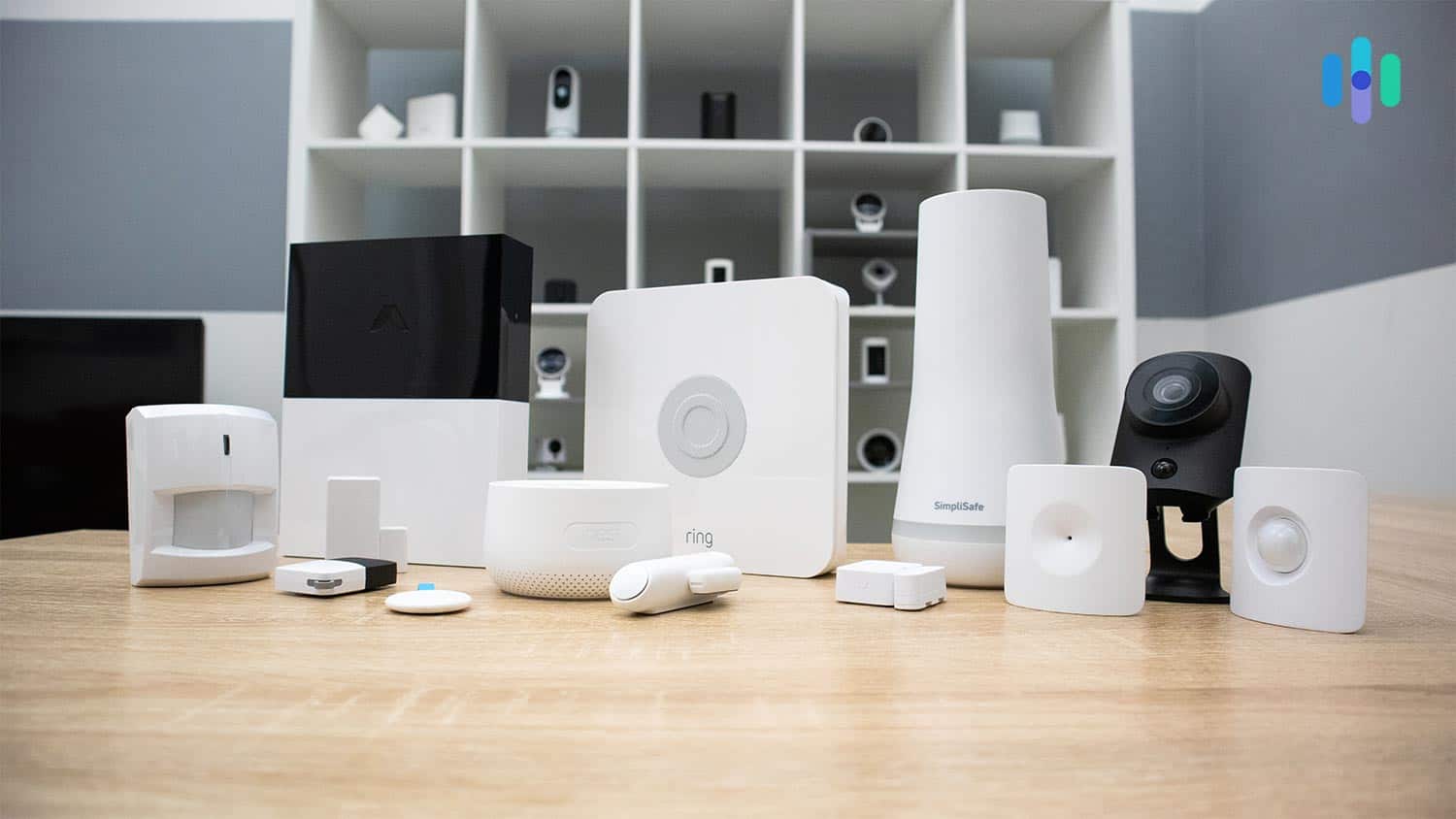
Best No-Monthly-Fee Home Security Systems in 2026
SimpliSafe, Abode, and Ring lead the pack of security systems that protect your home without subscriptions, monthly fees, and contracts.
 &
&
 Last Updated on Feb 10, 2026
- Equipment variety to customize alerts and coverage for different home layouts
- System dependability to ensure you receive critical notifications
- Mobile app functionality for seamless remote access and control

- Useful self-monitoring features paired with reliable equipment
- Easy DIY installation in less than 30 minutes; no installation fees
- Loud base station siren; plenty of sensor and equipment options

- Three hubs to choose from, each with unique varying smart home capabilities
- Intuitive and powerful mobile app available without a subscription
- Affordable starter packages and add-on sensors and cameras

- Large selection of camera types
- Powerful Alexa integrations
- Monitoring plan not required for live streaming video
Monthly subscriptions seem to dominate everything these days, from streaming services to software. We understand why you’d want home security without adding another recurring charge to your budget. The challenge is that many security companies lock essential features behind subscription paywalls, making it tough to identify which systems actually work well without monthly fees.
Here’s the good news: After hands-on testing over 60 security systems, we’ve identified the standouts that deliver real protection without requiring subscriptions and contracts. These security systems make self-monitoring a viable option for home security. Let’s dig into our experiences with our top picks so you can select the best no-monthly-fee system for you.
Editor’s Note: Looking for just security cameras? See our list of the top security cameras you can use without monthly fees, most of which offer free cloud storage or local video storage.
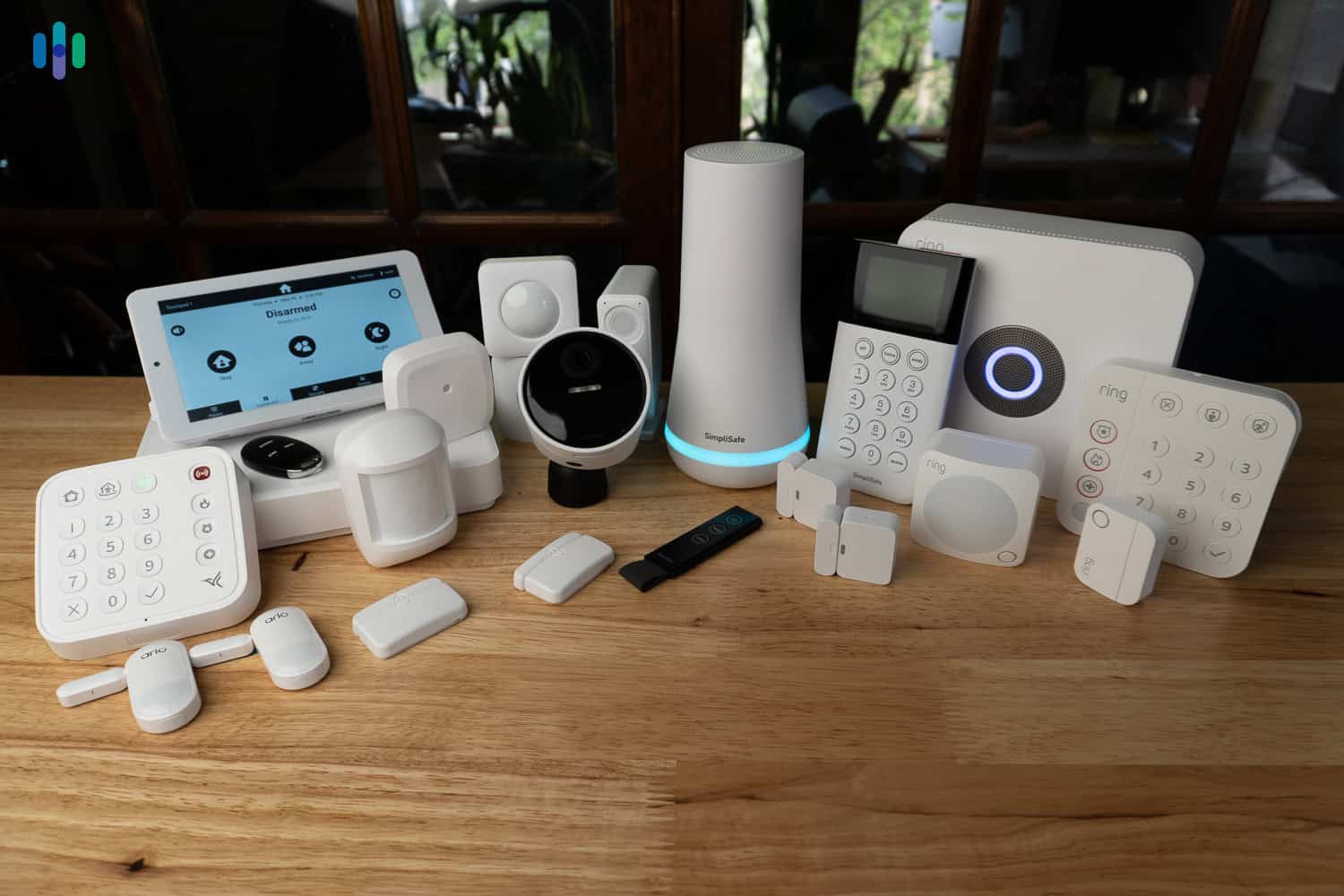
Comparison of the Best No-Monthly-Fee Home Security Systems
| System |
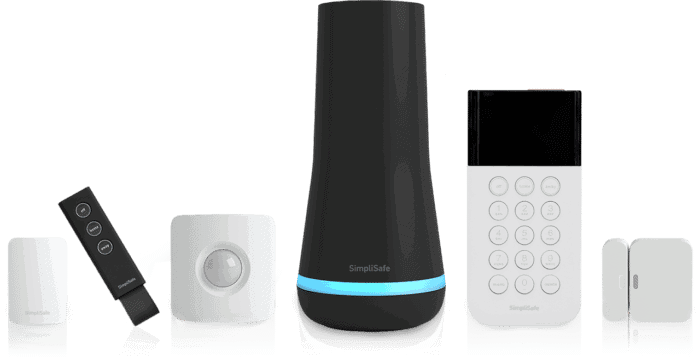
SimpliSafe
|
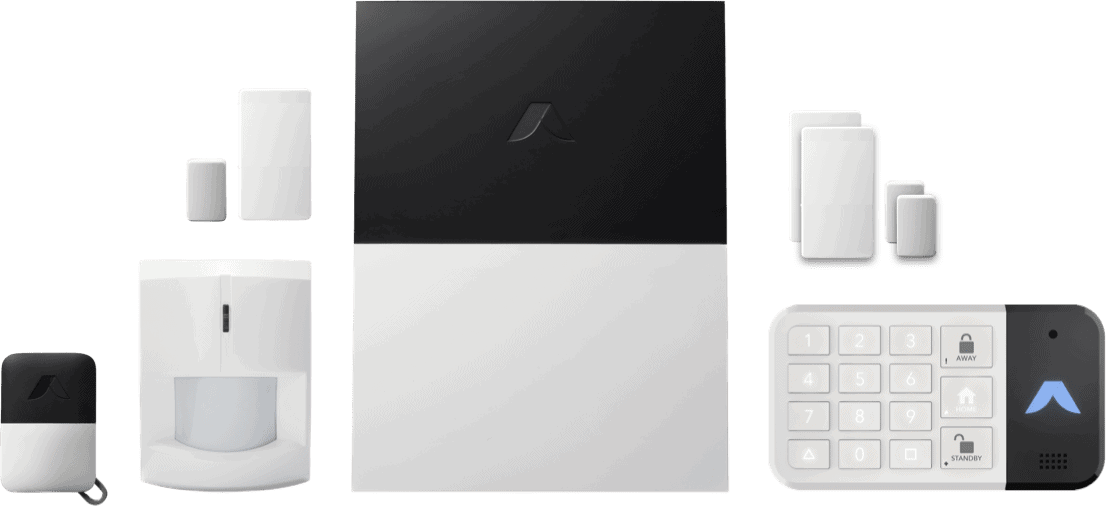
abode
|
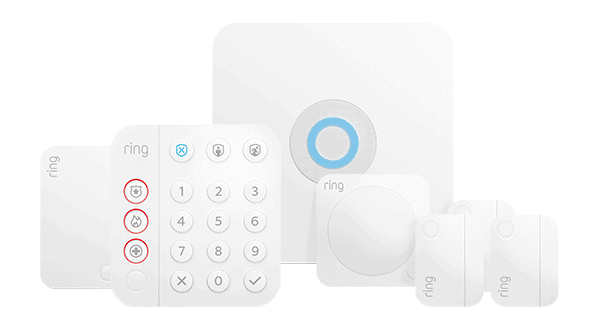
Ring Alarm
|
|---|---|---|---|
| Ranking | 1st | 2nd | 3rd |
| Ratings | 9.8/10 | 8.0/10 | 7.7/10 |
| Push notifications | Yes | Yes | Yes |
| Installation | DIY or professional | DIY or professional | DIY or professional |
| Smart platform integration | Google Assistant, Alexa | Google Assistant, Alexa, Apple HomeKit | Google Assistant, Alexa |
| Free live streaming | Yes | Yes | Yes |
| Free cloud storage | No | No | No |
| Free local storage | No | No | No |
| Equipment package prices | Starting at $250.96 | Starting at $65 | Starting at $199.99 |
| Read Review | SimpliSafe Review | abode Review | Ring Alarm Review |
Summary of the Best No-Monthly-Fee Home Security Systems
- SimpliSafe - Best Security Features
- abode - Best for Home Automation
- Ring Alarm - Best Equipment Options
-
1. SimpliSafe - Best Security Features

Product Specs
Equipment Costs Packages starting at $250.96 Monitoring Options Professional and DIY Monthly Monitoring Costs Starts at $22.99 per month Contract Lengths Month-to-month Installation Options DIY or professional Smart Platform Integration Alexa and Google Home SimpliSafe Overview

We found SimpliSafe’s devices were very easy to set up SimpliSafe has built its reputation on straightforward, no-fuss security systems that work right out of the box. During our recent testing, we had an entire 12-piece system operational in under 45 minutes, consisting of sensors, control keypads, and cameras. The core components (base station, keypad, entry and motion sensors) took about 30 minutes to install. Right after that, we were able to use SimpliSafe without subscription and professional monitoring. SimpliSafe’s equipment provided enough built-in functionality to secure our home.
Quick Note: While SimpliSafe doesn’t require subscriptions, it offers professional monitoring as an option. The service is worth considering given that SimpliSafe is one of our top security systems of 2026 because of its proactive monitoring approach.
What We Like
- Less than 45 minutes to complete installation
- Budget-friendly equipment with frequent promotional pricing
- Intuitive app makes self-monitoring easy
- Great for apartments and large homes alike
What We Don’t Like
- Limited equipment selection compared to the competition
- Security systems all require a dated-feeling keypad (no touchscreen controls)
- Smart home integrations require a subscription (aka monthly fees)
SimpliSafe Equipment Options
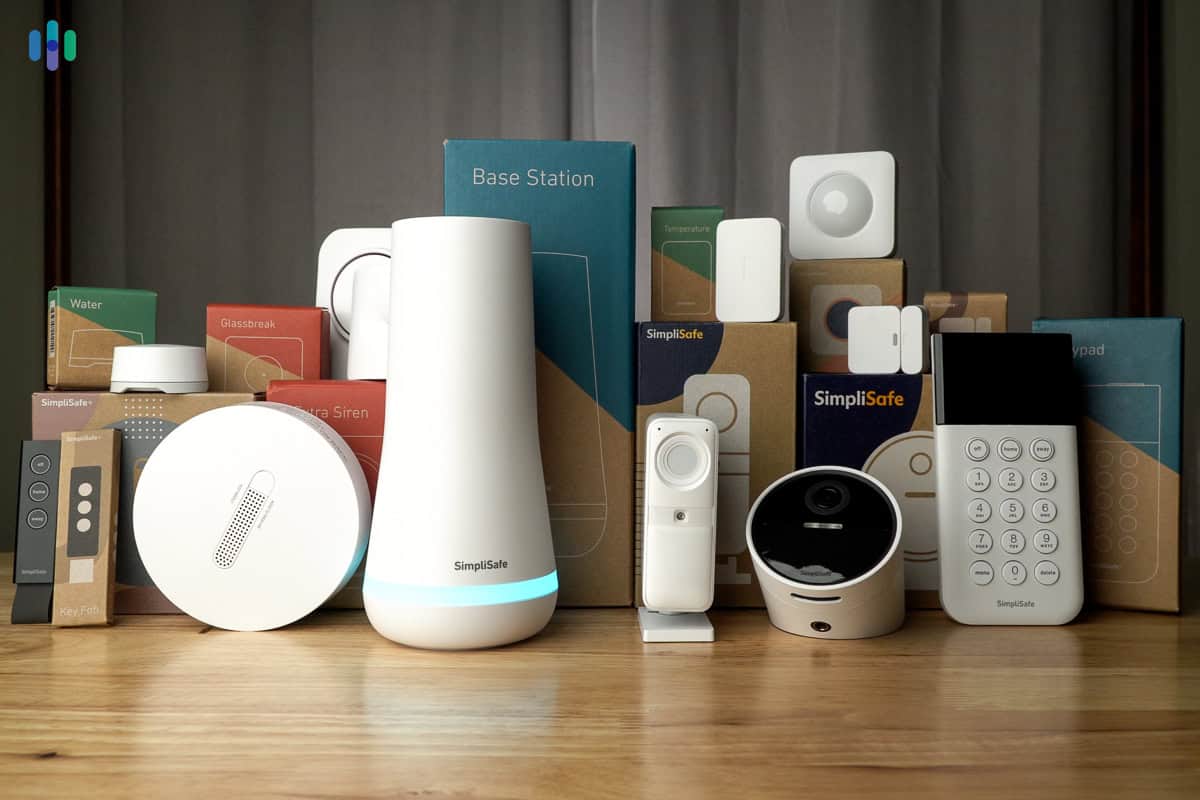
SimpliSafe home security packages come in many different sizes and prices. If you’re going to use it without a subscription, we recommend taking a sensor-centric approach. That is, cover every possible vulnerability with sensors to ensure that nothing gets past your security system. At the very least, put an entry sensor on every first-floor external door and window and monitor common areas using motion sensors. SimpliSafe offers several other types of sensors, such as glass break sensors, smoke detectors, and water and temperature sensors.

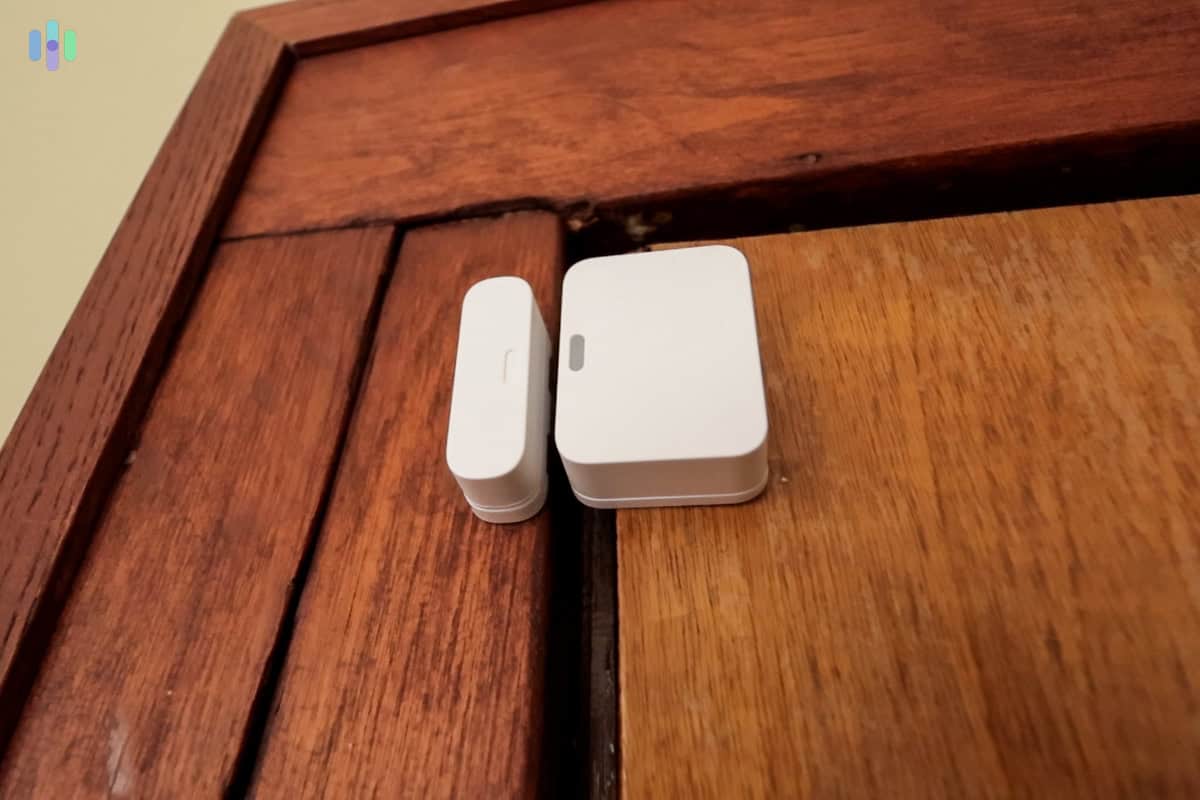
One of our SimpliSafe entry sensors monitoring our kitchen back door To help with self-monitoring SimpliSafe, we also recommend adding security cameras. Just note that these cameras (indoor, outdoor, and doorbell) won’t be able to give you their full features without a subscription, but at least with live streaming capabilities, you can pair them with your sensors for easier monitoring.
We recommend the SimpliSafe Outdoor Camera for outdoor surveillance, in particular. It features a built-in spotlight that can automatically activate when it detects motion. Public safety organizations routinely recommend enhanced lighting as a way to deter crime around your property.1 That’s one reason the SimpliSafe Outdoor Camera made us feel safer.
>> Learn More: Frequently Asked Questions About SimpliSafe
Installing SimpliSafe
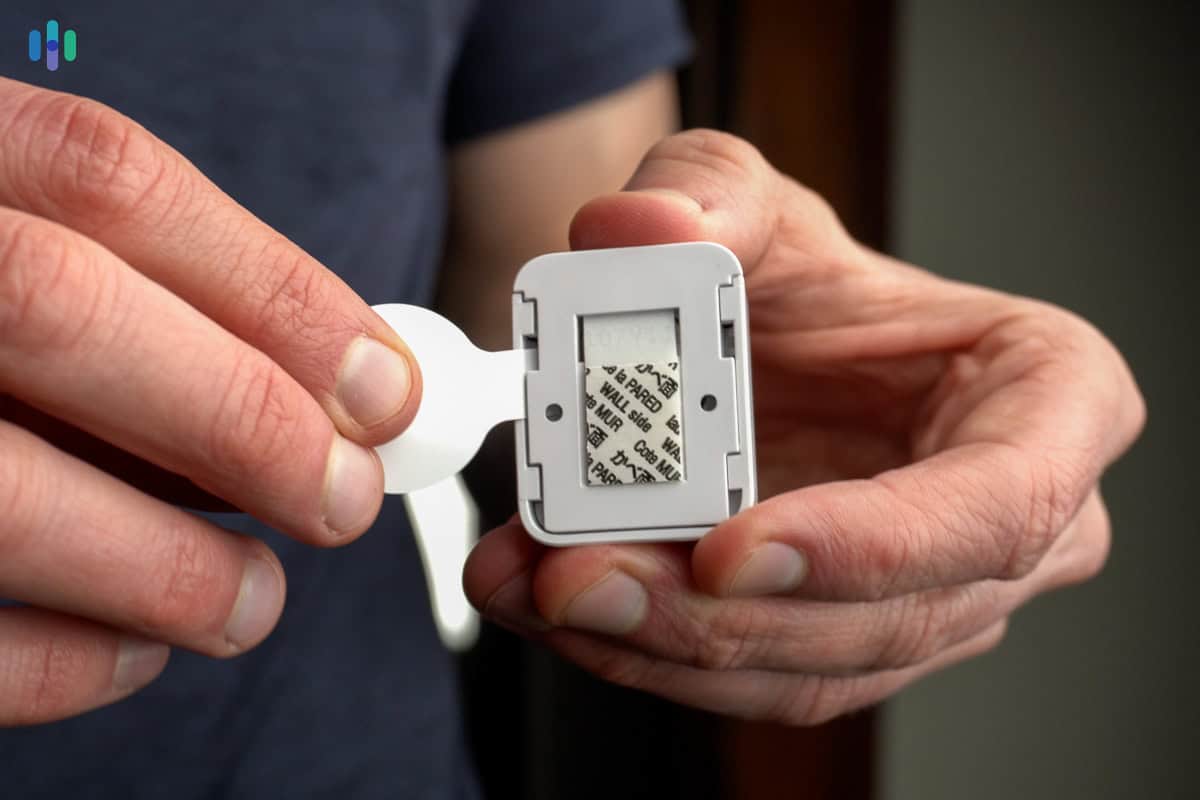
SimpliSafe delivered one of the smoothest installations we’ve experienced. Everything either plugs directly into outlets or adheres to surfaces with included adhesive strips. It didn’t require any drilling, which is a huge plus if you’re a renter needing a security system.

We had to pull off the tab of SimpliSafe’s Entry Sensor for easy installation That said, we strongly suggest using the included screws and anchors for permanent mounting when possible. During months-long testing, we’ve had adhesive strips fail multiple times. We had the same experience with the Frontpoint security system we tested. Your sensors will play a big role in securing your home without monthly fees, so you’d want to make sure they’re set up properly.
FYI: Even if you plan to self-monitor, you can still get professional installation to ensure proper sensor installation. SimpliSafe is one of the top-ranked systems that offer professional installation – not directly like ADT and Vivint do, but through a third-party service provider called OnTech.
Self-Monitoring With SimpliSafe
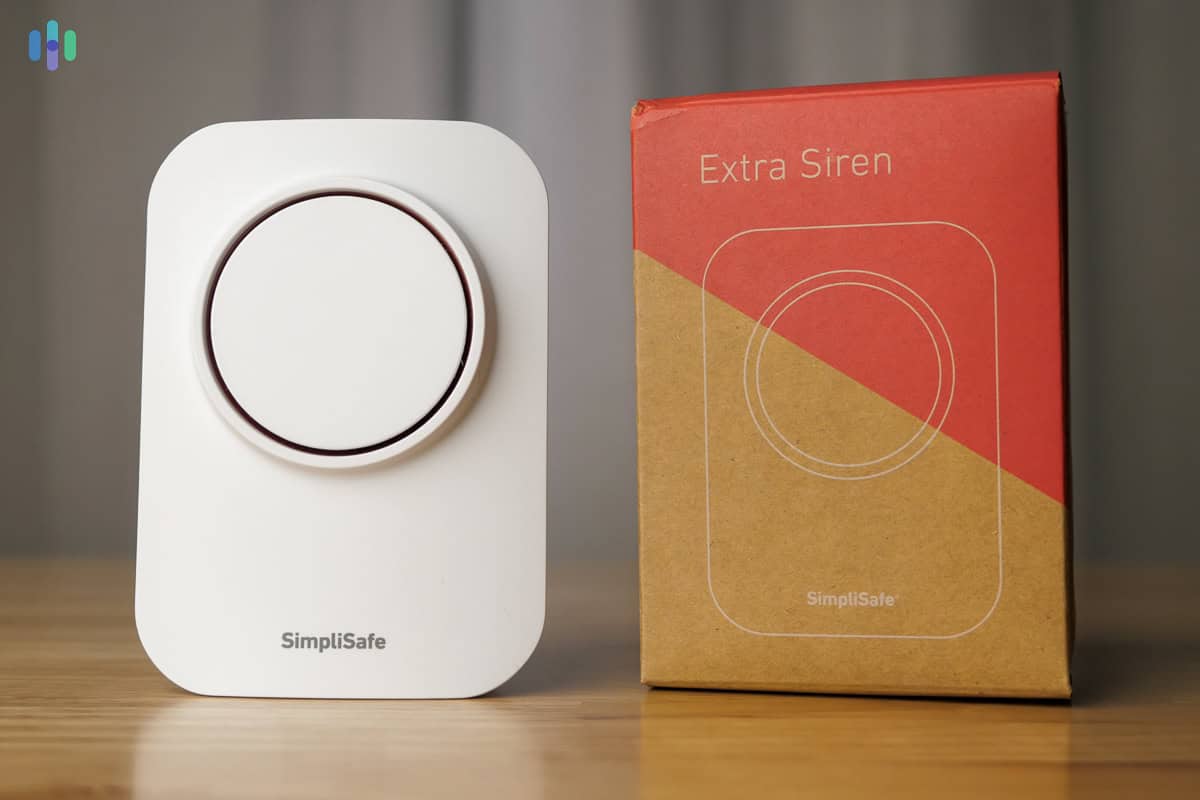
Self-monitoring SimpliSafe is a lot different than using it with a professional monitoring subscription, but it’s manageable. When we simulated a break-in, our front door entry sensor sent a signal to the base station, which then sounded its 95 decibels siren in under three seconds. We think it’s loud enough to make would-be thieves rethink their plans.

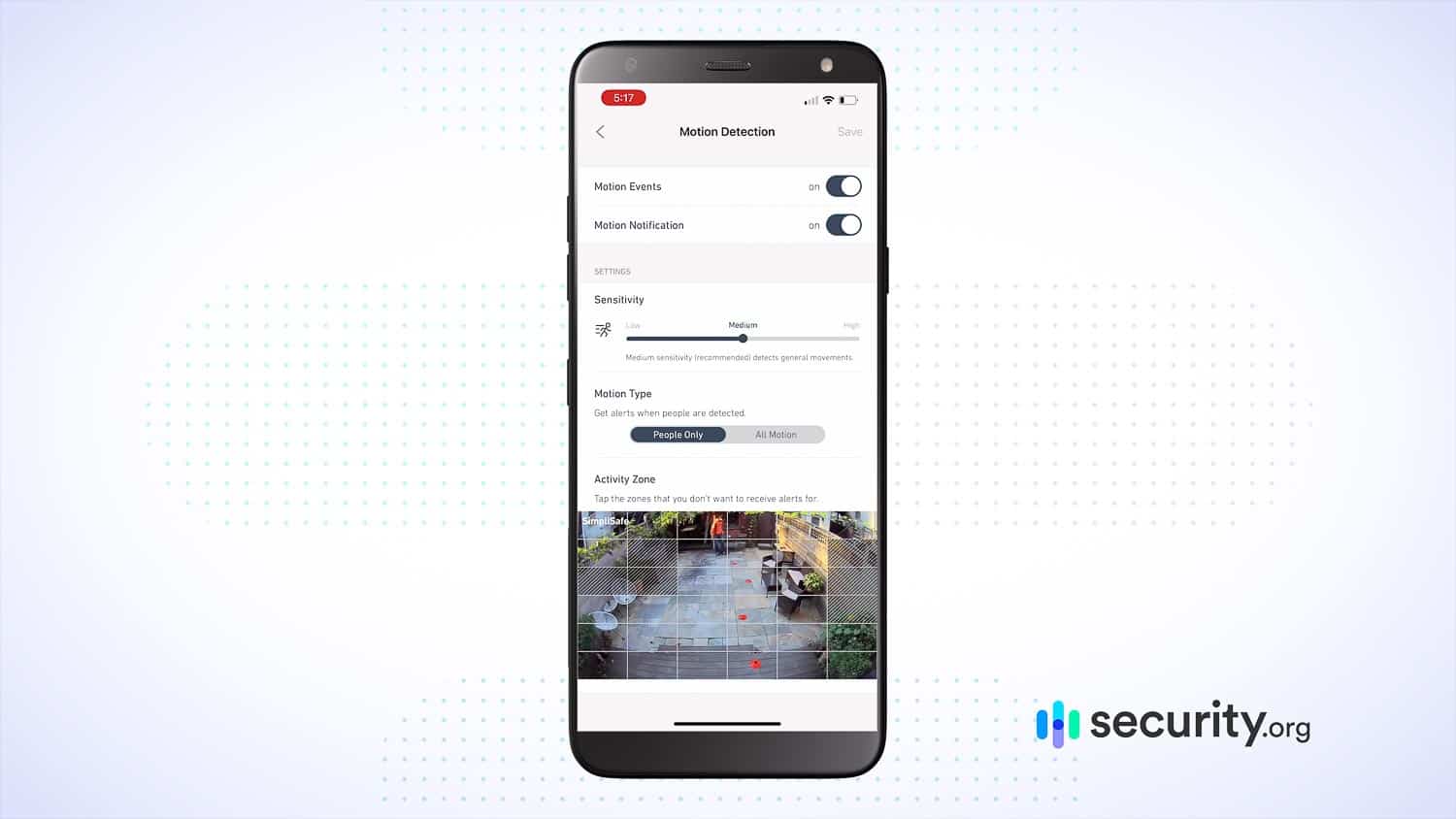
The SimpliSafe app lets us adjust the motion detection settings on our camera We also got alerts on our phone via the SimpliSafe app. They came around the same time our siren sounded, so roughly two to three seconds after sensor trigger. And here’s where having SimpliSafe cameras come in handy – when alerts come in, you can open the app and jump straight to the camera live feed to see what happened. You can then decide to call 911 or ignore the alarm. Security cameras are not mandatory, but if you’re self-monitoring SimpliSafe, they can help you better monitor your SimpliSafe sensors.
Pro Tip: If you’re following the trend of keeping your phone on Do Not Disturb,2 we recommend granting the SimpliSafe app permission to bypass it. Otherwise, you could miss a critical security alert.
SimpliSafe With vs. Without Subscription
Keep in mind that SimpliSafe is a no-contract security system. You can upgrade to professional monitoring when needed then jump straight back to the free, self-monitored plan when the need passes. That’s something you can’t do with brands like Vivint that require a long-term contract.
Beyond professional monitoring, here’s the difference between using SimpliSafe with and without a subscription.
SimpliSafe Features Without Subscription With Subscription ($22.99 to $79.99/mo.) Monitoring style Self-monitoring Professional monitoring Cellular backup No Yes Smartphone app alerts Yes Yes Security camera live streaming Yes Yes Security camera event recording No Yes (Core plan or higher) Smart home compatibility No Yes (Core plan or higher) You get all the essential self-monitoring features without a subscription. The only thing we’d like to note is the lack of cellular backup. It makes SimpliSafe internet-reliant. SimpliSafe is one of the top cellular security systems, but only if you’re paying for a professional monitoring subscription.
-
2. abode - Best for Home Automation

Product Specs
Equipment Costs Packages starting at $65 Monitoring Options Professional and DIY Monitoring Costs Starting at $6.25 per month Contract Lengths Month-to-month or Yearly Installation Options DIY or professional Smart Platform Integration Alexa, Google Home, and Apple HomeKit
Abode Overview

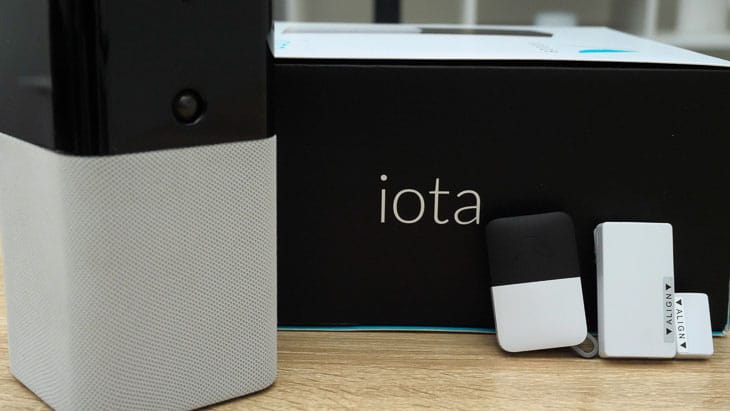
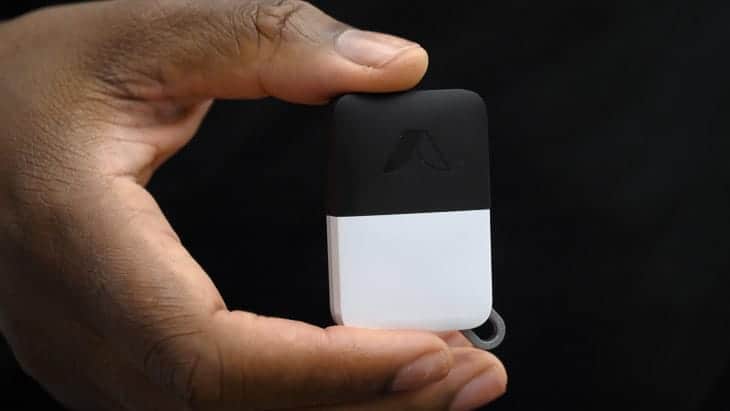
We thought The new Iota hub from abode was a revelation Abode’s DIY security systems stand out for their exceptional smart home compatibility – something you don’t usually get from security systems without monthly fees. The Iota hub, in particular, impressed us with its Zigbee, Z-Wave, Alexa, and Google Assistant support, all without needing a subscription. This makes Abode a great choice for home automation, especially if you’re already running a smart home. Just note that CUE – Abode’s app-based home automation engine – doesn’t work without a monitoring plan.
Did You Know: Z-Wave and Zigbee are smart home communication standards that abode supports. Think of them as universal languages for smart devices. With both protocols built in, you can connect thousands of compatible devices to create a truly integrated smart home.
What We Like
- Installation took us only 15 minutes
- Innovative equipment like the Iota hub with a built-in camera and motion sensor
- Integrates with hundreds of smart home devices
- Intuitive and powerful app for controlling security and smart home equipment
What We Don’t Like
- Three different types of hubs
- Some equipment can be expensive
- Only two camera options
Abode Equipment Options
Abode offers a wide selection of sensors for home security and home safety monitoring. They even have what’s called a recessed door sensor. It’s an entry sensor installed within the door and doorframe instead of on them, made specifically for recessed doors. Plus, Abode has a Multi Sensor that monitors motion, ambient light, temperature, and humidity simultaneously. The one caveat is that Abode doesn’t offer as many security cameras as SimpliSafe besides the indoor/outdoor Abode Cam and the built-in camera on the Iota hub.
Speaking of the hub, we recommend going with Iota, but Abode actually offers three different hubs. Iota is the most advanced – the hub itself has a built-in camera and motion sensor, which can help you self-monitor your home. It is, however, the most expensive. A basic package with just one hub, one keyfob for control, and one entry sensor already costs $399. Suffice it to say, Abode’s equipment pricing is considerably higher than that of SimpliSafe.
FYI: Like most home security companies, abode frequently offers significant discounts on equipment. Watch for seasonal sales and promotions in our guide to security system deals.
Installing Abode
We installed our Abode system in about 15 minutes. It went up quicker than our SimpliSafe system, but mostly because our Abode system was smaller. We installed two door sensors and one window sensor in those 15 minutes. Our only frustration came from the hub requiring an Ethernet connection for setup.
Professional installation is an option. Just like SimpliSafe, Abode uses a third-party installation provider for the service. Keep in mind: The installation cost scales with your system size.
>> Learn More: SimpliSafe vs. Abode Comparison
Self-Monitoring With abode
Just like SimpliSafe, Abode pretty much becomes a local alarm if you use it without monthly fees. That is, when a sensor detects a possible threat, it alerts the hub, which will then sound a siren and send your phone a notification via the Abode app. Alerts usually arrived within five seconds during testing, which is a tad slower than SimpliSafe. Where Abode wins is that if you have the Iota hub, you can use its built-in camera to check on your home; no extra equipment necessary.
Abode also has a leg up on SimpliSafe when it comes to smart home integrations, as you can connect Abode with third-party smart home devices even without paying a monthly fee. You can control connected lights, locks, thermostats, and more using the Abode app. What you can’t do is automate them; you’d need at least the Standard Plan ($7.99 per month) for that.
FYI: Abode offers no-contract premium subscriptions. If you need professional monitoring for one month – for example, if you’re going on vacation – Abode’s Pro plan costs $25.99. You can cancel after one month without penalties.
Our abode Key Fob had arm, disarm, and panic button features Abode With vs. Without Subscription
Abode offers a premium self-monitoring plan (the Standard plan) for about $8 per month. Unlike the free plan, Standard gives you access to Abode’s monitoring center—but only when you choose to use it.When a sensor triggers, you review the alert in the app and can manually forward it to the monitoring center, which responds just like they would with a fully monitored system. Abode’s fully monitored Pro plan costs significantly more at $25.99 per month, so the Standard plan feels like a solid middle ground if you want more self-monitoring features than the free plan offers. Here’s a comparison:
Abode Features Without Subscription Standard Plan ($7.99/mo) Pro Plan ($25.99/mo) Monitoring style Self-monitoring (manually call 911) Self-monitoring (manually forward alerts to monitoring center) Professional monitoring Cellular backup No No Yes Smartphone app alerts Yes Yes Yes Security camera live streaming Yes Yes Yes Security camera event recording No Yes Yes Smart home compatibility No Yes (including home automation) Yes Fair Warning: Even with the Standard plan, Abode doesn’t include cellular backup. This reduces the plan’s value proposition, but we still believe it offers good value since it includes access to Abode’s CUE automation engine and cloud storage for Abode cameras.
-
3. Ring Alarm - Best Equipment Options
View on Amazon Links to Amazon.com
Product Specs
Equipment Costs Packages starting at $199.99 Monitoring Options Professional and DIY Monthly Monitoring Costs Starting at $19.99 per month Contract Lengths 1-12 months Installation Options DIY or professional Smart Platform Integration Alexa and Google Home
Ring Overview
Ring may be best known for the Ring security cameras and Ring doorbell cameras, but the Ring Alarm security system offers sensor-based protection that doesn’t require contracts or subscriptions. It comes with a hub (base station), wireless keypad, and your sensors of choice. That, plus Ring’s broad security camera and doorbell camera lineup that sometimes include built-in spotlights, makes Ring hardware options great for deterring burglars.

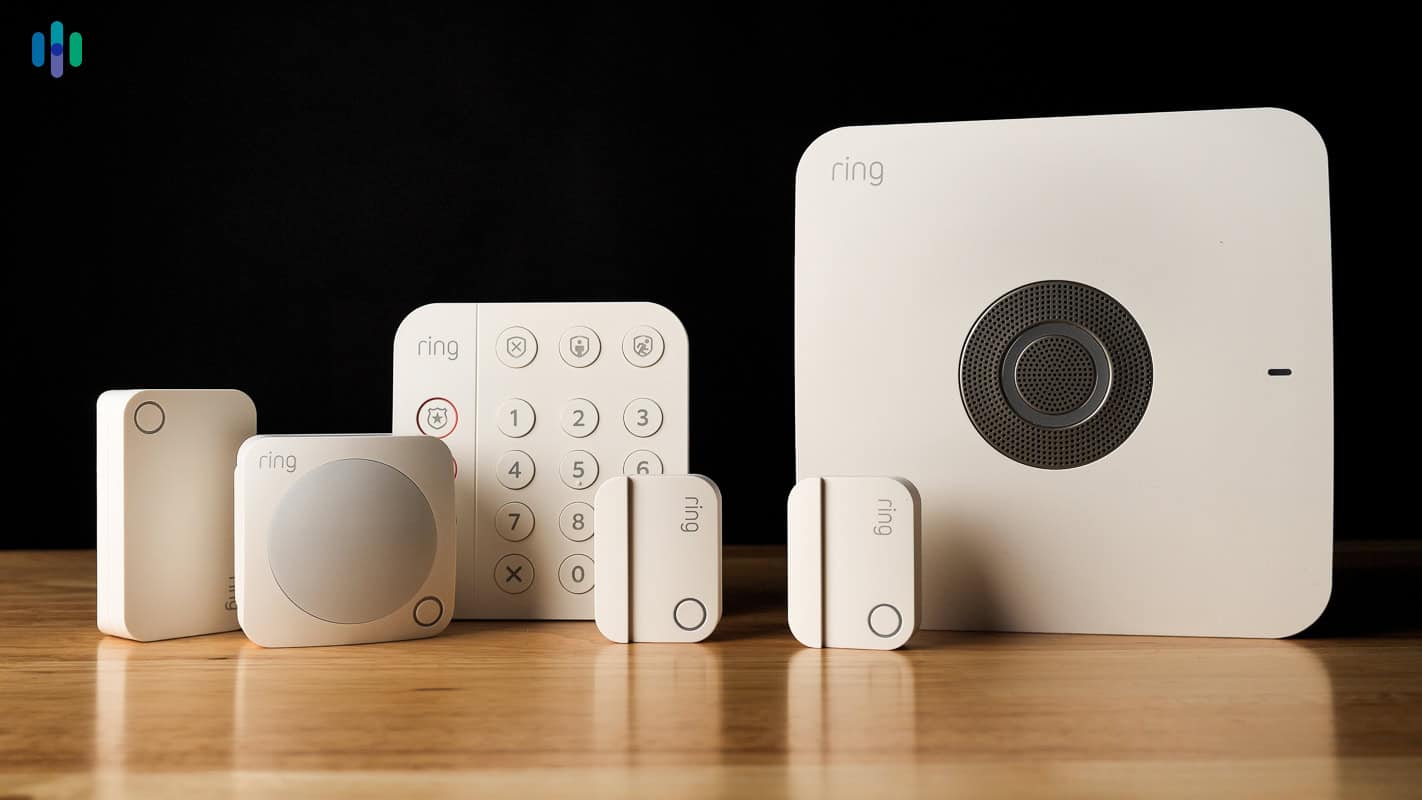
We recently put the sensors from Ring Alarm through their paces What We Like
- Alerts can be sent to phone or desktop
- Numerous smart integrations with Google Assistant, Alexa, and more
- Lots of camera and video doorbell options
What We Don’t Like
- We found hardwired equipment difficult to install
- History of security breaches and privacy issues
- No local storage option
Ring Equipment Options
Ring’s sensor selection covers all the basics and beyond. Plus, Amazon’s ownership means seamless integration with Alexa-enabled devices and a vast ecosystem of compatible smart home products. This lets you build a comprehensive security setup including smart lighting, locks, and environmental monitoring.
What sets Ring apart from SimpliSafe and Abode is its broad security camera selection, which you can use not only to self-monitor your home but also to deter burglars. For example, we had the Ring Spotlight Cam we tested set up outside, which turns its bright lights on whenever movement is detected. We think features like that can help the subscription-free Ring Alarm become more effective in deterring crime.

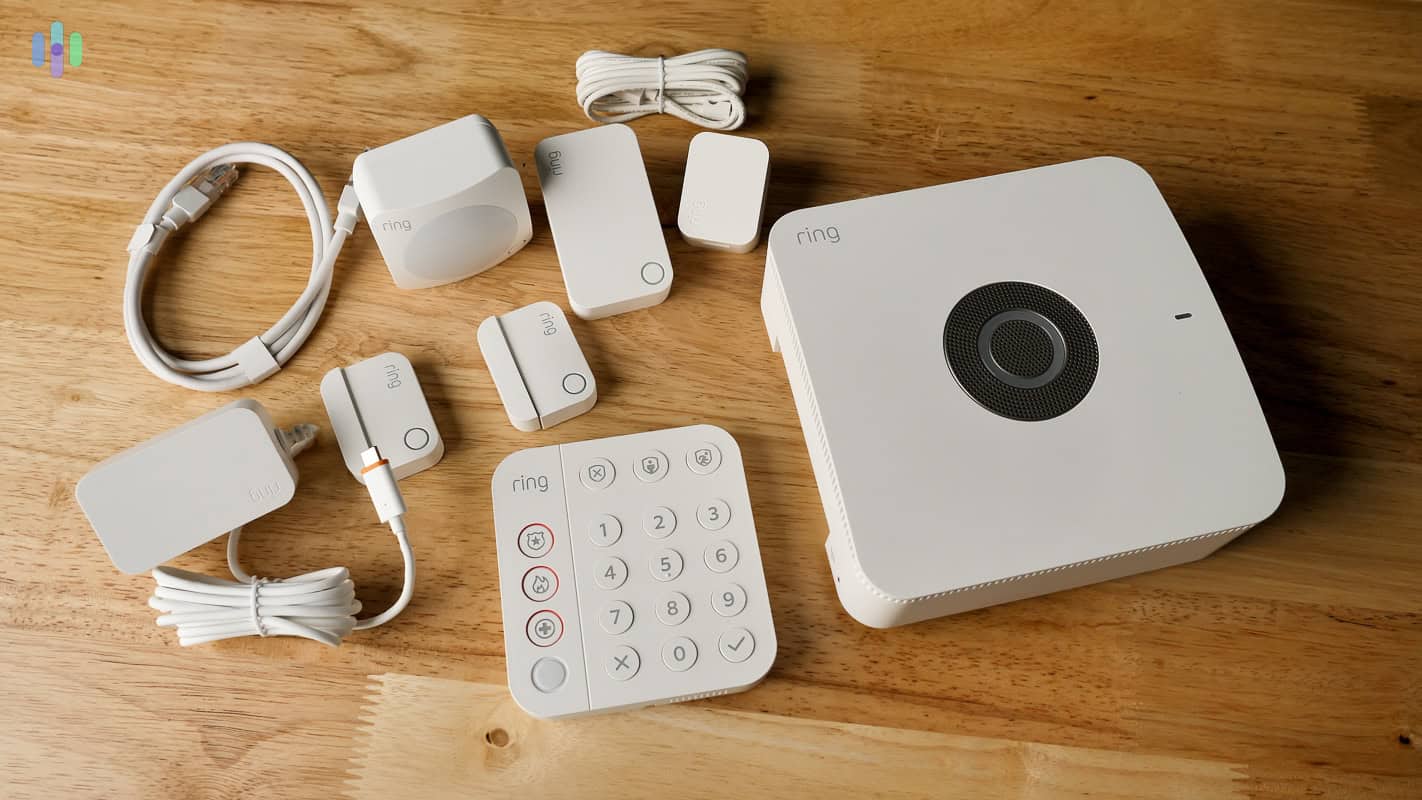
Everything included with our Ring Alarm Pro package Ring Alarm offers a huge list of products, and the company bundles these into quite a few security packages. We break them down in our Ring pricing guide, but the Alarm Security bundles are best for folks who want an affordable, sensors-only home security system without fees. These bundles start at $199.99. For those looking into Ring’s signature video doorbells, the Protected Starter Kits begin at $279.99.
Pro Tip: Ring offers their best deals on Prime Day. That happens in July, but we don’t recommend waiting. Instead, buy the basics when you need it and then use Ring’s Prime Day sale as an opportunity to expand your system.
Installing Ring
As with the other systems on this list, installing a Ring Alarm system is pretty easy. It took us less than a minute to install each peel-and-stick sensor. Our eight-piece kit that includes a wired doorbell camera took a total of about 45 minutes to set up. The process was mostly guided by the app.
>> Learn More: Ring Alarm vs. SimpliSafe

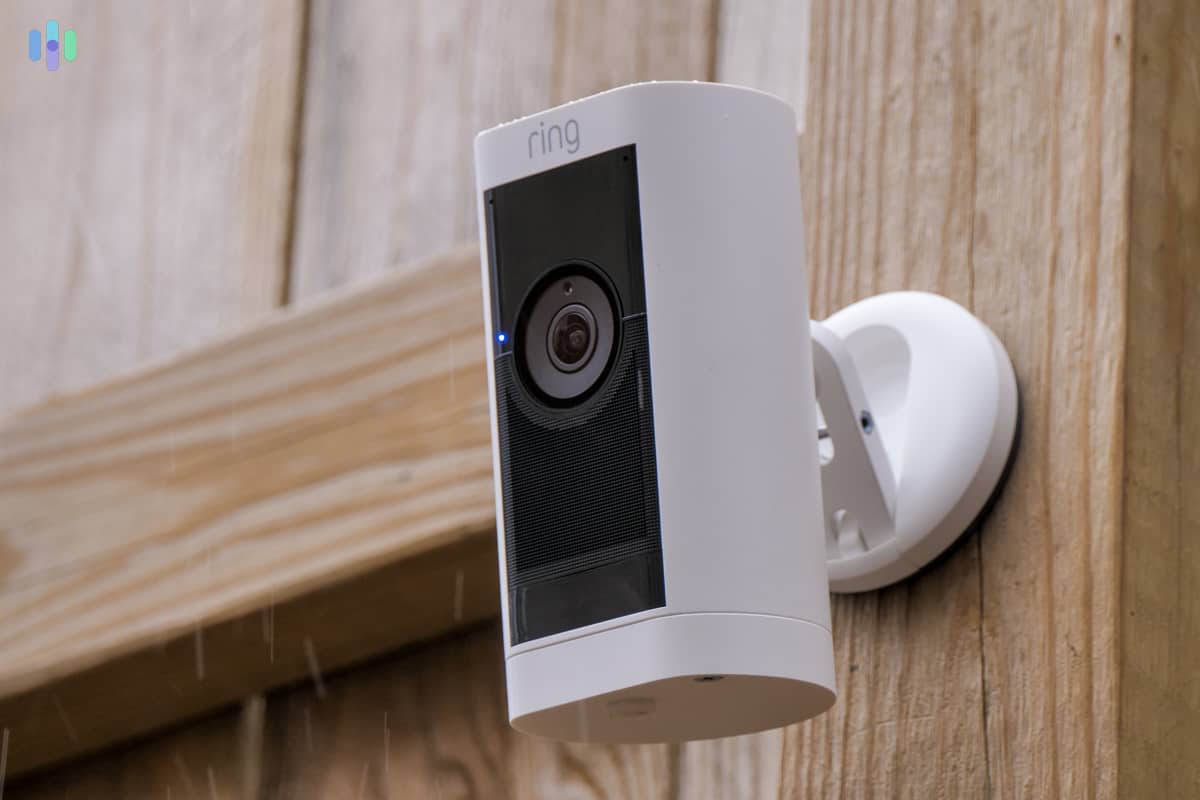
Our Ring Stick Up Cam Pro was fairly easy to install After mounting all the hardware, we connected the base station, downloaded the Ring app, and paired our devices. This process took us roughly 25 minutes total.
>> Learn More: Comparing Home Security Systems
Self-Monitoring with Ring
Ring Alarm is very effective as a self-monitored system. It matched SimpliSafe’s speedy app notifications – sending us alerts within three seconds of our sensors being triggered 95 percent of the time (through 20 simulation scenarios).
We also found the base station’s siren a tad louder than that of SimpliSafe. And checking the documentation, we were right. The Ring Alarm base station has a 104-decibel speaker, while SimpliSafe’s is only 95 decibels. If you live with a senior or someone hard of hearing, we recommend Ring Alarm over SimpliSafe.
>> Learn More: Best Alarm Systems for Seniors
Ring Alarm With vs. Without Subscription
With doorbell and security cameras as their main offerings, Ring’s subscription plans are built around offering cloud video storage for those devices. If you have a Ring Alarm, the only subscription worth considering is the AI Pro plan. It’s a very feature-rich plan at $19.99 per month, but the very essence is that it includes professional monitoring and cellular backup. It also makes use of Alexa and Alexa-enabled smart speakers and displays for automation, thus the name AI Pro.
Here’s a quick comparison of the self-monitored Ring Alarm plan and the AI Pro plan.
Ring Alarm Features Without Subscription With AI Pro ($19.99/mo) Monitoring style Self-monitoring Professional monitoring Cellular backup No Yes Smartphone app alerts Yes Yes Security camera live streaming Yes Yes Security camera event recording No Yes (unlimited cameras, 180 days history) Smart home compatibility No Yes
Methodology: How We Evaluate Self-Monitored Security Systems
To find out the best security systems without monthly subscriptions, we evaluated over 60 home security systems across national brands and DIY-focused platforms. From that group, our security researchers identified a subset that supports true self-monitoring without mandatory subscriptions. These are the ones that can actually function without monthly fees.
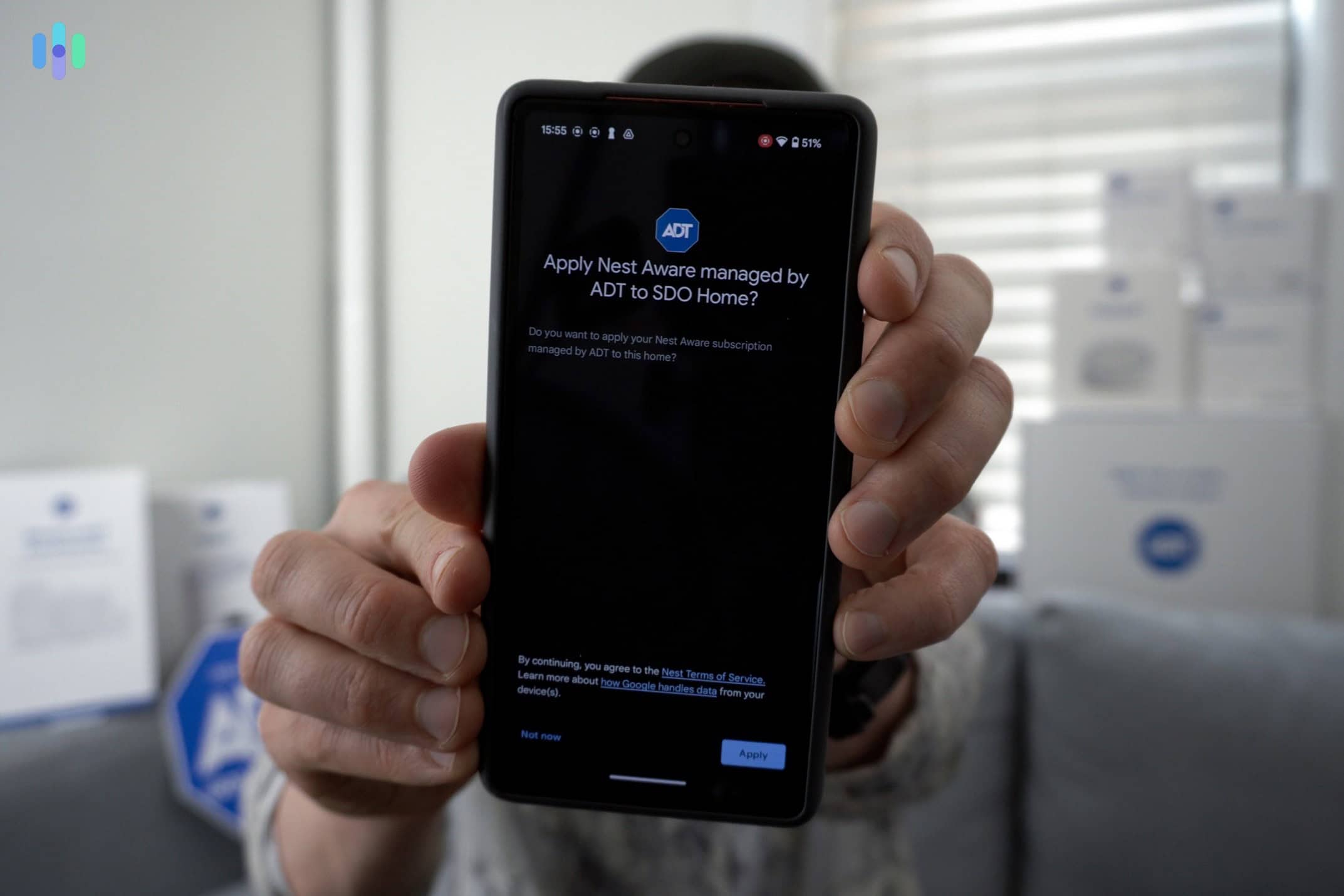
We then tested and compared them for real-world performance, reliability, and long-term value. Our team of eight certified security professionals assessed these subscription-free security systems using hands-on testing, app evaluation, and cost analysis, all performed in a real house setting. We even simulated break-ins to measure app responsiveness during sensor triggers.
Here are the main factors we considered:
- Detection & Coverage Quality: We tested door, window, motion, and glass break sensors for response speed, consistency, and false alerts in everyday home environments. Systems that offered reliable core sensors scored the highest.
- Alerting & Connectivity Reliability: We measured alert delivery speed and consistency during break-in simulations. We even simulated Wi-Fi and power outages to see if they have backup measures in place. Most work without power (thanks to battery backup), but we found that cellular backup is always a premium feature.
- App Experience & Local Control: We evaluated mobile apps for setup simplicity, alert clarity, responsiveness, and whether essential controls remained available without a subscription. In the past, security systems only made their apps available if you had a subscription. We’re happy to report that’s no longer the case today.
- Cost Structure & Long-Term Value: We analyzed upfront hardware pricing, feature access, and expansion costs to determine true ownership value. Systems that avoided subscription-gated basics and supported affordable scaling performed best.
- Optional Professional Monitoring: We prioritized systems that offer optional, no-contract professional monitoring, allowing users to switch between DIY self-monitoring and professional response during vacations, emergencies, or high-crime periods without long-term commitments.
Our testing period lasted five months, completing hands-on testing on eight finalists. From there, we were able to grade each system and assign their rankings. SimpliSafe, Abode, and Ring Alarm rounded out our top three.
Self-Monitoring Your Home Security System
Going with a subscription-free security system usually means self-monitoring your home. What does that entail exactly?
Self-monitoring means you – not a professional monitoring center – are responsible for responding to security alerts. When a sensor is triggered, the system sends notifications directly to your phone or device, allowing you to check what’s happening in real time through the app. There’s no automatic dispatch of emergency services unless you initiate it yourself, i.e. call 911.
In practice, self-monitoring requires active involvement. You review alerts, verify activity using cameras or sensors, and decide whether to ignore the alert, contact authorities, or escalate the situation. It eliminates the monthly cost that comes from professional monitoring, but it also assumes you’re available and able to respond quickly when something happens.
>> More Resources: Do I Need A Home Security System?
Can Security Systems Without A Subscription Really Protect My Home?
When you have big names like ADT and Vivint encouraging or even requiring professional monitoring, most people can’t help but wonder if a subscription-free, self-monitored system is enough. Like we always say, it all depends on your family’s unique security needs.
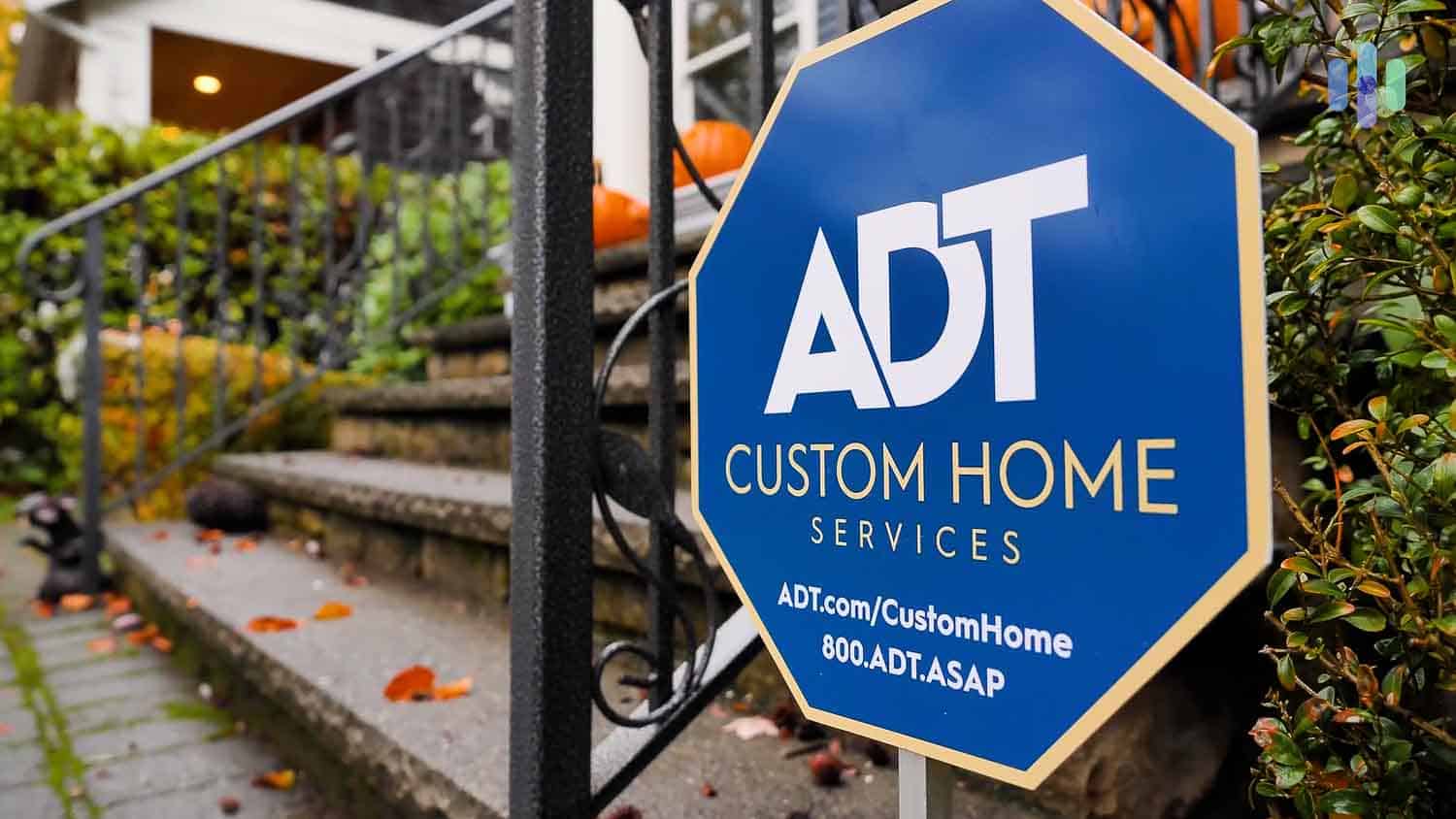
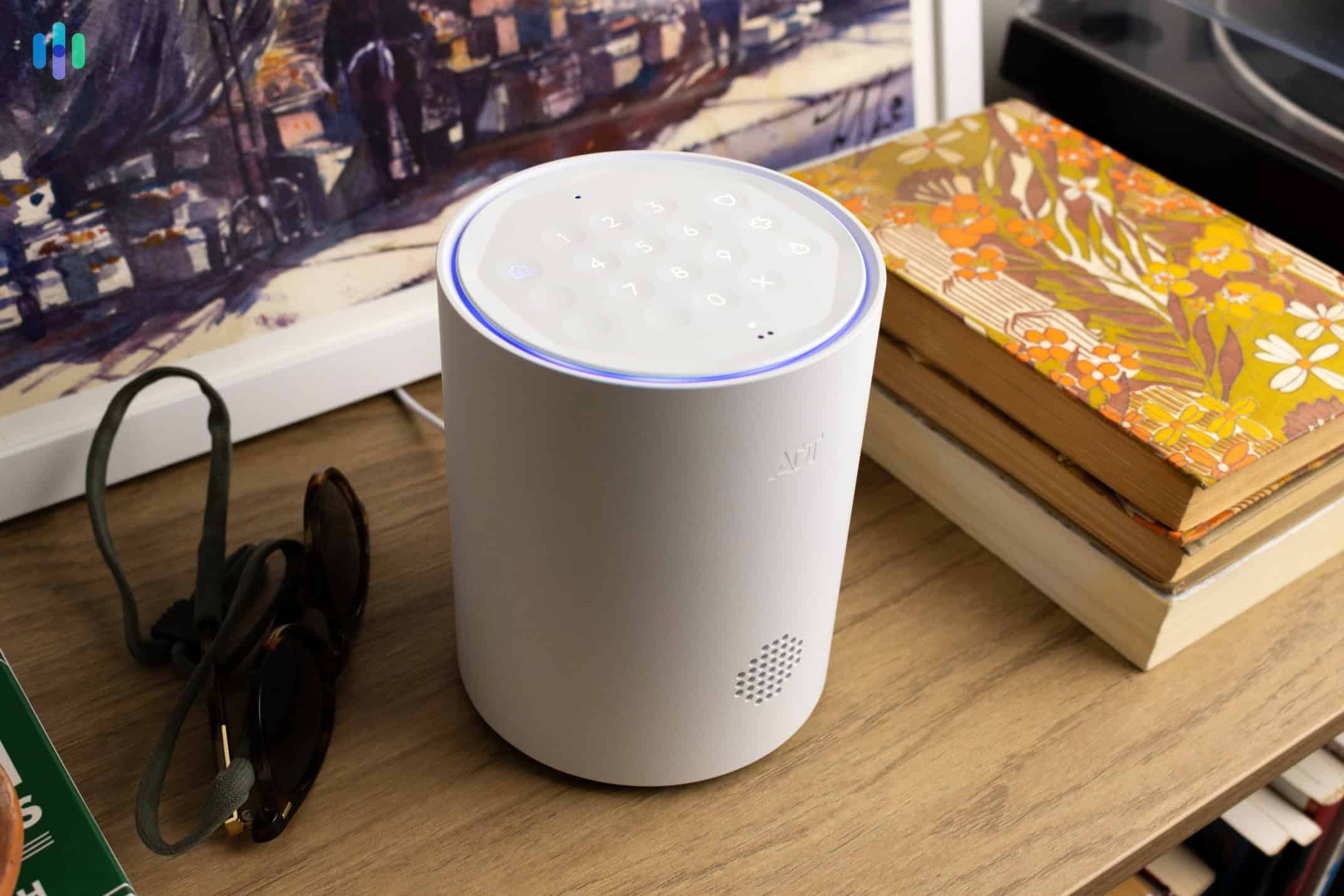
When we tested ADT in our home, we found solace in knowing that wherever we may be during emergencies, its monitoring centers can respond. Not everyone needs that kind of assurance though. For example:
- Homeowners who work from home
- Houses in low-crime areas
- Small households with fixed daily routines
In some instances, self-monitoring is actually more beneficial than professionally monitored alarms. For example, if you’re renting or you tend to move from one living space to another, a contract-free, self-monitored system gives you the flexibility you need to stay protected.
>> Related: The Best Apartment Security Systems of 2026
Tips for Self-Monitoring Your Home Security System
Self-monitoring your home security system puts you in control, but that power comes with great responsibility. So, here are a few tips to make the most of your self-monitored home security system:
- Enable push notifications. Push notifications sent to your phone are one of the best ways to stay on top of your self-monitored home security system.
- Check your system status regularly. Make it a regular part of your weekly or monthly schedule to check the status of every component in your security system.
- Post security signs. Clearly displaying the signs and window stickers you get with your home security system lets potential criminals know that your home is protected.
- Automate alerts. Set up alerts you’ll hear and notice through your smart home integrations. Think about clever ways to use these devices together, such as using smart lights to let you know if your door opens past a specific time at night.
Self-monitoring isn’t always easy, but with the right strategies, you can comprehensively protect your home.
Limitations of Self-Monitored Security Systems
Before committing to a subscription-free security system, you should fully understand the limitations of monitoring your own alarm system. This will help you plug the gaps, if necessary.
Common limitations of no-subscription self-monitored systems include:
- Missed alerts if your phone is off, on silent, or has no sufficient cellular/mobile data signal
- Delayed responses during sleep, work, or travel
- No automatic dispatch of police, fire, or medical services, which means you’ll have to contact them yourself and talk to 911
- Added pressure to assess threats in already stressful situations, like if your home is broken into
Those drawbacks aren’t exactly dealbreakers, but they do matter. If your availability changes, or risk level increases, having the option to temporarily switch to professional monitoring can help close those gaps.
Expert Tip: If you have pets, you have to be more meticulous about picking your self-monitored alarm. Pets can trigger lots of false alarms, and you don’t want that when you’re doing all the work of keeping an eye on your system. Check out our top recommendations for pet-friendly security systems.
No-Contract Security Systems: The Perfect Middle Ground
Even if self-monitoring works for you right now, it might not always be viable. There are times when professional monitoring becomes temporarily necessary. For example:
- If you’re heading out on vacation and expect to be away from home for an extended period
- If your neighborhood is dealing with a spike in local crime
- If you simply don’t have as much time in your hands to deal with alarms yourself
Those instances call for a professional monitoring upgrade, even if just temporary. However, most monitored alarm systems require a contract. Vivint packages will have you sign a contract up to five years, for instance, locking you into a monthly fee or requiring you to pay a penalty to cancel early. That’s where no-contract security systems come in. These systems let you switch back and forth between professional and DIY monitoring, depending on what your home needs at the moment.
And here’s the good news: our top-pick security systems without subscription (SimpliSafe, Abode, and Ring) all offer no-contract professional monitoring.
The Cost Factor: Self-Monitoring vs. Professional Monitoring Calculator
If you’re looking to buy a security system that doesn’t require subscriptions or contracts, we’re sure you’re eager to find out how much it’s going to save you in the long run compared to a monitored alarm. That’s pretty easy. With a subscription-free security system, all you’re paying for is the equipment fee. There are no required monthly fees.
Let’s take our top pick, SimpliSafe, and compare it to ADT’s pricing.
| Security System Costs | SimpliSafe Without Subscription | SimpliSafe With Subscription | ADT |
|---|---|---|---|
| Cheapest equipment package | $250 | $250 | $269 |
| Monthly fees in 12 months | $0 (with Basic plan) | $275.88 ($22.99 per month) | $299.88 ($24.99 per month) |
| Total first year ownership cost | $250 | $525.88 | $568.88 |
Over the course of one year, you’d save about $320 with a SimpliSafe security system without a subscription compared to a monitored ADT security system. And keep in mind, ADT contracts can be up to three years. That’s about $300 of savings annually, or $920 total in three years. Canceling a security system contract isn’t easy, so if you’re not sure you can cover the monitoring cost over the contract period, better go with a no-contract security system or a self-monitored system.
Recap
Self-monitored security systems can protect your home without monthly fees, but only if they deliver reliable detection, fast alerts, and usable apps. After evaluating 60+ systems and testing eight finalists in real-world conditions—including break-in simulations, app responsiveness, and long-term cost analysis—our top picks stood out for consistent performance and flexibility. SimpliSafe, Abode, and Ring Alarm also offer optional, no-contract professional monitoring, letting homeowners switch between DIY and professional protection as needed. The best system isn’t just inexpensive—it’s one that works when you need it and adapts to your lifestyle.
Frequently Asked Questions About No-Fee Home Security Systems
Still have some questions about security systems without monthly fees? Don’t worry, we have the answers for you below.
-
Can you use SimpliSafe without monitoring?
Yes, you can use SimpliSafe without professional monitoring. The self-monitoring plan includes local alarm activation (siren) and smartphone notifications. If you have SimpliSafe cameras, you can also stream live on your phone.
-
What security systems have no monthly fees?
Self-monitored security systems typically don’t have monthly fees. These security systems are able to alert you to possible intrusions and other dangers, but are not connected to a monitoring center for emergency response. That means it’s your job to assess and respond to every alarm.
-
Is it safe to self-monitor a security system?
Self-monitoring your security system is generally a good practice if you can dedicate the time and energy actually verifying and responding to alarms. If you work from home, for example, self-monitoring will save you money in the long run.
-
Can ADT be self-monitored?
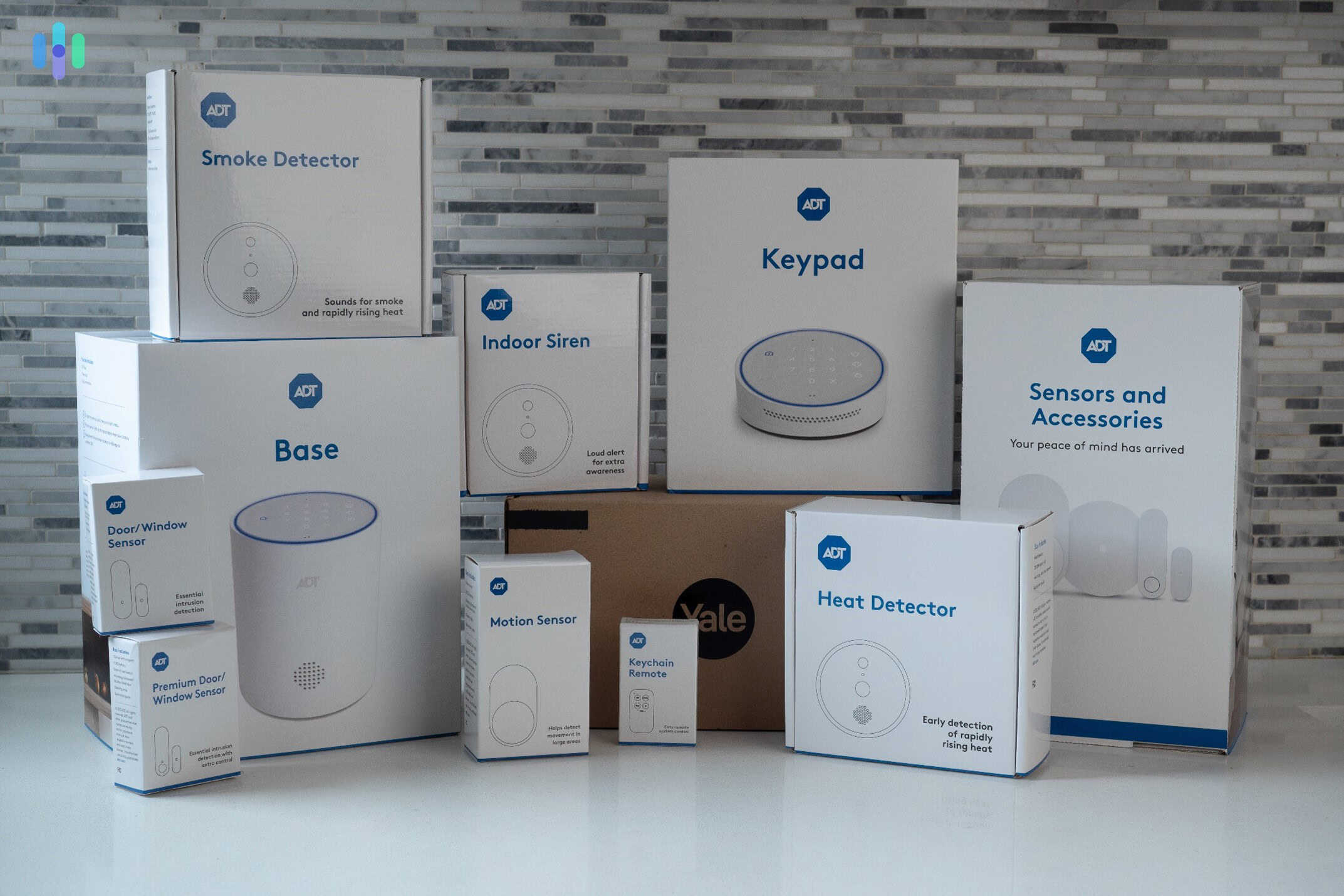
ADT’s professionally installed security systems require a contract and cannot be self-monitored. However, the fully DIY ADT Self Setup system allows self-monitoring and DIY installation.
-
What are the best DIY home security systems?
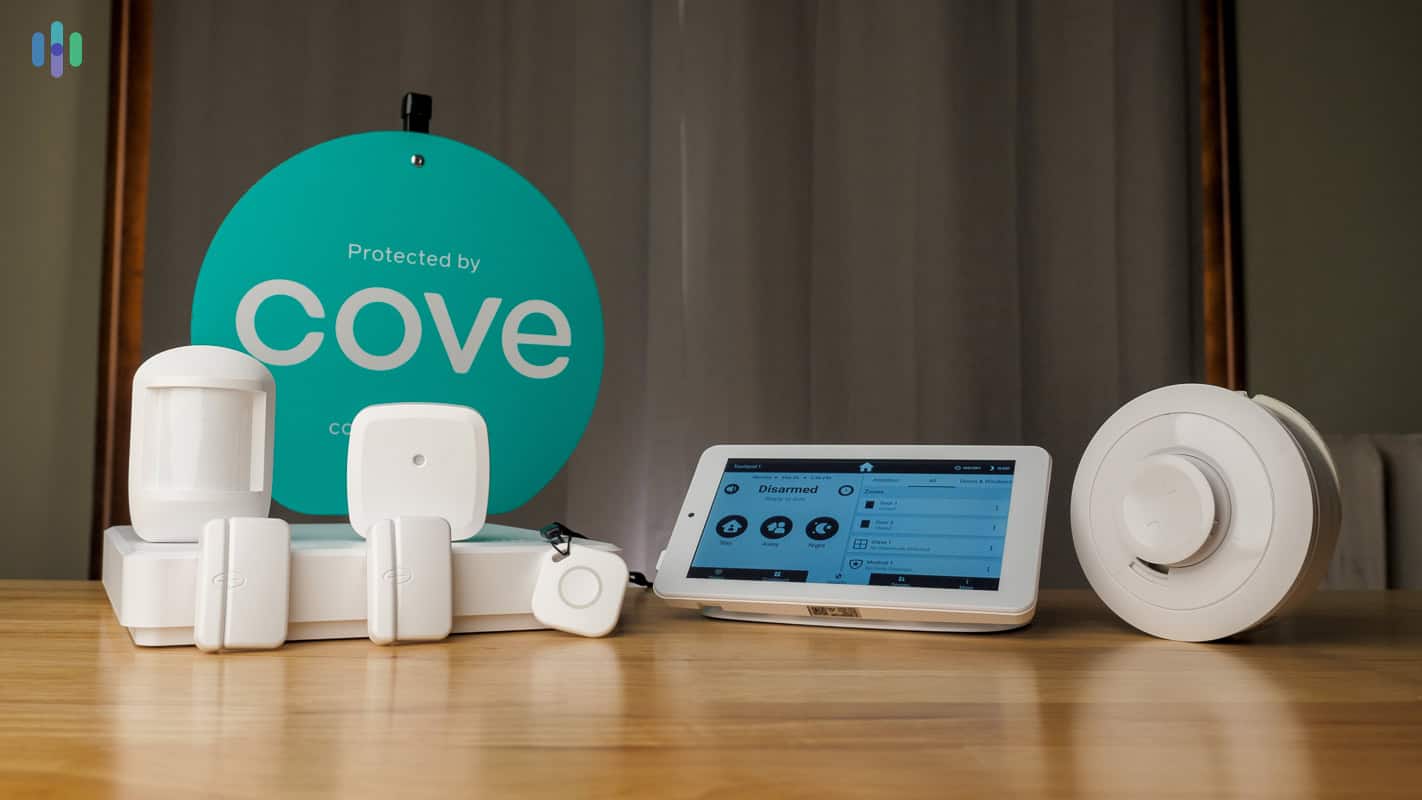
Our selections for the best DIY home security systems include SimpliSafe, ADT Self Setup, Cove, abode, Frontpoint, and Deep Sentinel. All of these companies let you save money by installing the equipment yourself. Keep in mind, though, that with some of these systems, you might have to pay a monthly fee to get the most out of them. DIY is not the same as no subscription.
-
Should I have my security system professionally monitored?
This is really a matter of preference. A lot of people feel perfectly confident self-monitoring their system, while others prefer the security that comes with knowing a professional monitoring center is keeping an eye on things. We always recommend doing your research, seeing what features come with what subscription packages, and selecting according to your needs and your budget. If you opt for no monthly subscriptions, you might be missing out on a lot of helpful features.
-
Newark Public Safety Collaborative. (2025). Can Enhanced LED Street Lighting Contribute to Reduce Violent Crime?
https://newarkcollaborative.org/blog/can-street-lighting-reduce-crime -
Psychology Today. (2024). Why Gen-Zers Keep Their Phones on ‘Do Not Disturb'.
https://www.psychologytoday.com/us/blog/un-numb/202405/why-gen-zers-keep-their-phones-on-do-not-disturb