

the security.brief
Security cameras range from $35 to $399. Vivint offers high-end options. Most brands offer affordable solutions with add-ons like cloud storage and monitoring.
Editor’s Note: The cost of security cameras varies. But there are plenty of affordable home security systems that give you better bang for buck with 24/7 monitoring and special offers like free cameras and discounted plans.
Understanding the cost of a security camera is essential before making a purchase. There’s a wide range of options in 2026, including everything from budget-friendly cameras starting at just $30 to premium 4K systems exceeding $400 per camera. However, you need to look beyond the price of the camera itself and also consider any required subscriptions and professional installation if needed. That way, you can compare the total cost of ownership instead of just the initial purchase price.
We’ve spent years testing and reviewing security cameras. Now, we know how to fully assess the complete cost of any security camera. During our research, we found cameras ranging from the affordable $35 Wyze Cam V4 to the premium $399 Vivint Outdoor Camera Pro Gen 3. These cameras also come with wildly different subscription and installation costs. This wide variety of prices means there’s a solution for every budget.
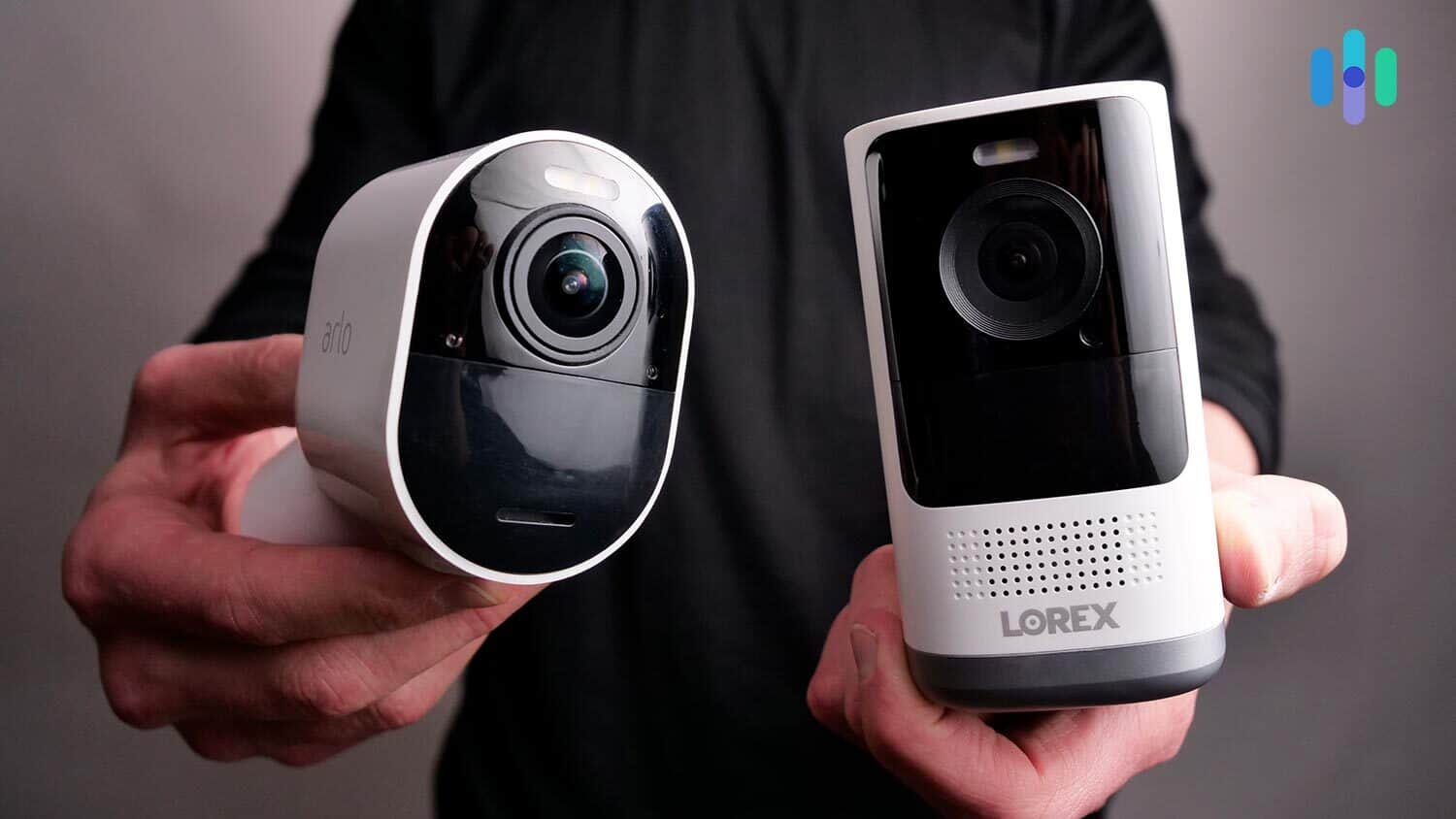
In this comprehensive guide, we’ll break down every aspect of security camera cost — from equipment prices and subscription fees to installation and maintenance expenses. By the end, you’ll know exactly what to budget for your home security camera system.
Quick Answer: Security Camera Cost & Pricing: Security camera costs range from $30 to $500 for equipment. Most brands also charge for cloud storage subscriptions (up to $25/month) to save your footage. Professional installation can add another $100 to $200. Total first-year costs typically range from $200 to $800 depending on your camera choice and storage plan.
Average Security Camera Cost by Type
Before diving into specific brands and features, here’s a quick overview of typical security camera pricing across different categories. Understanding these equipment price ranges helps you set realistic expectations for your security camera cost budget.
| Camera Type | Equipment Cost Range | Key Features | Best For |
|---|---|---|---|
| Budget Indoor | $30-$100 | 1080p HD, basic motion detection | Apartments, single rooms, renters |
| Mid-Range Wireless | $100-$200 | 2K resolution, battery-powered, night vision | Indoor/outdoor flexibility, DIY installation |
| Premium Outdoor | $200-$400 | Weatherproof, wide field of view, AI detection | Driveways, backyards, perimeter security |
| Professional 4k | $250-$500 | 4K resolution, advanced AI, color night vision | License plate reading, maximum detail |
| Video Doorbells | $100-$250 | Two-way audio, package detection, doorbell alerts | Front door monitoring, visitor identification |
| Floodlight Cameras | $150-$300 | Integrated lighting, motion-activated illumination | Dark areas, deterring intruders, may require professional installation |
As this security camera pricing comparison shows, equipment costs vary significantly by camera type and features. Beyond the initial security camera cost, most brands charge for cloud storage ($3 to $25/month) to save your recorded footage, which we’ll detail in the sections below. Note that storage costs are typically determined by the brand you choose, not the specific camera type.
The Real Cost of Using Security Cameras
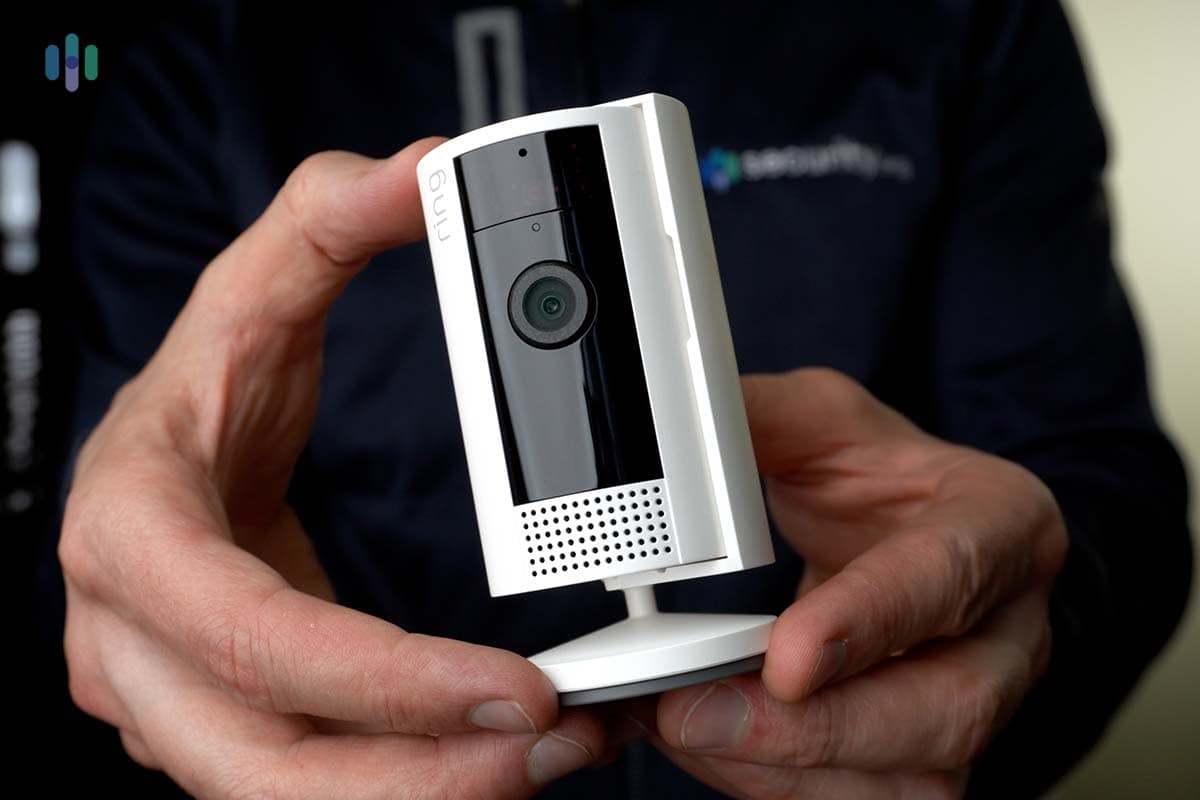
You might think security camera costs only cover the equipment price. Not all cameras stop at the device cost. You may have to pay for add-ons like cloud storage and monitoring subscriptions. There might even be installation and maintenance costs to consider.
Let’s take a closer look at each, starting with the most basic, the equipment cost.
Equipment Costs
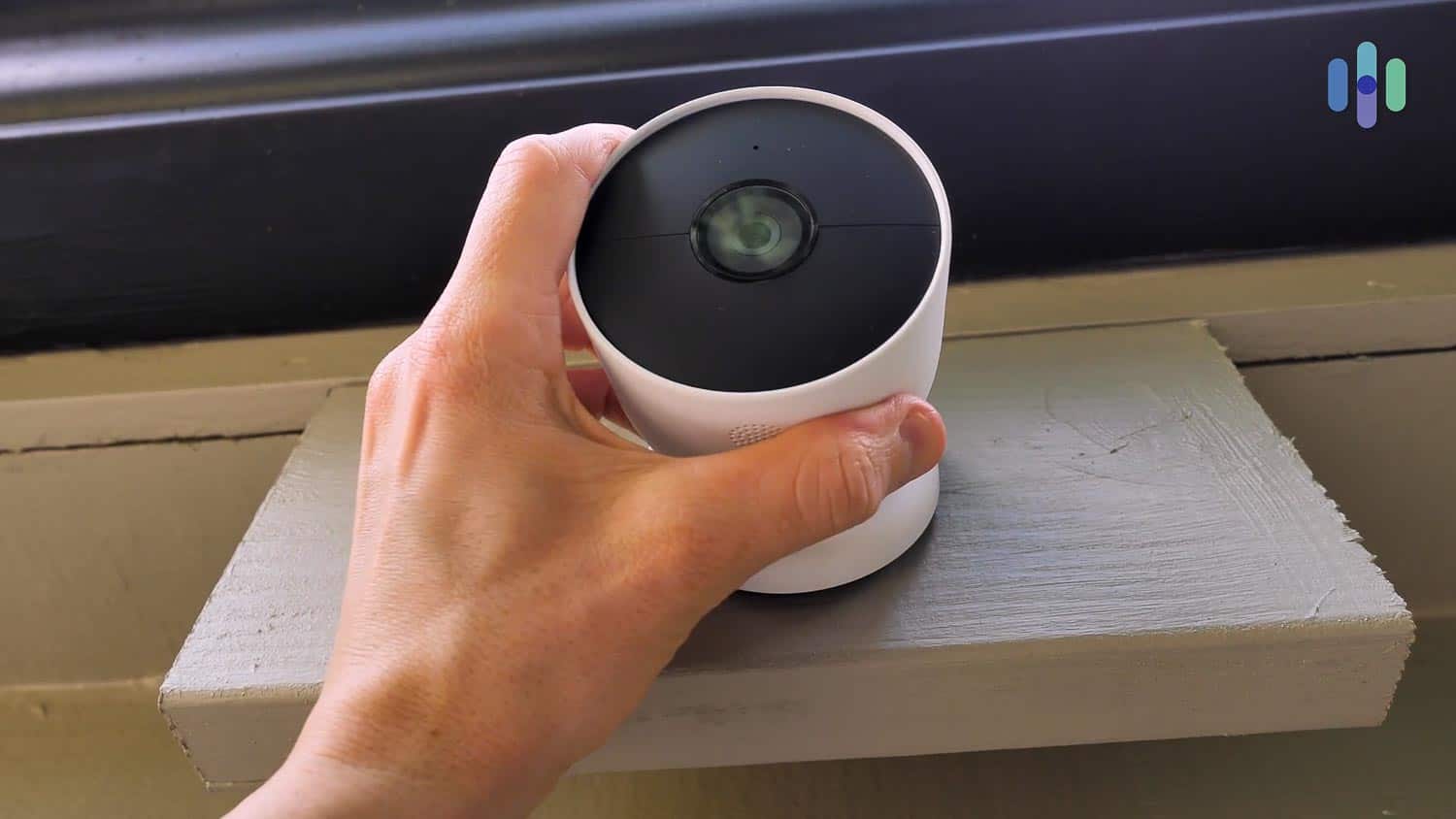
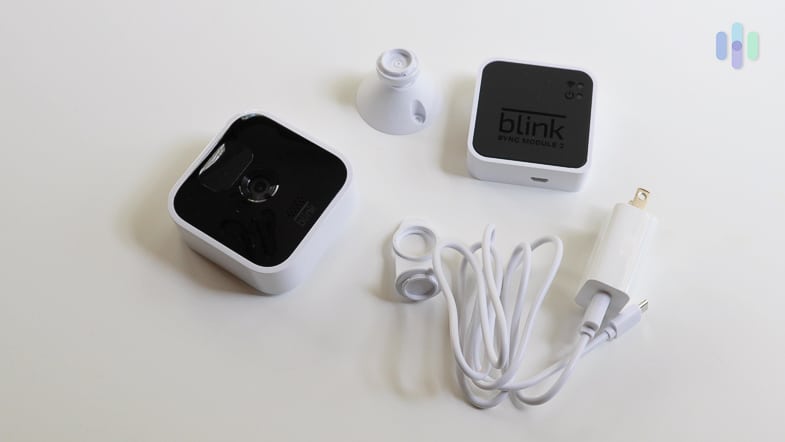
Security cameras can range from tens to hundreds of dollars. The best place to start is to figure out how many you need to secure your home. To help with your budget, we’ve compiled a list of some of the best security camera models along with their prices.
| Manufacturer | Model | Price |
|---|---|---|
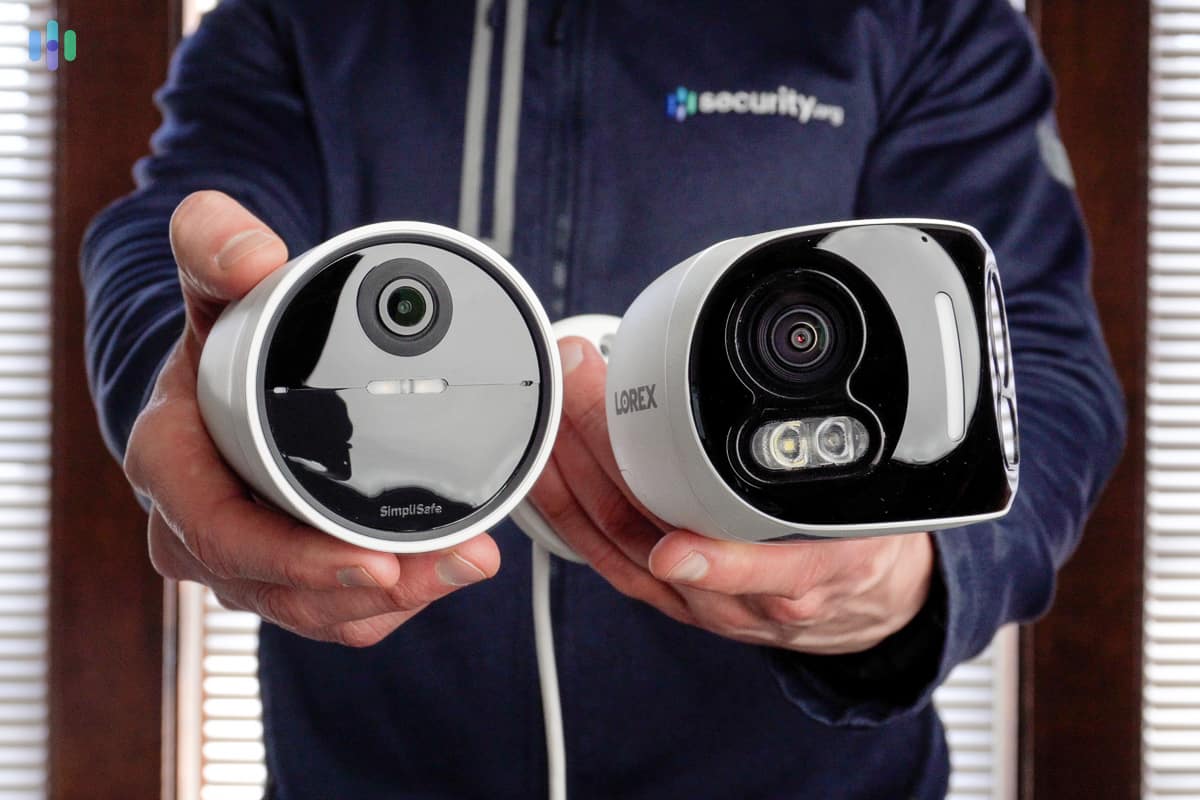
| SimpliSafe | Wireless Indoor Camera | $149.99 |
| SimpliSafe | Wireless Outdoor Camera | $199.99 |
| Lorex | 4K Spotlight Camera | $219.99 |
| Lorex | 4k IP Wired Bullet Camera | $139.99 |
| Lorex | 4K IP Wired Dual Lens With Smart Deterrence | $279.99 |
| Ring | Spotlight Cam Plu | $149.99 |
| Ring | Spotlight Cam Pro | $249.99 |
| Ring | Floodlight Cam Plus | $179.99 |
| Ring | Floodlight Cam Pro | $279.99 |
| Ring | Outdoor Cam Pro | $199.99 |
| Ring | Outdoor Cam | $79.99 |
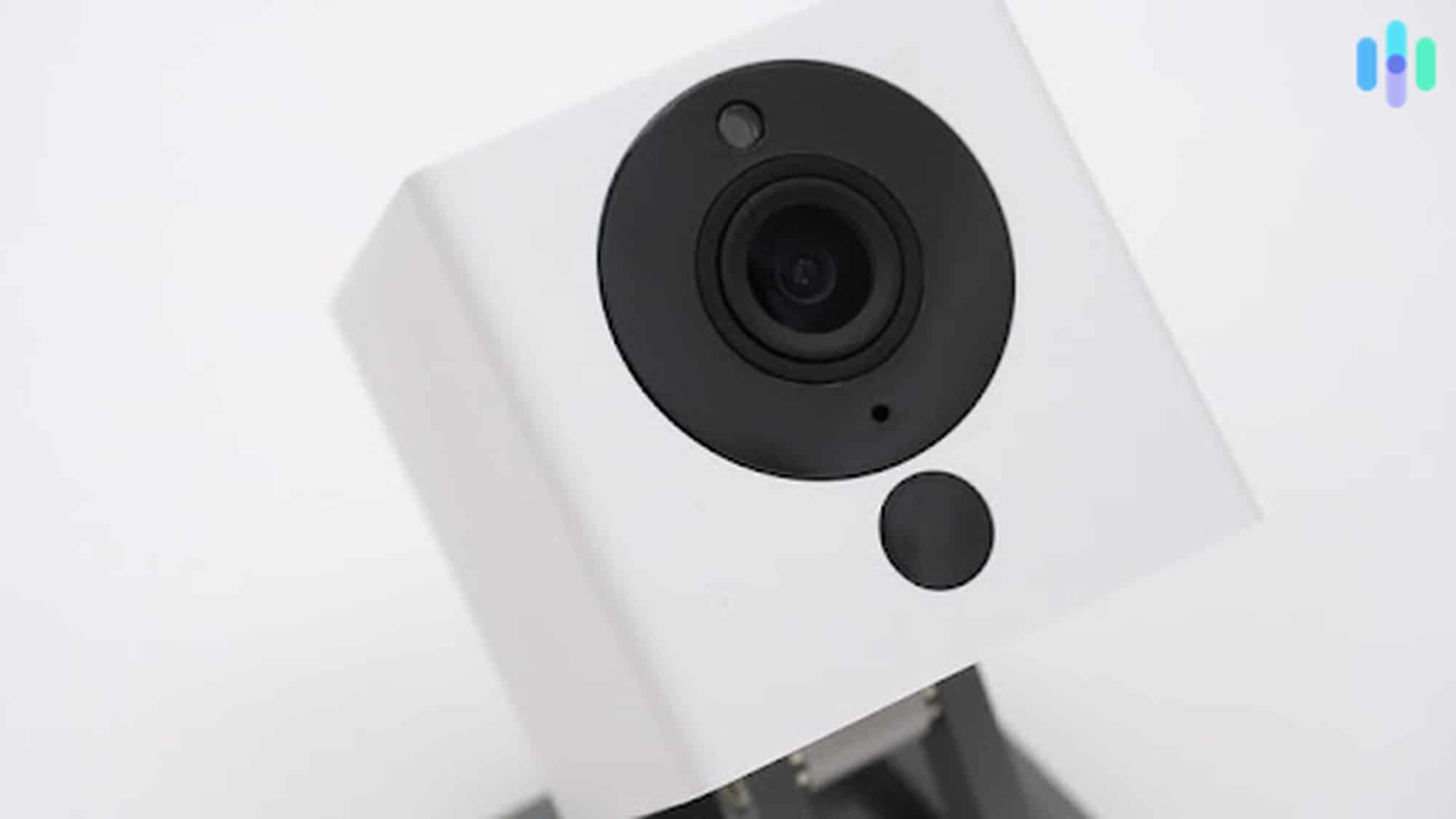
| Wyze | Wyze Cam v4 | $35.98 |
| Wyze | Wyze Cam Floodlight V2 | $99.98 |
| Wyze | Wyze Cam Pan v3 | $39.98 |
| Arlo | Essential Indoor (3rd Gen) 2K | $39.99 |
| Arlo | Essential Outdoor (Battery) 2K | $69.99 |
| Arlo | Essential XL 2K | $79.99 |
| Arlo | Pro (6th Gen) 2K HDR | $124.99 |
| Arlo | Ultra (3rd Gen) 4K HDR | $199.99 |
| Arlo | Go 2 | $199.99 |
| Google Nest | Nest Cam Indoor (3rd Gen, Wired) 2K | $99.99 |
| Google Nest | Nest Cam Outdoor (2nd Gen, Wired) 2K | $149.99 |
| Google Nest | Nest Cam (Battery) | $179.99 |
| Google Nest | Nest Cam with floodlight | $279.99 |
| Vivint | Outdoor Camera Pro Gen 3 | $399.99 |
| Vivint | Indoor Camera Pro | $199.99 |
| Blink | Outdoor 4 | $79.99 |
| Blink | Mini 2K+ | $49.98 |
| Blink | Wired Floodlight Camera | $99.99 |
| Blink | Outdoor 4 Floodlight | $99.99 |
| Blink | Mini Pan-Tilt | $39.99 |
| Swann | 16 Camera/16 Channel 4K Security | $2,999.99 |
| Swann | 4 Camera WiFi Home Security | $199.99 |
| Eufy | 4G LTE Cam | $249.99 |
| Eufy | SoloCam S340 | $199.99 |
| Eufy | Floodlight Cam E340 | $219.99 |
| Zmodo | Mini Pro | $39.99 |
| Zmodo | 1080p Indoor Outdoor | $39.99 |
| Zmodo | Zmodo Torch 360 | $89.99 |
| Ecobee | Smart Camera | $99.99 |
As this security camera pricing comparison shows, equipment costs vary significantly across brands and models. The total security camera cost depends on your chosen features, number of cameras, and installation method. Budget-conscious buyers can build effective systems for under $300, while comprehensive setups with premium cameras may exceed $1,500.
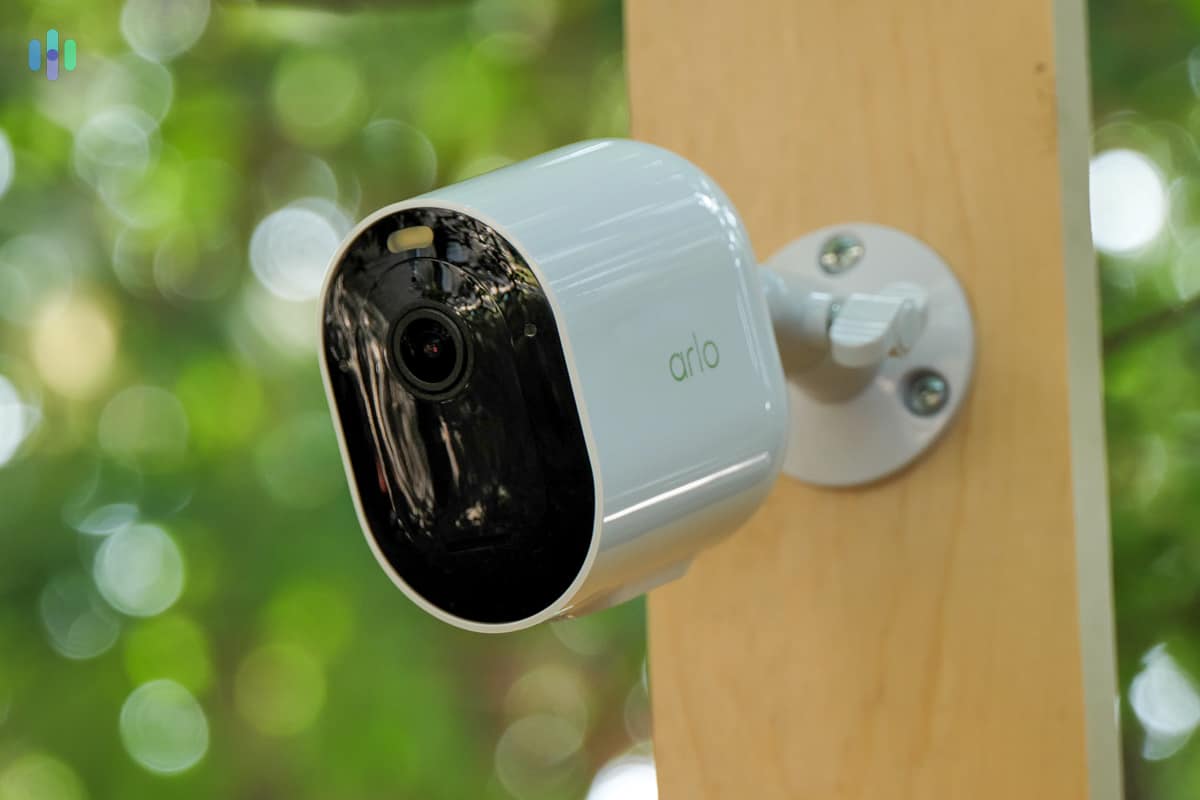
Storage Costs
Beyond equipment, your security camera costs can also include ongoing expenses like cloud storage subscriptions. Understanding security camera pricing for storage helps you budget accurately for the lifetime cost of your system.
Security cameras can store footage locally on a hard drive, video recording device, or microSD card. Alternatively, you can save videos in the cloud. Local storage requires buying extra hardware, like a DVR or microSD card. We found some packages that come with the recording device.
Cloud storage, on the other hand, can either be free or subscription-based. The Wyze Cam and Wyze Cam Pan, for example, includes both free cloud storage and a local storage option. On the other hand, there are brands like Nest that don’t include any local storage at all and offer a very limited free cloud storage option. In such a case, a paid cloud subscription is necessary to enjoy the camera’s full features and capabilities.
Cloud subscriptions may cost more over time. They’re typically billed monthly or yearly. Nest’s storage options, for instance, cost a minimum of $10 per month or $100 per year.
Here are other security camera brands with cloud subscriptions and the options available from them.
| Camera brand | Cloud storage amount options (number of days) | Cost per month (for one camera) | Cost per year (for one camera) |
|---|---|---|---|
| abode | 10 | $7.99 | $79.99 |
| Arlo | 60 | $9.99 | $95.88 |
| Blink | 60 | $3.99 | $39.99 |
| Canary | 60 | $19.99 | $239.88 |
| Deep Sentinel | Only local storage | N/A | N/A |
| eufy | 30 | $3.99 | $39.99 |
| Honeywell | 30 | $4.99 | $59.88 |
| Logitech | 14, 31 | $3.99, $9.99 | $47.88, $99.99 |
| Nest | 30, 60 | $10, $20 | $100, $200 |
| Reolink | 7, 20, 60 | $5.99, $11.99 | $66, $131 |
| Ring | 180 | $4.99 | $49.99 |
| Swann | N/A | N/A | N/A |
| Vivint | 30 | $5 | $60 |
| Wyze | 14 | $2.99 | $35.88 |
Pro Tip: Back up your camera’s footage in both cloud and local storage. That way, if one way method fails, you’ll still have a copy.
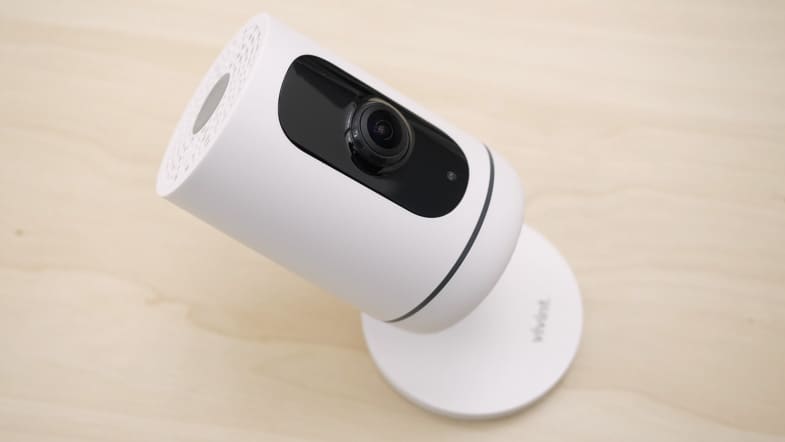
Monitoring Costs
Professional monitoring for security cameras is relatively rare and often expensive. Unlike traditional home security systems, most security cameras work perfectly fine without professional monitoring — you can review footage yourself and call authorities if needed. However, a few companies offer camera monitoring services, typically as part of a larger home security system.
While not exactly security camera monitoring, some companies use a hybrid approach with video verification features. That means when your security system detects an intruder, the monitoring center can view the live feed of your cameras to verify the incident and call emergency responders if necessary. We discuss this feature in-depth in our ADT security camera guide.
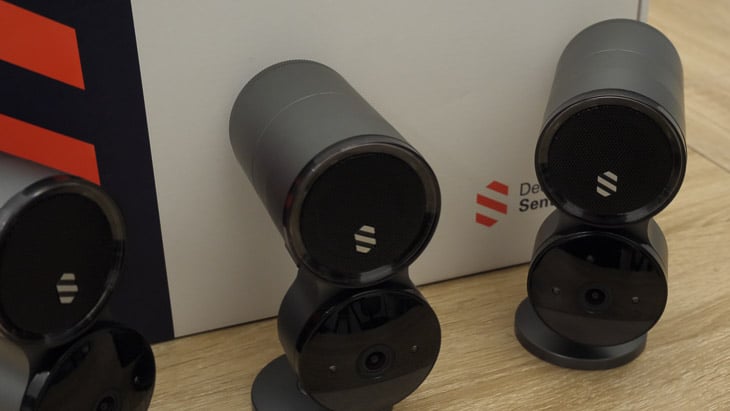
Important Note: The monitoring plans listed below are primarily for security system monitoring, not camera monitoring. Deep Sentinel is the only company that truly monitors security cameras as its core service. Read more in our Deep Sentinel review. We consider this level of protection overkill for most users.
If you’re specifically looking for monitored cameras or plan to integrate cameras with a full security system, here are the professional monitoring costs:
| Company | Monthly cost of 24/7 professional monitoring | Yearly cost of 24/7 professional monitoring | Professional monitoring required? |
|---|---|---|---|
| abode | $25.99 | $245.99 | No |
| ADT | Starts at $49.99 | Around $600 | Yes |
| ADT Blu | Starts at $24.99 | Around $300 | No |
| Deep Sentinel | $100 | $1,200 | Yes |
| Fortress | $39.99 | $479.88 | No |
| Frontpoint | $49.99 for systems with cameras | $599.88 | No |
| Ring | $19.99 | $199.99 | No |
| Scout | $19.99 | $215 | No |
| SimpliSafe | $32.99 for systems with cameras | $395.88 | |
| Vivint | $39.99 for systems with cameras | $479.88 | Yes |
| Wyze | $9.99 | $99.99 | No |
Bottom line: For most security camera buyers, professional monitoring is optional and unnecessary. Cloud storage subscriptions (typically $3 to $25/month) provide everything you need to review footage and share it with authorities if an incident occurs. Only consider professional monitoring if you’re willing to pay a high premium ($49.99 to $100/month) for camera monitoring or if you’re building a complete home security system.
Installation Costs
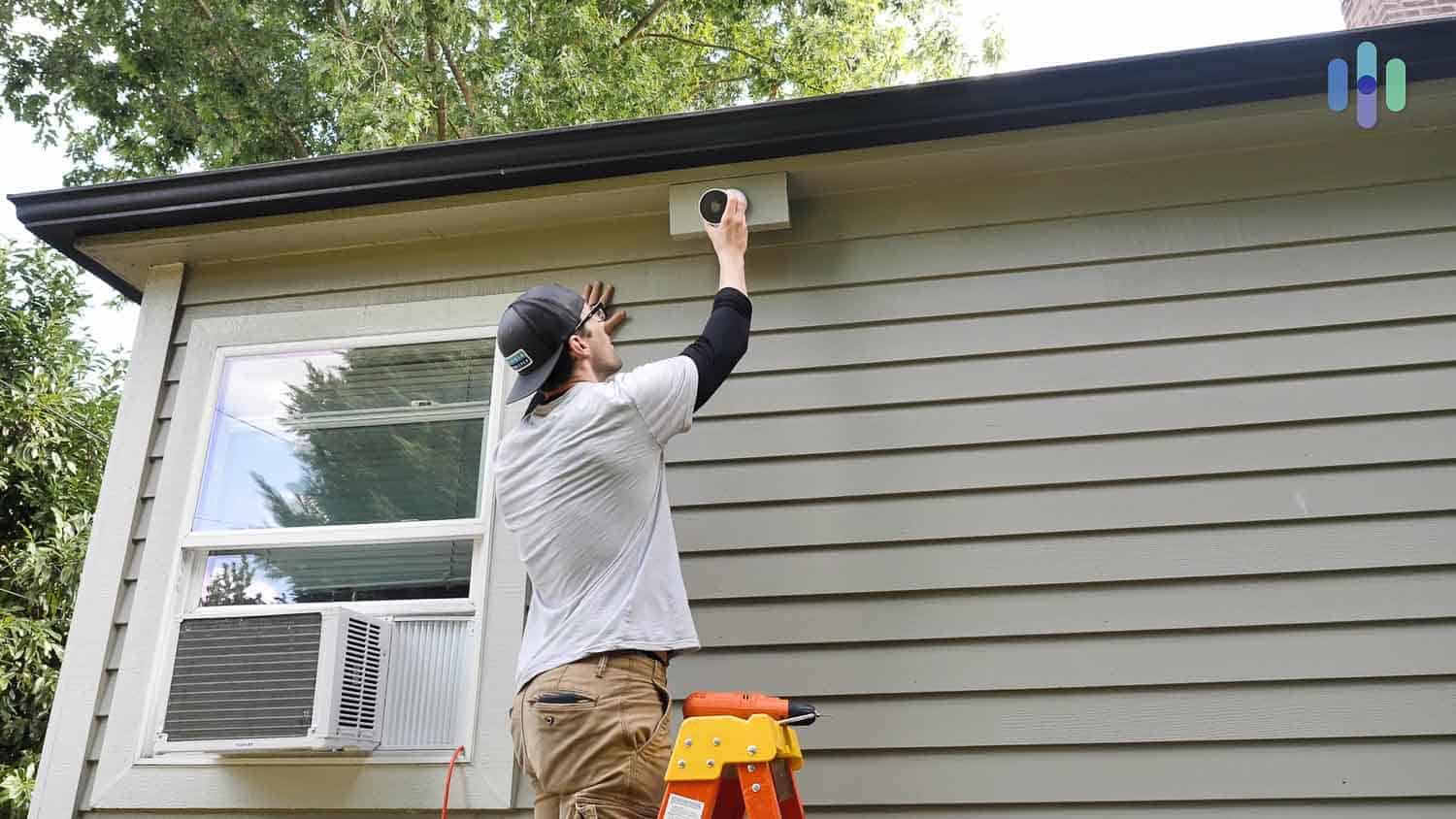
Most of the cameras we installed ourselves at no extra cost. However, some cameras from security companies, like ADT or Vivint, require a technician to set them up. On average, that costs $100 to $300, depending on the complexity of your system. This might seem steep. If you prefer not to install your security cameras or worry about placing your security cameras, it’s worth the cost.
Cost of Maintenance
High-quality security cameras don’t require a lot of maintenance. Some budget or lower-quality cheap security cameras may need more attention. With a reliable camera, you shouldn’t need to replace components regularly, especially since most modern cameras feature rechargeable batteries that last for months.
What Affects Security Camera Pricing?
Understanding what drives security camera cost helps you make informed purchasing decisions. There are a few key factors to consider, from basic technical specifications to advanced smart features. Here’s what impacts the price you’ll pay.
Video Quality and Resolution
Higher resolution cameras cost more but provide clearer footage. Budget 1080p HD cameras tend to cost $30 to $100, while 2K cameras range from $100 to $250, and premium 4K models can exceed $300. The security camera cost increases with resolution because higher-quality sensors and processing power are required to capture and process detailed video.
Durability and Weatherproofing
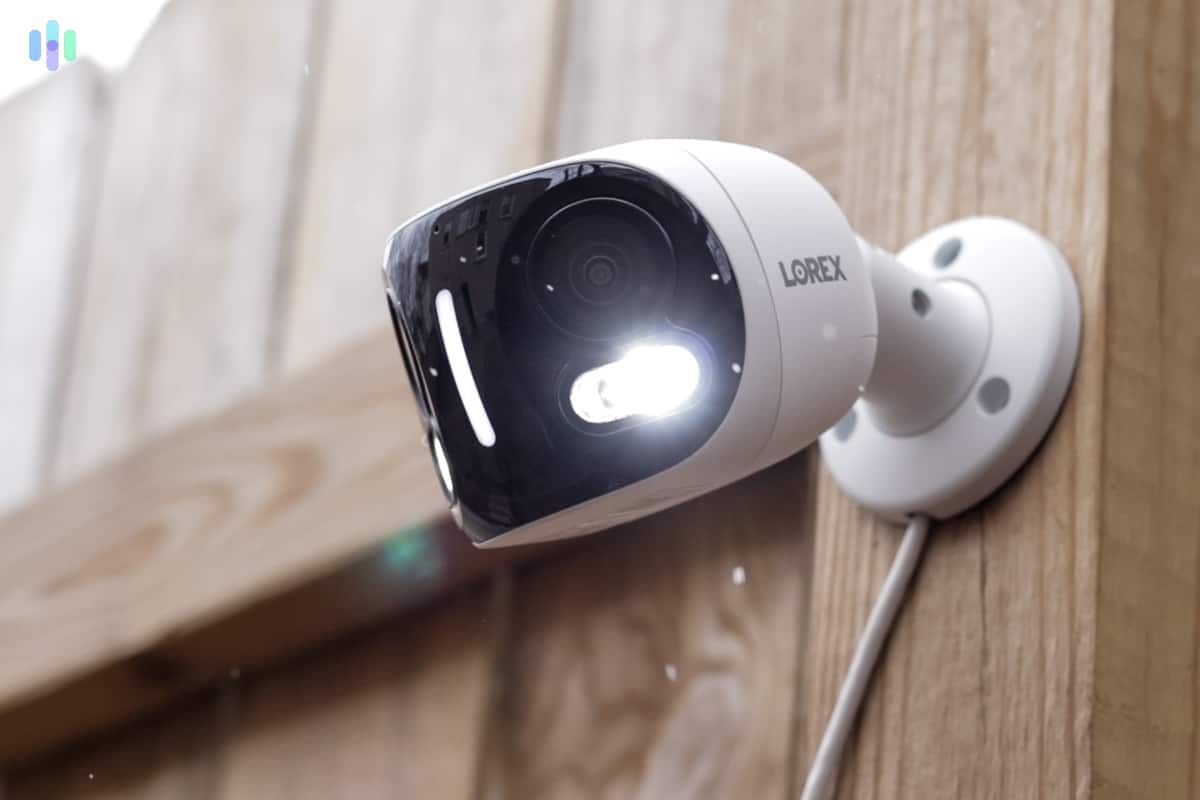
Outdoor cameras with weatherproof ratings typically cost $50 to $150 more than similar indoor models. This price difference reflects ruggedized construction, weather-resistant materials, and protective coatings that allow cameras to withstand rain, snow, extreme temperatures, and UV exposure.
Smart Features and AI
Advanced AI features like person detection, facial recognition, and package alerts significantly impact security camera pricing. Basic motion detection is standard across most cameras, but smart AI features that distinguish between people, pets, vehicles, and packages typically add $50 to $200 to the camera cost. Premium models with facial recognition and custom activity zones command even higher prices.
Power Source
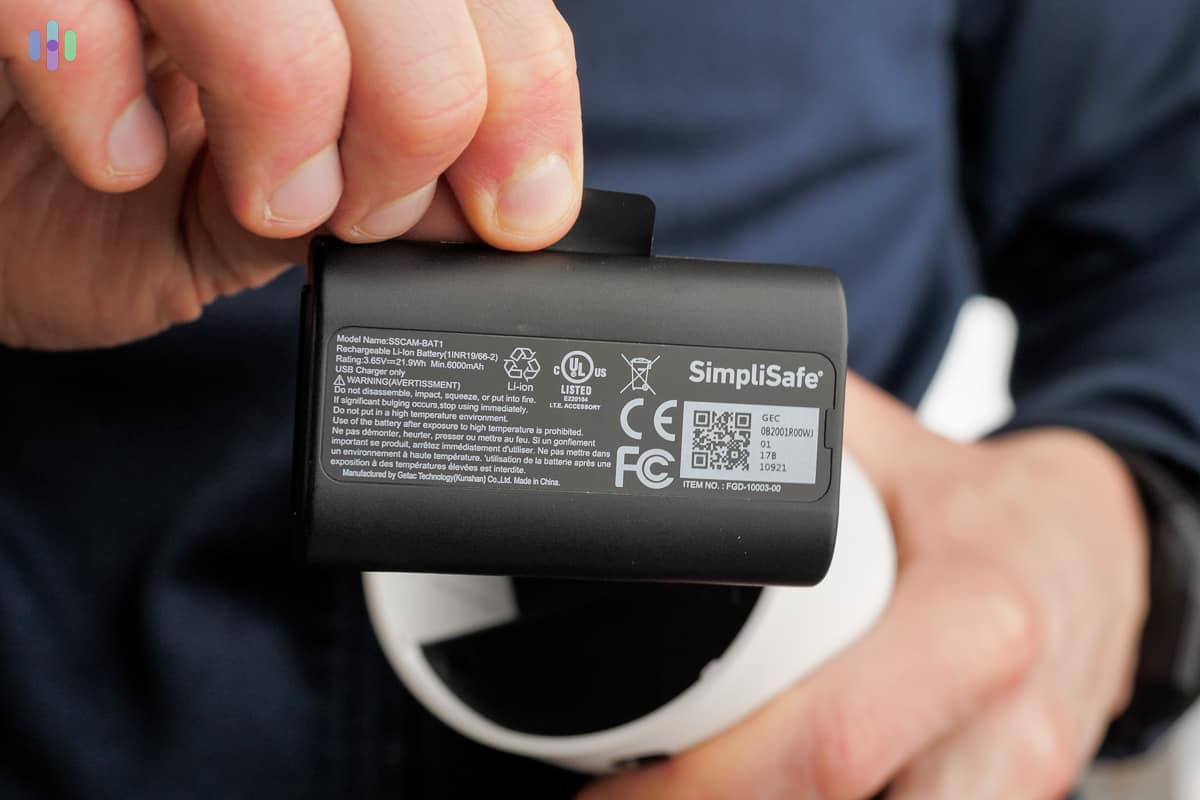
Battery-powered wireless cameras offer installation flexibility but cost $30 to $80 more than wired equivalents. This premium reflects battery technology, charging components, and power management systems. However, professional installation for wireless cameras costs less since they don’t require running electrical wiring.
Brand and Build Quality
Established brands like Nest, Arlo, and Ring command premium pricing for proven reliability, customer support, and regular firmware updates. Budget brands offer lower security camera cost but may lack long-term software support or replacement part availability. Premium brands typically cost 50 percent to 100 percent more than budget alternatives with similar specifications.
Surveillance vs. Security Cameras
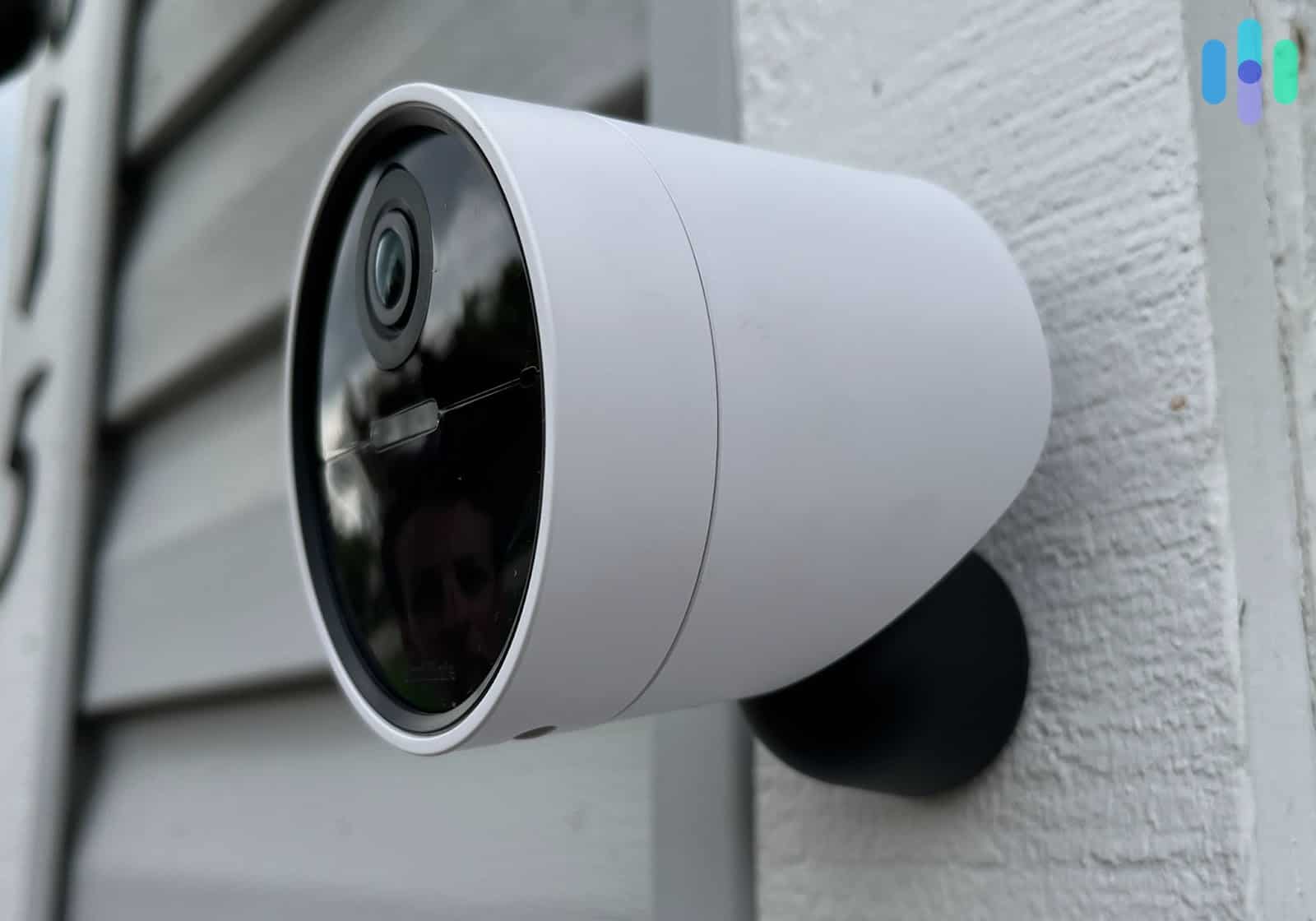
Most people use the terms “surveillance cameras” and “security cameras” interchangeably. Technically, they’re different. Security cameras are CCTV cameras used to monitor one place from a single location. Surveillance cameras work on IP networks, allowing you to access footage remotely through a mobile app. Most modern cameras we work with are technically surveillance cameras. We call them security cameras to align with common usage.
Video Doorbells vs. Security Cameras
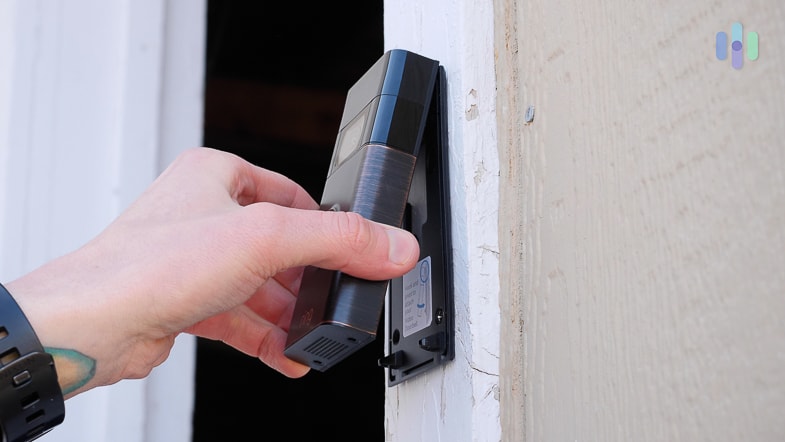
While all video doorbells are security cameras, not all security cameras are video doorbells. What they have in common is that they’re typically both outdoor cameras, meaning they’re weather-resistant. However, only video doorbells connect to existing doorbell setups (if they’re hardwired) or have separate chimes (if they’re battery-powered). Both outdoor security cameras and doorbell cameras can be wired or wireless and have either motion detection or person detection. Technically, you can use an outdoor camera in place of a doorbell camera and get the same results, unless you want to integrate it with your existing hardwired doorbell setup.
Now that you understand the various components of security camera pricing — from equipment and storage to installation and maintenance — let’s discuss practical budgeting strategies based on your home’s specific needs.
Average Security Camera Cost: Budget Planning Guide
You can spend anywhere from $20 to $500 on security camera equipment alone. The total security camera cost depends on a number of factors, including how many cameras you need, whether they’re indoor or outdoor models, and their video quality. You also have optional costs to consider, like storage, monitoring, and installation. We’ve found most DIY home security companies offer flexible, customizable camera systems that fit most budgets.
What To Look For in a Security Camera
Price aside, there are tons of factors to consider when you’re buying security cameras.
- Indoor vs. outdoor: Do you need an indoor camera or an outdoor camera? We recommend getting both, unless you live in an apartment.
- Video resolution: Video resolution for security cameras ranges from 720p HD to 4K, with 4K cameras being among the highest quality available today. In our opinion, though, 1080p HD resolution or higher is more than enough to get clear footage, while 720p HD is a bit pixelated.
- Field of view: The field of view is how wide the camera’s viewing angle is, 180 degrees being the widest possible. We look for cameras with fields of view of at least 120 degrees.
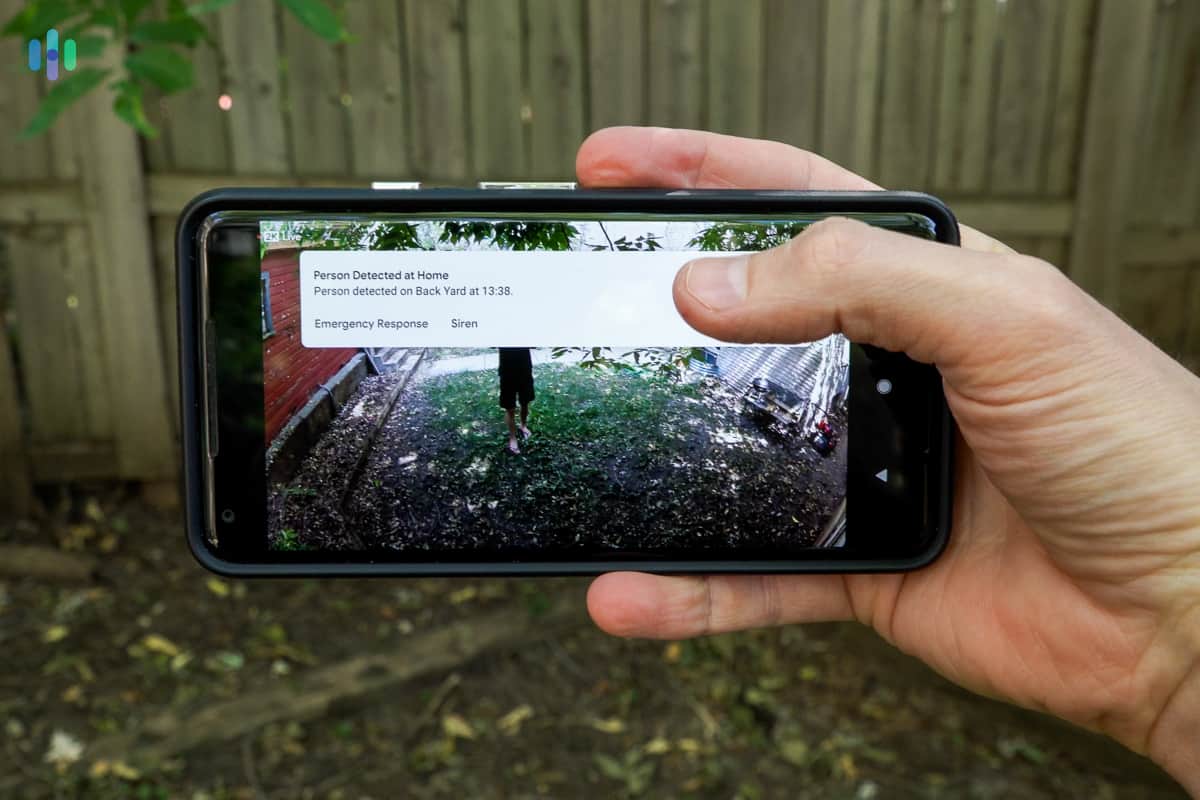
- Artificial intelligence: While some cameras have mere motion detection, others can detect people, pets, and packages, leading to more specific notifications. The best cameras for AI have person detection, facial recognition, and beyond.
- Night vision: We also prefer cameras with infrared night vision via LED sensors, because they’re not as conspicuous as the spotlights that allow for color night vision.
- Smart platform integration: If you’re already in a smart home, why not get a security camera that works with your voice assistant? You can also set up your camera to trigger other IoT devices, and vice versa.
- Two-way audio: Most cameras these days have speakers and microphones for two-way audio, meaning you can speak to anyone who’s in front of the camera through its mobile app.
- Power: Decide whether you want a wired camera or a wireless camera. While wireless cameras are easier to set up, particularly outdoor wireless cameras, they also lose charge over time. Wired cameras, on the other hand, are harder to set up but aren’t dependent on batteries. Of course, with wired cameras, you also have to worry about power outages, unless you have cellular backup.
- Storage: Finally, cameras can have cloud storage, local storage through a hard drive or SD card, or both.
Note: While some cameras include micro-SD cards for free, sometimes you’ll have to buy them separately.
Are Home Security Cameras Worth It?
Many people wonder if security cameras deter crime, or if they’re simply a capitalistic ploy that exploits our greatest fears about safety. Conspiracy theorists, step down. In general, research shows that security cameras effectively deter crime. For example, a survey of 86 inmates serving time for burglary revealed that security cameras were a significant deterrent when choosing targets. A minority noted that cameras suggested valuables inside.1
Of course, security cameras don’t deter all crime. There’s always faulty cameras to worry about, limitations of night vision, and more. In general, though, security cameras are your best bet to deter burglaries and package theft (or, at the very least, to give you video evidence if these thefts do occur).
Do Security Cameras Need Wi-Fi?
If your Wi-Fi is as unreliable as ours, you may worry about a camera losing connection and preventing remote access. However, not all smart security cameras require Wi-Fi. For example, many Reolink cameras connect to cellular networks instead of Wi-Fi. If you don’t need remote access and livestream capabilities, we suggest choosing cameras that only record locally. Of course, we think it’s better to monitor your cameras from anywhere, but Wi-Fi isn’t your only option.
Integrating Security Cameras Into Your Smart Home
One of our favorite things about testing out new security cameras is integrating them into our larger smart home. What does that mean, exactly?
- Connects to voice assistant: If you’ve read our reviews of the Nest Mini or the Echo Show, then you know that we’re voice assistant agnostic here at Security.org. However, most people tend to stick to one voice assistant, such as Google Assistant, Alexa, or Siri. We recommend getting a security camera that works with the smart home ecosystem already set up in your home.
- Triggers other IoT devices: Once you connect your camera to your voice assistant, you can automate actions with compatible IoT devices. For example, we have our smart lights turn on whenever our outdoor camera detects a person. This sort of convenient automation is the entire point of a smart home, one that protects you without any action on your part.
How Do Outdoor Security Cameras Work?
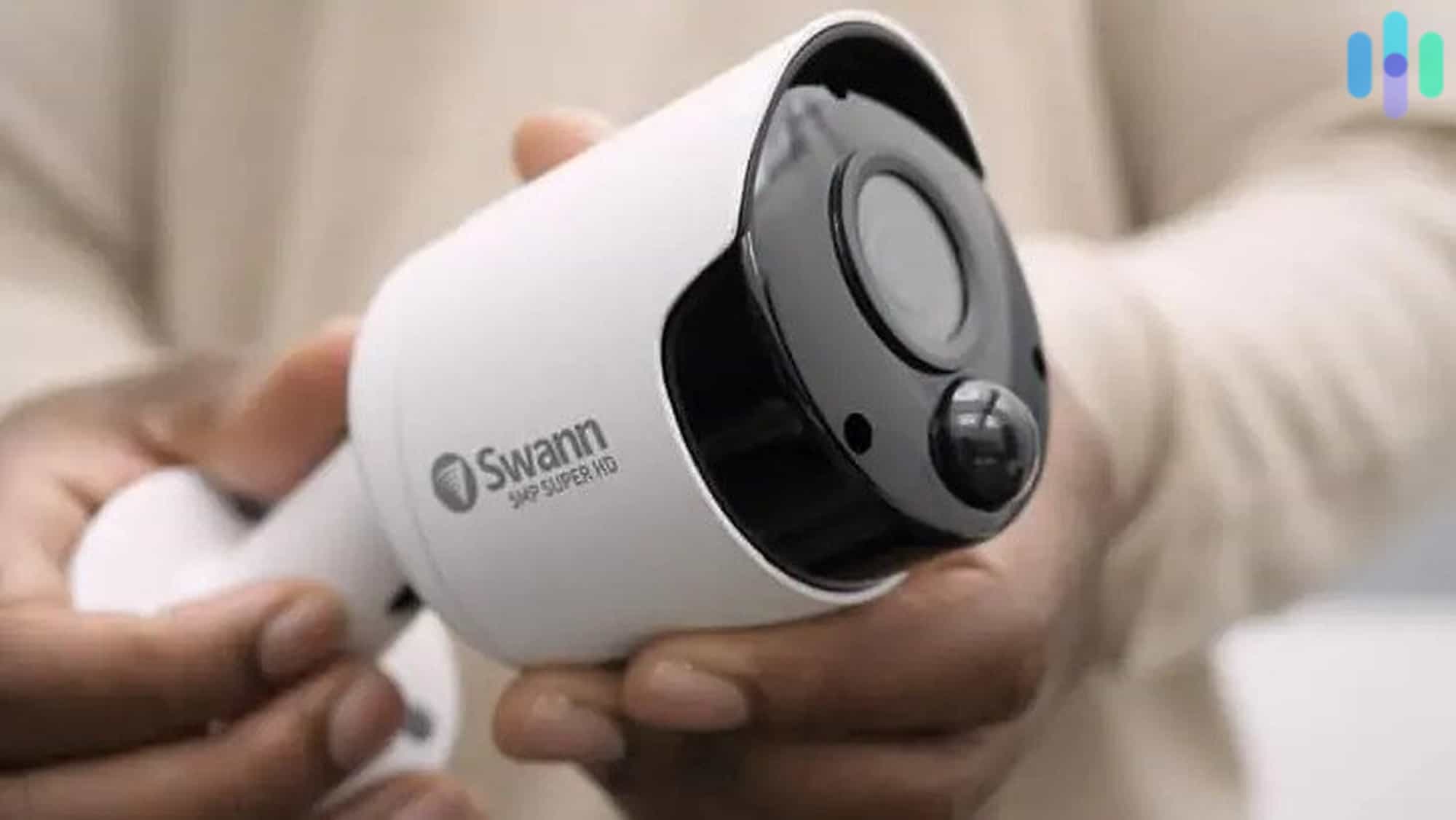
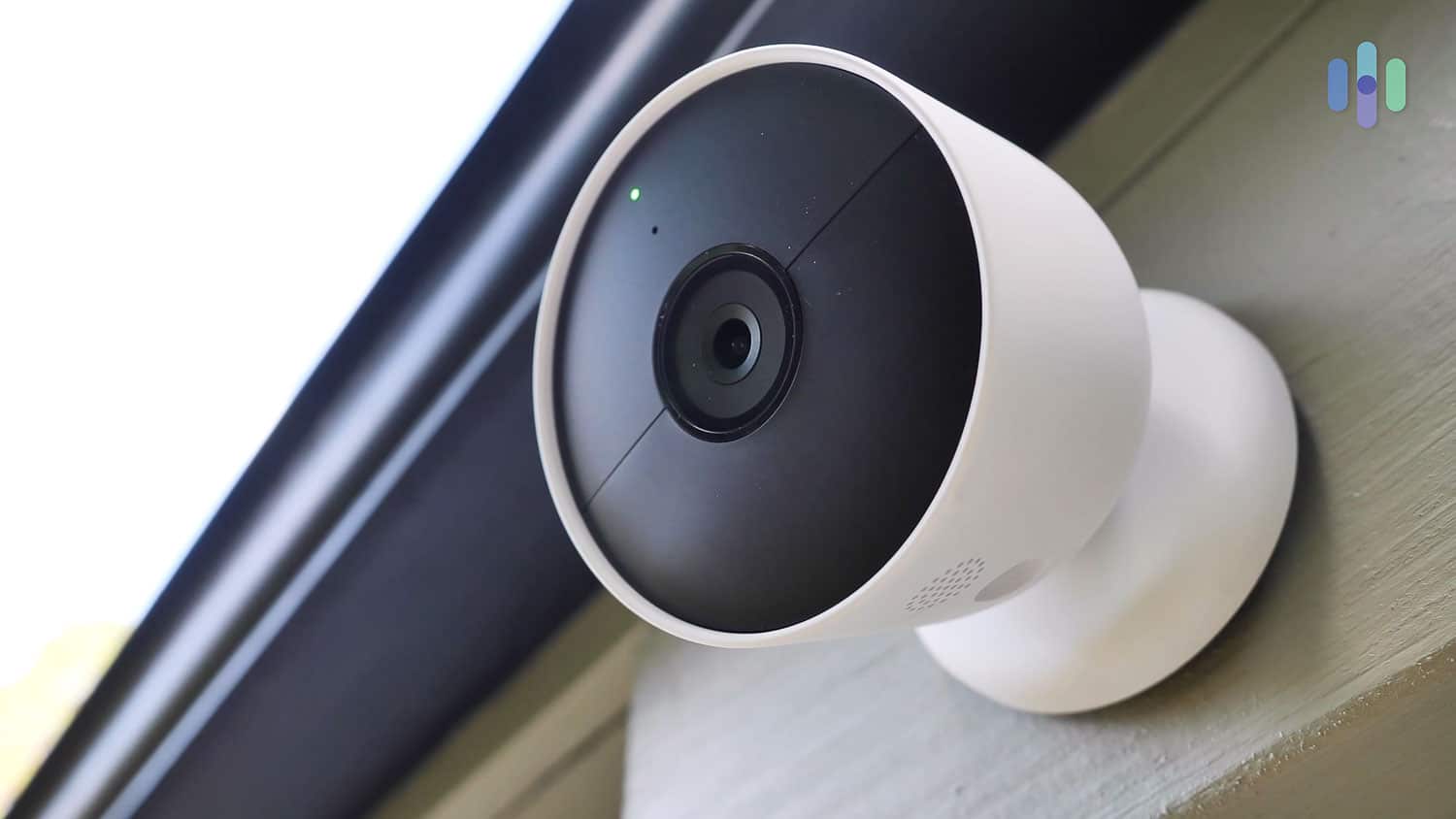
With the threats of snow, rain, and hail (depending on where you live), many people wonder how to use and install outdoor security cameras. The truth is that there’s not much difference in using outdoor cameras vs. indoor cameras. Of course, you have to worry about durability, which is indicated in the camera’s IP rating and temperature range. Another consideration is the power source, if your outdoor camera isn’t wireless. If it’s wired, it’ll need proximity to an outdoor outlet. You may also want to hide your outdoor cameras, although we’d argue that you should keep some visible to deter crime.
Aside from that, outdoor cameras work the exact same way as indoor cameras, connecting to mobile applications via Wi-Fi in most cases. With infrared night vision, you should be able to see clearly, day or night. However, note that weather conditions can affect visibility, so you may want to pair your outdoor camera with security lights.
The Cities With the Most Burglaries
We live in New York City, one of the most dangerous cities in the U.S. and one of the worst cities for police. Using the FBI’s 2019 burglary data, we learned that NYC is also one of the top five cities for known burglaries. Here are the rest of the top 20 cities using the most recent data.
| City | State | Number of burglaries known by state in 2019 |
|---|---|---|
| Houston | Texas | 17,038 |
| Los Angeles | California | 13,809 |
| Las Vegas | Nevada | 10,646 |
| New York | New York | 9,846 |
| Chicago | Illinois | 9,578 |
| Phoenix | Arizona | 9,471 |
| Dallas | Texas | 9,210 |
| San Antonio | Texas | 8,172 |
| Memphis | Tennessee | 7,833 |
| Seattle | Washington | 7,210 |
| Detroit | Michigan | 6,820 |
| Oklahoma City | Oklahoma | 6,206 |
| Columbus | Ohio | 5,809 |
| Charlotte-Mecklenburg | North Carolina | 5,426 |
| Baltimore | Maryland | 5,414 |
| Jacksonville | Florida | 4,906 |
| Tulsa | Oklahoma | 4,846 |
| San Francisco | California | 4,644 |
| Austin | Texas | 4,344 |
Recap
That was a lot more information than you may have wanted, but if you’d like to learn more, read what we consider the best security cameras. We also have a ton of individual security camera reviews and additional best-of pages at your disposal, both on this website and on our YouTube page, and we’re available to answer any and all of your questions. Keep reading for the answers to the questions we get the most.
Frequently Asked Questions
People have a lot of questions about security cameras — often a lot of the same questions, in fact.
-
What is the average security camera cost in 2026?
The average security camera cost in 2026 ranges from $100 to $200 for mid-range models. Budget options start around $30 to $50, while premium 4K cameras cost $250 to $500. When factoring in monthly subscriptions for cloud storage ($3 to $25/month) and optional professional monitoring ($10 to $100/month), total first-year costs typically range from $200 to $1,500 depending on your setup.
-
How does security camera pricing differ by brand?
Security camera pricing varies significantly by brand. Budget-friendly brands like Wyze and Blink offer cameras starting at $30 to $50. Mid-range options from Ring and Arlo typically cost $10 to -$200. Premium brands like Vivint and Google Nest range from $150 to $400. Subscription costs also differ: Wyze cloud storage costs as little as $2.99 per month, while Arlo charges $7.99 to $17.99 per month and Nest charges $10 to $20 per month.
-
What factors affect security camera cost the most?
The biggest factors affecting security camera cost are video resolution (1080p vs 4K), weatherproofing for outdoor use, AI features like person detection, and brand reputation. Security camera pricing also increases with advanced features like color night vision, facial recognition, and smart home integrations. Power source matters too — battery-powered wireless cameras typically cost $30 to $80 more than wired equivalents.
-
What is the cheapest security camera?
The cheapest security cameras that we’ve tested are the $19.99 Wyze Cam v2, the $23.99 Wyze Cam v3, the $24.99 YI Indoor, and the $29.99 Wyze Cam Pan.
-
How much does it cost to install two security cameras?
If the two security cameras are DIY, then installing them is free. However, getting two security cameras professionally installed will cost $100 to $200 on average, according to HomeAdvisor.
-
Do security cameras record all the time?
While some security cameras record all the time, some only record when activated by motion or a person.
-
What is the best home security camera system without a monthly fee?
The best home security camera systems without monthly fees are SimpliSafe, abode, Ring, and Arlo.