Most Affordable Home Security Cameras
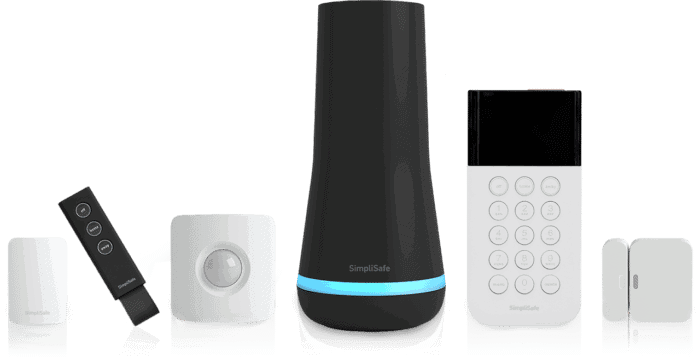
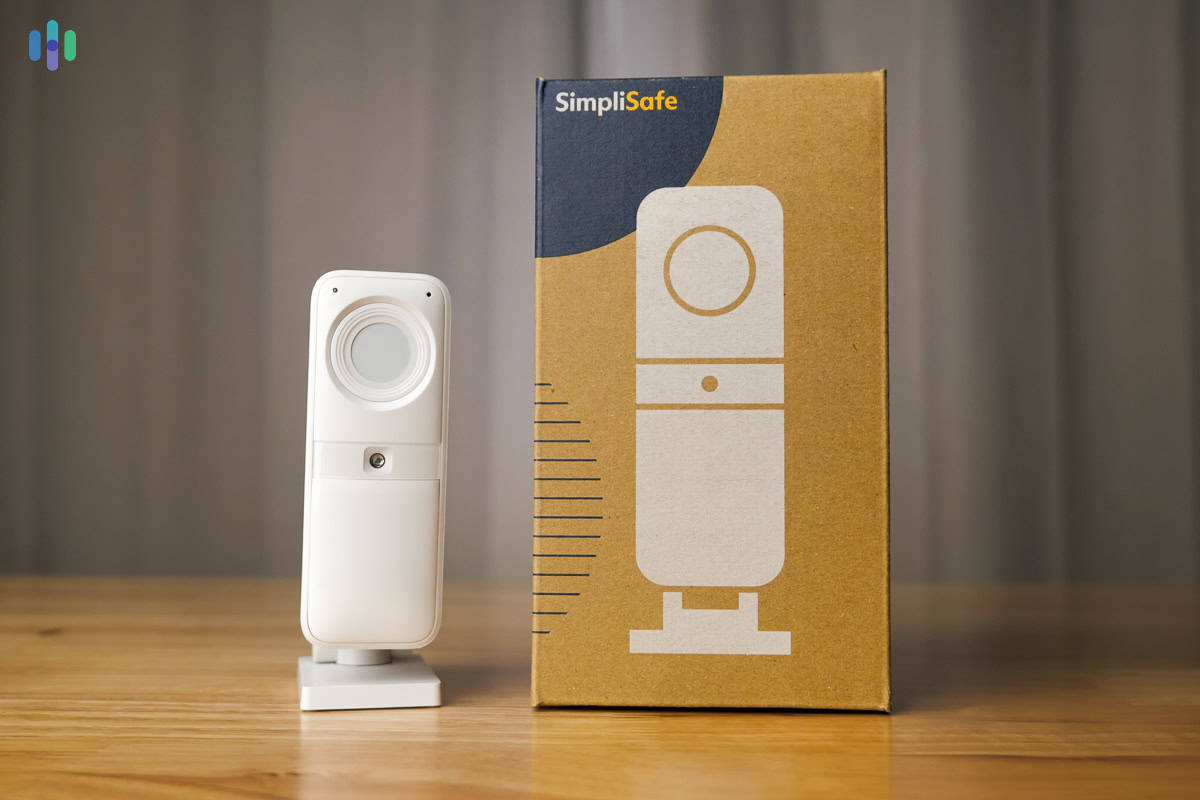
Our #1 pick, SimpliSafe, regularly offers deals that include free security cameras with the purchase of a basic security system.
 &
&
 Last Updated on Jul 08, 2026

- No monthly fee or installation fee required
- Package deals often include free cameras with qualifying purchases
- Flexible monitoring plans you can cancel anytime

- Sales can include free Nest Cams with a $289 purchase
- Best-in-class professional monitoring starts at $24.99 per month
- Convenient professional installation

- No additional charge for full Alexa integration
- Save up to $20 a year when you sign up for an annual monitoring subscription
- A single subscription covers unlimited cameras at one address
the security.brief
SimpliSafe offers the best long-term value with deals that include free cameras. ADT provides top discounts, often bundling Nest Cams. Ring excels with Alexa integration.
Adding security cameras is one of the most effective ways to strengthen your home security. The only issue is that costs can pile up fast depending on how many you need. Indoor cameras typically start around $30, while outdoor cameras can run anywhere from $100 to $300 each.
There are also some solid options out there that cost a fraction of the industry average. We’ve tested dozens of cameras and found indoor cameras starting from as low as $19.99 and outdoor cameras as low as $99.99. They’re not cheaply built either. Some come loaded with advanced features like person detection and even facial recognition. Take a look at our favorite affordable security cameras.
Our Affordable Security Camera Findings
| Camera prices | $19.99-$179.99 |
|---|---|
| Local storage | Some, not all |
| Cloud storage cost | $2.99 to $19.99/month |
| Average video quality | 1080p HD |
Most Affordable Home Security Cameras
- SimpliSafe - Best Long-Term Value
- ADT - Best Security Camera Discounts
- Ring - Best Cam for Alexa
- Wyze Cam - Most Affordable Cam Overall
- Nest - Most Affordable Google Security Camera
- Arlo - Best Low-Cost 2K Security Camera
- Blink Camera - Most Affordable Outdoor Security Camera
Comparison of the Most Affordable Home Security Cameras
| System |
SimpliSafe
|
ADT
|
Ring
|
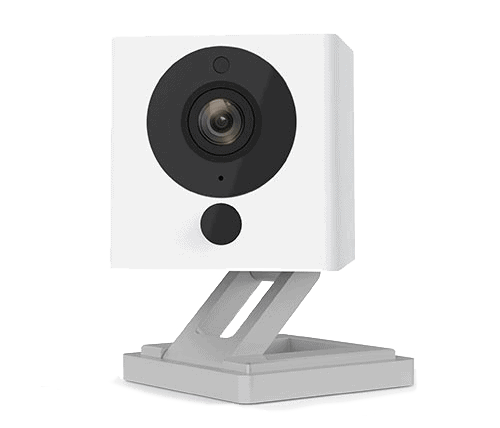
Wyze Cam

|
Nest

|
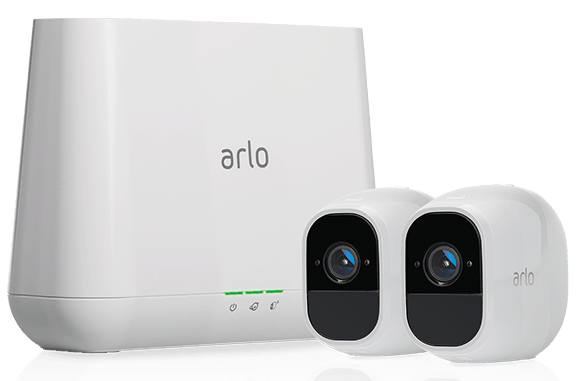
Arlo

|
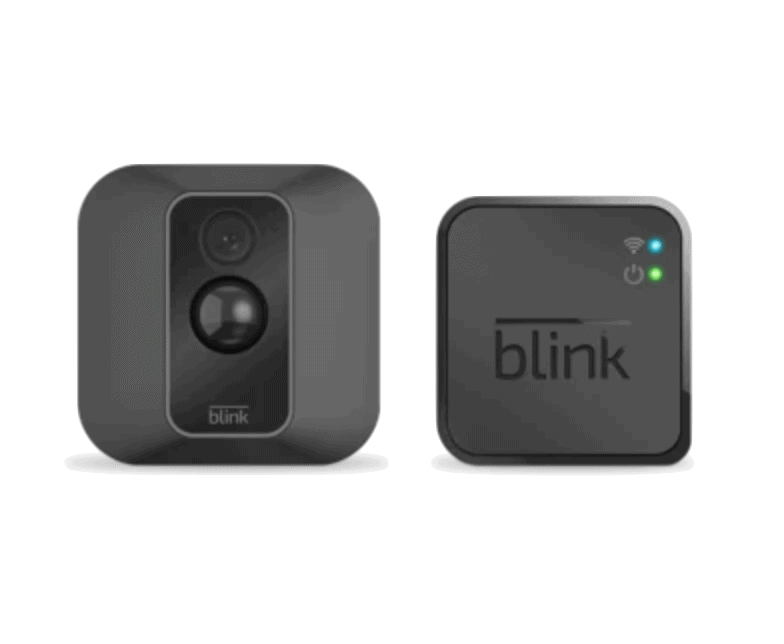
Blink Camera

|
|---|---|---|---|---|---|---|---|
| Ranking | 1st | 2nd | 3rd | 4th | 5th | 6th | 7th |
| Ratings | 9.8/10 | 9.8/10 | 9.5/10 | 8.3/10 | 9.2/10 | 8.8/10 | 8.4/10 |
| Cost | Starts at $149.99 | Starts at $99.99 | Starts at $49.99 | Starts at $25.98 | Starts at $99.99 | Starts at $39.99 | Starts at $29.99 |
| Minimum Cloud Storage Fee | Starts at $9.99 per month | Starts at $49.99 per month | Starts at $4.99 per month | Starts at $2.99 per month | Starts at $10 per month | Starts at $7.99 per month | Starts at $3.33 per month |
| Professional Monitoring | Starts at $22.99 per month | $49.99 per month | Starts at $19.99 per month | Starts at $8.33 per month | Not Available | Starts at $24.99 per month | Not Available |
| Read Review | SimpliSafe Review | ADT Review | Ring Review | Wyze Cam Review | Nest Review | Arlo Review | Blink Camera Review |
Detailed List of the Most Affordable Home Security Cameras
-
1. SimpliSafe - Best Long-Term Value

Product Specs
Equipment Costs Packages starting at $250.96 Monitoring Options Professional and DIY Monthly Monitoring Costs Starts at $22.99 Contract Lengths Month-to-month Installation Options DIY or professional Smart Platform Integration Alexa and Google Home When just looking at retail prices, you might wonder how SimpliSafe topped our list of the most affordable security cameras. Well, like ADT, SimpliSafe regularly runs sales that include free security cameras with the purchase of any security system which typically starts around $200.
>> Check Out: Compare SimpliSafe vs ADT Home Security
Camera Features

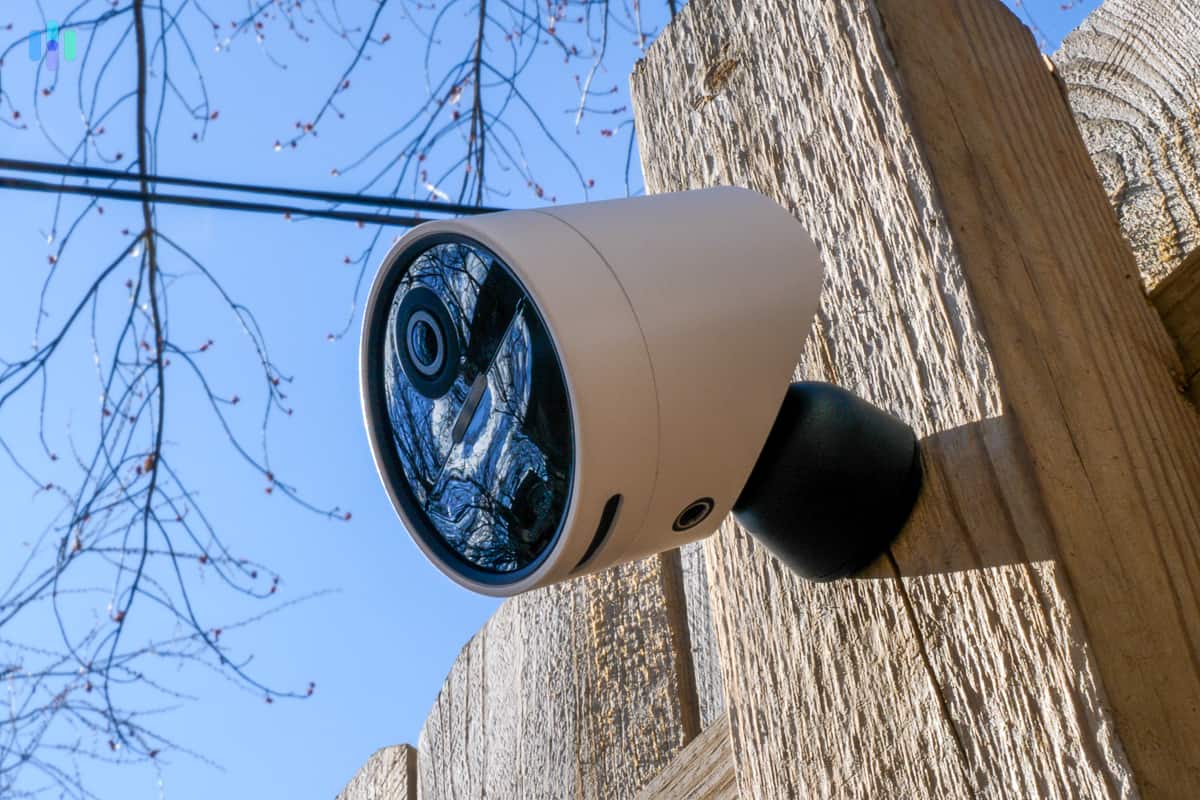
We installed our SimpliSafe Outdoor Camera on our wooden fence in our frontyard so it could see our entryway and garage. SimpliSafe offers some unique features with their security cameras. Their Indoor Wireless Camera connects to their monitoring center so that their agents can access it during active alarms. They use the live feed to assess the situation and the cameras two-way talk to scare off potential threats while guiding you to safety.
Personal Experience: While testing this feature, we walked into the office late at night to pick up some paperwork we forgot and the stern voice of SimpliSafe’s monitoring agent gave us a big jumpscare. Once we told them our PIN, we both had a laugh, but if we were a burglar, it would have caused us to scram.
Similarly, SimpliSafe’s Outdoor Camera also offers active monitoring except it triggers intervention when it detects a potential threat with its AI analytics. When it detects a threat, SimpliSafe monitoring agents can use both the outdoor cameras and the Video Doorbell Pro we tested.
Monitoring Plans

We always closed the privacy shutter of our SimpliSafe Wireless Indoor Camera when home. Those two active monitoring features we talked about above require specific professional monitoring plans. Intervention using the Indoor Camera requires at least SimpliSafe’s Core plan whereas overnight outdoor protection requires SimpliSafe’s Pro plan and 24/7 protection requires SimpliSafe’s Pro Plus plan. Here’s an overview of SimpliSafe’s pricing for monitoring:
Monitoring Plan Price Per Month Standard Monitoring $22.99 Core Monitoring $32.99 Pro Monitoring $49.99 Pro Plus Monitoring $79.99 FYI: All of SimpliSafe’s monitoring plans, aside from their Standard monitoring plan, include cloud storage for up to 10 cameras. You can also opt out of any subscriptions for free or choose the self-monitoring plan with cloud storage for $9.99 per month.
Free DIY Installation
SimpliSafe’s bread and butter is DIY installation. They offer one of the easiest systems we’ve installed. It only takes us about 30 minutes to install the whole system, not including the hardwired Video Doorbell Pro. That component takes about an hour to install as we needed to remove our old doorbell and connect it to the old wiring.
-
2. ADT - Best Security Camera Discounts

Product Specs
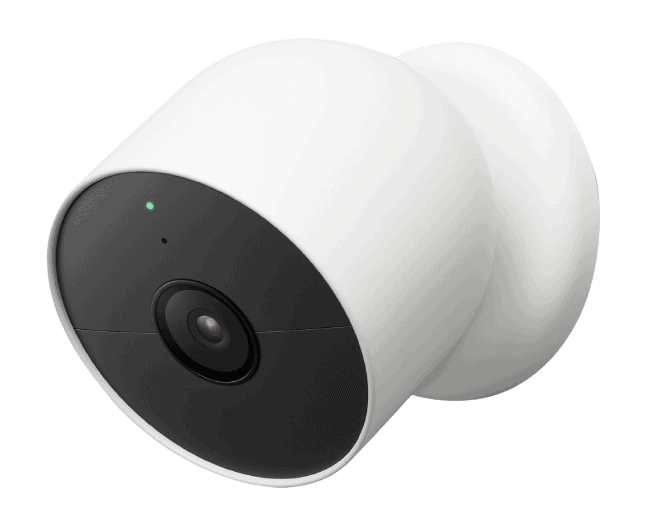
Resolution Up to 2K Field of View Up to 152 degrees Power Wired, battery Connectivity Wi-Fi, ethernet Video Storage Cloud Smart Platform Compatibility Alexa You really can’t beat free, and that’s exactly what ADT delivers. Sometimes, their deals sound too good to be true. That age-old saying doesn’t apply to ADT, though, as we can confirm their deals are real. ADT’s deals regularly include free Nest Cams with the purchase of a security system. Plus, you get a free in-home consultation, which means security professionals can help you decide which cameras to buy without overspending on things you don’t need.
>> Read More: Best DIY Home Security Systems of 2026
Camera Features
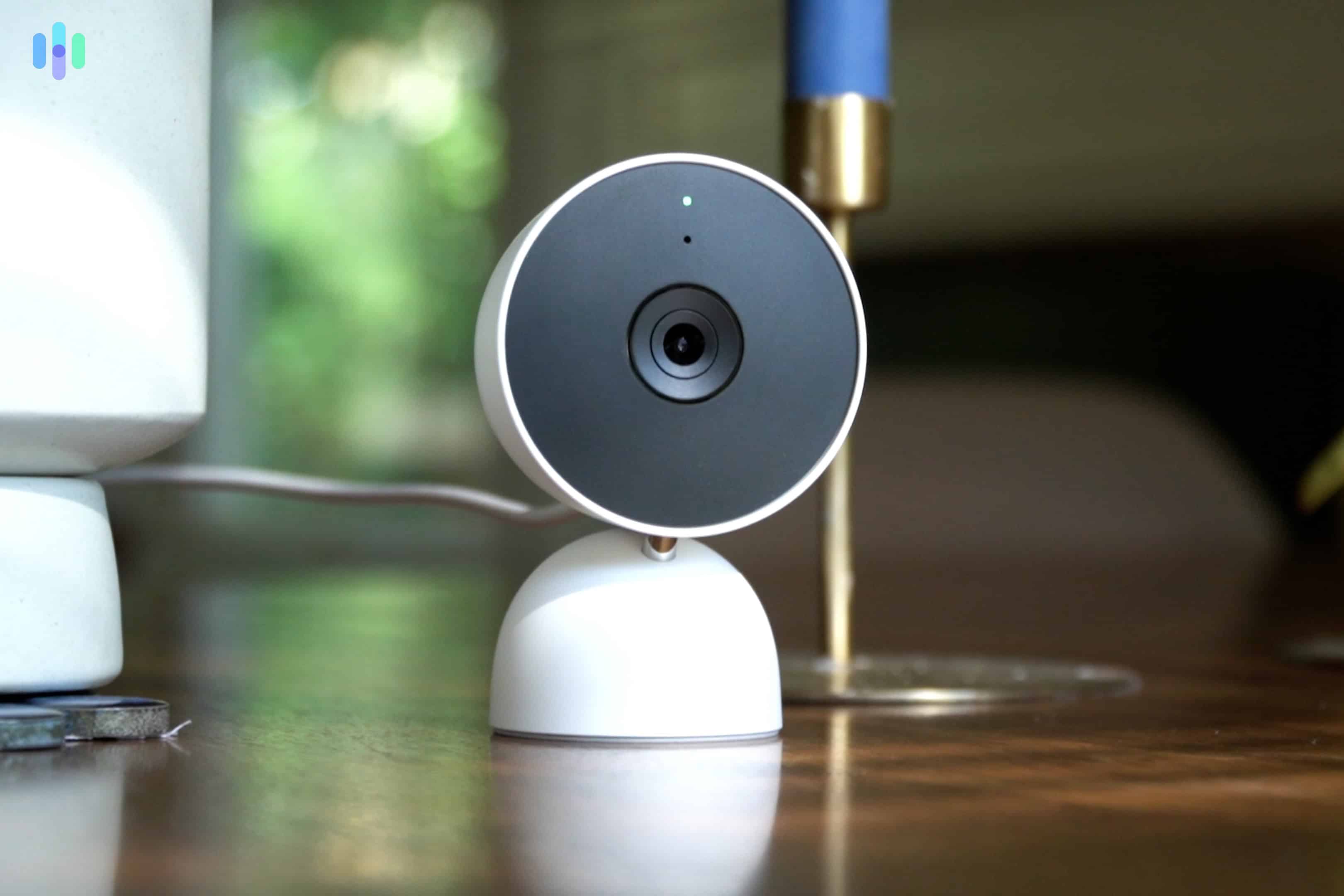
We put the $99.99 Google Nest Cam (wired) on our desk to keep an eye on our office. Since ADT uses Google Nest Cams, you’ll get all the features that come with them if you buy directly from Google. That includes all of their AI features like facial recognition, Google Home and Alexa integration, and customizable alerts.
Those features are great and all, but pairing them with ADT unlocks some unique capabilities like Trusted Neighbor. With that, you can automatically disarm your door to allow specific people in your home. For example, we set ours up to let our dog walker in every Thursday at 10:30 and then again at 11:15 for when they get back. After they leave, our system arms again keeping our house secure the whole time.
Expert Insight: While you might worry about using a camera’s facial recognition software to let people into your home, it’s surprisingly accurate. A recent study found that facial recognition software, like the one Google uses, provides accurate detection over 99 percent of the time.1
Monitoring Plans

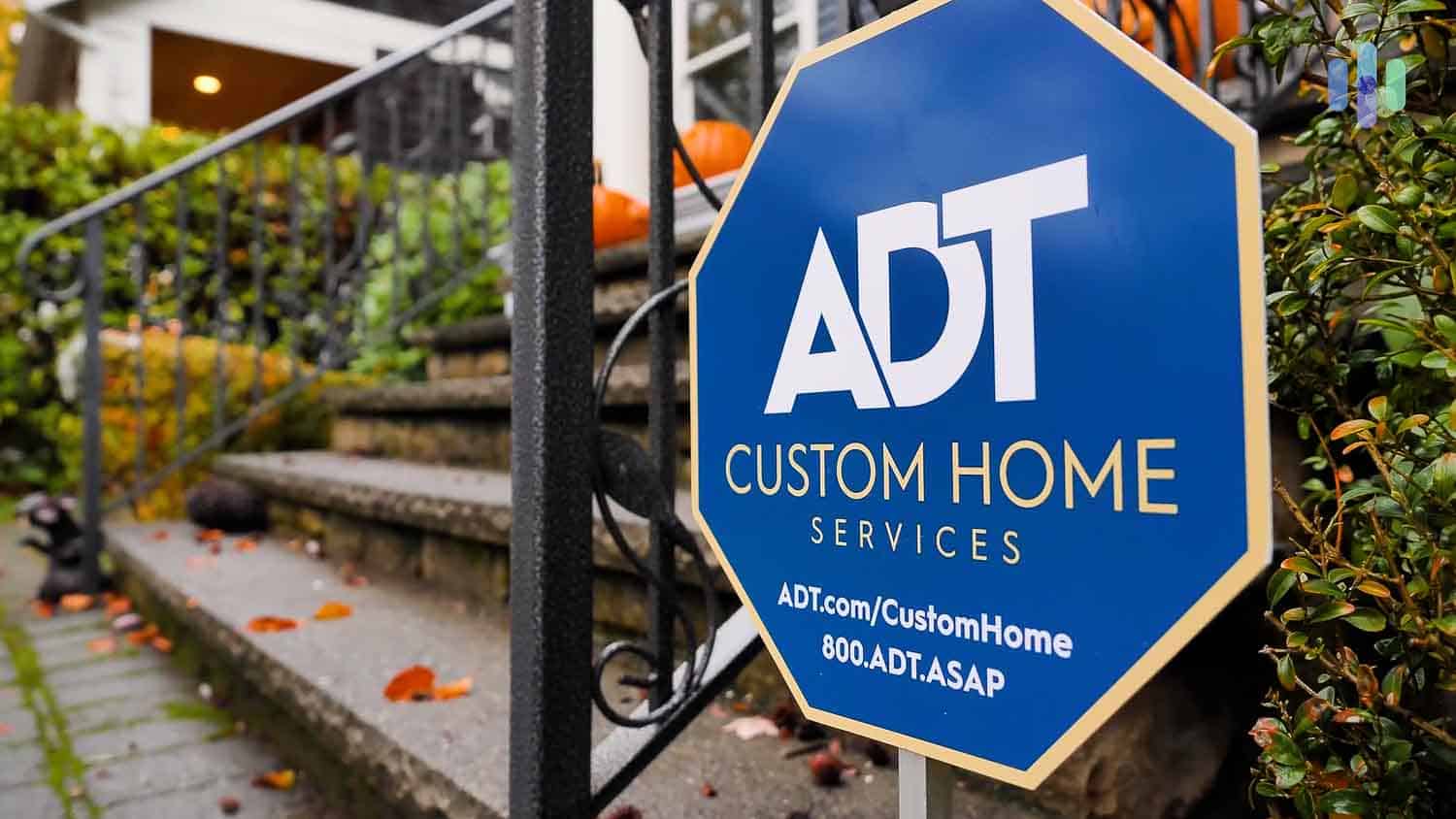
We proudly placed the ADT yard sign that comes with their system in front of our house to ward off criminals. Another perk of getting Google Nest Cams through ADT is access to professional monitoring. Plans start at $49.99 per month, which sounds steep upfront. We found it’s good bang for your buck after digging into what’s included. Beyond cloud storage and live streaming, you’re backed by ADT’s network of six redundant monitoring centers, which is one of the most reliable setups in the industry.
Installation Options
ADT also requires professional installation — at least for the ADT Pro Install that offers Nest Cams. We did test the DIY-focused ADT Blu brand, but that one comes with ADT-branded cameras. They’re not bad, but they’re not Nest Cams.
Back to the point, ADT’s professional installation actually worked in our favor. The technician came on installation day ready for a full system installation. It took him roughly two hours, and in that time, all we did was watch. The technician even helped us set up activity zones and automation rules in the ADT+ app before he left.
Pro Tip: If you’re buying a Nest Cam Floodlight, we recommend a professional installation. Even when you buy directly from Google, they recommend hiring an electrician to install it. That’s because these cameras are hardwired so unless you’re comfortable with electrical wiring, it’s best to leave it to the pros.
-
3. Ring - Best Cam for Alexa
 Learn More Links to Ring.com
Product Specs
Resolution Up to 4K UHD Field of View Up to 164 degrees Power Wired, battery, PoE, solar Connectivity Wi-Fi, ethernet Video Storage Cloud Smart Platform Compatibility Alexa and Google Home
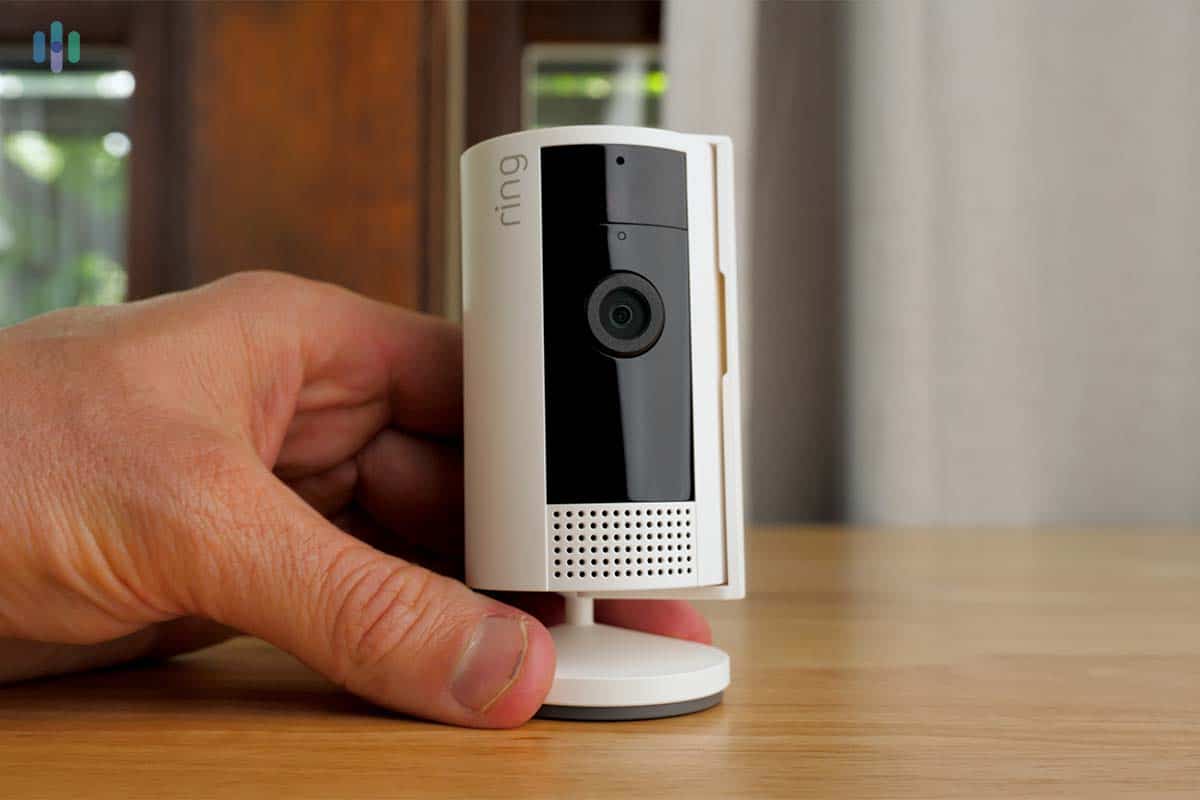
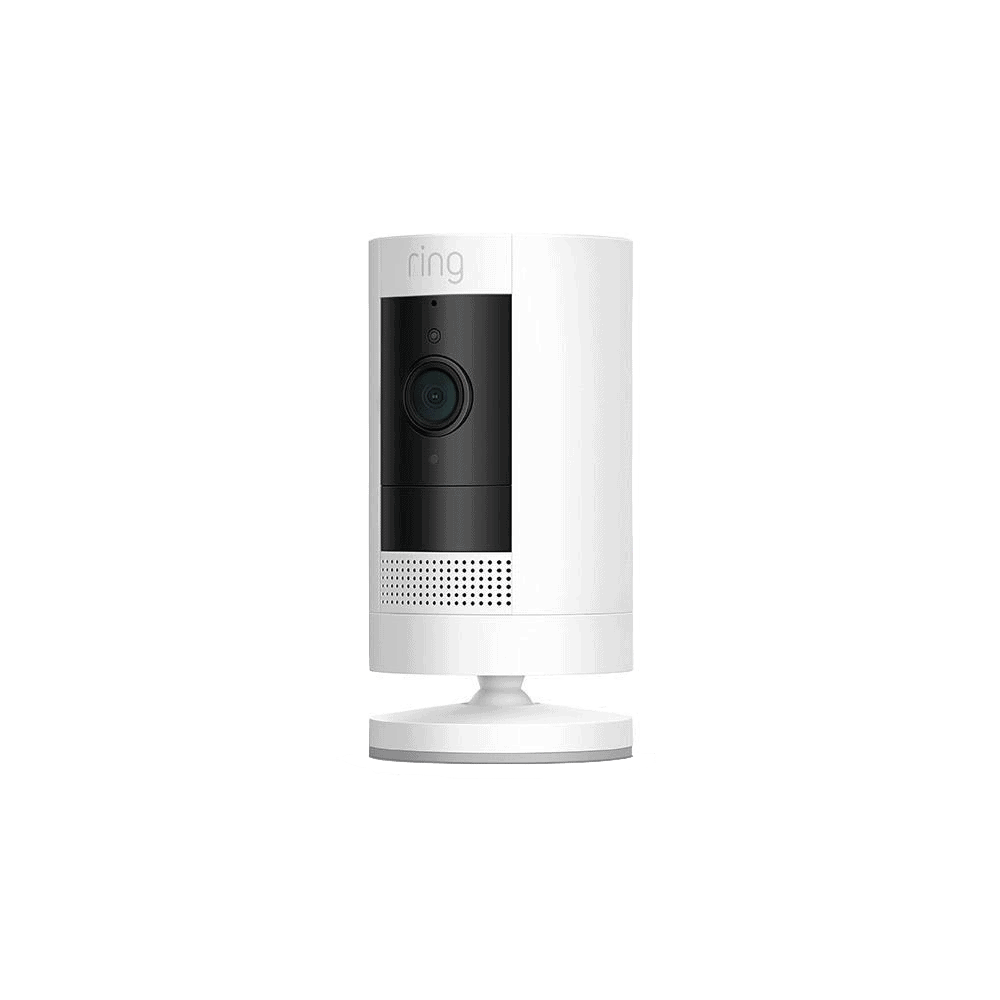
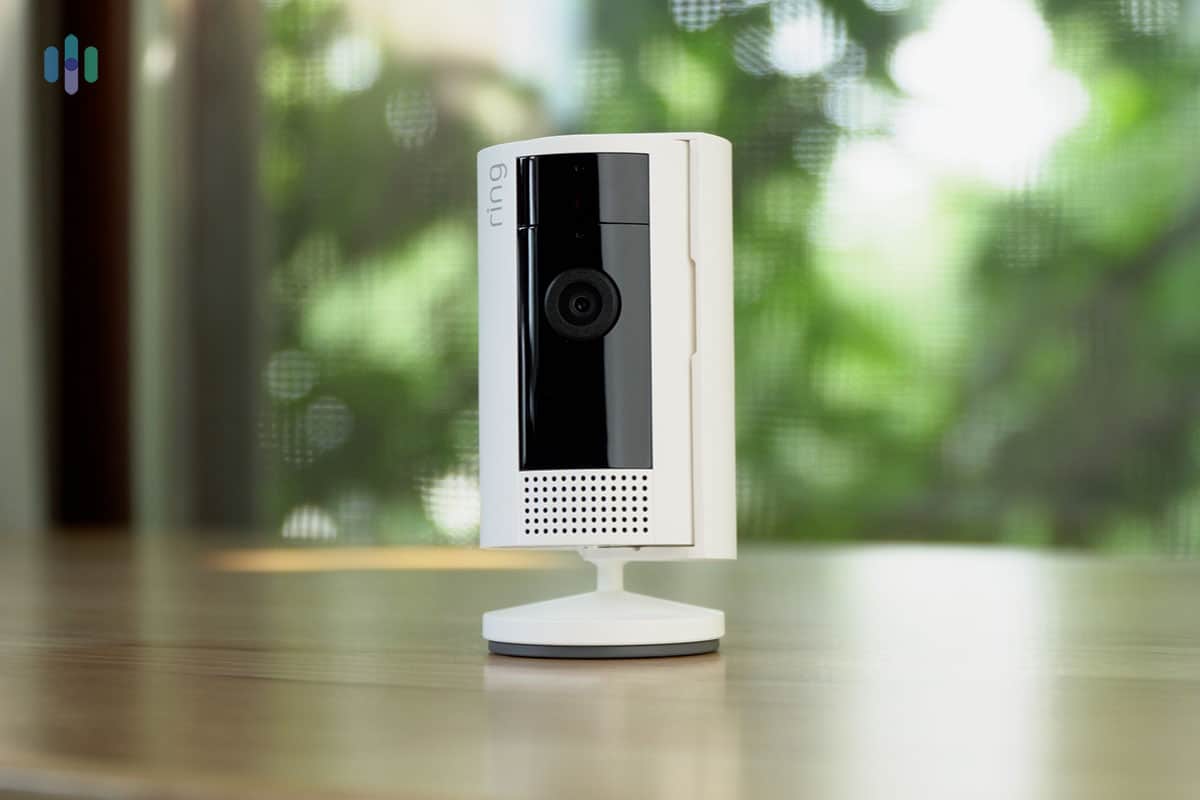
Selling for just $49.99, the new Ring Indoor Cam is the most affordable Alexa-friendly security camera. While other home security brands are Alexa compatible, Ring’s integration with Alexa is especially smooth. That’s to be expected, as Ring and Alexa are owned by Amazon. The Ring Alexa skill lets you manage indoor and outdoor cameras and other Ring devices, such as doorbell cameras, smart lights, smart locks, and sirens.
Ring Indoor Cam (2nd Gen) Ring requires a paid cloud subscription to record and store footage. Without a plan, you’re limited to live video streaming and motion alerts. The good news is that Ring’s cloud pricing is pretty reasonable. The Ring Solo plan covers a single camera for $4.99 per month and stores video clips for up to 180 days. If you’ve got multiple cameras, the Ring Multi plan at $9.99 per month covers unlimited Ring devices under one roof.
There’s also a premium tier called Ring Pro, which layers in AI-powered features like video descriptions and intelligent alerts, plus 24/7 professional monitoring, That last part requires a Ring Alarm security system, though. This plan runs $19.99 per month.
Camera Features
Ring’s Indoor Cam has a simple name and advanced features. Specs include:
- USB power cord
- 115° field of view
- Two-way voice with noise cancellation
- Motion detection
- Motion zones
- Up to 180 days of cloud storage per clip
- Best Alexa skill
- Compatible with Google Assistant
- Works with IFTTT
- Neighborhood crime alerts available with free Ring Neighbors app
It’s an impressive set of features for a camera under $50. Are there any “cons” to balance the perks? One possible shortcoming is the lack of backup battery power. Another is the lack of digital zoom. However, with its wide viewing field and crisp resolution, the Ring Indoor Cam can still capture lots of valuable footage as long as it’s powered. If power is cut, a snapshot of the last view will be sent to your account.
>> Another affordable camera option: Defender Security Cameras
Paid Plans with Ring
As mentioned above, you can use Ring security cameras without monthly fees. To get more from the devices though, choose a Ring Protect plan. These contract-free plans can be month-to-month and are even more affordable when you pay for a year upfront. Each is offered with a free 30-day trial and includes lifetime camera theft protection, too.
All in all, Ring is a flexible and affordable solution for DIY or professional camera monitoring. Cloud storage and professional monitoring are contract-free and available without a credit check. Ring home security cameras are under warranty for one year from the date of purchase. Extended warranties are activated with paid service.
-
4. Wyze Cam - Most Affordable Cam Overall
 View on Amazon Links To Amazon
Product Specs
Resolution Up to 2.5K Field of View Up to 134 degrees Power Plug-in, battery Connectivity Wi-Fi Storage Cloud, local Smart Platform Compatibility Alexa and Google Home
Wyze continues to impress budget-conscious home security shoppers with a solid lineup of cameras under $50. The entry-level Wyze Cam v4 starts at $34.99 MSRP, and the Wyze Pan Cam ($33.99 MSRP for the Pan v3) is a great step up thanks to its automatic 360-degree rotation. Both Wyze cameras are plug-in models with power cords. With a few screws they can attach to shelves, walls, ceilings and other flat surfaces.

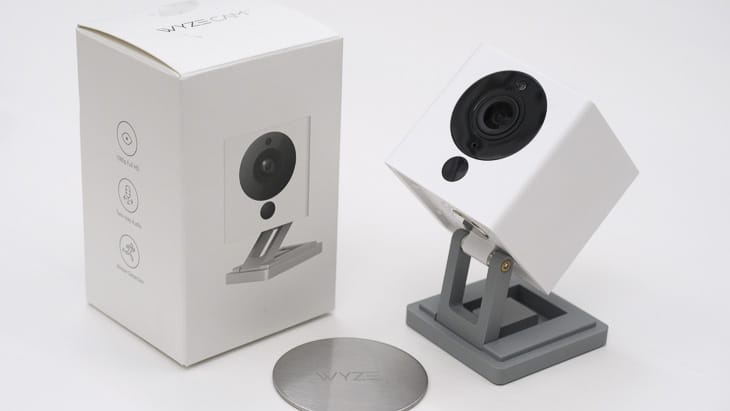
Wyze Cam and its packaging Not only is the equipment affordable, but Wyze also doesn’t require any monthly fees. That’s what really sets this brand apart. It’s not the only one that offers $30 indoor cameras, but it’s one of the few that offers a microSD card local storage option. There are optional cloud storage subscriptions, but you won’t really need them if you’re content with managing your microSD card’s (sold separately) storage.
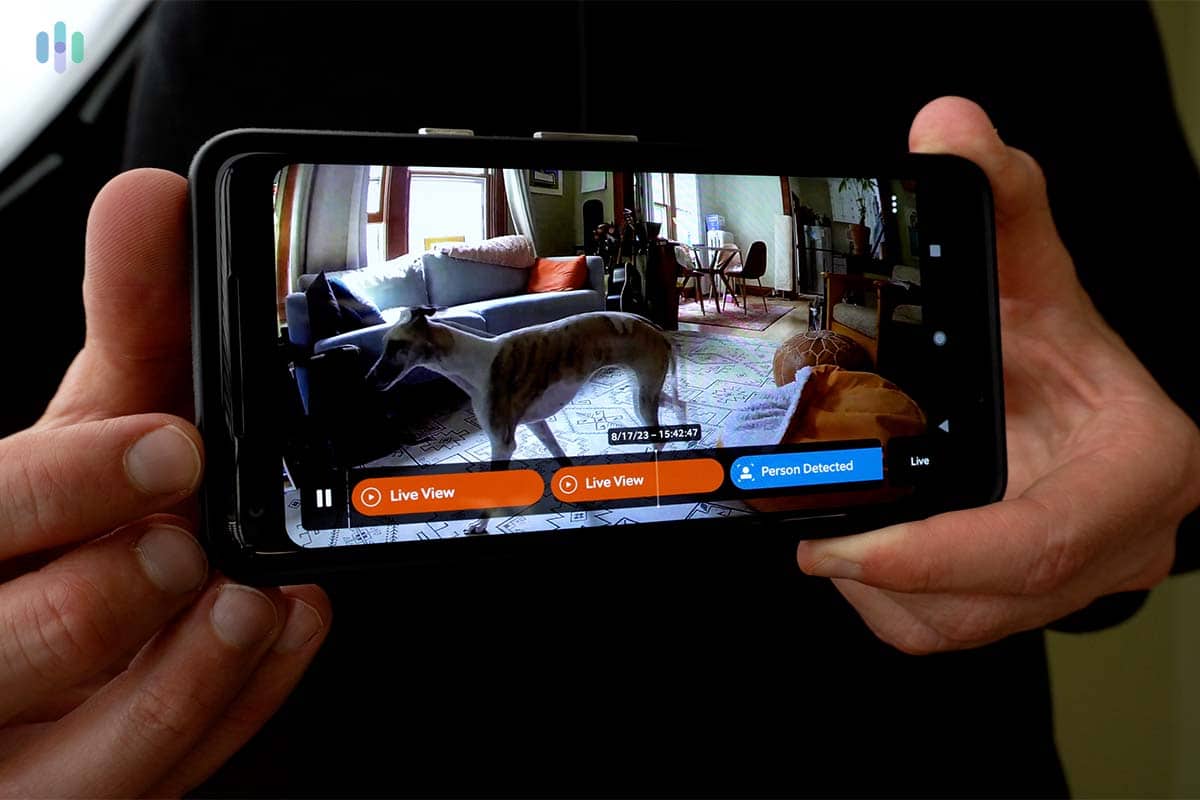
Beyond free storage, Wyze cameras offer smart detection features like person detection and pet detection. Those are also free, unlike options like Blink that hides those more advanced features behind a paywall.
Wyze has expanded its lineup significantly over the years. Our top picks include the Wyze Cam Outdoor v2, Wyze Cam Pan v3, Wyze Video Doorbell Pro, Wyze Cam Floodlight v2, and Wyze Cam OG Telephoto. We found them all priced competitively for what they deliver.
Security Camera Features
Features of most Wyze cameras include:
- Power cord for AC outlet
- Up to 130-degree field of view
- Up to 2K QHD resolution
- 8x zoom on livestream
- Two-way audio
- Triggered by motion or sound
- Motion detection zones let you exclude part of the viewing field
- Smart sound detection indicates if a smoke detector siren or other alarm has sounded
- Affordable cloud storage starting at $2.99 per month
- Compatible with Alexa and Google Assistant
- Works with IFTTT
- MicroSD card slot for continuous recording to local storage
The extra advantage of the Pan Cam is its 360-degree spin. This camera has the same 121-degree lens as Wyze Cam V3, but it follows a rotation schedule to surveille more territory. You can specify up to four specific stopping points for motion detection and recording.
Beyond Cameras…
Wyze cams can help build simple multi-part security systems. The Wyze Sense Hub lets you connect any Wyze camera to a full security system — and when an external sensor is triggered, your camera automatically starts recording.
Smart light bulbs can join your home security system too. You can set your lights to follow schedules, and also control them by voice.
What’s the Catch?
Why are Wyze cameras so cheap? Some shortcomings come to mind. Also consider:
- There’s no battery backup, so you won’t have video surveillance if your home’s power goes out. Battery backup is available only with the Wyze Cam Outdoor and the Wyze Battery Cam Pro.
- You’ll compromise on night vision with Wyze cams. Other affordable security cameras provide better clarity.
- The Alexa voice assistant integration is disappointing to many customers. The best brand for Alexa-friendly security cameras is Ring, as explained in the following review.
Wyze is our top pick for the best home security cameras under $50. Cam Unlimited, which covers all your Wyze devices, runs $9.99 per month and includes 14 days of rolling cloud storage for motion- and sound-triggered events. If you want to skip the subscription entirely, you can opt for continuous recording to a local microSD card at no extra cost.
-
5. Nest - Most Affordable Google Security Camera
 View on Amazon Links to Amazon.com
Product Specs
Resolution Up to 2K with HDR Field of View Up to 152° Power Wired, battery Connectivity Wi-Fi Video Storage Cloud Smart Platform Compatibility Alexa and Google Home
Nest cameras used to carry a premium price that put them out of reach for budget shoppers. Today, Google’s current Nest lineup delivers the same quality features the brand is known for, just without the high price tag.

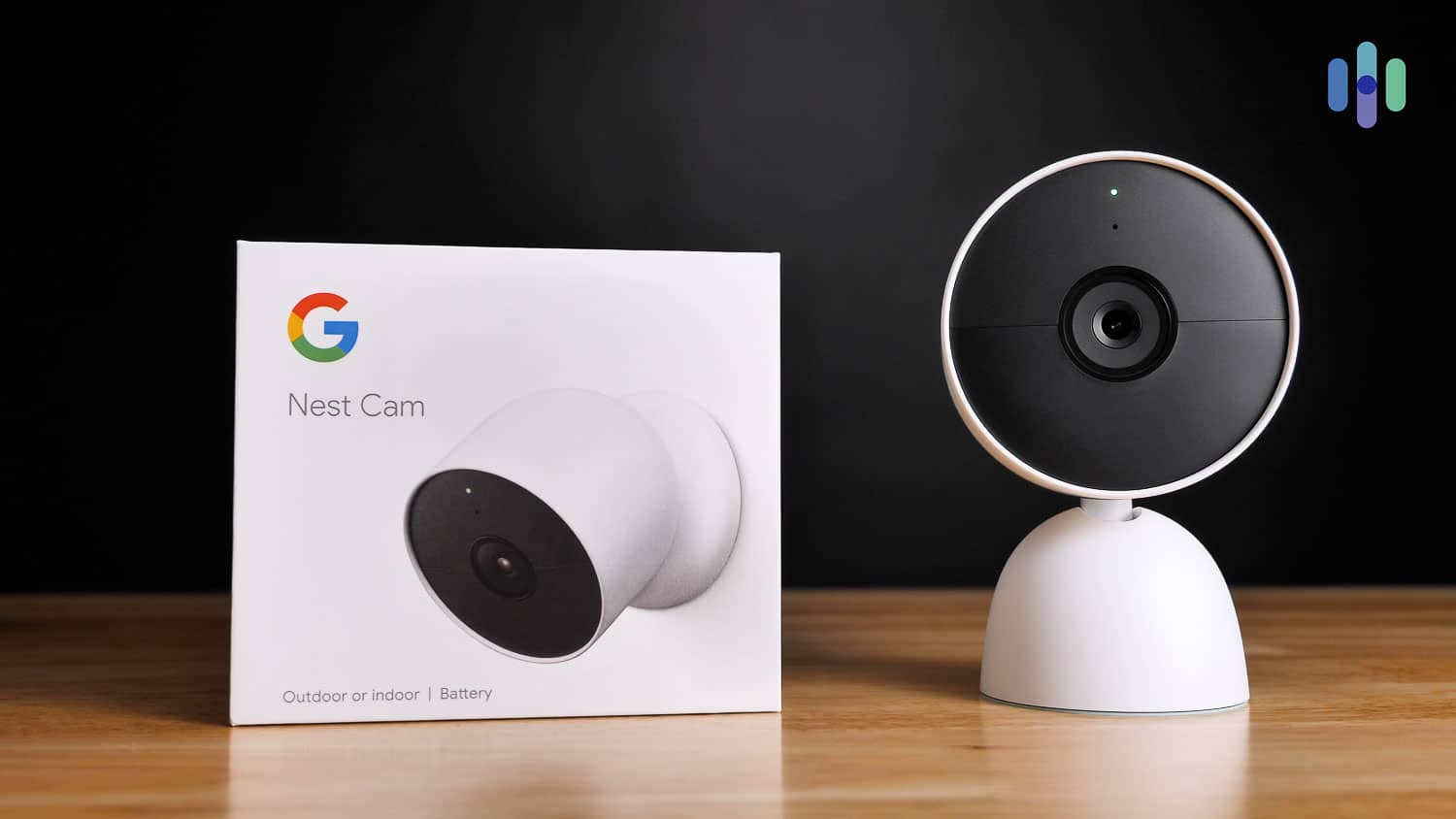
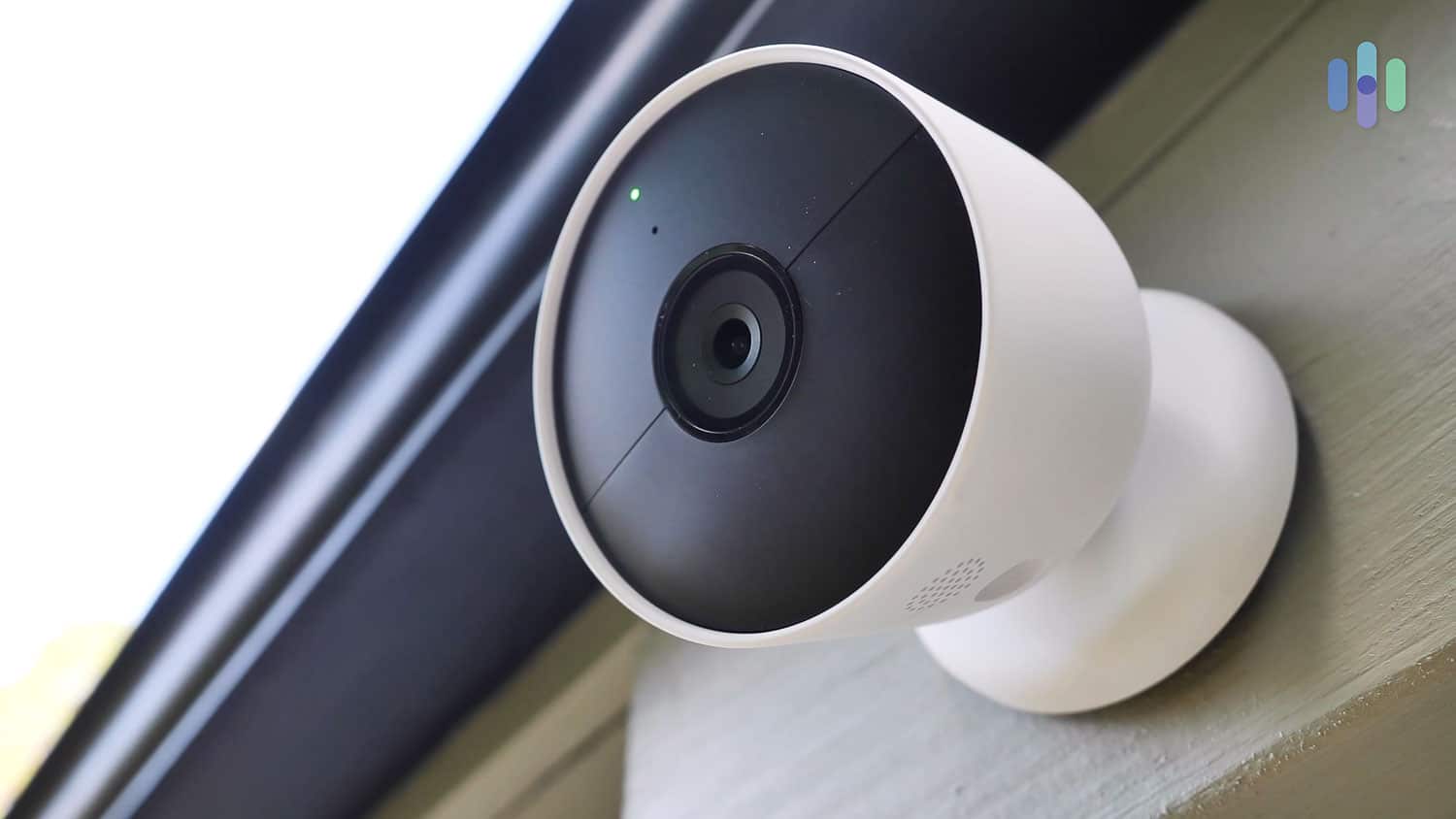
Google Nest Cam The most budget-friendly indoor option in Google Nest’s lineup is the Nest Cam (indoor, wired, 2nd gen), priced at $99.99. It’s on the higher end compared to other cameras on this list, but the features justify the price.
It has a 1080p HD resolution improved by HDR, an excellent night vision, person detection, and a sound quality better than most security cameras on the market.
For an extra $80, you can upgrade to the Nest Cam (battery). At $179.99, this camera takes the Nest Cam Indoor’s features outdoors. If you need something more advanced, the Nest Cam with Floodlight adds outdoor lighting and 2K resolution for $279.99.
All Nest cameras send free smartphone alerts when triggered by motion, save snapshots of the event, and push them to the cloud for up to three hours. Paid cloud storage upgrades are available month-to-month if you want more.
Google Nest Indoor Cam Features
- 10-ft USB power cord
- 152° field of view
- High-quality night vision with 8 LEDs
- Two-way audio
- Motion detection
- Motion zones
- Google Assistant integration
- Facial recognition
- Up to 60 days of cloud storage per clip
- Works with IFTTT and Google Home
Monitoring Plans
Want more cloud storage or features like facial recognition? Google Home Premium Advanced has you covered at $20 a month (or $200 per year). You get 60 days of event video history across all your Nest cameras, plus 10 days of 24/7 continuous video history, with videos saved automatically whenever motion or a relevant sound is detected.
The standard Google Home Premium plan costs $10 per month (or $100 per year) and provides 30 days of event video history across all your cameras.
Simple DIY Installation
For easy installation Nest indoor cameras plugin and run over home Wi-Fi. You can simply connect the wireless app, set your camera on a shelf, and consider it installed! For the best security though, take about ten minutes to secure the camera with screws. It can easily attach to a wall, ceiling, or other flat surfaces.
Nest camera purchase includes a two-year warranty and a 30-day free trial.
-
6. Arlo - Best Low-Cost 2K Security Camera
 View on Walmart Links to Walmart.com
Product Specs
Resolution Up to 4K HD Field of View Up to 180° Power Wired, battery, solar, PoE Connectivity Wi-Fi, ethernet Video Storage Cloud Smart Platform Compatibility Alexa and Google Home
Arlo Technologies is a wireless camera company focused on DIY security. This Silicon Valley brand is very well-established; it’s traded as ARLO on the NYSE and about three million households have registered their cameras. With Arlo, you’ll get the best value DIY security cameras in terms of equipment price, quality, and cost for daily use. The selection is diverse and each cam has an impressive suite of features. You’ll get two-way audio, crisp resolution in any light, activity zones, and many more features. The portable Arlo Baby cam can even play lullabies and monitor air quality.
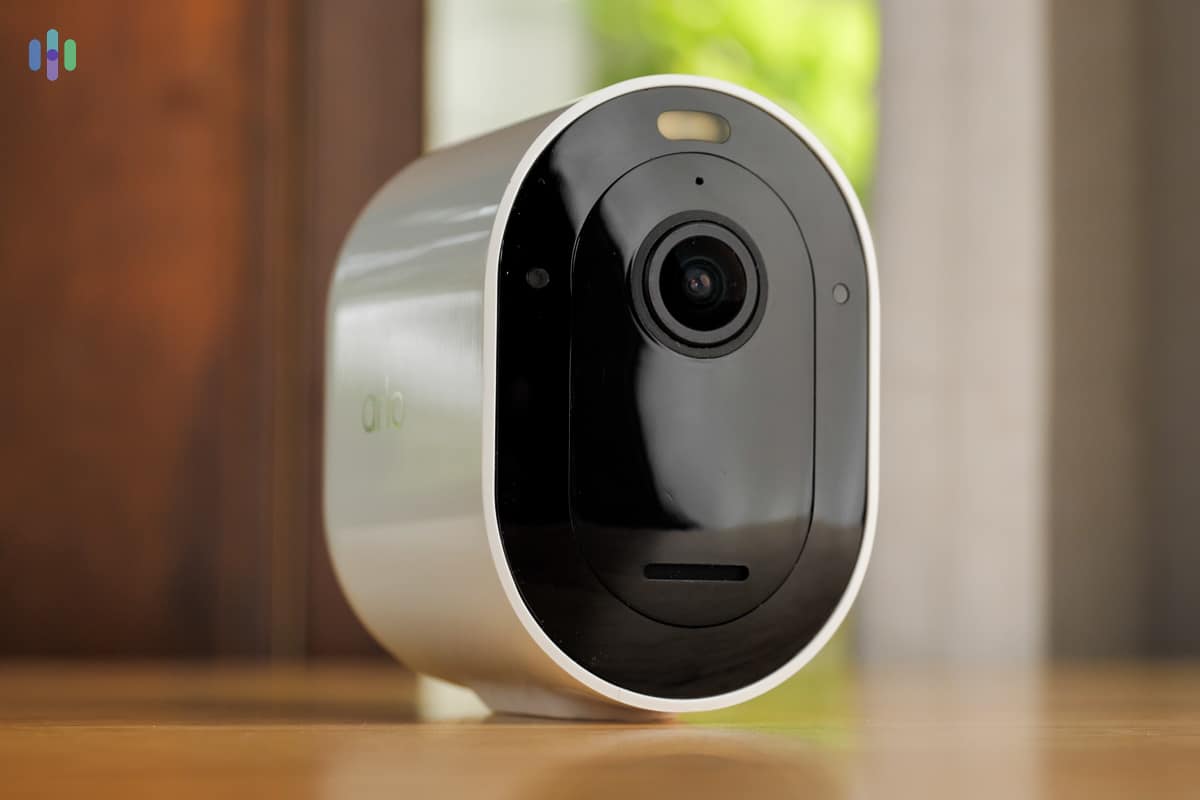
Arlo Pro 5S 2k Prices for Arlo indoor-only cameras start at $39.99 for the Arlo Essential Indoor. Cloud plans unlock AI-powered smart features starting at $7.99 per month on an annual subscription.
Free vs Paid Arlo Monitoring
With free or paid service, Arlo Essential and all other Arlo cameras will send you alerts about sound and motion. However, Arlo’s cameras do not offer internal storage, so a cloud plan is required to record footage.
Upgrade to a paid plan starting at $7.99 per month and you’ll get 30 days of cloud storage for a single camera. Need to cover unlimited cameras? That’ll run you $17.99 per month. That’s still a good deal for a multi-camera setup with advanced smart features baked in.
The top-tier $24.99 Arlo plan activates professional monitoring and cellular backup for Arlo’s home security system. But, we mainly recommend them for their security cameras and the professional monitoring does not work for the security cameras, so we recommend sticking with one of the cloud storage plans.
Arlo Essential Features
- 2K resolution
- 130° field of view
- Motion zones (Set up to three)
- Infrared night vision
- Two-way audio
- Compatible with Amazon Alexa and Google Assistant
- Works with IFTTT
- Local storage available with an Arlo SmartHub
Installing an Arlo Essential takes about 10 minutes. You’ll connect a mobile app, attach the magnetic camera base to a flat surface, and snap the camera into place.
Arlo Essential cameras come backed by a one-year warranty and a money-back guarantee. At $49.99, it’s one of the best deals you’ll find in DIY home video surveillance.
-
7. Blink Camera - Most Affordable Outdoor Security Camera
 View on Amazon Links to Amazon.com
Product Specs
Resolution Up to 2K Field of View Up to 143° Power Battery or Plug-In Connectivity Wi-Fi Video Storage Cloud Smart Platform Compatibility Alexa
Blink, an Amazon-owned company, is a discount security camera company focused on feature-rich but affordable cameras. It has a mix of indoor and outdoor cameras, video doorbells, and camera accessories like solar mounts and floodlight mounts.
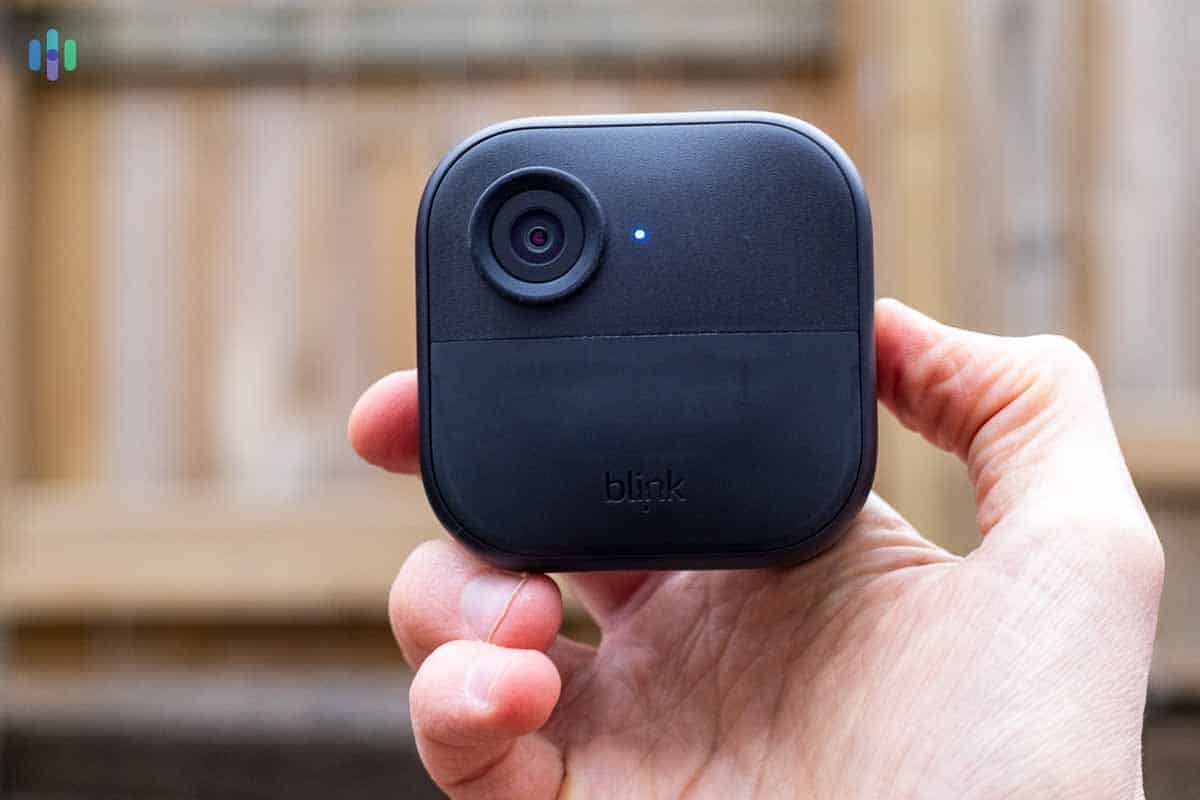
Blink Outdoor 4 Camera The Blink Outdoor 4 is the flagship model in the lineup, retailing at $99.99. That’s a decent deal when you consider that comparable cameras from competing brands routinely sell for $150 or more.
Blink Outdoor isn’t your regular outdoor camera either. It’s wire-free, meaning, it runs off of battery power that, according to Blink, can last up to two years on a single charge. The more you use the camera’s two-way voice feature, live streaming, and motion recording, however, the faster the batteries will drain.
This affordable outdoor camera has an IP65 enclosure, which means it’s dust-tight and is safe against water splashes. Other features include:
- Long-lasting lithium batteries for indoor/outdoor use
- Optional USB power for indoor use only (Not weatherproof)
- Up to 2K resolution
- 143° field of view
- Infrared night vision
- Motion sensor
- Motion zones
- Two-way voice
- Temperature sensor
- Compatible with Amazon Alexa
- Free cloud storage
The Blink Alexa skill lets you arm and disarm the Blink Outdoor via an Amazon Echo speaker. It also lets Alexa send video to Amazon Echo screens.
Blink Outdoor offers the best value for DIY outdoor video security. You’ll get 1080p resolution footage by day, infrared night vision, and a solid set of features you’d expect to pay more for elsewhere. Local storage is free when using a Sync Module 2 with a USB flash drive. If you prefer cloud recording, you’ll need a Blink Subscription Plan at $4 per month per camera (or $12 per month for unlimited cameras). This stores motion-triggered clips for up to 60 days.
Our Testing Process: How We Ranked The Best Low-Cost Security Cameras
How We Test
Our approach to security camera recommendations starts with the principle that every pick has to earn its place. That means our reviewers actually set up, test, and run every camera we evaluate. We time the installation and assess its ease, evaluate picture quality across various lighting conditions, scrutinize IR and color night vision reliability, and test motion detection accuracy. We subject each camera in real-world conditions (such as rain and extreme heat), simulate connectivity disruptions, and run pet and shadow trigger scenarios. We also evaluate hardware pricing and recurring service costs to make sure every pick will fit into a real budget. Everything we publish is governed by our Editorial Guidelines.
The Factors We Considered Most
When testing and evaluating budget-friendly home security cameras, our team of security experts put each model through a hands-on evaluation focused on separating genuinely capable affordable options from cameras that cut too many corners to be worth the savings. Here’s what we looked for:
- Core Video Quality: We tested each camera’s image resolution, night vision performance, and motion detection accuracy to determine whether the lower price point came at the cost of footage that was too grainy or unreliable to serve a real security purpose.
- Total Cost of Ownership: We looked beyond the sticker price to account for ongoing subscription fees, cloud storage costs, and any hardware add-ons required to unlock essential features — factoring these into each camera’s true long-term value.
- App Experience and Ease of Setup: We evaluated how intuitive each camera’s companion app was and how painless the initial setup process was, since budget cameras often skimp on software polish in ways that can make them frustrating to use day-to-day.
- Durability and Reliability: We assessed each camera’s build quality and tested its connection stability over time, since a low-cost camera that drops its Wi-Fi signal frequently or degrades quickly offers little security value regardless of its price.
Only cameras that delivered dependable, everyday security performance without hidden costs or major compromises earned a spot on our list.
Why Trust Us
We are an independent team of security experts with one goal: helping you find the right camera. To do that, we have more than 20 security researchers and hands-on testers working together to make reviews and guides such as this one. We have collectively logged over 25,000 hours of research and testing and published more than 740 security guides.
For our security camera testing, specifically, Paul Frew is the lead tester. He’s a seasoned expert with over a decade of experience and has reviewed hundreds of security equipment, including cameras and security systems. The full team behind our security camera content includes:
- Corey Birnstengel: Editor, videographer, and product reviewer responsible for 200+ hands-on video reviews across multiple product categories
- Gene Petrino: Former S.W.A.T. commander and law enforcement veteran, contributing 30+ years of crime prevention and security expertise as a senior advisor
- Cort Honey: Engineering graduate with over 1,000 hours of hands-on testing and a talent for making technical concepts easy to understand
- Matthew Adkins: Researcher with a doctorate who has evaluated and ranked over 100 security cameras
Our picks are never shaped by advertiser relationships or affiliate compensation.
Our Verdict: Are Affordable Cameras Reliable?
ADT, Ring, Wyze, Nest, Arlo, and Blink offer some of the most affordable cameras in the market today, and the truth is, they are also some of the best security camera brands. So yes, they are reliable despite their lower price.
Securing your home doesn’t need to be expensive, so if you’re on a budget, check out the brands we mentioned above.
Frequently Asked Questions About Affordable Security Cameras
-
Will an affordable security camera keep my home safe?
While an affordable security camera alone won’t guarantee your home’s safety, it is a great first step to securing your home. Visible security cameras act as an effective deterrent against crime.
-
Do cheap security cameras break easily?
Generally speaking, cheap security cameras will break easier than their more expensive counterparts. However, if you pick your camera carefully, you can get a sturdy security camera for under $60.
-
Can I store footage on an affordable security camera?
Most security cameras give you the option to store footage locally or through a cloud storage plan. For local storage, you’ll need a microSD card, which is a one-time cost of around $10 to $25. Cloud storage subscriptions typically run $3 to $20 per month depending on the provider and how long you want to retain footage.
-
Will an affordable security camera produce clear video?
The quality of the video produced from an affordable security camera depends on its technical specs. We recommend a camera that records in at least 1080p HD resolution with a field of view of at least 115 degrees. You can also check screenshots of users, such as us, to see the video quality for yourself.
-
What’s the difference between an affordable and expensive security camera?
More expensive cameras typically offer better technical specs, such as higher resolution or advanced features like facial recognition and package detection. It’s worth noting that facial recognition accuracy can vary significantly depending on image quality and lighting conditions. They also tend to integrate more seamlessly with other home security systems and smart home ecosystems.
-
arXiv. (2025). Accuracy and Fairness of Facial Recognition Technology in Low-Quality Police Images: An Experiment With Synthetic Faces. https://arxiv.org/html/2505.14320v1