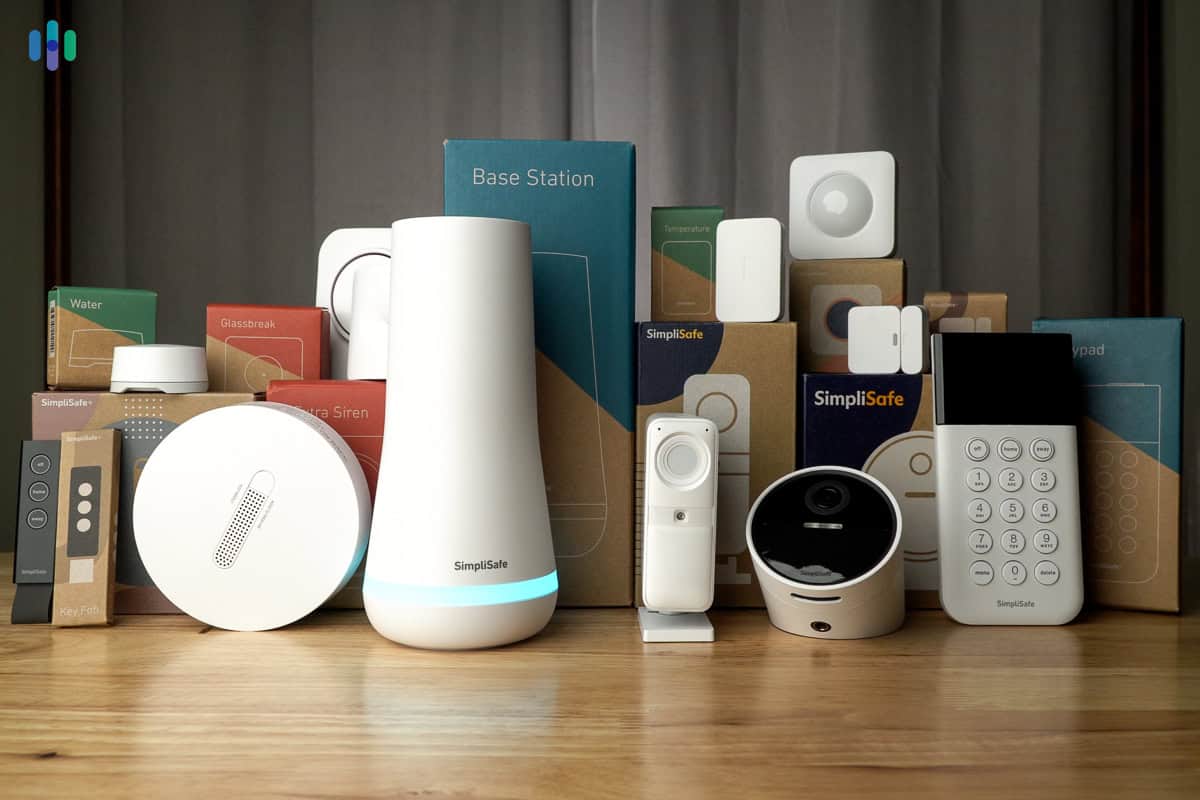
Best Wireless Security Systems 2026 (WiFi, RF & Cellular) - Expert Tested
Our pick is ADT, which continues to operate during a power outage and is easily scalable if you need more equipment.
 &
&
 Last Updated on May 07, 2026

- Secure even in a power outage
- Easily scalable
- Powerful professional monitoring adds a layer of security

- All equipment is battery-powered
- Easy DIY Installation
- Next-Gen professional monitoring for immediate response

- Communicates seamlessly with smart home devices
- Battery backup for total reliability
- No moving fees
What is a wireless security system? A wireless security system connects sensors, cameras, and control panels using wireless signals (RF, WiFi, or cellular) rather than physical wires. They make for portable and easy DIY installation that typically doesn’t require any drilling. However, battery maintenance and potential signal interference are common friction points with wireless systems.
Can you trust wireless security equipment to protect your home? While the best wired home security systems will continue working if your internet drops out, they’re a hassle to install. Modern wireless security systems include multiple fail-safes like cellular connectivity and battery backups, keeping you protected even during Wi-Fi failures or power cuts.
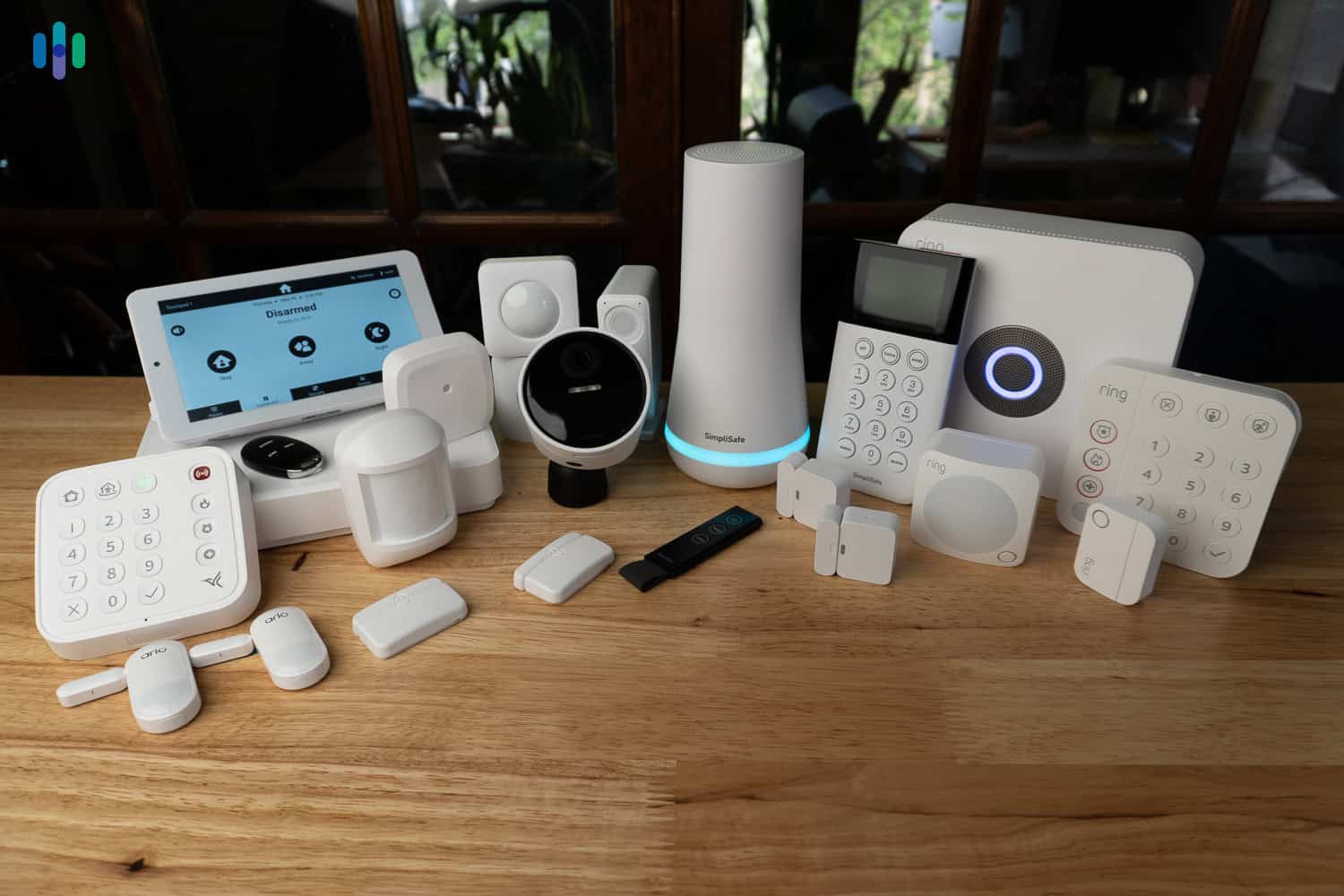
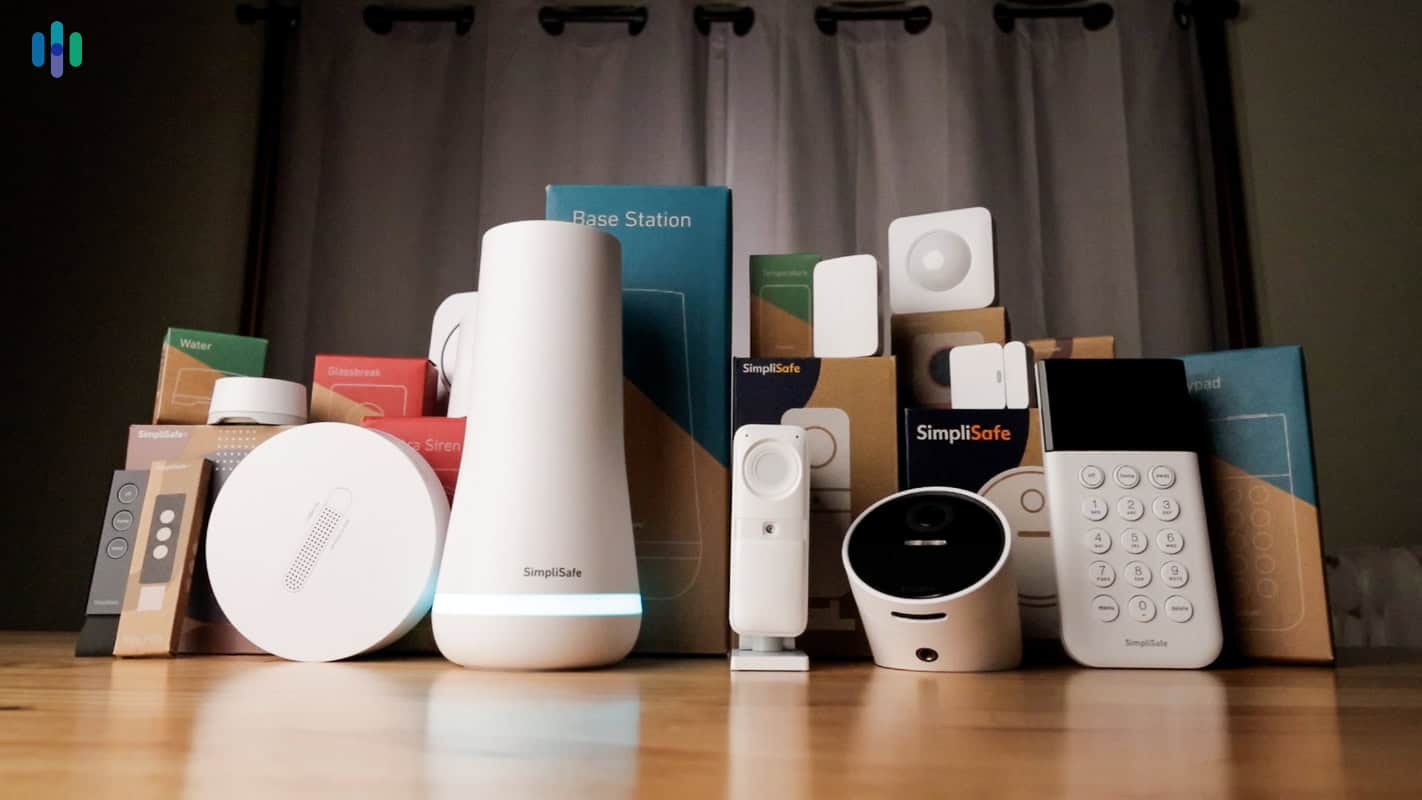
After putting over 35 wireless security systems through rigorous testing — including power outage simulations, Wi-Fi stress tests, and real-world break-in scenarios — we found ADT to be the most reliable overall pick. We also recommend SimpliSafe, Vivint, and Frontpoint as strong alternatives. Here’s what you need to know to find the right fit for your home.
>> Read More: The Best Home Security Systems of 2026
Wireless Home Security Systems: Complete 2026 Buyer’s Guide
Wireless home security systems use radio frequency (RF) or WiFi connections instead of hardwired cables, making them ideal for renters, DIY installation, and homes without existing alarm wiring. The best wireless systems offer the same reliability as wired systems but with easier setup and lower installation costs.
However, there are only so many specs you can read to determine the reliability of a wireless security system. Most of that comes down to hands-on testing, which is exactly what we did. While most providers offered adequate reliability, the top systems were noticeably more dependable with stronger uptime percentages due to higher quality equipment and more robust backup systems. Let’s jump in to find out which of these four top wireless systems best fit your needs.
A Comparison of the Best Wireless Home Security Systems
| System |
ADT
|
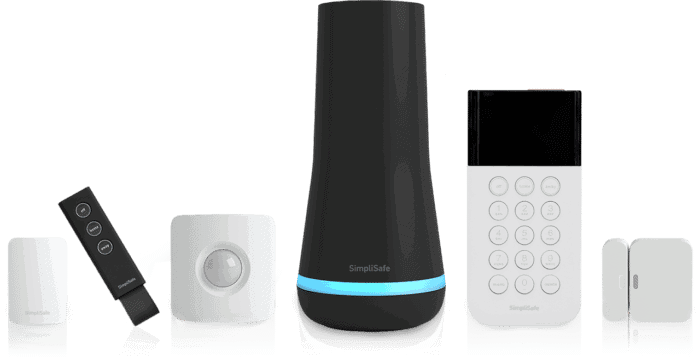
SimpliSafe
|
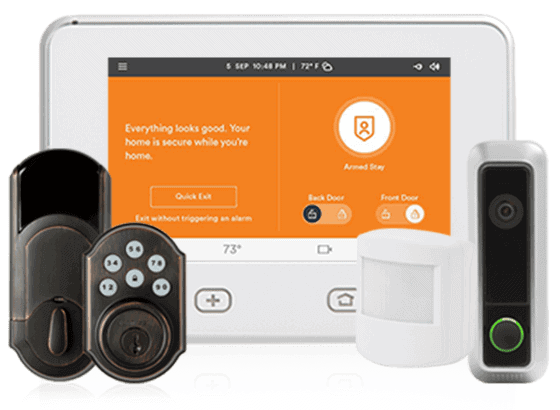
Vivint
|
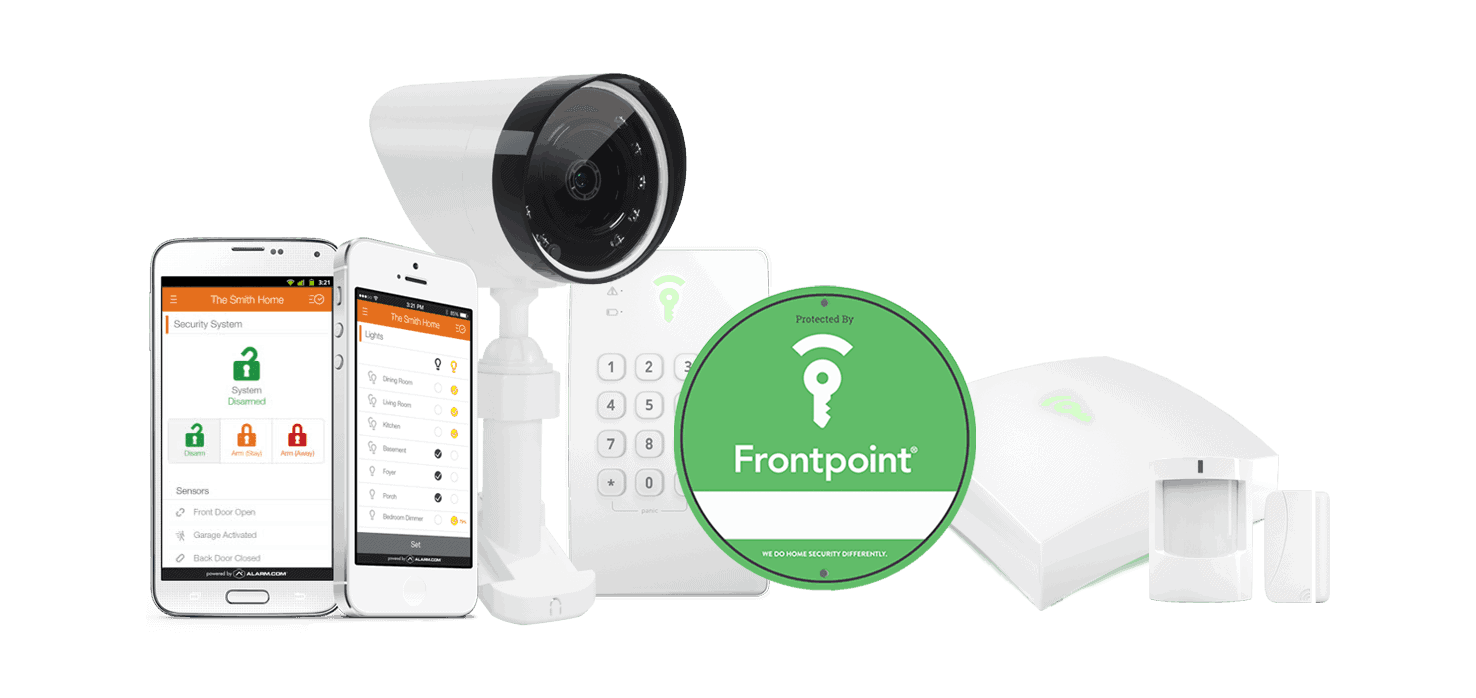
Frontpoint

|
|---|---|---|---|---|
| Ranking | 1st | 2nd | 3rd | 4th |
| Ratings | 9.8/10 | 9.8/10 | 9.4/10 | 8.9/10 |
| Installation | Professional or DIY | Professional or DIY | Professional only | DIY only |
| Professional monitoring cost | Starts at $24.99 per month | Starts at $21.99 per month | Starts at $24.99 per month | Starts at $44.99 per month |
| Equipment package prices | Starting at $269 | Starting at $250.96 | Starting at $199 | Starting at $69 |
| Read Review | ADT Review | SimpliSafe Review | Vivint Review | Frontpoint Review |
The Best Wireless Home Security Systems of 2026
- ADT - Best Professional Monitoring
- SimpliSafe - Best Intrusion Prevention
- Vivint - Best Smart Home Integrations
- Frontpoint - Easiest System to Set Up
-
1. ADT - Best Professional Monitoring

Product Specs
Equipment Costs Packages starting at $404 Monitoring Options Professional and DIY Monthly Monitoring Costs Starting at $24.99 Contract Lengths Month-to-month or 36 months and up Installation Options Professional and DIY Smart Platform Integration Alexa and Google Home ADT Overview

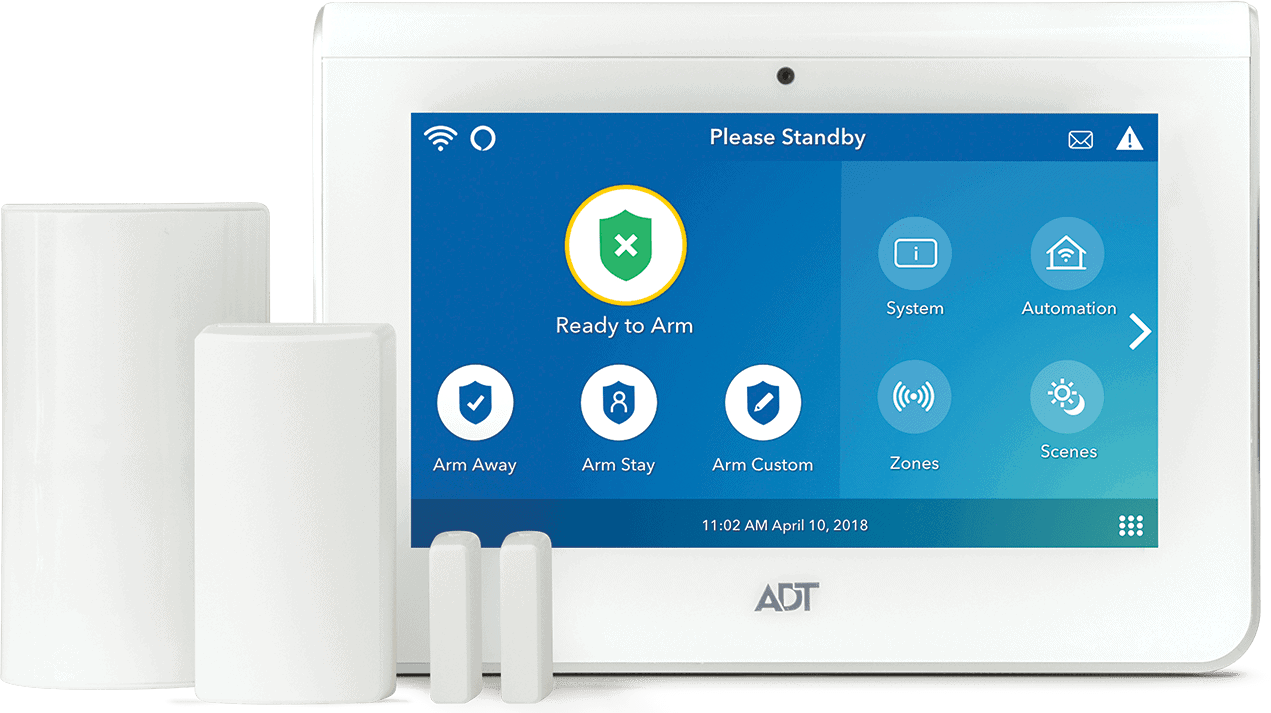
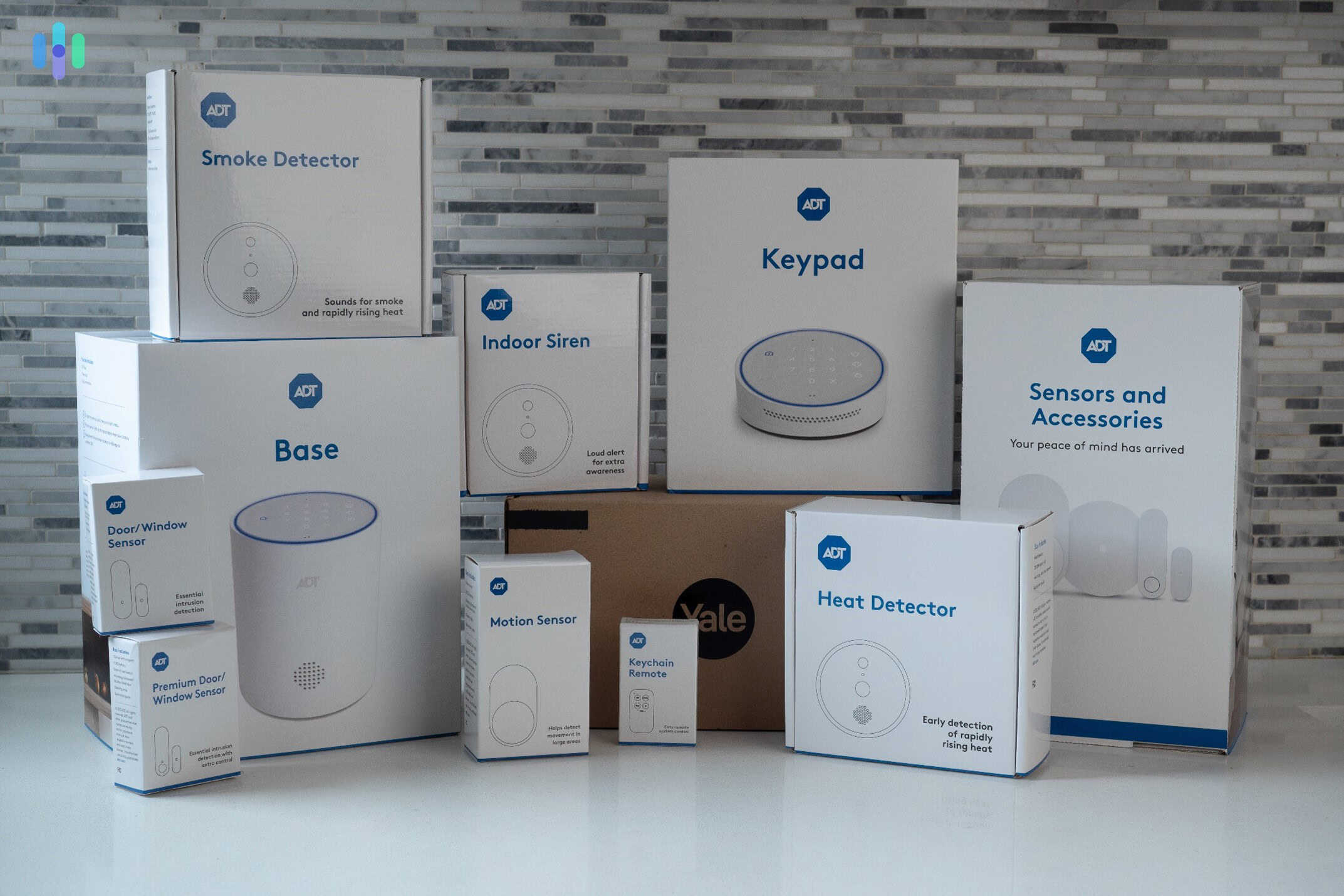
Our latest tests of ADT gear included the base station, a wide range of sensors, a smart lock, and even security cameras. ADT offers professional installation for its wireless home security system, or you can do it yourself. We set up an ADT Self Setup system and found it easy to get everything up and running. It even comes with ADT’s 24/7 professional monitoring service.
Pro Tip: We also tested a professionally installed ADT system and found we preferred this option. The technician chose the best places to set up the equipment and tested everything to make sure it worked properly.
What We Like
- Choice between DIY and professional installation
- Professional monitoring redundancy with 12 monitoring locations
- Wireless gear from Google Nest, including Nest Cams
- Dependable sensors
What We Don’t Like
- Cost could stack up if you spec up your system
- Professional monitoring can cost as much as $49.99 per month
- Requires a contract for professionally installed systems
ADT Wireless Equipment
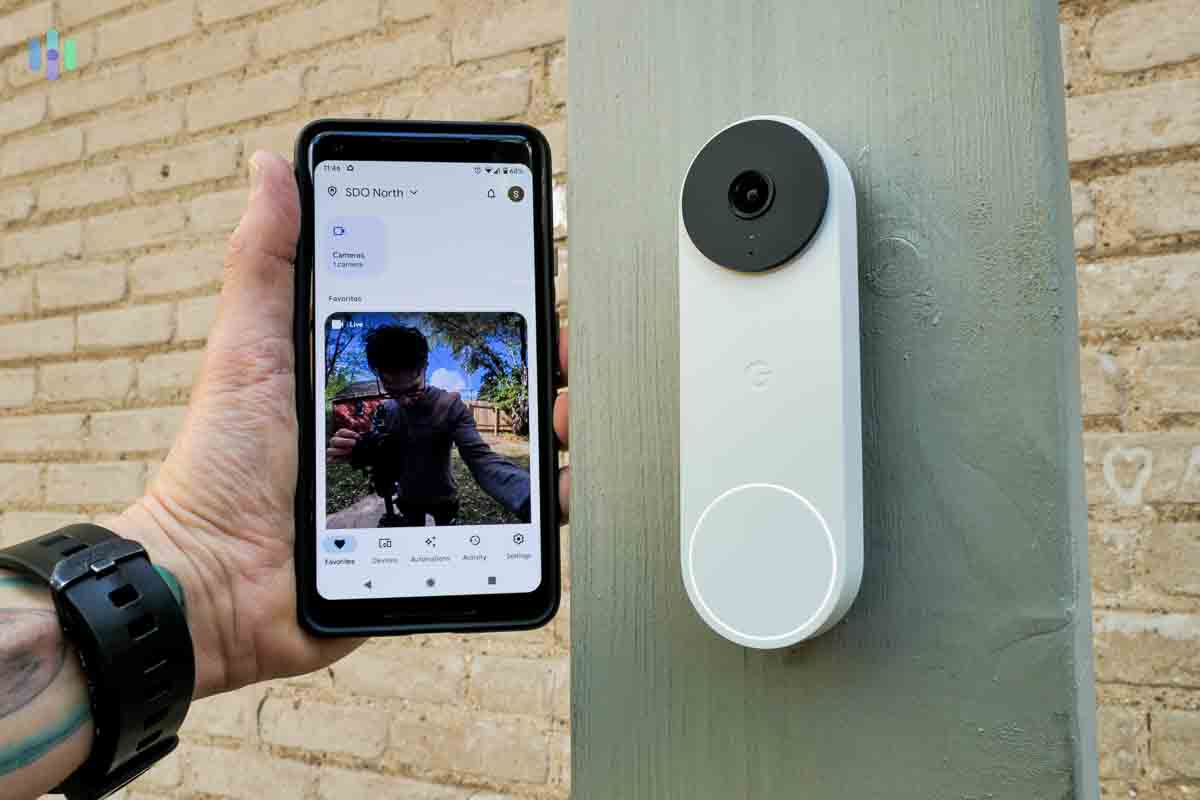
The wireless and battery-powered Google Nest Doorbell watching over the outside of our house. Only one of ADT’s equipment requires hardwiring – the Nest Cam with floodlight – and it is connected to our Wi-Fi so it’s still partly wireless. On the other end of the spectrum, the Nest Cam we tested and the Nest Doorbell both have batteries and are completely wire-free.
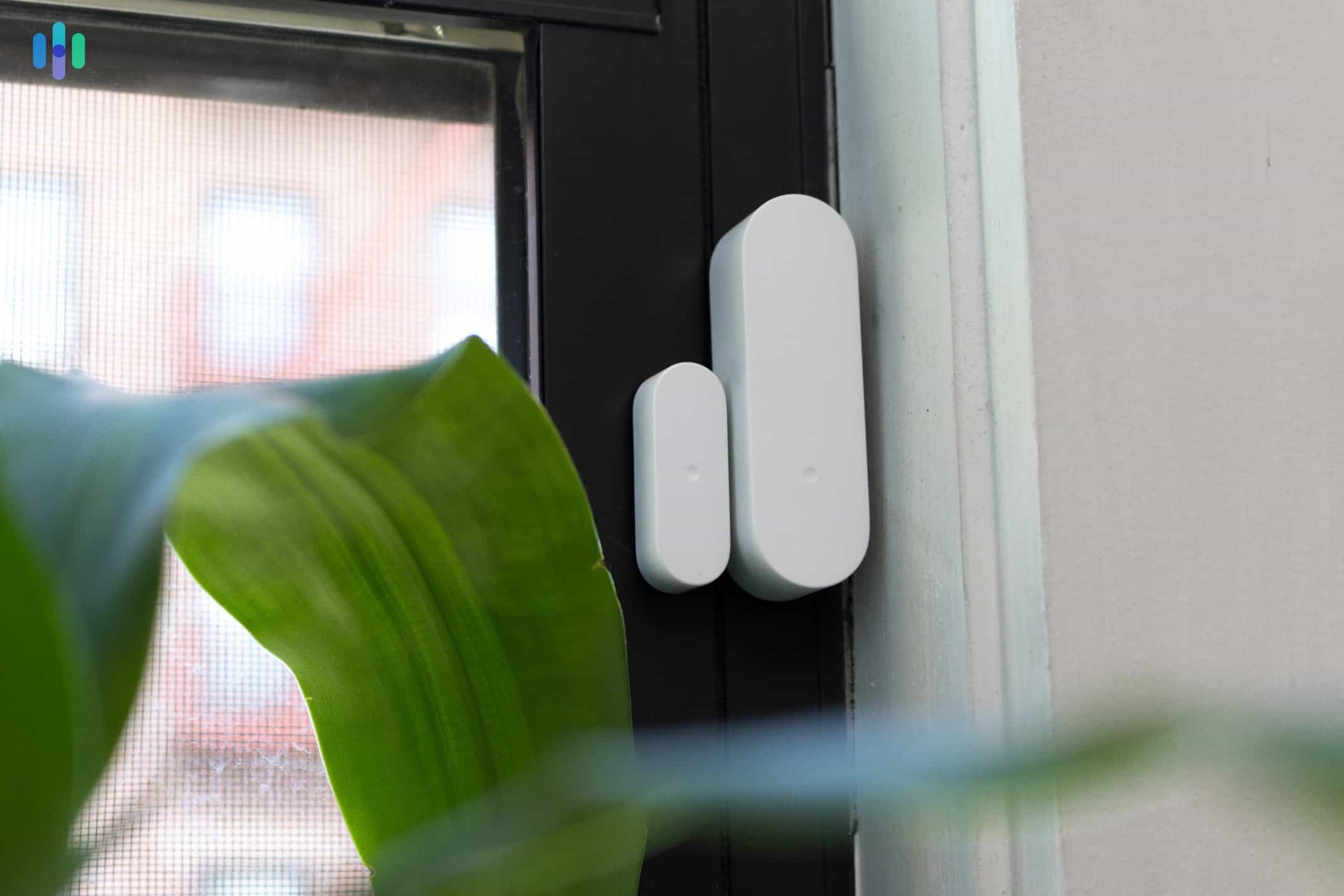
Every other device in ADT’s lineup operates wirelessly. During our testing, the motion sensors, door sensors, glass break detectors, smoke alarms, and auxiliary sirens all ran on batteries. The ADT Base hub connects via Wi-Fi and cellular – both protocols running wirelessly – to ensure reliable uptime even during outages. Additionally, the hub uses the 1.9 GHz band to connect with sensors, which we think is great because it avoids the crowded 2.4 GHz band most Wi-Fi routers use.1
ADT Monitoring
ADT Self Setup systems have the option of self-monitoring, but we recommend sticking with a professional monitoring plan. During our tests, ADT sent text messages and notifications within 10 seconds and followed up with a call in 30 seconds, which is the industry average. The only downside is that video support is limited to the Complete package. One bonus is that it includes features equivalent to a Google Home Premium subscription, like Activity Zones and facial recognition.
ADT Monitoring Plans Monthly Fee Secure $24.99 Smart $29.99 Complete $39.99 During our testing, the dual-path connectivity proved invaluable. When we simulated a Wi-Fi outage, the system seamlessly switched to 4G LTE cellular backup in under two seconds. This redundant connectivity comes standard with all ADT monitoring plans, giving you peace of mind that help is always just a button press away.
>> Keep Reading: The Best Professionally Installed Security Systems
ADT Pricing
We recommend placing a door/window sensor on every first-floor door and window, as they are all potential entry points. We found ADT’s pricing well within the average cost of home security systems, but significantly higher than the best affordable security systems. SimpliSafe, for example, charges as low as $32.99 per month even if you have security cameras. Ring Alarm Pro offers professional monitoring for just $19.99 per month, though it lacks ADT’s monitoring center redundancy.
If you’re starting fresh, ADT’s basic system costs $349 and includes the ADT Base, three door/window sensors, and a motion detector. From there, you can customize with additional equipment. Most households will invest $600 to $1,000 for comprehensive coverage with cameras.
Pro Tip: Keep an eye out for ADT deals. During major shopping events like Black Friday, we’ve seen equipment discounts reach 30 percent. Just watch out for the terms and conditions. To learn more, see ADT’s FAQs.
Our Recommendations About ADT
We recommend ADT to those who prioritize reliability and redundancy, helping ensure they get help when needed. Beyond the cellular and battery backup systems, their infrastructure is impressive. The 12 monitoring centers operate with full redundancy, including backup generators, duplicate communication lines, and real-time failover capabilities that kick in within seconds.
-
2. SimpliSafe - Best Intrusion Prevention

Product Specs
Equipment Costs Packages starting at $250.96 Monitoring Options Professional and DIY Monthly Monitoring Costs Starts at $22.99 Contract Lengths Month-to-month Installation Options DIY or professional Smart Platform Integration Alexa and Google Home SimpliSafe Overview

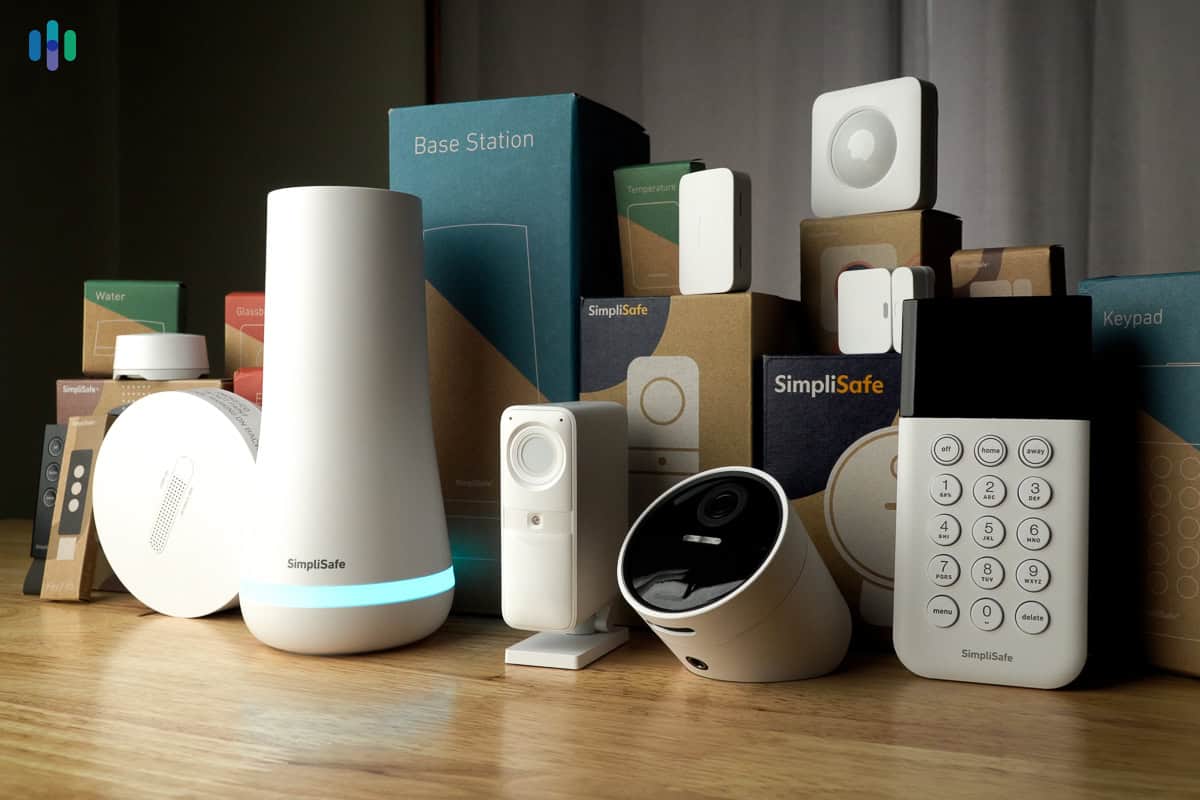
We bought every component that SimpliSafe offers so we could test out their full system. SimpliSafe started as a security system for renters. Now it’s just as good a security system for apartments as it is for large homes, largely thanks to their new intrusion protection features. Their Core, Pro, and Pro Plus plans now feature active monitoring, where agents can verify threats through your cameras and actively intervene. They warn intruders they’re being watched and recorded before sounding sirens and dispatching police. This also makes SimpliSafe one of the best security systems for businesses.
FYI: SimpliSafe’s monitoring prices have increased over the years. As of 2026, the Standard plan costs $22.99 per month (up from $14.99 a few years ago), while premium tiers with advanced AI monitoring reach up to $79.99 per month.
What We Like
- No contracts
- Real-time agent intervention with premium monitoring plans
- Affordable prices with regular discounts
- 60-day money-back guarantee
What We Don’t Like
- Video doorbell requires hardwiring
- Monitoring price increases regularly
- All systems require an analog keypad
- Intruder Intervention feature is only available for the premium Wireless Indoor Camera
SimpliSafe Wireless Equipment
SimpliSafe’s equipment lineup is almost entirely wireless, with one exception. The Video Doorbell Pro requires connection to existing doorbell wiring, though it does support Wi-Fi connectivity. During our installation, this wired setup took about 20 minutes compared to the five-minute setup for battery-powered alternatives.
The Outdoor Camera is also battery-powered, but if you want to access Active Guard Outdoor Protection, you’ll need to plug it into an outlet. The rest of SimpliSafe’s catalog is completely wireless.
>> Learn More: Best Security System With Apps

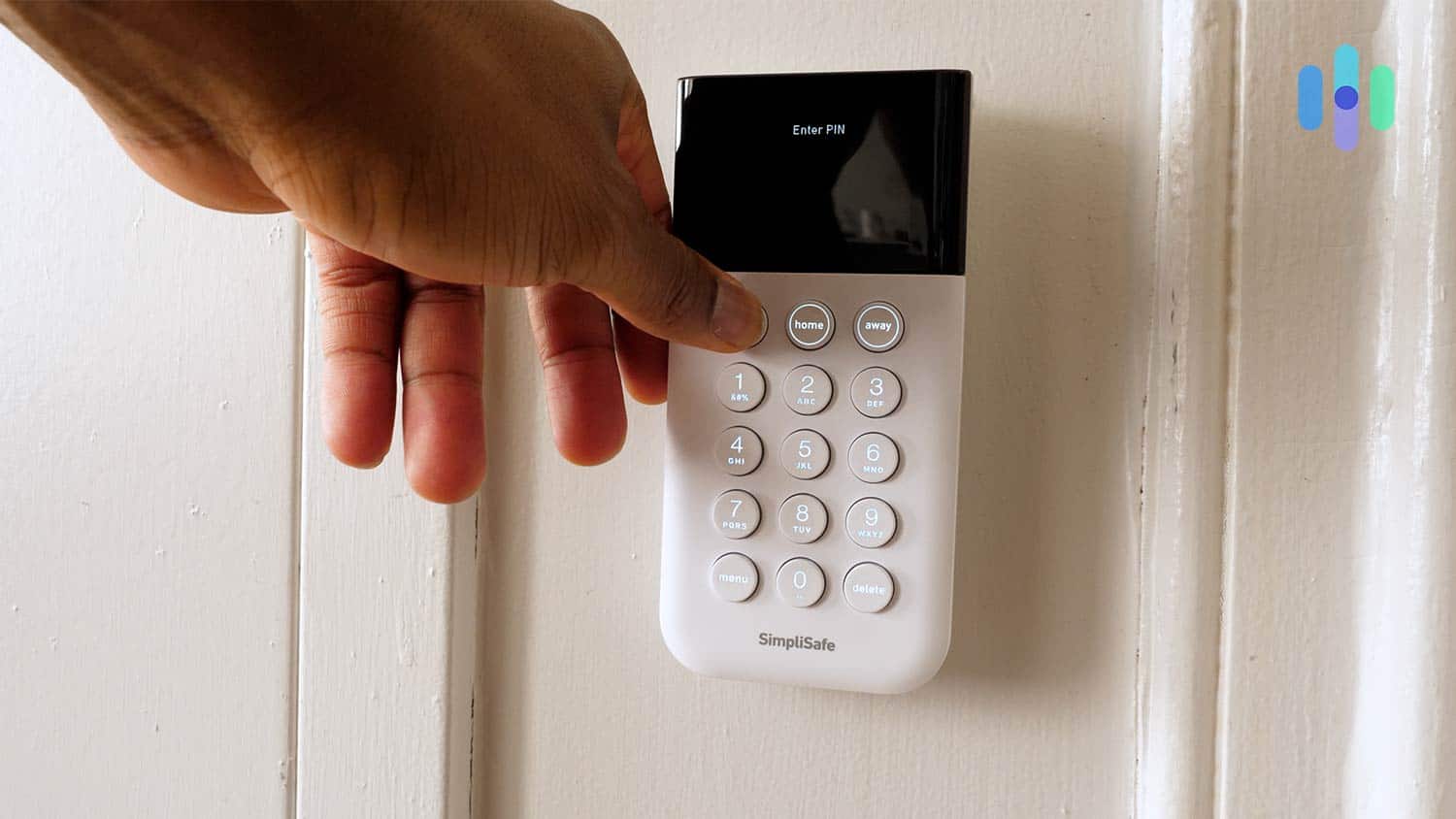
Arming SimpliSafe using the non-touch screen keypad proved to be a hassle at times. SimpliSafe Monitoring
SimpliSafe offers some of the most advanced monitoring we’ve tested on a month-to-month basis making them one of the best no-contract security systems. Their tiered approach means you can scale monitoring based on your needs and budget:
SimpliSafe Monitoring Plans Monthly Fee Self-Monitoring with Cloud Storage $9.99 Standard Monitoring $22.99 Core Monitoring $32.99 Pro Monitoring $49.99 Pro Plus Monitoring $79.99 We recommend the Core plan, since it’s the cheapest professional monitoring plan with video support and it also includes Intruder Intervention. During our testing, monitoring agents accessed the two-way speaker Wireless Indoor Camera within 10 seconds to check we were ok. It made us jump, so imagine what it would do to an intruder.
>> Read About: Best No Monthly Fee Home Security Systems in 2026
SimpliSafe Pricing
When you compare SimpliSafe and ADT prices, SimpliSafe is clearly more affordable. Sure, their Pro Plus monitoring plan costs more than most ADT monitoring plans, but that’s not required and every other aspect of SimpliSafe’s pricing is lower.
ADT also offers features like facial recognition and smart home automation, so it’s not comparing apples to apples. If you compare SimpliSafe’s costs to Cove’s pricing, SimpliSafe is the premium choice. You can get a Cove starter bundle for $109.50, while SimpliSafe’s equivalent package costs $250.96. That said, SimpliSafe’s advanced detection algorithms and faster response times make a solid case for the price difference.
Pro Tip: SimpliSafe often runs deals throughout the year, with savings up to 60 percent off. We recommend waiting for SimpliSafe’s Black Friday sale, which often brings the biggest discounts with free equipment thrown in.
Our Recommendations About SimpliSafe

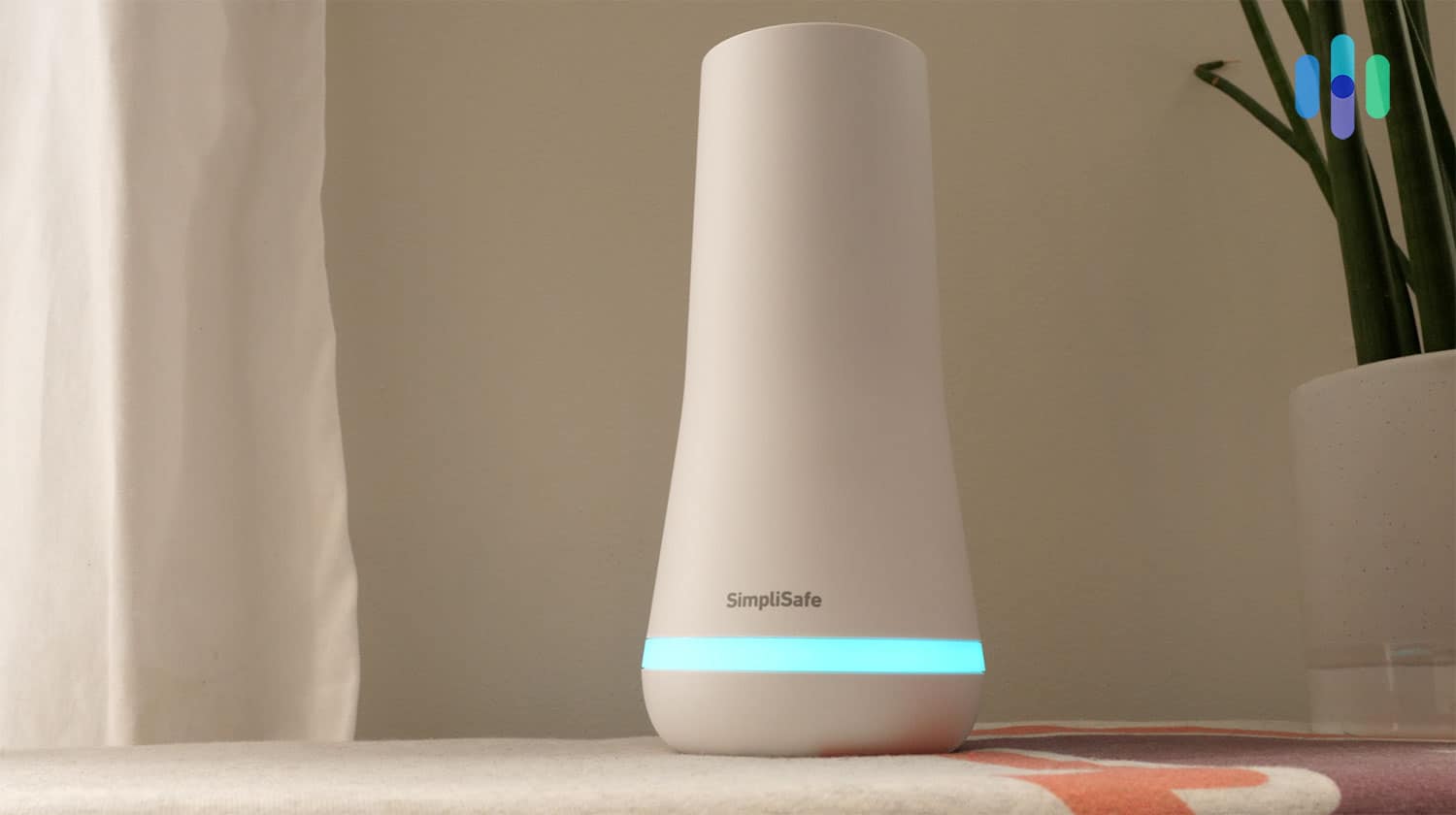
Our SimpliSafe base station (pictured above) keeps our system connected to SimpliSafe’s monitoring centers. If you want premium monitoring with flexibility, we recommend SimpliSafe. Their month-to-month contracts let you upgrade your monitoring during high-risk periods (like extended vacations) then scale back to save money. This flexibility, combined with their advanced AI detection, makes SimpliSafe ideal for security-conscious homeowners on a budget.
-
3. Vivint - Best Smart Home Integrations

Product Specs
Equipment costs Starting at $199 Monitoring options Professional Monthly monitoring costs Starting from $24.99 Contract lengths Starting at 42 months Installation options Professional Smart platform integration Alexa and Google Home Vivint Overview
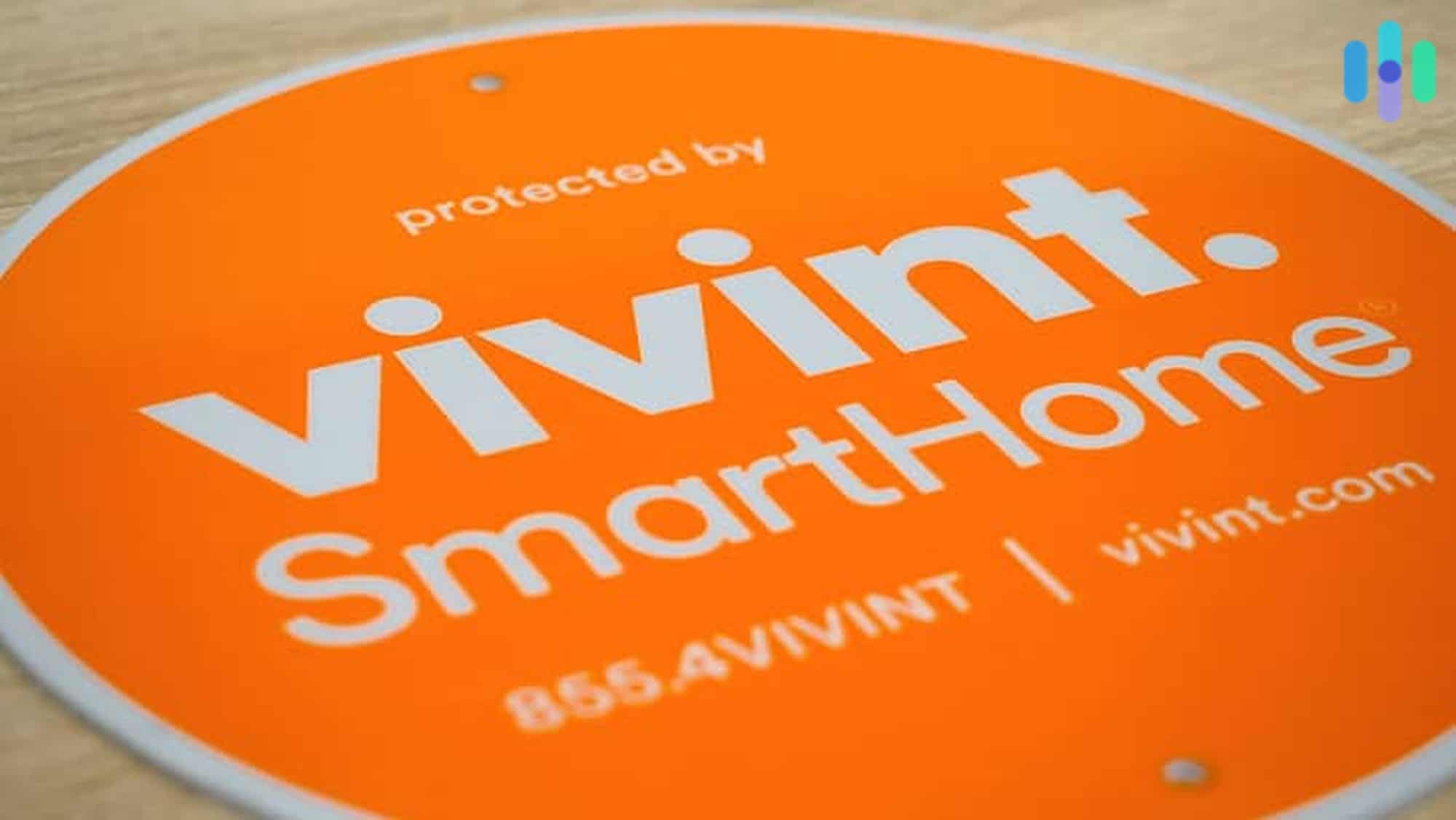
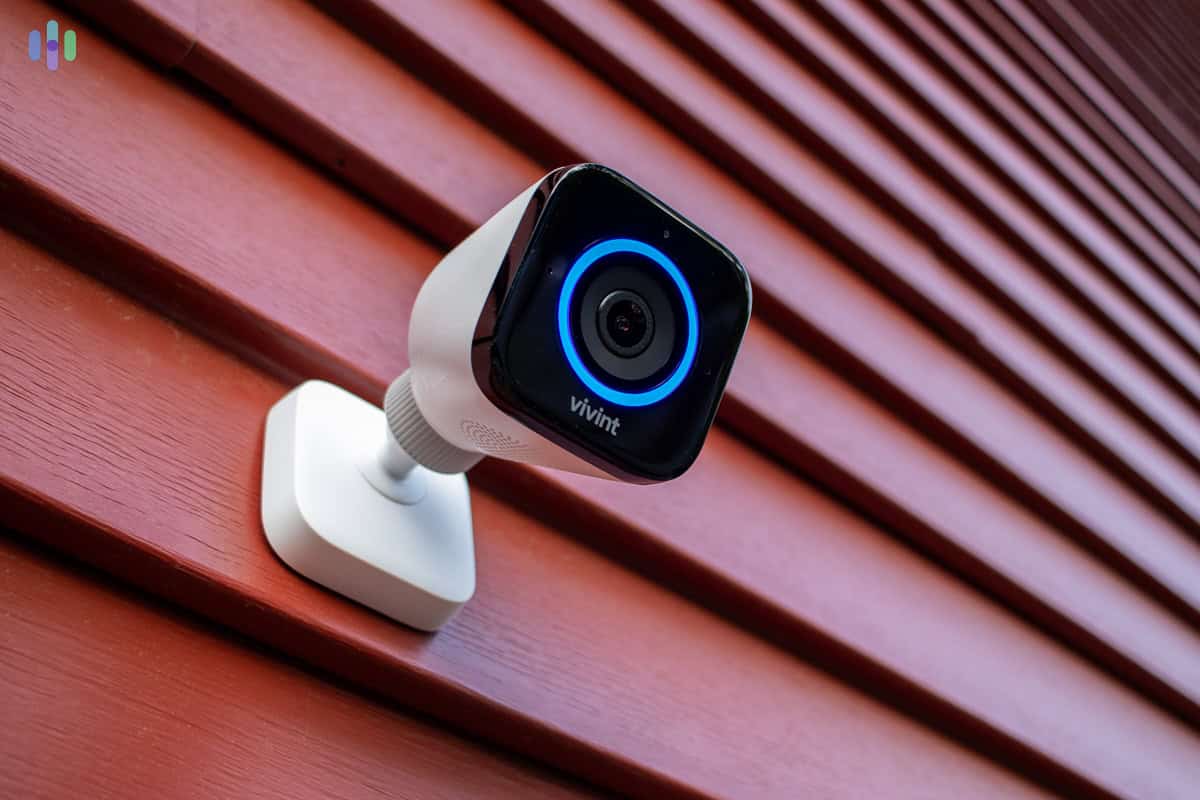
Vivint’s bright orange sign stood out clearly in our front yard warning burglars that our home is protected. Vivint’s wireless security system is state-of-the-art, featuring advanced home automation and burglar-deterrent features. The Vivint Outdoor Camera Pro we tested uses AI-powered Smart Deter technology to detect threats and then scare them off with a bright spotlight and a loud siren.
>> Compare: Vivint vs. ADT
Did You Know: Enhanced street lighting has been shown to decrease criminal activity in several studies.2 That’s why we consider the automated spotlight in the Vivint Outdoor Camera Pro to be so effective.
What We Like
- Hybrid wireless approach ensures a strong Wi-Fi connection to outdoor cameras
- Strong automation capabilities that prioritize security
- 4K HDR cameras with enhanced night vision
- High-quality mobile app
What We Don’t Like
- Expensive equipment with smart security packages starting at $599
- All systems require a professional monitoring subscription
- Free installation is only available with certain deals
- Pricing is not transparent
Vivint Wireless Equipment
Most Vivint equipment operates wirelessly, with strategic exceptions for reliability. The Outdoor Camera Pro uses a hybrid Wi-Fi connection with a cable routed through the wall to ensure a strong connection. The Spotlight Pro also requires a cable to draw power from the Outdoor Camera Pro.
Thankfully, we didn’t have to set it up. Vivint home security systems require professional installation. Our technician knew where to set up the device and how to protect it from dust and weather.
>> Read More: The Best Home Security Systems for Google Home

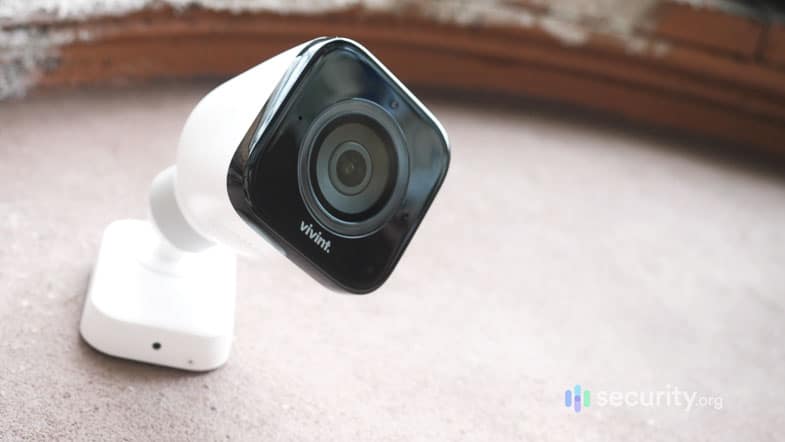
The Outdoor Camera Pro was our favorite Vivint gear thanks to its AI-powered detection and ability to deter criminals. Vivint Monitoring
Vivint’s Smart Home monitoring includes LTE cellular backup and 24/7 professional monitoring from their monitoring centers. While they operate fewer monitoring centers than ADT, their advanced AI reduces false alarms by up to 90 percent, allowing agents to focus on real threats.
Vivint monitoring plans also support Vivint’s DVR that can record up to 10 days of footage from its latest generation of cameras. If you want continuous recording from ADT, you’ll need to upgrade to the Google Home Premium Advanced subscription on top of your ADT monitoring plan.
>> Read More: Vivint Sales and Deals
Vivint Pricing
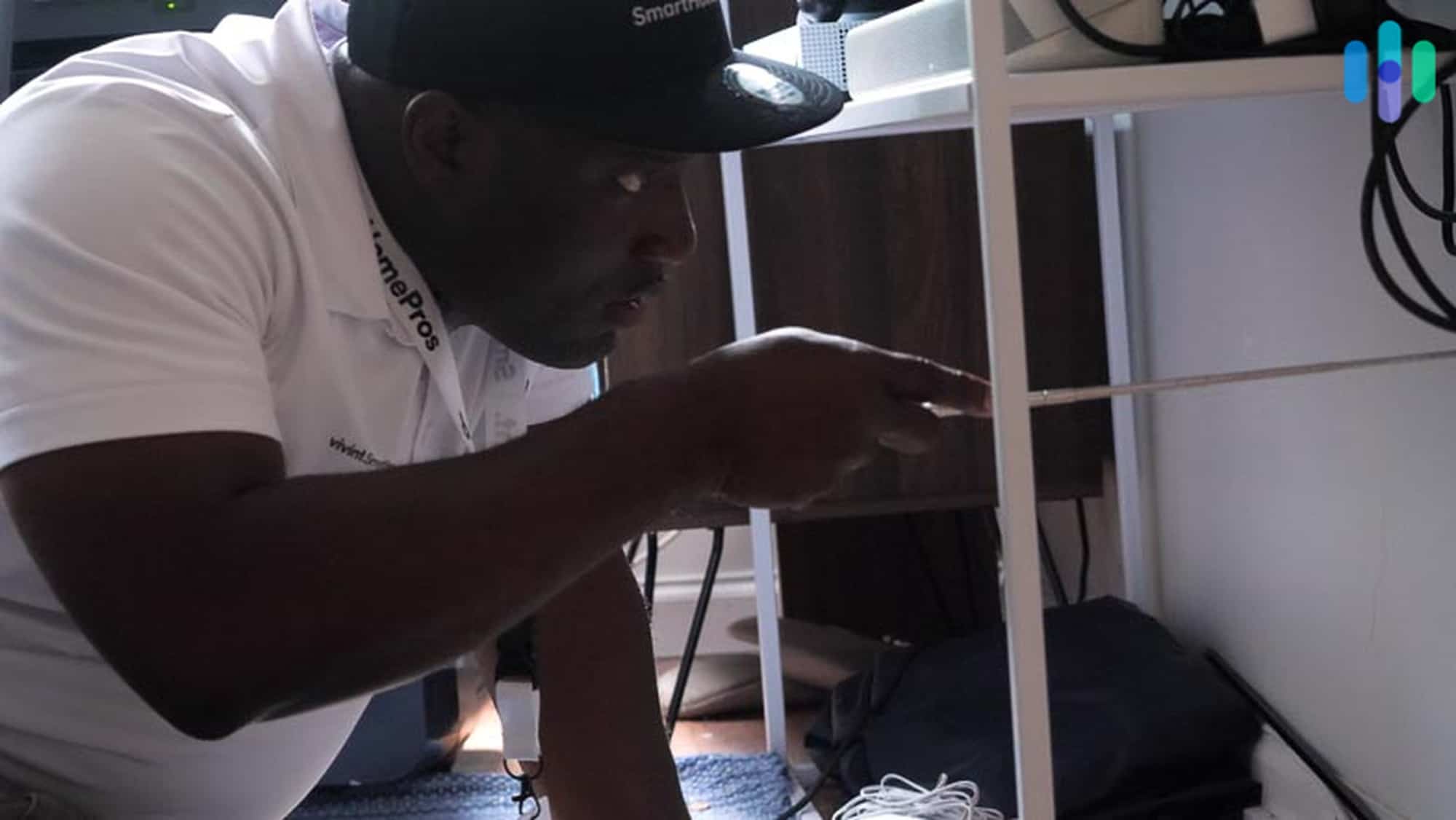
Our Vivint technician had all sorts of specialized tools for installing our system. Similar to ADT, the primary drawback of Vivint is the eye-watering price. It’s possible to start for as low as $199, but realistic systems with adequate coverage typically cost $1,500 to $3,000. Our test system with four cameras, smart locks, and environmental sensors totaled over $2,000. Comparing Vivint to SimpliSafe, that’s well over double the price.
Beyond steep equipment costs, Vivint requires professional monitoring that costs $24.99 to $49.99 per month. Unlike ADT or SimpliSafe that allow self-monitoring, Vivint equipment becomes non-functional without an active plan, essentially turning your investment into expensive paperweights.
Heads Up: Vivint’s contracts can run up to 60 months with applicable early termination fees. There’s also only a three-day cancellation window, which pales in comparison to SimpliSafe’s 60-day and ADT’s six-month money-back guarantees.
Our Recommendations About Vivint
Vivint is for homeowners who want the most advanced security system available. The AI-powered cameras are some of the best around and you can get access to intruder deterrence features with the Outdoor Camera Pro. You might pay a high price, but you won’t have to upgrade this equipment for a long time.
-
4. Frontpoint - Easiest System to Set Up

Product Specs
Equipment Costs Starting at $69 Monitoring Options Professional only Monthly Monitoring Costs Starting at Contract Lengths 1-36 months Installation Options DIY Smart Platform Integration Alexa and Google Home Frontpoint Overview
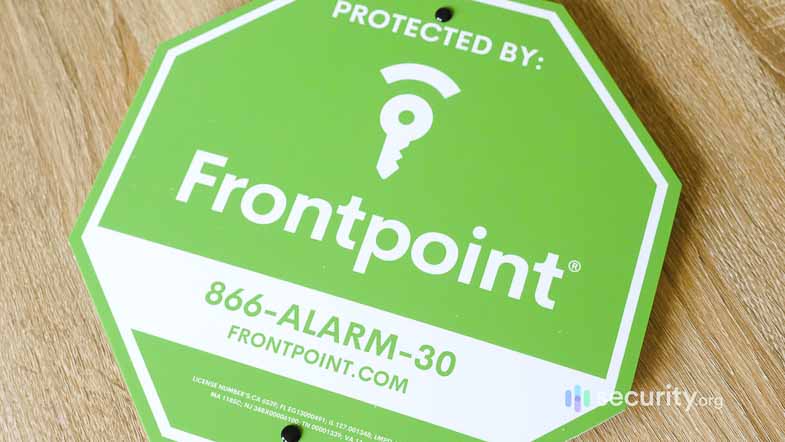
While Frontpoint’s green sign looks nice, it doesn’t stand out as much as the orange Vivint sign or blue ADT sign. Our Frontpoint system came preconfigured and included stickers that made it easy to pair with the app. We had our eight-piece system up and running in around 20 minutes. Most of that time was spent choosing the best place to install our sensors.
Compare Options: Frontpoint vs. Ring
Did You Know: Frontpoint’s not the only cost-effective DIY security system to offer impressive home automation capabilities. We were similarly impressed when testing abode’s CUE automation system.
What We Like
- Fastest setup time of any system tested (under 25 minutes)
- Affordable equipment with packages starting at $69
- Impressive home automation capabilities
- Helpful customer service
What We Don’t Like
- Required monitoring that’s comparatively expensive
- Purchasing a lower tier monitoring plan requires a phone call
- Constant sales makes pricing confusing
- Analog keypad required even if you buy a touchscreen control panel
Frontpoint Wireless Equipment
Almost all of Frontpoint’s equipment is wireless. They offer a wired video doorbell, but it also comes in a wireless configuration. It costs more and has a slightly lower field-of-view. That limitation prevented ours from seeing our packages, although it’d be able to see a porch pirate running off.
Their most advanced outdoor camera still needs an outlet. However, its weatherproof power cable can reach an outlet at most installation spots without extension cords. The constant power also enables advanced features like color night vision that would quickly drain the battery of a fully wireless camera. We think it’s a worthwhile trade-off.
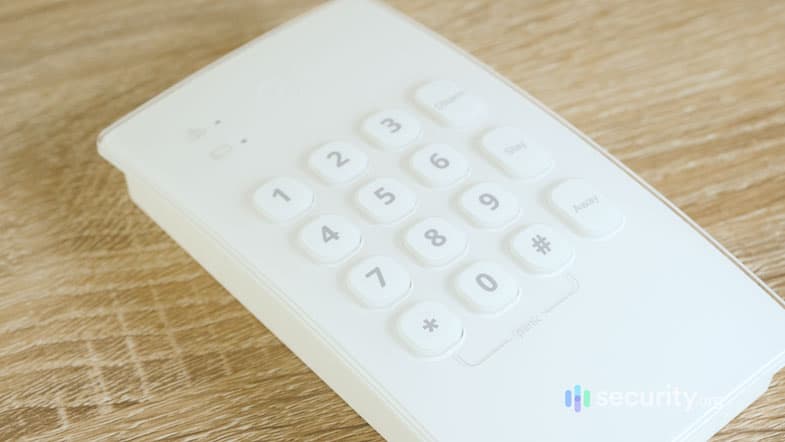
Frontpoint forced us to buy an analog keypad. Frontpoint Monitoring
Frontpoint’s monitoring structure is frustrating to navigate. While they advertise comprehensive Ultimate Monitoring online, they do have more affordable options. However, these options require a call to their sales department. Here’s their pricing:
Frontpoint Monitoring Plans Monthly Price In-App Safety Button $4.99 Video-Only $14.99 Interactive Monitoring $44.99 Ultimate Monitoring $49.99 Frontpoint Pricing
Pricing for Frontpoint’s equipment is great. They offer some of the best value in the industry with basic systems consisting of two entry sensors, a base station, and a keypad costing under $70. Add a wireless doorbell camera and that price only goes up by $90. That’s even lower than SimpliSafe’s prices.
The monitoring value proposition still struggles to keep up with the industry. At $49.99 for the plan that most people opt for, it costs more than ADT’s premium self-setup plan and the same as SimpliSafe’s Pro plan. While you can call up Frontpoint for a lower-cost self-monitoring plan with video storage that costs $14.99 per month, it’s still more than a comparable plan from SimpliSafe.
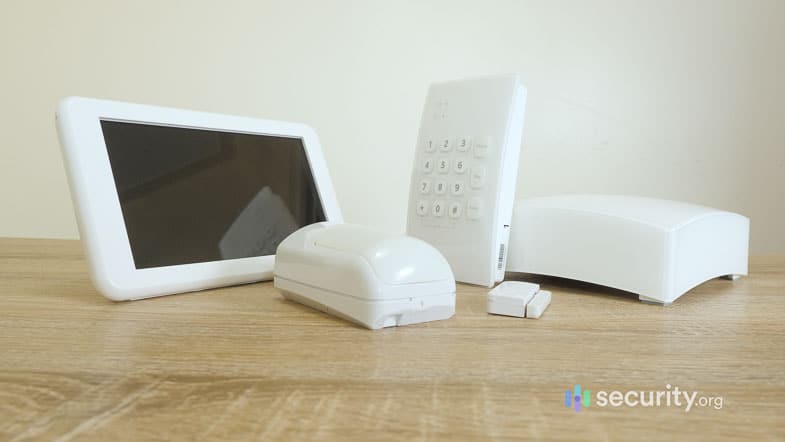
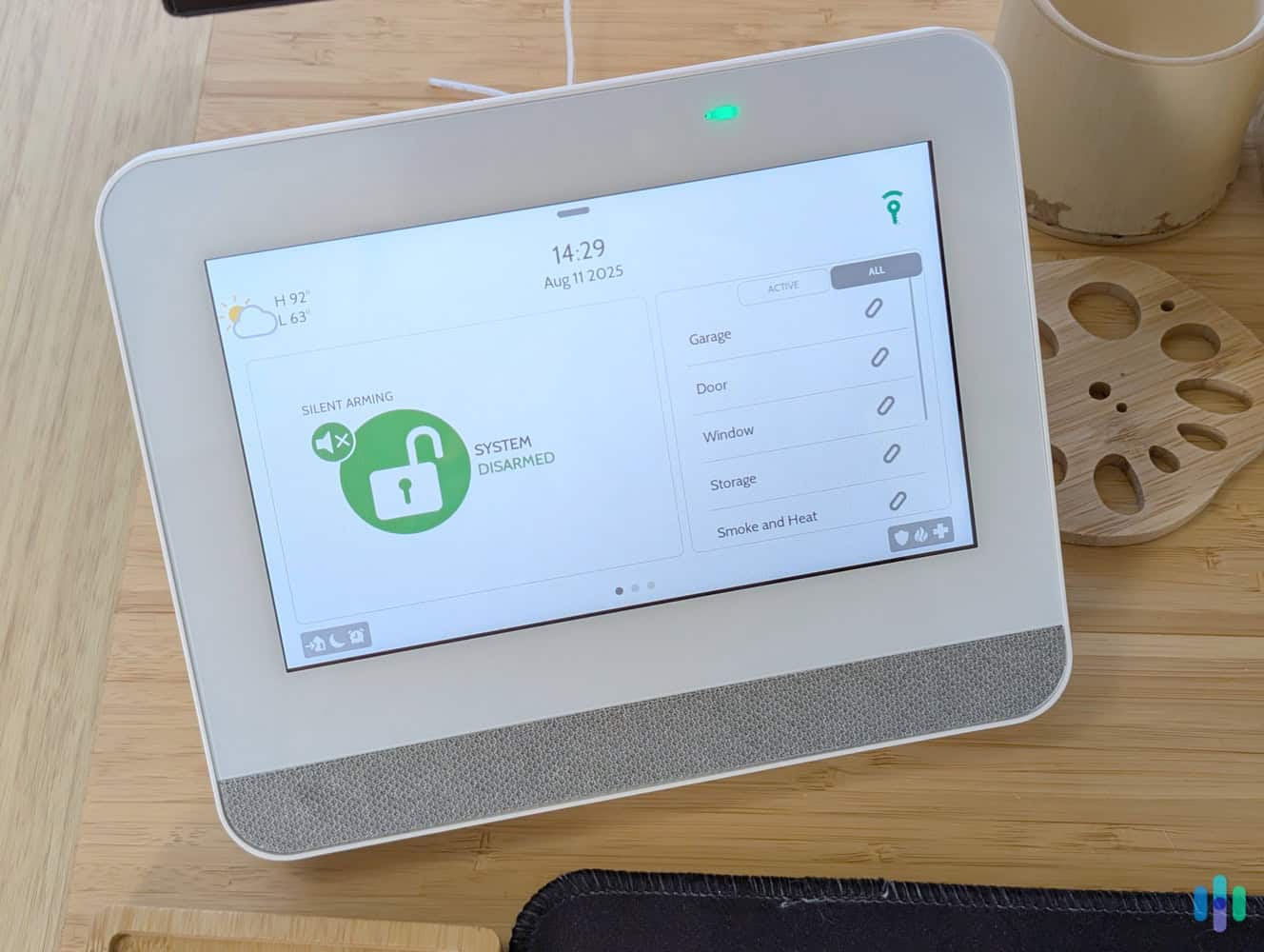
We added the touchscreen control panel to our Frontpoint system so we didn’t need to use the analog keypad. Our Recommendations About Frontpoint
Frontpoint excels for tech-savvy DIYers who value speed and simplicity. The 22-minute setup means more time for customizing automation scenes – like our favorite that flashes porch lights and sends camera snapshots when the doorbell detects motion after sunset. Just be prepared for occasional upselling when contacting support.
Methodology: How We Selected The Best Wireless Home Security Systems
Our Review Guidelines
Security.org’s security system testing process is guided by our Editorial Guidelines, centered on first-hand product testing. We don’t rely on what brands say about their own products. Our testers physically set up, test, and run each system we evaluate. They time the full installation, trigger sensors manually to document how fast monitoring stations respond, and stress-test app performance while under load. We also factor upfront costs, ongoing fees, and contract flexibility, because the best security systems aren’t just the ones that look good on paper. They’re the ones that work for your budget and your lifestyle.
How We Ranked These Systems
Our testing protocol spans weeks to months per system, simulating real-world conditions you’re most likely to face. During that time, we’re considering multiple factors to determine what system sits at the top of the list, and which ones don’t make the cut. Those factors are:
- Wireless protocols: We measure the range versus the company’s advertised claims, test penetration through various building materials, and verify encryption standards meet current cybersecurity best practices.
- Wireless equipment range: We assess the product range companies offer to protect your home. Our team takes into consideration if third-party devices can be integrated and how equipment connects to other smart products in your home.
- Monitoring responsiveness: We trigger alarms to measure response times, test escalation procedures, and verify two-way communication quality.
- Overall costs: We look at prices relating to equipment, installation, monitoring, battery replacements, and potential early contract termination fees.
Our team also validates our findings through independent lab testing and cross-references them with data from over 500 verified customer installations.
Why Trust Us
Our team making home security recommendations is spearheaded by Paul Frew, our resident home security product evaluator with over a decade of experience testing security systems. Paul’s hands-on approach guides every recommendation on this page.
He’s backed by an independent team of security experts, consisting of more than 20 security researchers and product testers who have collectively logged over 25,000 hours researching security products since 2018. That team includes:
- Gene Petrino: Retired S.W.A.T. commander and former law enforcement sergeant, contributing three decades of crime prevention and security expertise as a senior advisor
- Corey Birnstengel: Editor and videographer behind 200+ in-depth video reviews spanning multiple product categories
- Matthew Adkins: Researcher with a doctorate and over 100 security systems evaluated and ranked
- Cort Honey: Product tester with an engineering background and over 1,000 hours of hands-on testing and a specialty in making complicated security tech digestible for everyday consumers
No brand can pay to influence our rankings. Our recommendations are editorially independent.
Types of Wireless Security Systems
Not all wireless security systems work the same way. There are actually two distinct layers of wireless communication at play. First, there’s how your sensors talk to your system’s hub. Then, there’s how your system communicates with you or a monitoring center.
How Sensors Connect to the Hub: Radio Frequency
Most wireless security systems use RF signals — typically 433 MHz or 900 MHz — to connect sensors, motion detectors, and other devices to the main hub. This is the local layer of your system, and it’s how nearly all modern wireless systems operate regardless of brand. It’s reliable and energy efficient, allowing the sensors’ batteries to last for years. Here’s a quick breakdown:
- Range: 300 to 500 feet typically
- Pros: No Wi-Fi needed, reliable, encrypted signals
- Cons: Range limitations in larger homes
- Examples: ADT, SimpliSafe, Vivint, and Frontpoint — most major systems use RF for sensors
How the Hub Communicates Alerts: Wi-Fi vs. Cellular vs. Both
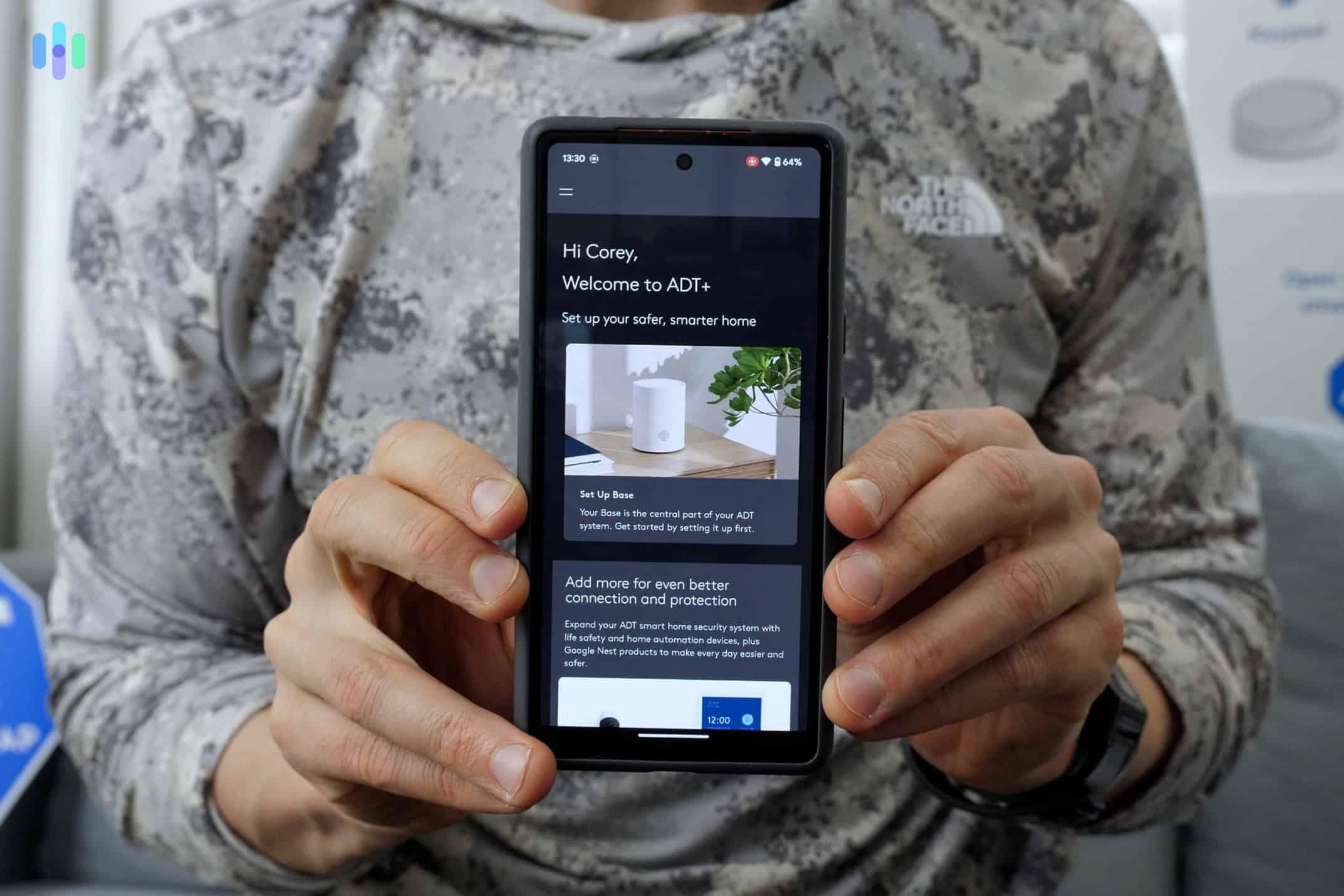
Once the hub receives a signal from a sensor, it needs to get that alert to you or a monitoring center. Systems either use Wi-Fi, cellular data or both to transmit that alert. Each method comes with noticeable differences to the way your system functions. Here’s the overview:
- Wi-Fi connects the hub to your router and out to the internet. It works well under normal conditions and enables remote app access, but if your internet goes down, the monitoring response of your security system becomes disabled.
- Cellular gives the hub its own built-in connection via cell towers — no router required. It can’t be knocked out by a power outage or cut cable, which is why most professional systems include it as a backup or primary communication path. However, the best cellular security systems require a monthly fee.
- Dual-path systems use both Wi-Fi and cellular simultaneously. Most use Wi-Fi as the main communication method, with a few exceptions using a cellular-first approach. If the primary connection drops, the system automatically fails over to cellular — no gap in coverage. ADT is a good example of this: during our testing, it switched to 4G LTE cellular backup in under two seconds when we simulated a Wi-Fi outage.
Comparison at a Glance
Now that you know the details, here’s a quick cheat sheet to help you easily compare communication options between providers:
| Wi-Fi | Cellular | Dual-Path | |
|---|---|---|---|
| How It’s Used | Hub-to-monitoring via internet | Hub-to-monitoring via cell towers | Wi-Fi primary, cellular failover or vice versa |
| Reliability | Good | Excellent | Best |
| Remote Access | Yes | Yes (except devices that require internet, such as security cameras) | Yes |
| Works Without Internet | No | Yes | Yes |
| Best For | Tech-savvy users, smart home | Maximum reliability | Maximum reliability + redundancy |
Battery Concerns with Wireless Systems
Battery maintenance is one of the most overlooked aspects of owning a wireless security system. Most sensors will last years on a single set of batteries, but cameras are a different story — and letting any device go dead creates a gap in your coverage.
>> Learn More: Is There a Security Camera That Works Without Wi-Fi?
How Long Do Wireless Security System Batteries Last?
While it’s clearly important to replace or charge the batteries in your security system components before they die, knowing when to do that can be a bit trickier. Your system should send you reminders if any component’s battery life gets low, but knowing around when that should be can help you prepare. In our experience with over 60 security systems, the average battery life of each security system component type is as follows:
| Device | Battery Life |
|---|---|
| Door/Window Sensors | 3–5 years (CR123A or AA lithium) |
| Motion Detectors | 3–5 years (CR123A or AA lithium) |
| Glass Break Sensors | 3–5 years (CR123A or AA lithium) |
| Control Panel | 24-hour backup (rechargeable, always plugged in) |
| Wireless Cameras | 2–6 months (varies heavily based on activity) |
Battery Maintenance Tips
Staying ahead of battery replacements is easier than dealing with a dead sensor at the wrong moment. These four proactive measures can ensure your security equipment never goes down due to a dead battery:
- Check battery levels monthly in your app.
- Replace all sensor batteries every 3–4 years, even if they haven’t died.
- Keep spare batteries that work with your security components on hand. CR123A and AA lithium are the most common.
- Consider high-quality wired security cameras for high-traffic areas where frequent recharging becomes a hassle.
If you’re anything like us, your phone battery runs out on a near daily basis. When that happens, it’s a bit of an inconvenience, but it doesn’t impact our safety. However, when the batteries in our security components die, it leaves a gap in our home’s protection. That’s why we take so many precautions to ensure they’re always charged.
Addressing Wireless Range and Interference Concerns
Wireless security systems work well in most homes, but interference can significantly reduce the range of wireless components, potentially causing issues for larger properties. Understanding how interference impacts signal strength can help you more strategically plan your layout to maximize the effective range of your system.
How Far Can Wireless Sensors Reach?
Most sensors offer an open-air wireless range of 300 to 500 feet. However, a typical home often reduces that range to 100 to 200 feet after accounting for interference from walls and floors. Thick or metal walls can reduce these ranges even further. You’ll also need to consider the vertical distance if you own a multi-story home. Finally, other devices — like microwaves, baby monitors and neighboring Wi-Fi networks — can also cause interference by causing congestion on the same wireless bands used by your security equipment.
Thankfully, there are a few tricks of the trade to extend the wireless range of security sensors and accommodate large homes, including:
- Add range extenders — all high-quality wireless systems offer these
- Place the base station in a central location rather than near an exterior wall
- Use mesh Wi-Fi for Wi-Fi-based devices to extend coverage evenly
- Consider a hybrid wired-wireless approach for problem areas like detached garages or basements
Using these tips can extend your system’s range as far as you need. You just need to make sure you include any required range extenders or a mesh Wi-Fi system in your budget.
Will Wireless Work in My Home?
Wireless systems are a great fit for most standard homes — particularly those under 2,500 square feet with wood frame construction, open floor plans, and one or two stories. These homes give RF signals the least resistance and rarely require any additional equipment beyond the standard kit.
If your home is larger or built with denser materials, you’ll need to plan your system around the wireless range of your equipment. You may even need to invest in range extenders and an expanded Wi-Fi network. That doesn’t mean wireless won’t work in a large home — we still generally recommend it — but these additions increase the cost of your system. However, at a certain point it becomes more cost-effective to invest in a hybrid wired-wireless system, particularly for homes over 4,000 square feet.
>> Read About: Can You Have A Home Security System Without A Landline?
Wireless vs. Wired: Which Should You Choose?
Wireless systems dominate the market for good reason, but wired systems still have a place. Here’s how they stack up across the factors that matter most.
| Factor | Wireless | Wired |
|---|---|---|
| Installation | Easy DIY (2–4 hours) | Professional needed (1–2 days) |
| Installation Cost | Free DIY options | Typically starts at $200 |
| Renter-Friendly | Yes (no holes, portable) | No (permanent installation) |
| Reliability | Some components lose connection when Wi-Fi drops | Components only lose connection during power outages |
| Battery Maintenance | Requires regular battery replacement or charging | None |
| Signal Issues | Possible in large homes or for outdoor security needs | None |
| Sabotage Resistance | Signals can be jammed | Cables can be cut |
| Best For | Renters, DIY, small-medium homes | Homeowners, large homes, maximum reliability |
To sum it up, wireless systems are the right choice for 80 to 90 percent of homes. Unless you have a home over 4,000 square feet, concrete construction, or extremely high-security needs, wireless systems offer comparable protection with far easier installation.
During our tests of over 35 wireless systems, they achieved an average uptime of 97.8 percent. We also tested 25 wired systems that achieved an average uptime of 99.2 percent. That works out to roughly five days per year where a wireless system might experience brief connectivity issues — versus about three days for wired. For most households, that difference doesn’t justify the $300 to $800 additional cost of professional installation or the added hassle.
FAQs About Wireless Home Security Systems
Let's go over some of the questions I get asked most frequently.
-
How reliable are wireless home security systems?
How reliable a wireless security system is really depends on the company it comes from, as well as its wireless protocol and mobile application. Less-reliable systems rely purely on Wi-Fi, which can go out, or have buggy mobile applications that can lose connectivity to the wireless components.
-
Do I need a home security system?
You don’t need a home security system, but you don’t have to lock your doors at night either. A burglary happens almost every 30 seconds in the U.S., and unless you’re taking proactive measures to protect yourself, you may become a victim.
-
Are home security systems expensive?
Entry-level DIY systems now start under $100 with monitoring plans from as little as $20 per month. Professional systems typically run $500 to $1,500 upfront, but many providers offer zero percent financing spread across 12 to 60 months.
-
Can I install a home security system myself?
Absolutely. Modern DIY home security providers make it extremely easy to install an alarm system in your home. Most systems require zero tools – sensors use adhesive strips, cameras connect via QR codes, and apps guide you through setup in under 30 minutes.
-
Do home security systems require monthly fees?
Self-monitoring eliminates monthly fees but means you handle all alerts personally. Professional monitoring ($20 to $50 monthly) provides 24/7 coverage, automatic emergency dispatch, and often includes equipment warranties and free battery replacements.
-
DECT ULE. (2025). Standard and Certification.
https://www.dect-ule.com/standard -
The American Society of Criminology. (2022). The impact and policy relevance of street lighting for crime prevention: A systematic review based on a half-century of evaluation research. https://onlinelibrary.wiley.com/doi/10.1111/1745-9133.12585
-
Engineering Mathematics and Computer Science (EMACS) Journal. (2021). WiFi Signal Strength Degradation Over Different Building Materials. https://www.researchgate.net/publication/355305200_WiFi_Signal_Strength_Degradation_Over_Different_Building_Materials