
Best VPNs for Brave Browser 2026: 4 Tested + Brave VPN Review
With its native browser extension, proprietary protocol for fast speeds, and enhanced privacy features, NordVPN took the top spot for Brave Browser VPNs.
 &
&
 Last Updated on Sep 01, 2026

- Enhances Brave’s privacy features by concealing your actual IP address behind an anonymous address
- Proprietary protocol, NordLynx, offers fast speeds for Brave
- Offers a browser extension especially designed for use with Brave

- Easy-to-use Brave browser extension and device apps
- RAM-based servers in over 100 countries that are optimized for streaming, torrenting, and online gaming
- Access to proprietary Lightway VPN protocol that improves speeds and device performance
- Has an excellent free plan that offers unlimited bandwidth and strong privacy
- Free users get access to a user-friendly Brave extension
- Maintains very fast speeds for all online activities
the security.brief
We tested 4 VPNs + Brave's built-in VPN ($9.99/mo). NordVPN ranks #1 with its Brave extension, ad-blocking, and leak protection. Compare features, speeds, and privacy.
Brave is a free, open-source web browser that’s based on Chromium, an open-source version of Chrome. It’s largely considered one of the best private browsers since it automatically blocks as many ads and trackers as it can. However, it still doesn’t give you as much protection as a virtual private network (VPN).
While Brave offers their own VPN extension, I found that the best VPNs come from dedicated VPN providers. That’s why I tested over 50 VPNs, seeing how well they work with the Brave browser and determining which ones outperform Brave’s VPN. NordVPN took the top spot with a top-notch Brave extension and industry-leading performance. I also preferred ExpressVPN, Proton VPN and Surfshark over Brave’s VPN. Let’s dig in.
Brave VPN vs. Third-Party VPNs: Which Should You Pay For?
Brave’s built-in VPN is convenient, but convenience and value aren’t the same thing. After testing Brave VPN head-to-head against NordVPN, Surfshark, Proton VPN, and ExpressVPN, the third-party options justified the inconvenience with better performance and more comprehensive protection. To better illustrate this point, here’s a comparison between Brave VPN, NordVPN, ExpressVPN, Proton VPN and Surfshark:
| Feature | Brave VPN ($9.99/mo) | NordVPN ($3.49/mo) | ExpressVPN ($2.44/mo) | Proton VPN ($2.99/mo) | Surfshark ($1.99/mo) |
|---|---|---|---|---|---|
| Server Count | 300 in 40 regions | 9,300+ in 137 countries | 3,000+ in 105 countries | 15,000+ in 117 countries | 3,200+ in 100 countries |
| Built-in to Brave | Yes (no extension) | No, requires an extension or app | No, requires an extension or app | No, requires an extension or app | No, requires an extension or app |
| Streaming (Netflix) | Limited | Excellent | Excellent | Excellent | Excellent |
| Torrenting Support | Not optimized | Yes (dedicated servers) | Yes (all servers) | Yes (dedicated servers) | Yes (all servers) |
| Advanced Protocols | Basic (IKEv2) | NordLynx (WireGuard) | WireGuard, Lightway | WireGuard | WireGuard |
| Split Tunneling | No | Yes | Yes | Yes | Yes |
| Ad-Blocking | No (use Brave Shields) | Yes with scam and phishing protection | Yes with Lite Protection | Yes with NetShield | Yes with CleanWeb |
| Simultaneous Connections | 10 devices | 10 devices | 10 devices | Unlimited devices | ♾️ Unlimited |
| Open-Source Client | No | No | No | Yes (fully audited) | No |
| Privacy Jurisdiction | Within Five Eyes (U.S.-based) | Outside of all data-sharing alliances (Panama based) | Outside of all data-sharing alliances (British Virgin Islands based) | Outside of all data-sharing alliances (Switzerland based) | Within Nine Eyes (Netherlands based) |
| Best For | Brave-only users, simplicity | Speed, security, and streaming | User-friendly with premium features | Privacy and a free plan | Unlimited devices with high-value subscriptions |
Now let’s dig into the details.
What Brave VPN Actually Offers
Brave VPN is powered by Guardian, a third-party VPN provider, and costs $9.99 per month or $99.99 per year. For that price, you get roughly 300 servers across 40 regions — coverage that skews heavily toward North America and Western Europe. Compare that to NordVPN’s 9,300+ servers across 137 countries or Proton VPN’s 18,000+ across 129, and Brave VPN’s lack of coverage becomes immediately apparent.
The integration is the genuine selling point. There’s no extension to install, no separate app to manage — you enable it from the Brave menu and it works. For less technical users, that simplicity has real value.
That said, it lacks more than just servers and international coverage. A few of Brave VPN’s other core limitations include:
- No split tunneling or kill switch
- Only supports the IKEv2 protocol, which is slower and less flexible than WireGuard or NordLynx
- No obfuscation, so restrictive networks can easily detect and block your connection
- No ad-blocking, malware protection, or multi-hop routing
Privacy Jurisdiction
Brave VPN is powered by Guardian, a U.S.-based company. That puts it squarely inside Five Eyes territory, where companies can be legally compelled to hand over user data. While they maintain a no-logs policy, NordVPN, ExpressVPN, and Proton VPN also maintain no-logs policies on top of operating outside of data sharing alliances. For casual users this rarely matters, but for anyone with genuine privacy concerns, jurisdiction is worth factoring in.
Speed and Streaming
In my own speed tests, Brave VPN dropped download speeds by 35 to 40 percent on domestic servers. That’s well above the six percent I recorded with NordVPN and eight percent with Proton VPN under equivalent conditions. When I connected to international servers, my connection slowed even further.
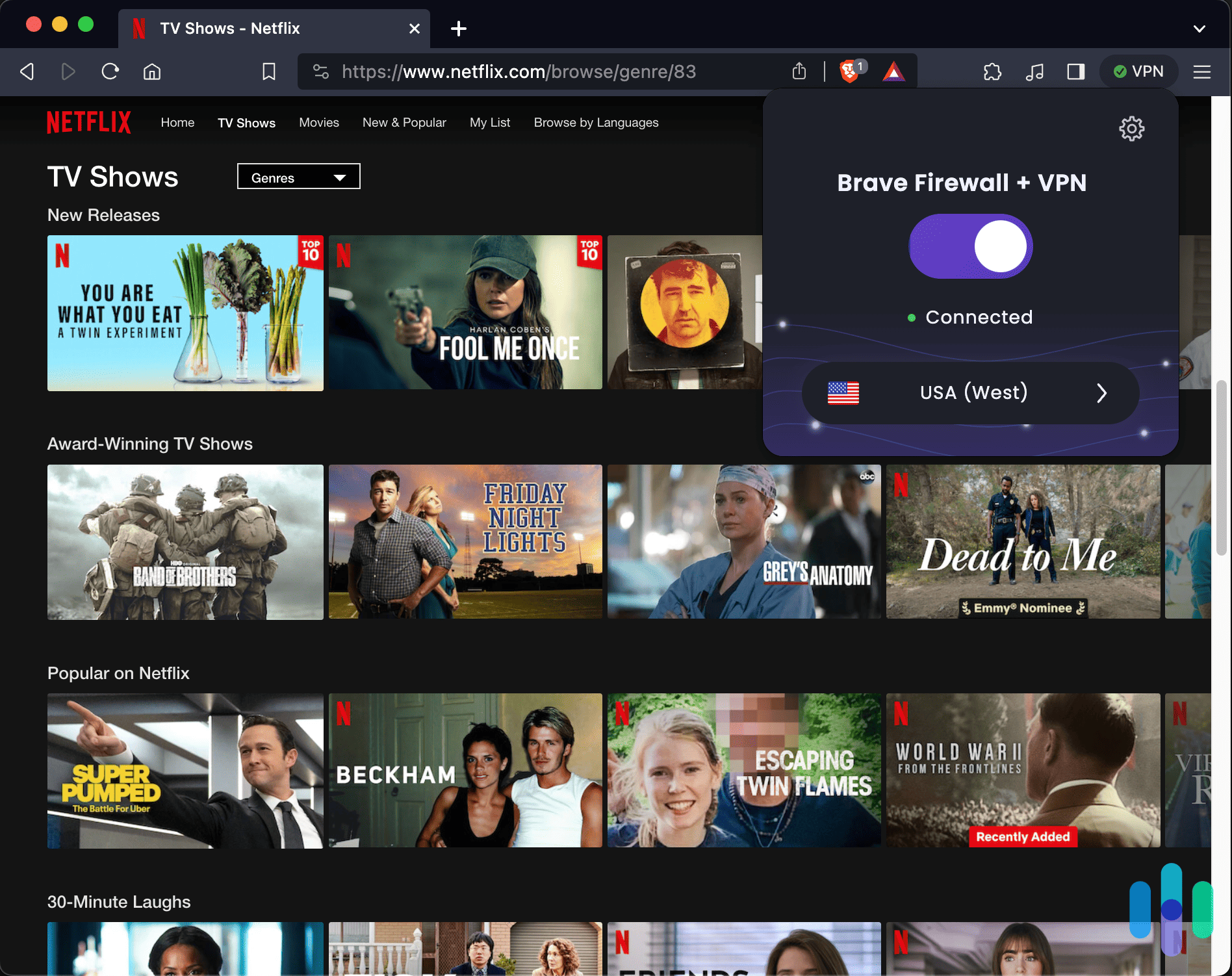
Streaming results were worse. I tested Brave VPN against Netflix, Disney+, and BBC iPlayer — it was blocked on all three. With only a few hundred servers, these platforms have no problem maintaining a list of their IP addresses to block those connections. NordVPN, ExpressVPN, Proton VPN and Surfshark regularly update the IP addresses of their servers to get around these blocks. If geo-restricted streaming is any part of why you want a VPN, Brave VPN won’t get you there.
When Brave VPN Makes Sense — And When It Doesn’t
Brave VPN earns its place in one specific scenario: you’re already in the Brave Premium ecosystem, your needs don’t extend beyond basic IP masking, and setup simplicity matters more than features. That’s a real use case, just a narrow one.
For anything beyond that — streaming, torrenting, serious privacy, or simply getting more for your money — a dedicated VPN wins on every front. At $9.99 per month, Brave VPN costs more than NordVPN on a one-year plan and nearly five times what Surfshark charges for a two-year plan. You’re paying a convenience premium for a product that trails the competition in almost every measurable way, including protections for your personally identifiable information.
Criteria for Selecting a Brave VPN
| Brave Extension | I’ll go into more detail below the list of my favorite Brave VPNs, but an extension isn’t the same as a VPN. It’s a proxy that masks your IP address. It’s good to have and it adds a layer of protection — and it’s something all four VPNs on my list offer — but you shouldn’t rely on it alone. |
| Security | You want a VPN with strong encryptions (I recommend AES-256) that uses modern VPN protocols and has a reputable, verifiable privacy policy. Lucky for you, I’ve done the homework for you. |
| Performance | Using a VPN will lower your connection speeds a bit, but the extent to which the slowdowns occur is a function of many factors. You want a VPN with a large enough footprint that its servers won’t be overloaded, and one that uses modern networking technology to keep your speeds zippy. |
| Features | Speed and security are the two biggest factors to consider when selecting a VPN, but there are a ton on the market that are plenty fast and protective. To differentiate themselves, many offer advanced security tools such as multihop and server obfuscation, or they optimize their networks for activities like streaming and torrenting. Consider how you’ll use your VPN before you make your final selection. |
| Price | You obviously don’t want to pay too much for a VPN. Most VPNs cost between $3 and $15 per month, depending on the features and provider you choose and the duration of your subscription. The longer you sign up for, the cheaper it’ll be in the long run. |
Now that you have a pretty good idea of what to look for and the lens through which I’m looking at these services, let’s get to the list of the best VPNs for the Brave browser.
List of the Best VPNs for the Brave Browser
- NordVPN - Best VPN for Privacy on Brave
- ExpressVPN - Best User-Friendly VPN on Brave
- Proton VPN - Best Free VPN for Brave
- Surfshark - Best VPN Security Features on Brave
The Best Brave Browser VPNs Compared
| System |
NordVPN
|
ExpressVPN
|
Proton VPN
|
Surfshark
|
|---|---|---|---|---|
| Ranking | 1st | 2nd | 3rd | 4th |
| Ratings | 9.7/10 | 9.1/10 | 9.3/10 | 9.5/10 |
| Monthly subscription costs | $3.39-$29.29 | $2.44-$19.99 | $0-$12.99 | $1.99-$20.85 |
| Subscription lengths | 1 month, 1 year, or 2 years | 1 month, 1 year, or 2 years | 1 month, 1 year, or 2 years | 1 month, 1 year, or 2 years |
| Encryption type | AES-256-GCM | AES-256 | AES-256 | AES-256-GCM |
| VPN protocols | OpenVPN, NordLynx | Lightway, OpenVPN, IKEv2 | WireGuard, OpenVPN, Stealth | WireGuard, OpenVPN, IKEv2 |
| Kill switch | Yes | Yes | Yes | Yes |
| Split tunneling | Windows and Androids only | Windows, Androids, Macs, and Aircove routers only | Windows, Android, and Macs only | Windows, Android, and Macs only |
| Netflix access | Yes | Yes | Yes | Yes |
| IP Addresses | Dynamic and static | Dynamic and static | Dynamic | Dynamic and static |
| Brave browser extension | Yes | Yes | Yes | Yes |
| Read Review | NordVPN Review | ExpressVPN Review | Proton VPN Review | Surfshark Review |
-
1. NordVPN - Best VPN for Privacy on Brave
Get NordVPN Links to NordVPN
Product Specs
Server locations 137 countries Average Speed Loss 6% download & 4% upload Apps Windows, MacOS, Linux, Android, iOS, Chrome, Firefox, Edge, Android TV, tvOS Best Monthly Rate $3.49/mo with a 2-year plan Money-Back Guarantee 30 days full refund
NordVPN Overview
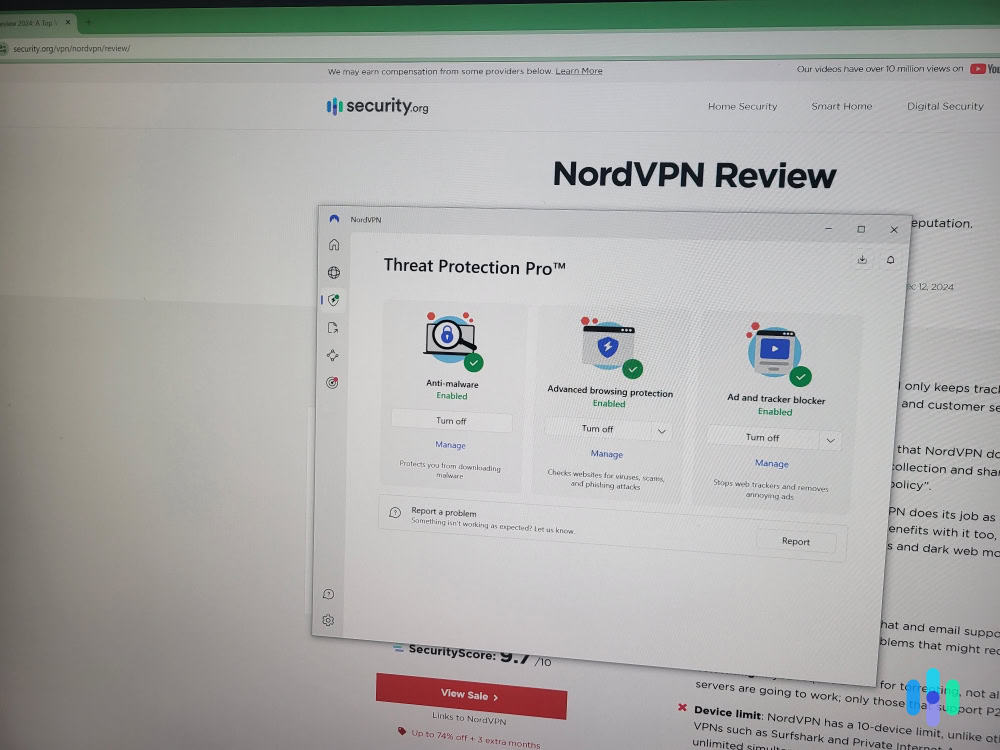
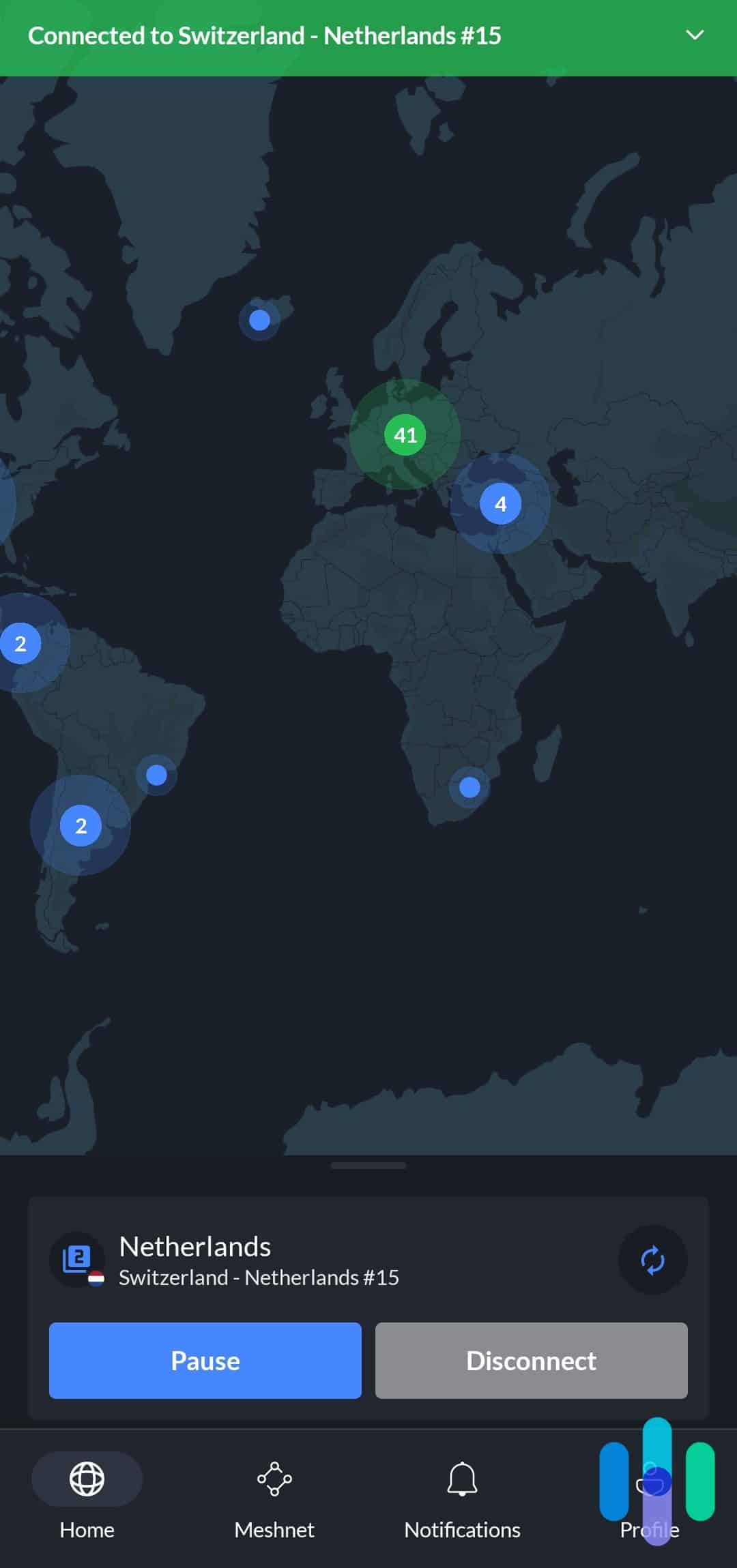
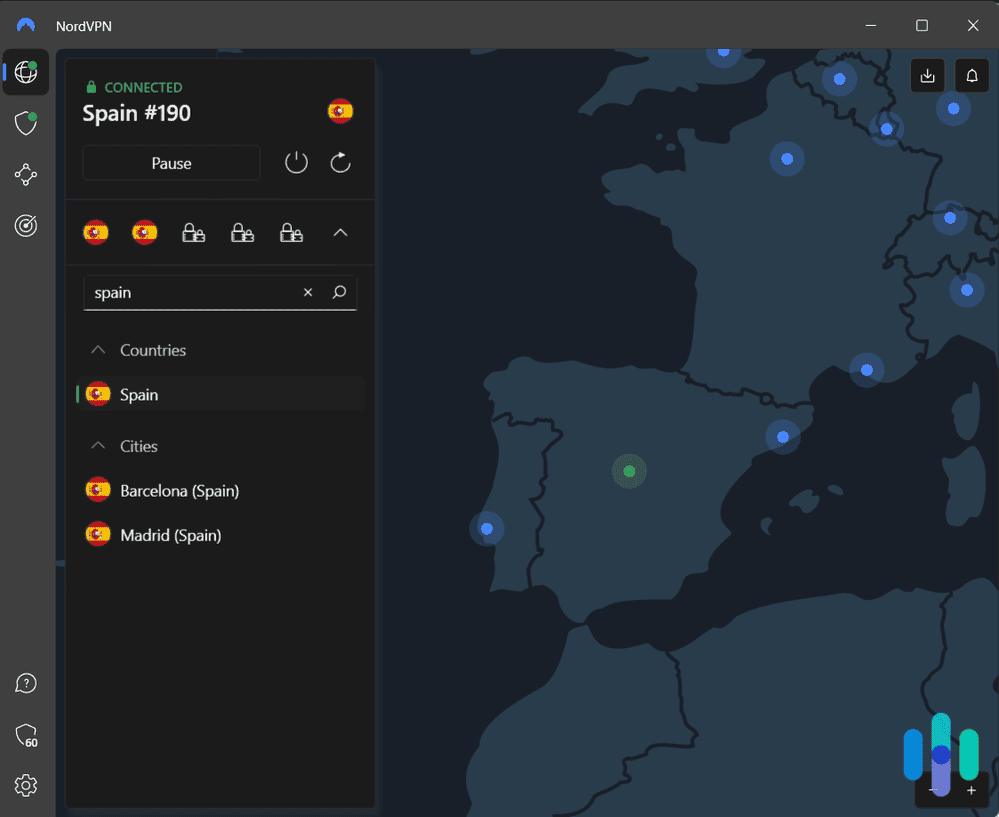
NordVPN is one of the best VPNs on the market. It does an excellent job of balancing security and speed, and its cutting-edge fleet of RAM-only servers is the gold standard in privacy protection (more on that in just a bit). If you’re looking for an all-around secure VPN for Brave, NordVPN is likely your best bet.

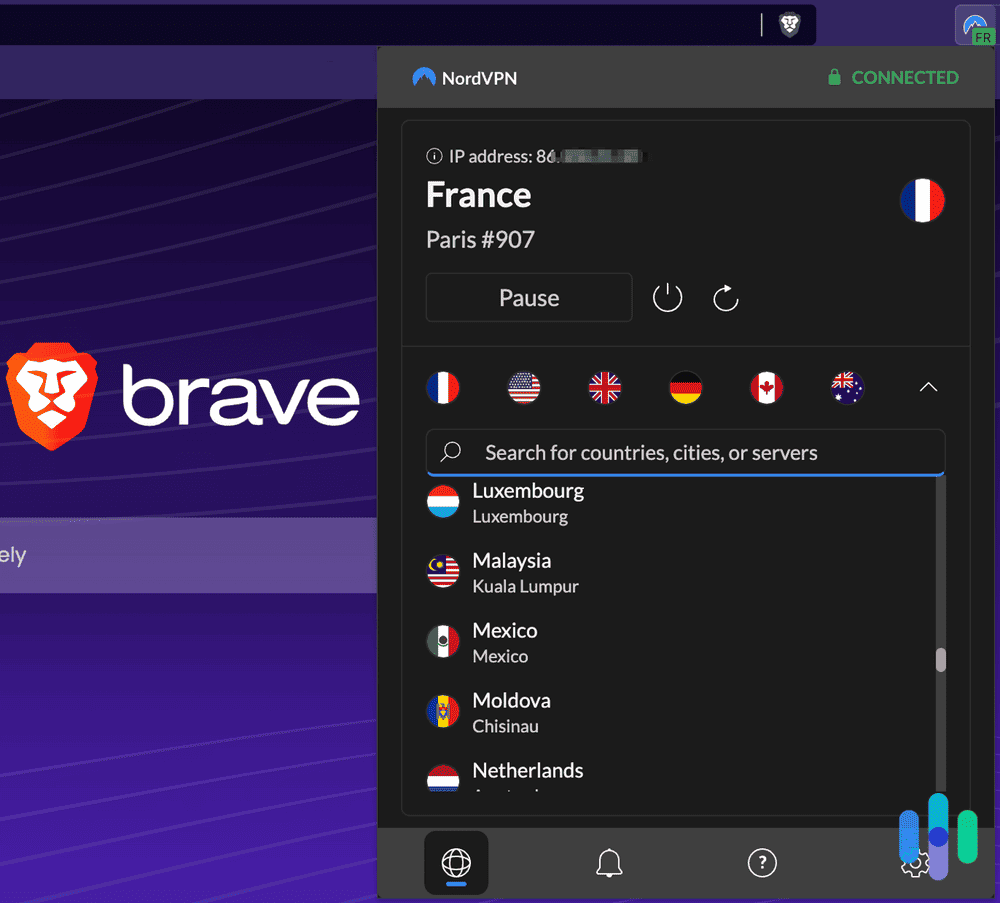
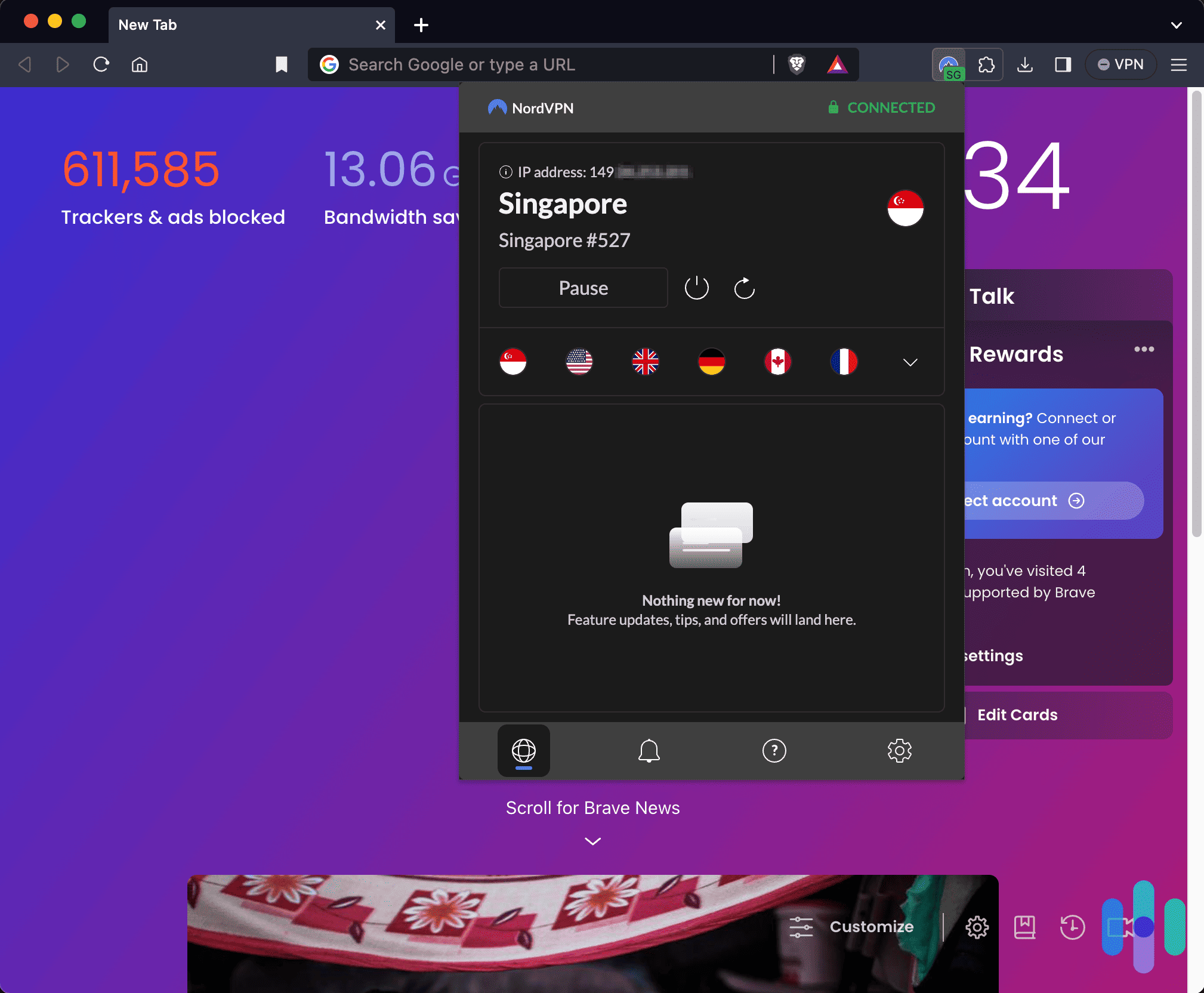
Using the NordVPN extension with Brave Browser What We Like
- Shared IP addresses
- Multihop technology
- Five Eyes, Nine Eyes, 14 Eyes nonmember
- Strict logging policy
- Brave extension available
What We Don’t Like
- Only 10 simultaneous connections
- Limited torrenting support
- Kill switch isn’t available for all apps
- Relatively slow on Windows devices
Performance
NordVPN has a fleet of about 9,300 servers in 137 countries across the globe. That’s great news for folks who love to travel, since it means you’ll always be in close physical proximity to one of the company’s server locations. Your speeds — latency, in particular — are greatly influenced by your distance from the actual server.
>> Learn More: Best VPNs for Travel
Speeds are pretty important, especially if you’re doing things like streaming and torrenting that are pretty resource-hungry. Nord is my go-to VPN both at home and abroad, and I appreciate it for its high speeds and ability to unlock Netflix libraries from all over the globe. It’s able to do that through a process called server obfuscation, which makes it so Netflix’s VPN blockers can’t tell your data is any different from regular traffic, allowing you to connect undetected. I was just recently using NordVPN to watch Japanese game shows with my partner from our apartment in Brooklyn. Isn’t the future awesome?
Trash TV aside, how fast is NordVPN? Very fast. The data below was taken from my most recent test of NordVPN’s speeds.
NordVPN Speed Test
Testing computer MacBook Pro Acer Aspire 5 Ping without VPN (in ms) 42 5 Ping with VPN (in ms) 46 160 Ping difference 10% 3,100% MacBook download speed without VPN (in Mbps) 54.86 23.49 Download speed with VPN (in Mbps) 41.37 21.7 Download speed difference 24% 8% Upload speed without VPN (in Mbps) 33.86 24 Upload speed with VPN (in Mbps) 27.21 7.91 Upload speed difference 20% 67% A single speed test can only show how the VPN was performing at that moment, though, so you need to work with each VPN for an extended period to understand how they affect your overall performance. I have, and Nord is consistently fast and works just a little better on Mac than it does on PC. Just something to keep in mind.
>> Check Out: Best VPNs for Mac
NordVPN’s servers are super fast and offer unlimited bandwidth, but they also have an important privacy feature built in: They’re all RAM-only. RAM requires power to store data, so that means every time a server is cycled down for maintenance — which happens frequently — any data that was being stored on it is irretrievably lost. ExpressVPN and Surfshark also have RAM-only servers. But, I still like NordVPN a bit more because it regularly gets third-party audits of its security. Learn more in our NordVPN vs ExpressVPN and NordVPN vs Surfshark comparisons.
When Nord says it’s “no log,” it really means it’s no log. NordVPN tops our list of the best no-log VPNs, and I’m sure Brave users will appreciate that level of security.
Price
I have more on this in my guide to NordVPN’s prices, but the company takes a tiered approach, with three service plans and three subscription durations. Nord is not as cheap as other VPNs on the list, but we’re talking about saving a few dollars over two years. The price difference is negligible.
NordVPN Pricing
NordVPN plan Monthly price 1-year plan 2-year plan Basic $14.99 $5.49 per month $3.49 per month Complete $19.99 $6.49 per month $4.49 per month Prime $29.99 $9.49 per month $7.49 per month One thing to note: If you’re just looking for a VPN, you don’t need to bother with NordVPN’s Complete or Prime subscriptions. They add things like password managers, identity theft protection, and cloud storage, which are helpful but not absolutely necessary.
-
2. ExpressVPN - Best User-Friendly VPN on Brave
Get ExpressVPN Links to ExpressVPN
Product Specs
Server locations 105 countries Average Speed Loss 7% download & 24% upload Apps Windows, MacOS, Linux, Android, iOS, Chrome, Firefox, Edge, Android TV, tvOS Best Monthly Rate $2.79/mo with a 2-year plan Money-Back Guarantee 30 days full refund
ExpressVPN Overview
ExpressVPN is another well-known name in the VPN world. Considering it’s been around since 2009, it’s continued to improve its service and make it more user-friendly for newcomers and experts alike. The company boasts a large fleet of RAM-only servers spread across the globe and offers advanced security features that make it easy to stream and torrent on its network. ExpressVPN also has an airtight no-log policy that will please even the most ardent privacy purists.

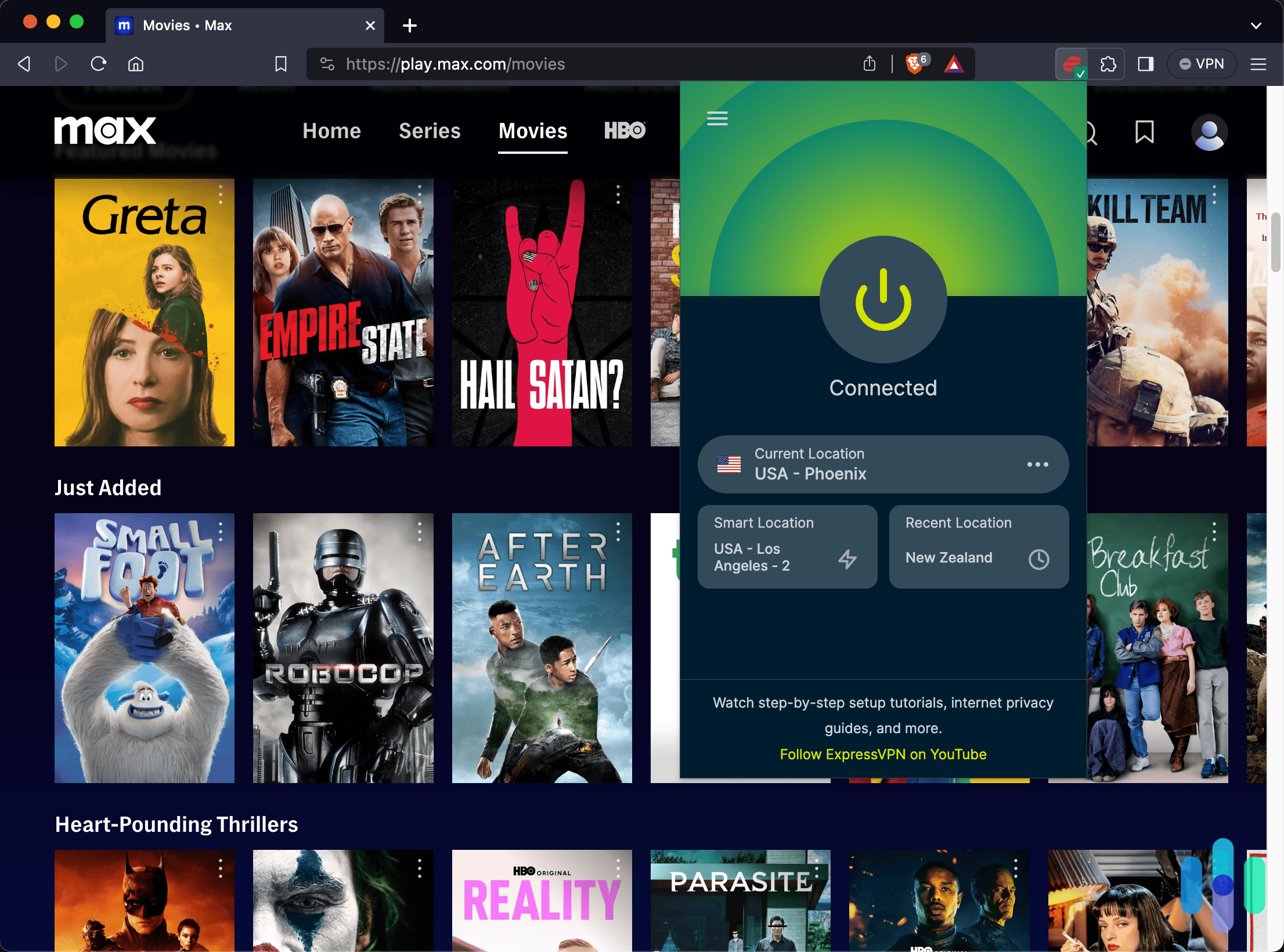
Testing the ExpressVPN Brave Browser extension on Max >> Lean More: Best VPNs for Torrenting
What We Like
- Over 3,000 servers in 105 countries
- Ability to torrent
- Split tunneling
- Outside Five Eyes, Nine Eyes, and 14 Eyes territories
- Brave extension available
What We Don’t Like
- No customer support available via phone
- Expensive subscriptions
- Limited simultaneous connections based on plan
- Slower on Macs
Performance
ExpressVPN isn’t the fastest VPN I’ve ever tested, but it’s solidly in the middle of the pack. If you’re using a high-speed internet connection, you’re not likely to notice any significant slowdowns in your day-to-day browsing. I have noticed some buffering issues at times when I use ExpressVPN to stream movies, but it’s not often enough to be a major problem.
Mac Download Speeds
Without VPN 37.05 mbps With VPN 22.7 mbps Windows Download Speeds
Without VPN 62.88 mbps With VPN 39.77 mbps Mac Upload Speeds
Without VPN 25.9 mbps With VPN 22.19 mbps Windows Upload Speeds
Without VPN 14 mbps With VPN 20 mbps Express VPN is pretty well balanced between Mac and PC, so I can’t say it works better on either. I will say, though, that it’s really easy to use. That’s why I’ve included it on this list.

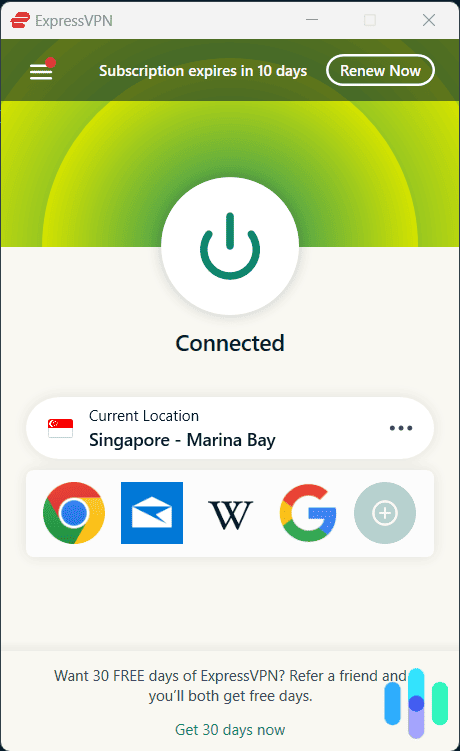
ExpressVPN Windows app interface >> Learn More: Best VPNs for Chrome
When you start talking about network protocols and ping times, a lot of people’s eyes glaze over. I can’t blame them; unless you geek out on digital security like me, this stuff can be pretty uninteresting.
Price
ExpressVPN used to be one of the most expensive long-term VPNs on the market. However, at the beginning of 2026, they significantly lowered prices for their long-term plans. Now, they sit right between NordVPN and ExpressVPN at $2.44 per month for a two-year plan. ExpressVPN’s plans used to cost twice that, so I would act now if you want ExpressVPN in case they decide to raise their prices back up.
ExpressVPN Pricing
Subscription 1 month 12 months 2 years Basic $12.99 $3.49 per month $2.44 per month Advanced $13.99 $4.19 per month $3.14 per month Pro $19.99 $6.29 per month $5.24 per month If you’re looking for something even more budget-friendly, check out my guide to the best affordable VPNs.
-
3. Proton VPN - Best Free VPN for Brave
 View Plans Links to Proton VPN
Product Specs
Server locations 129 countries countries Average Speed Loss 8% download & 4% upload Apps Windows, MacOS, Linux, Android, iOS, Chrome, Firefox, Android TV, tvOS, Firestick Best Monthly Rate $2.99/mo with a 2-year plan Money-Back Guarantee 30 days
Proton VPN Overview

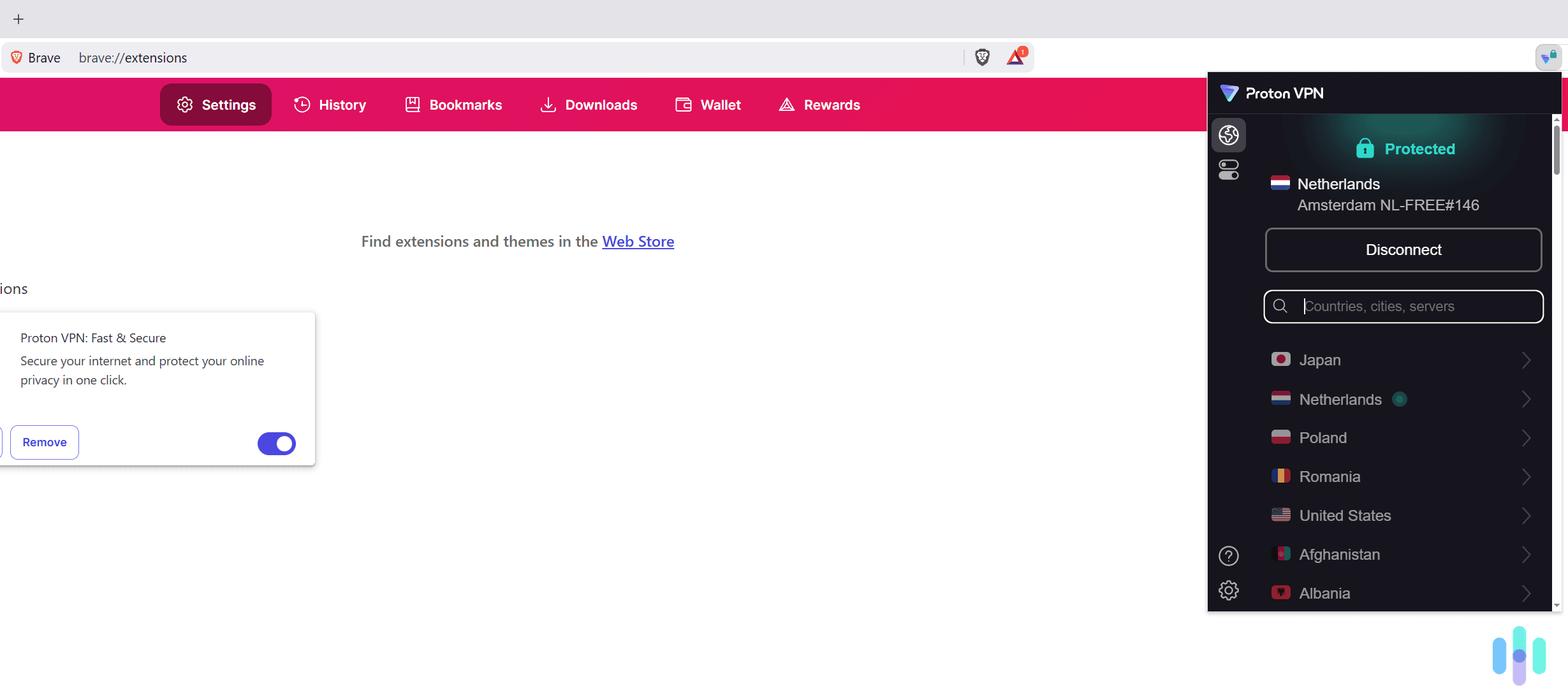
Proton VPN offers free access to a really user-friendly Brave extension. Proton VPN is the best free VPN for Brave users because its free plan offers unlimited data. It also comes with an independently-audited no-logs policy, a kill switch, fast speeds, and user-friendly apps, including a Brave extension.
>> Read More: The Best Free VPNs in 2026
What We Like
- Has a free plan with unlimited bandwidth and fast speeds
- Offers access to a Brave browser extension
- Provides high-end privacy and security features
What We Don’t Like
- Its long-term plans are pricier than its competitors
- Offers a 30-day refund, but it’s prorated
Performance

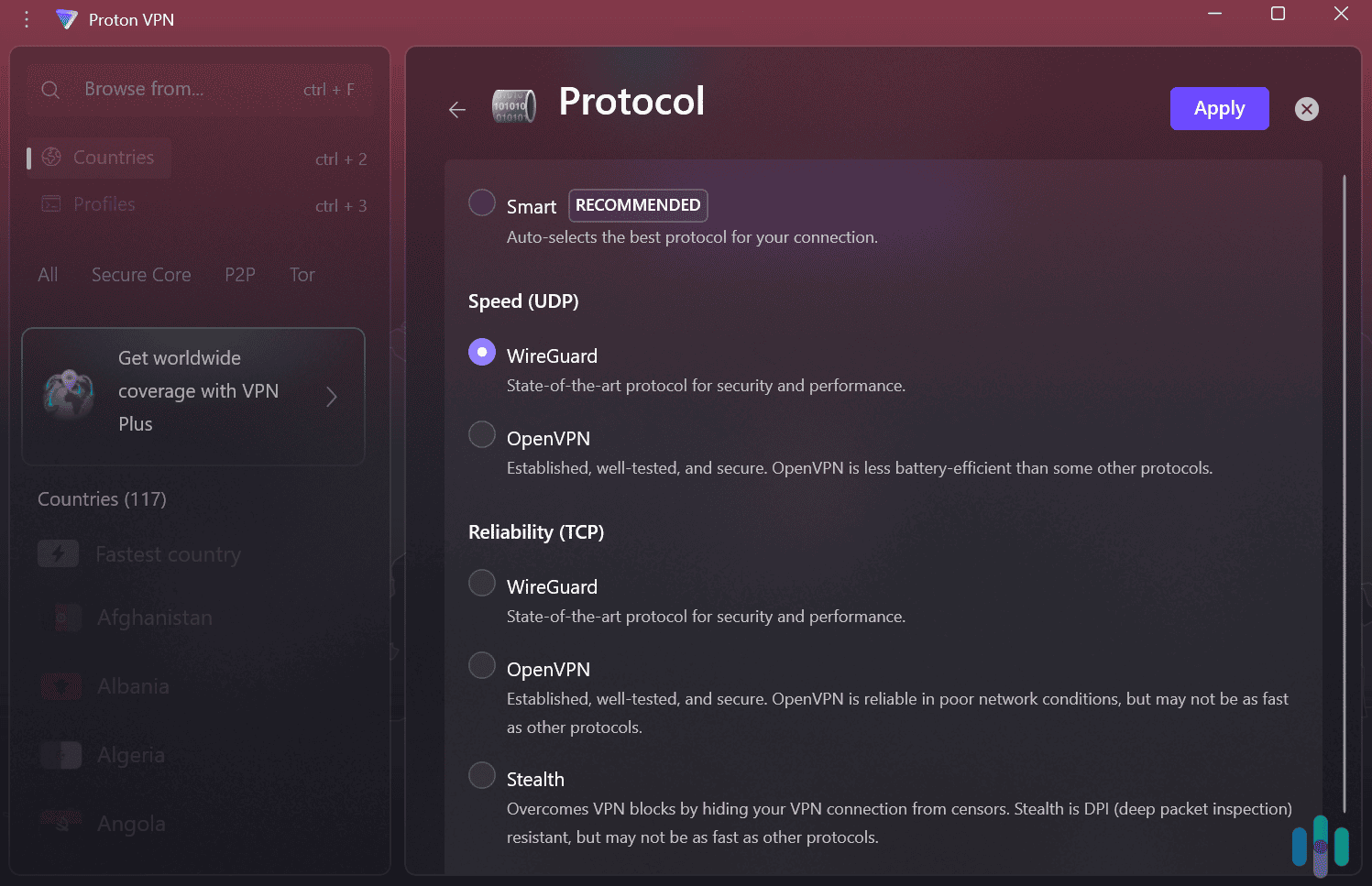
Free users enjoy very fast speeds since they can use the WireGuard protocol. Proton VPN’s free plan delivers very fast speeds, despite it limiting you to ten server locations. In our week-long test, we always maintained fast browsing, streaming, and gaming speeds. Websites loaded instantly, YouTube videos didn’t buffer, and our ping was stable while playing Fornite and Roblox.
Free users can’t pick specific servers, but this isn’t an issue since Proton VPN automatically connects you to the fastest server. You can also use WireGuard, a very fast VPN protocol that’s known for excellent performance.
FYI: We regularly test the speeds of Proton VPN’s paid version. It’s currently one of the fastest VPNs we’ve tested. On average, it doesn’t slow our download and upload speeds by more than eight percent.
Price
Proton VPN has two paid tiers: “VPN Plus” and “Proton Unlimited.” “VPN Plus” adds extra VPN features, like servers in over 120 countries, streaming and P2P support, and ad-blocking. “Proton Unlimited” adds extra security services, like ProtonMail and Proton Pass.
We think the “VPN Plus” tier is enough for most users. Here’s a breakdown of its pricing:
Proton “VPN Plus” Pricing 1-Month Plan $9.99/month 1-Year Plan $3.99/month 2-Year Plan $2.99/month All paid plans come with a 30-day money-back guarantee, but it’s prorated. This means you’ll only be refunded the unused portion of your subscription. In contrast, other competitors offer full refunds, like NordVPN, ExpressVPN, and Surfshark.
>> Further Reading: How Much Does Proton VPN Cost in 2026?
-
4. Surfshark - Best VPN Security Features on Brave
 Get Surfshark Links to Surfshark.com
Product Specs
Server locations 100 countries countries Average Speed Loss 8% download & 50% upload Apps Windows, MacOS, Linux, Android, iOS, Chrome, Firefox, Edge, tvOS, Android TV, Fire TV Best Monthly Rate $2.49/mo with a 2-year plan Money-Back Guarantee 30 days full refund
Surfshark Overview
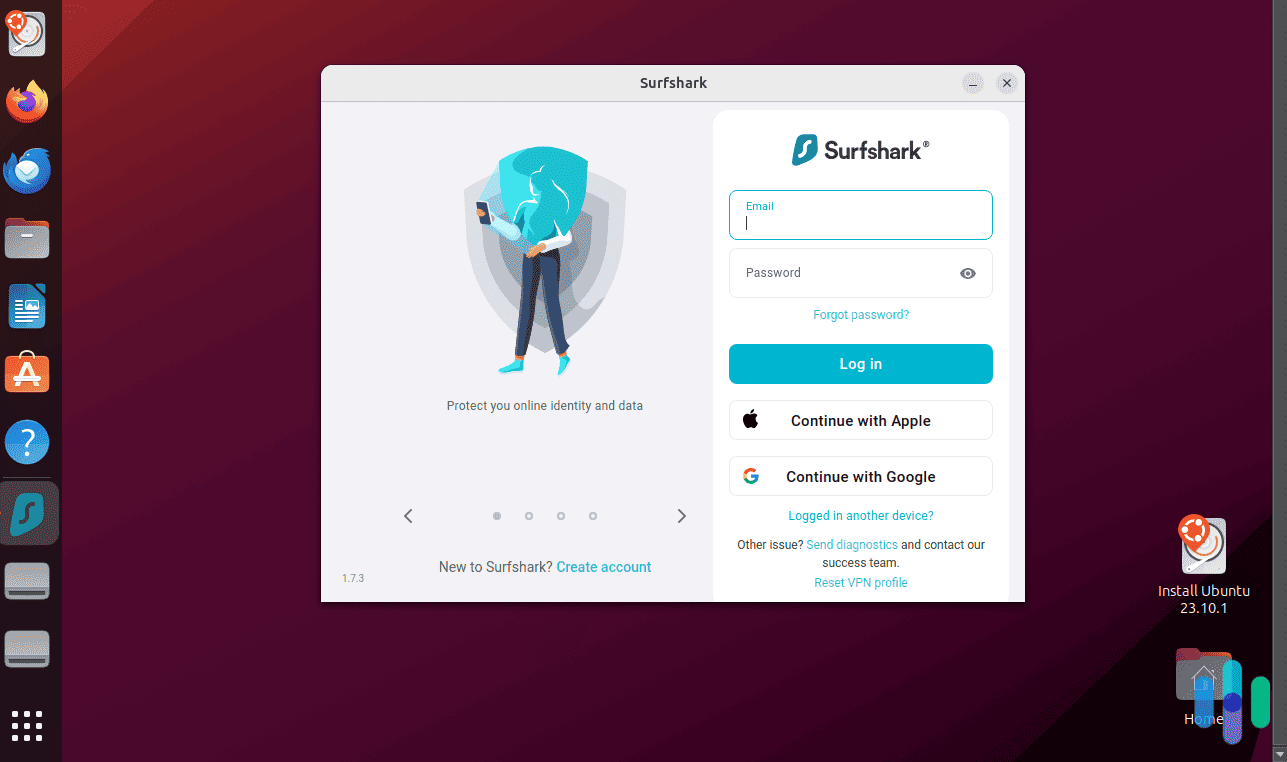
Surfshark is another rock-solid VPN that takes its users’ privacy very seriously. Like NordVPN and ExpressVPN, Surfshark offers RAM-only servers, which wipe out data as soon as they’re powered down, and its server footprint is large enough that you’ll rarely run into server-load issues. The highlight for us is its range of security features, like its ad blocker, malware detector, and personal detail generator, so you don’t have to hand over your real information on websites. If you sign up for one of Surfshark’s premium plans, you even get one of the best antivirus apps we’ve tested.
>> Learn More: Surfshark Antivirus Review & Pricing
What We Like
- CleanWeb feature blocks ads, trackers, and malware
- Alternative ID generates personal details you can use to sign up for accounts
- Split tunneling built into the Brave extension
- WebRTC leak blocking
What We Don’t Like
- Uses static IP addresses by default, which are easier to track
- No phone support
- Takes a bit longer to connect than other VPNs
- No option to manually select VPN protocol

Surfshark Connected Performance
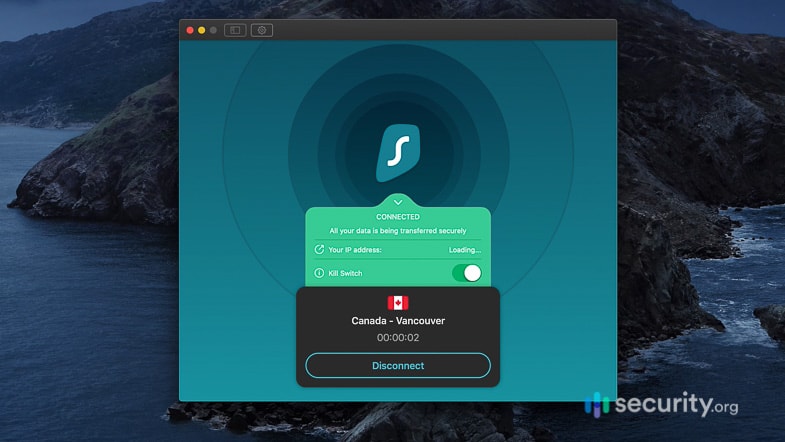
As you can see from my most recent speed test below, the performance is similar to NordVPN, only mirrored. Surfshark does a little better on Windows than it does on Mac. It’s not a huge difference, but it’s somewhat noticeable over time.
>> Learn More: Best VPNs for Windows
Surfshark Speed Test
Devices tested on MacBook Pro Acer Aspire 5 (Windows 10) Ping without VPN 54 ms 7 ms Ping with VPN 53 ms 199 ms Ping difference 2% 2,742% MacBook download speed without VPN 16.21 Mbps 23.69 Mbps Download speed with VPN 11.87 Mbps 19.61 Mbps Download speed difference 31% 17% Upload speed without VPN 22.01 Mbps 24.09 Mbps Upload speed with VPN 24 Mbps 10.58 Mbps Upload speed difference 9% 56% One thing I really appreciate about Surfshark is its split-tunneling feature, which allows you to pass certain traffic through the VPN connection while leaving other traffic connected traditionally. It’s great for keeping speeds high and functionality seamless. I’ve found that my email client can get a little fussy when I’m traveling, so I always use split tunneling to connect it to a U.S.-based server. Once it thinks it’s back in Brooklyn, I have no issues at all. But, the split-tunneling feature only works on Windows and Android devices. If you need split tunneling on Apple devices, check out my review of Private Internet Access. It’s the only VPN to offer split tunneling on the current version of macOS.
Surfshark built the split-tunneling feature into its Brave browser extension as well, and I have more information on exactly what that means after the list.
>> Learn More: Understanding Split Tunneling
Price
Surfshark’s costs are a little bit lower than other VPNs on this list when you look at the two-year subscription plan. I always recommend the longest term, because, in the long run, it will save you the most money. Most VPNs offer free trial periods or at least money-back guarantees so you can make sure they’re the right service for you. With Surfshark, you can get a full refund for your subscription up to 30 days after purchase.
>> Check Out: Best VPNs With Free Trials
Surfshark Prices
Surfshark plan Monthly costs 1-year plan 2-year plan Surfshark Starter $15.45 $3.19 per month $1.99 per month Surfshark One $17.95 $3.39 per month $2.49 per month Surfshark One+ $20.85 $6.29 per month $4.19 per month The Starter subscription will get you exactly where you need to go. The other tiers — Surfshark One and Surfshark One+ — add services like personal data leak alerts, identity theft protection, and data removal from people search sites and broker databases.
>> See Also: Best VPN for Firefox
Our Testing Process: How We Ranked The Best VPN Apps for Brave Browser
Our Review Guidelines
Every recommendation on this page passed a thorough hands-on evaluation based on our Editorial Guidelines. We focus on hands-on testing, which means our testers install and test each VPN like real, everyday users. We run speed tests across multiple protocols and regions, check for DNS, WebRTC, and IP leaks, verify kill switch behavior, evaluate logging claims and check for published independent audits, and verify streaming access across major platforms. We also scrutinize subscription pricing, device coverage per plan, and money-back guarantees side by side with privacy performance. The top-performing VPNs we list are those that hold up under real-world conditions.
The Factors We Considered Most
To make sure the trade-off of extra safety for some speed is worth it, we rank each VPN we test based on the criteria that matters most for using one with Brave Browser. Here are the main factors we consider for our recommendations:
- Brave extension: Of course, all of the VPNs we recommend offer a dedicated Brave extension. However, we also considered the available features, reliability, and overall user experience based on our hands-on testing.
- No-logs policy: If you’re using Brave, we know you care about privacy as it’s a private browser. We only recommend VPNs that maintain a no-logs privacy policy. Those that have been independently audited to verify that policy rank even higher in this category.
- DNS and WebRTC leak protection: Again, with Brave being a private browser, we leaned into the privacy offered by each VPN, including how well they protect your IP address from DNS and WebRTC leaks. We ran our own DNS and WebRTC leak tests on each service.
On top of these Brave-specific factors, we also considered the performance and feature-set of each tested VPN.
About Our Experts
Our privacy and security guides, just like this one, are headed by Brett Cruz. He’s Security.org’s in-house VPN tester and cybersecurity expert with over a decade of experience evaluating VPNs and other cybersecurity tools. Brett’s hands-on approach shapes how we make informed recommendations.
Brett is backed by an independent team of security experts, which is composed of more than 20 security researchers and product testers. Collectively, this team has clocked over 25,000 hours testing security products since 2018. With this team, we have produced more than 740 product reviews. The team members who help Brett make VPN recommendations include:
- Ozzie Enriquez: West Point graduate with 30+ years spanning the Department of Homeland Security and Department of Defense, contributing expertise in federal security operations and digital risk assessment as a senior advisor
- Gene Petrino: Retired S.W.A.T. commander and former law enforcement sergeant, contributing three decades of law enforcement and security expertise as a subject matter advisor
- Cort Honey: Engineer-turned-security reviewer with 1,000+ hours of product testing and a talent for making complex tech accessible to everyday readers
- Corey Birnstengel: Editor, videographer, and product reviewer responsible for 200+ in-depth video reviews across eight security and tech product categories
Our recommendations are completely independent. No security provider can pay to change our rankings.
How a VPN Interacts With Brave’s Built-In Privacy Features
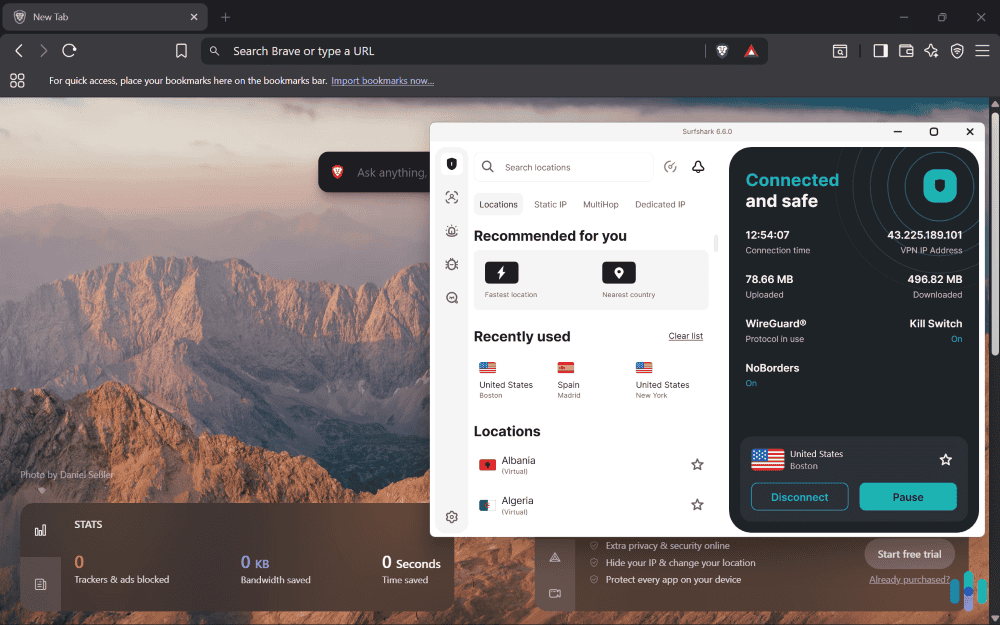
Brave does more privacy work out of the box than any other mainstream browser. That raises a fair question: is a VPN even necessary? Our tests revealed that Brave lacks a few critical capabilities. While there is some overlap, using a VPN alongside Brave browser offers more privacy than either could offer on their own. Before digging into the details, here’s a quick overview:
| Brave Feature | What It Does | VPN Enhancements | Combined Protection |
|---|---|---|---|
| Brave Shields | Blocks ads, trackers, scripts | Hides IP from all sites and services | Maximum ad/tracker protection |
| Fingerprinting Protection | Randomizes browser fingerprint | Provides VPN server IP to prevent fingerprinting | Near-complete anonymity |
| Tor Windows | Routes traffic through Tor network | All traffic is encrypted at the system level | Maximum anonymity (slow) |
| HTTPS Everywhere | Forces HTTPS connections | All data sent outside of your browser also gets encrypted | Full encryption |
| Cookie Blocking | Blocks cross-site cookies | Premium providers offer an additional layer of cookie blocking | No tracking |
| DNS-over-HTTPS | Encrypts DNS queries | Masks your DNS with the VPN’s encrypted DNS servers | Recommend only using VPN DNS |
| WebRTC Leak Protection | Brave blocks some leaks | VPN blocks all WebRTC leaks | Complete leak protection |
| Brave Search | Privacy-focused search | Masks your IP for additional privacy | Anonymous searching |
Let’s dive into the details of how a VPN interacts with each of Brave’s privacy-focused features.
Brave Shields
The Shields feature blocks ads, trackers, and cross-site cookies at the browser level. A VPN takes this a step further by operating at the network level, masking your IP and encrypting traffic. Combining these two levels of protection covers different attack surfaces. Shields stops trackers from loading; the VPN prevents anyone snooping on your network activity from seeing what you’re doing.
Fingerprinting Protection
To prevent sites from fingerprinting your activity, Brave randomizes browser fingerprint data to make you harder to track across sites. While a VPN masks your IP, it doesn’t touch fingerprinting data stored on your browser. These two capabilities work in tandem — one covers your network identity, the other your browser identity.
>> Learn About: What Can Someone Do With Your IP Address in 2026?
Tor Integration
Brave’s Private Window with Tor routes traffic through the Tor network for maximum anonymity. Adding a VPN before Tor hides the fact that you’re using Tor from your ISP — useful in countries where Tor usage is monitored or restricted. For most users, Tor or a VPN alone is sufficient, with VPNs generally offering better performance. The VPN-over-Tor combination is for high-risk situations only.
WebRTC Leak Protection
A WebRTC leak can publicly expose your IP address during video chats or other types of real time communication. Brave blocks these leaks natively, which is better than most browsers. That said, premium VPNs offer an additional layer of protection that applies to all browsers, as some video chat software opens in a new application. Running both is the safest default.
Expert Inisght: A key difference between Chrome Incognito and a VPN is its lack of WebRTC leak protection. Unlike Brave, which offers WebRTC leak protection by default, Chrome does not hide network traffic. That can result in a WebRTC leak that publicly exposes your IP address.
DNS-over-HTTPS
Brave has its own DNS-over-HTTPS (DoH) implementation. When a VPN is active, DNS requests should route through the VPN’s servers instead. While it might seem like using both Brave’s DoH and your VPN’s DNS servers would offer the best protection, conflicts can occur causing errors with your connection. I recommend disabling Brave’s DoH when your VPN is running and letting the VPN handle DNS entirely.
>> Read About: How to Disable a VPN on Any Device
Brave Search + VPN
Even though Brave Search doesn’t track queries, our IP is still visible without a VPN. Pairing the two gives you genuinely private search — no query logging, no IP association.
Brave Rewards (BAT)
During my tests, BAT earning continued normally with a VPN enabled. No issues.
Brave Leo (AI Assistant)
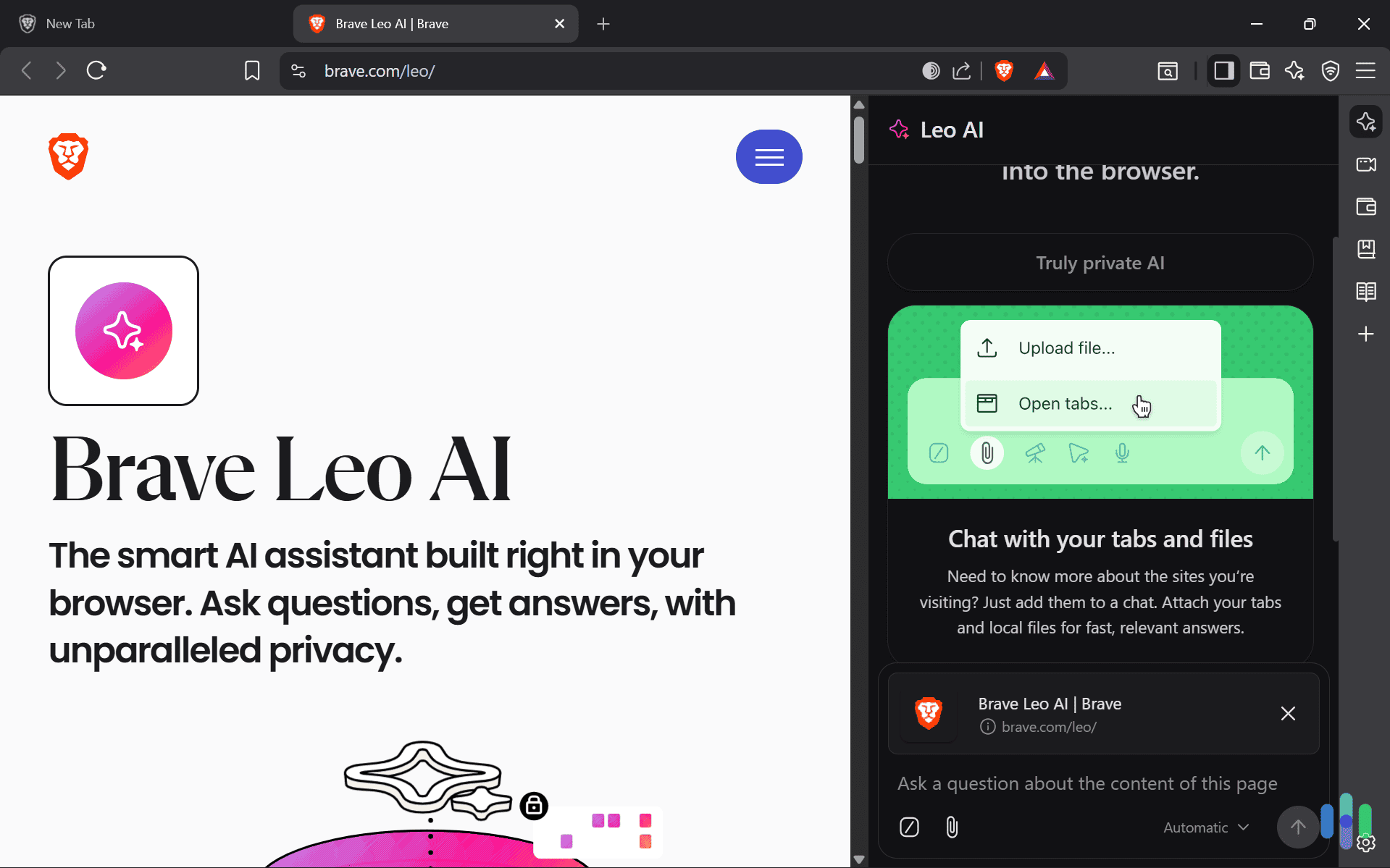
Leo doesn’t log conversations by default, but without a VPN your IP is still tied to each session. A VPN adds an additional layer of separation between your queries and your identity.
Brave Wallet
For crypto transactions, a VPN prevents your IP from being associated with wallet activity — a meaningful privacy addition that Brave Wallet alone doesn’t provide.
Brave-Specific VPN Use Cases
Most people who use Brave do so because they value their online privacy. After all, it is one of the leading privacy-oriented browsers. A VPN can bolster your online privacy beyond what the Brave browser already provides. Here are a few specific use cases for using a VPN alongside the Brave browser:
- Privacy-first browsing: For maximum anonymity, pair NordVPN, ExpressVPN, Proton VPN or Surfshark with Brave Shields enabled. You get IP masking at the network level, tracker blocking at the browser level, and fingerprint randomization built in — three independent privacy layers running simultaneously.
- Crypto trading with Brave Wallet: Brave Wallet doesn’t mask your IP, which means transactions can be tied to your location and device. Running a VPN when crypto trading or during any wallet interaction adds a layer of separation between your IP and your on-chain activity.
- BAT earning and Brave Rewards: In my testing, Brave Rewards continued earning BAT normally with a VPN active. One caveat: connecting through a server in a region where Brave Rewards isn’t supported may pause earnings. Keep your VPN server in your home country if BAT earning matters to you.
- Tor + VPN: Brave’s Private Window with Tor is already strong anonymity. Adding a VPN before Tor hides the fact that you’re using Tor from your ISP. That’s an essential step if you’re in a country where Tor usage is monitored. However, expect significant speed reductions. For most users, a VPN alone is sufficient while still retaining most of your internet speed.
- Ad-free browsing: Most ads at the browser level won’t get through Brave Shields. However, some trackers and malicious domains can slip through Shields. For those cases, a VPN’s ad-blocker can catch them through DNS-level blocking. The combination is about as clean a browsing experience as you can get without a dedicated ad blocker.

- Streaming: NordVPN is the strongest VPN for streaming in Brave. It consistently bypassed VPN blockers for Netflix, Disney+, and BBC iPlayer in my tests. For more reliable access, use the desktop app so that you can access the VPN tunnel that more successfully avoids detection instead of only using it as a proxy.
- Research and journalism: Brave’s Tor integration helps, but a no-logs VPN based outside Five, Nine and Fourteen Eyes jurisdiction — like NordVPN, ExpressVPN or Proton VPN — adds meaningful protection for source-sensitive work. Proton VPN’s Swiss jurisdiction is particularly strong here as Switzerland imposes some of the strictest data privacy regulations in the world.
- Public Wi-Fi: Enforcing HTTPS and Brave Shields both reduce exposure on open networks, but neither encrypts your traffic at the network level. That leaves you exposed to local threats like man-in-the-middle attacks. A VPN closes that gap — always run one on public Wi-Fi regardless of which browser you’re using.
- Multiple Brave profiles: You can create multiple profiles on Brave to separate work, personal, and private browsing. However, VPN browser extensions rarely offer profile-specific server selections. Instead, you’ll need to manually switch servers when switching profiles. With NordVPN and ExpressVPN, you can save configurations to match your Brave profiles, making it easy to switch as needed.
As you can see, there are plenty of use-cases for connecting through a VPN while also using the Brave browser. They complement eachother well for users looking for the ultimate private internet browsing experience.
Does Brave Have a Built-In VPN?
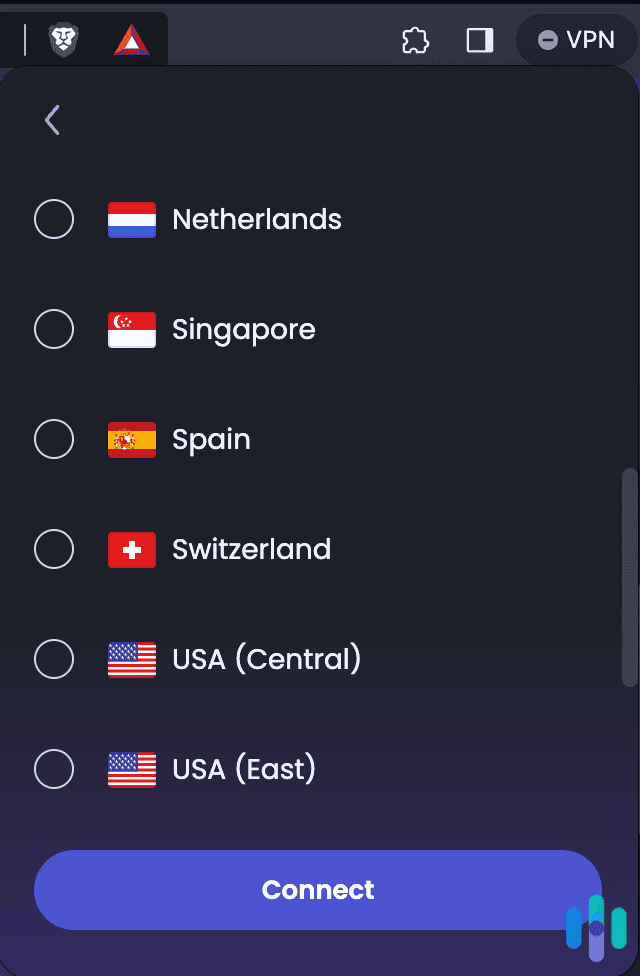
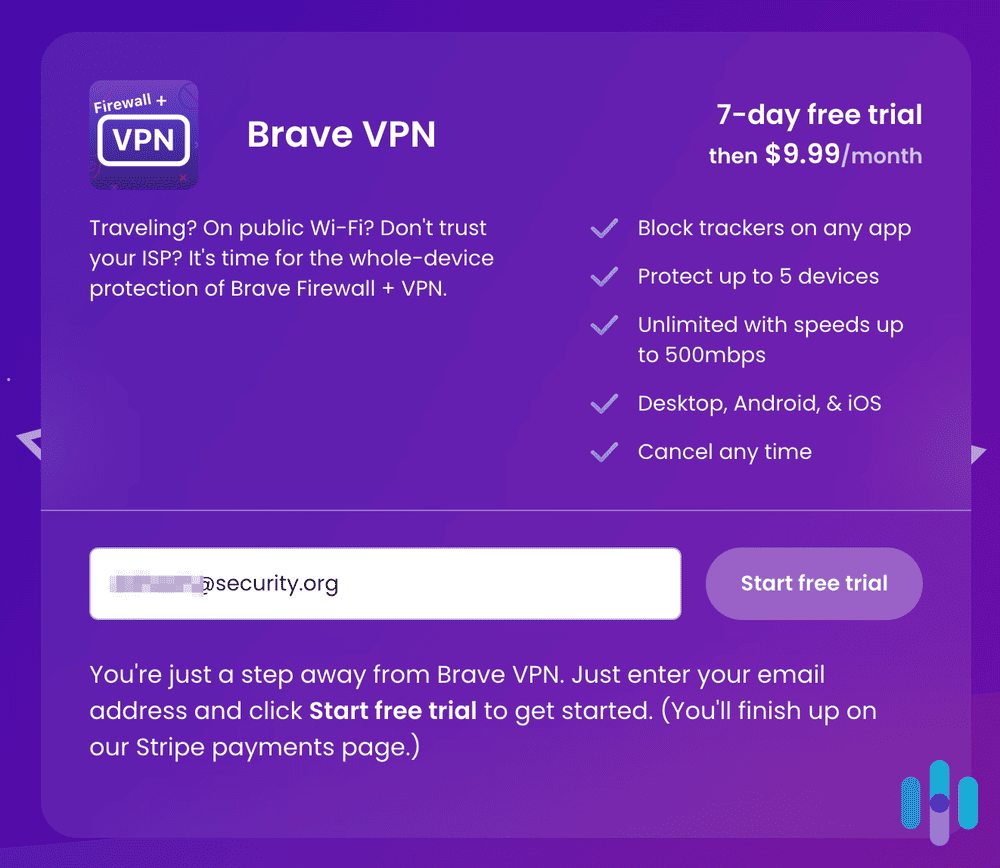
The Brave browser does not have a built-in VPN extension, but it did release a stand-alone service in 2016. It costs $9.99 a month or $99.99 per year, and you can protect up to ten devices on one subscription. You get access to over 300 servers in 40 regions, which isn’t a lot compared to our top VPNs. The list of regions you can connect through includes:
- Australia
- Brazil
- Canada
- France
- Germany
- Italy
- Japan
- Netherlands
- Singapore
- Spain
- Switzerland
- U.S. (Central)
- U.S. (East)
- U.S. (Mountain)
- U.S. (Northwest)
- U.S. (West)
- United Kingdom
As far as VPNs go, though, it’s a little bare-bones. It doesn’t offer the advanced features or extra security of any of the VPNs on this list. For $9.99 per month, you can definitely subscribe to something a little more robust.
Brave VPN Extension vs. Desktop App: Which Do You Need?
All four VPNs on my list offer both a Brave-compatible browser extension and a full desktop app. They’re meaningfully different tools, and choosing the wrong one for your situation can leave you either over-protected or under-protected.
Extension vs. App: At a Glance
To give you some context, here’s a high level overview of the differences between using a VPN app and a Brave VPN extension:
| Browser Extension | Desktop App | |
|---|---|---|
| Traffic protected | Brave only | All device traffic |
| Kill switch | No | Yes |
| Split tunneling | NordVPN, Proton VPN, and Surfshark only | All four VPNs |
| Installation | One click | Download + install |
| Resource usage | Minimal | Moderate |
| Best for | Casual browsing, streaming in Brave | Torrenting, full device protection |
How They Differ
A browser extension encrypts only the traffic passing through Brave. Everything else on your device — other apps, background processes, system traffic — goes through your regular unprotected connection. A desktop app works at the operating system level, routing all device traffic through the VPN tunnel regardless of which app generates it.
Both are legitimate tools. The right choice depends entirely on what you’re trying to protect.
Brave-Specific Extension Features
Using a Brave VPN extension limits the features offered by the VPN. For instance, even though each of my four favorite Brave VPNs offer a kill switch in their desktop app, none of them offer it in their Brave extension. They also differ in the features they offer with ExpressVPN lacking split tunneling, but it includes automatic HTTPS upgrading and WebRTC blocking.
Installation and Resource Usage
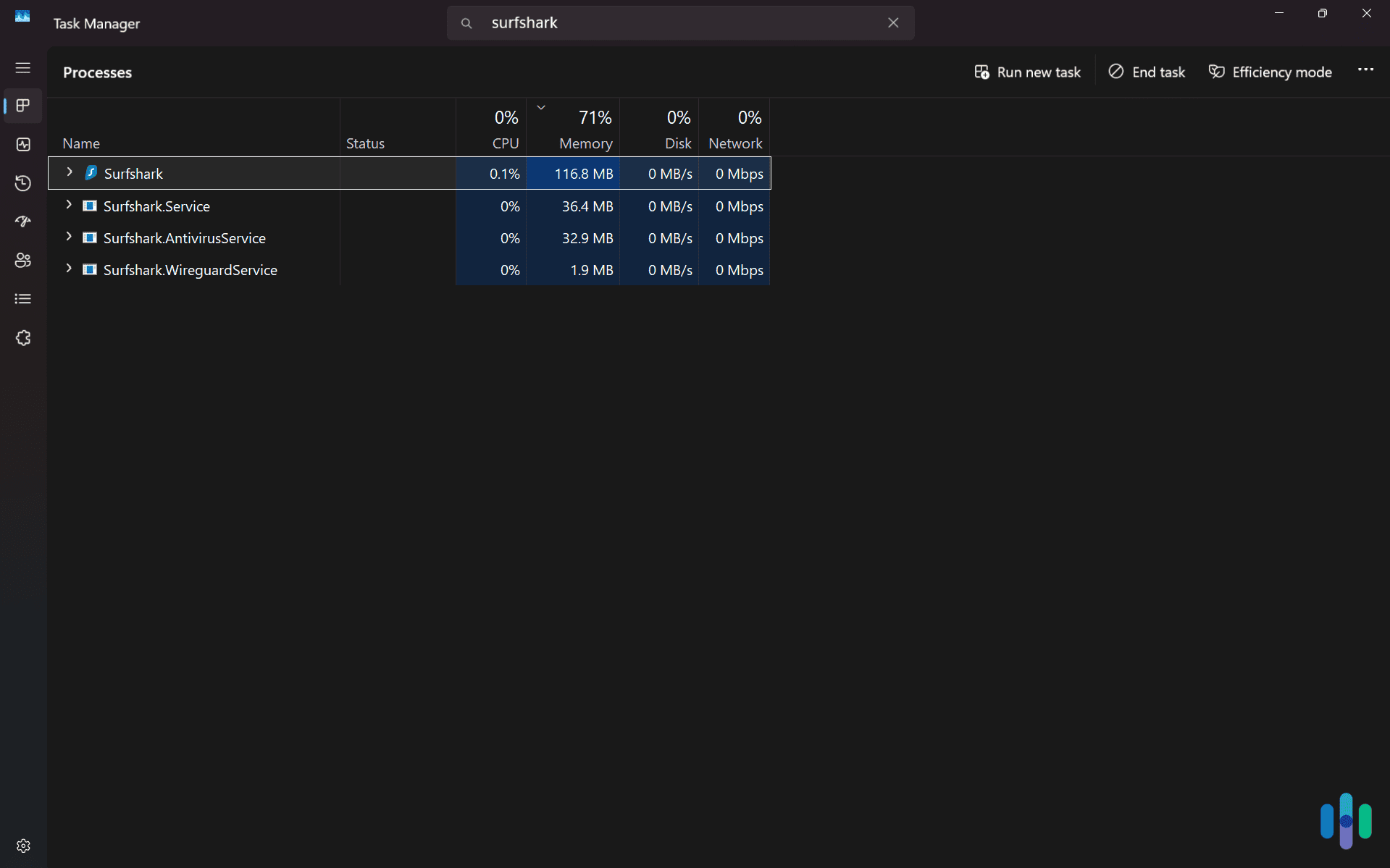
Extensions install in a single click from the browser and add negligible overhead — you’ll never notice them running. Desktop apps require a download and installation, use some of your computer’s RAM and CPU, and run as a persistent background process. For most modern devices, the resource difference is minor, however it’s noticeable on older devices.
Brave Sync
Brave Sync keeps bookmarks, history, and settings consistent across devices. A VPN extension doesn’t interact with Sync — it operates independently and won’t carry settings across installations. A desktop app has no interaction with Brave Sync at all, since it operates outside the browser entirely.
When to Use Each
Use the extension when you’re doing everything in Brave and want a lightweight, low-friction privacy layer. It works well for streaming, browsing, or bypassing geo-blocks without touching the rest of your device. Use a dedicated VPN app when you need everything protected: torrenting clients, communication apps, gaming clients, or any situation where a kill switch matters. The app maximizes your protection and is what I recommend for most users.
Final Thoughts: Choosing a VPN for Brave
Even when using a privacy-focused browser like Brave, a VPN still offers notable improvements to your online privacy. However, just going with the built-in Brave VPN will not give you the best value or the highest quality VPN. Instead, my tests revealed that NordVPN, ExpressVPN, Proton VPN, and Surfshark offer the best VPN experience and quality when using Brave to browse the internet.
FAQs About Brave VPNs
Still have questions about using a VPN on Brave? Don’t worry, we’ve got the answers to some of the most common ones below.
-
Can I use Brave's Tor mode and a VPN together?
Yes, and it adds a specific benefit: a VPN before Tor hides the fact that you’re using Tor from your ISP. That matters in countries where Tor usage is monitored or flagged. The tradeoff is speed — routing through both a VPN and the Tor network noticeably slows your connection. For most users, all you need is a VPN to protect your privacy, but if you need to access the Tor network without your ISP knowing, connecting to both gets the job done.
-
Can I earn BAT with a VPN enabled?
Brave Rewards continue earning BAT normally with a VPN active. During my two months of VPN testing on the Brave browser, I only lost out on BAT earned while connected through a VPN server in countries where Brave Rewards aren’t available. If BAT earning matters to you, keep your VPN server set to your home country.
-
Which VPN works best with Brave Wallet for crypto trading?
NordVPN, ExpressVPN and Proton VPN are my top picks here. Each of them are based outside Five, Nine, and Fourteen Eyes jurisdiction — Panama, British Virgin Islands, and Switzerland respectively — and maintain independently audited no-logs policies. That means your IP can’t easily be tied to your wallet activity or subpoenaed through your VPN provider.
-
Does Brave's fingerprinting protection work alongside a VPN?
Yes, and they complement each other well. Brave’s fingerprinting protection randomizes browser-level identifiers — screen resolution, fonts, hardware specs — to make you harder to track across sites. A VPN masks your IP address, which fingerprinting protection doesn’t touch. Neither duplicates the other’s work, so running both protects your privacy at two separate layers.
-
How does a VPN improve Brave's privacy beyond what Shields already does?
Brave Shields is excellent at blocking trackers and ads at the browser level, but it doesn’t encrypt your internet traffic or hide your IP address. Your ISP, network administrator, and anyone monitoring the network can still see what sites you’re visiting. A VPN closes that gap by encrypting all traffic leaving your device and replacing your real IP with the VPN server’s address. Its protection operates entirely outside Brave’s reach.